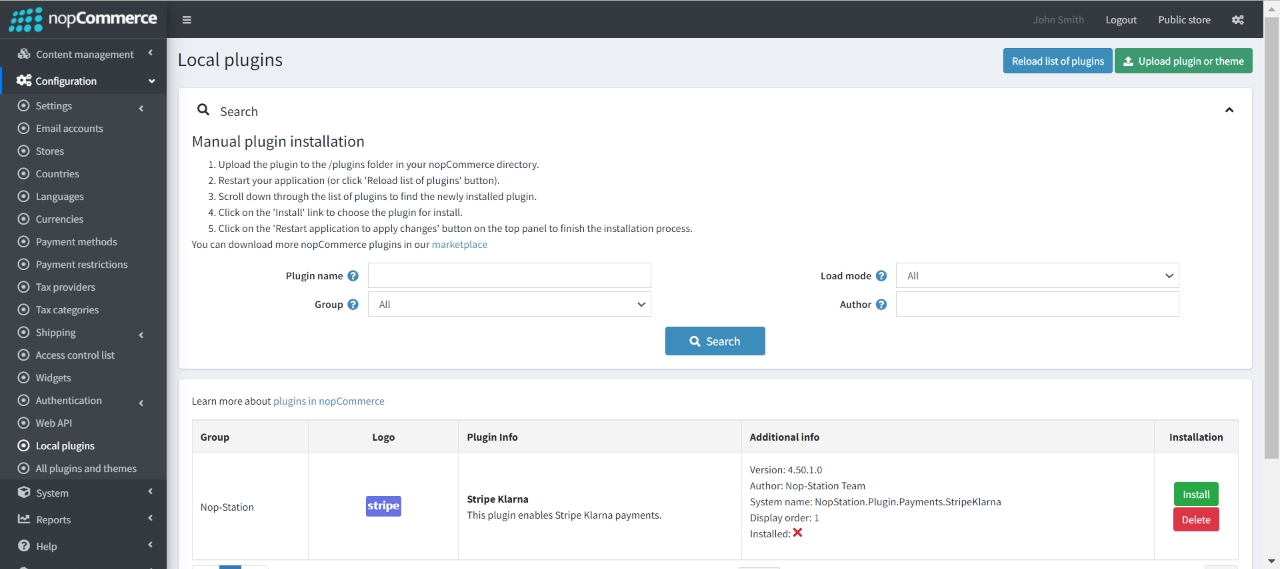
nopStation's Stripe Klarna Payment plugin is developed to provide Klarna payment support for nopCommerce based online stores and businesses. Klarna is a robust payment platform that gives customers a wide range of payment options. After a simple nopCommerce plugin download and installation, store owners can enable Klarna payment support along with secure payments, notifications, refund methods to extend payment flexibility and convenience for customers.
PRE-REQUISITES
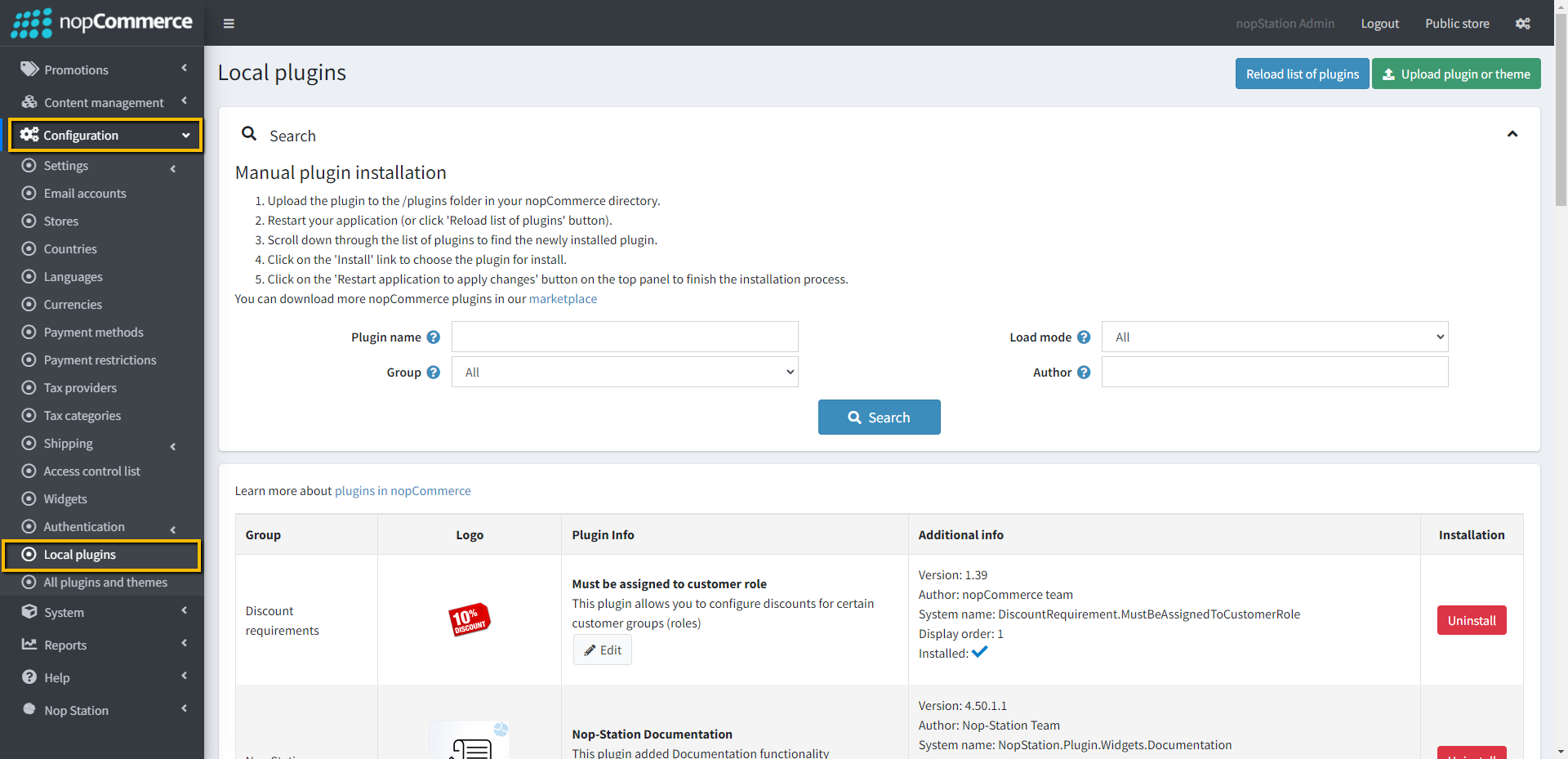
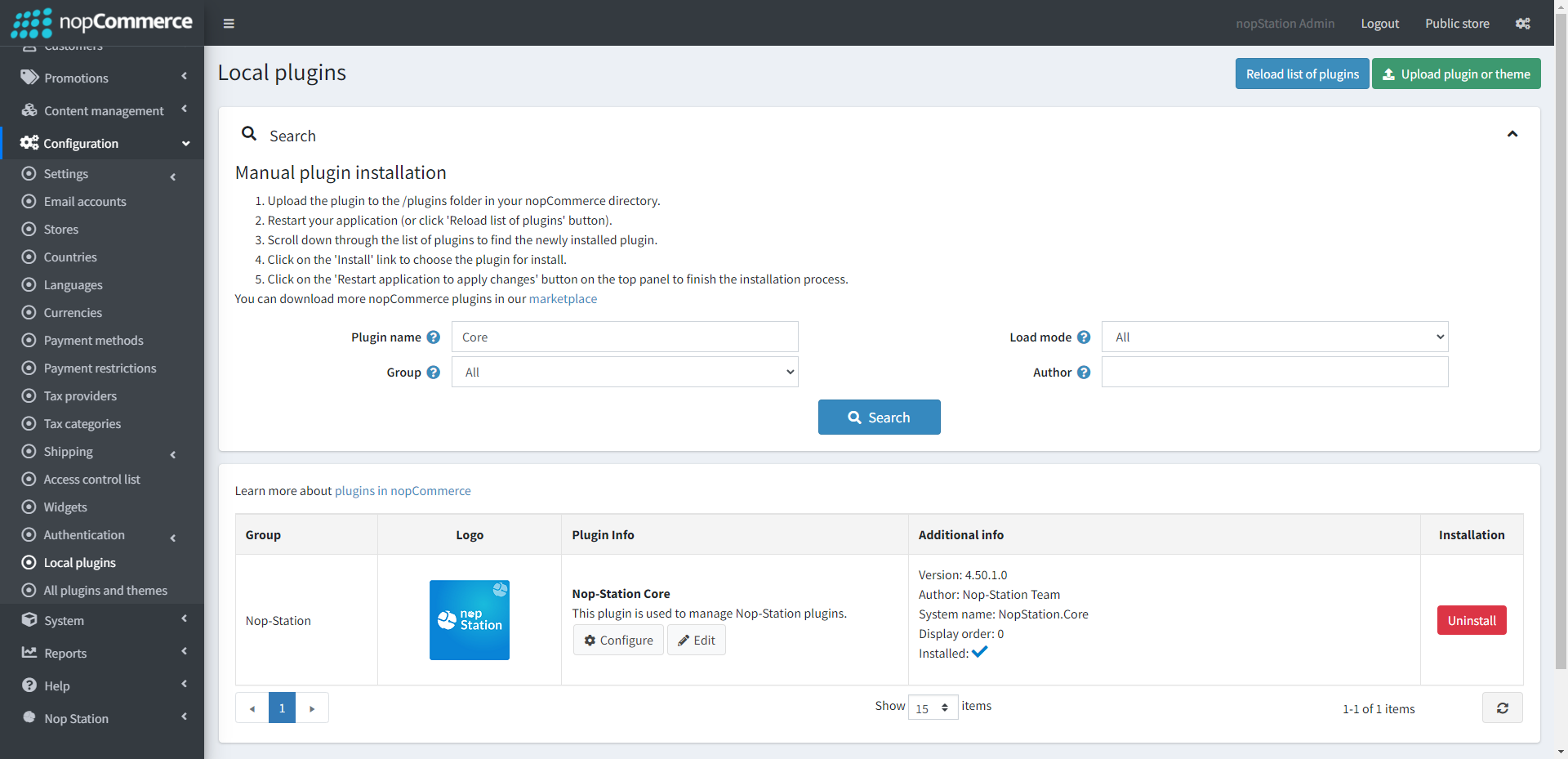
The plugin requires you to install the Nop-Station Core plugin first.
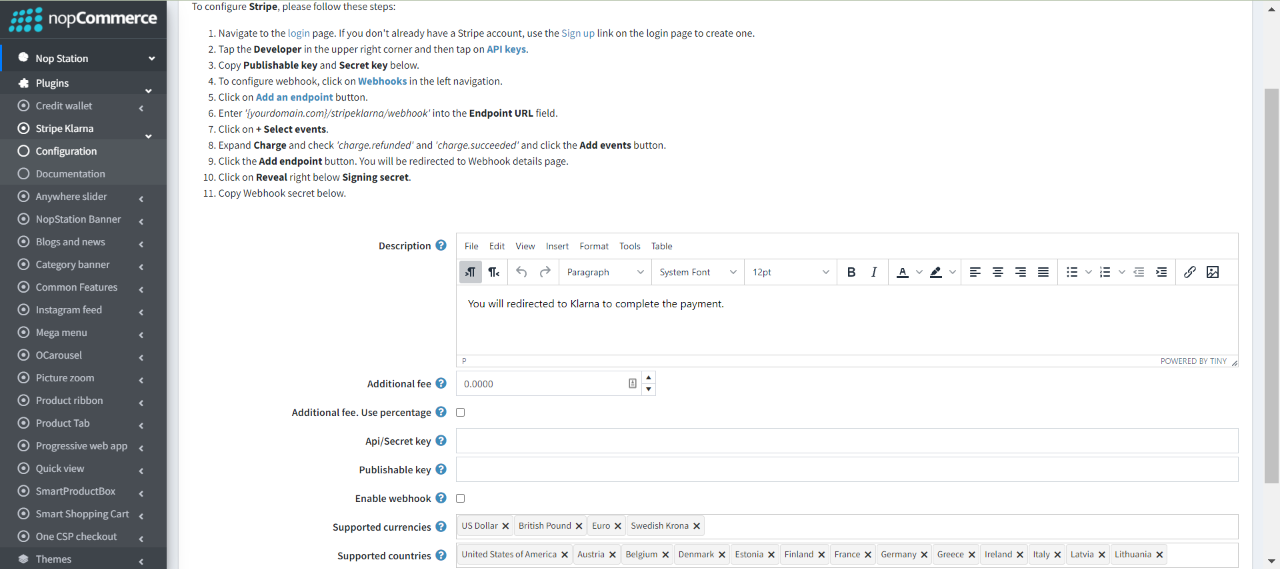
Enter '{yourdomain.com}/stripeklarna/webhook' into the Endpoint URL field.
Click on + Select events.
Expand Charge and check 'charge.refunded' and 'charge.succeeded' and click the Add events button.
Click the Add endpoint button. You will be redirected to Webhook details page.
Click on Reveal right below Signing secret.
Copy Webhook secret below.
CONFIGURATION
Go to Admin → NopStation → Plugins → Stripe Klarna → Configuration
Enter the Description text which will show on checkout page
Enter the Stripe Klarna Api/Secret key
Enter the Stripe Klarna Publishable key
Check to Enable webhook
Enter the Webhook secret if you checked Enable webhook
Select the Supported currencies. Keep it empty if all active currencies are supported.
Select the Supported countries. Keep it empty if all active countries are supported.
Additional fee: This is the amount that charges the customer for using this payment method
Additional fee. Use percentage: Check the box to determine whether to apply an additional percentage fee to the order total. If not checked, a fixed value is used