FastCron Scheduler Plugin integrates fastcron.com with your nopCommerce store, allowing you to automate HTTP requests, trigger APIs, and manage background tasks effortlessly. With flexible scheduling and cloud-based execution, it ensures smooth automation, improving efficiency and reducing manual workload for seamless store operations.
PRE-REQUISITES
The plugin requires you to install the Nop-Station Core plugin first.
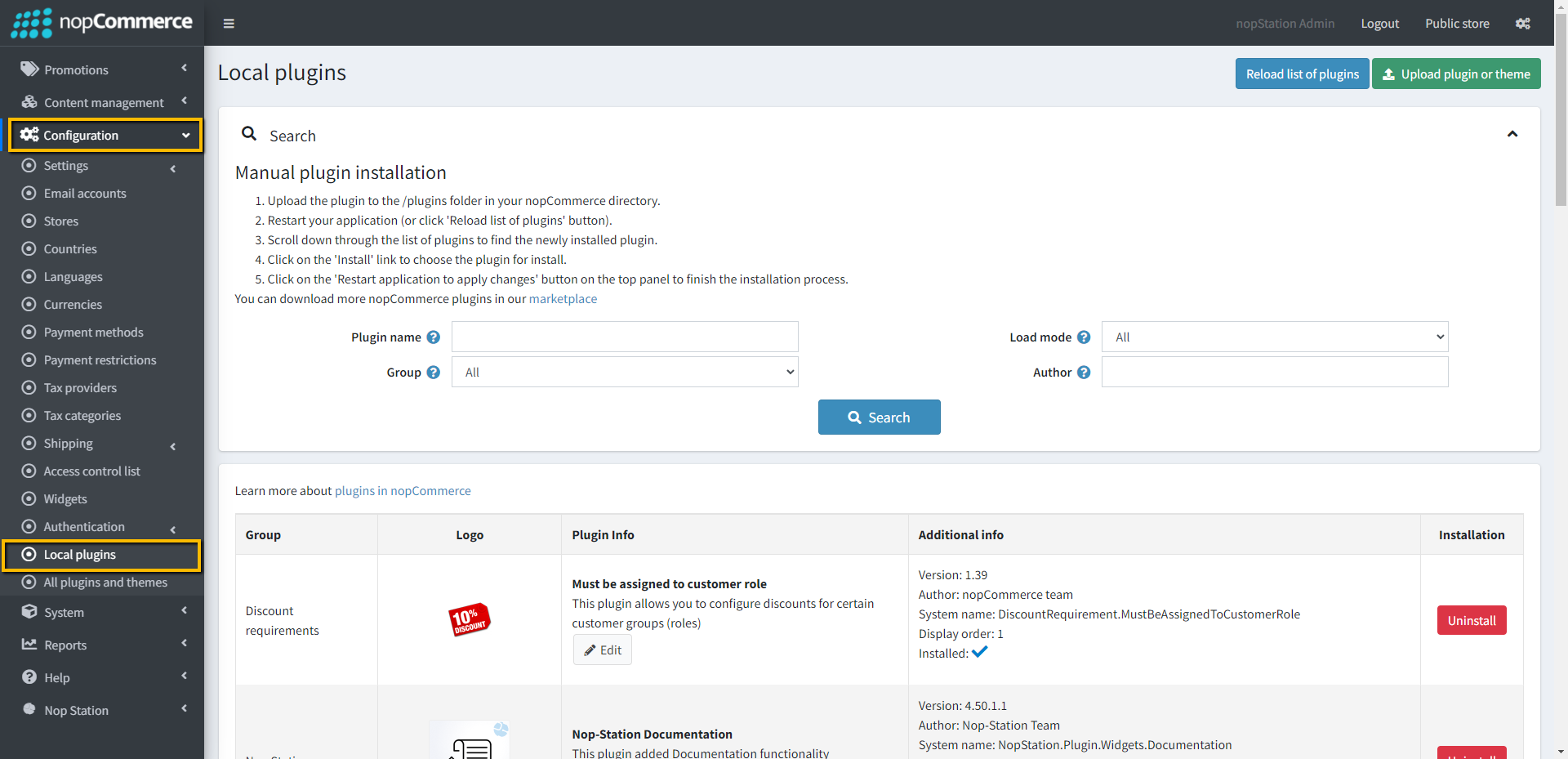
Go to Administration → Configuration → Local plugins
Upload the FastCron Scheduler zip file using the "Upload plugin or theme" button.
Click on the 'Reload list of plugins' button. The FastCron Scheduler will appear in the plugin list.
Install the NopStation Core plugin first and then install the FastCron Scheduler Plugin
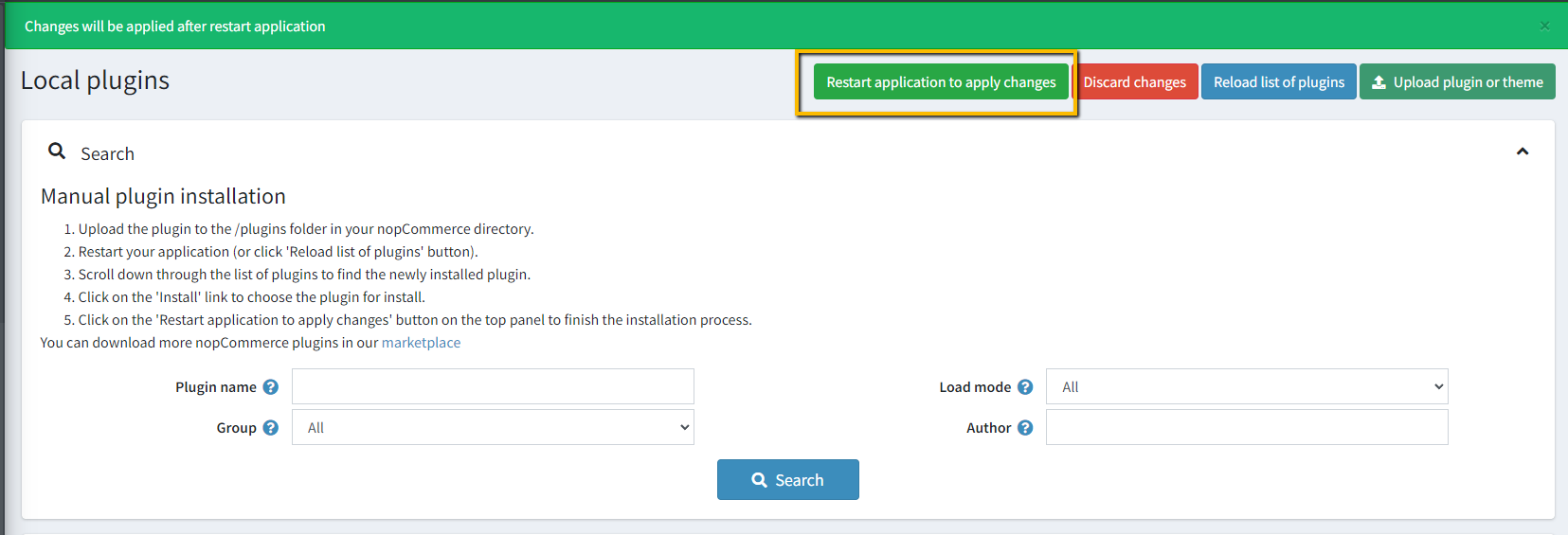
To make the plugins functional, restart the application.
CONFIGURATION
Go to https://app.fastcron.com/ and log in with your credentials.
Go to Settings and generate the API key for your account
Go to Admin → NopStation → Plugins → FastCron → Configuration at the Administration panel
API key: Enter the API key of the Cron job that you have collected from the settings.
Expire task in seconds: Define ethe xpire task in seconds.
JOB LIST
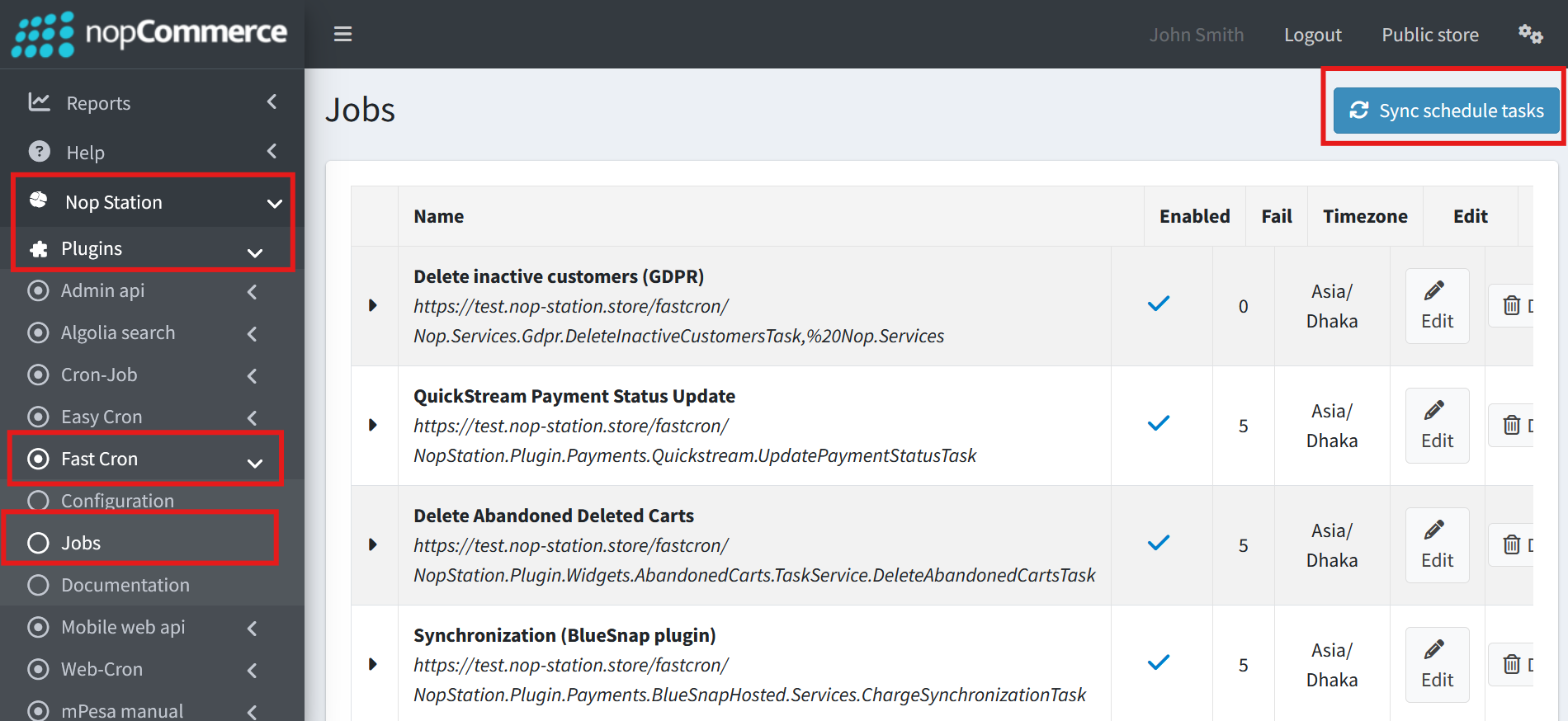
Go to Admin → NopStation → Plugins → FastCron → Jobs at the Administration panel
Click "Sync Scheduled Tasks" to synchronize the current tasks from your nopCommerce store with the cron-job.org platform. Depending on your subscription plan, you may sync multiple times to ensure all tasks are synchronized within a specific interval.
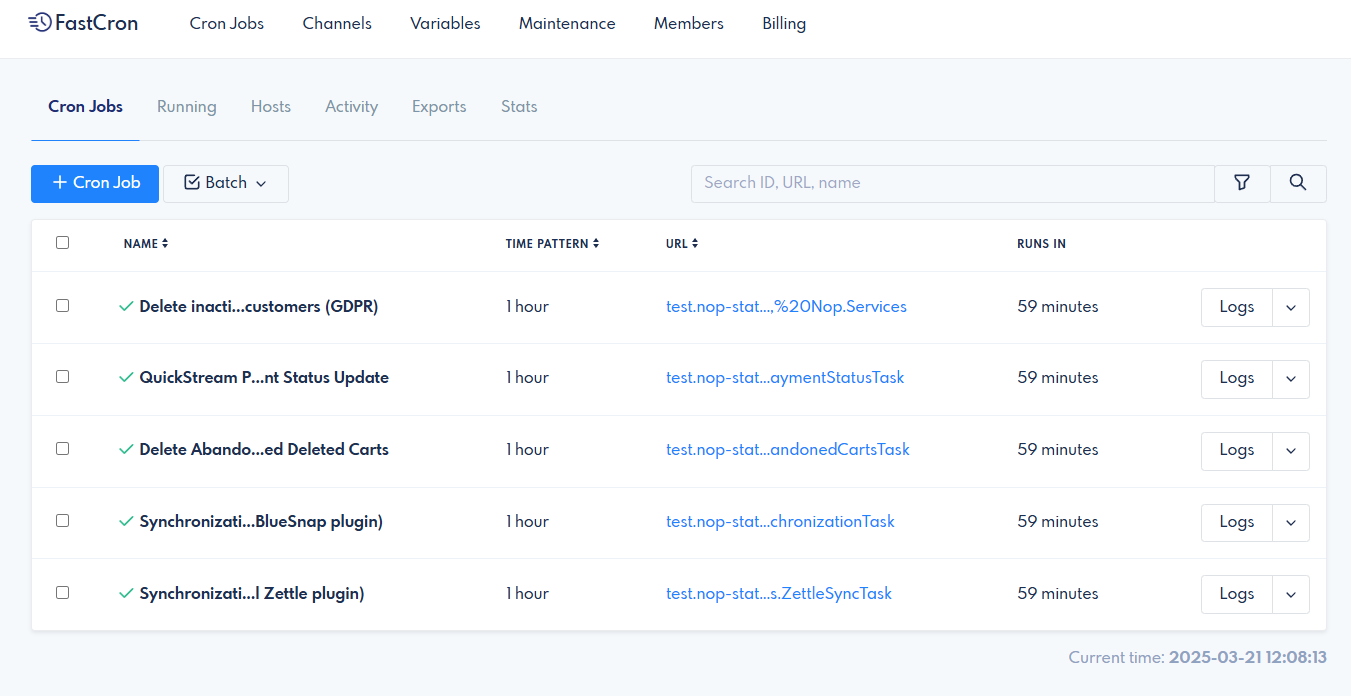
Here you will find all the store's scheduled tasks.
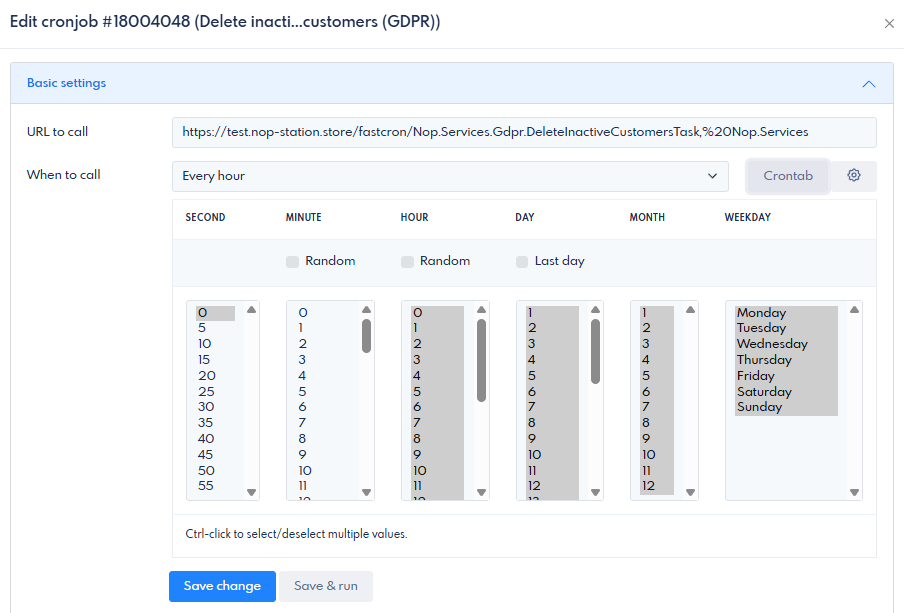
Select an individual task and click to configure it from the fastcron.com dashboard.