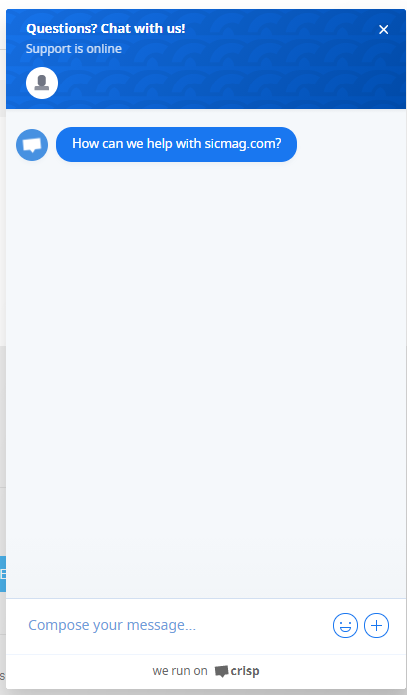
PRE-REQUISITES
- The plugin requires you to install the Nop-Station Core plugin first
- The plugin requires you to have an account on Crisp first
INSTALLATION
- Download the Nop-Station Crisp Plugin from our store https://nop-station.com/customer/downloadableproducts
- Go to Administration → Configuration → Local plugins
- Upload the NopStation.Crisp zip file using the "Upload plugin or theme" button
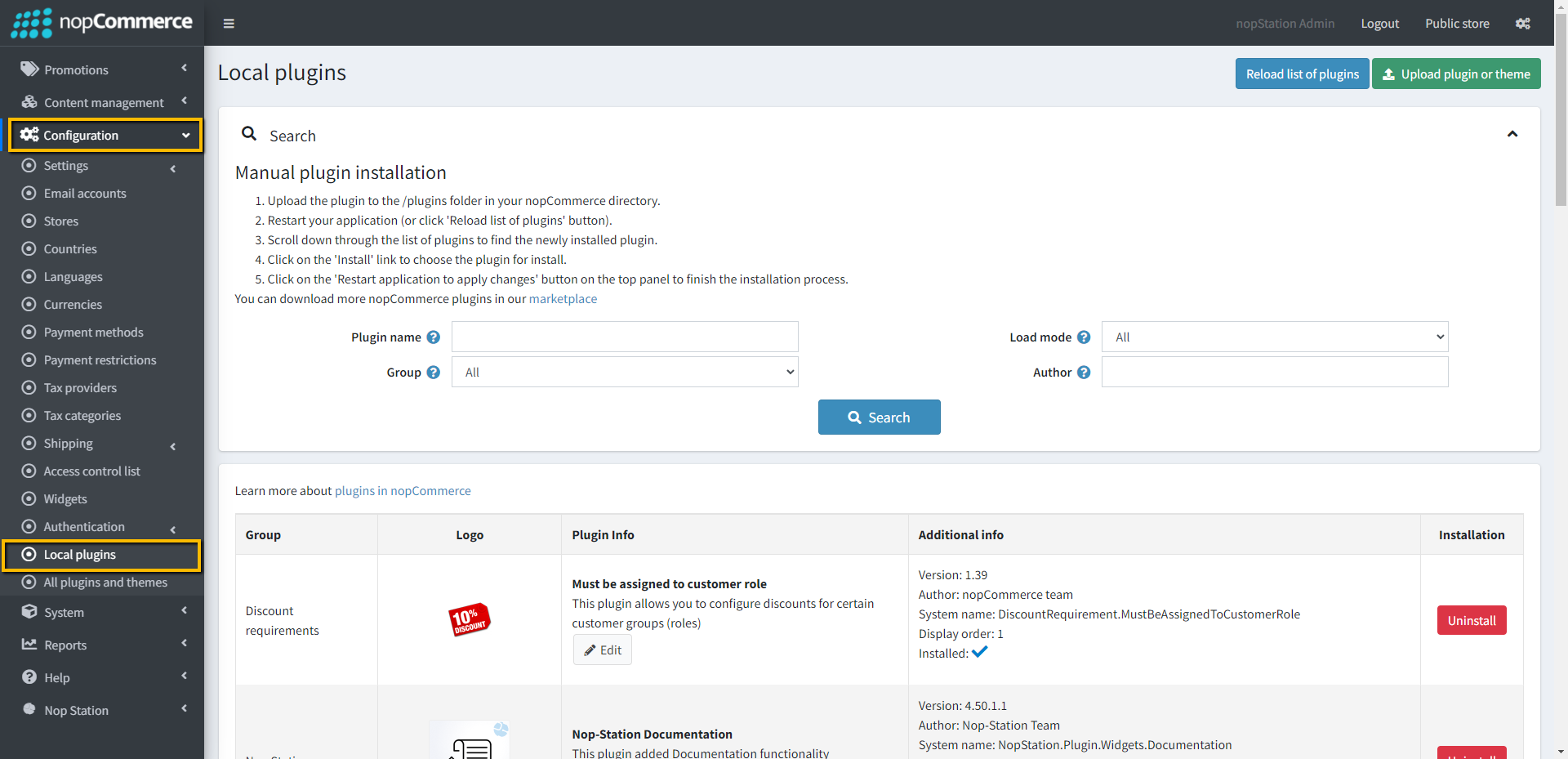
- Go to Administration, and reload the 'list of plugins'. Install 'Nop-Station Core' Plugin first and then install 'Nop-Station Crisp Chat'
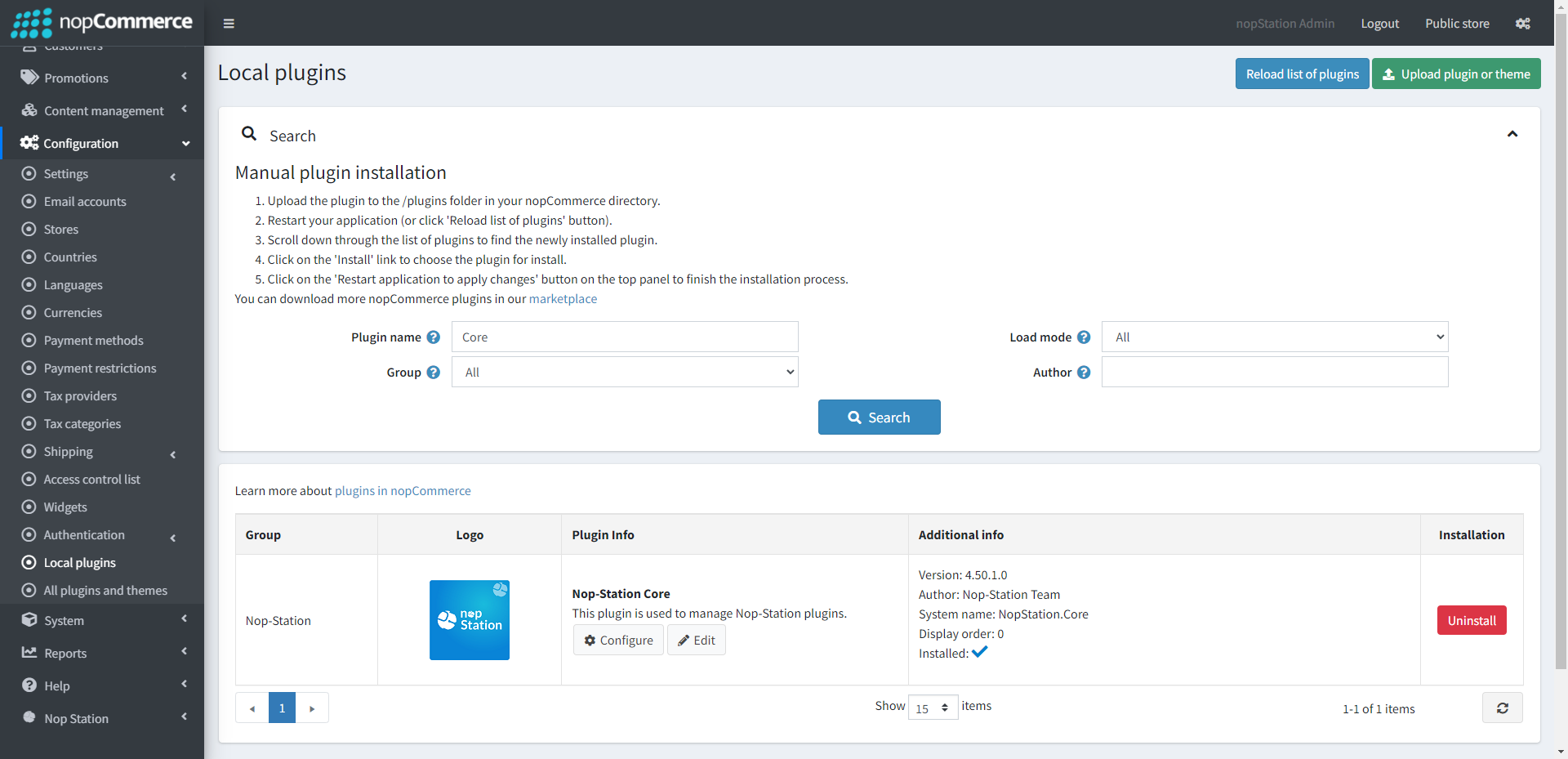
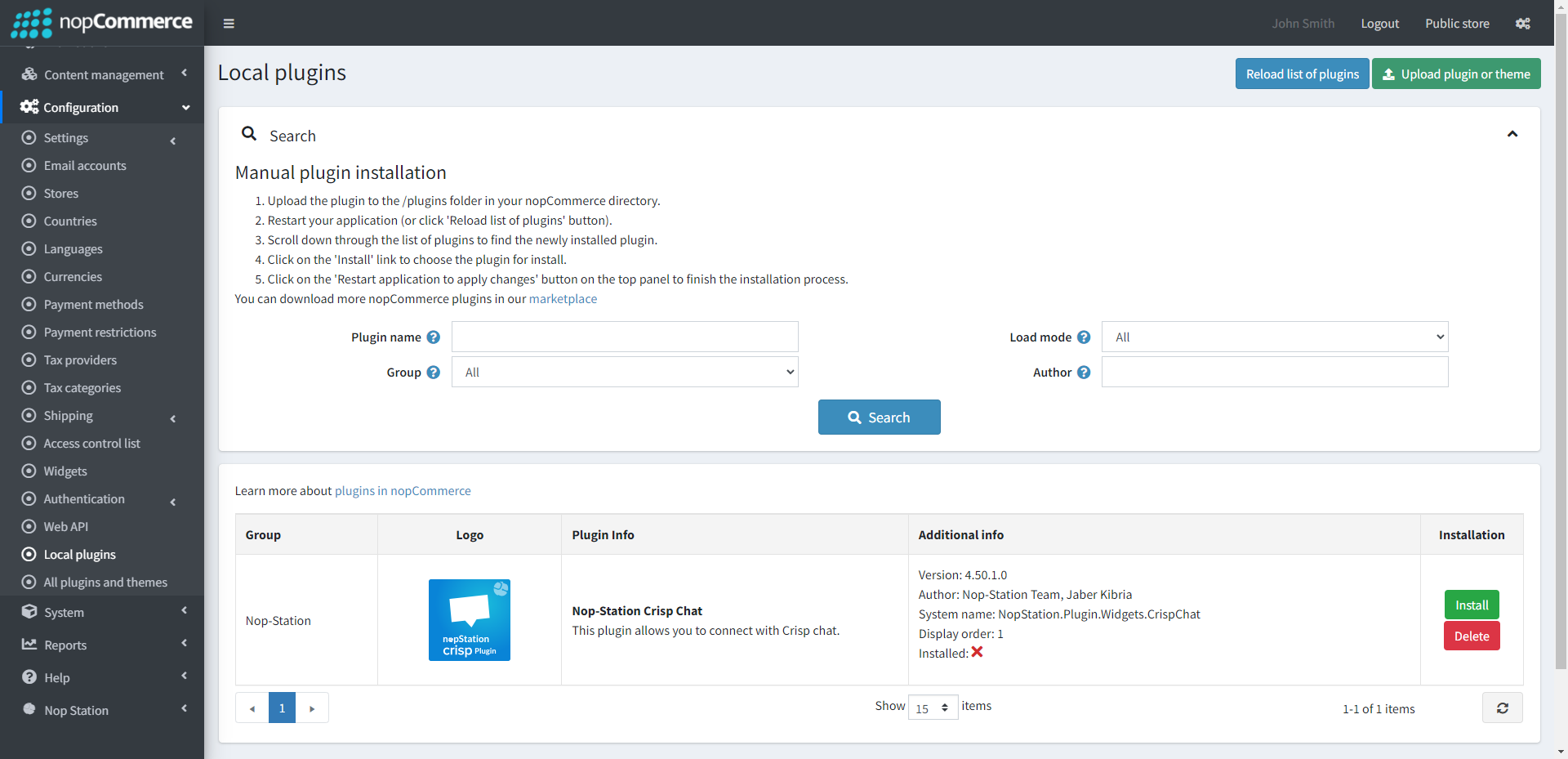
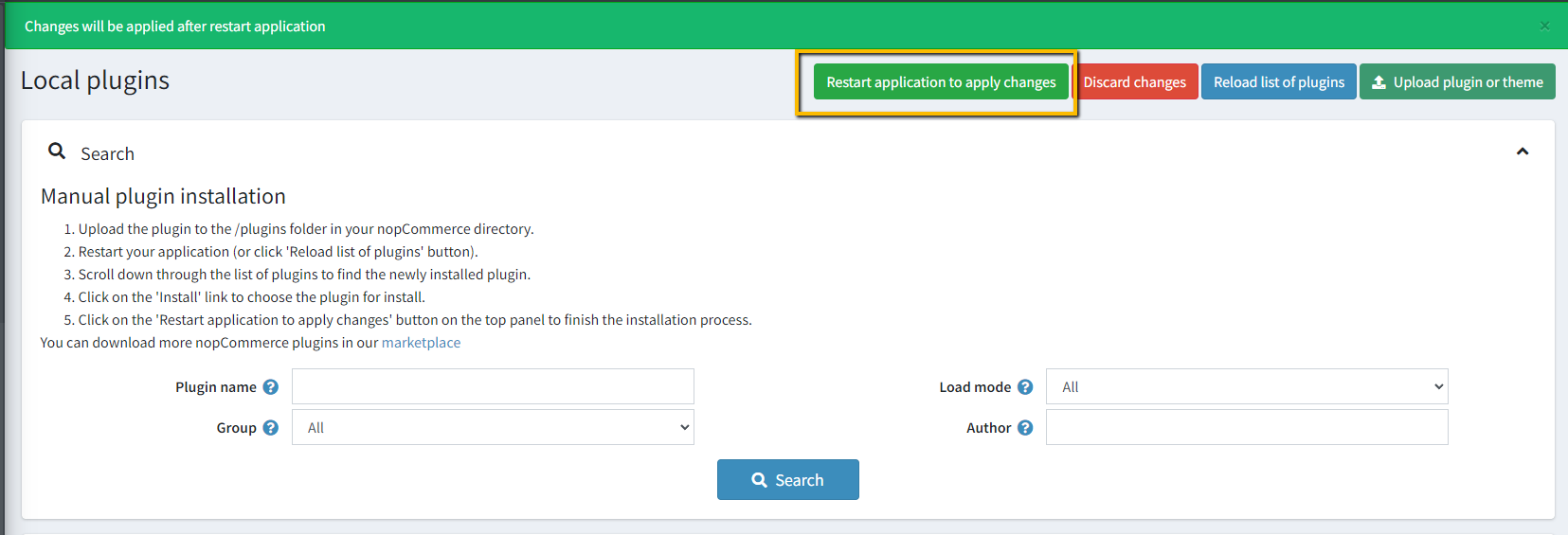
- To make the plugins functional, restart the application
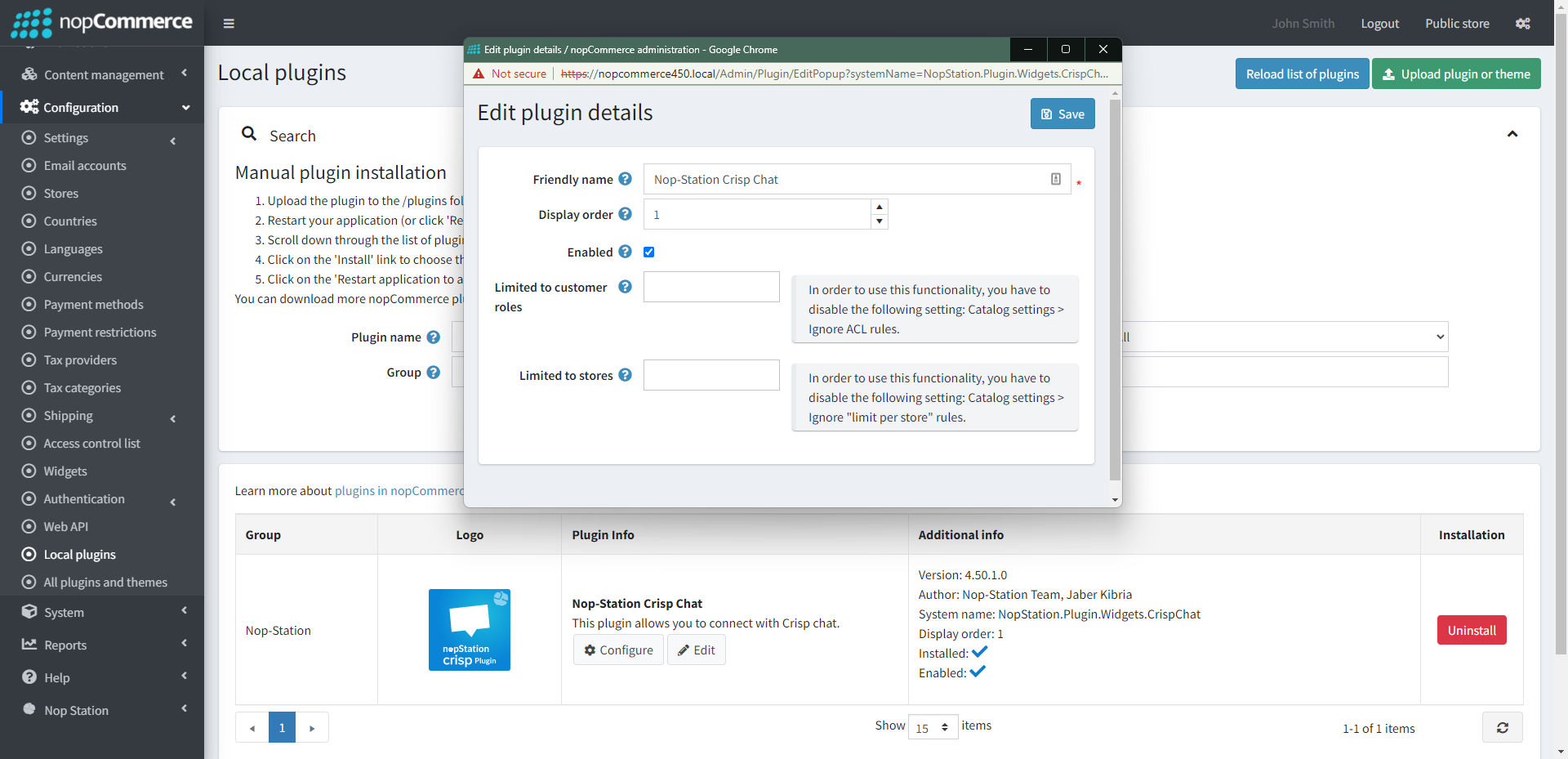
- Enable the plugin with 'Edit' option and Configure it
ACCOUNT CONFIGURATION
- Go to Register or Login to Crisp Account
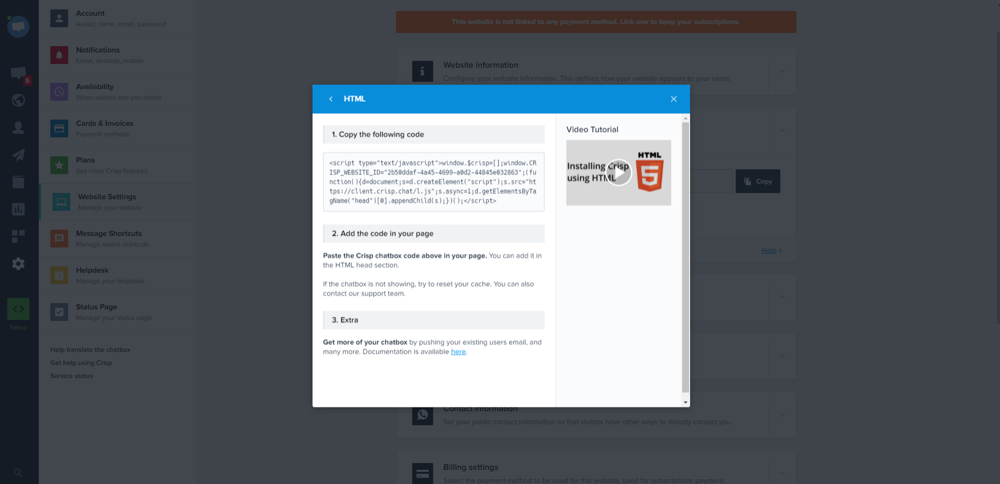
- After registering open the dashboard
- Go to Setup → HTML
- Copy Website Id or Keys and paste it into the plugin configuration page
CONFIGURE
- Go to Admin → NopStation → Plugins → Crisp Chat → Configuration
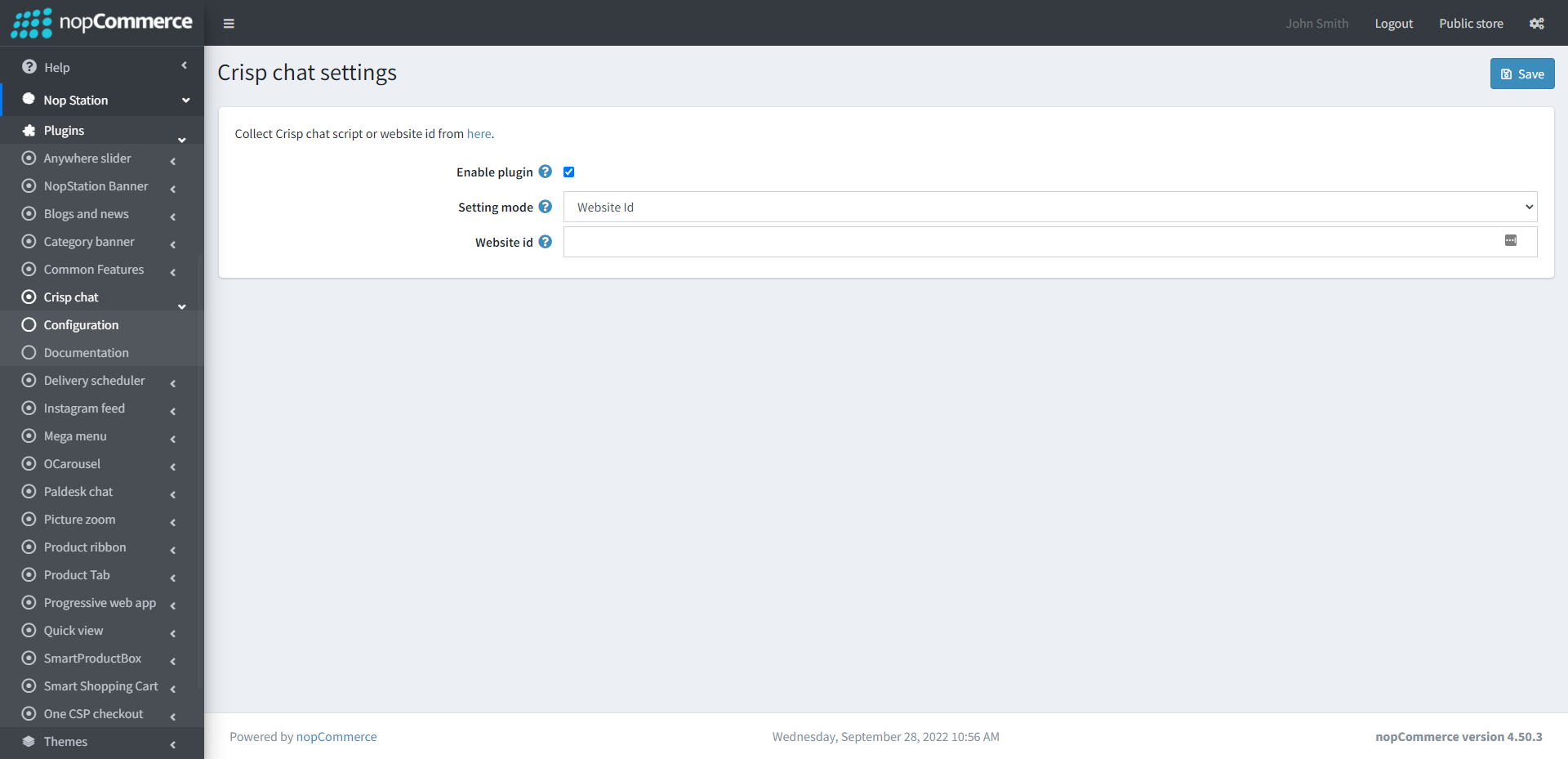
- Setting mode: Select setting mode here
- Key: Provide the key for connecting Crisp to your store, generated from the Crisp account
PUBLIC VIEW