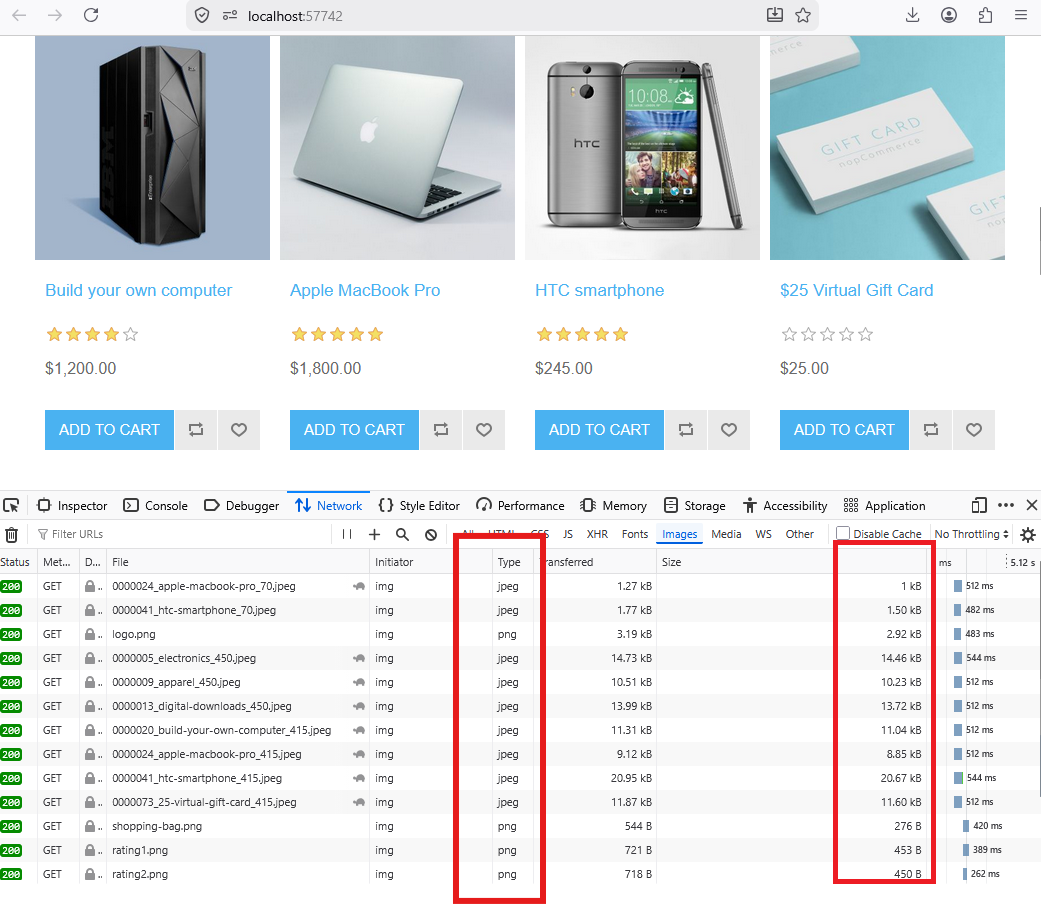
Faster, Smarter, and More Efficient Image Delivery for nopCommerce Stores
The nopStation Next Generation Image Plugin is designed to optimize image delivery and improve storefront performance for nopCommerce stores. By automatically serving modern image formats such as WebP and AVIF while preserving original PNG and JPEG files, the plugin helps merchants reduce page load times, improve user experience, and enhance Core Web Vitals without modifying existing media assets.
Whether you're managing a product-rich catalog, operating multiple storefronts, or looking to improve mobile performance, the plugin provides a seamless and automated image optimization solution that works directly within your nopCommerce environment.
PRE-REQUISITES
The plugin requires you to install the Nop-Station Core plugin first.
INSTALLATION
· Download the Next Generation Image Plugin from our store.
· You can learn more about the installation and licensing here
· Go to Administration → Configuration → Local plugins
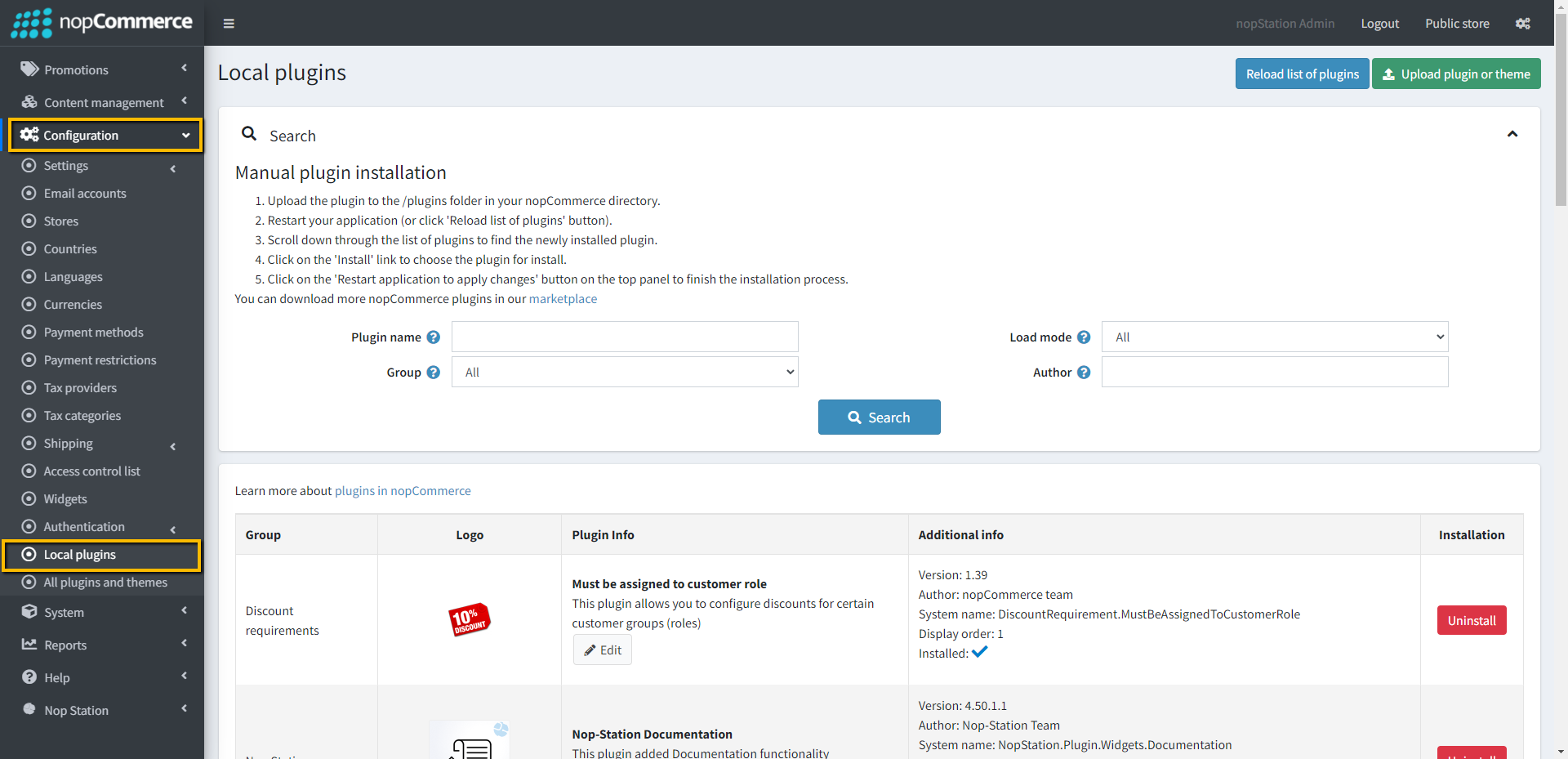
· Select the NopStation.Core file and upload it by clicking the 'Upload plugin or theme' button.
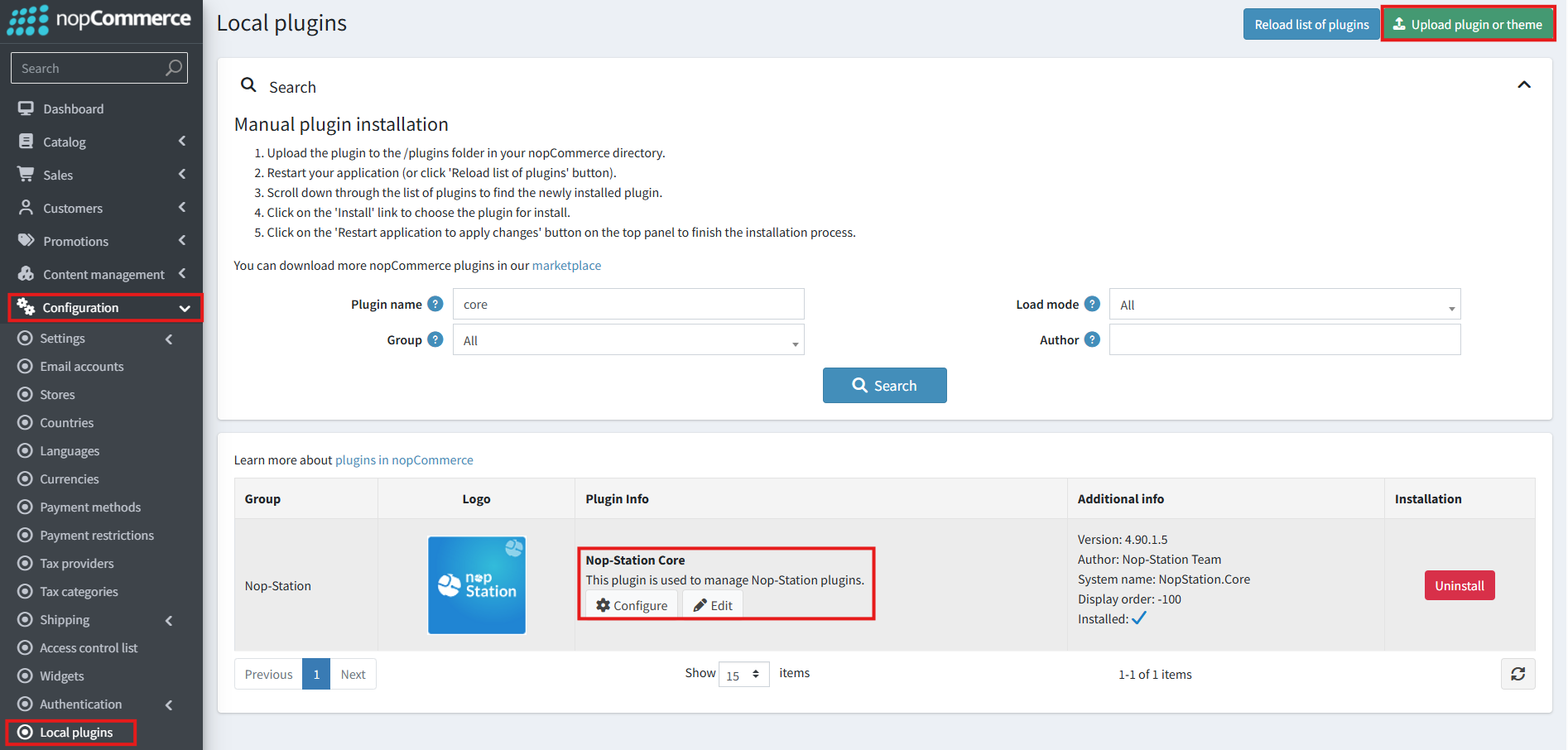
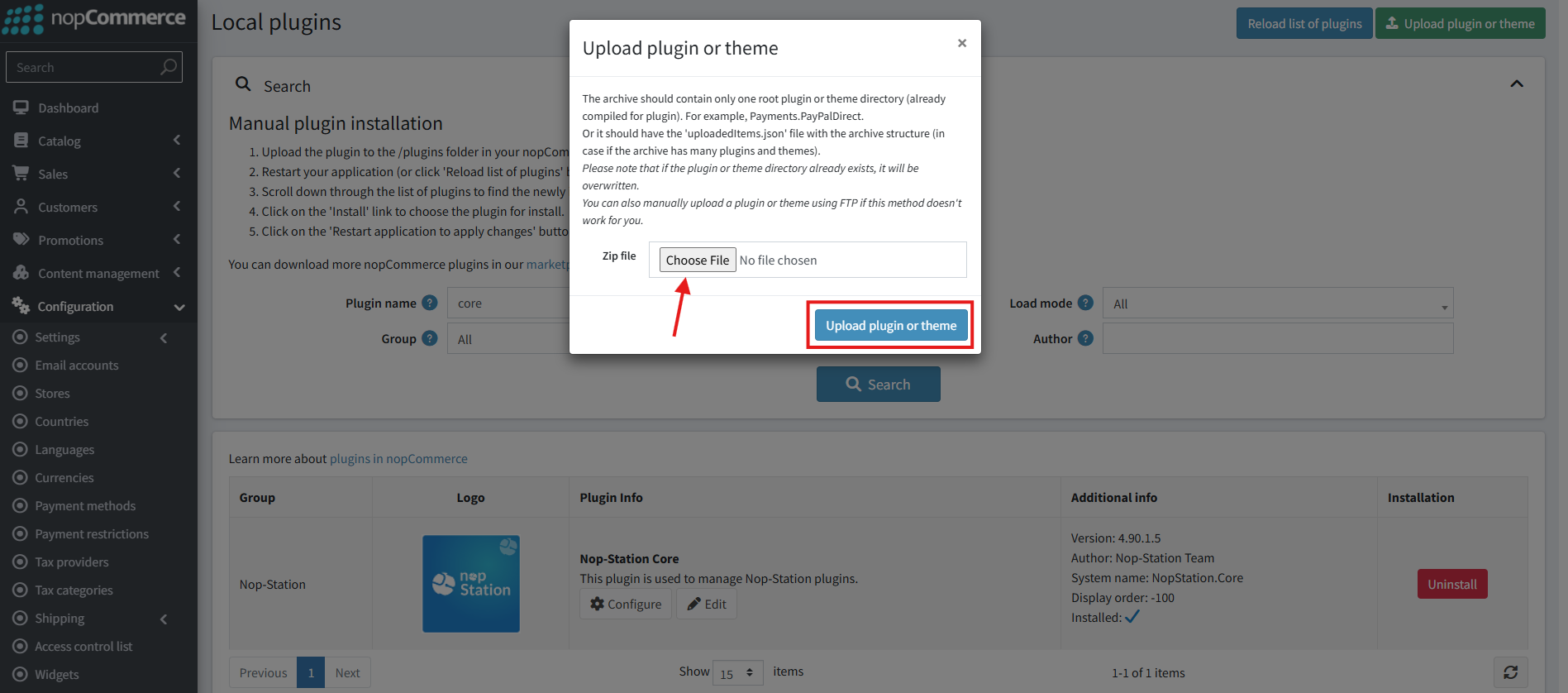
· Upload the .zip file using the 'Upload plugin or theme' button.
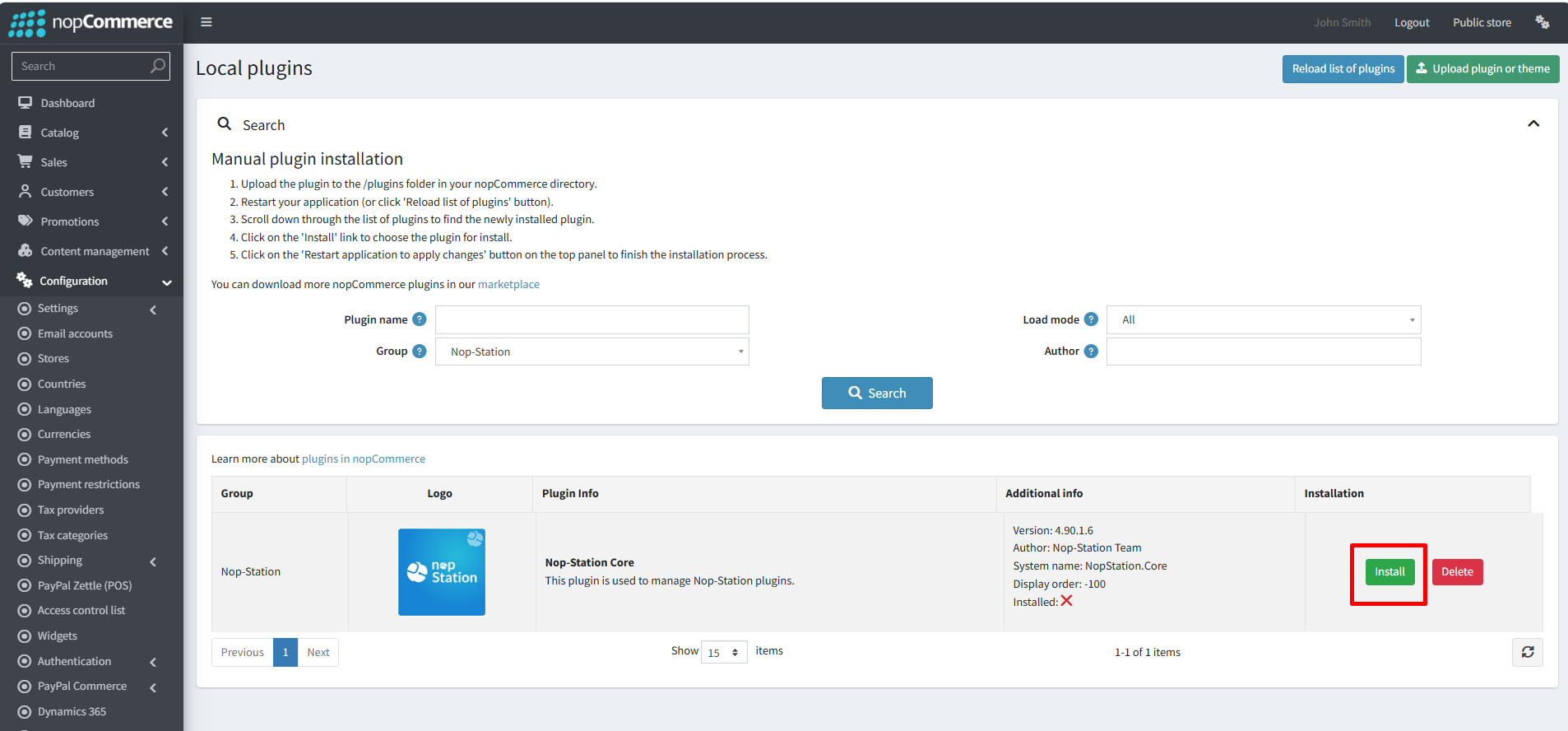
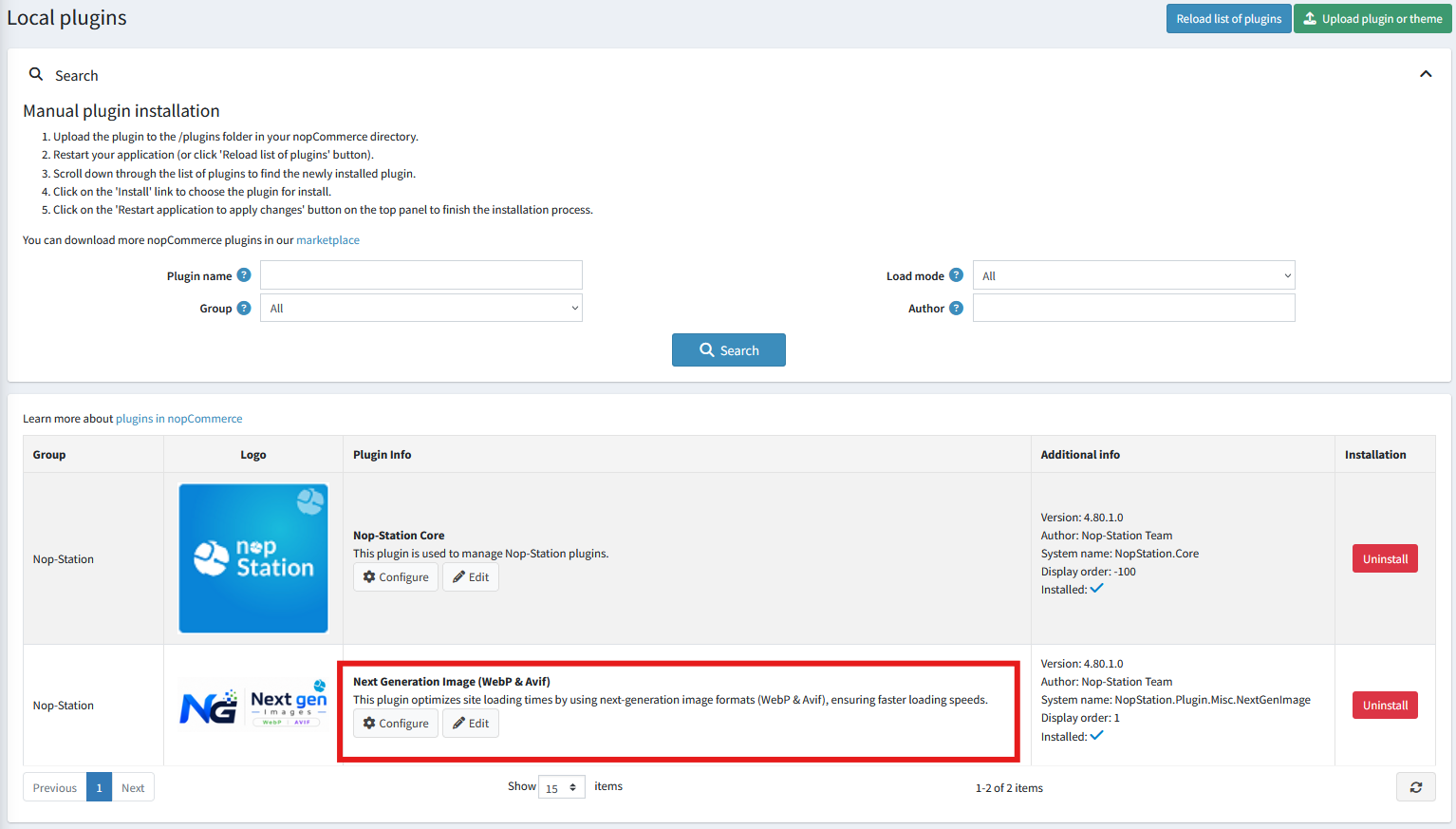
· After uploading the plugin, go to the Administration. Install 'Nop-Station Core' Plugin first and then install ' NopStation. Next Generation Image’ plugin.
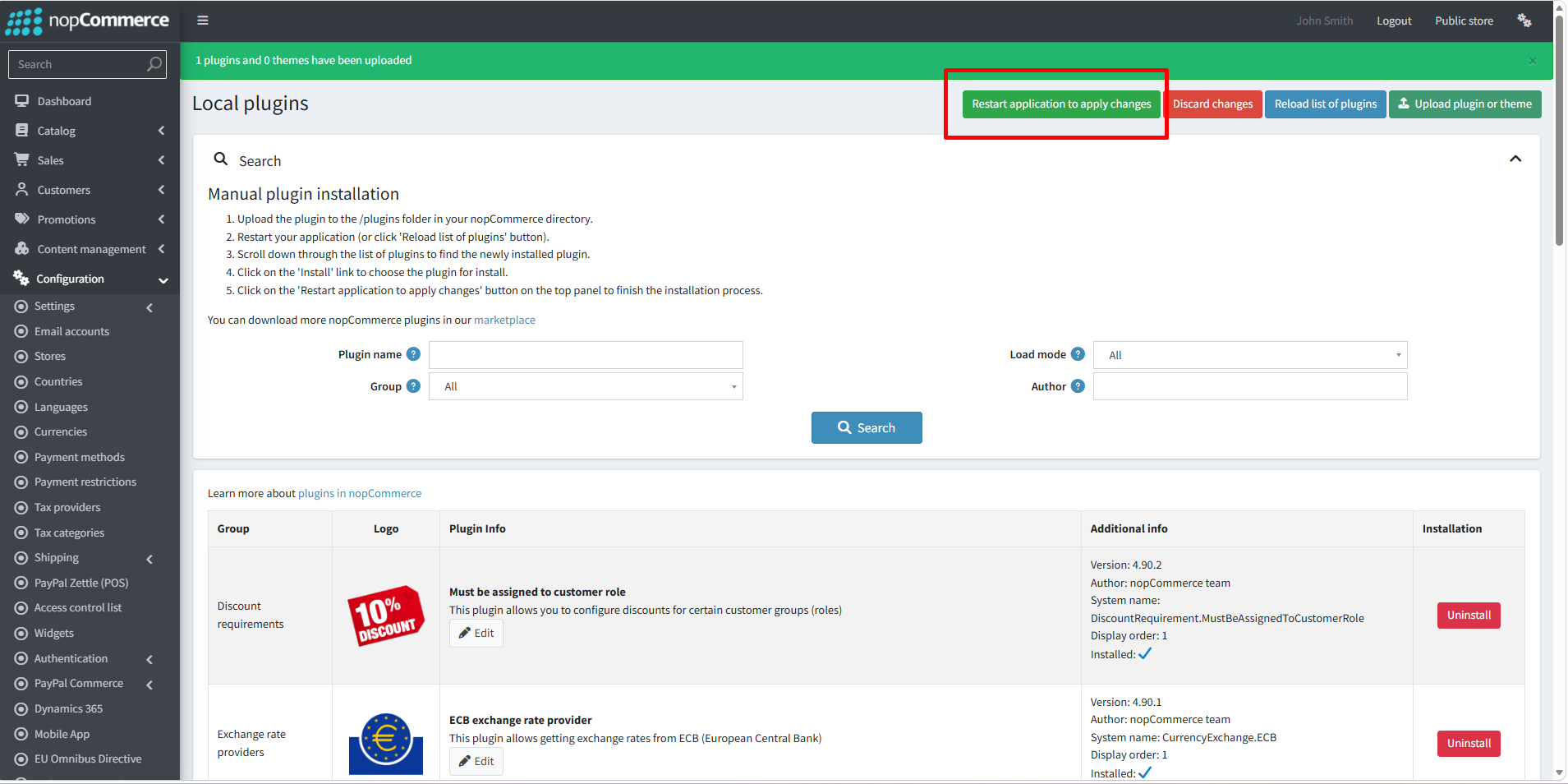
· To make the plugins functional, restart the application
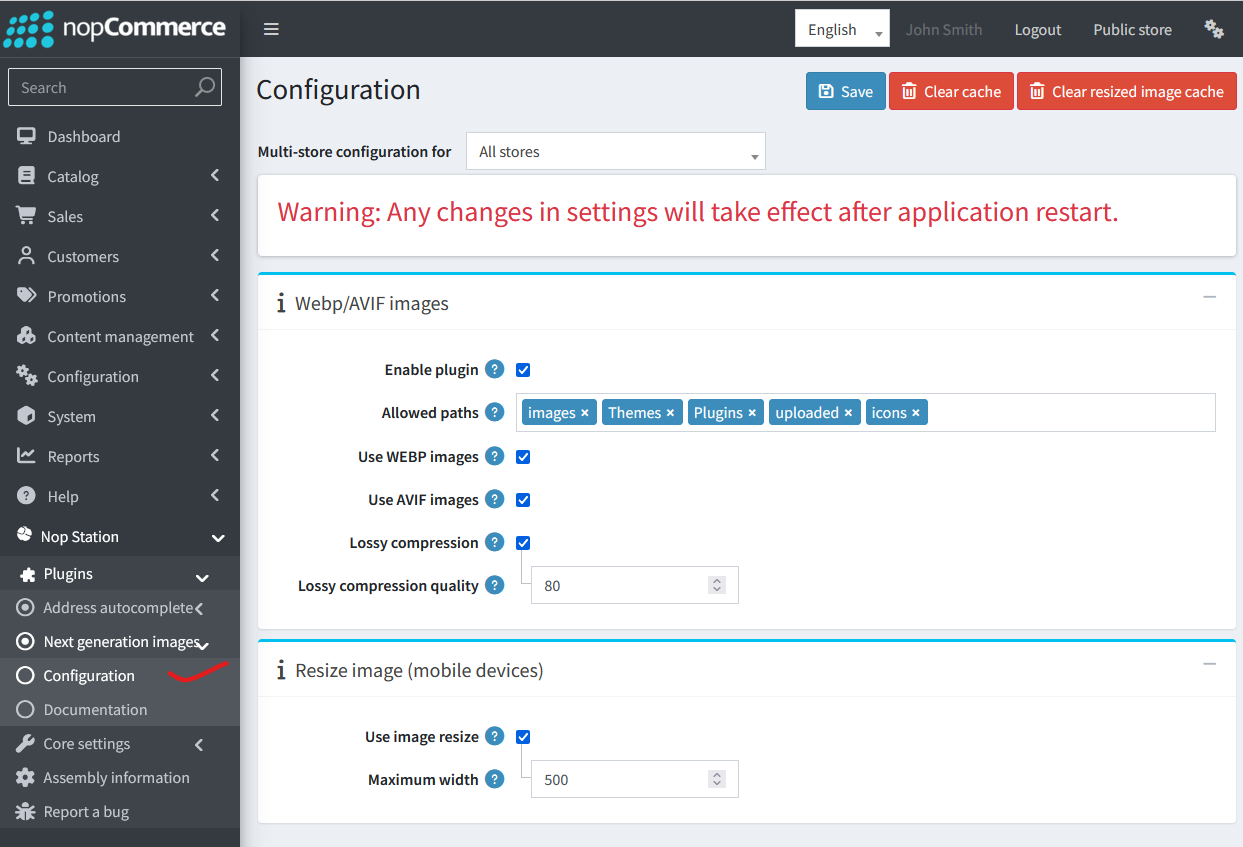
· You can configure the plugin by clicking on Configure from the Local Plugins page. Alternatively, go to nopStation → Plugins→ Next Generation Image → Configure Next Generation Image, enable the required options, and click Save
Recommended Use Cases
· Fashion, electronics, and home goods stores with image-rich category and PDP templates.
· B2B catalogs publishing high-resolution specification imagery.
· Brands running multi-country stores under one nopCommerce instance.
· Agencies delivering performance retainers and Core Web Vitals remediation.
· Merchants migrating to nopCommerce 4.90 who want modern performance out of the box.
Configuration Highlights (Merchant View)
· Enable plugin — global on/off for all optimization behavior.
· Allowed paths — restrict conversion to approved URL prefixes.
· Use WEBP images / Use AVIF images — independent format toggles.
· Lossy compression & quality — control byte size versus clarity.
· Use image resize & maximum width — mobile-only dimensional cap.
· Clear cache actions — refresh output after settings or catalog changes.
Before Enabling:
After Enabling: