
Turn Your nopCommerce Store into a Complete Booking, Reservation & Rental Platform
The plugin provides a complete booking workflow covering resources, availability, capacity, schedules, pricing, add-ons, customer self-service, administration, reporting, and booking lifecycle management. It is designed to help merchants replace spreadsheet-driven booking operations with structured resources, schedules, capacity, pricing, and audit records.
Booking operations remain connected to the native nopCommerce ecosystem, including products, carts, orders, payments, stores, vendors, permissions, emails, and localization.
PRE-REQUISITES
- The plugin requires you to install the Nop-Station Core plugin first.
INSTALLATION
- Download the Booking Suite Plugin from our store.
- Go to Administration → Configuration → Local plugins.
- Select the NopStation.Core file and upload it by clicking the 'Upload plugin or theme' button.
- Select the NopStation. Booking Suite Plugin file.
- Upload the file using the 'Upload plugin or theme' button.
- After uploading the plugin, go to the Administration. Install 'Nop-Station Core' Plugin first and then install ' NopStation. Booking Suite Plugin.
- To make the plugins functional, restart the application.
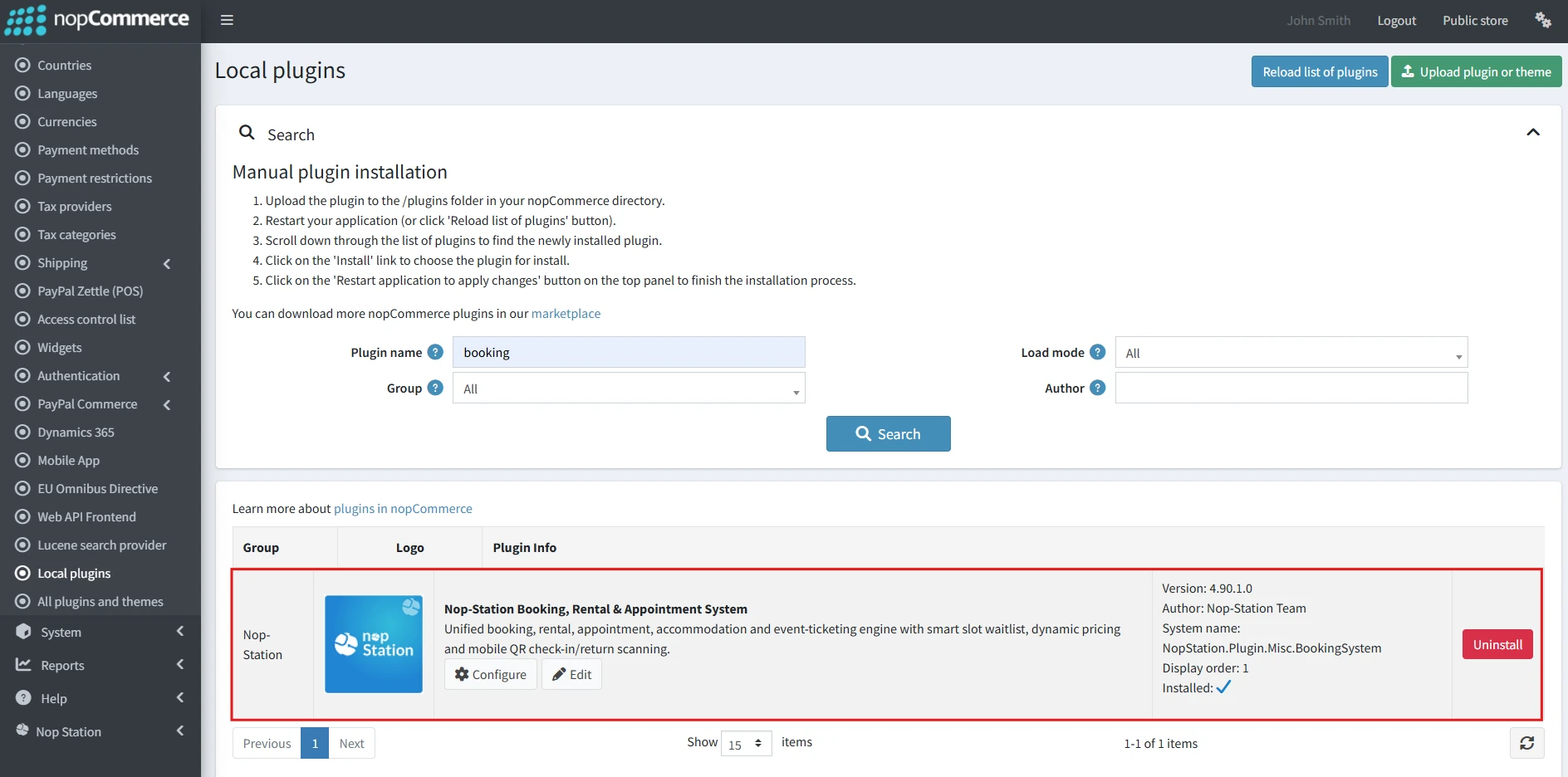
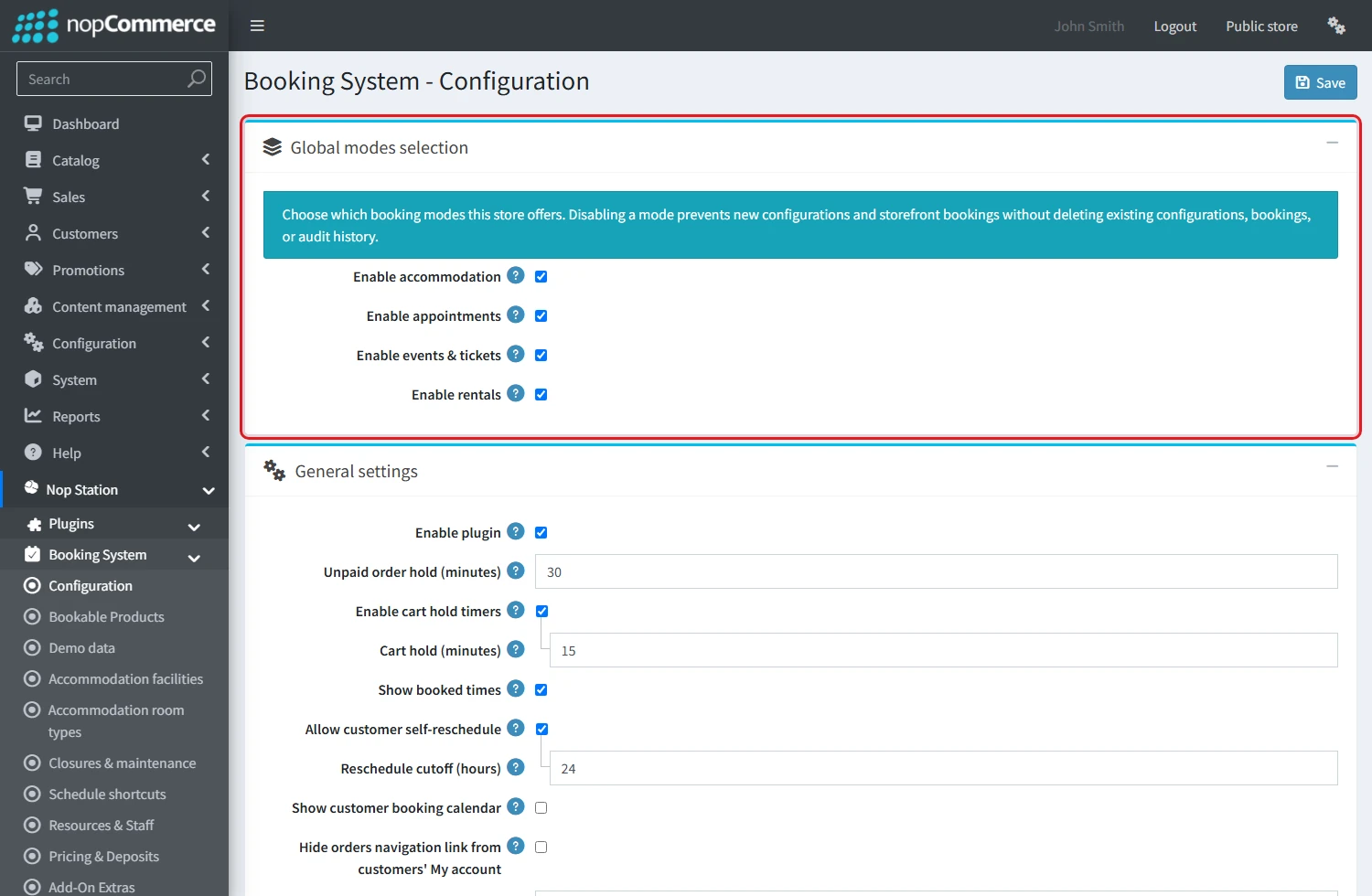
- You can configure the plugin by clicking on Configure from the Local Plugins page. Alternatively, go to nopStation → Plugins→ NopStation. Booking Suite Plugin → Configure NopStation. Booking Suite Plugin, enable the required options, and click Save.
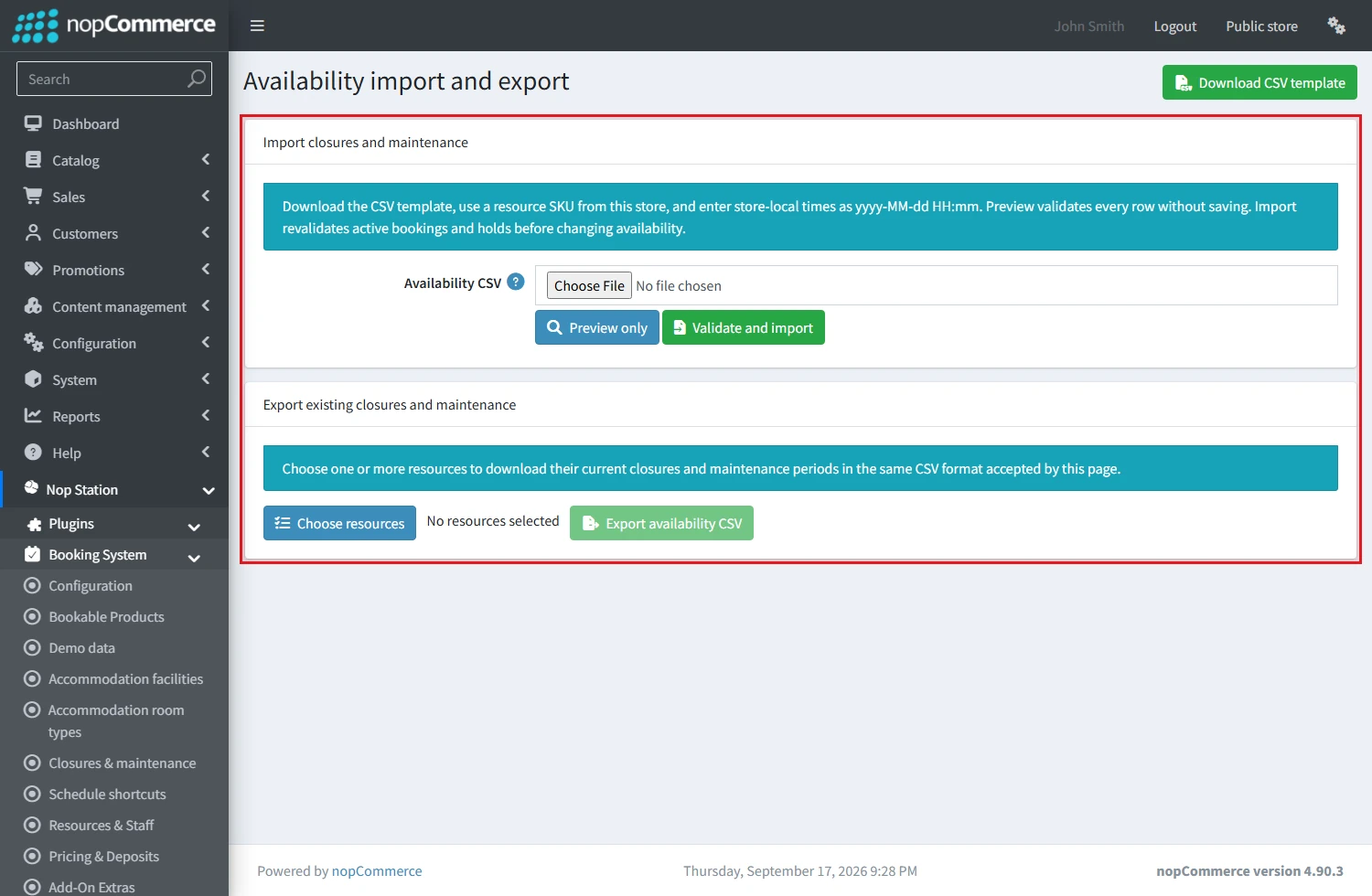
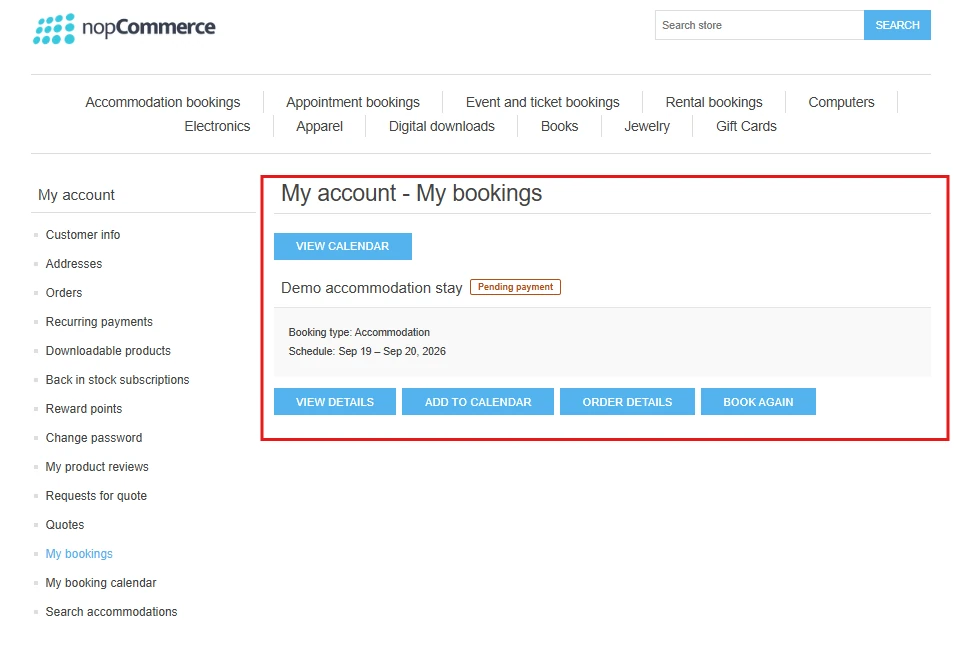
Typical Merchant Flow
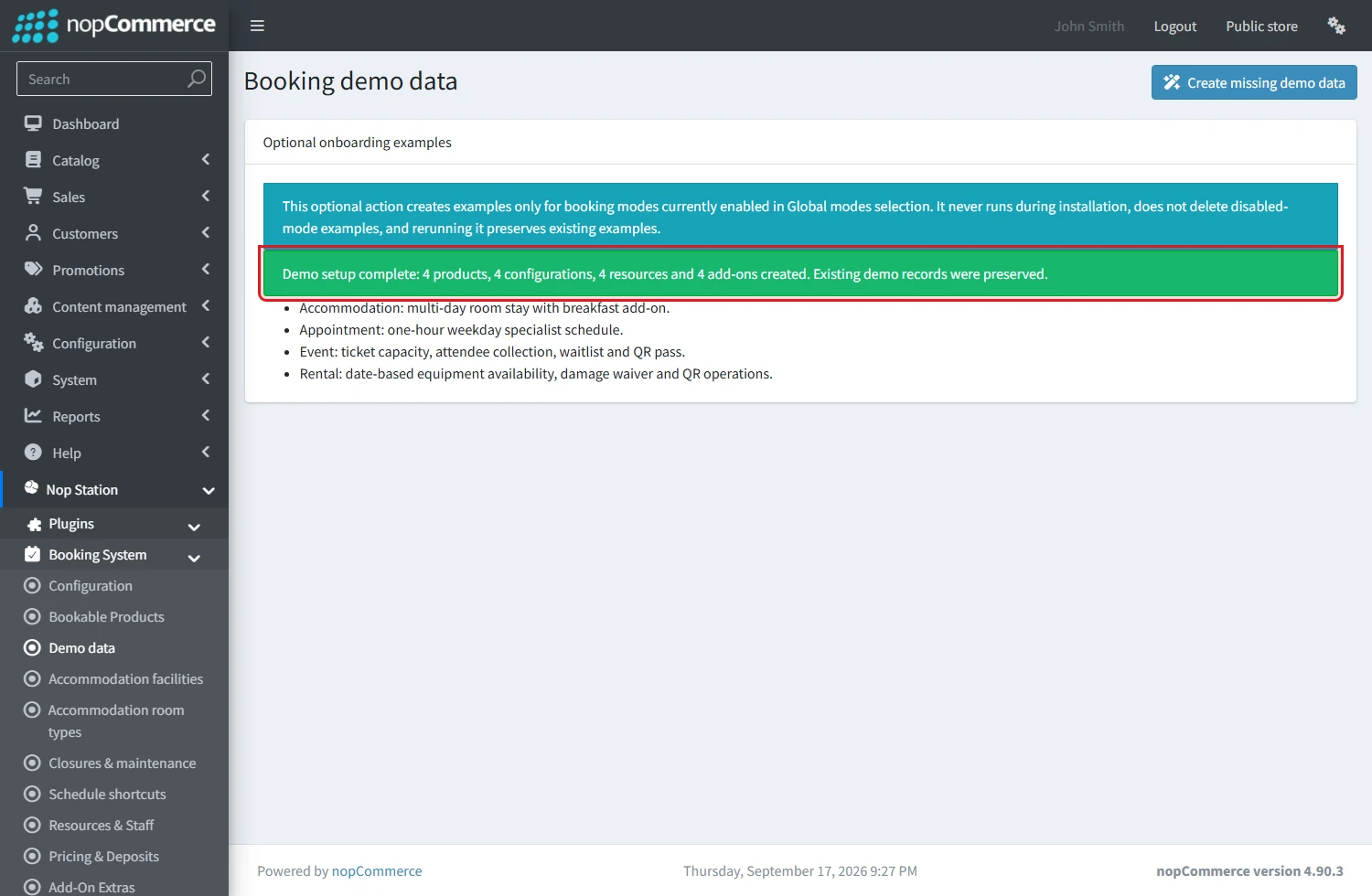
- Install the plugin and choose the enabled booking modes for the current store.
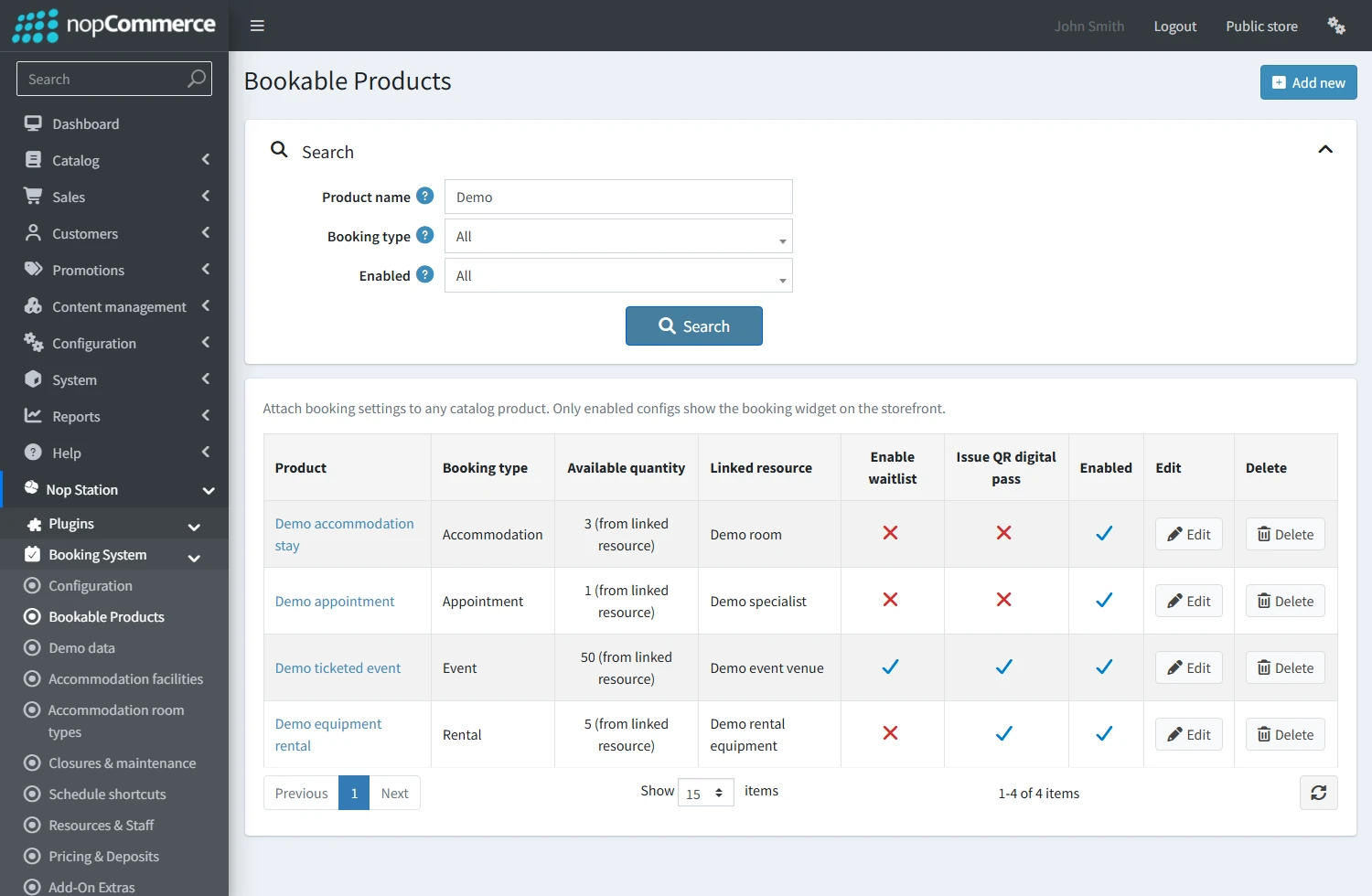
- Create or select a compatible nopCommerce product.
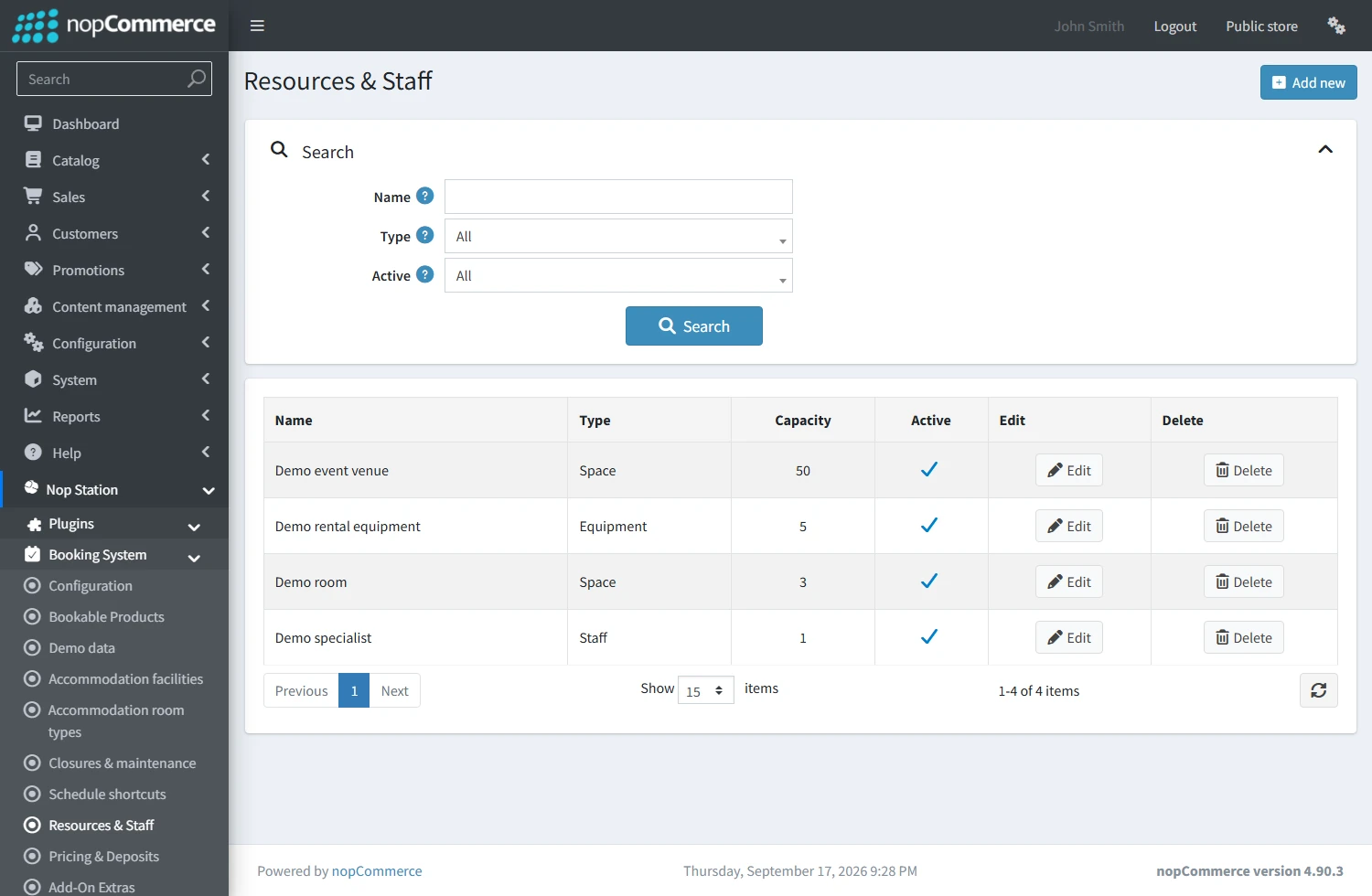
- Create capacity-bearing resources such as a room, staff member, venue or equipment unit.
- Save a booking product configuration and define its schedule, availability and policy.
- Add optional price rules, deposits, add-ons and customer instructions.
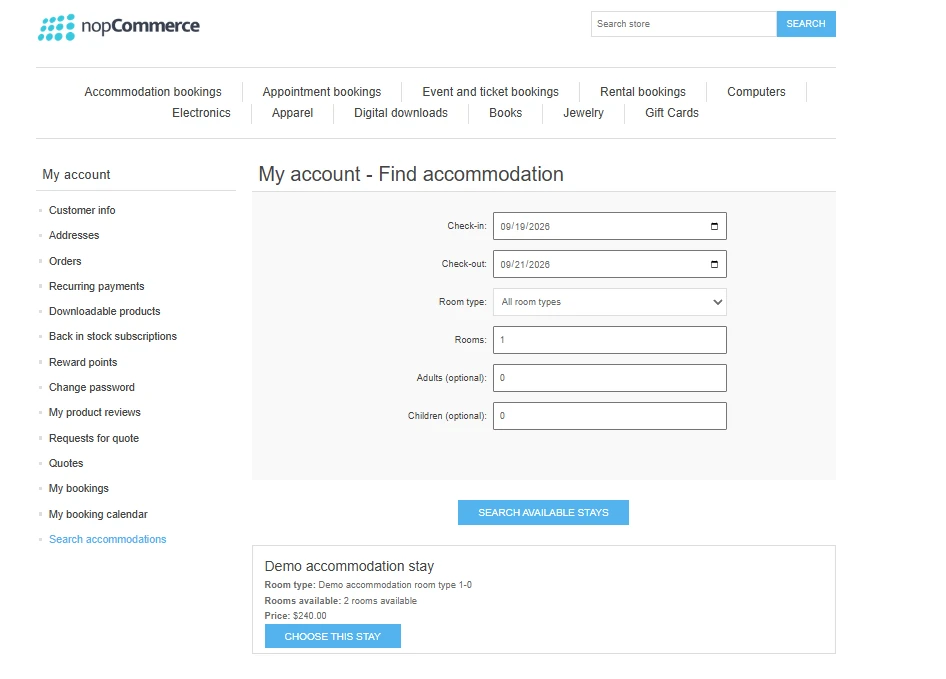
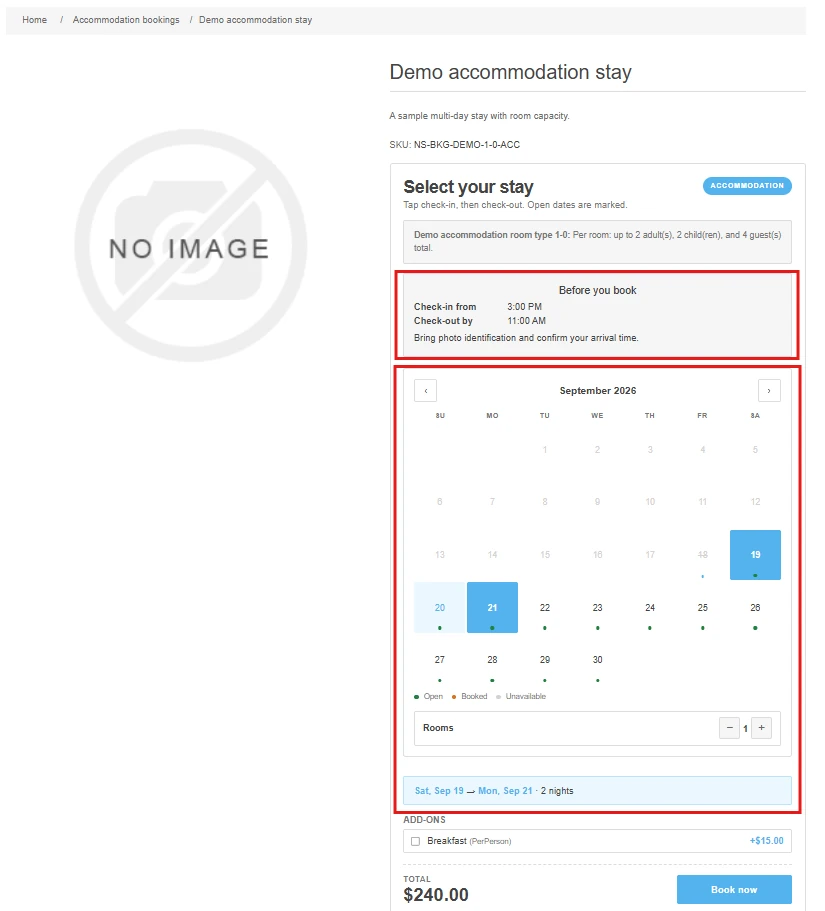
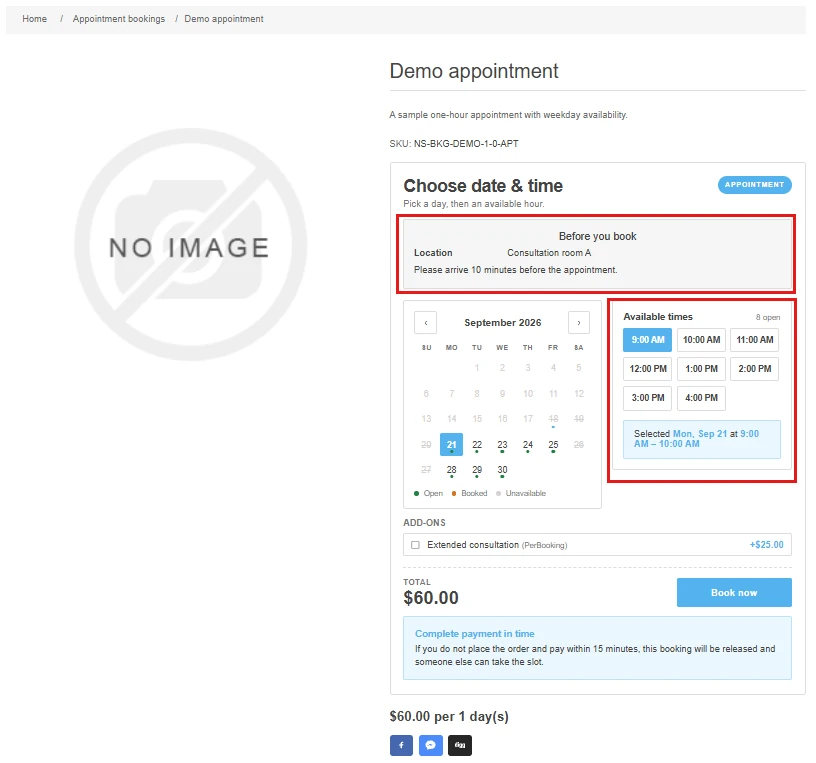
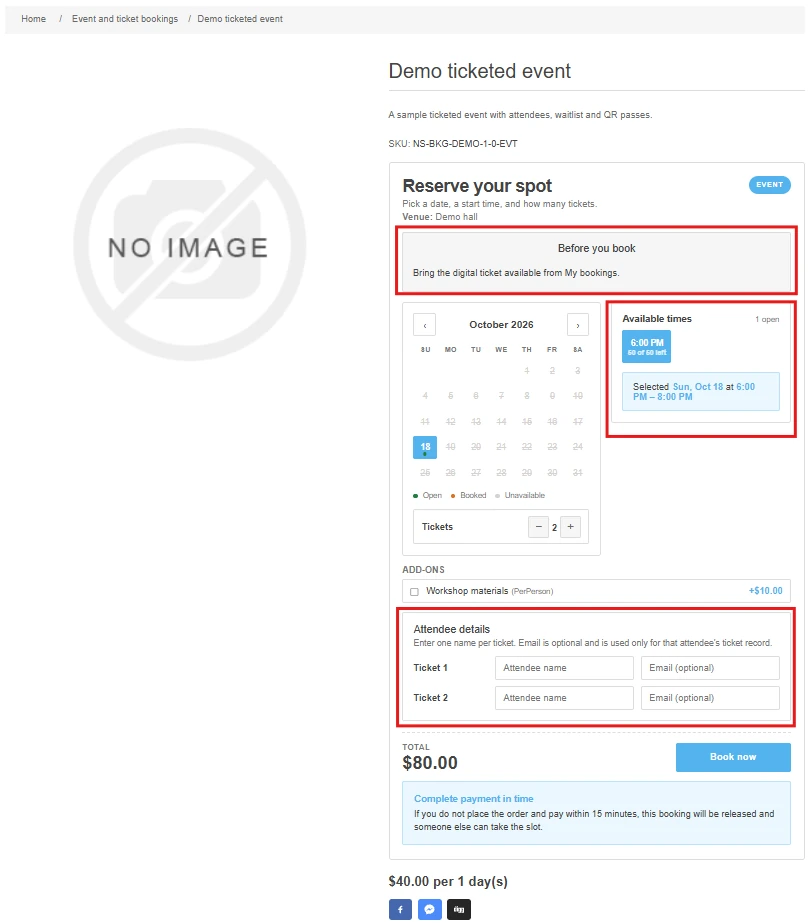
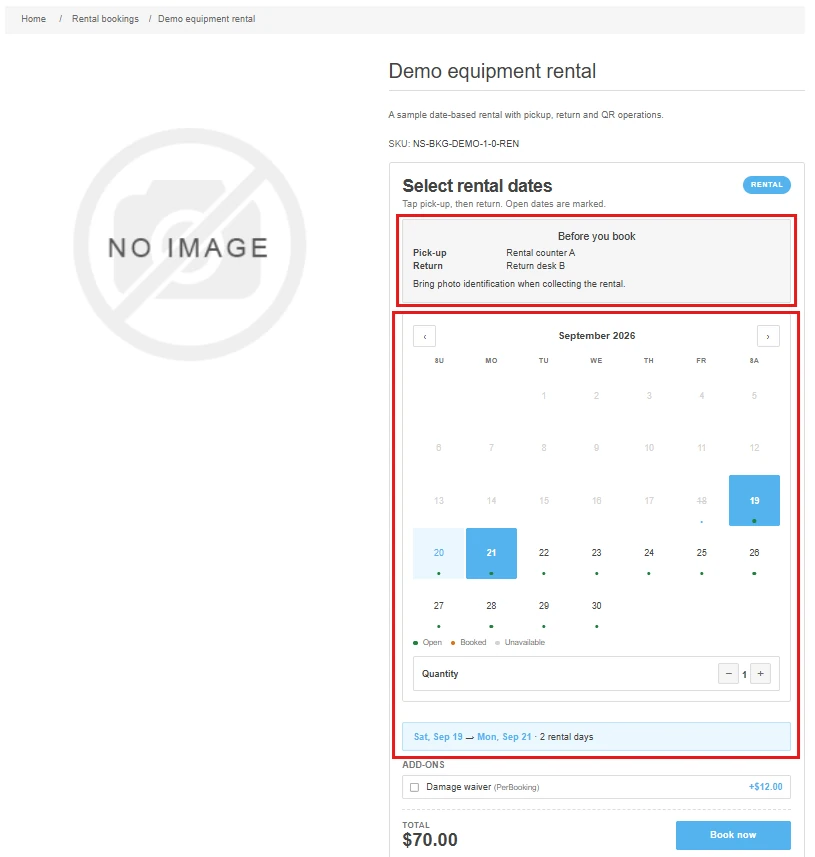
- Publish the product; the customer selects dates, a slot, tickets or a rental range.
- BookingSystem creates a bounded hold, then nopCommerce completes normal cart, payment and order processing.
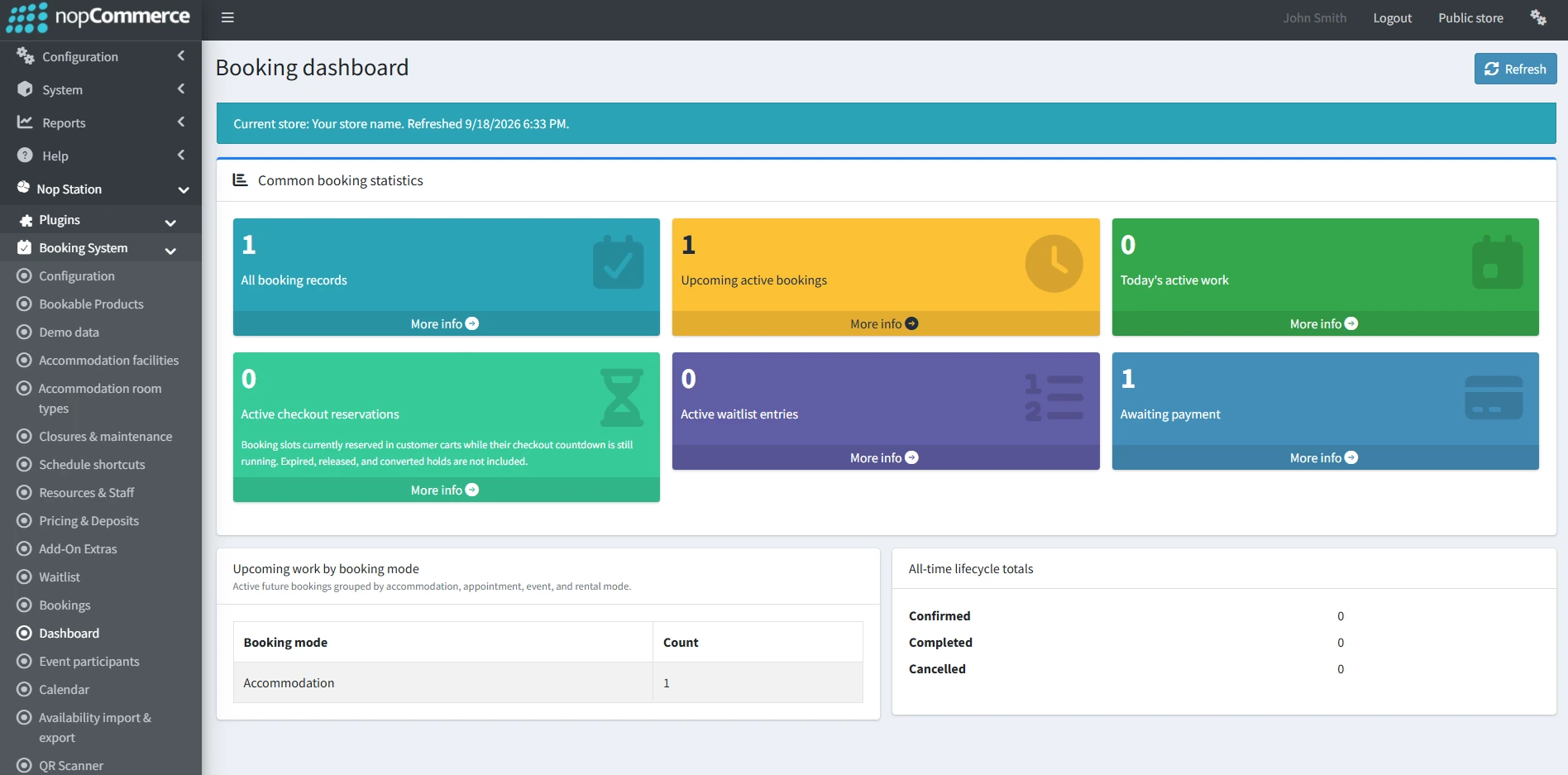
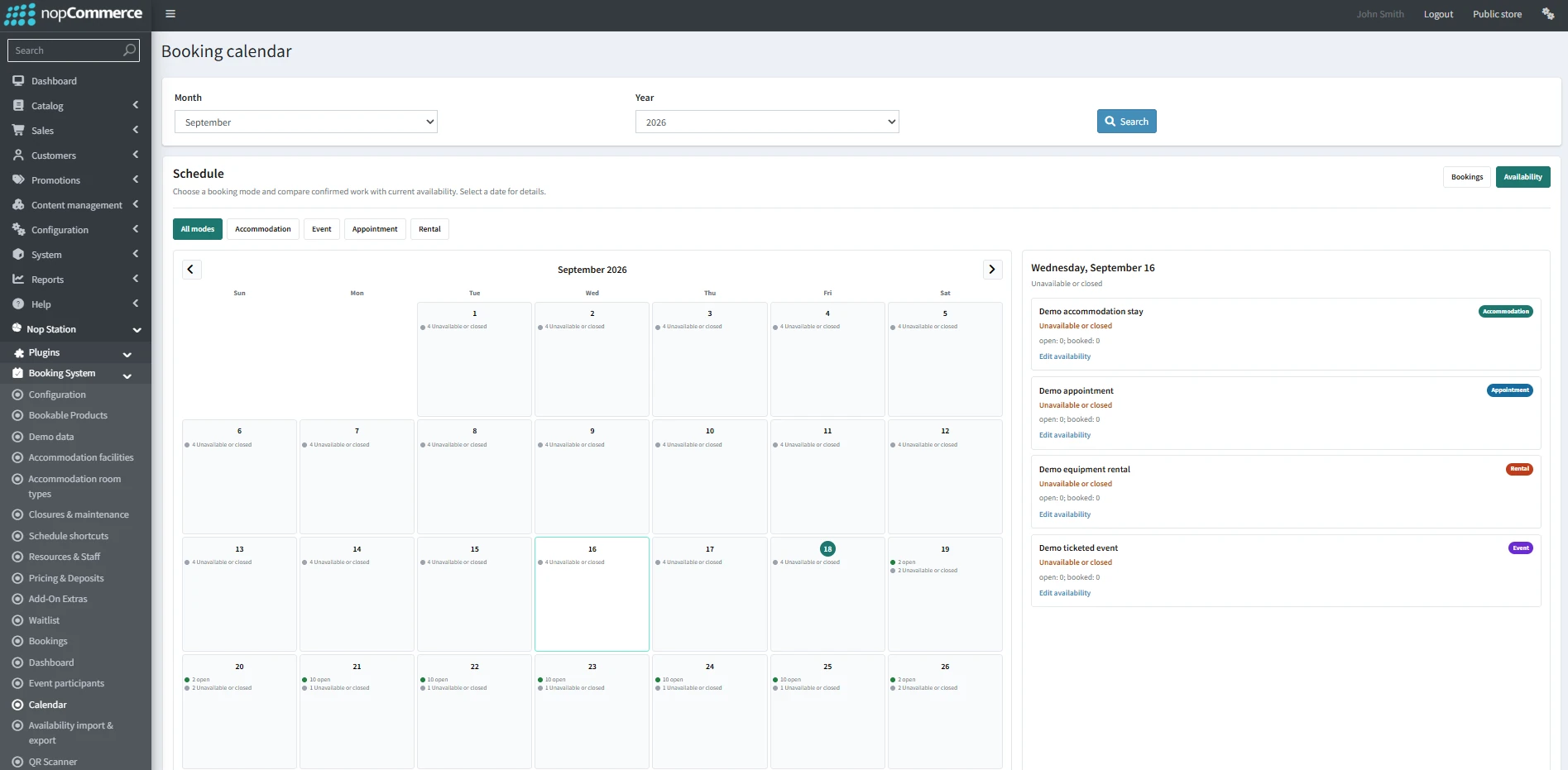
- Staff manage the resulting booking, pass, pickup/return, waitlist or reminder from the plugin administration area.
Verified Differentiators
- Capacity safety is database-backed; it does not depend on an in-memory lock.
- Accommodation, appointment, event and rental status remain separate from nopCommerce order/payment status.
- The plugin does not create a parallel payment or order system.
- Product marketing content remains in the linked nopCommerce product; BookingSystem stores only booking-specific operational facts.
- A disabled mode retains existing records instead of deleting merchant history.
- QR images are generated locally and inspection media remains permission protected.
- Availability and reporting operations are store/vendor scoped and bounded.
Technical Summary
- nopCommerce 4.90 / .NET 9.
- Requires NopStation.Core.
- Linq2DB/repository and nopCommerce migration conventions.
- Native nopCommerce products, cart, checkout, orders, payments, message templates and scheduled tasks.
- DefaultClean is the verified storefront baseline.
- Current deterministic suite: 541 passing NUnit tests.
- Configured-database and Playwright evidence covers all four modes and critical administration/customer journeys.

