nopStation's Stripe Konbini Payment plugin is developed to provide Konbini Payment support on nopCommerce based online stores. Konbini is a popular payment provider in Japan that offers secure cash-based payments and supports for JPY as a currency. After a simple nopCommerce plugin download and installation, store owners can enable Konbini payment support on their nopCommerce storefronts and increase payment flexibility and convenience for customers in Japan.
PRE-REQUISITES
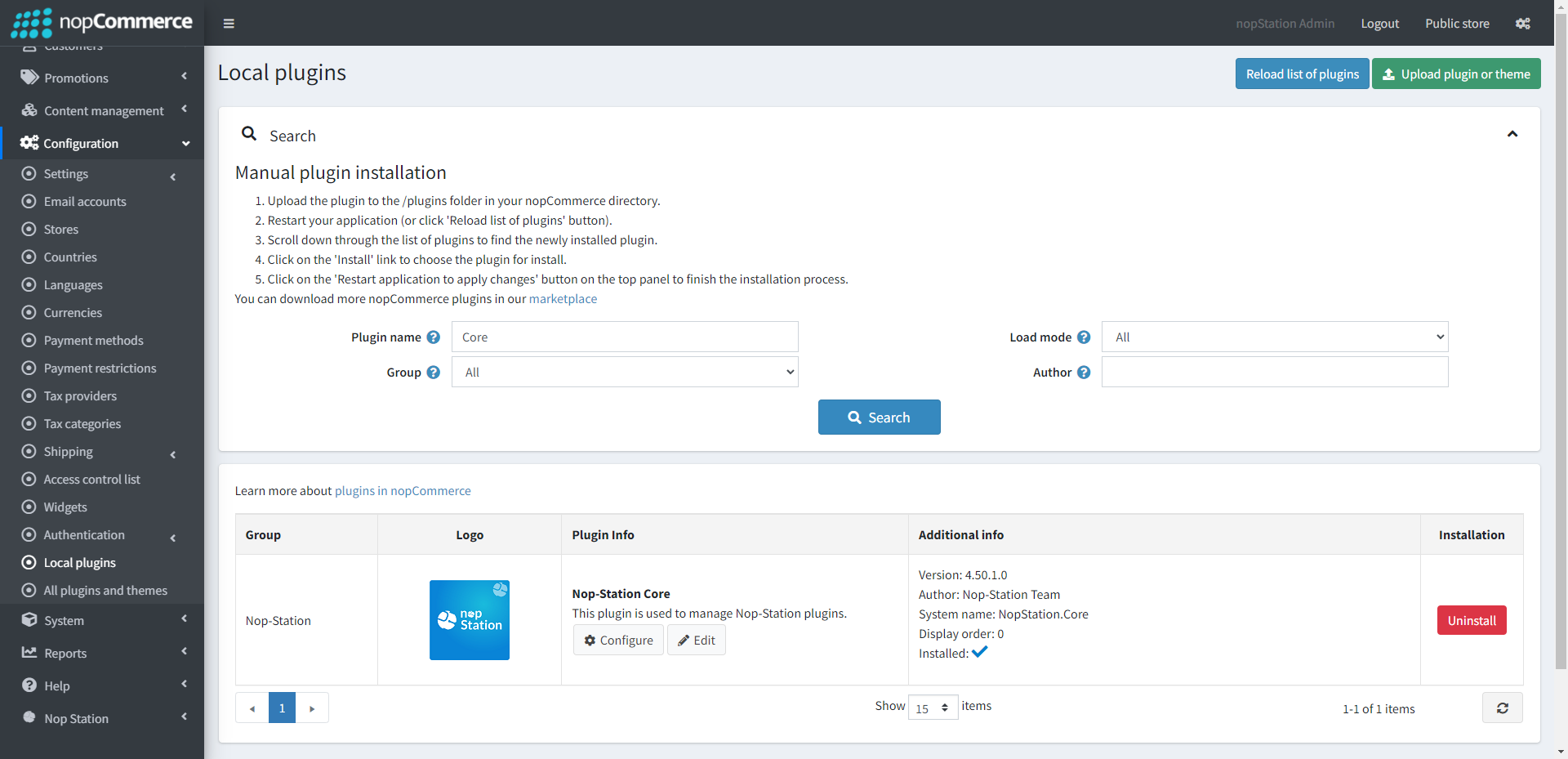
The plugin requires you to install the Nop-Station Core plugin first.
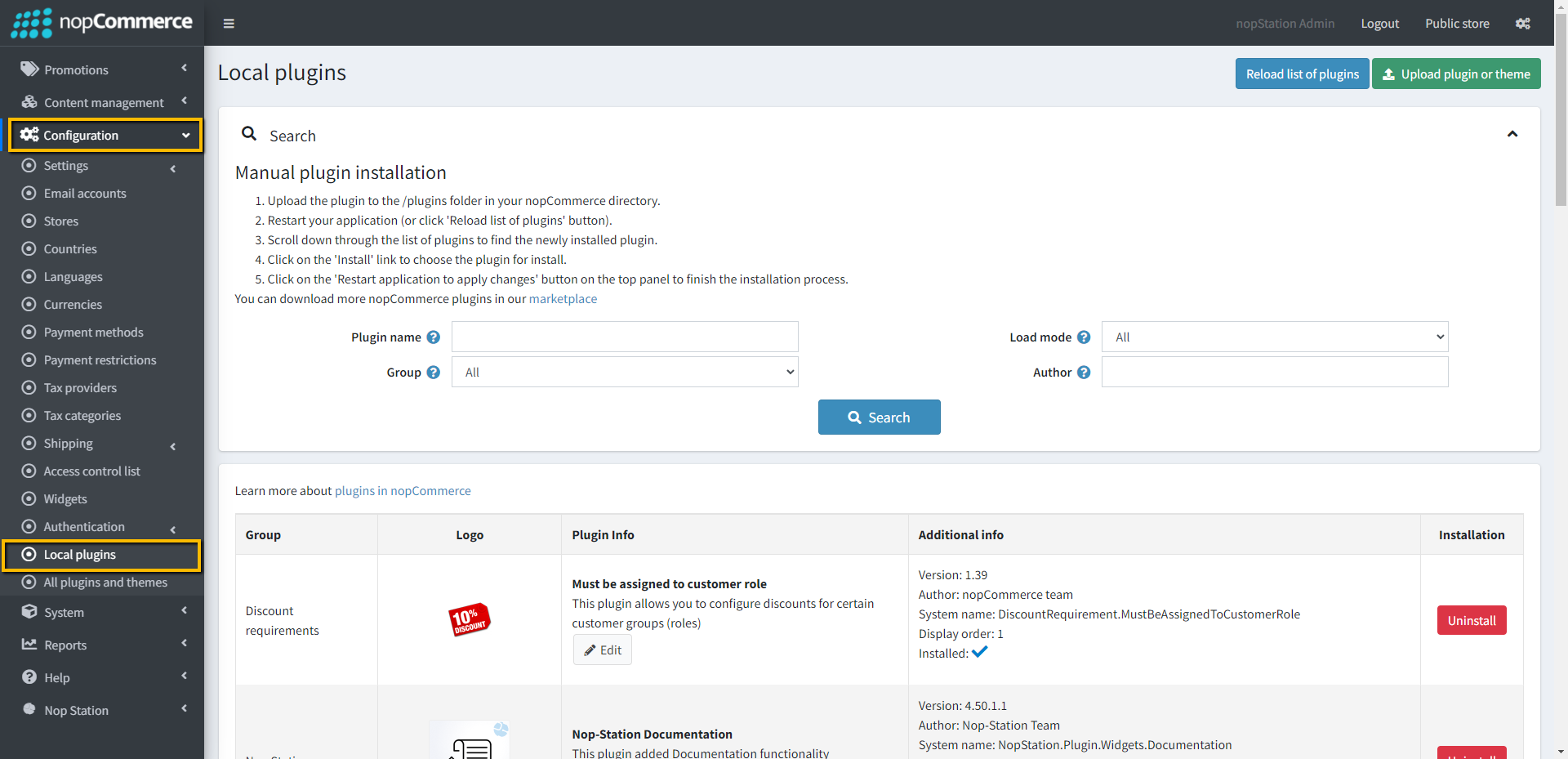
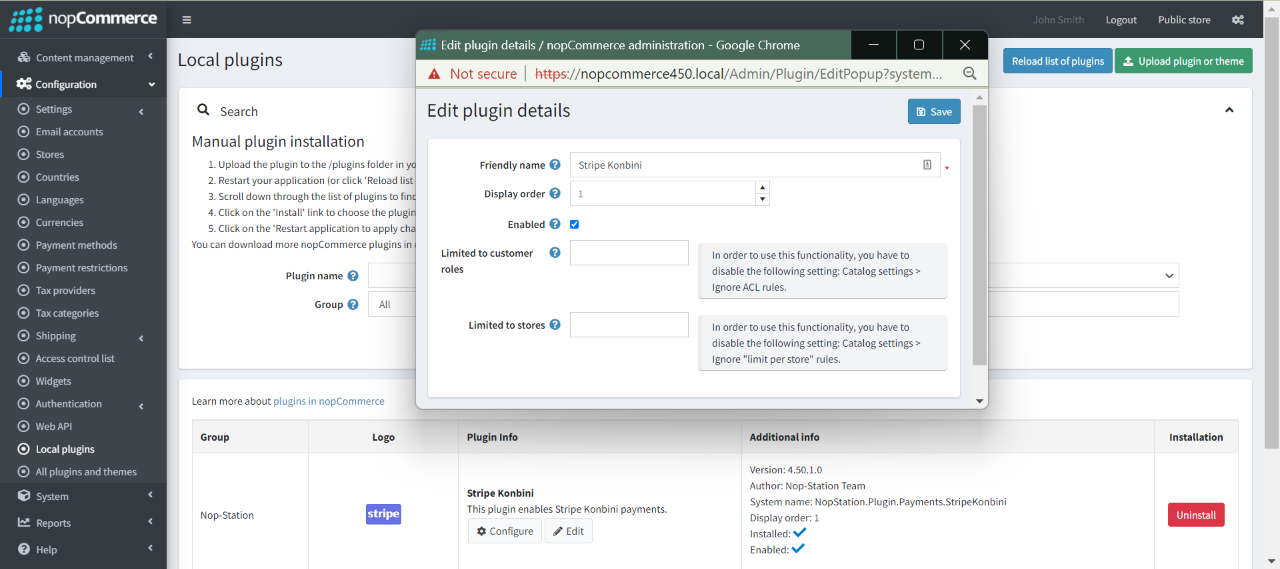
Go to Administration → Configuration → Local plugins
Upload the NopStation.StripeKonbini zip file using the "Upload plugin or theme" button
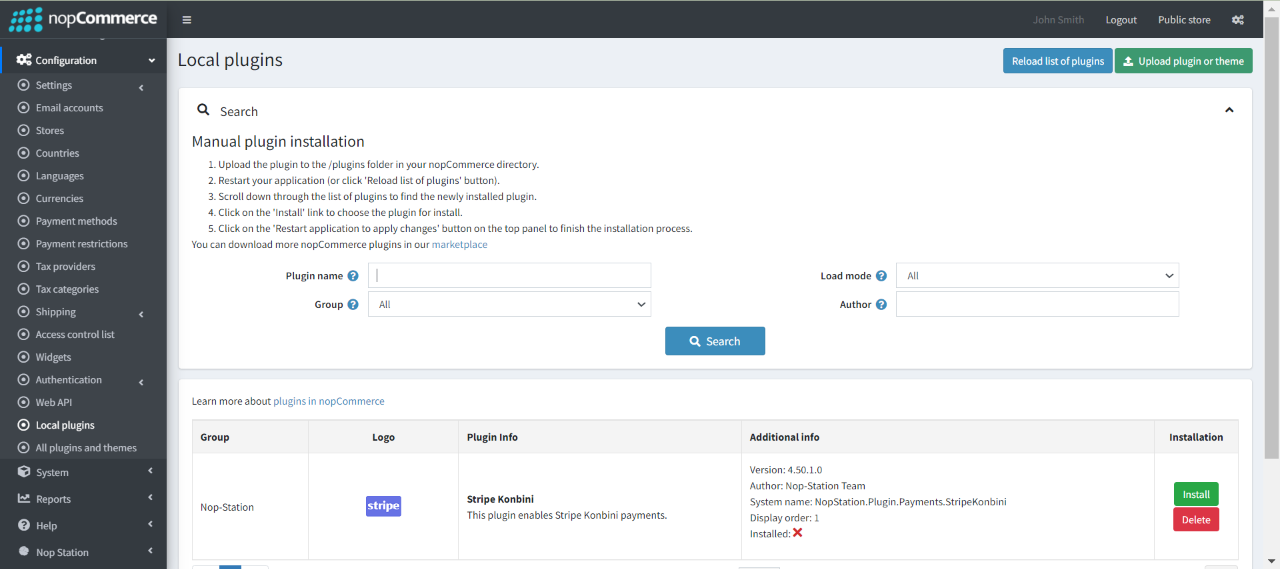
Go to Administration, reload the 'list of plugins'. Install 'Nop-Station Core' Plugin first and then install 'Stripe Konbini'
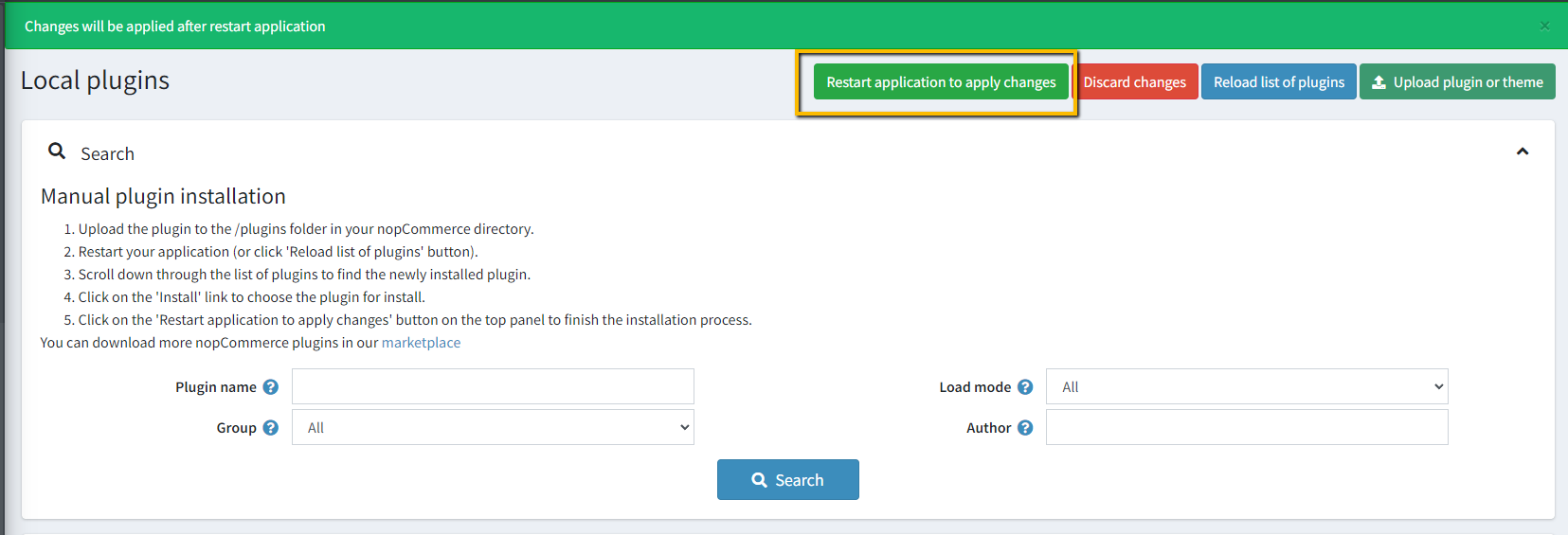
To make the plugins functional, restart the application.
Enable the plugin with 'Edit' option and Configure it.
CONFIGURATION
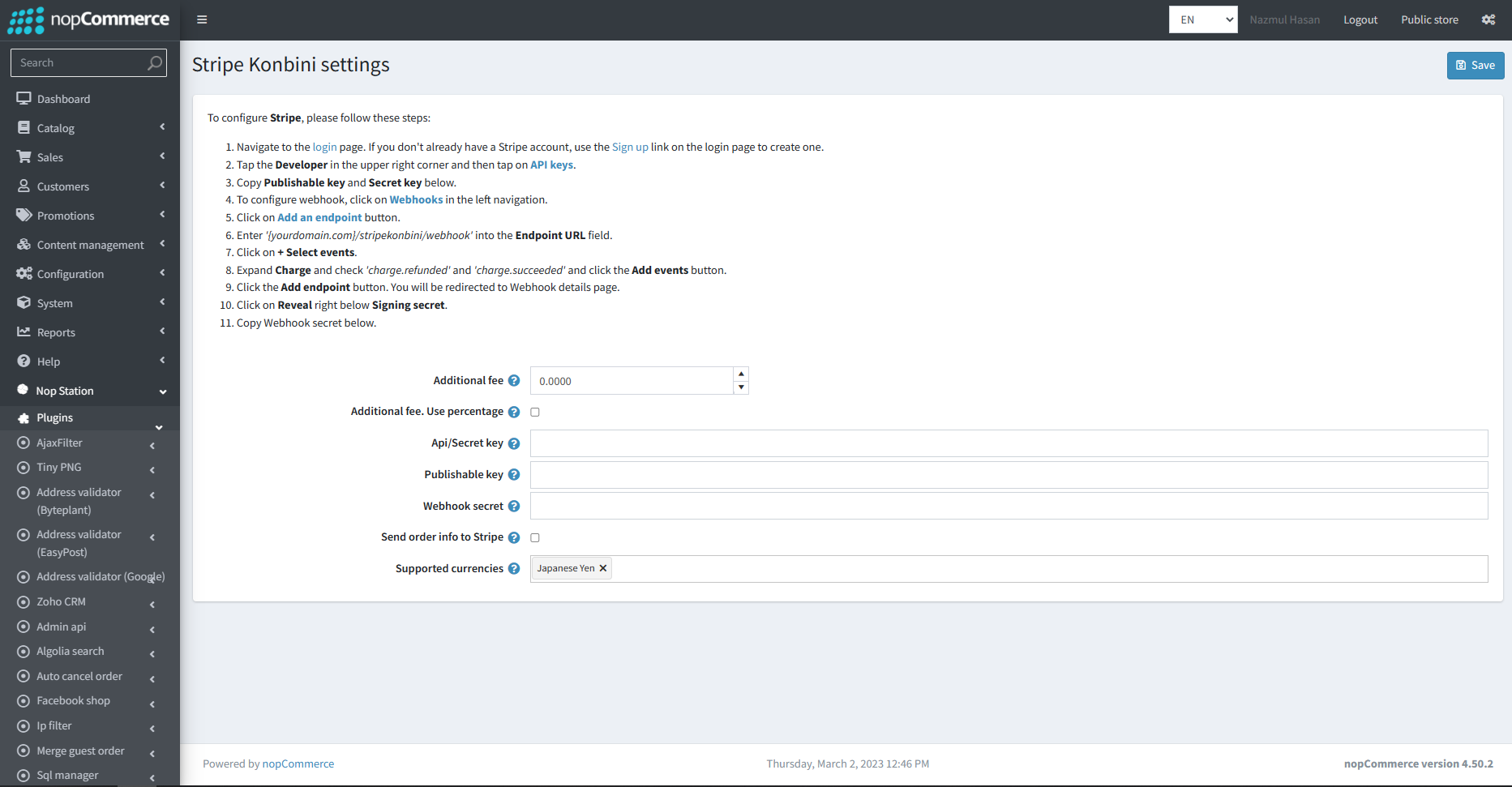
Go to Admin → NopStation → Plugins → Stripe Konbini → Configuration
Enter the Stripe Konbini Api/Secret key
Enter the Stripe Konbini Publishable key
Enter the Webhook secret
Select the Supported currencies. Keep it empty if all active currencies are supported.
Check to Send order information to Stripe.
Additional fee: This is the amount that charges the customer for using this payment method
Additional fee. Use percentage: Check the box to determine whether to apply an additional percentage fee to the order total. If not checked, a fixed value is used