
PRE-REQUISITES
- The plugin requires you to install the Nop-Station Core plugin first.
INSTALLATION
- Download the Topic Export-Import from our store https://nop-station.com/customer/downloadableproducts
- Go to Administration → Configuration → Local plugins
- Upload the Topic Export-Import zip file using the "Upload plugin or theme" button.
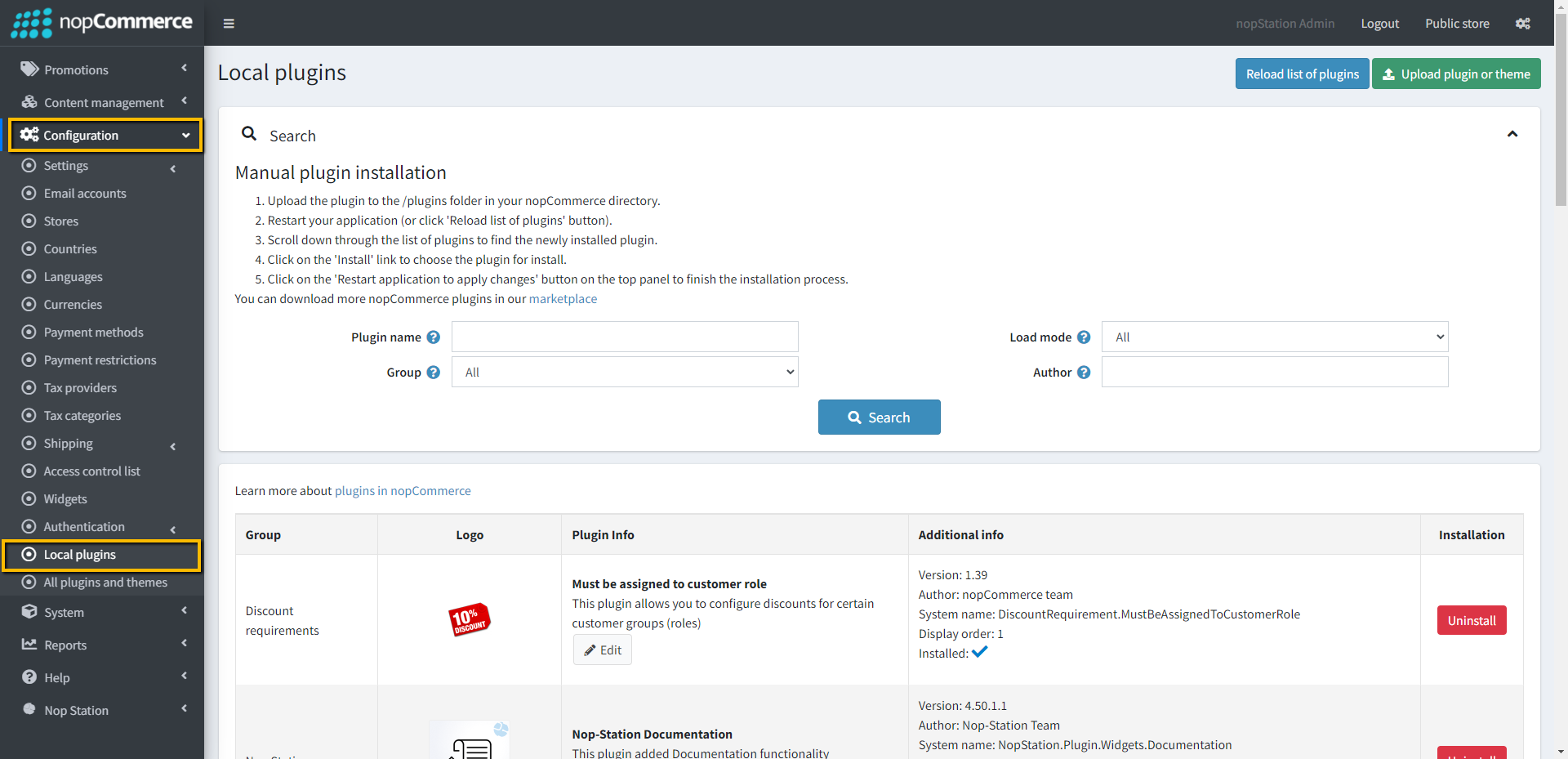
- Click on, the 'Reload list of plugins' button. The Topic Export-Import will appear in the plugin list.
- Install the NopStation Core plugin first and then install Topic Export-Import Plugin
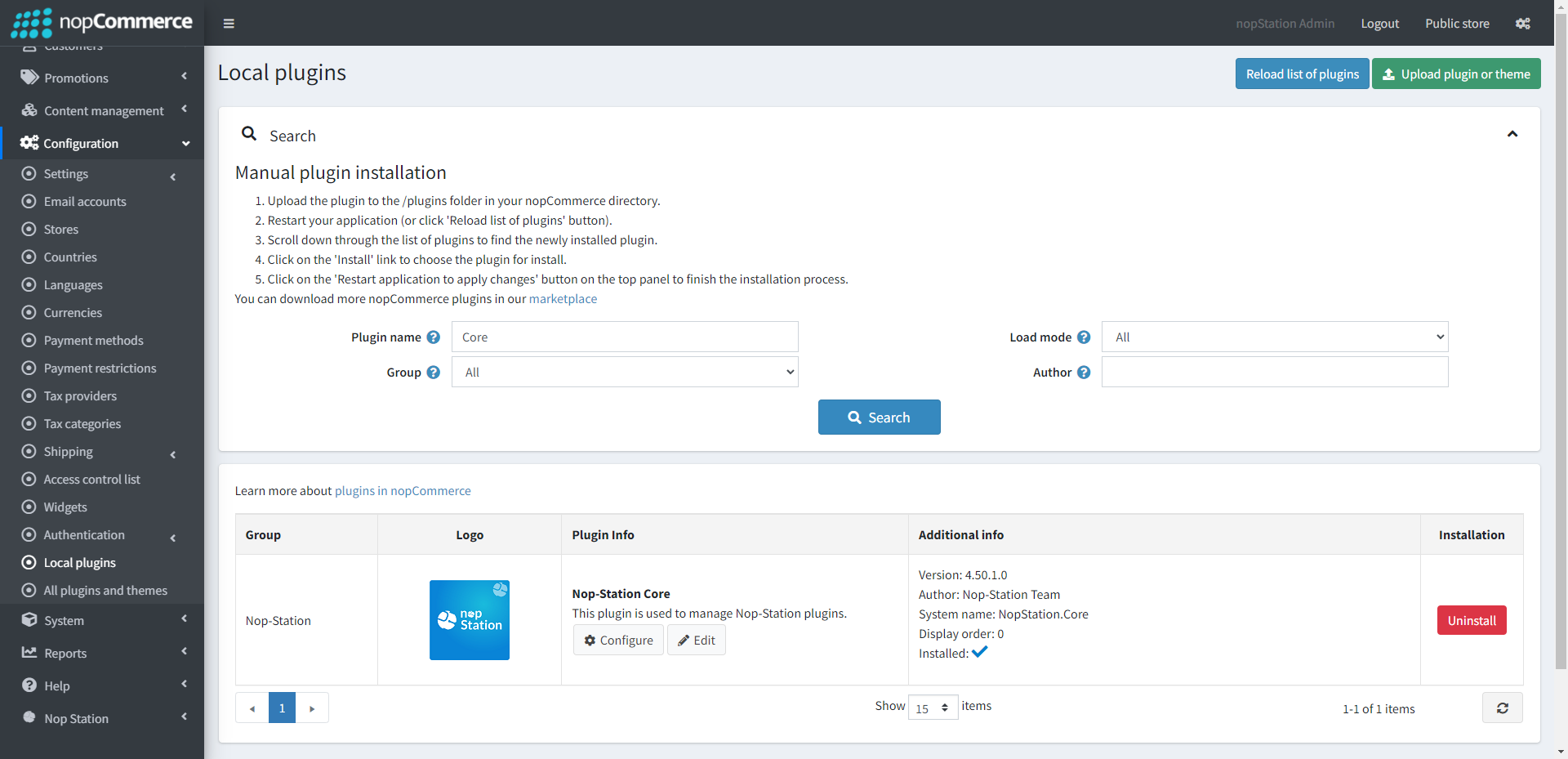
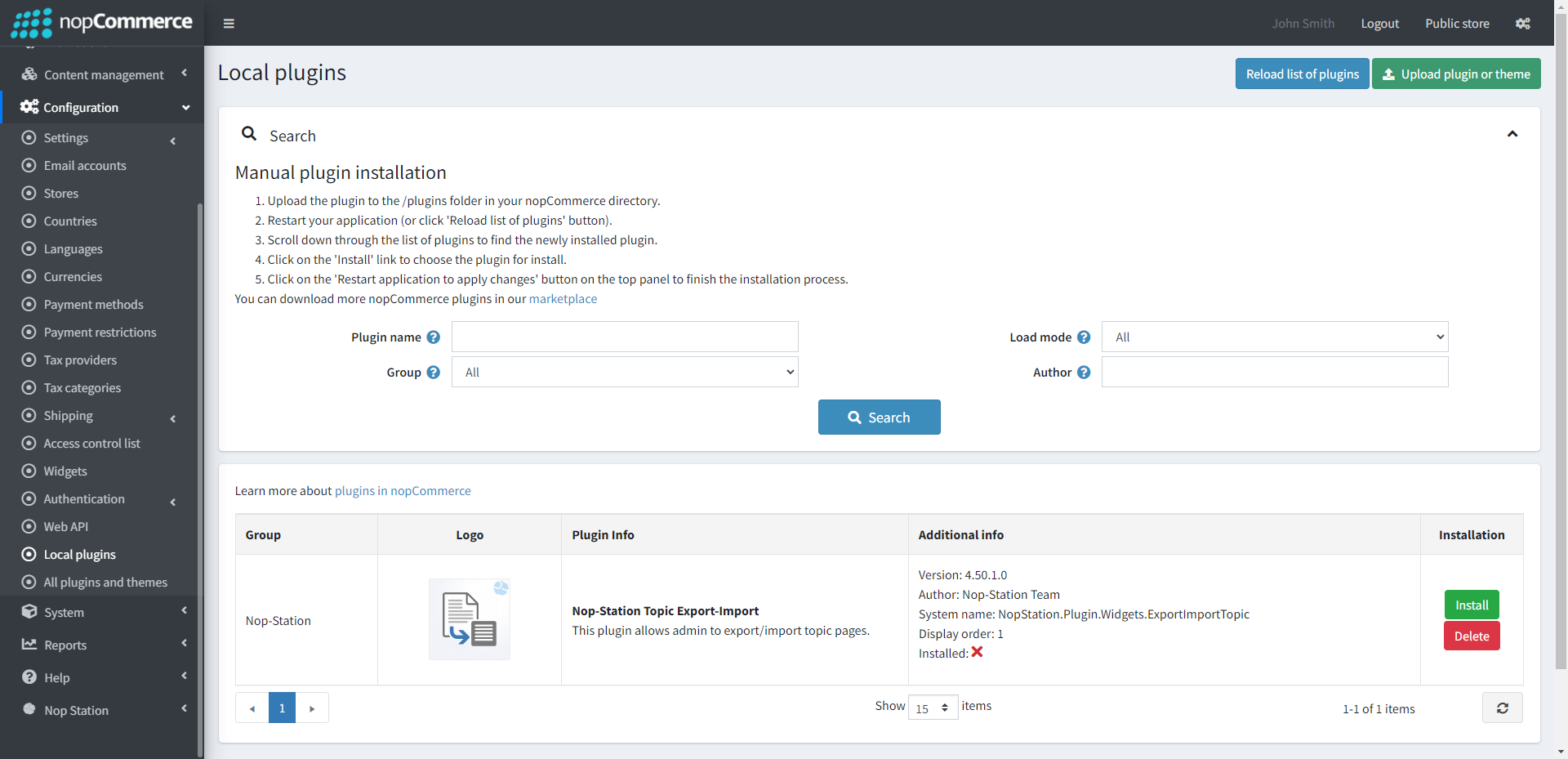
- To make the plugins functional, restart the application.
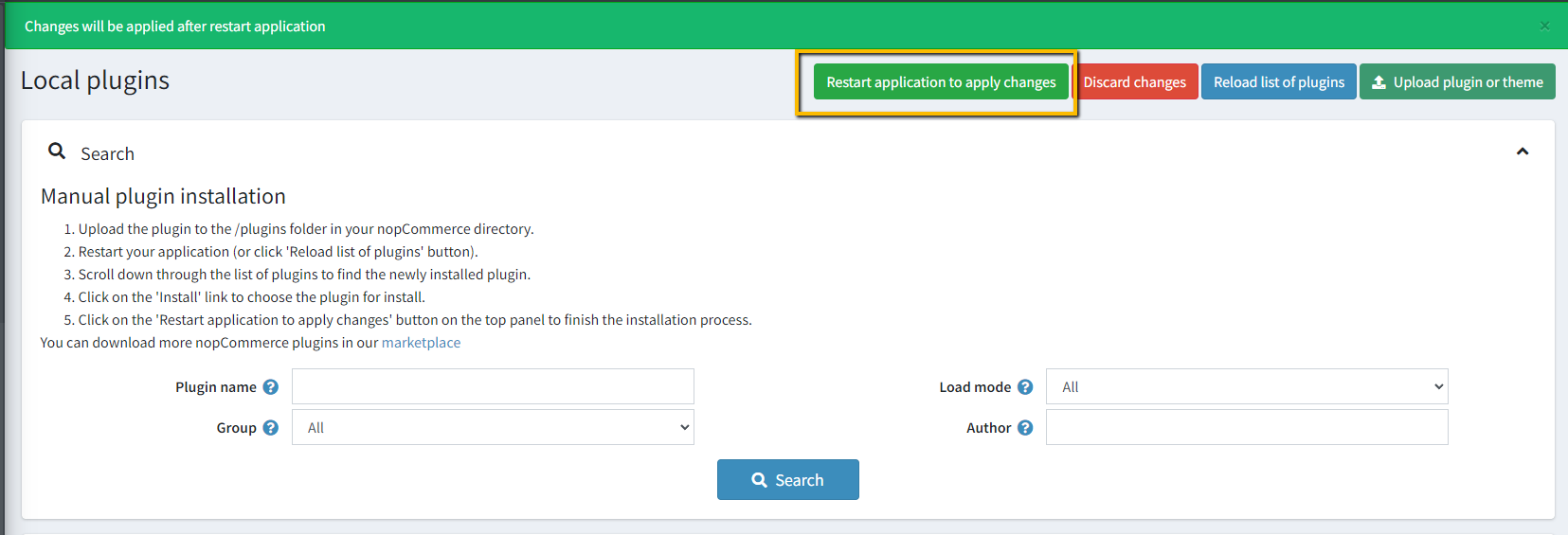
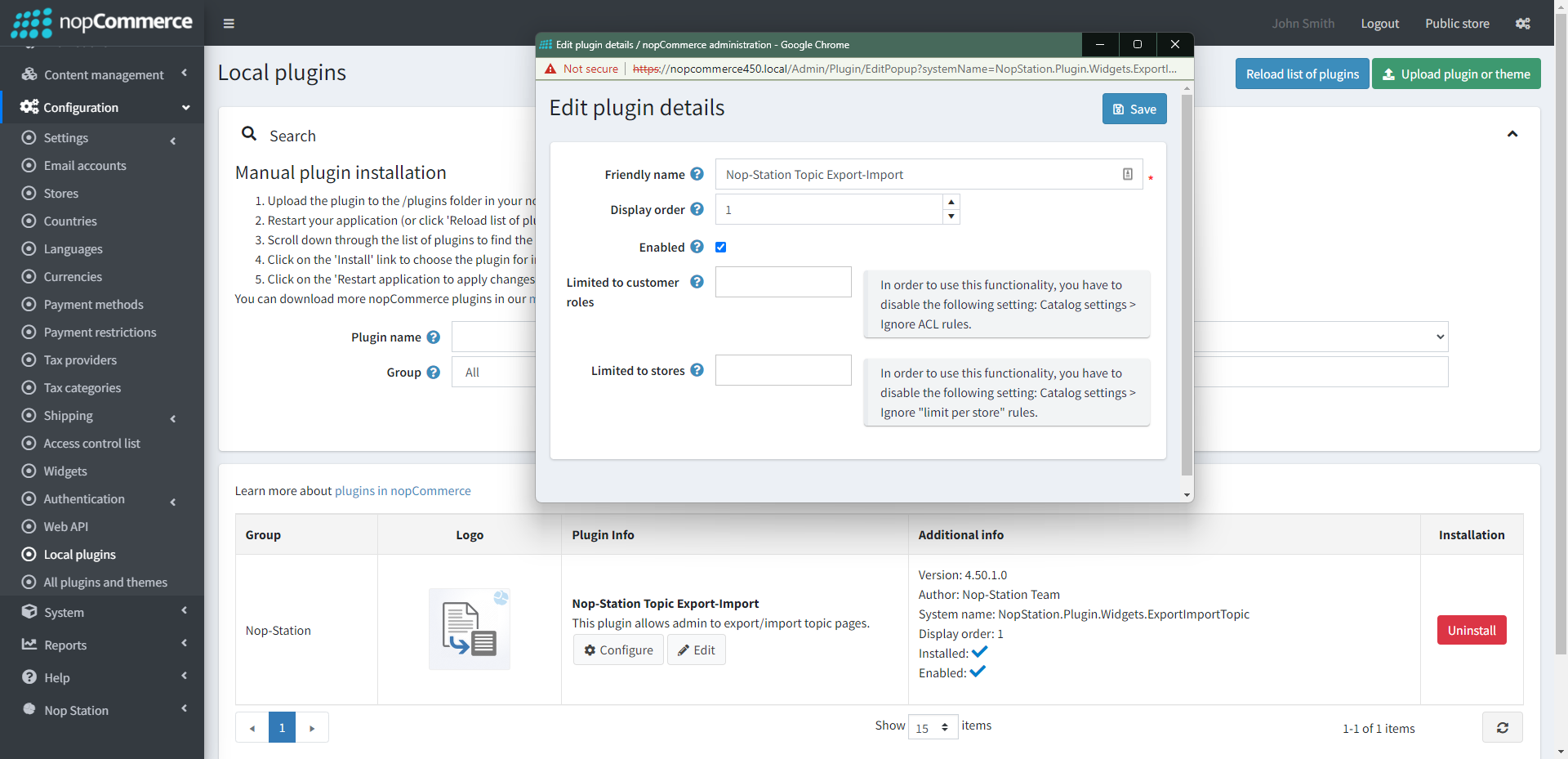
- Enable the plugin with 'Edit' option and Configure it.
CONFIGURATION
- Go to Admin → NopStation → Ex-imp topic → Configuration at the Administration panel
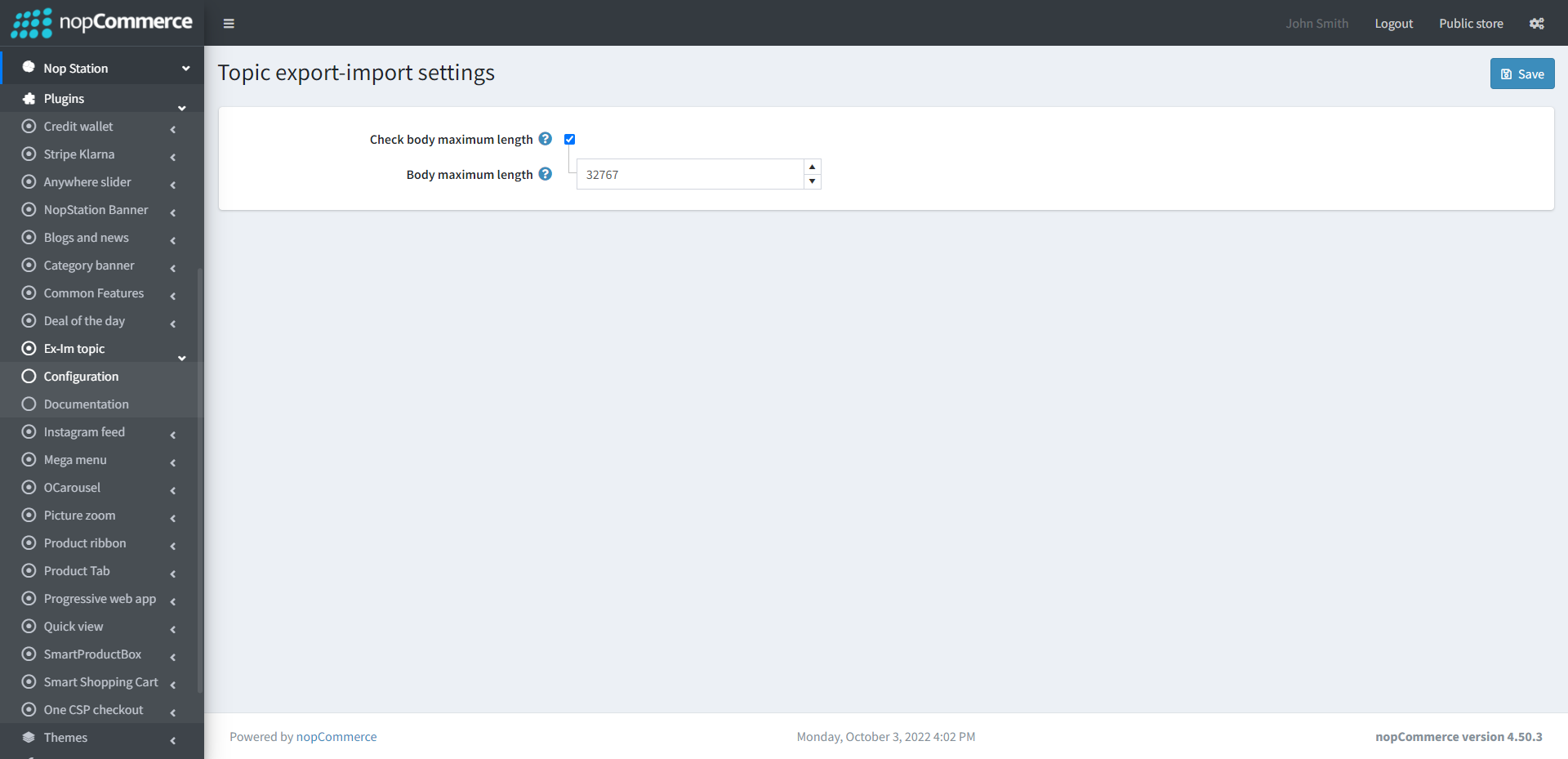
- Check and set body maximum length. Then save it.

