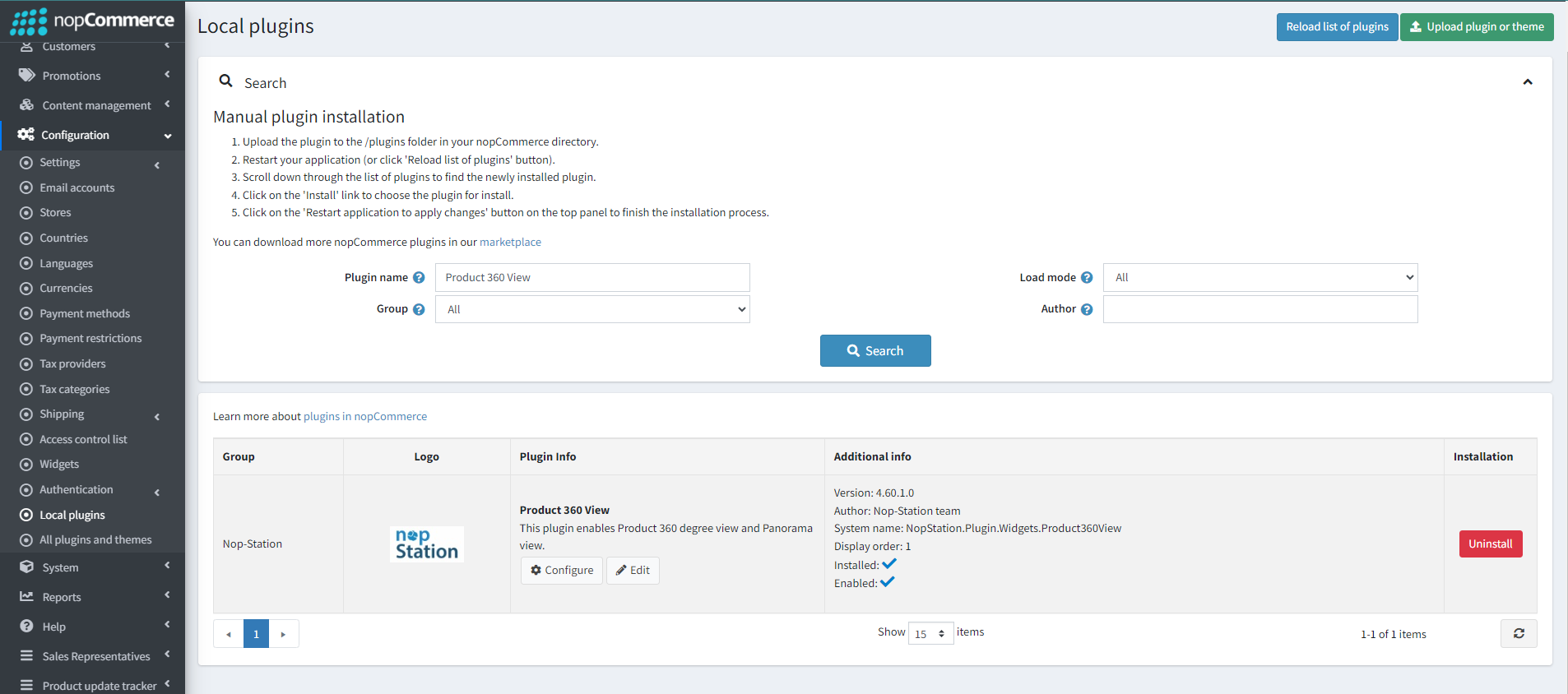
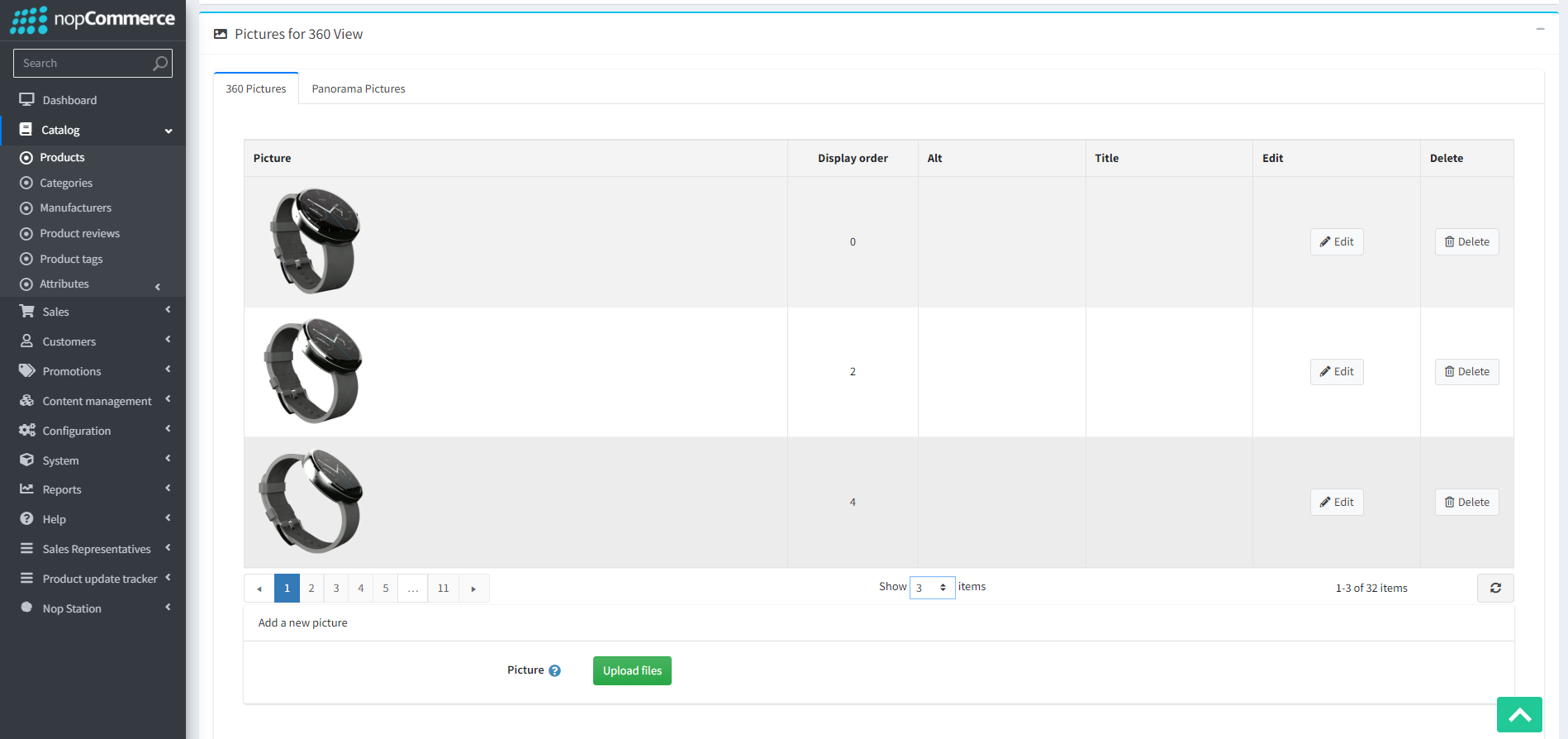
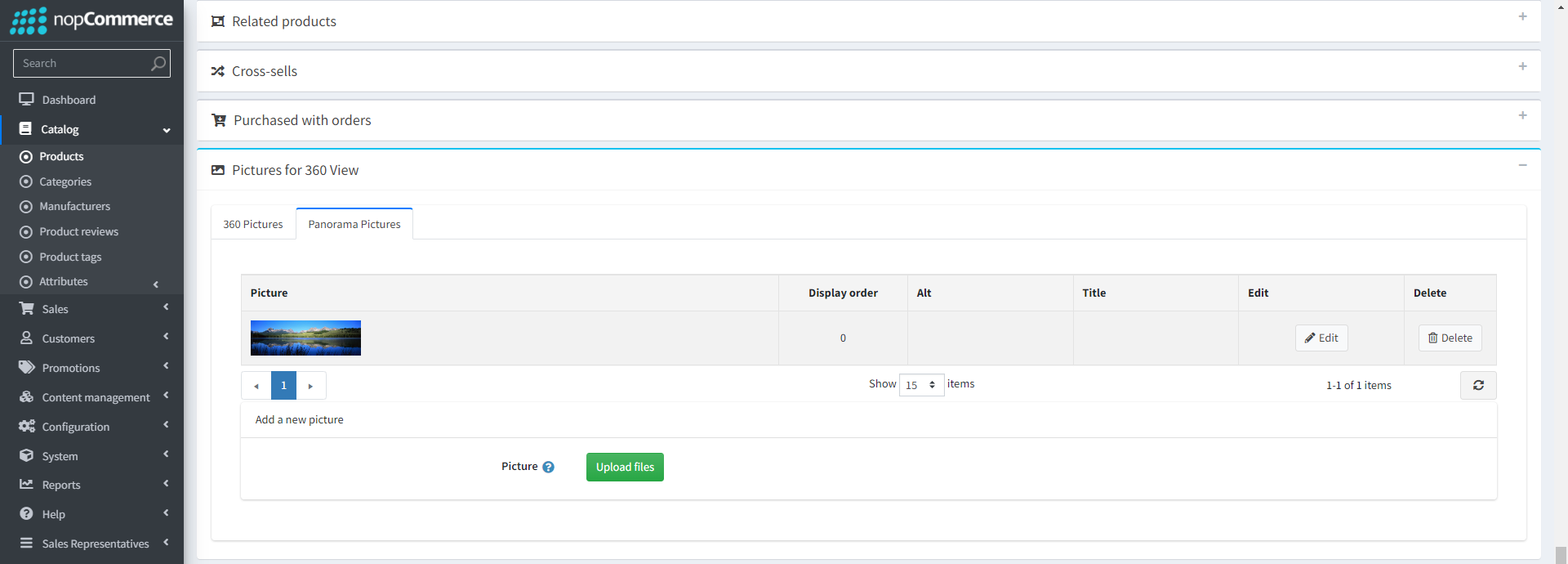
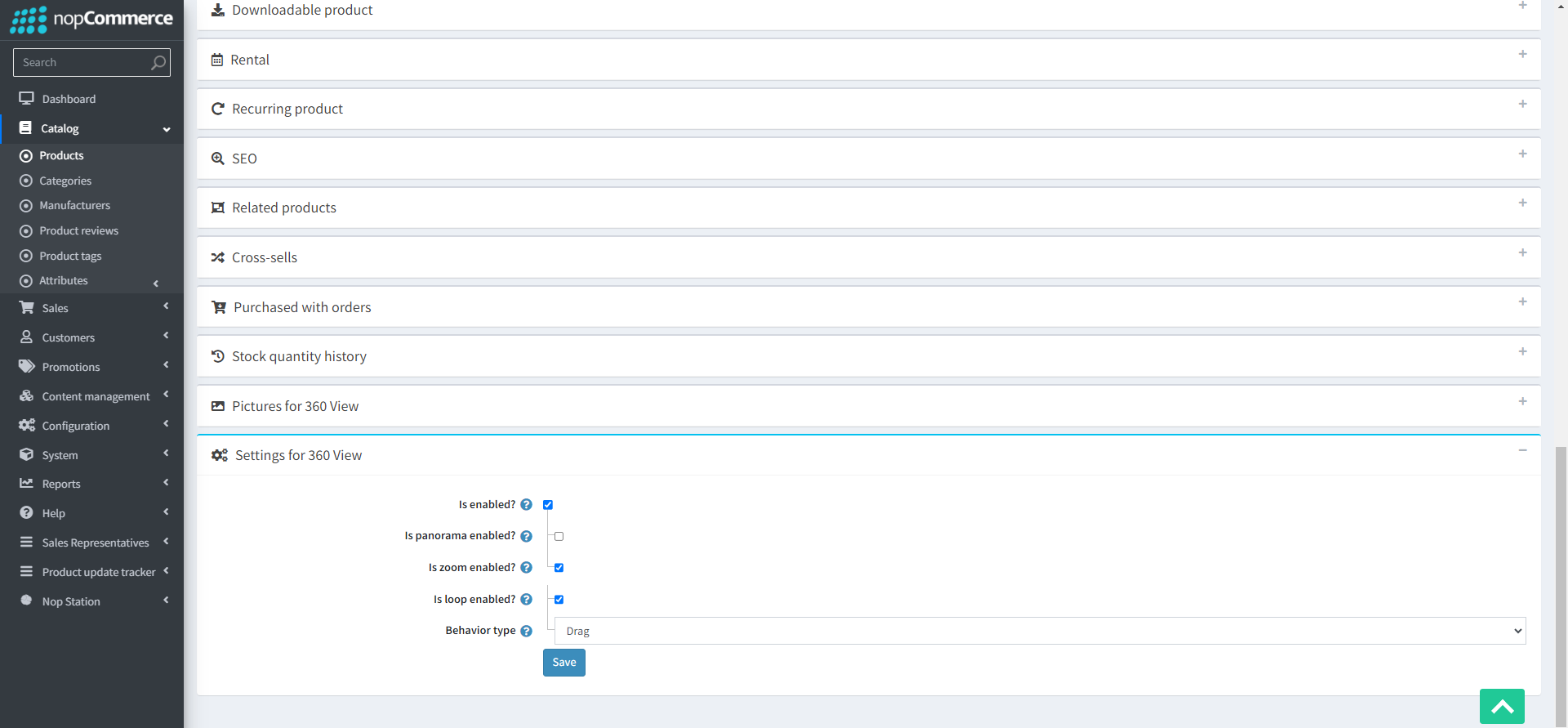
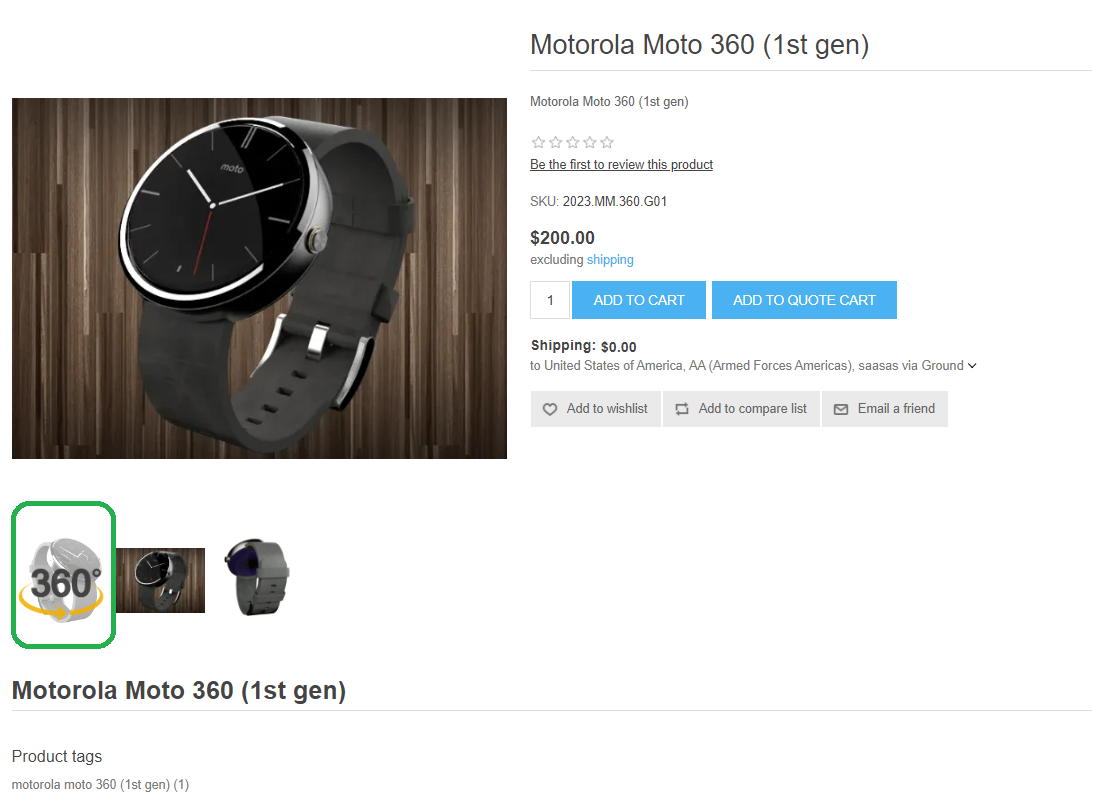
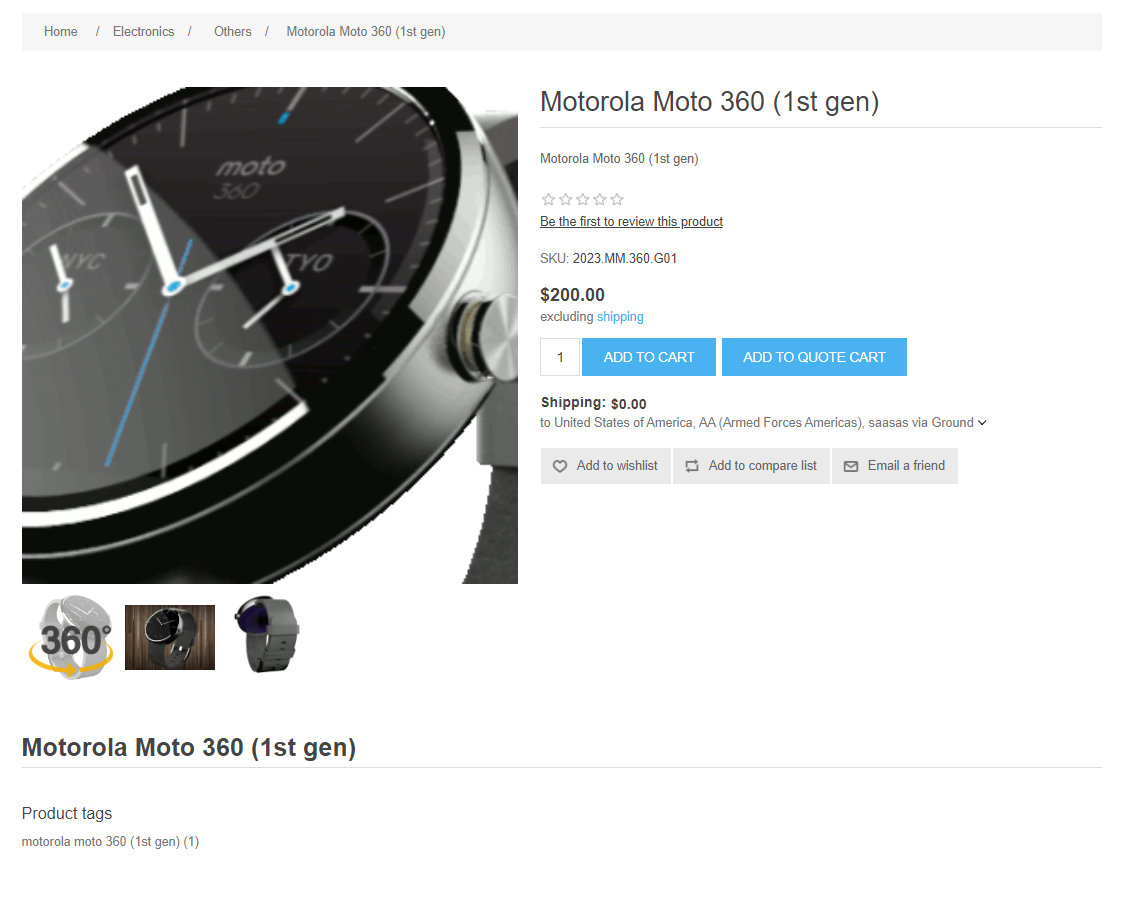
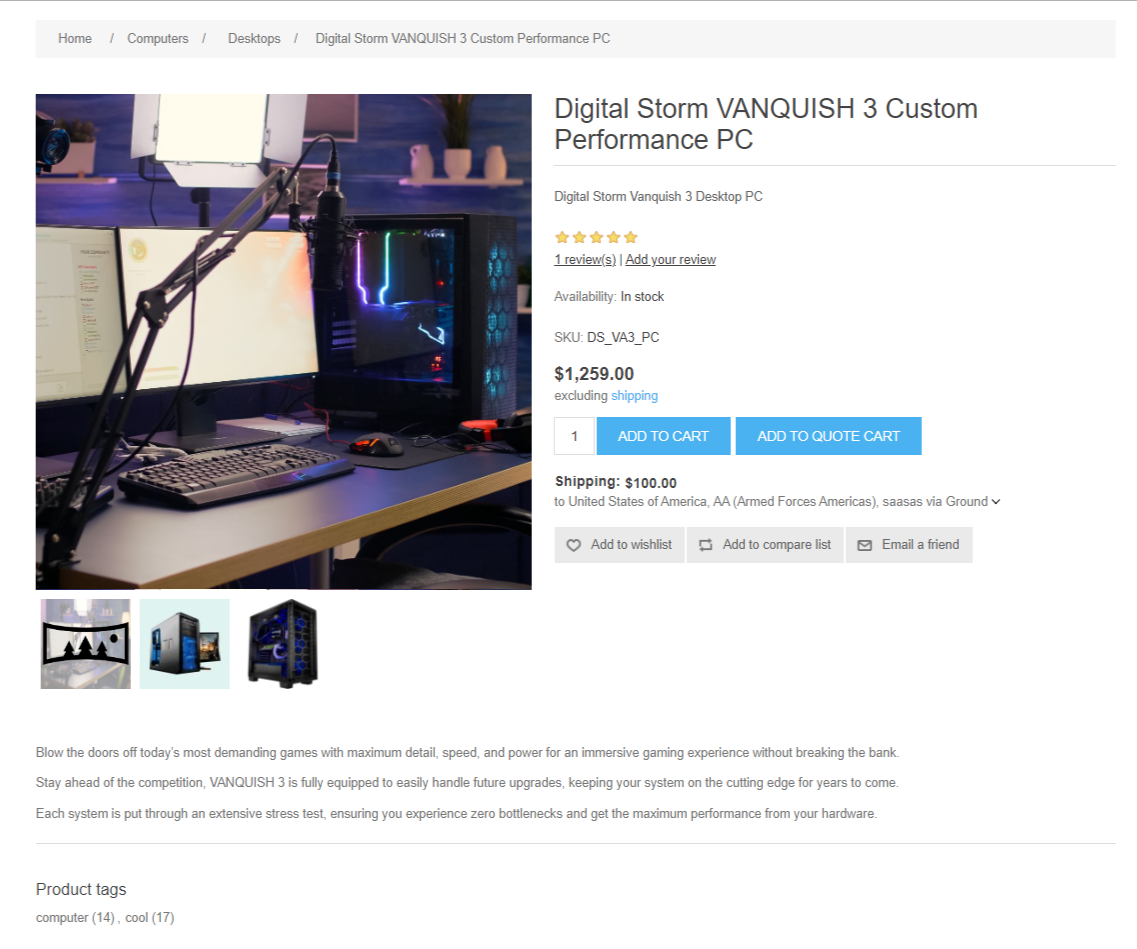
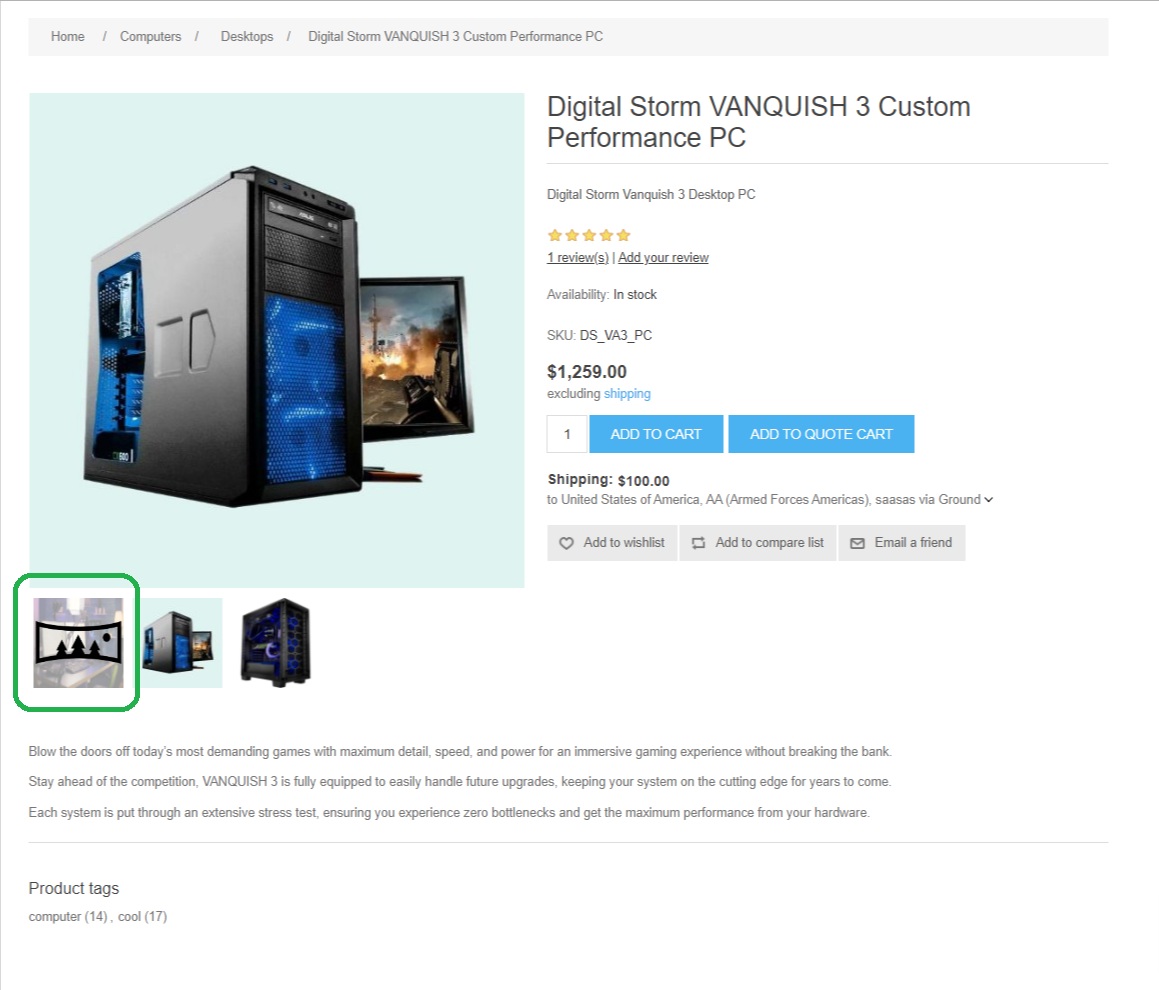
Product 360 viewer is a digital tool or technology used to display a product in a way that allows users to view it from all angles, typically by rotating it horizontally and sometimes vertically. This interactive feature is commonly used in e-commerce websites, product presentations, and marketing materials to a more immersive and detailed view of a product for potential customers. nopStations’s Product 360 Viewer Plugin for nopCommerce is an essential plugin that enhances the customer's online shopping experience by allowing them to interactively explore products from every angle. It enables 360-degree rotation and zoom functionality, enabling customers to view products in a panoramic view. This feature improves product visualization, reduces returns, and engages users effectively, making it a valuable addition to nopCommerce-based e-commerce websites.
PRE-REQUISITES
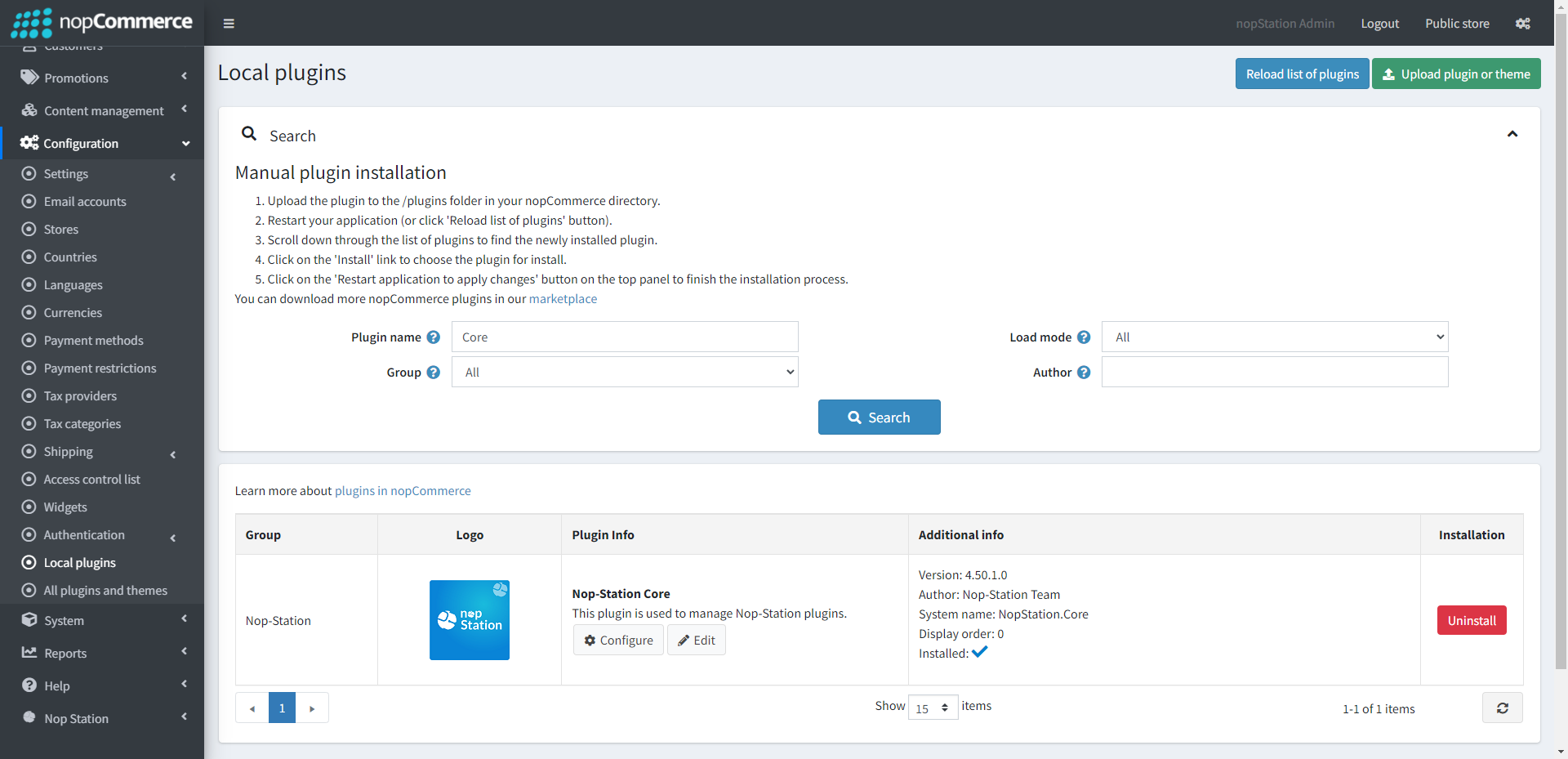
The plugin requires you to install the Nop-Station Core plugin first.