PRE-REQUISITES
- The plugin requires you to install the Nop-Station Core plugin first.
INSTALLATION
- Download the Mega Menu plugin from our store https://nop-station.com/customer/downloadableproducts
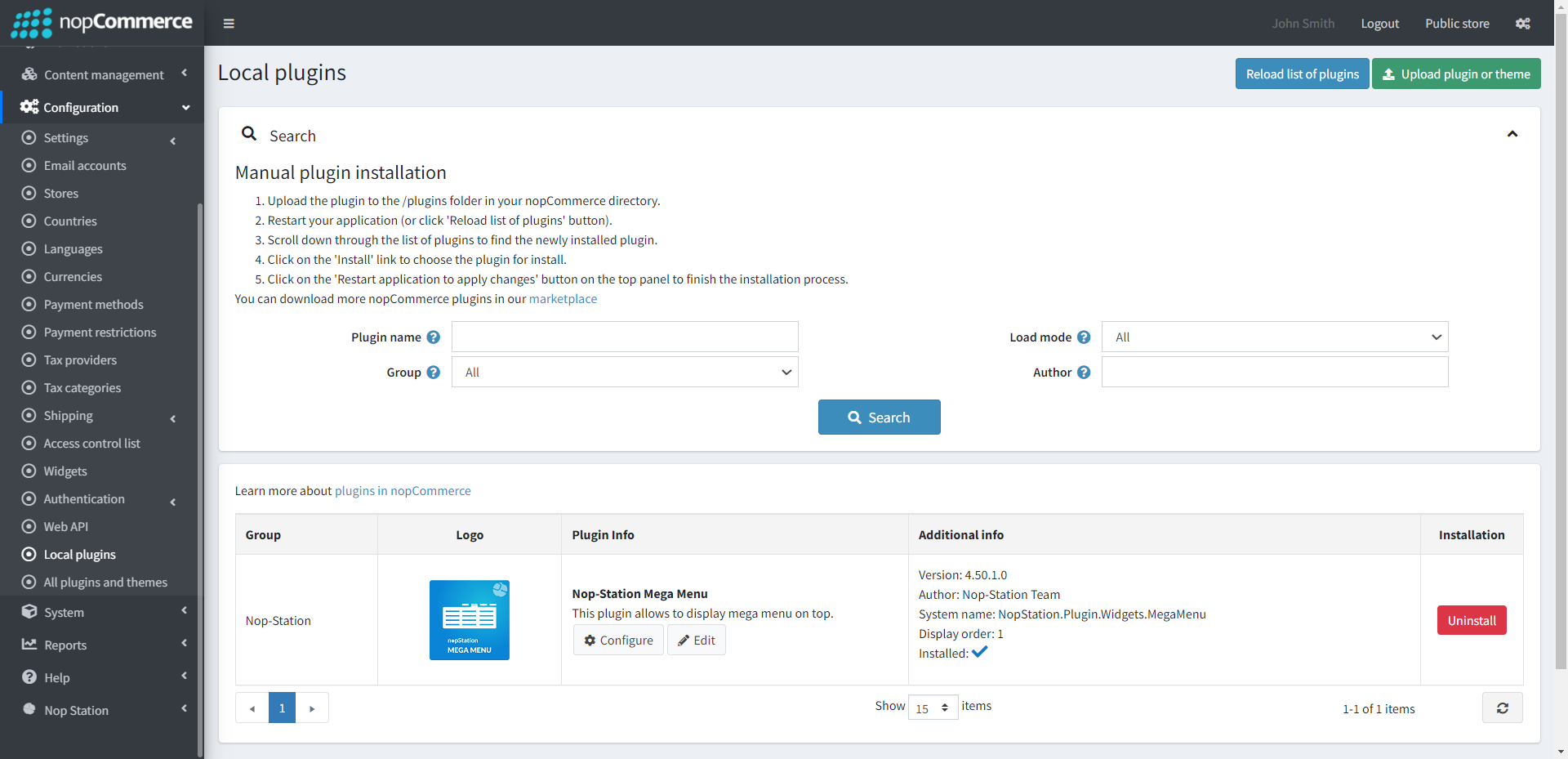
- Go to Administration → Configuration → Local plugins
- Upload the NopStation.MegaMenu zip file using the "Upload plugin or theme" button
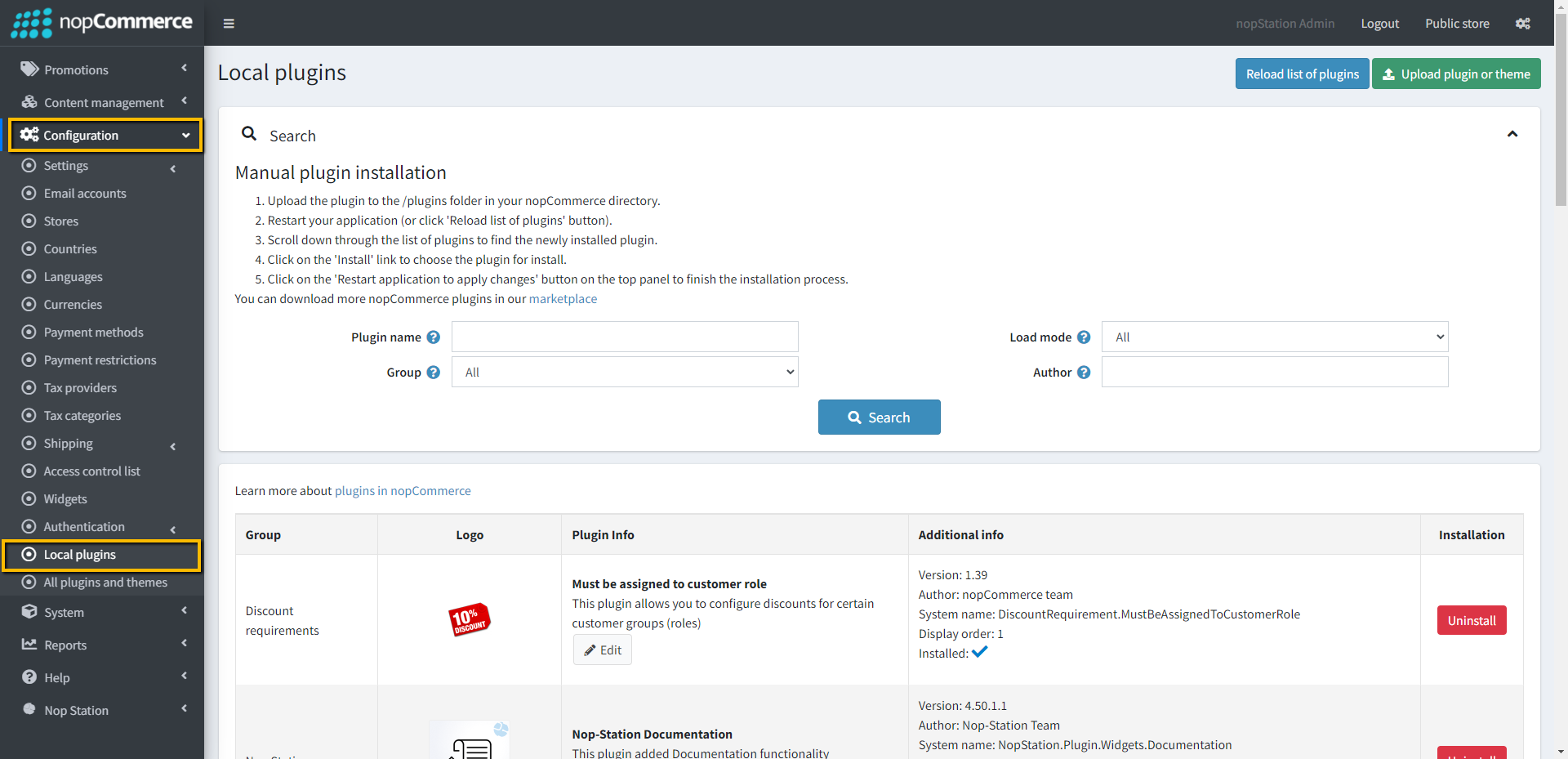
- Go to Administration, reload the 'list of plugins'. Install 'Nop-Station Core' Plugin first and then install 'Nop-Station Mega Menu'
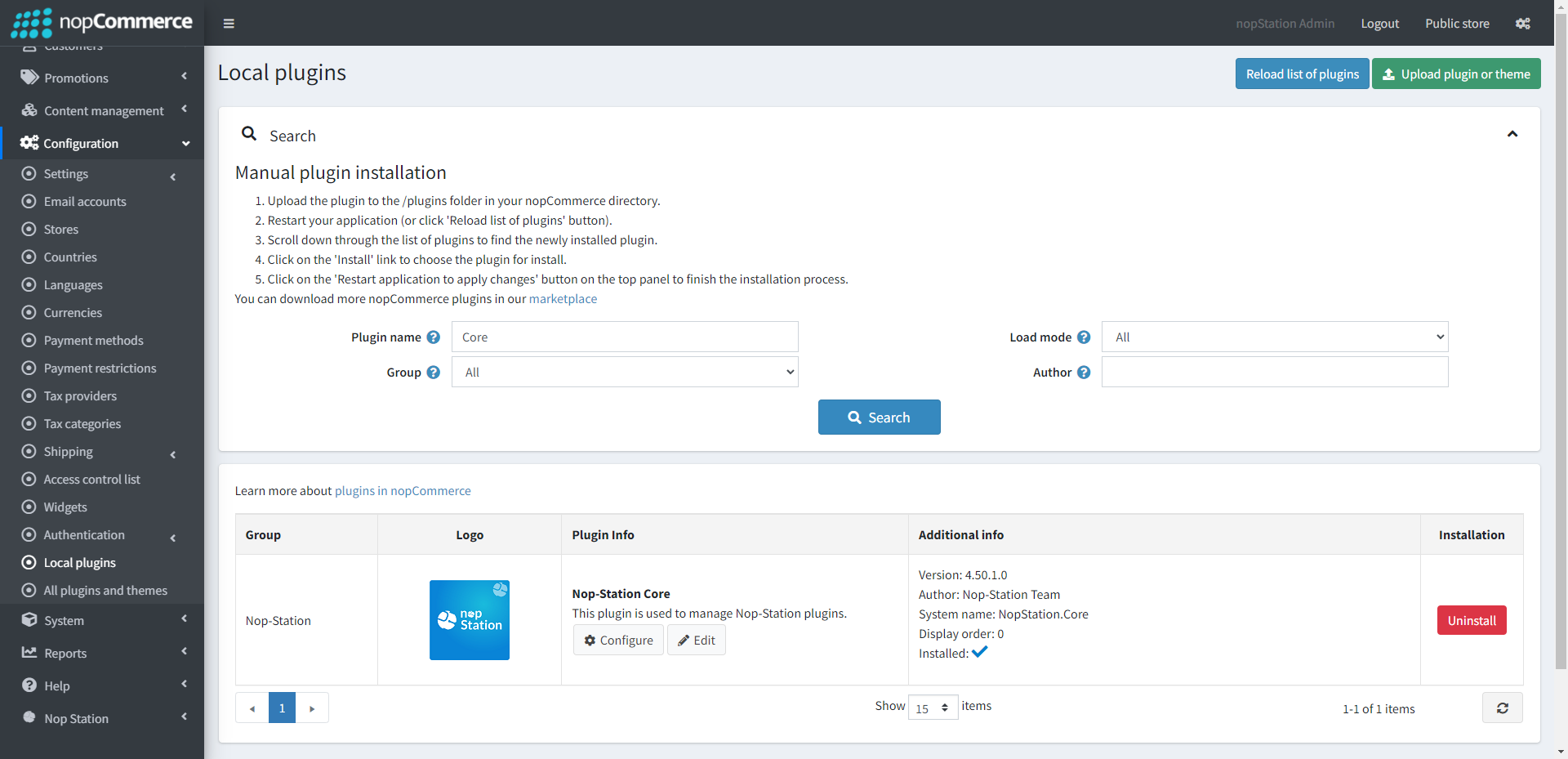
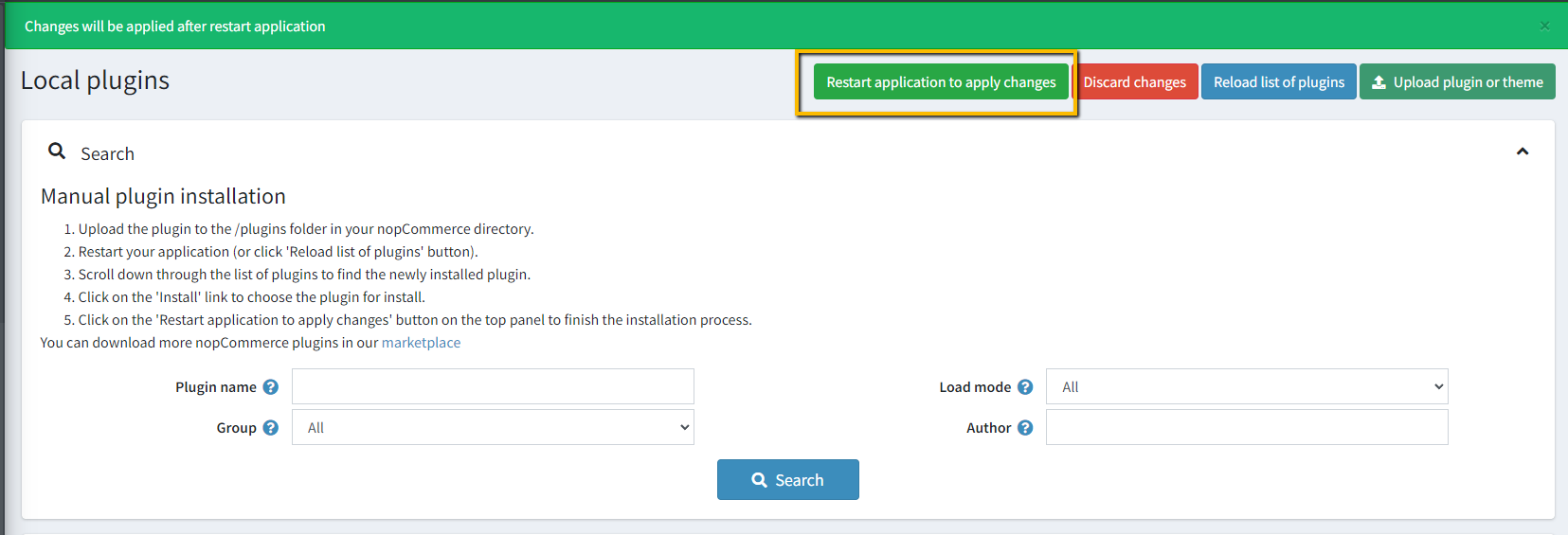
- To make the plugins functional, restart the application.
CONFIGURATION
- Go to Admin → NopStation → Plugins → Mega menu → Configuration
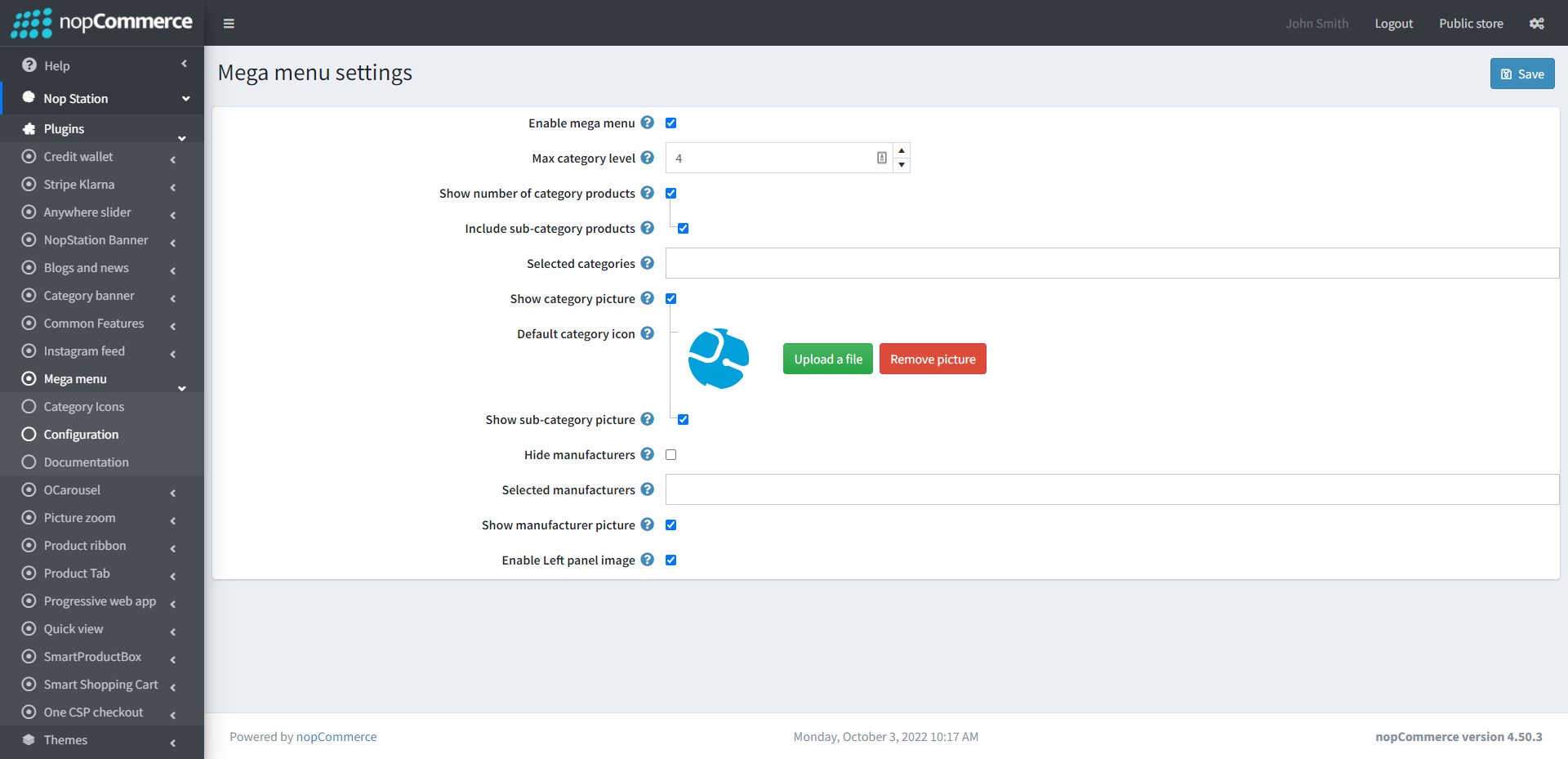
- Enable mega menu: Check to enable mega menu. Restart application after changing value of this property.
- Max category level: Maximum category level to be displayed on top menu.
- Show number of category products: Determines whether number of category products to be displayed on top menu or not.
- Include sub-category products: Check to show category product number including sub-categories.
- Selected categories: Selected categories to be displayed on top menu.
- Show category picture: Check to show category picture on top menu.
- Default category icon: Upload the default category icon to show on mega menu.
- Show sub-category picture: Check to show sub-category picture on top menu.
- Hide manufacturers: Check to hide manufacturers from top menu.
- Selected manufacturers: Selected manufacturers to be displayed on top menu.
- Enable Left panel image: Check to enable Left panel image.
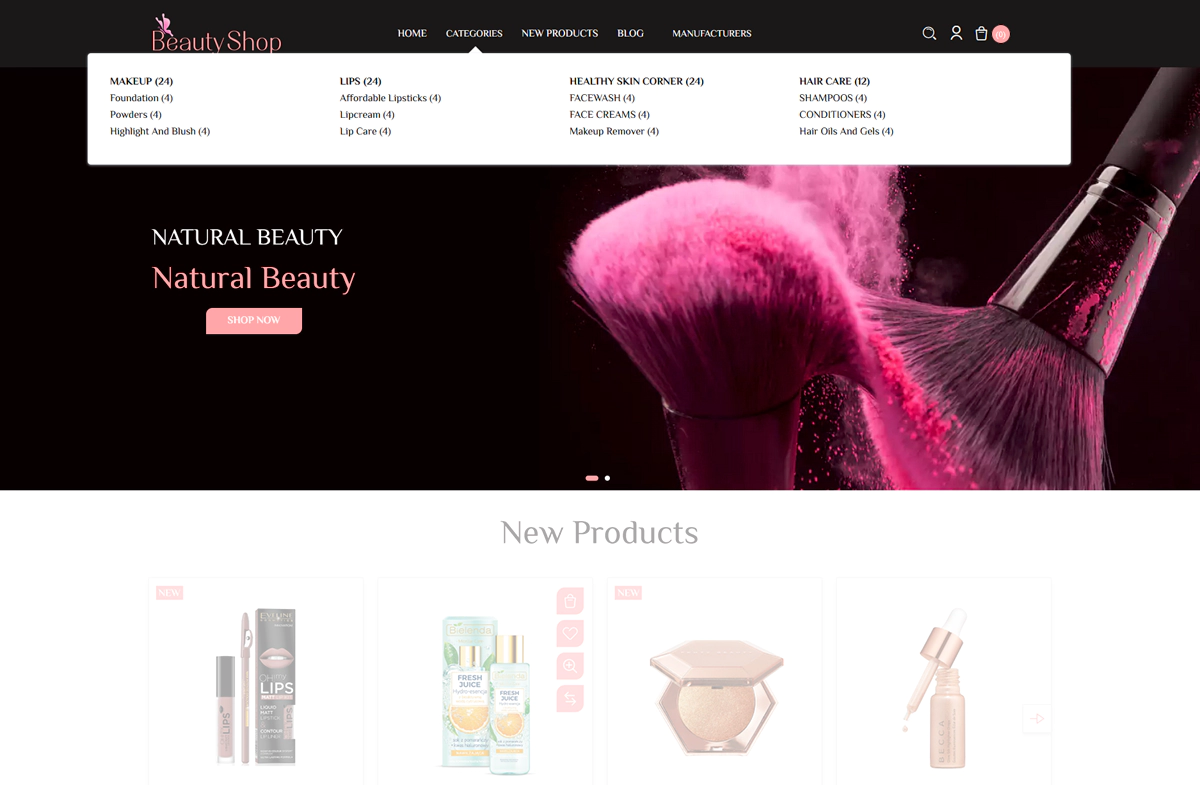
PUBLIC VIEW