
PRE-REQUISITES
- The plugin requires you to install the Nop-Station Core plugin first.
INSTALLATION
- Download the Instamojo Payment Plugin from our store https://nop-station.com/customer/downloadableproducts
- Go to Administration → Configuration → Local plugins
- Upload the NopStation.PaystackPayment zip file using the "Upload plugin or theme" button
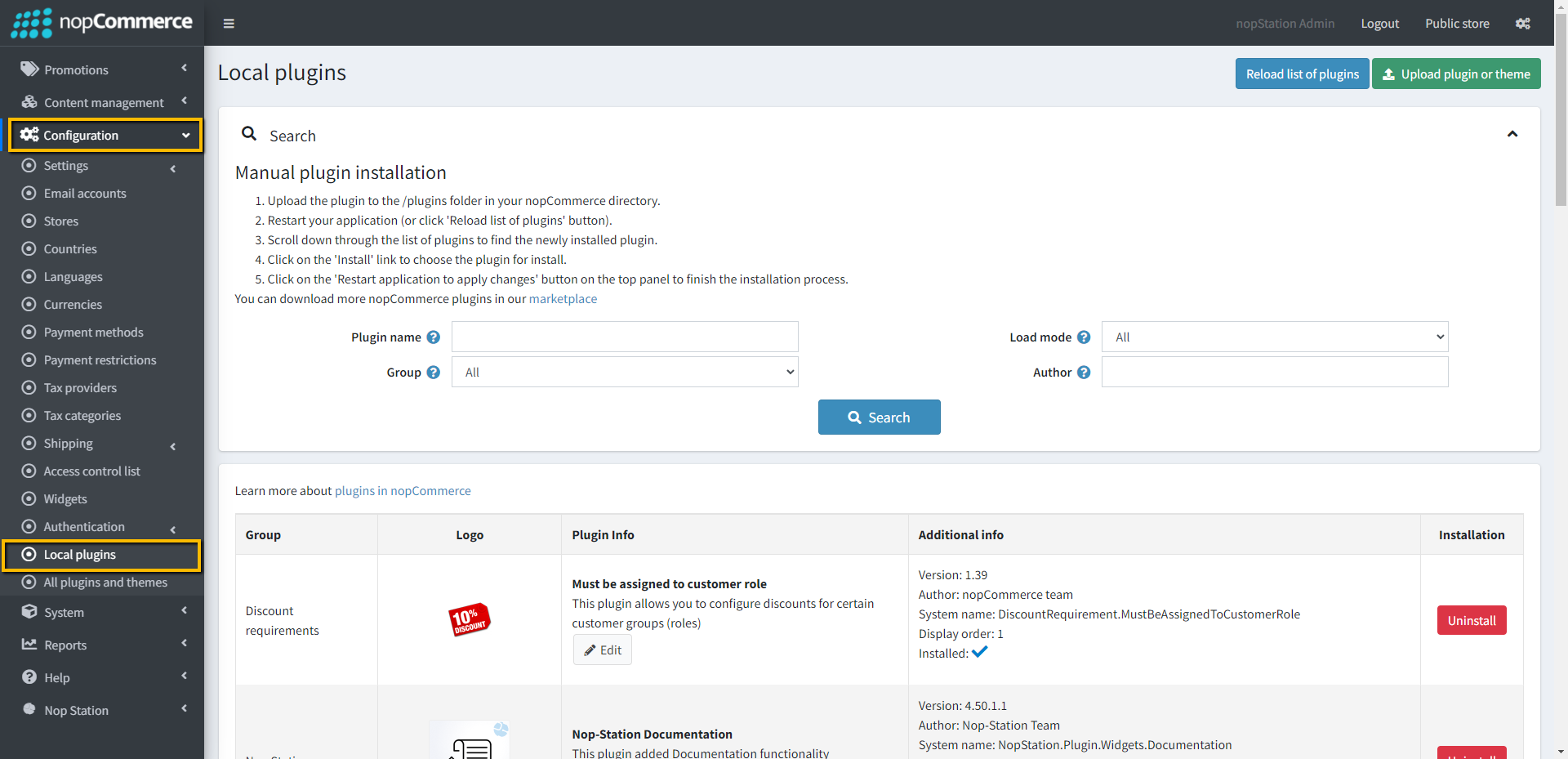
- Go to Administration, reload the 'list of plugins'. Install 'Nop-Station Core' Plugin first and then install 'Paystack Payment'
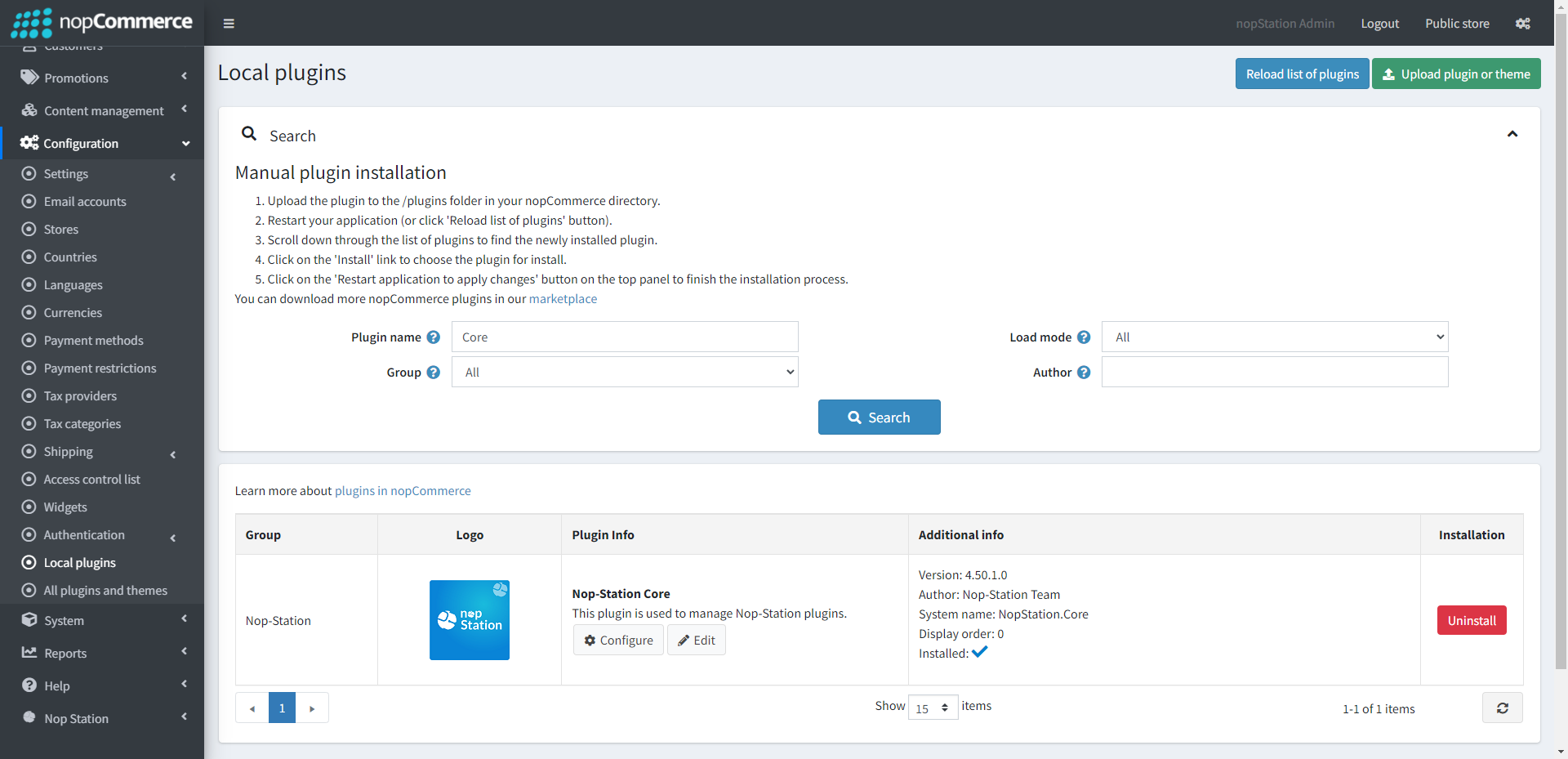
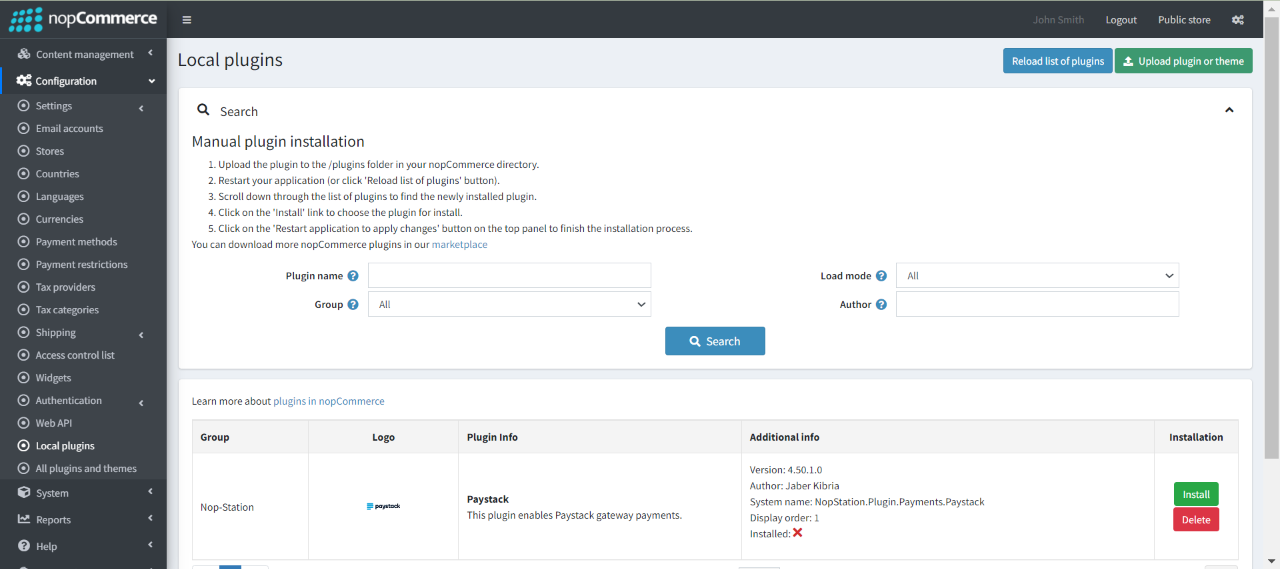
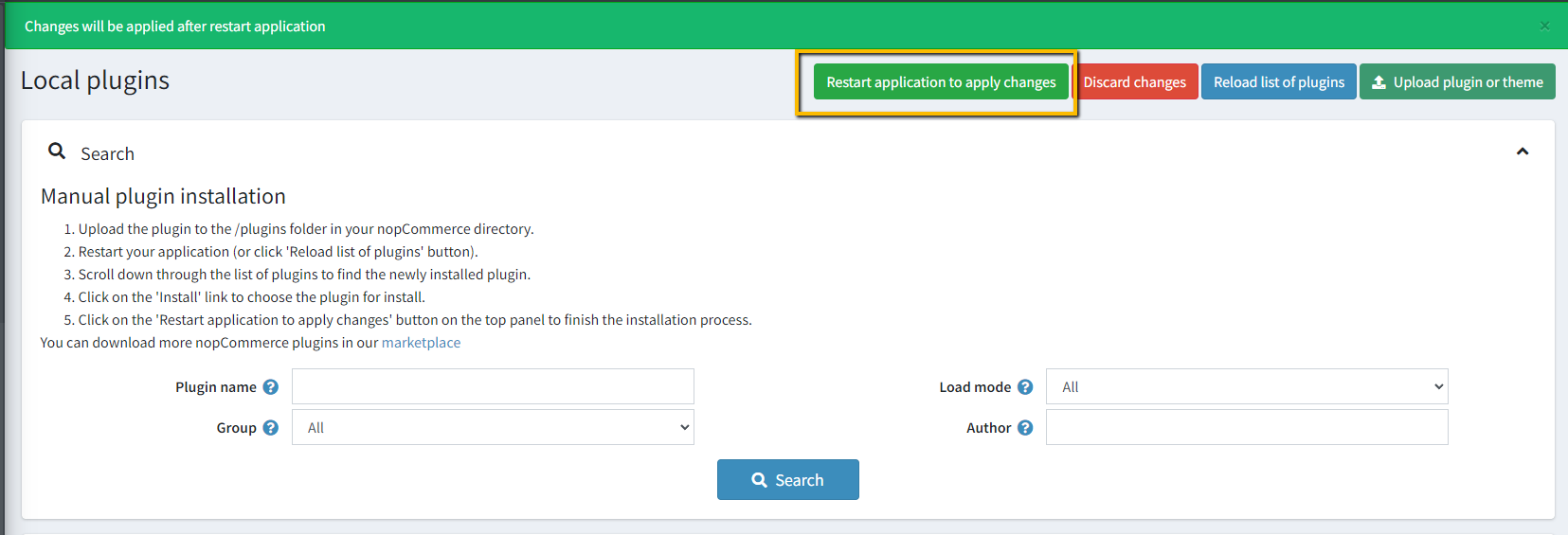
- To make the plugins functional, restart the application.
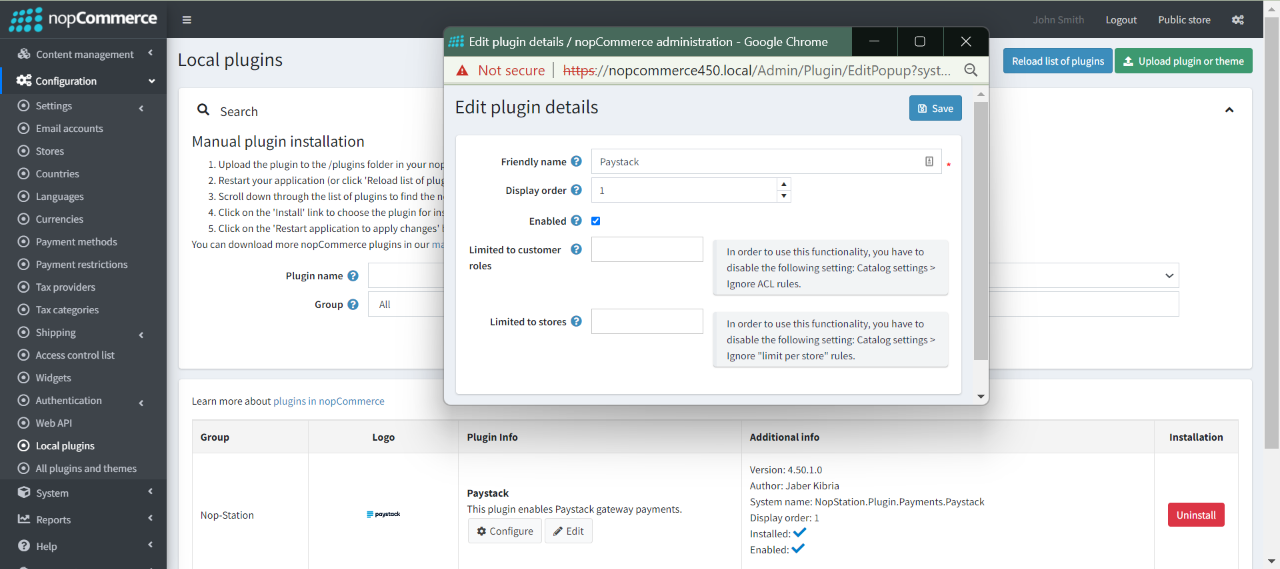
- Enable the plugin with 'Edit' option and Configure it.
CONFIGURATION
- Go to Admin → NopStation → Plugins → Paystack → Configuration
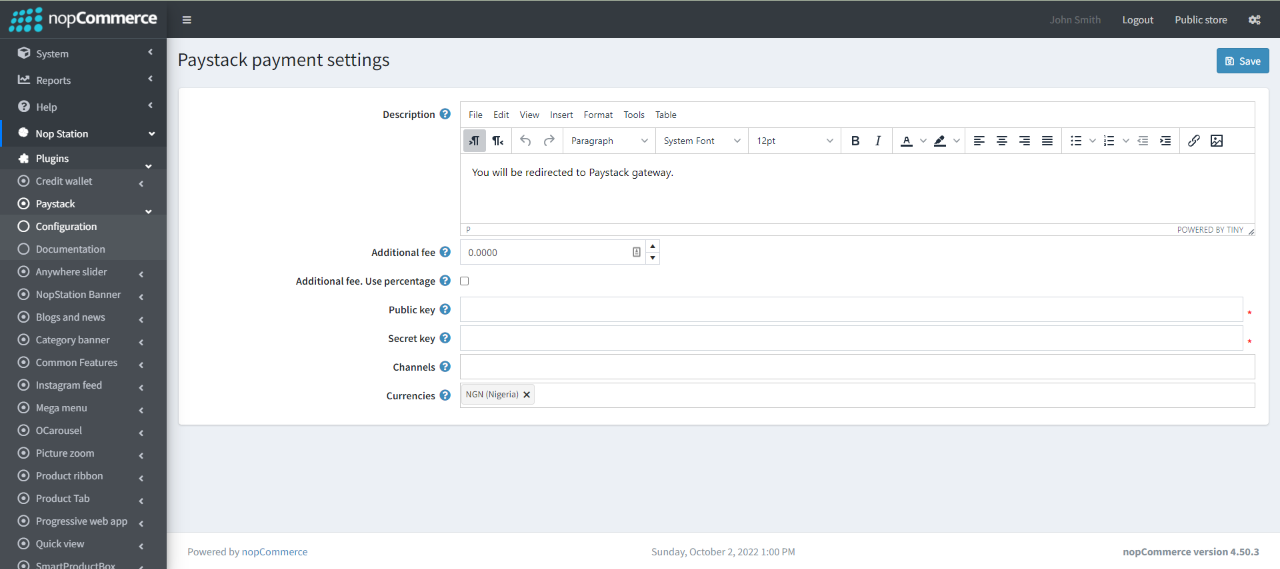
- Enter the Description text which will show on checkout page
- Enter the Paystack Public key
- Enter the Paystack Secret key
- Select the Supported currencies. Keep it empty if all active currencies are supported.
- Select the available payment Channels.
- Additional fee: This is the amount that charges the customer for using this payment method
- Additional fee. Use percentage: Check the box to determine whether to apply an additional percentage fee to the order total. If not checked, a fixed value is used

