Wednesday, December 8, 2021 · Last updated: Monday, October 3, 2022
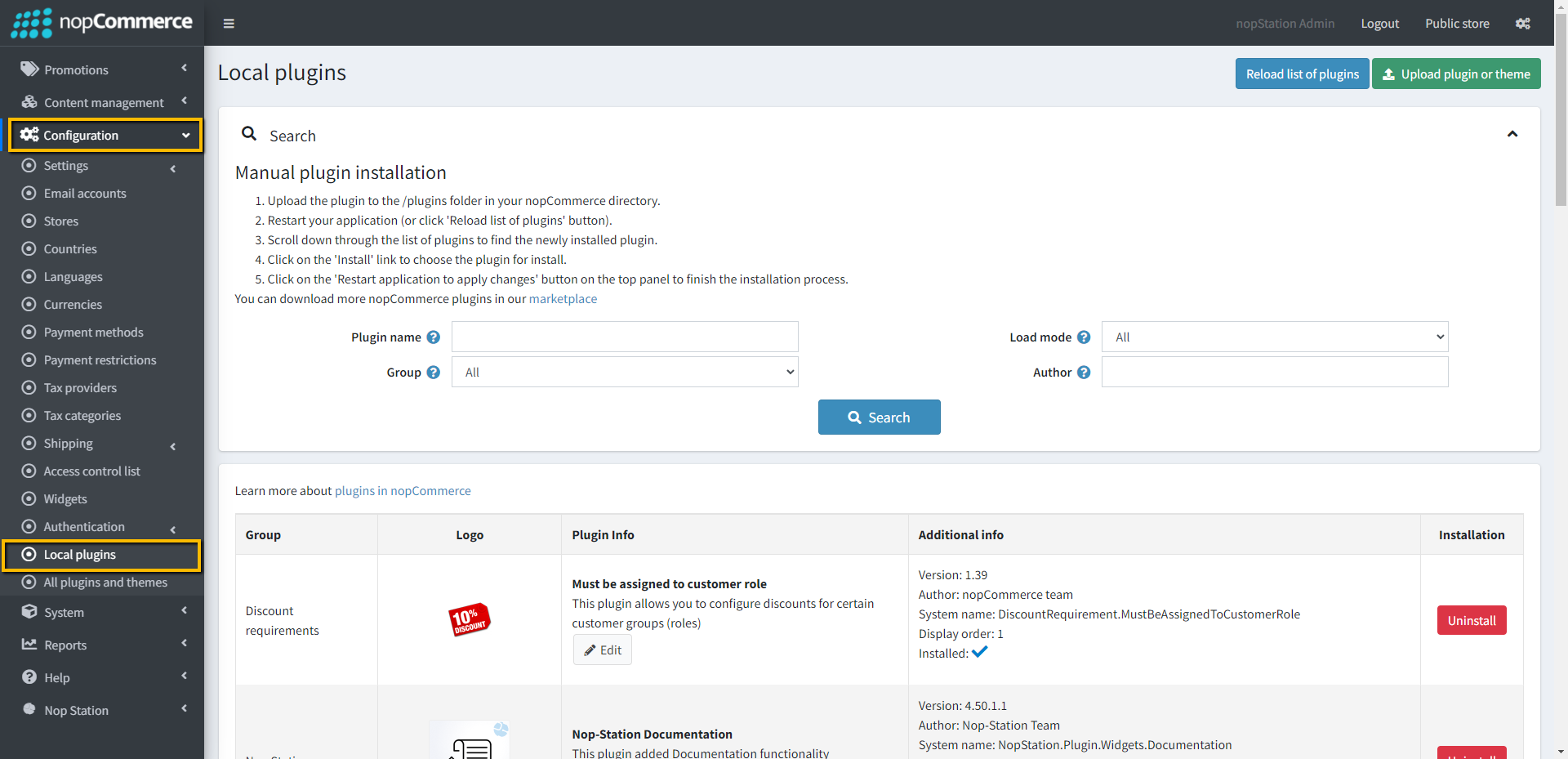
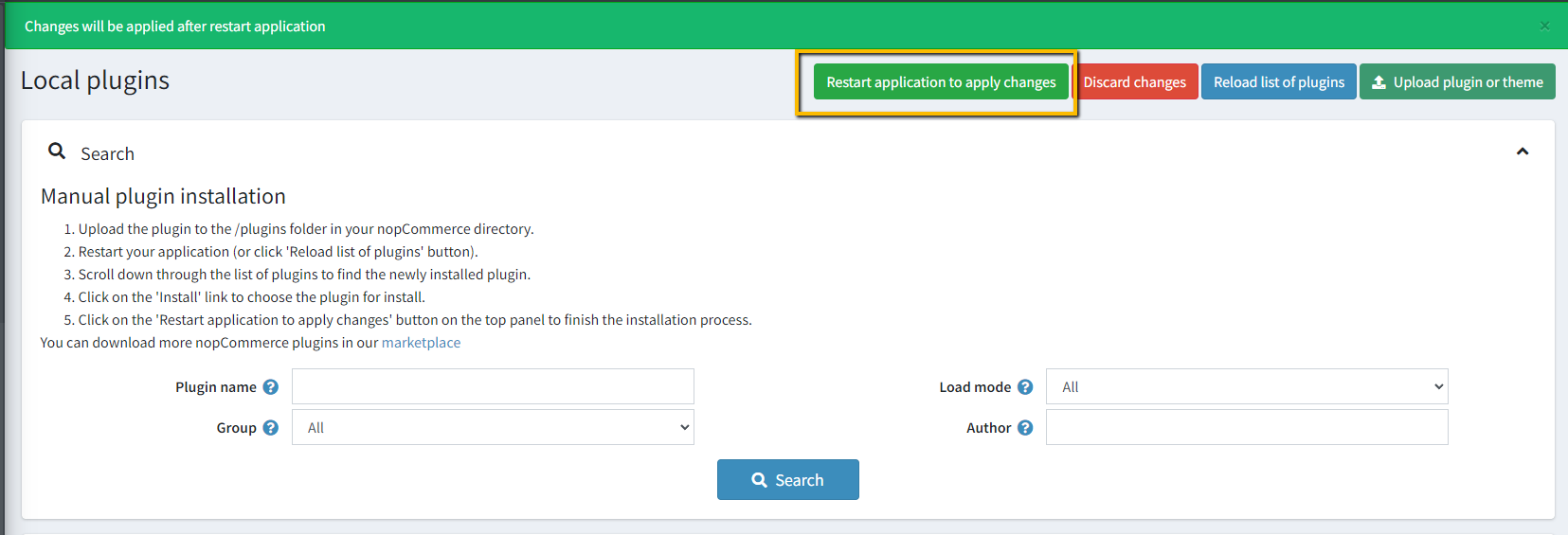
INSTALLATION Download the Nop-Station Ultimate FAQ Plugin from our store https://nop-station.com/customer/downloadableproducts Go to Administration → Configuration → Local plugins Upload the NopStation.FAQ zip file using the "Upload plugin or theme" button
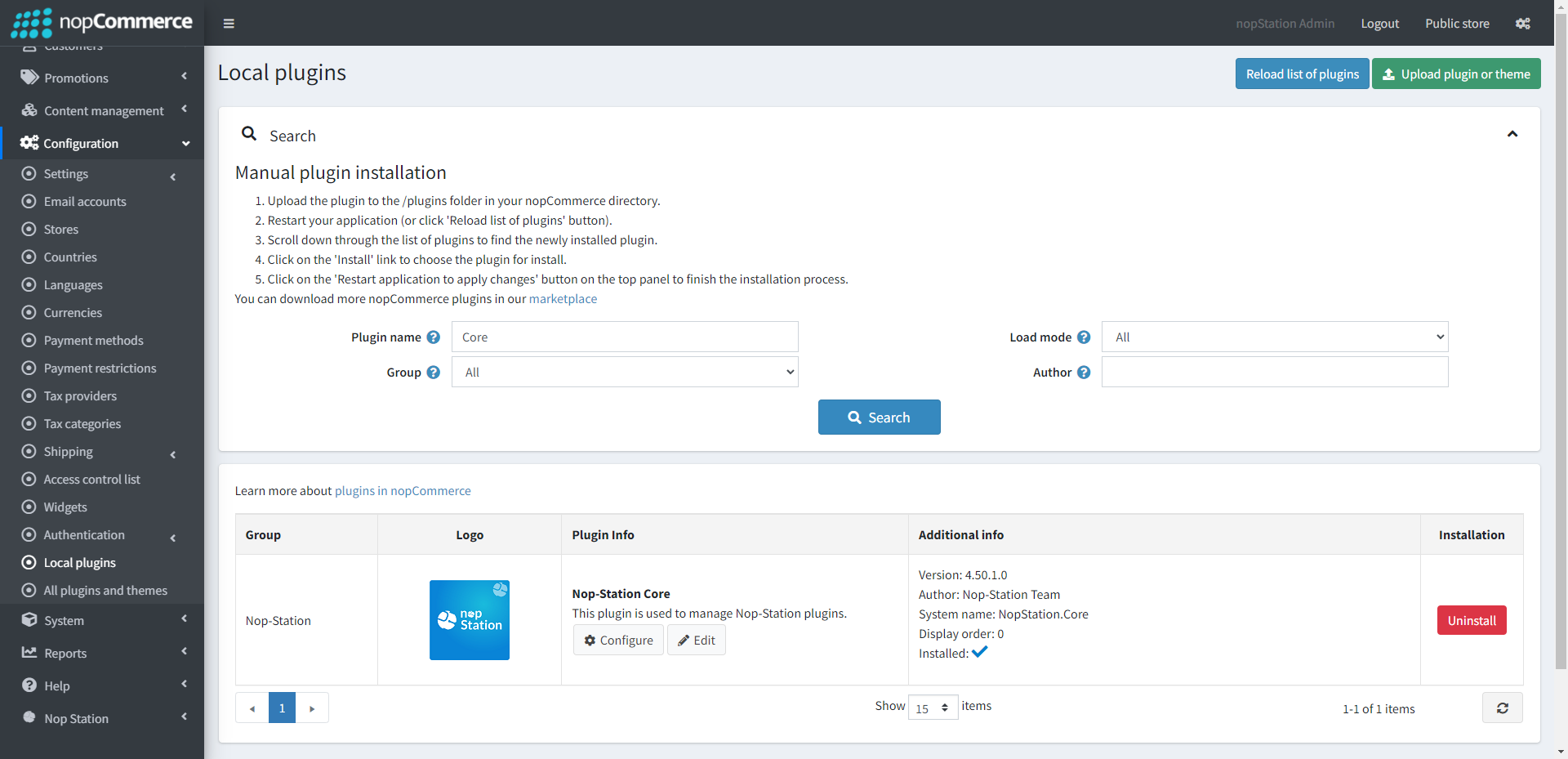
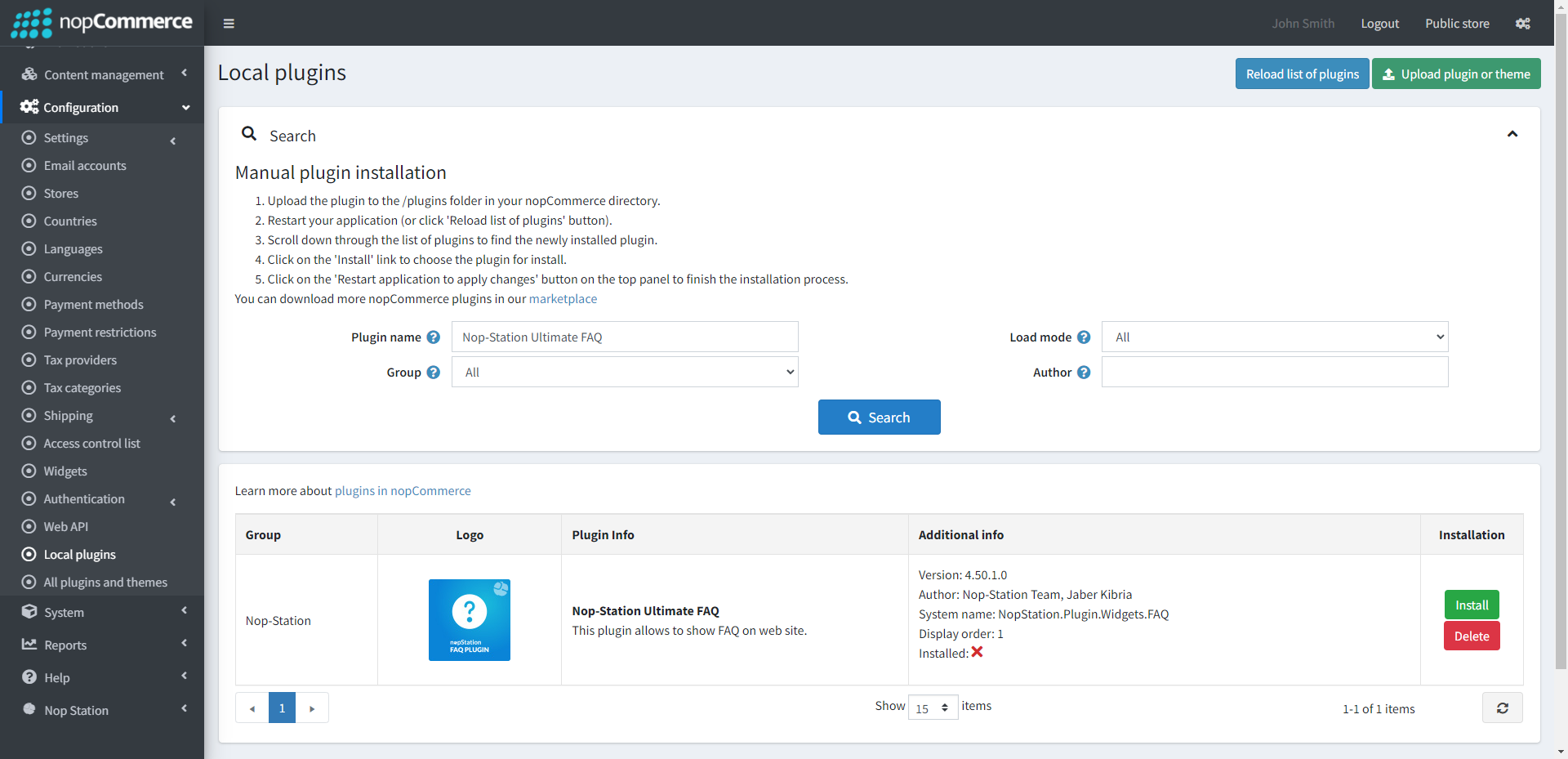
Go to Administration , reload the 'list of plugins' . Install 'Nop-Station Core' Plugin first and then install 'Nop-Station Ultimate FAQ'
To make the plugins functional, restart the application.
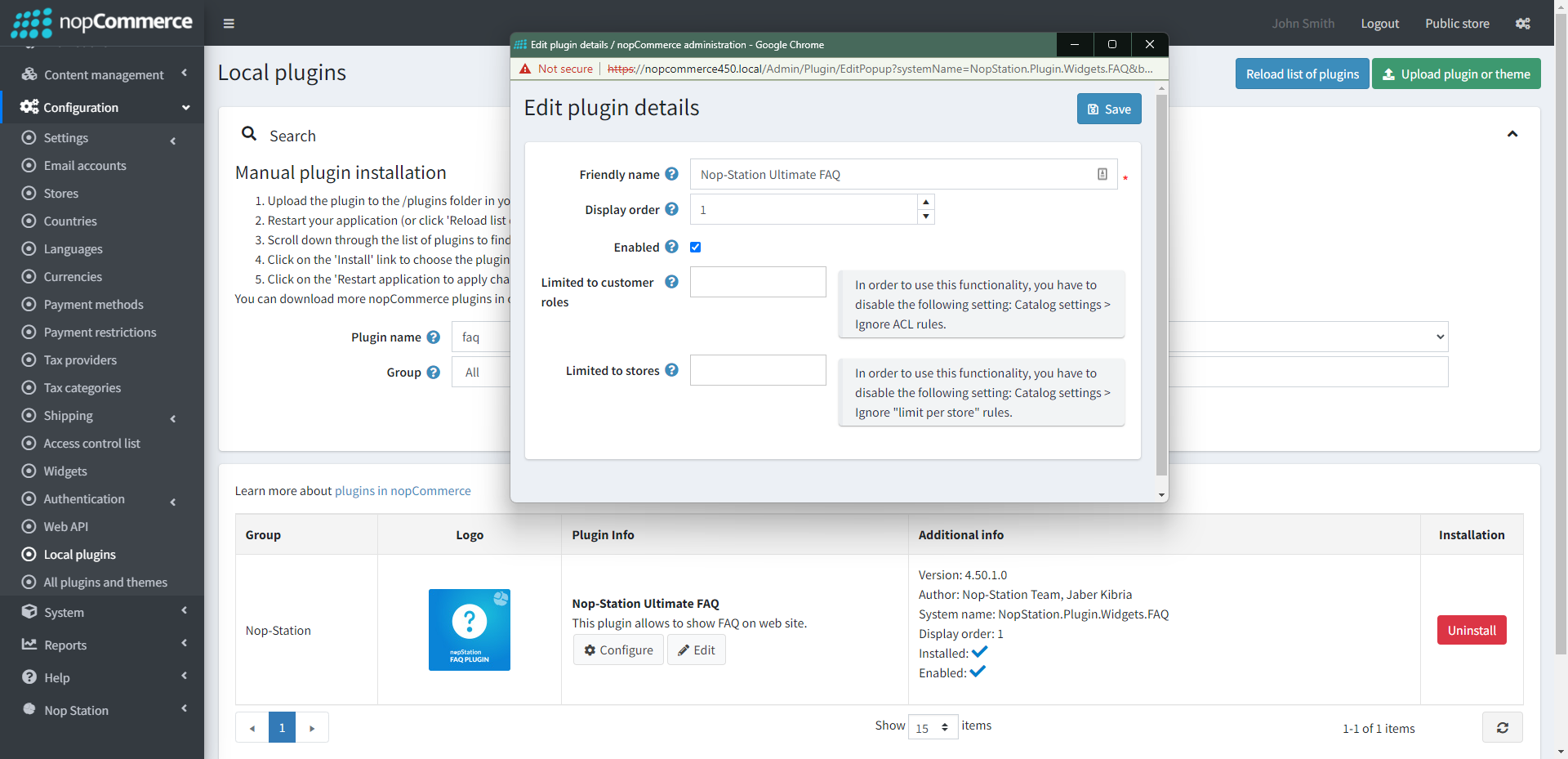
Enable the plugin with 'Edit' option and Configure it.
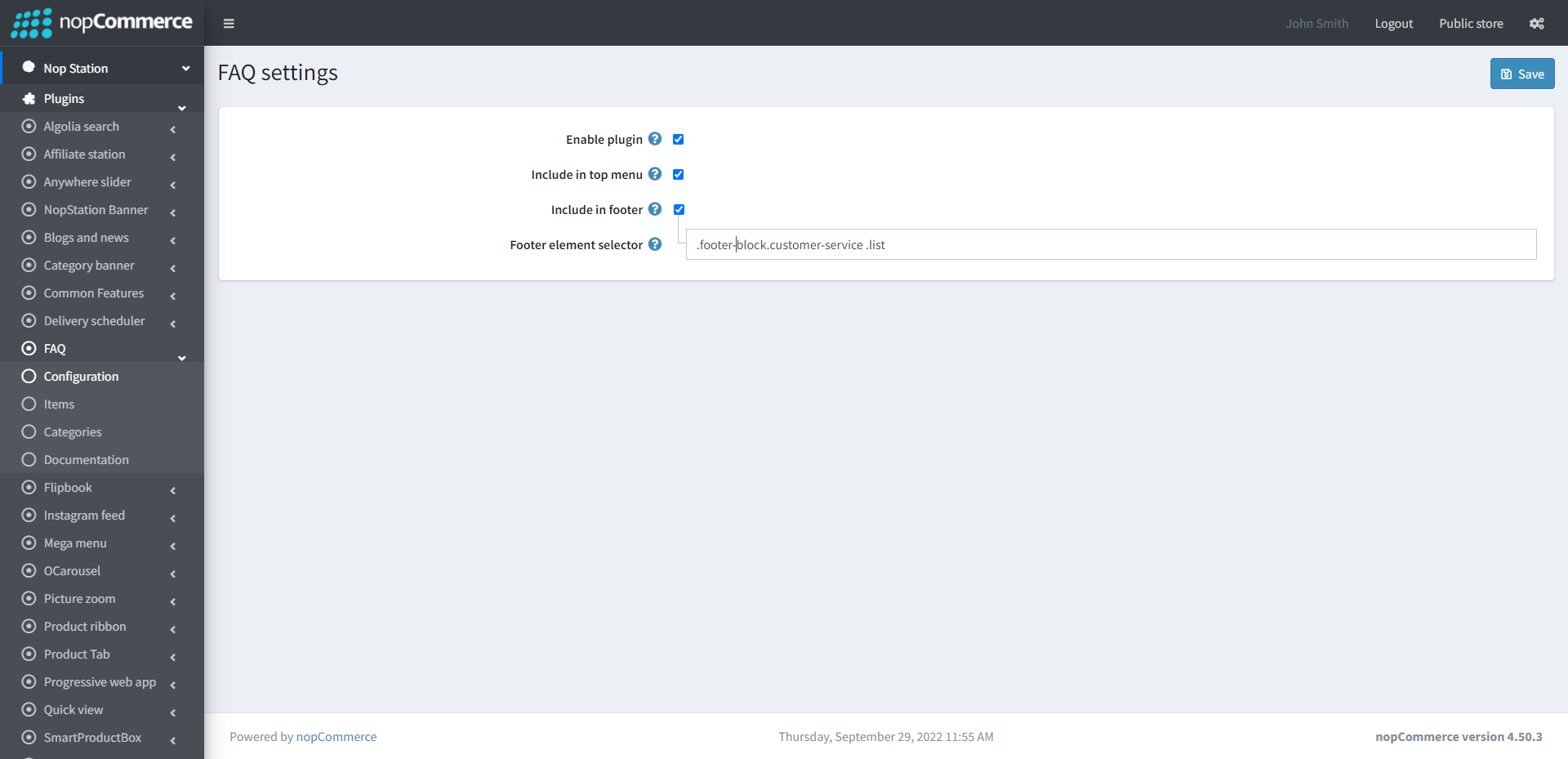
CONFIGURATION Go to Admin → NopStation → Plugins → FAQ → Configuration
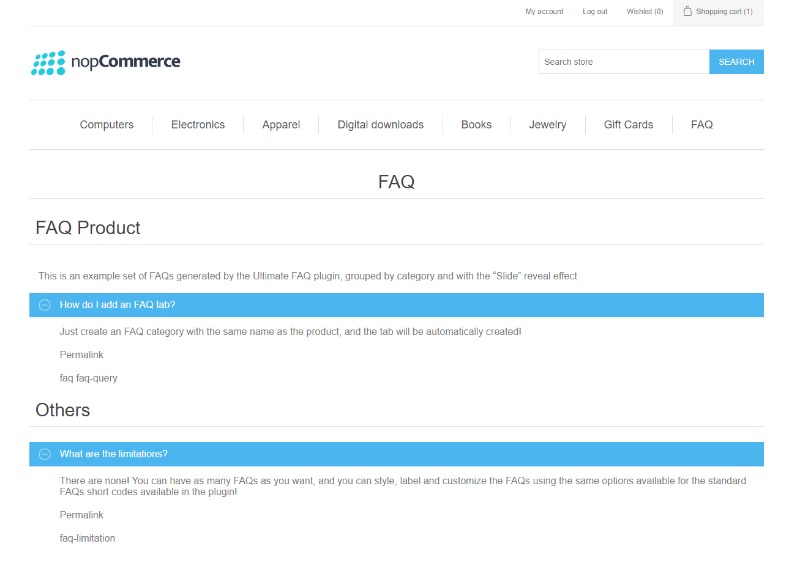
Check to Enable plugin Chekc to Include in top menu Check to Include in footer Specify the Footer element selector FAQ ITEMS Go to Admin → NopStation → Plugins → FAQ → Items
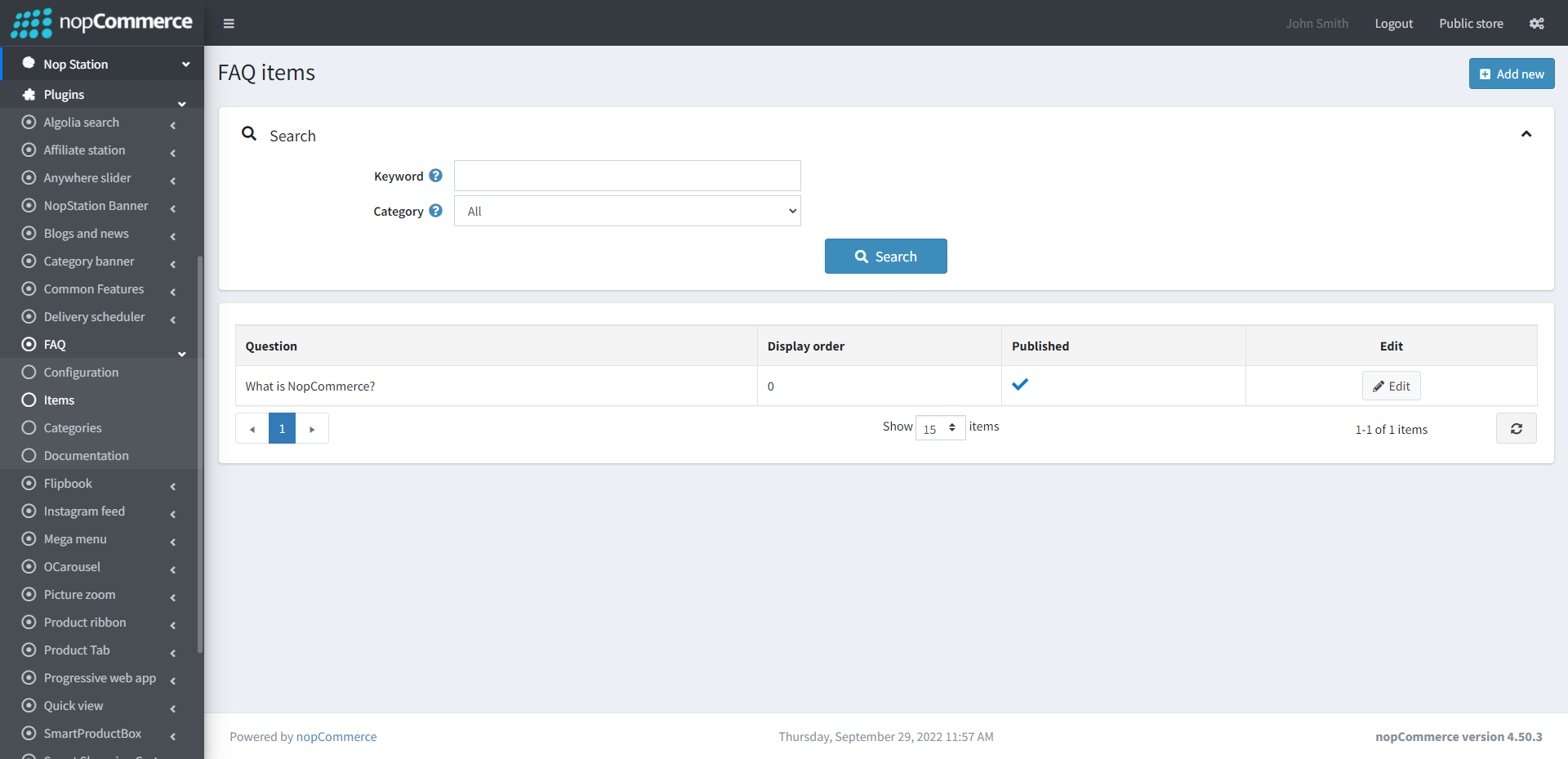
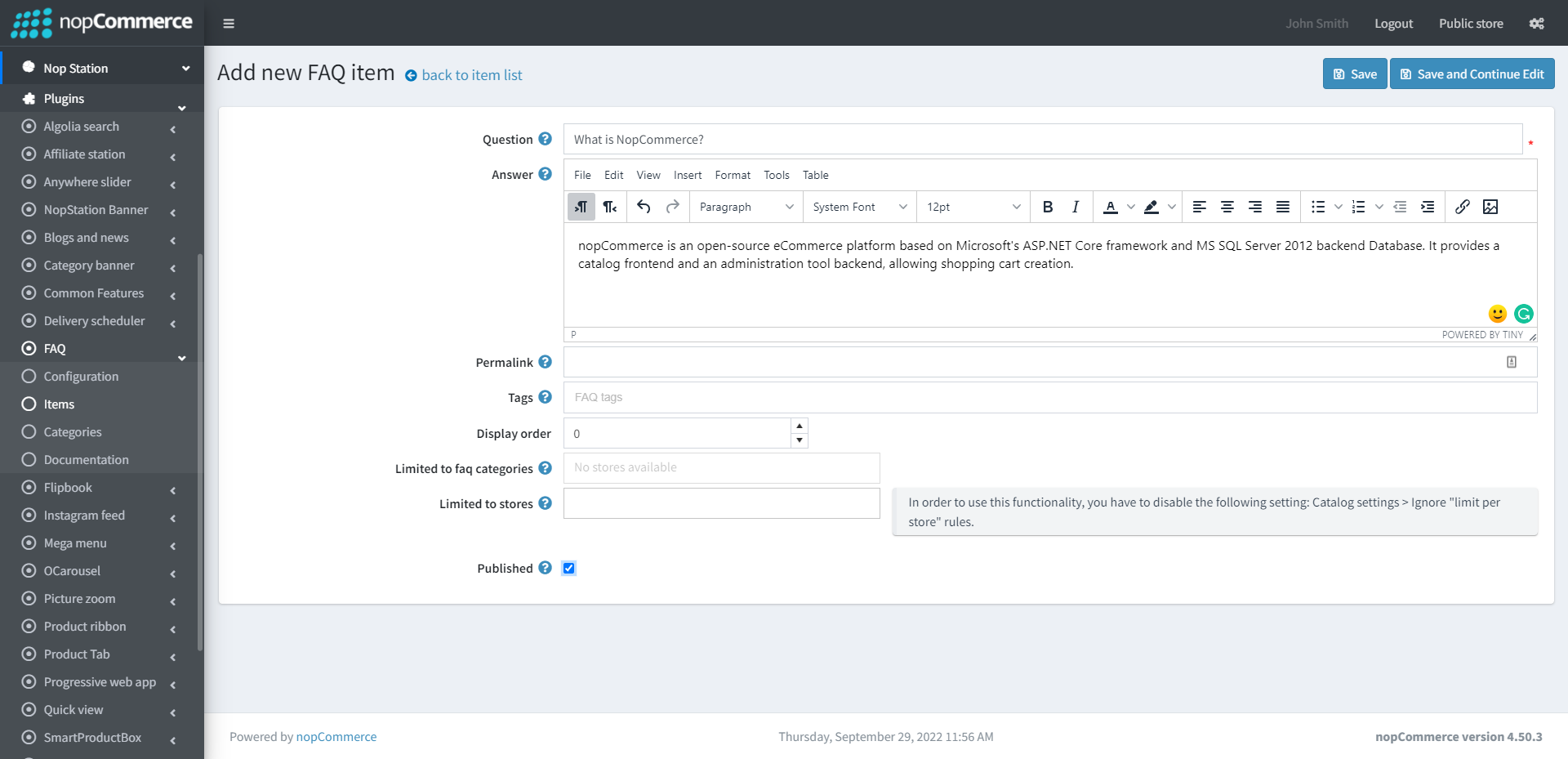
Here you can see the list of FAQ You can create new FAQ by clicking on the Add new button
Specify the FAQ Question Specify the FAQ Answer Specify the FAQ Permalink Enter the FAQ Tags Select faq categories from the list Published: Determines the FAQ item is published or notFAQ CATEGORIES Go to Admin → NopStation → Plugins → FAQ → Categories
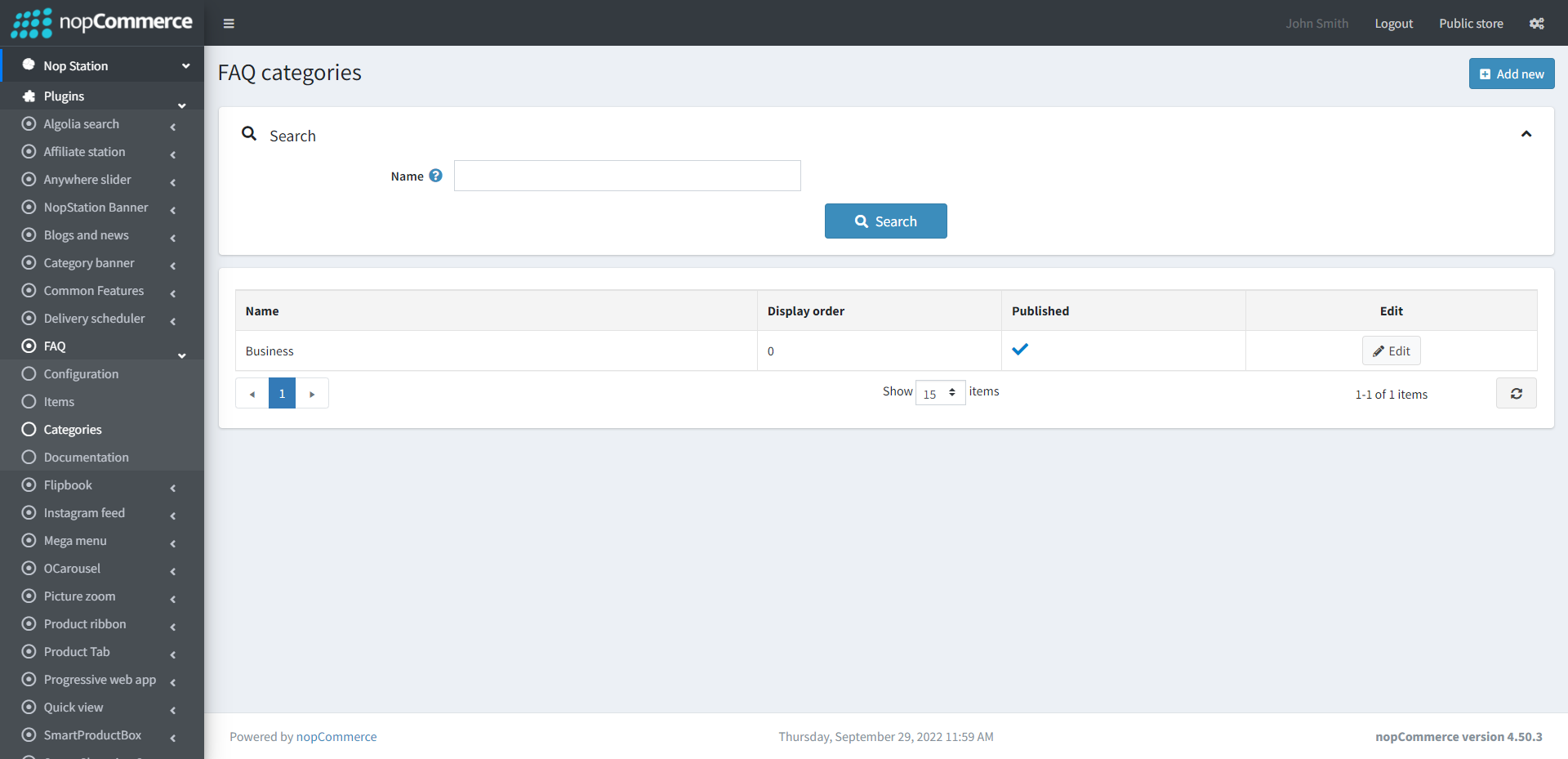
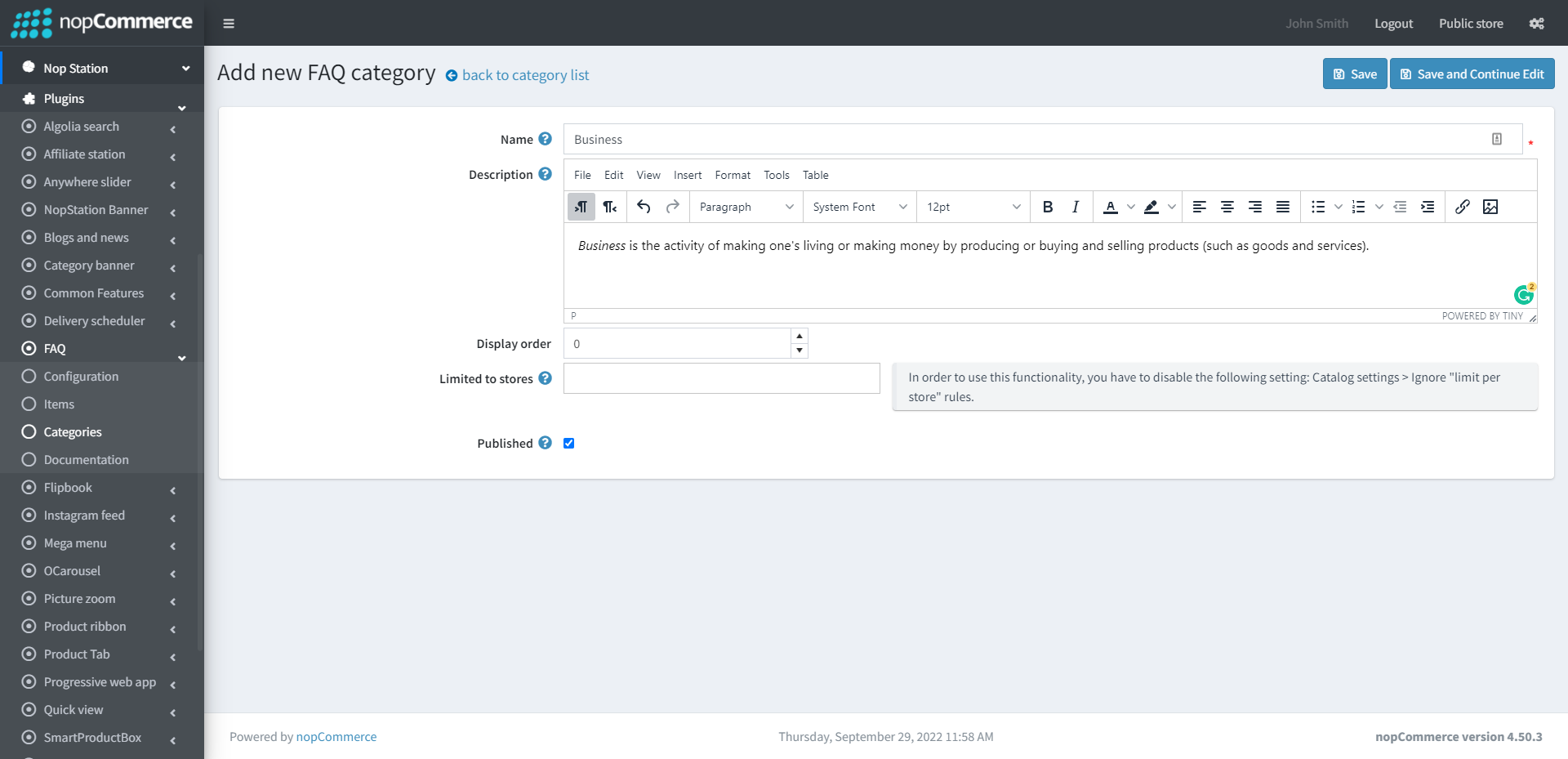
Here you can see the list of FAQ categoreies You can create new FAQ category by clicking on the Add new button
Specify the category Name Specify the category Description Specify the category Display order Published: Determines the FAQ item is published or not