PRE-REQUISITES
- The plugin requires you to install the Nop-Station Core plugin first.
- An Meili account is needed
INSTALLATION
- Download the Meili Search Plugin from our store https://nop-station.com/customer/downloadableproducts
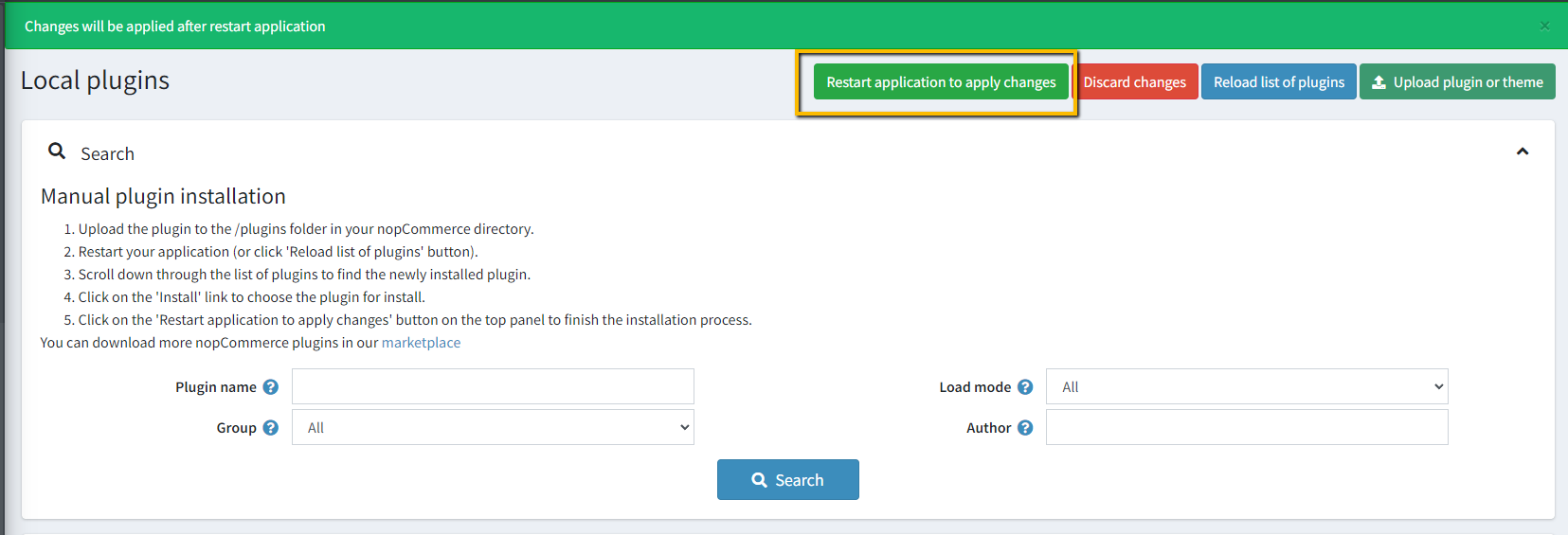
- Go to Administration → Configuration → Local plugins
- Upload the NopStation.MeiliSearch zip file using the "Upload plugin or theme" button
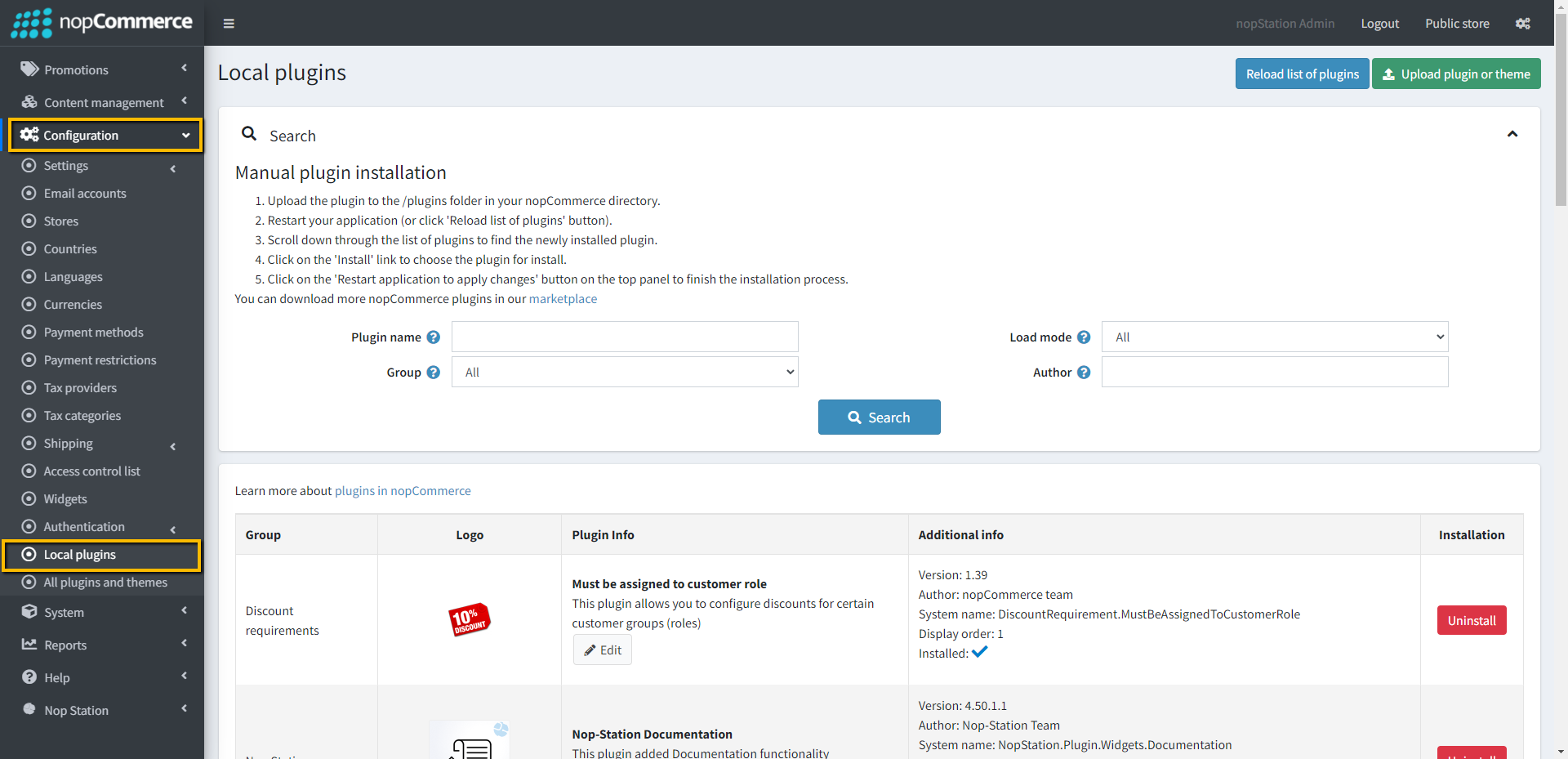
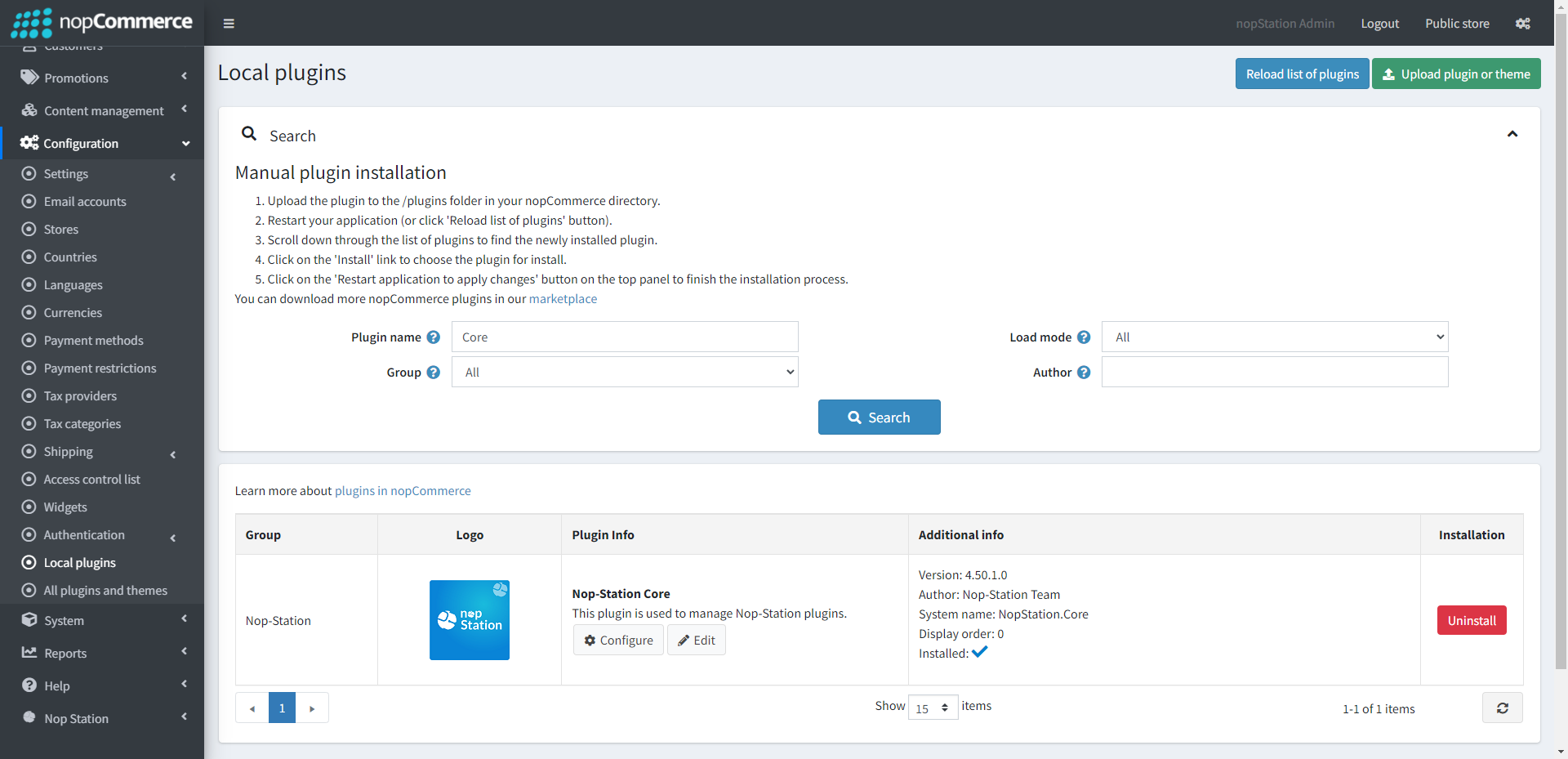
- Go to Administration, reload the 'list of plugins'. Install 'Nop-Station Core' Plugin first and then install 'Nop-Station Meili Search'
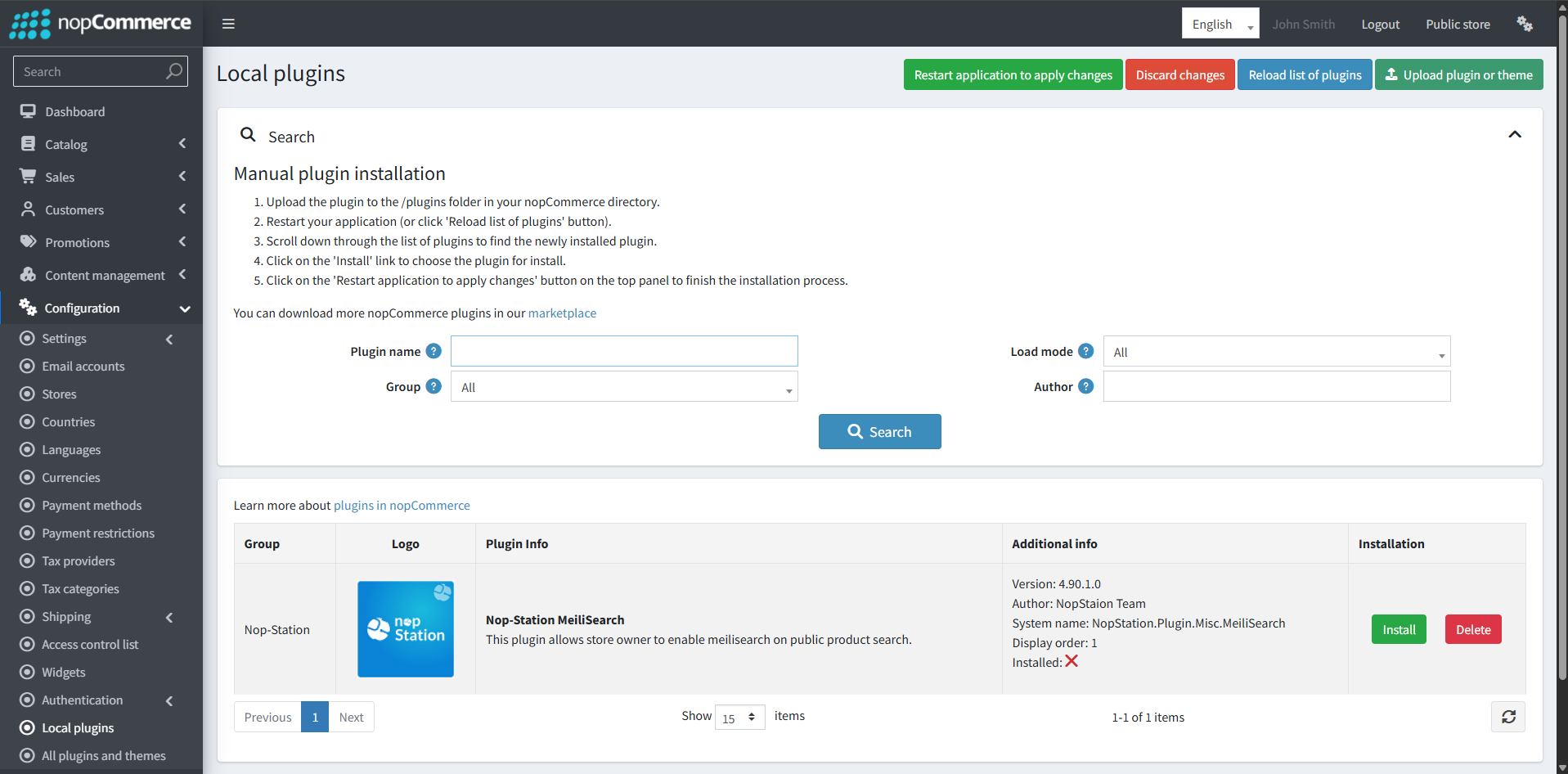
- To make the plugins functional, restart the application
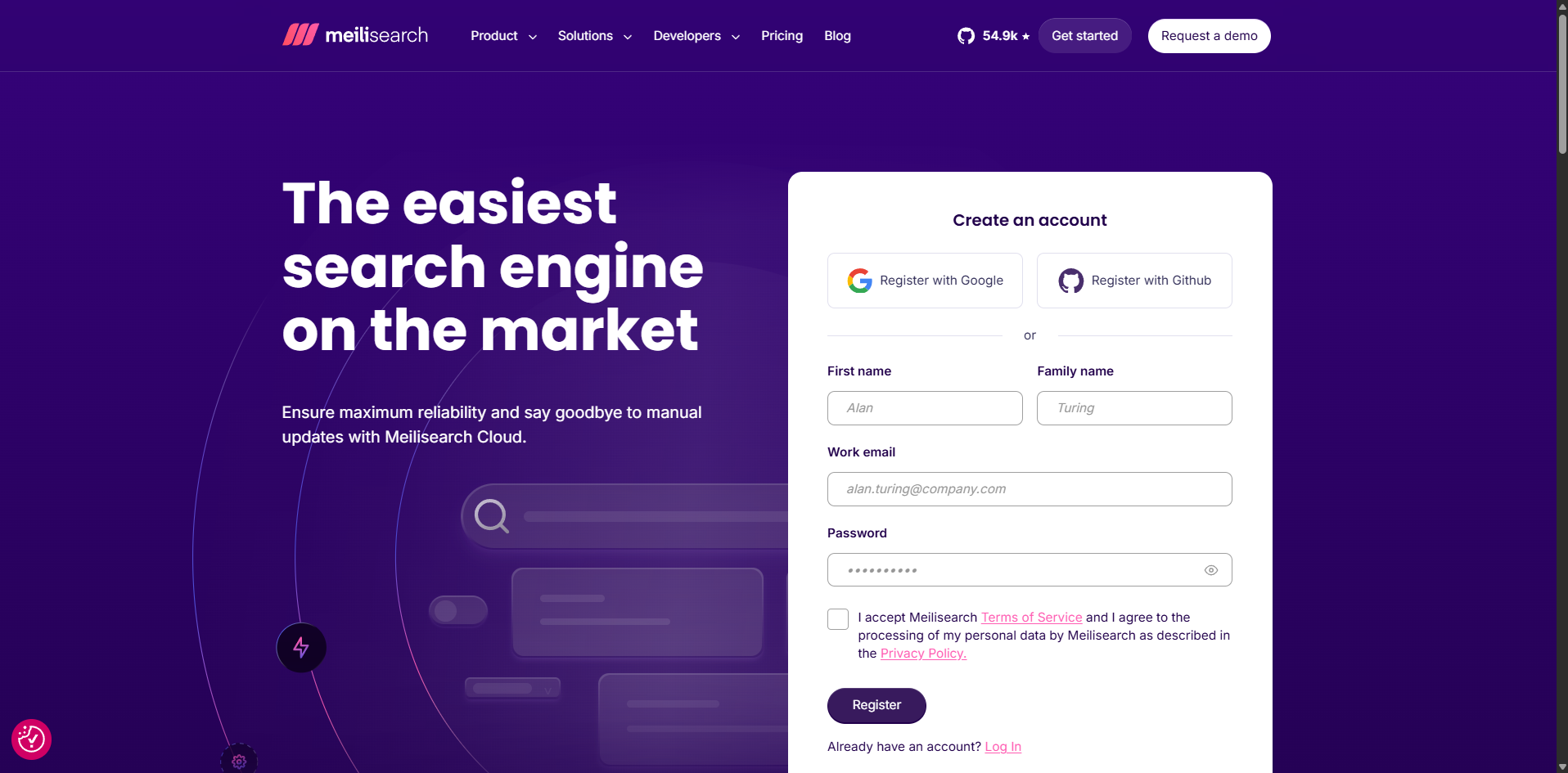
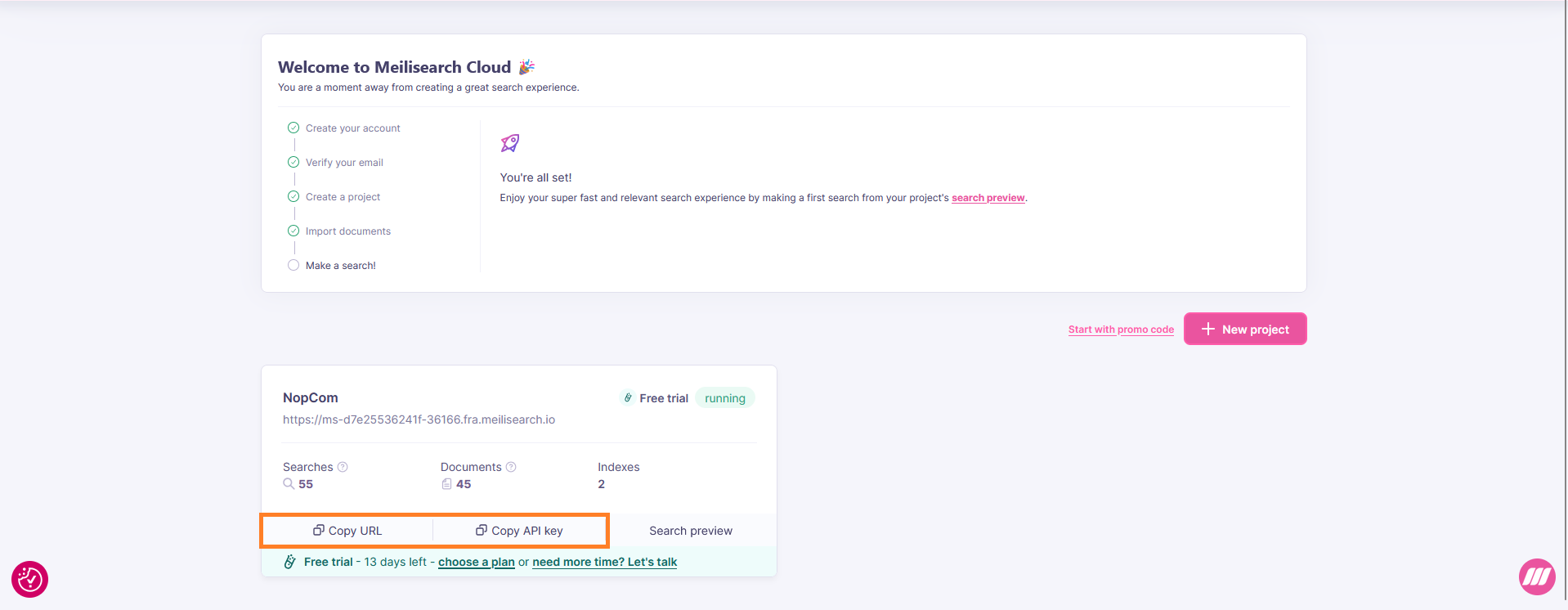
MEILI ACCOUNT CONFIGURATION
CONFIGURATION
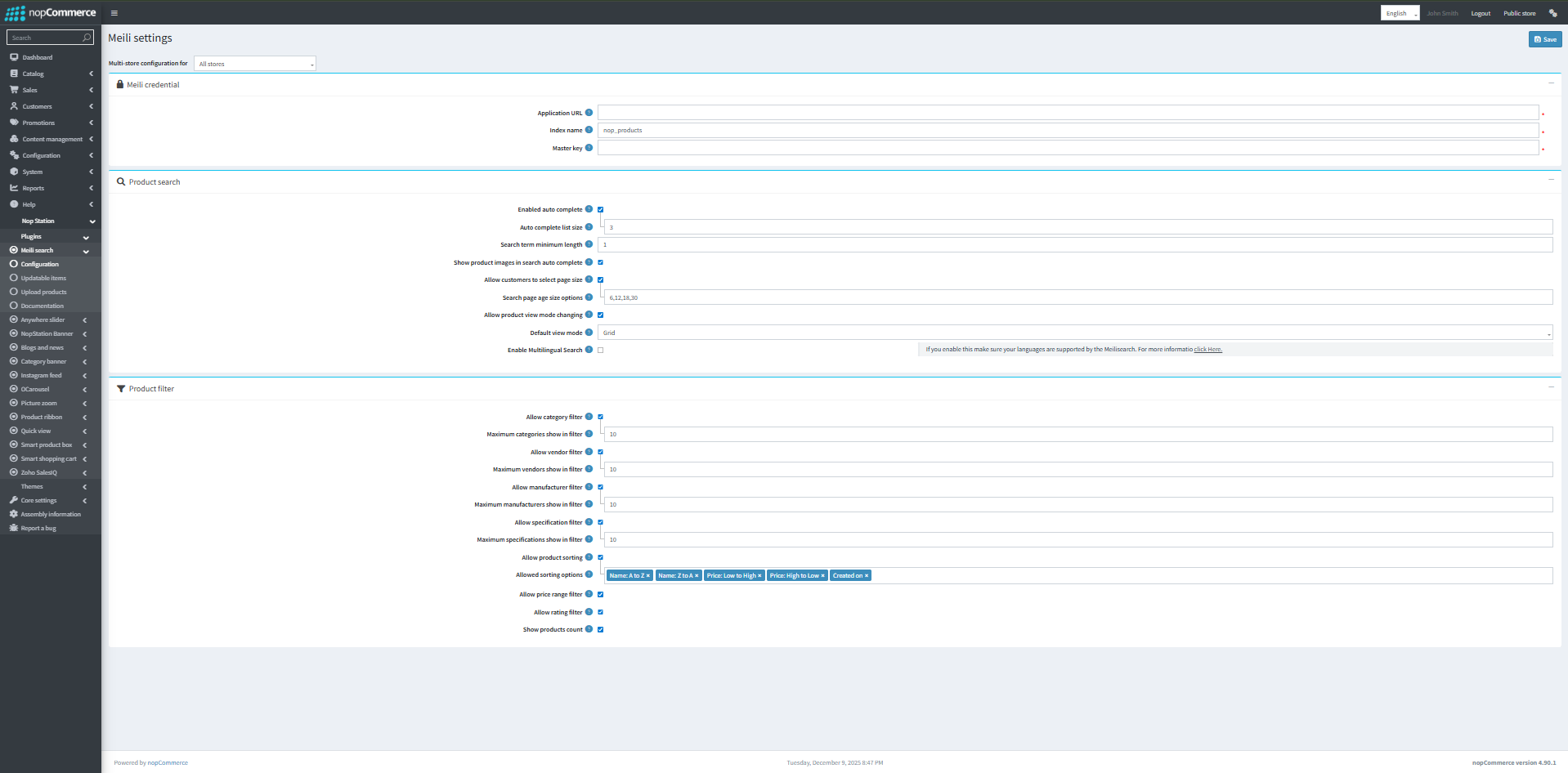
- Go to Admin → Nop Station → Plugins → Meili Search → Configuration
- Click on Update index to create an index with the name provided in the configuration page.
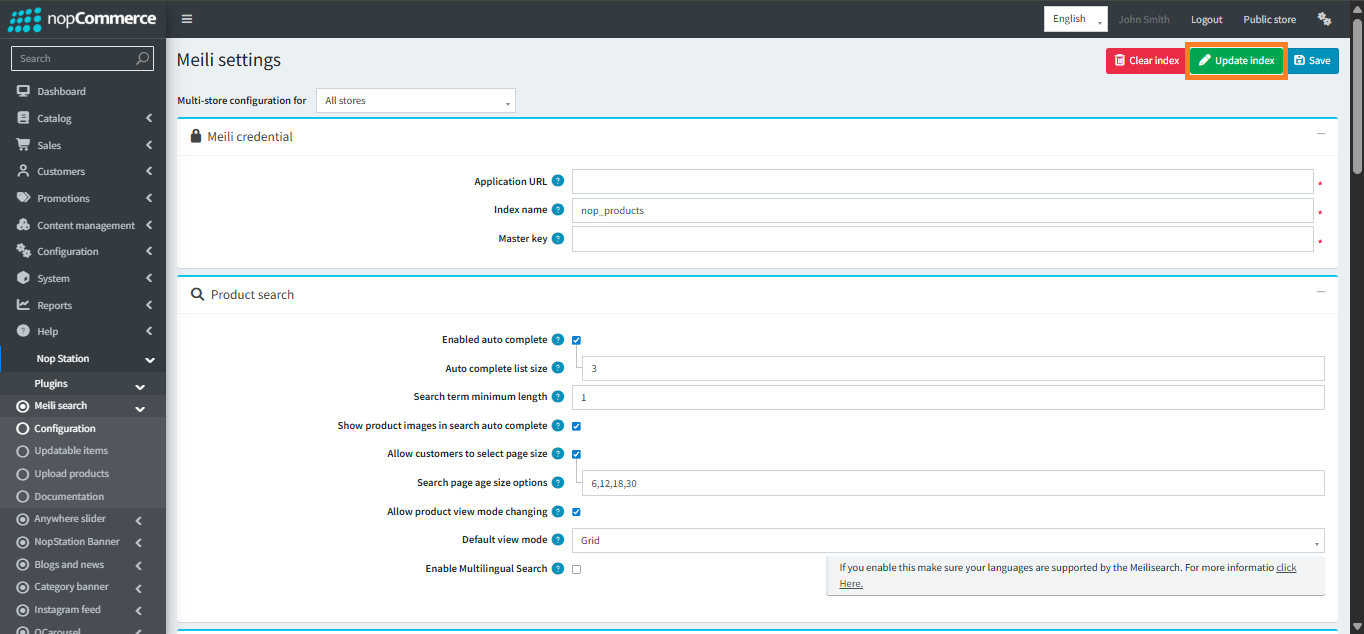
- Enter the Meilisearch URL
- Enter the API key
- Check to allow customers to filter by product categories.
- Maximum number of categories show in filter.
- Check to allow customers to filter by product vendors.
- Maximum number of vendors show in filter.
- Check to allow customers to filter by product manufacturers.
- Maximum number of manufacturers show in filter.
- Check to allow customers to filter by product specifications.
- Maximum number of specifications show in filter.
- Check to allow customers to sort products. Click 'Update index' if the value of this property is changed.
- Allowed sorting options. Click 'Update index' if the value of this property is changed.
- Check to allow customers to filter by product price range.
- Check to allow customers to filter by product rating.
- Check to show products count on product search page.
- Click Save button
- Click Update index button to update Meili index according to the plugin configuration
UPDATABLE ITEMS
- Here you can see all the products, categories, manufacturers, vendors list which are not yet updated with meili.
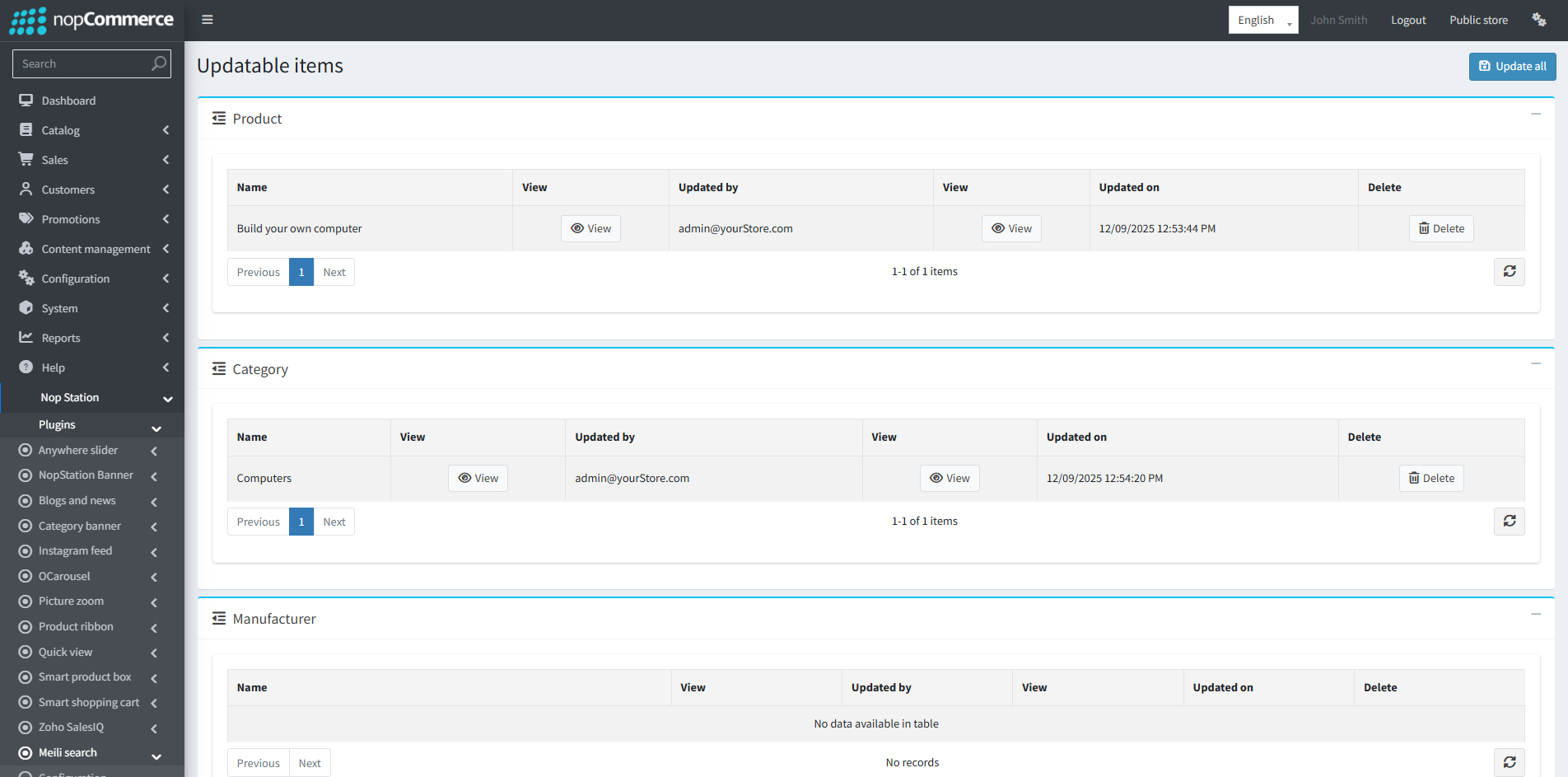
- Click Update all button to update
UPLOAD EXISTING PRODUCTS
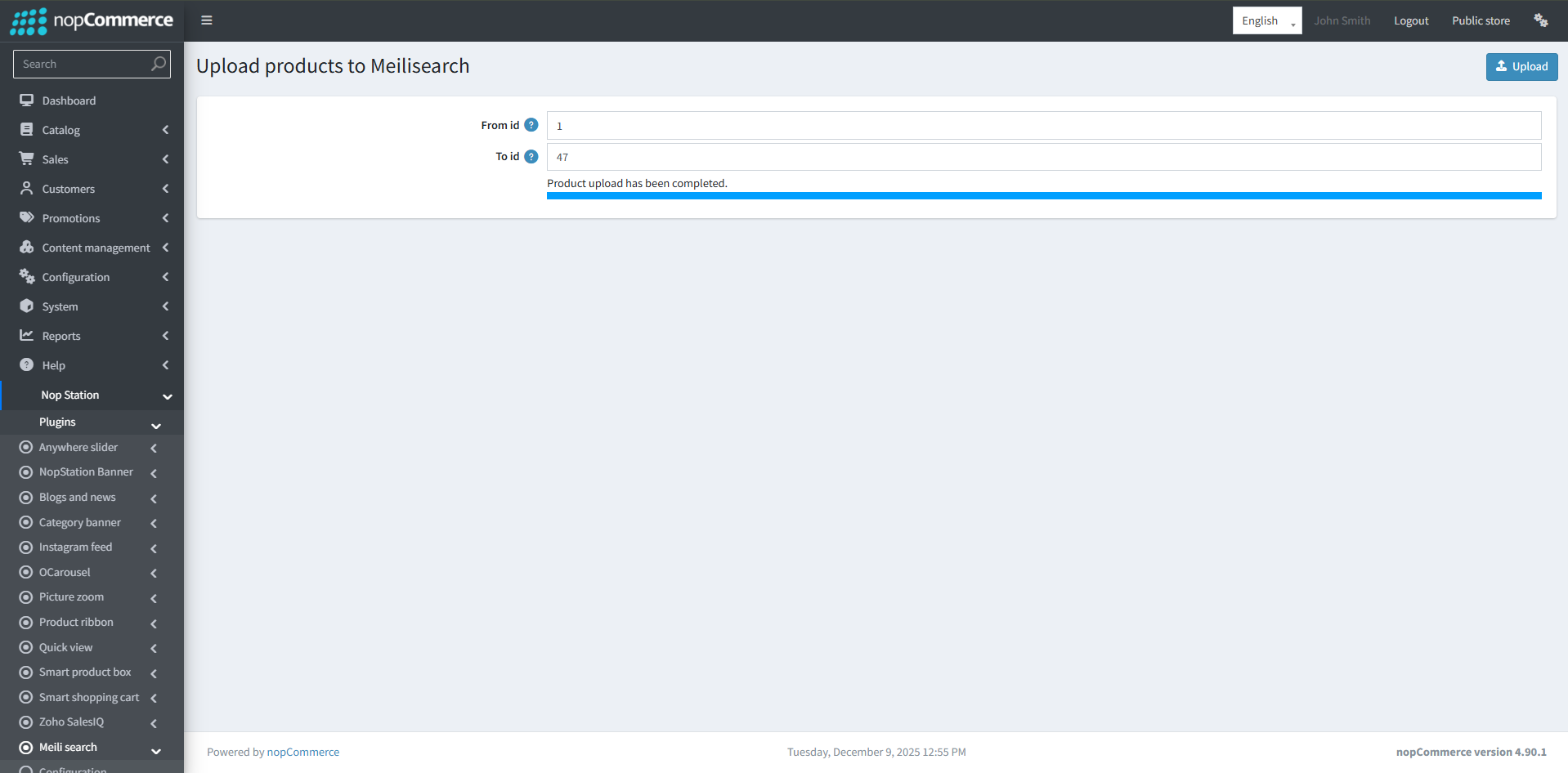
- Go to Admin → Nop Station → Plugins → Meili Search → Upload Products
- Enter product id range
- Click Upload button