
PRE-REQUISITES
- The plugin requires you to install the Nop-Station Core plugin first.
INSTALLATION
- Download the Merge Guest Orders Plugin from our store https://nop-station.com/customer/downloadableproducts
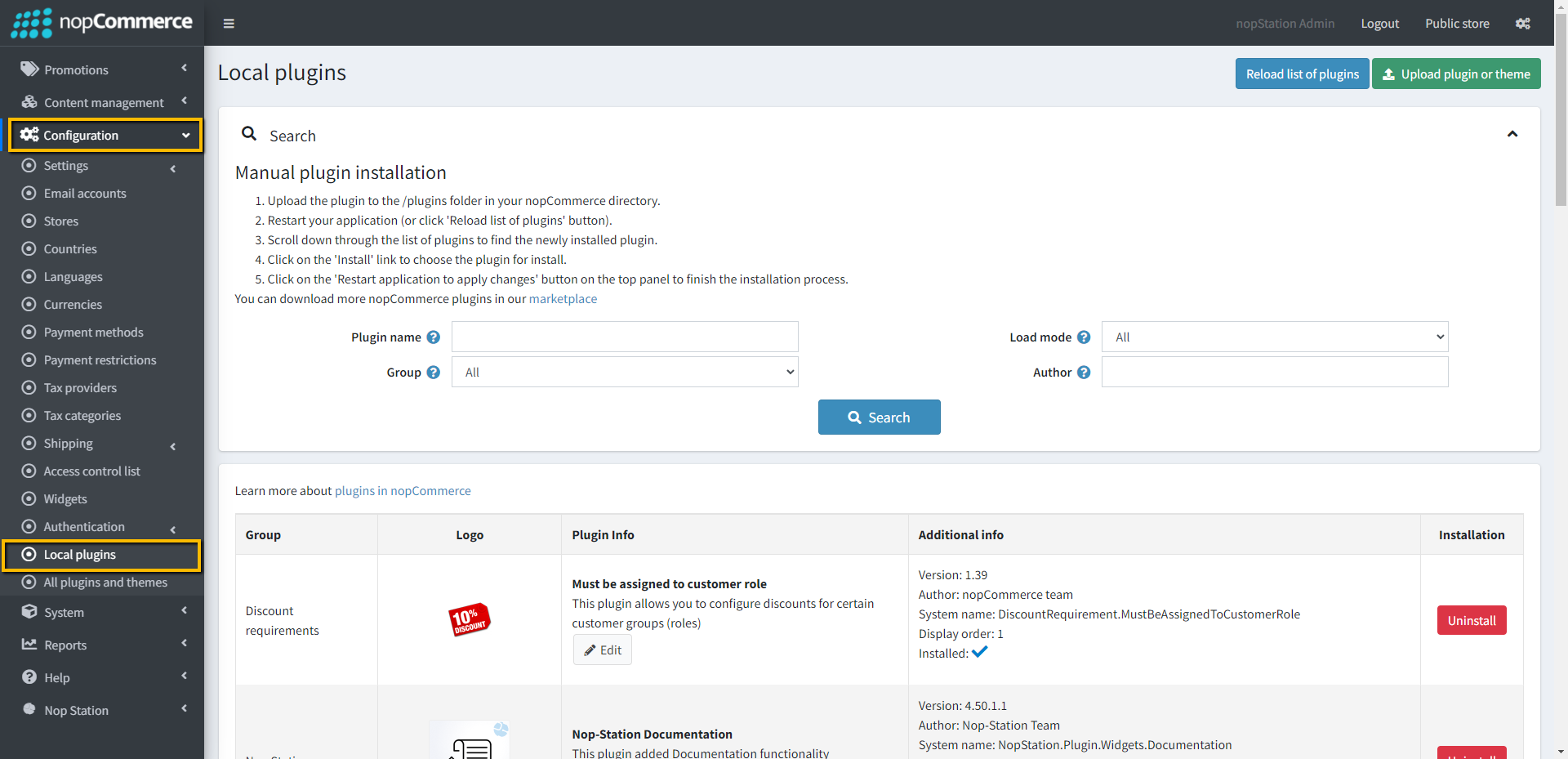
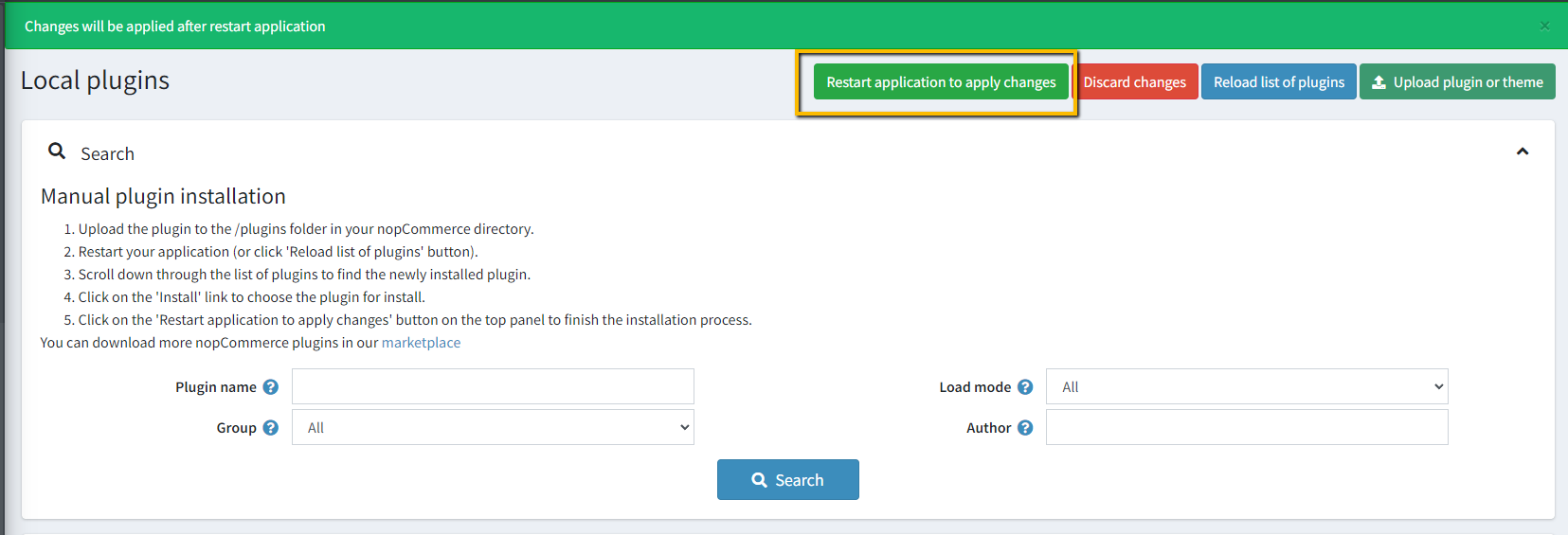
- Go to Administration → Configuration → Local plugins
- Upload the NopStation.MergeGuestOrders zip file using the "Upload plugin or theme" button
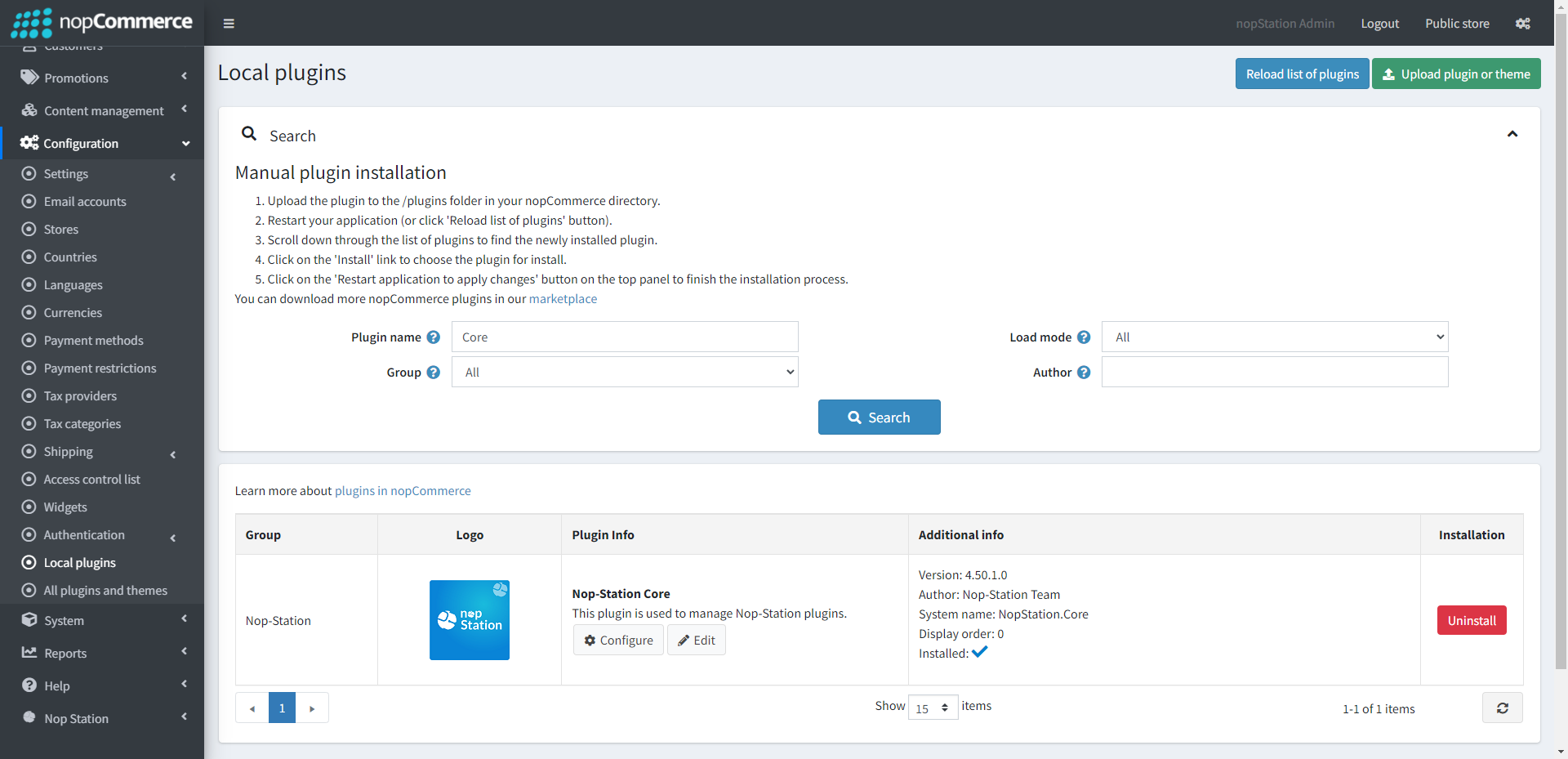
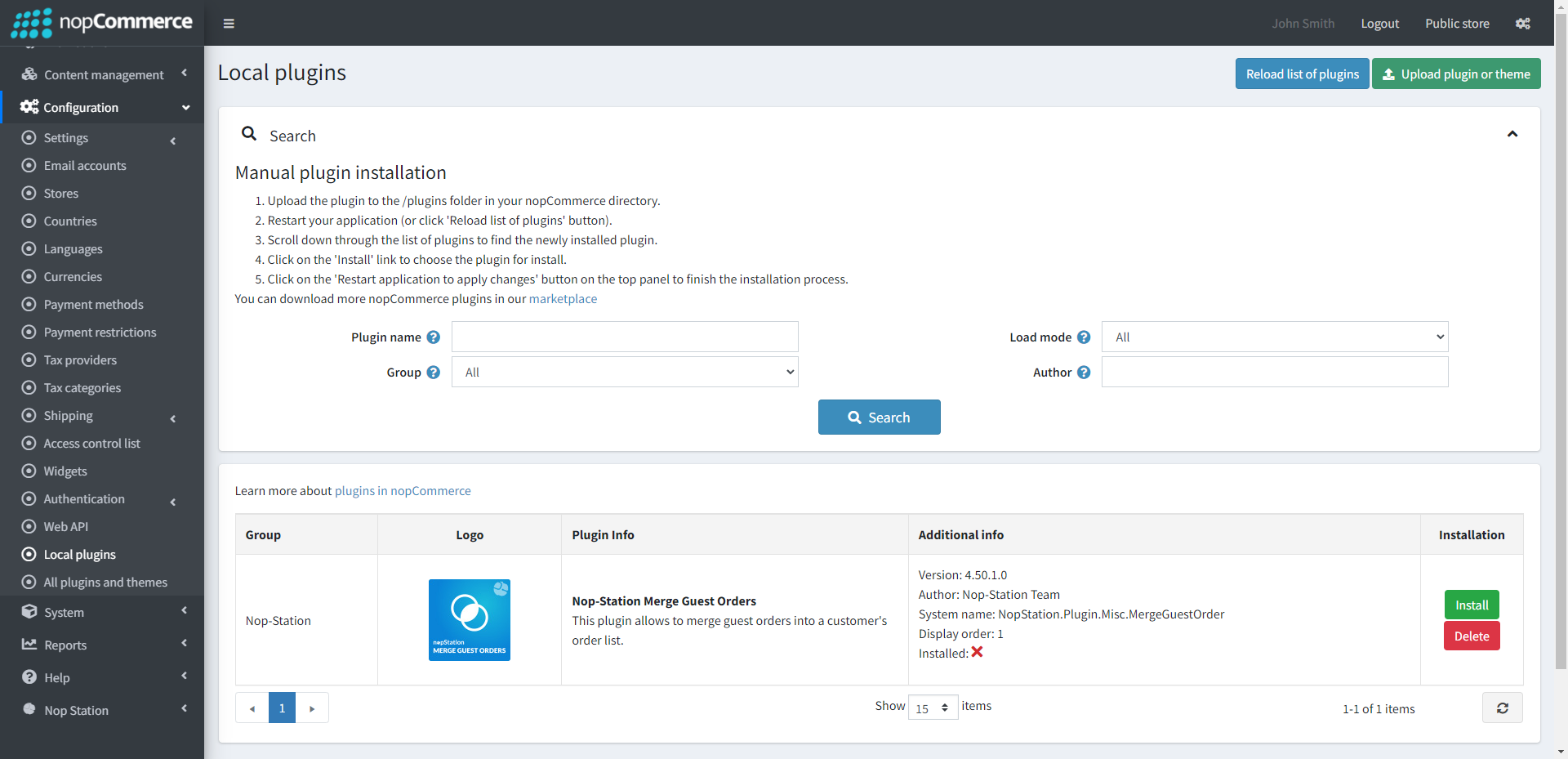
- Go to Administration, reload the 'list of plugins'. Install 'Nop-Station Core' Plugin first and then install 'Merge Guest Orders'
- To make the plugins functional, restart the application.
CONFIGURATION
- Go to Admin → NopStation → Plugins → Merge guest order → Configuration
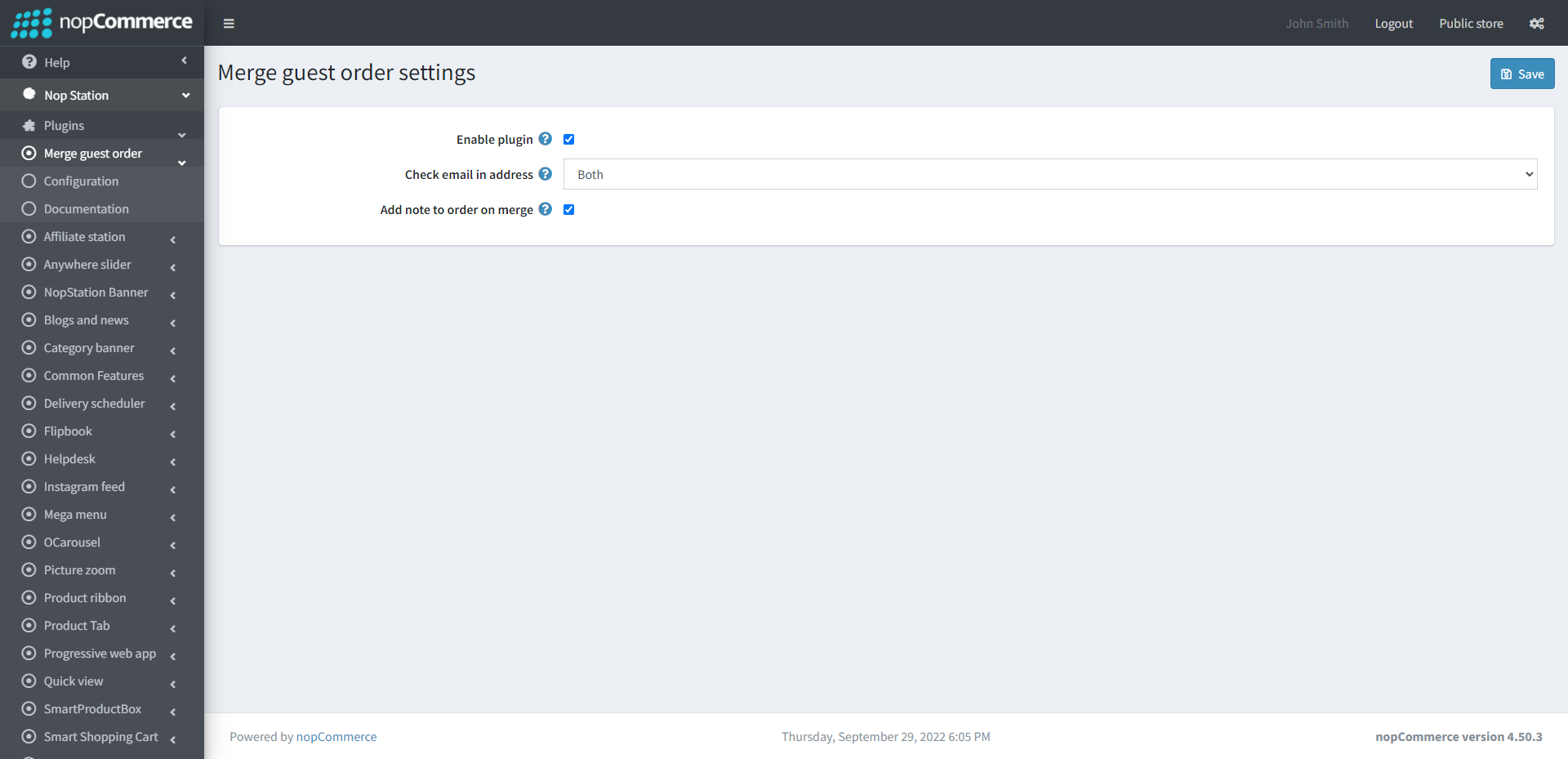
- Enable plugin: Check to enable the plugin
- Check email in address: Determines which address of an order (billing, shipping) should be checked for the email.
- Add note to order on merge: Determines whether to add note to order on merge or not.
Result
When a customer places an order as a guest, they have to provide billing and shipping address details during checkout.
If the same customer later creates an account using the email address which he provided in his previous billing or shipping information, the guest orders will automatically be assigned to the newly registered account.
The customer can then view the order from:
My Account → Orders
The order will be updated from a guest user to a registered customer, and an order note will be added with the following message:
“Guest order has been merged with a new customer (email: [email protected]).”
Example:


