
PRE-REQUISITES
- The plugin requires you to install the Nop-Station Core plugin first.
INSTALLATION
- Download the Rich Blog Plugin from our store https://nop-station.com/customer/downloadableproducts
- Go to Administration → Configuration → Local plugins
- Upload the NopStation.Rich Blog zip file using the "Upload plugin or theme" button
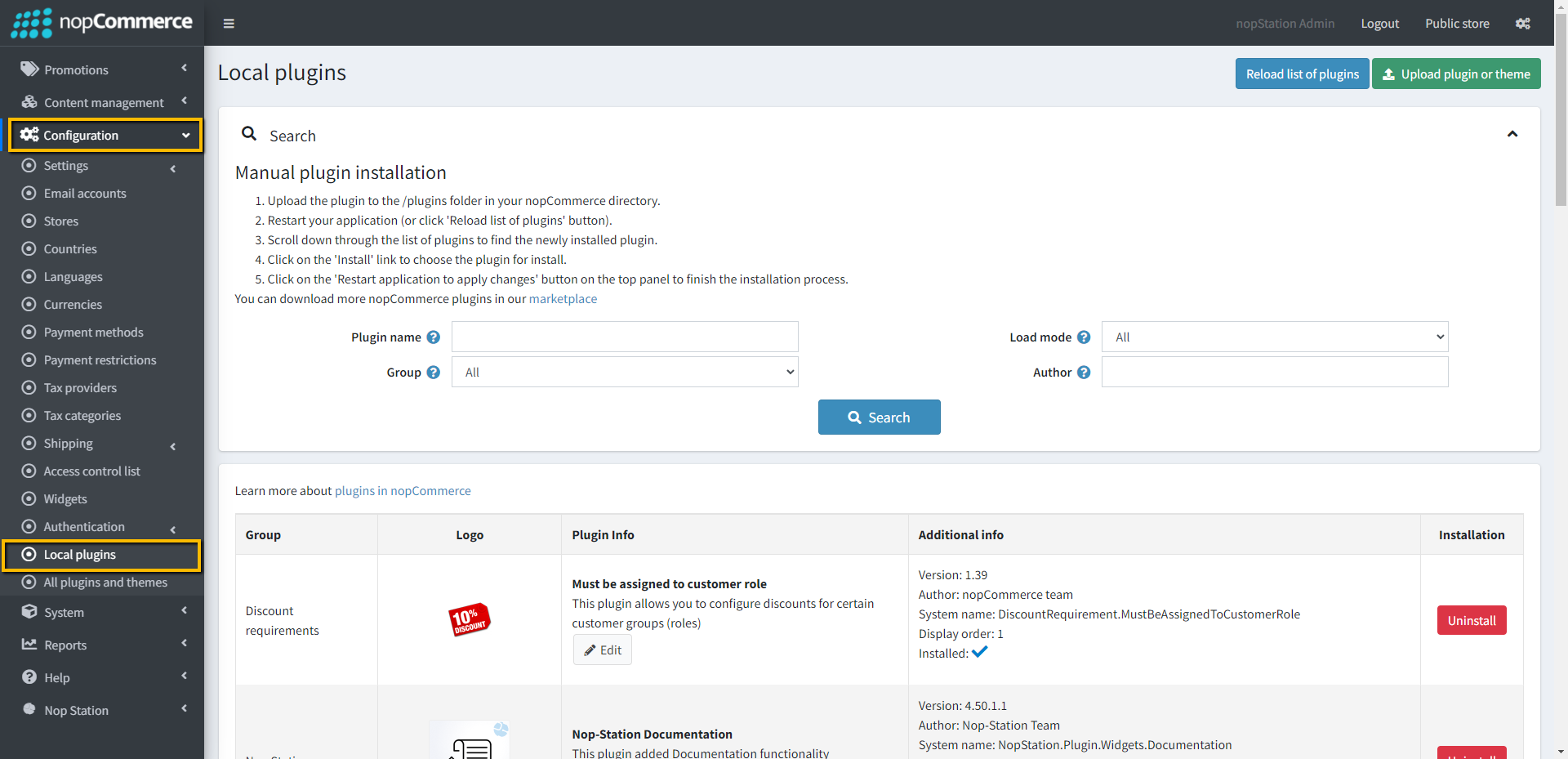
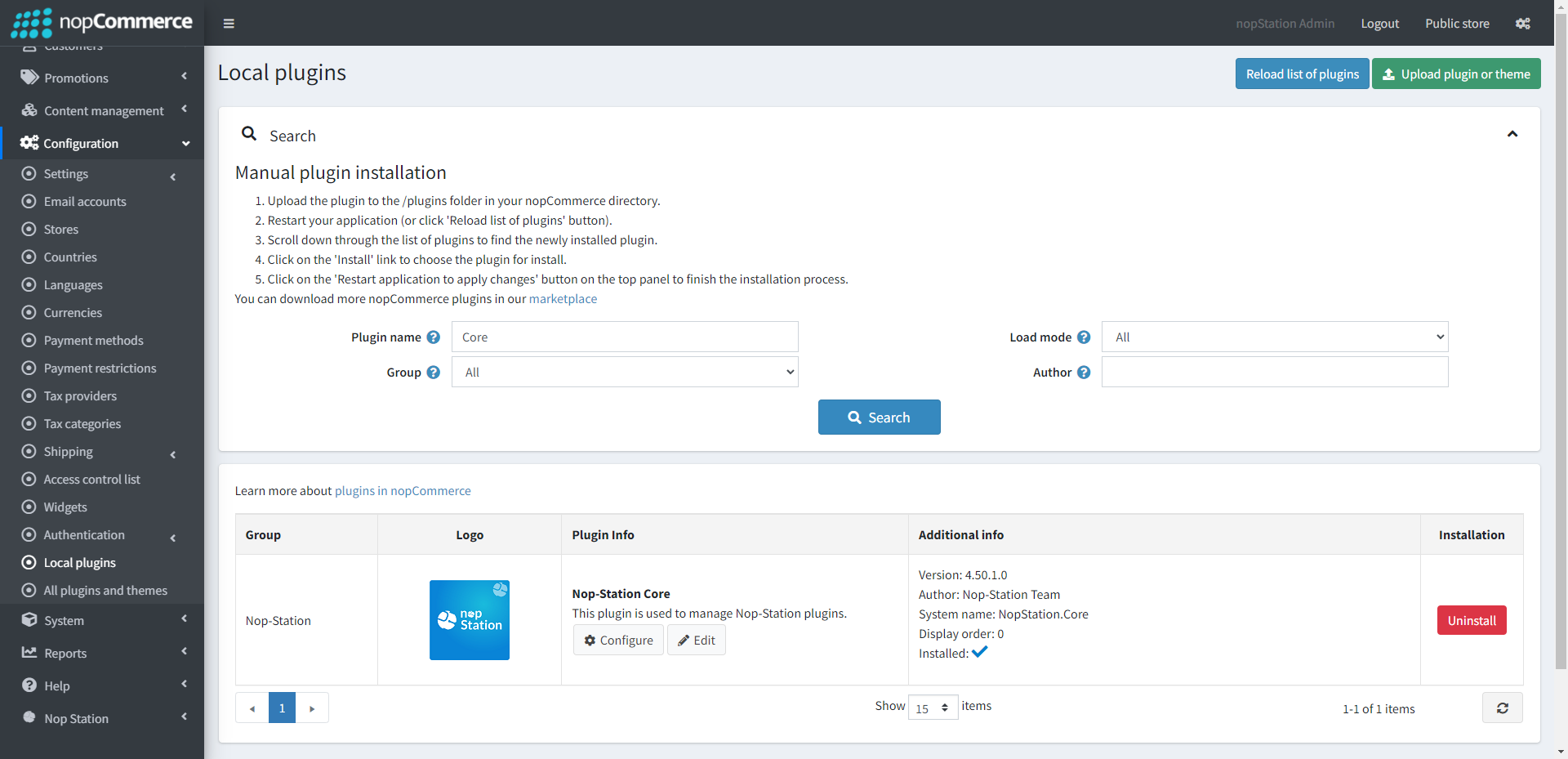
- Go to Administration, reload the 'list of plugins'. Install 'Nop-Station Core' Plugin first and then install 'Nop-Station Rich Blog'

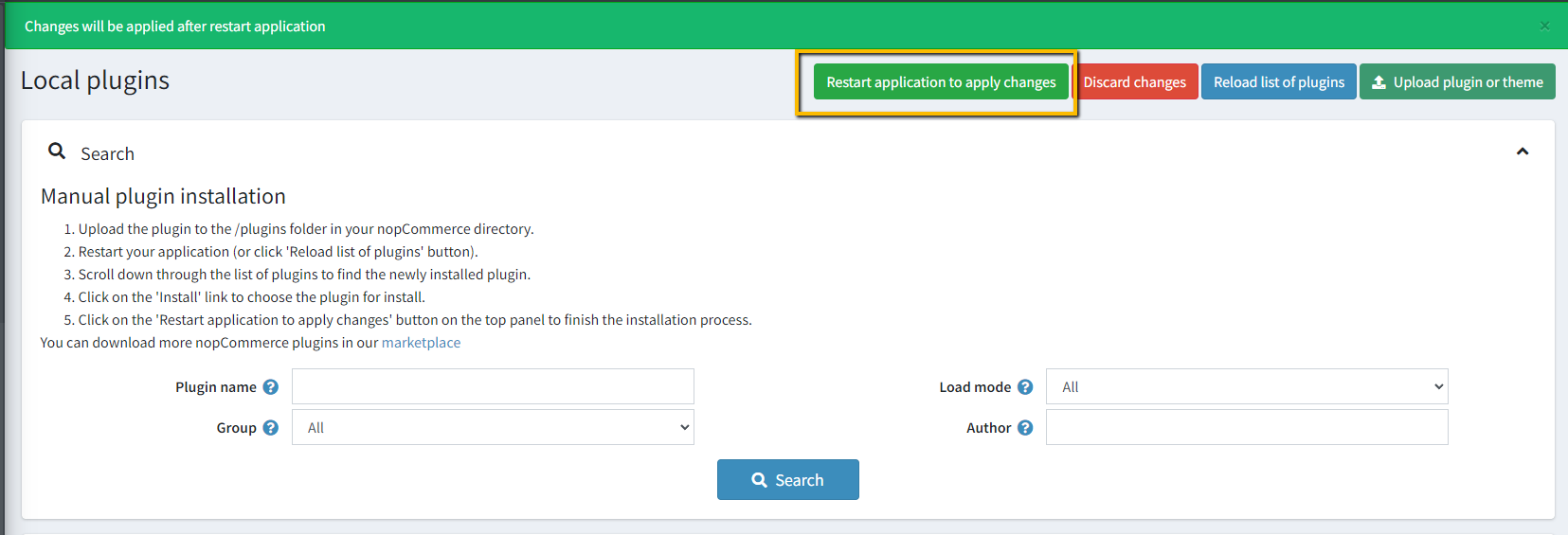
- To make the plugins functional, restart the application.
CONFIGURATION
- Go to Admin → NopStation → Plugin → Rich Blog → Configuration
- Check the Enable Plugin checkbox to activate the features
- Check Show on home page to display the latest blogs on your storefront homepage
- Configure the Widget Zone settings to determine where the blogs and categories appear
- Enable Social Sharing to allow customers to share posts on Facebook, X (Twitter), Pinterest, etc.
- Enable Generic URL to create SEO-friendly links for your blog categories
BLOG CATEGORIES
- Go to Admin → NopStation → Plugins → Rich Blog → Categories
- Here you can create and manage specific categories for your blog posts (e.g., "News", "Tutorials", "Events").
- You can map existing blog posts to these categories to organize your content structure.
- You can also assign images to categories and set their display order.
NAVIGATION & SOCIAL
- On the public store, the Social Sharing buttons will appear on the blog details page, allowing instant sharing.
- The Prev/Next Navigation links will appear at the bottom of blog posts to encourage continuous reading.
- The Homepage Widget will display your selected blog posts in the configured zone.

