
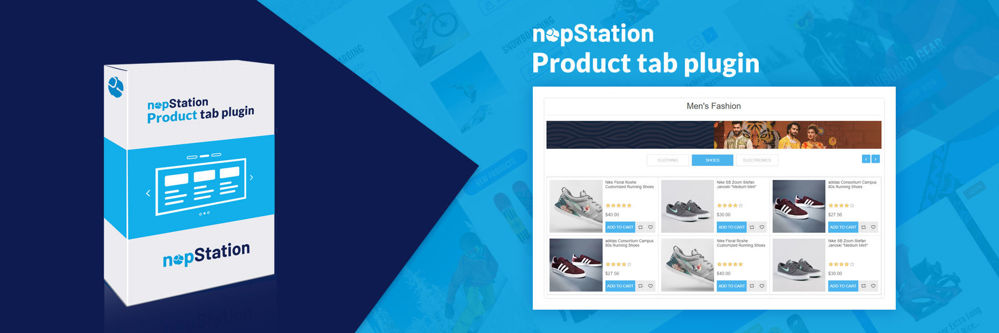
PRE-REQUISITES
- The plugin requires you to install the Nop-Station Core plugin first.
- An Affirm account is needed
INSTALLATION
- Download the Product Tab Plugin from our store https://nop-station.com/customer/downloadableproducts
- Go to Administration → Configuration → Local plugins
- Upload the NopStation.ProductTab zip file using the "Upload plugin or theme" button
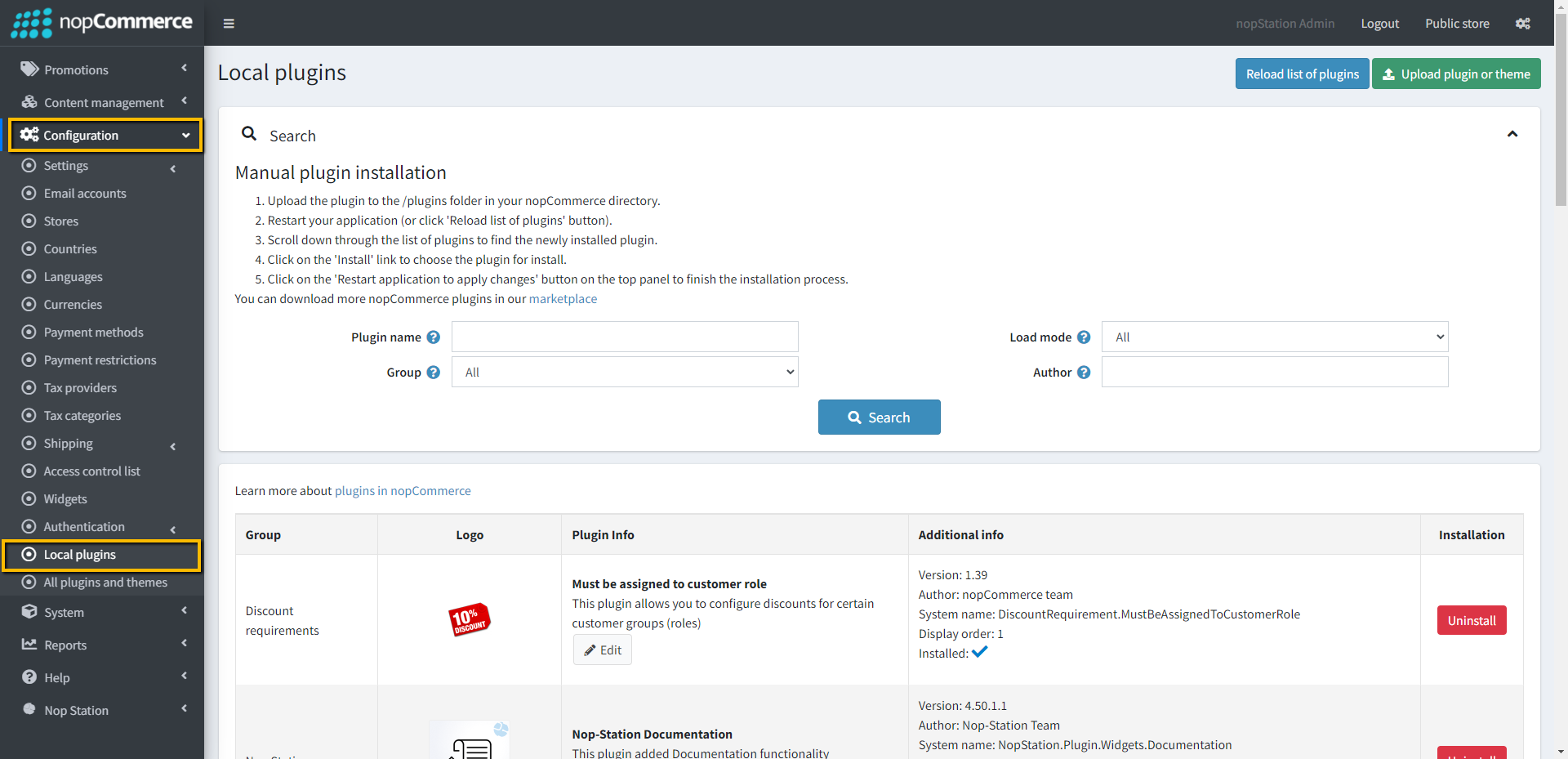
- Go to Administration, reload the 'list of plugins'. Install 'Nop-Station Core' Plugin first and then install 'Nop-Station Product Tab'
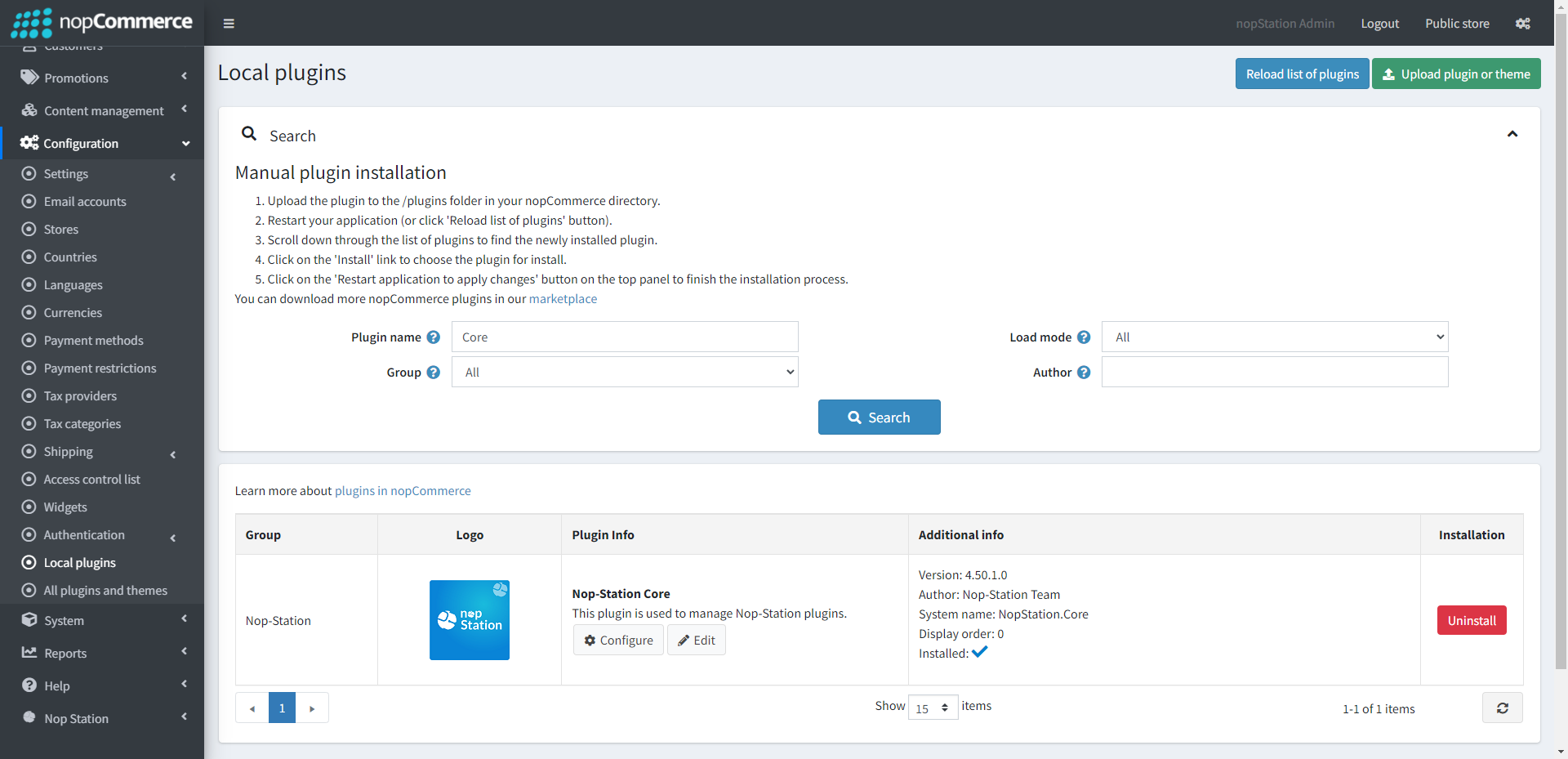
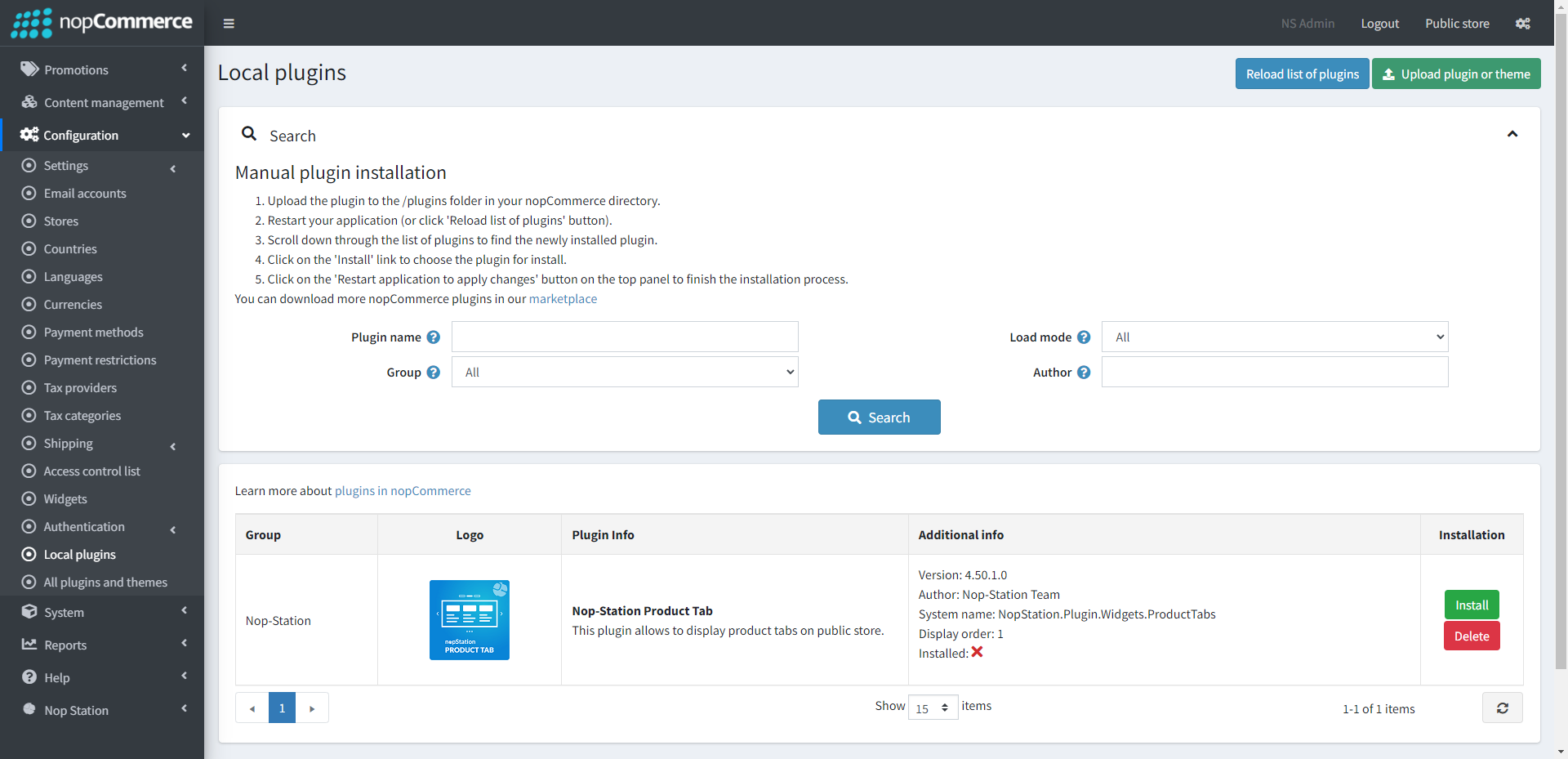
- To make the plugins functional, restart the application.
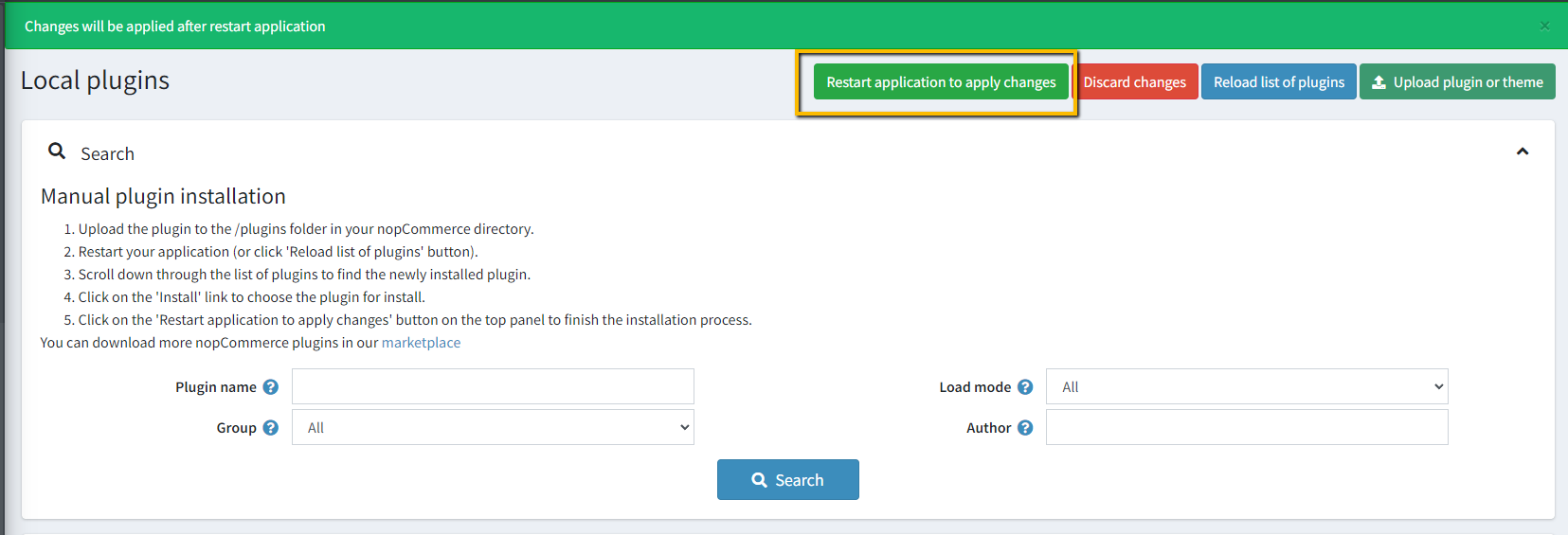
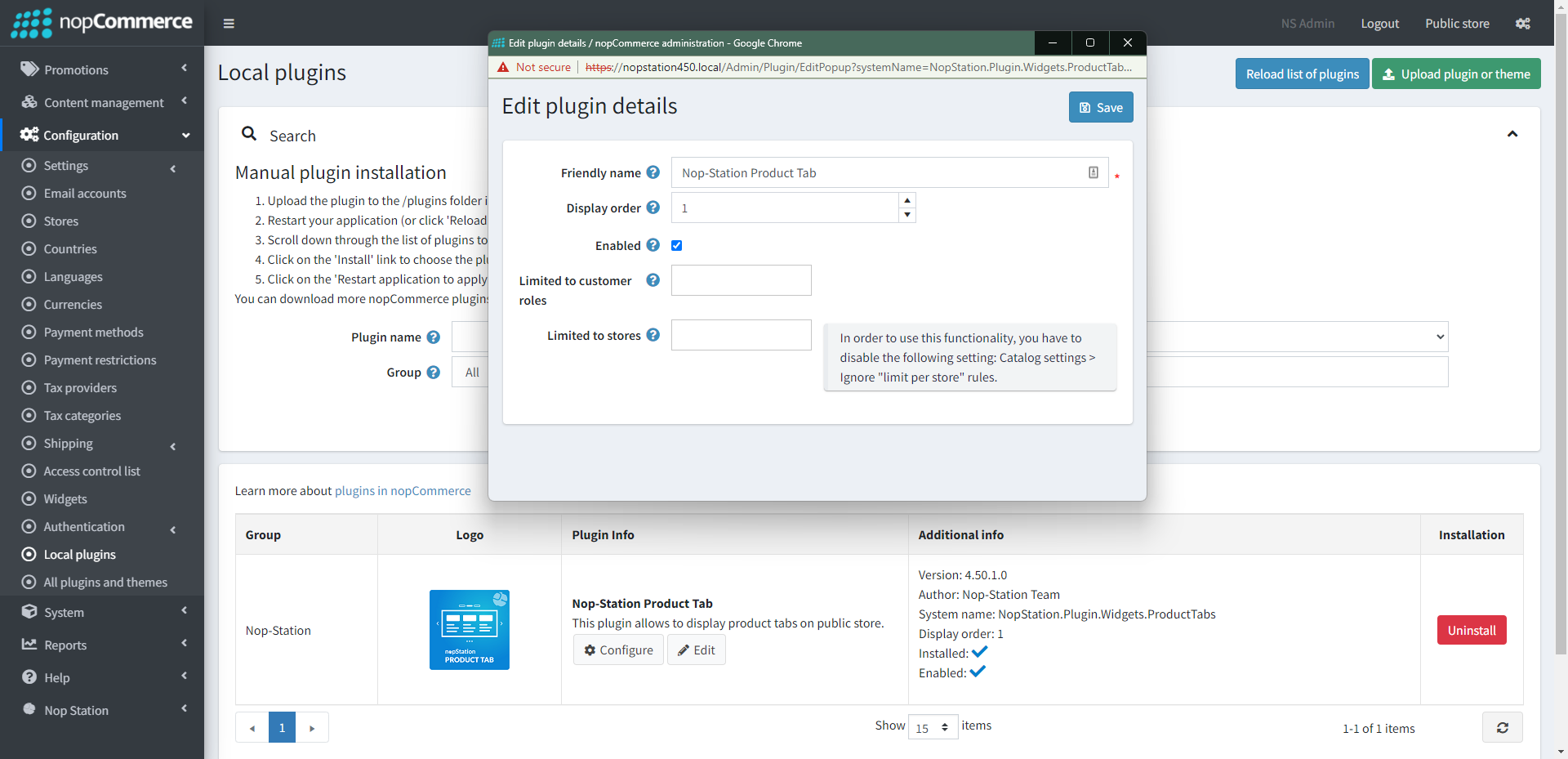
- Enable the plugin with 'Edit' option and Configure it.
CONFIGURATION
- Go to Admin → Nop Station → Plugins → Product Tab → Configuration
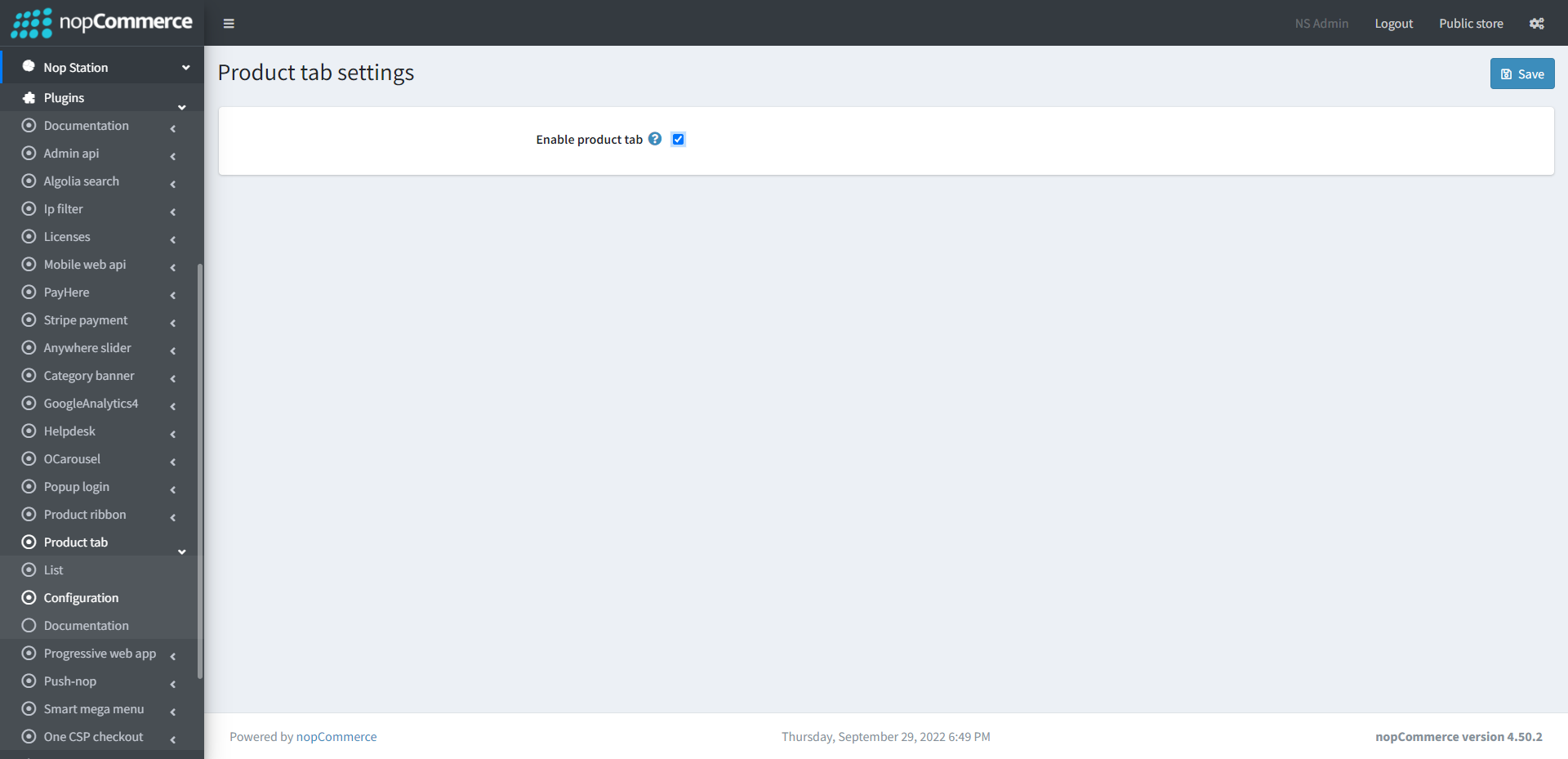
- Enable product tab: Check to enable the plugin
LIST
- Go to Admin → Nop Station → Plugins → Product Tab → List
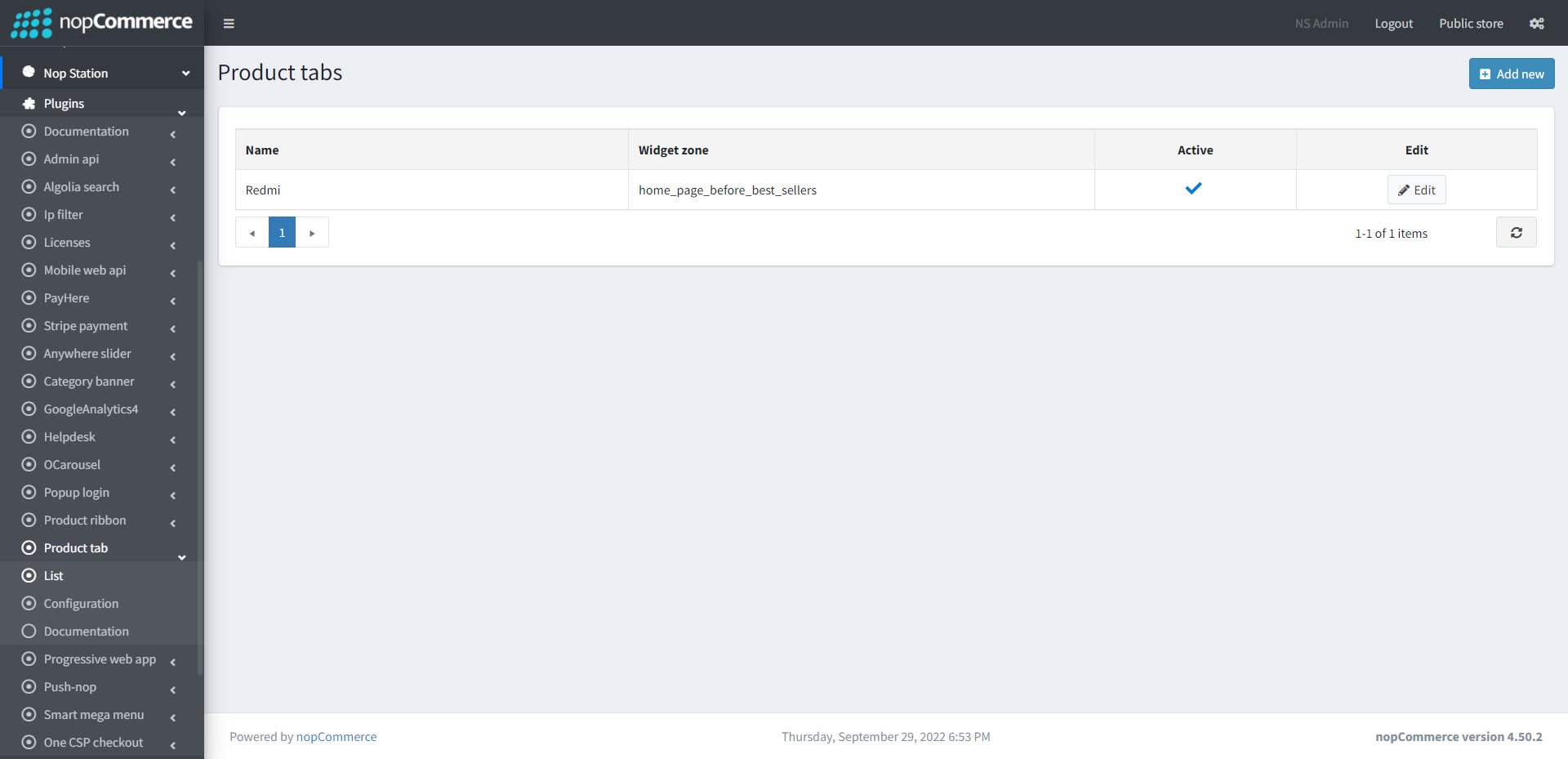
- In this section you can show your list of active and product tabs
CREATE TAB
- Create: To create a new product tab, go to product tab list page Admin → Nop Station → Plugins → Product Tab → List and then click Add new button
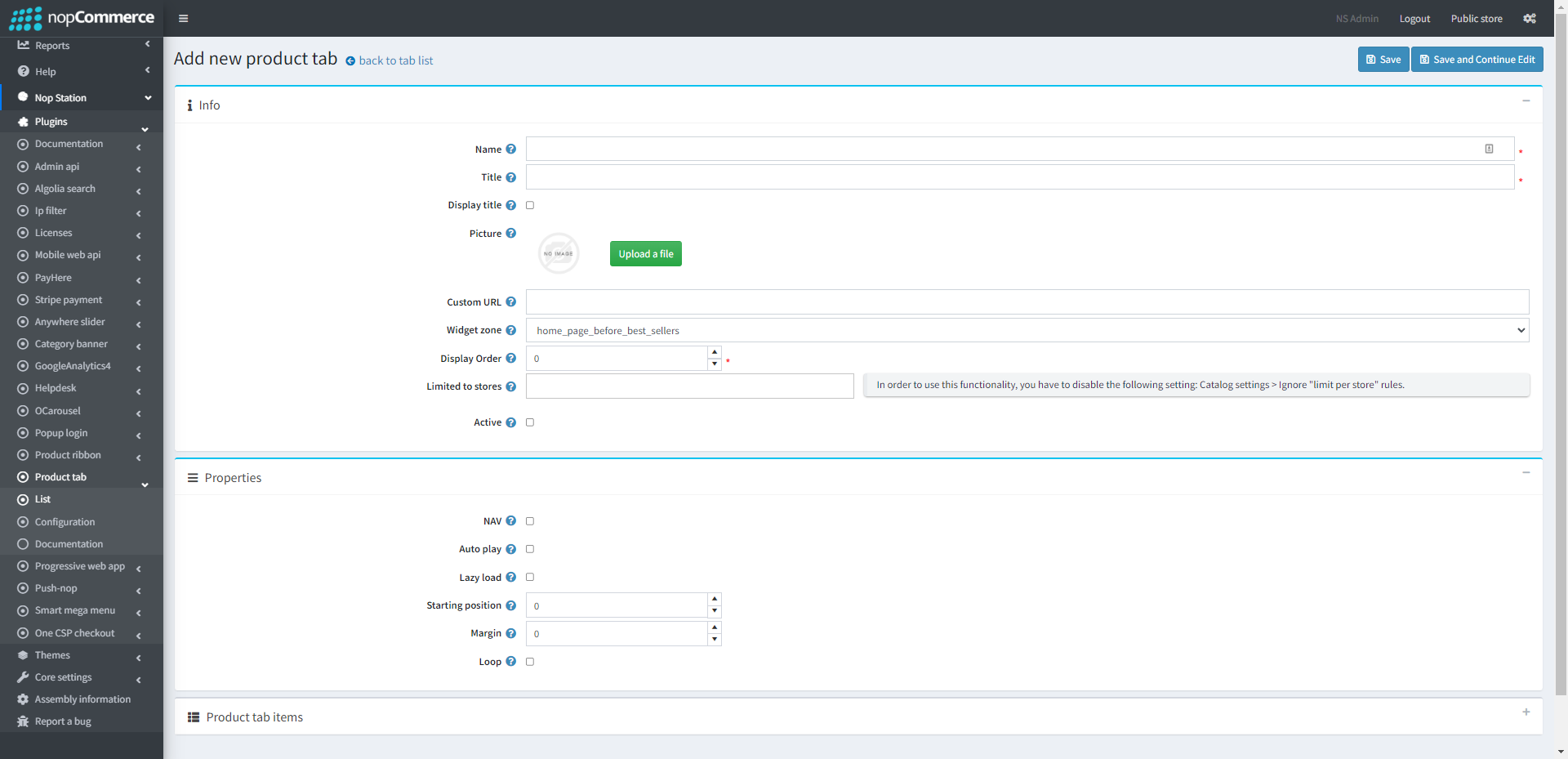
- To edit an existing slider, click on Edit button from slider list table
INFO
- Name: The tab name
- Widget zone: From the list of Widget Zones you can select the locations in which you want your tab to appear in your public store. If you want to add the tab to widget zones click the drop-down select your desired widget zone
- Picture: Select product tab picture.
- Limited to stores: Option to limit this tab to a certain store, if you have multiple stores choose one or several from the list if you don’t use this option just leave this field empty
- Display order: Display order is the order list of the tab, like 1 value represents the top of the tab
- Active: Determines whether this tab will be active
PROPERTIES
- NAV: By checking this property, it will display next/previous button on tab. If you want to hide these buttons, uncheck it
- Autoplay: By checking this property, it enables auto play
- Auto play timeout: It defines the duration of tab autoplay interval timeout (in miliseconds)
Auto play hover pause: It defines whether the tab autoplay will be paused on slider hover - Lazy load: Check to image lazy load for tab items
- Loop: Check this property, if you want to continue autoplay

