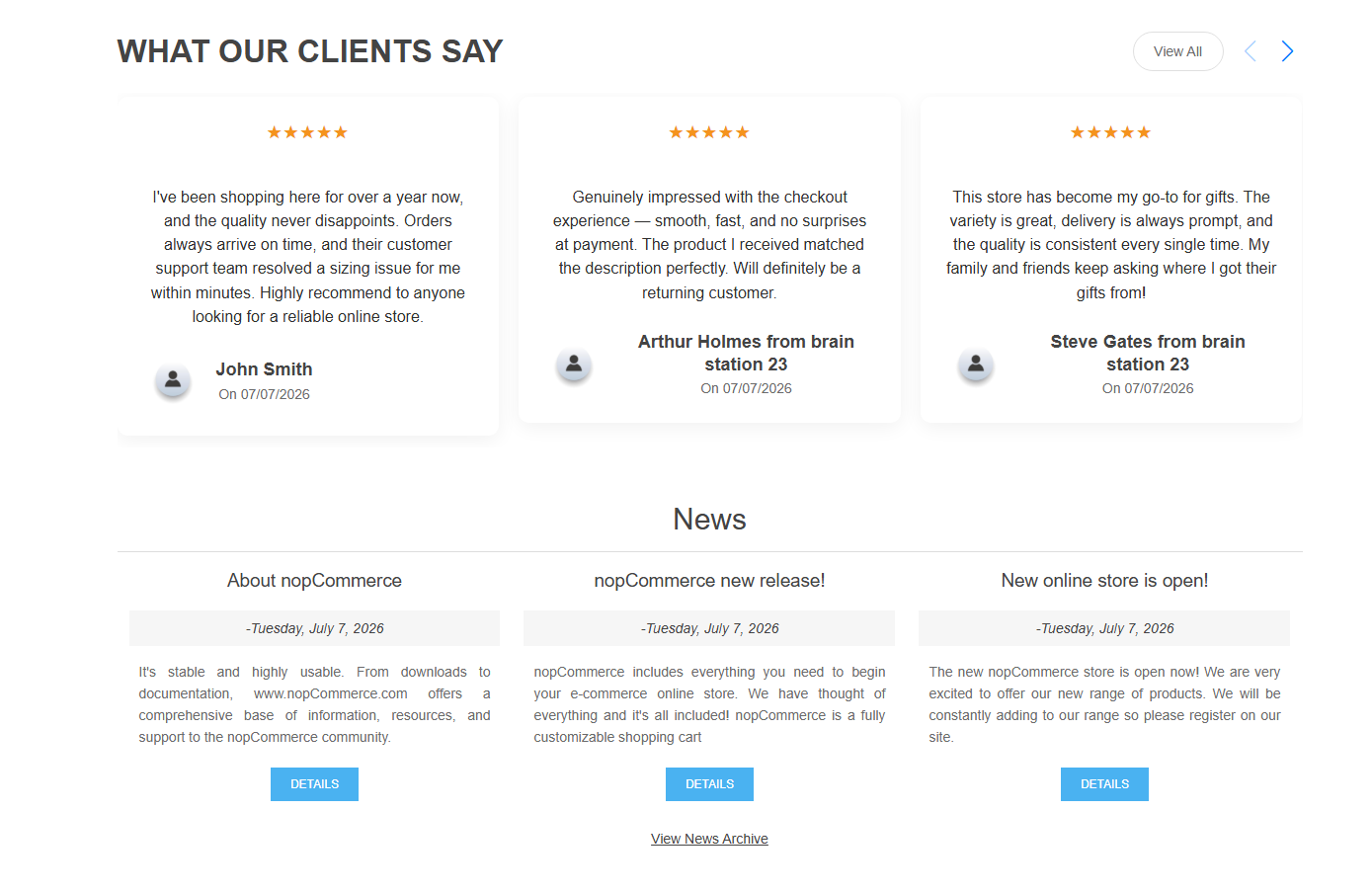
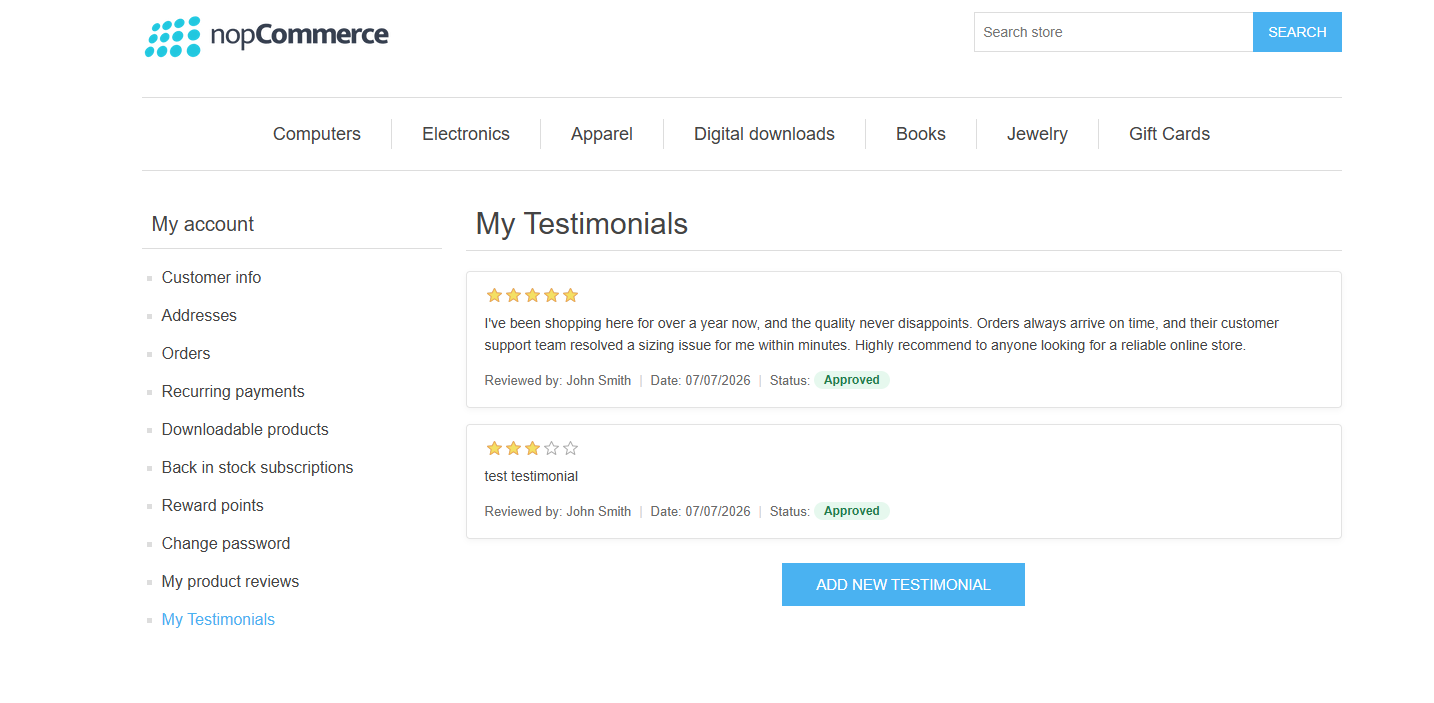
The nopStation Testimonial Plugin helps nopCommerce store owners collect, manage, and showcase genuine customer testimonials to build trust and strengthen their brand reputation. Unlike standard product reviews, testimonials highlight customers' overall experience with your business, making them a powerful way to influence purchasing decisions and increase customer confidence.
PRE-REQUISITES
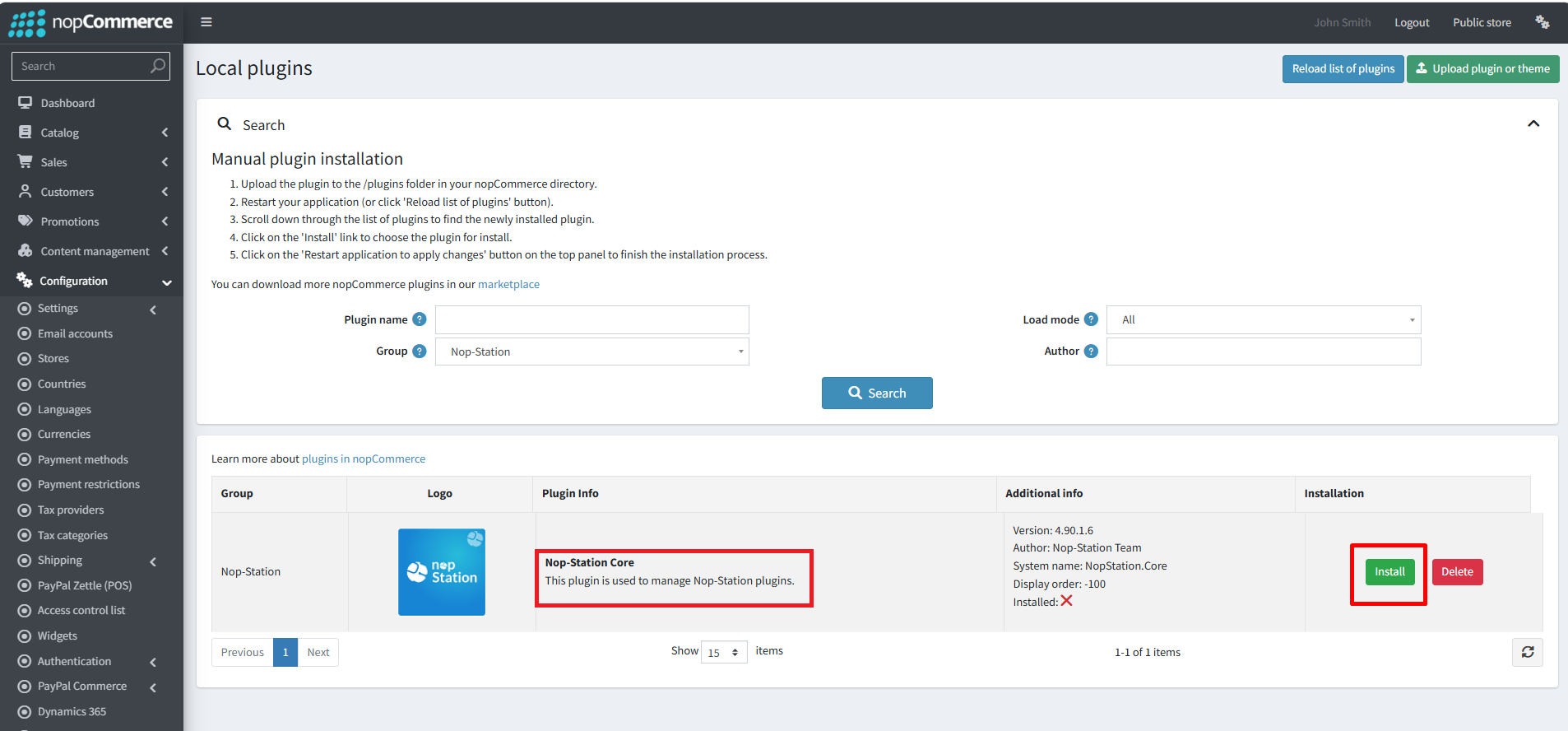
The plugin requires you to install the Nop-Station Core plugin first.
INSTALLATION
· Download the Testimonial Plugin from our store.
· You can learn more about the installation and licensing here
· Go to Administration → Configuration → Local plugins
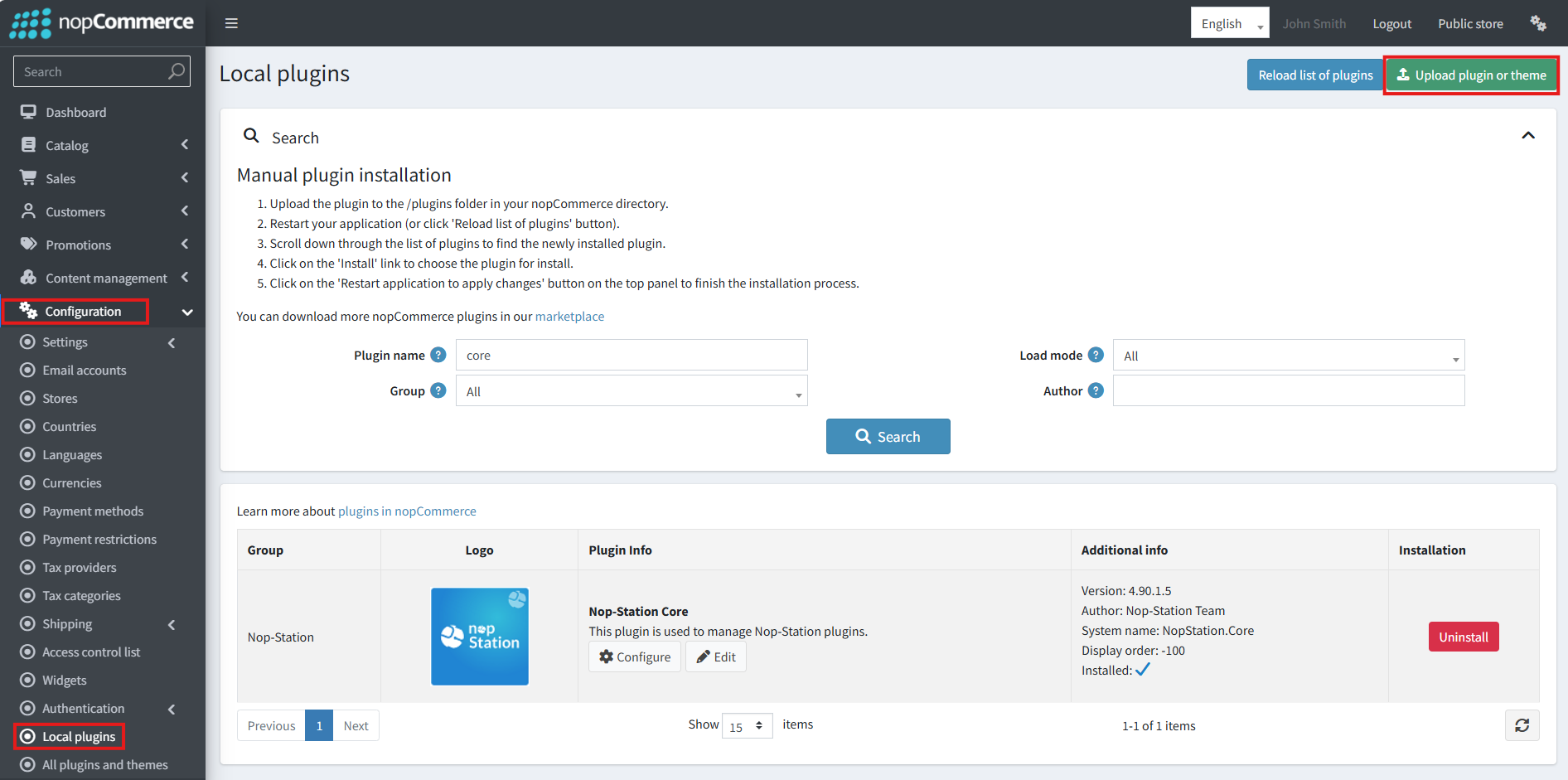
· Select the NopStation.Core file and upload it by clicking the 'Upload plugin or theme' button.
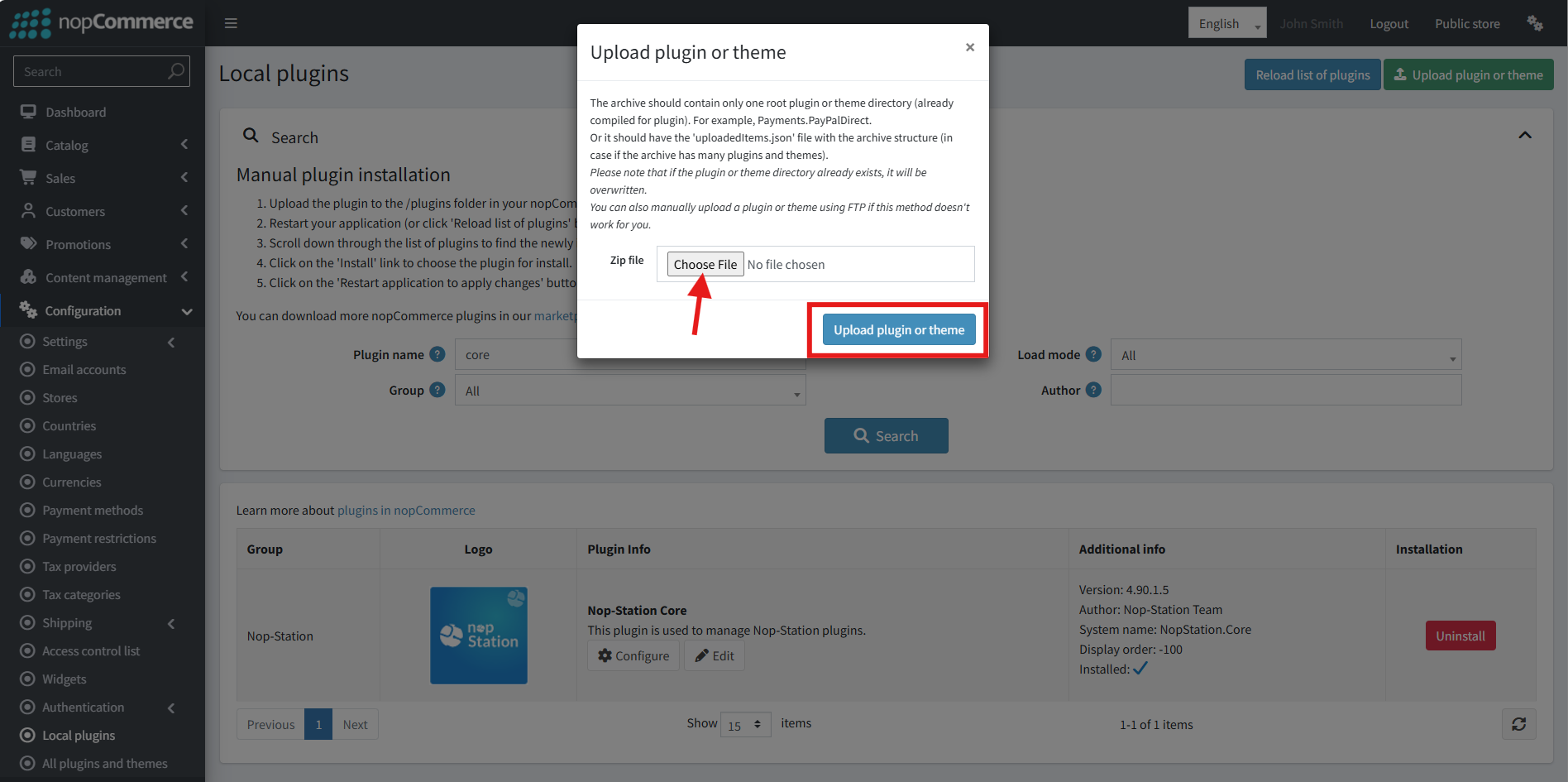
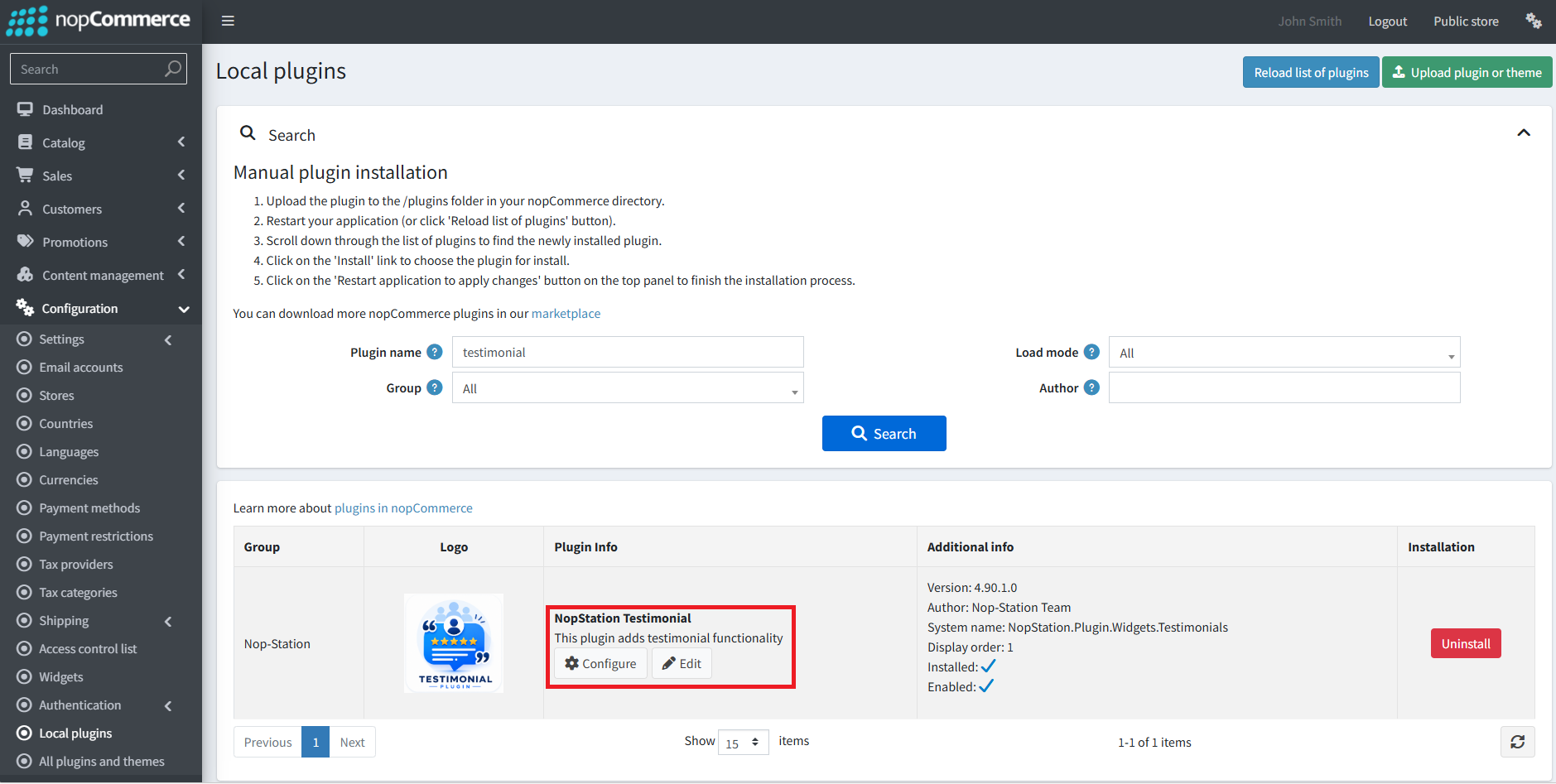
· Select the NopStation.Testimonial Plugin file.
· Upload the file using the 'Upload plugin or theme' button.
· After uploading the plugin, go to the Administration. Install 'Nop-Station Core' Plugin first and then install 'NopStation.Testimonial’ plugin.
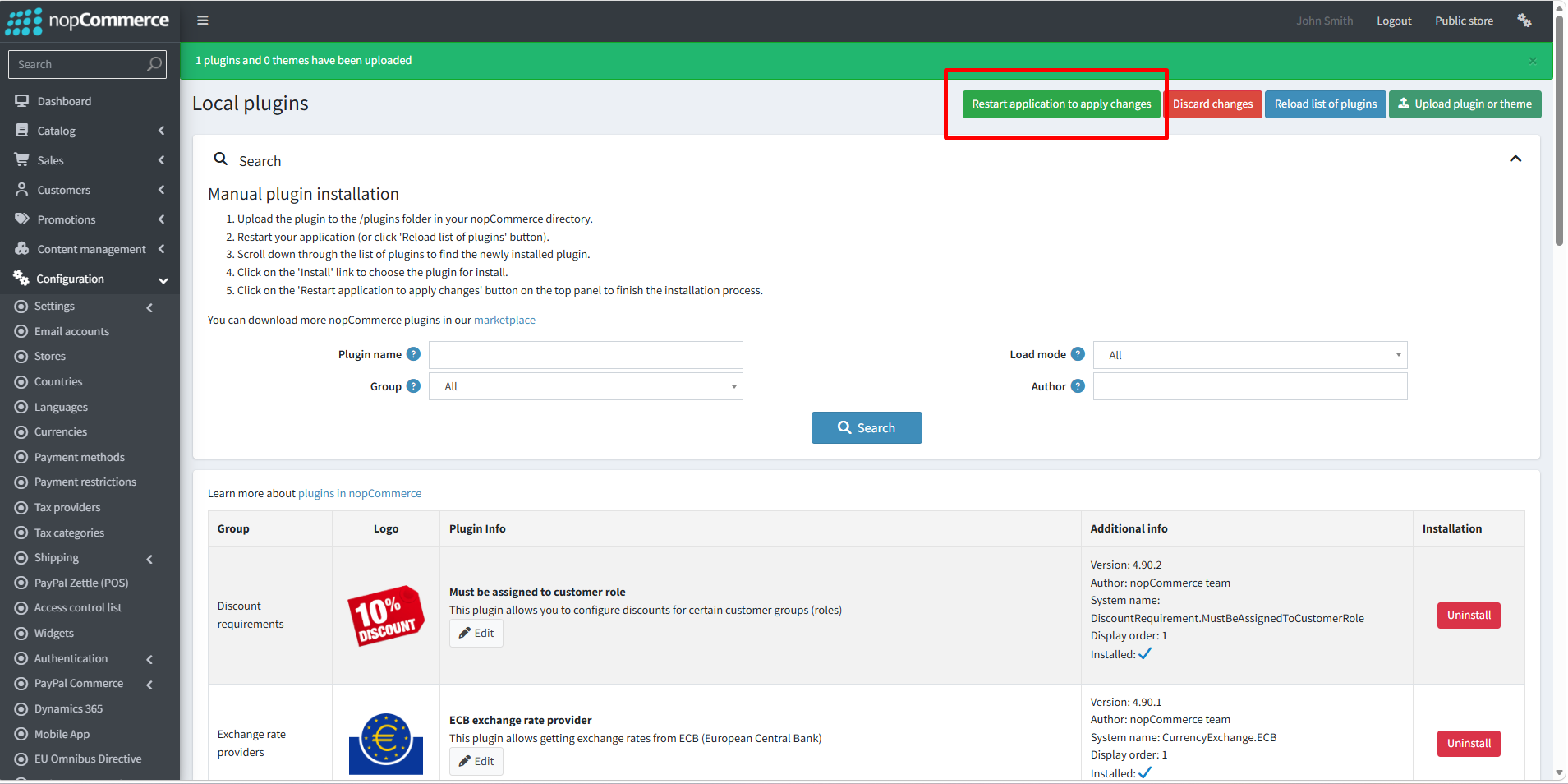
· To make the plugins functional, restart the application
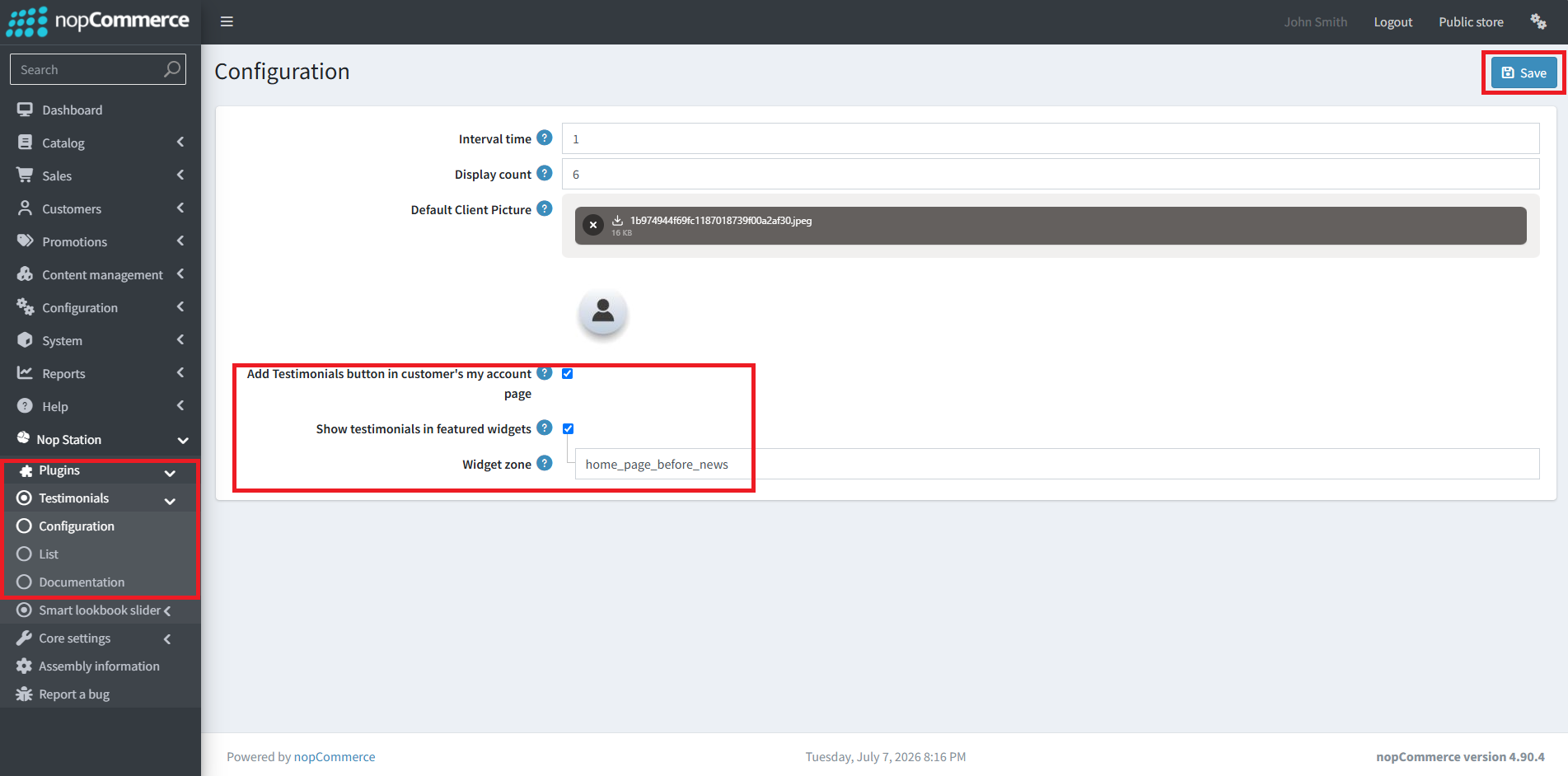
· You can configure the plugin by clicking on Configure from the Local Plugins page. Alternatively, go to nopStation → Plugins→ NopStation.Testimonial Plugin → Configure NopStation.Testimonial Plugin, enable the required options, and click Save
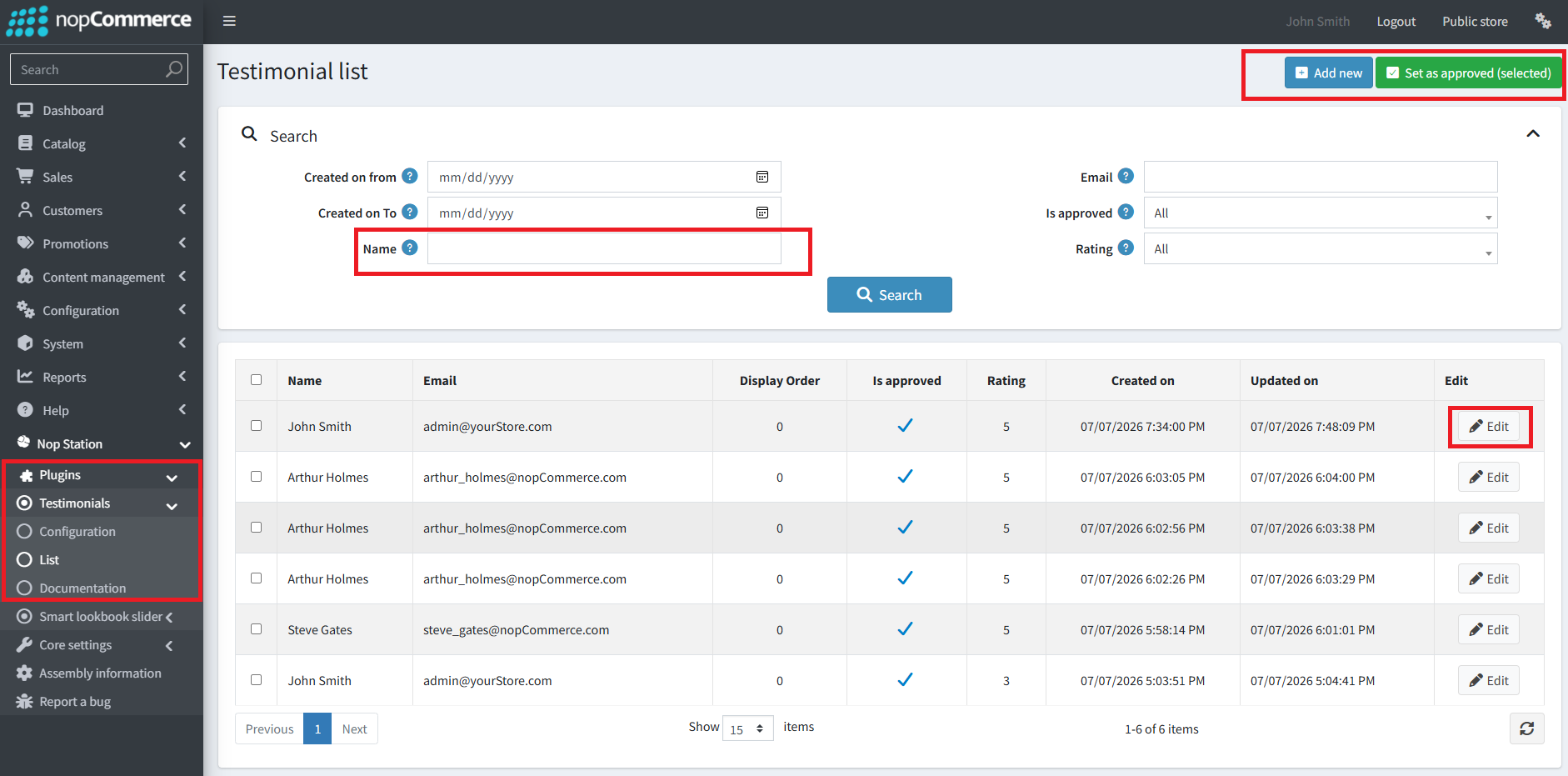
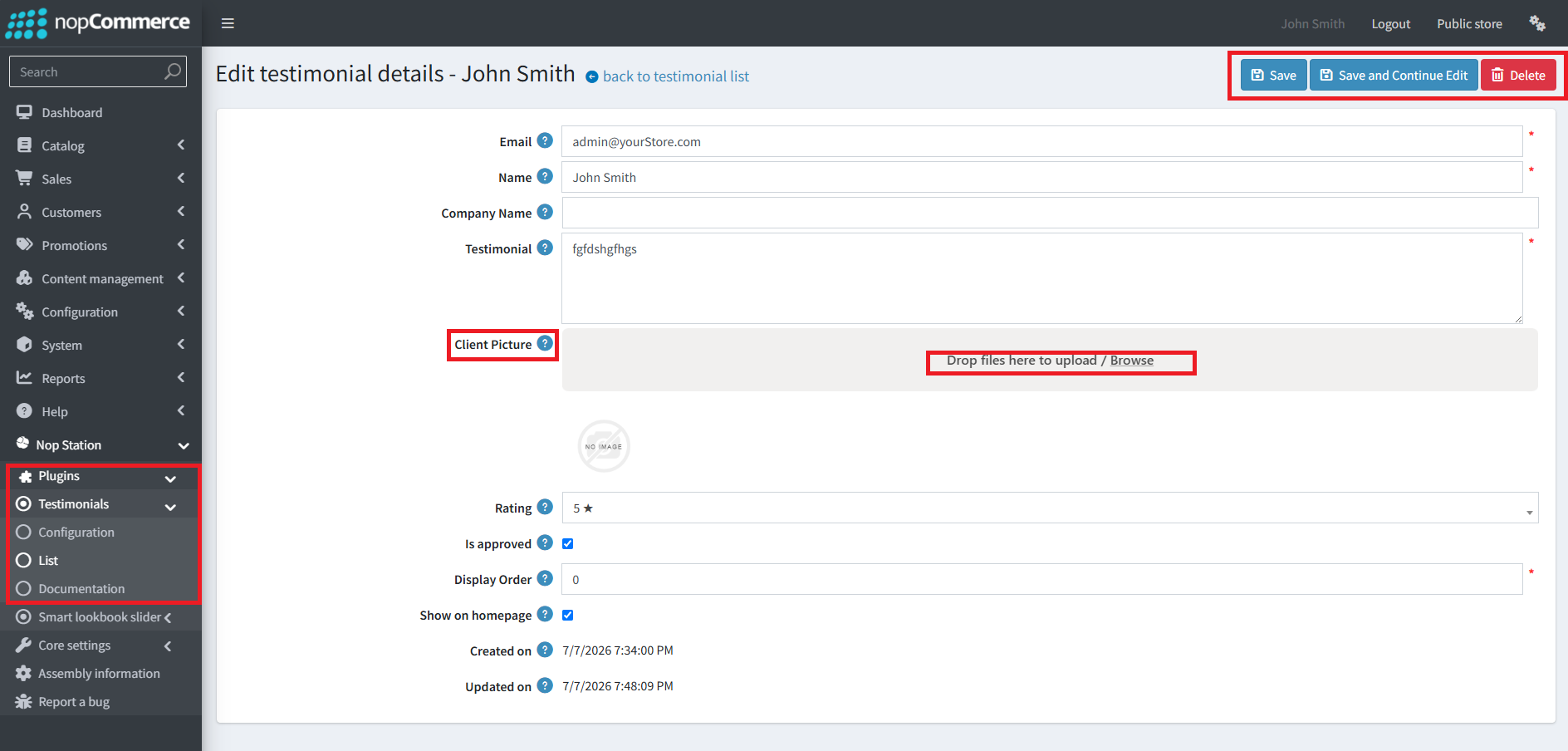
Configuration (Store-Scoped, with Per-Store Overrides)
· Widget zone selection — choose exactly where the carousel widget appears.
· Enable/disable the homepage carousel widget independently of the "All Testimonials" page.
· Number of testimonials to show on the homepage carousel.
· Minimum interval (seconds) between a customer's testimonial submissions.
· Default client picture used when a testimonial has no picture of its own.
· Toggle for showing the "My Testimonials" entry in customer account navigation.
· All settings support per-store overrides in multi-store setups.
Access Control
· Dedicated permission (NopStation testimonial. Manage testimonial) gates all admin configuration and moderation actions, assignable independently of other store permissions
· Public View: