PRE-REQUISITES
- The plugin requires you to install the Nop-Station Core plugin first.
INSTALLATION
- Download the Abstract exchange rate provider from our store https://nop-station.com/customer/downloadableproducts
- Go to Administration → Configuration → Local plugins
- Upload the Abstract exchange rate provider zip file using the "Upload plugin or theme" button.
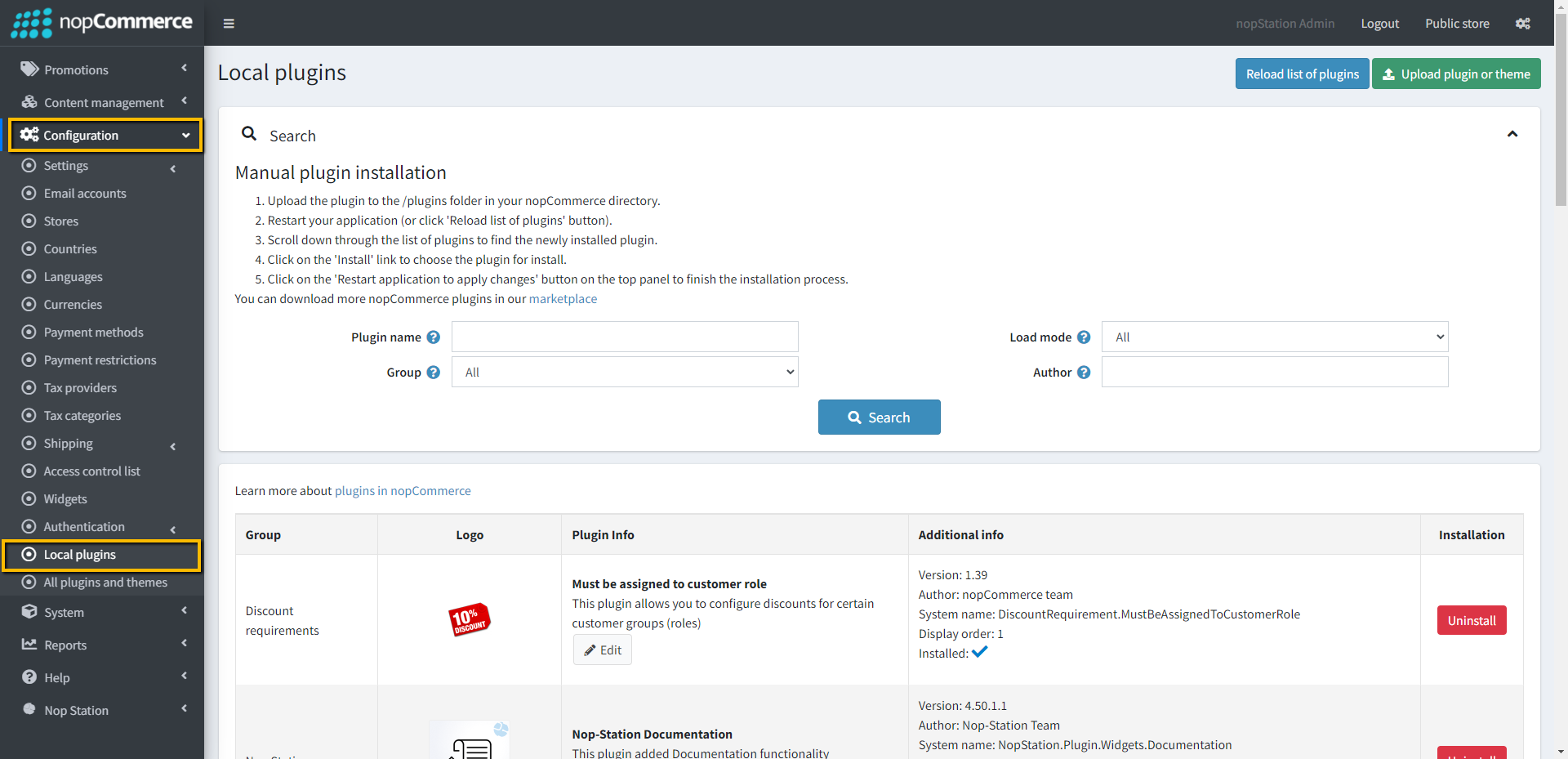
- Click on, the 'Reload list of plugins' button. The Nop-Station Abstract Api exchange rate provider will appear in the plugin list.
- Install the NopStation Core plugin first and then install Nop-Station Abstract Api exchange rate provider Plugin
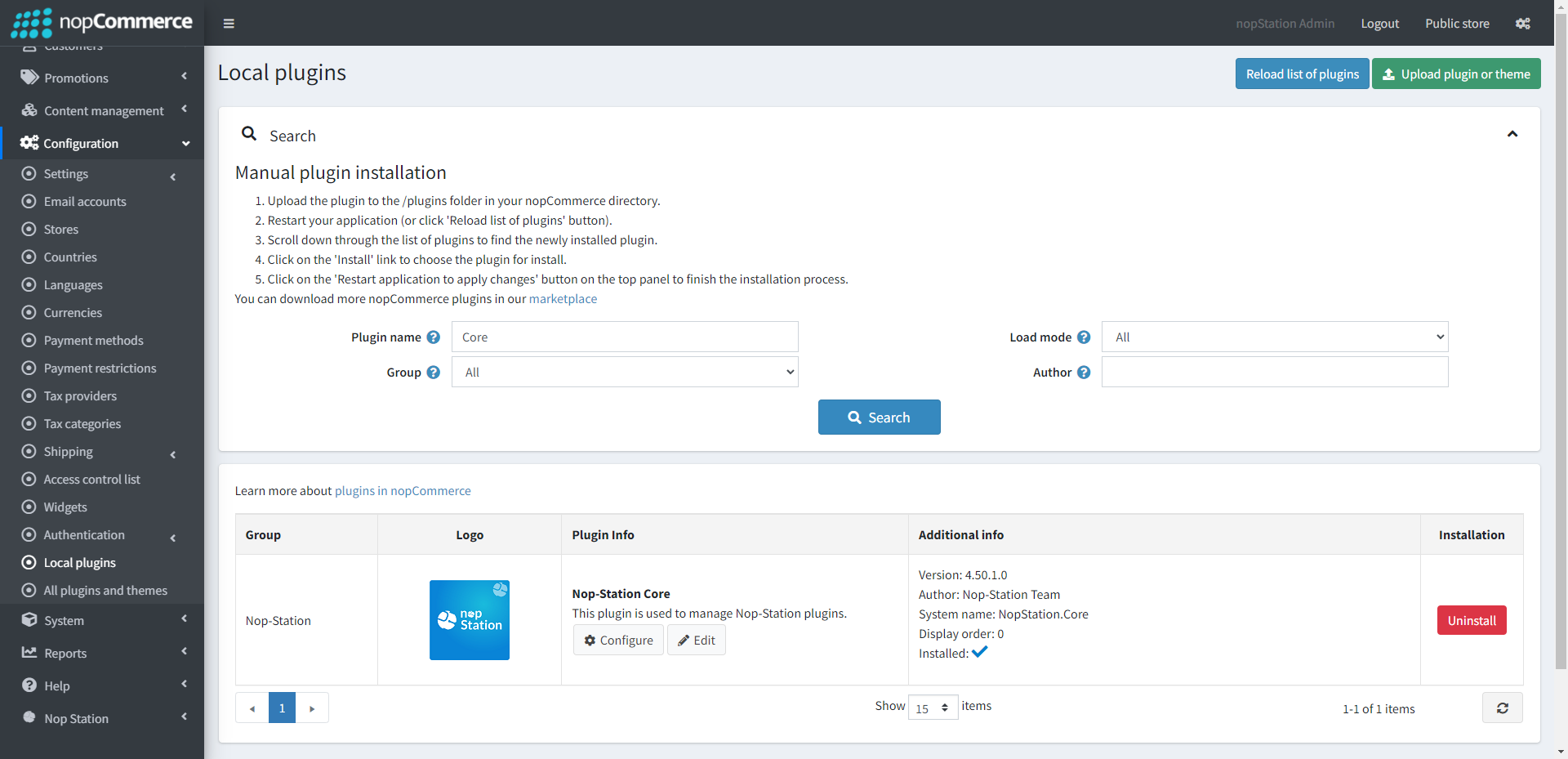
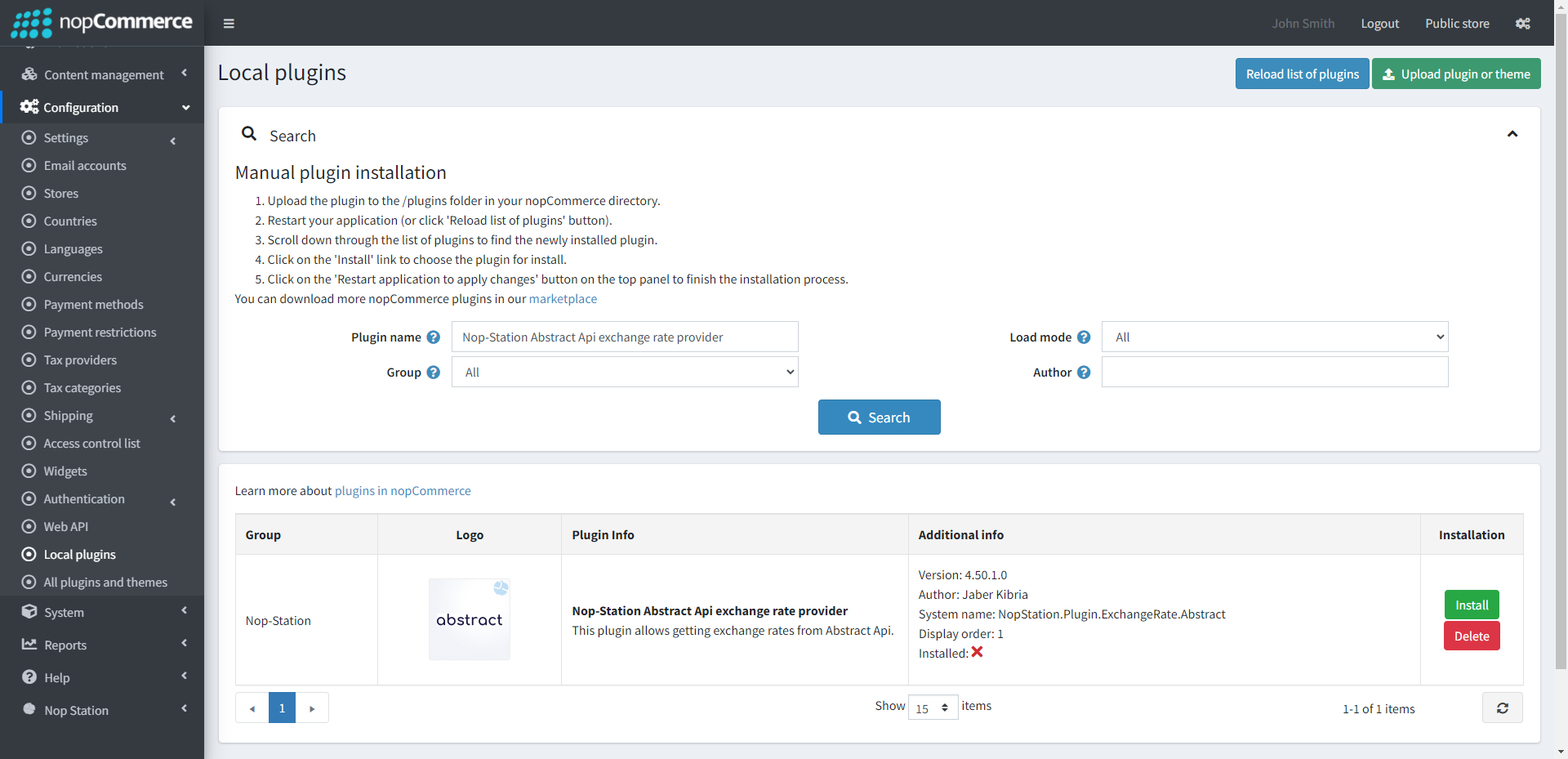
- To make the plugins functional, restart the application.
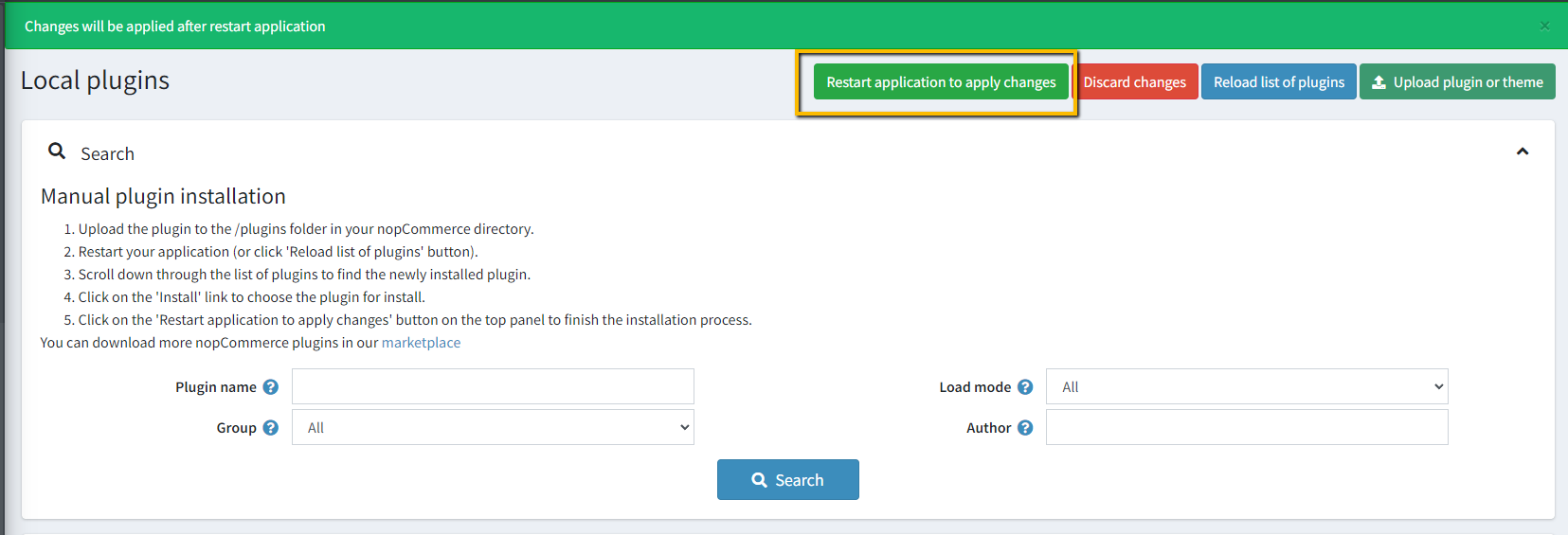
CONFIGURATION
- Go to Admin → NopStation → Exchange Rate(Abstract) → Configuration at the Administration panel
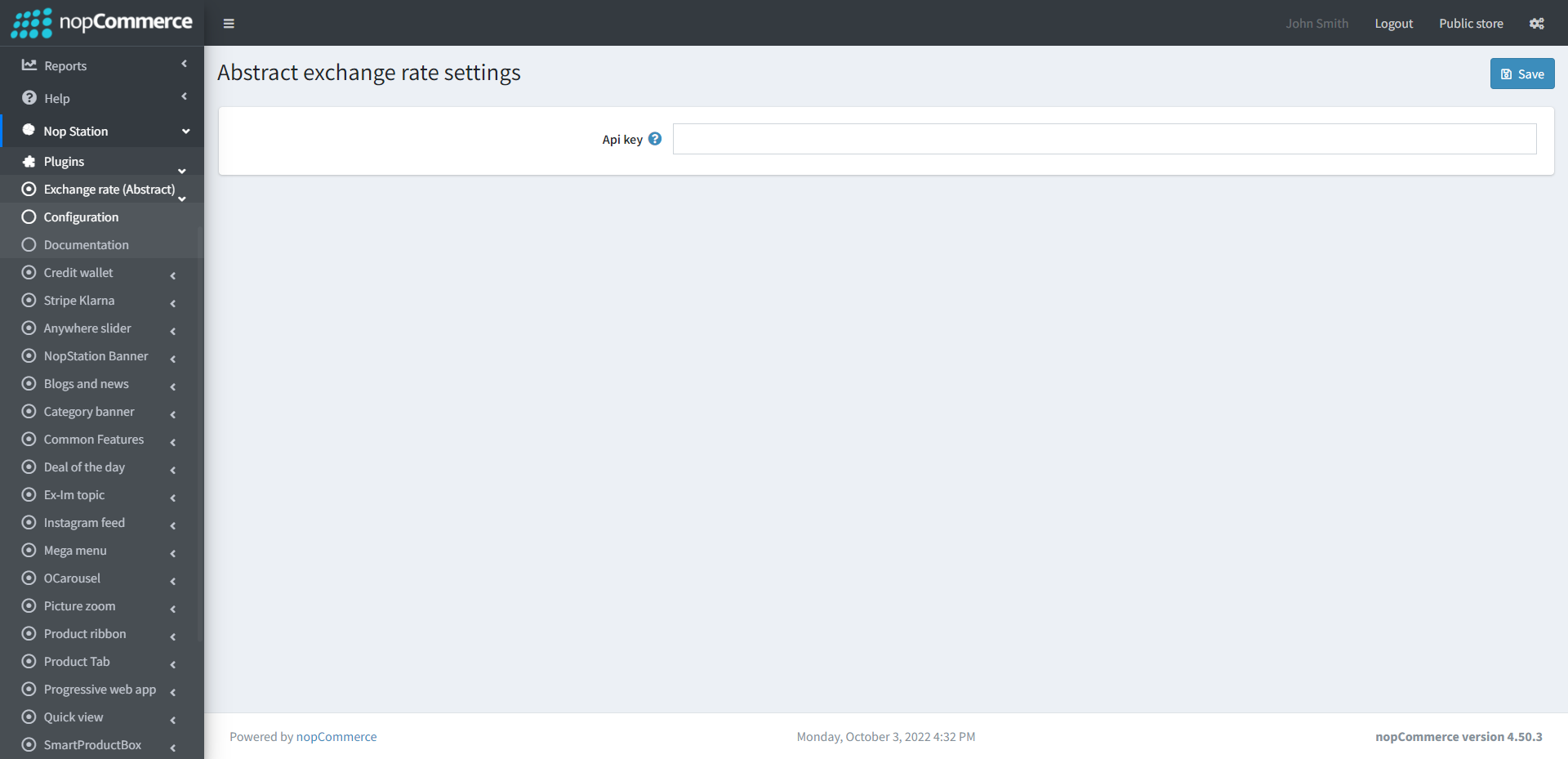
- Api key: Enter the unique API key of Abstract Api.
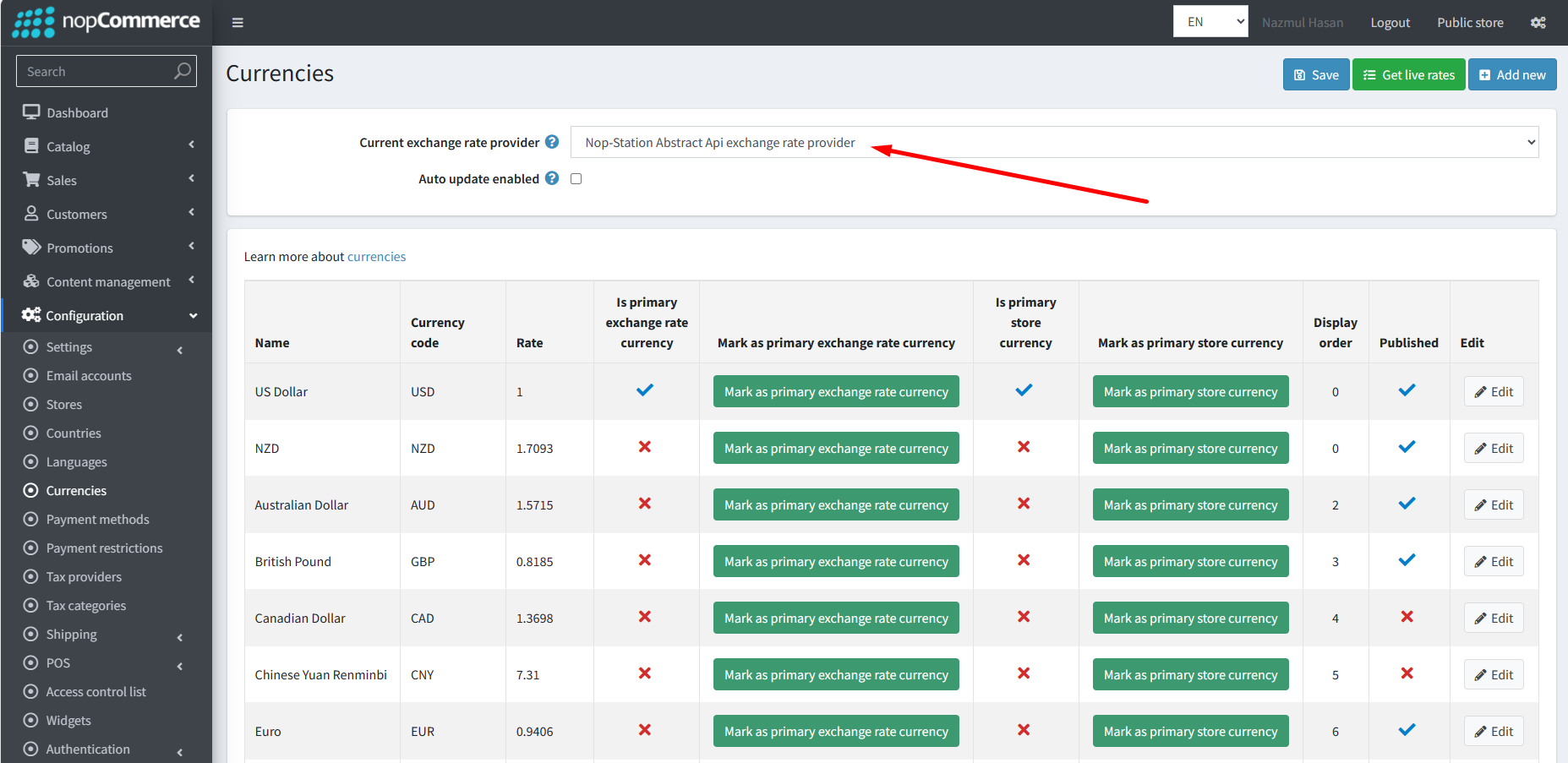
- Go to Admin → Currency at the Administration panel and apply rates by selecting the Nop-Station Abstract Api exchange rate provider