PRE-REQUISITES
- The plugin requires you to install the Nop-Station Core plugin first.
INSTALLATION
- Download the Vonage SMS Plugin from our store https://nop-station.com/customer/downloadableproducts
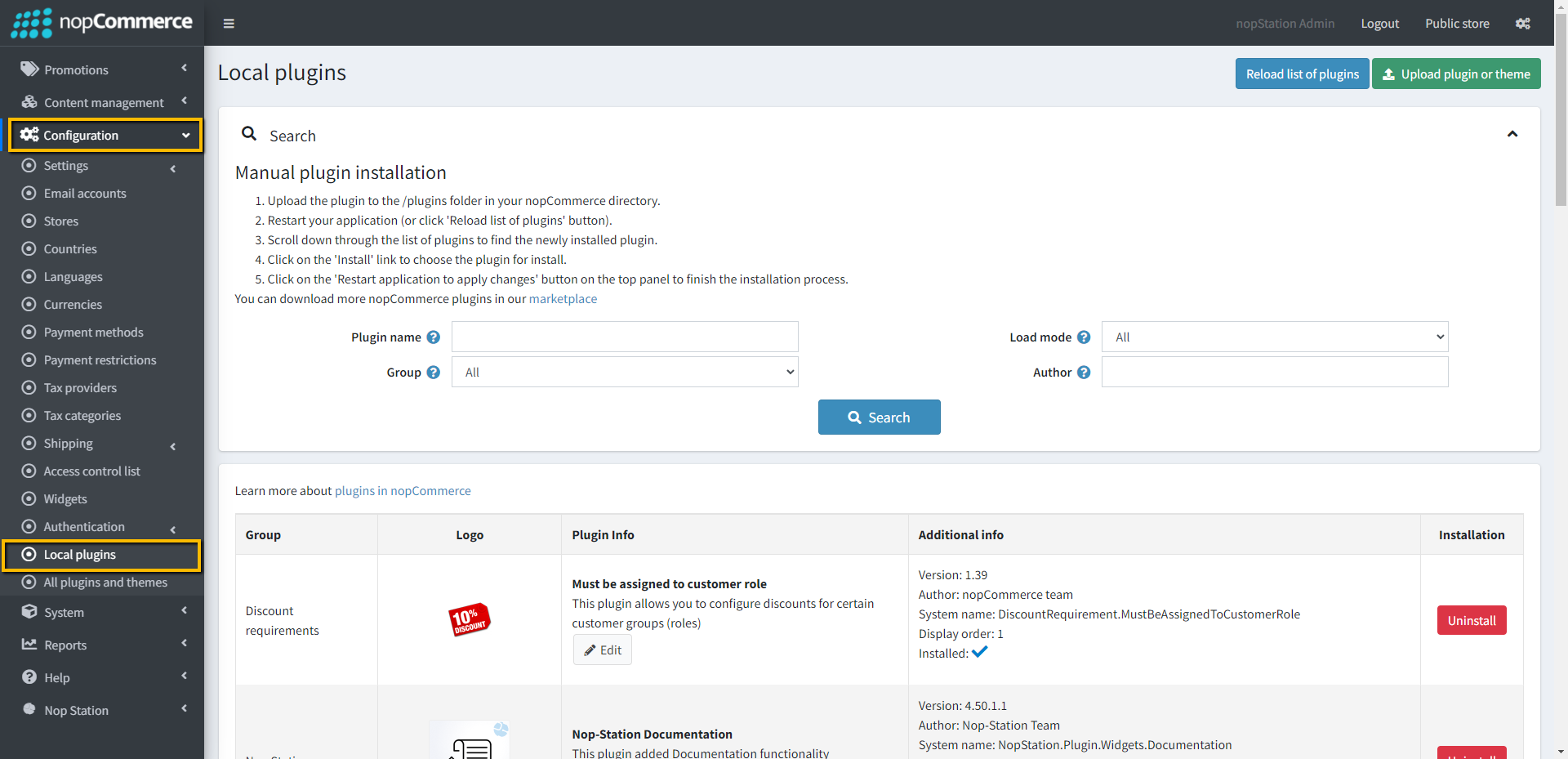
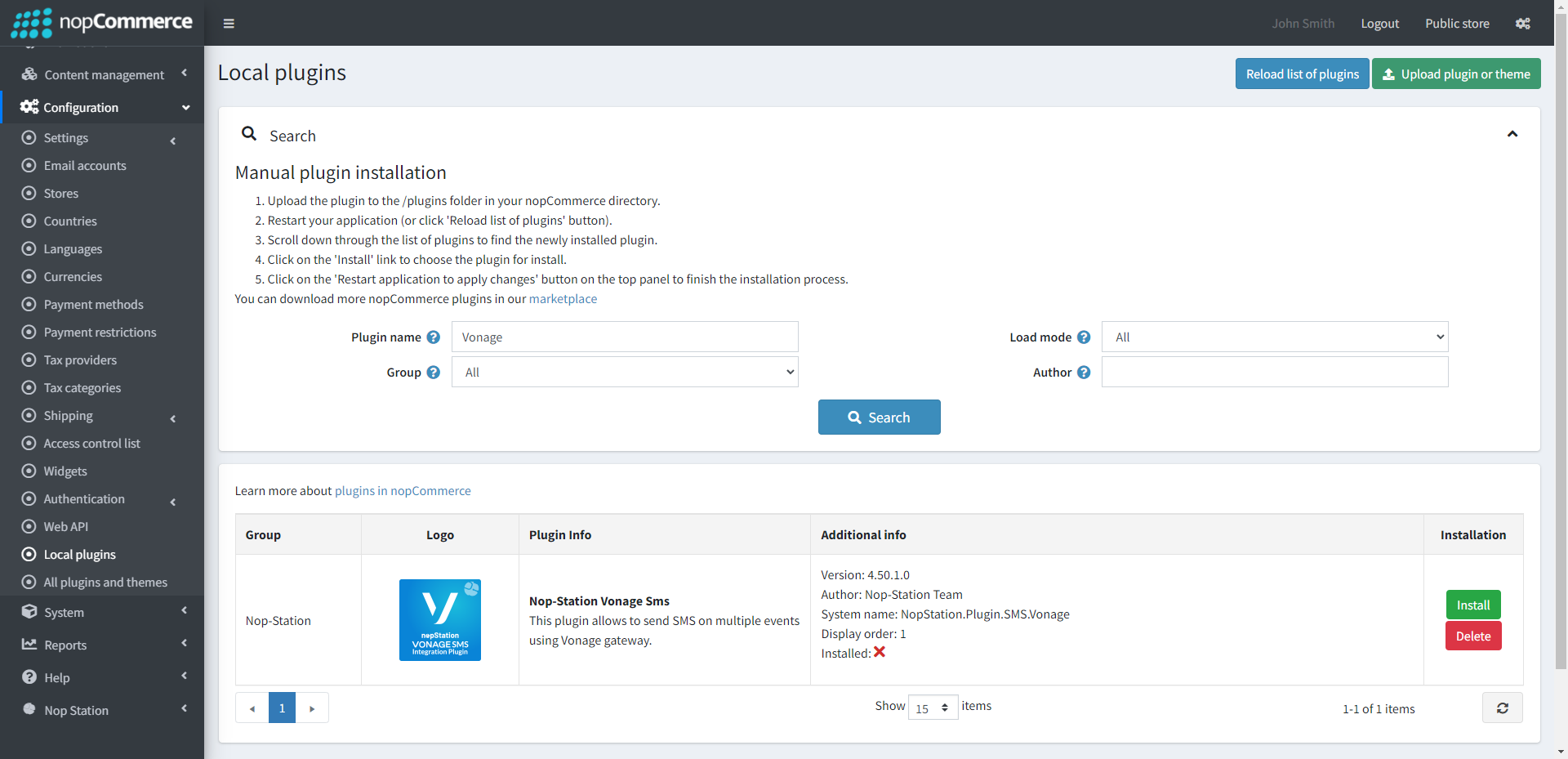
- Go to Administration → Configuration → Local plugins
- Upload the NopStation.VonageSms zip file using the "Upload plugin or theme" button
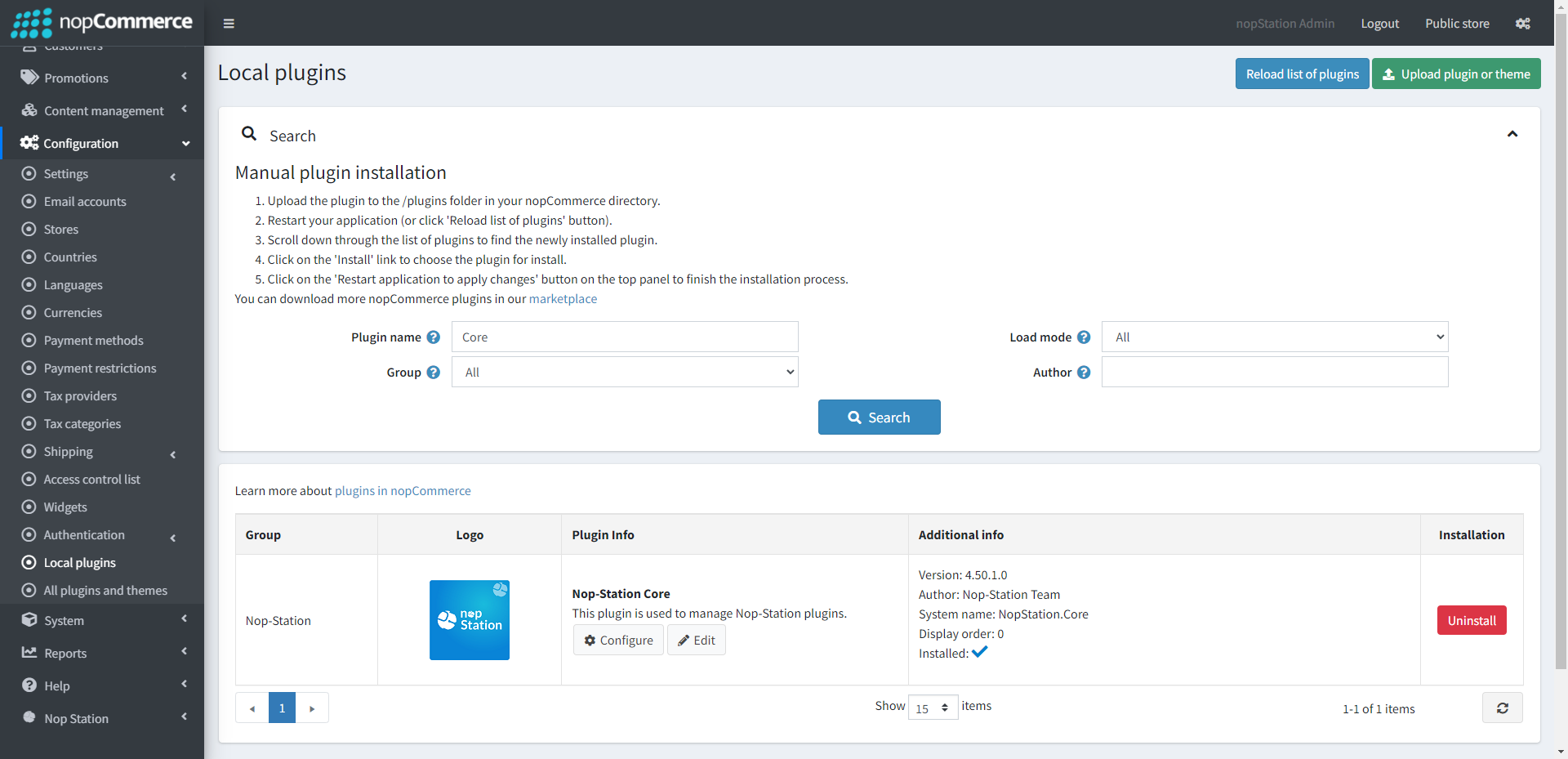
- Go to Administration, reload the 'list of plugins'. Install 'Nop-Station Core' Plugin first and then install 'Nop-Station Vonage SMS'
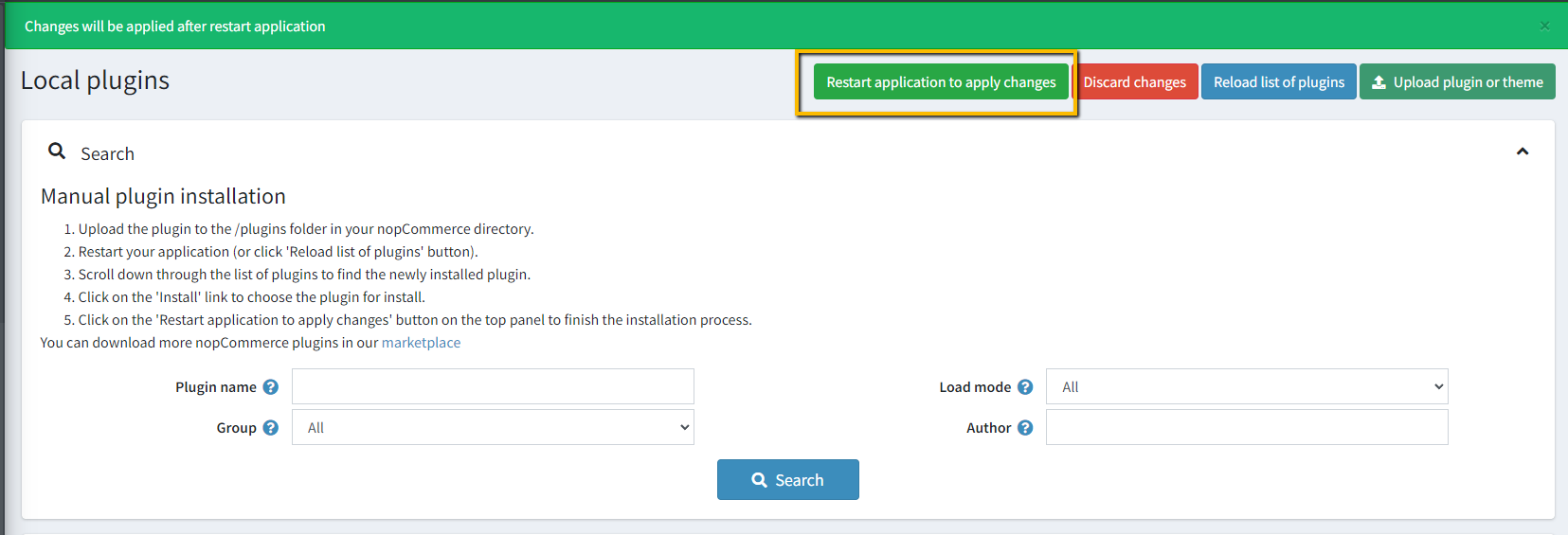
- To make the plugins functional, restart the application.
CONFIGURATION
- Go to Admin → NopStation → Plugin → Vonage SMS → Configuration
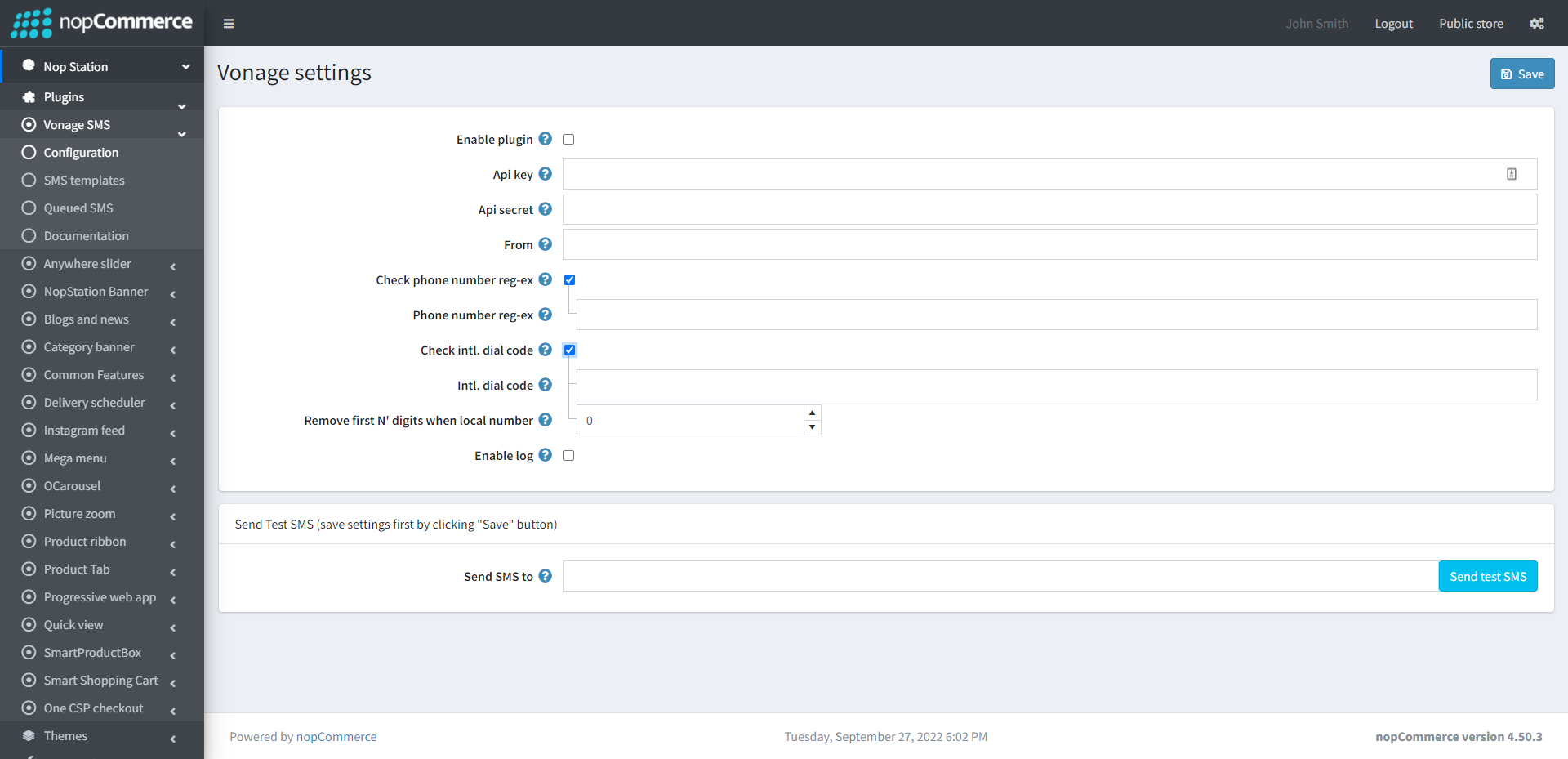
- Check the Enable Plugin checkbox to enable the SMS Plugin
- The Api key and Api secret can be found on your Account Dashboard
- Check phone number reg-ex to validate phone number using regular expression
- Check intl. dial code to validate phone number using country code
- Check Enable log to enable logging
SMS TEMPLATE
- Go to Admin → NopStation → Plugins → Vonage SMS → SMS templates
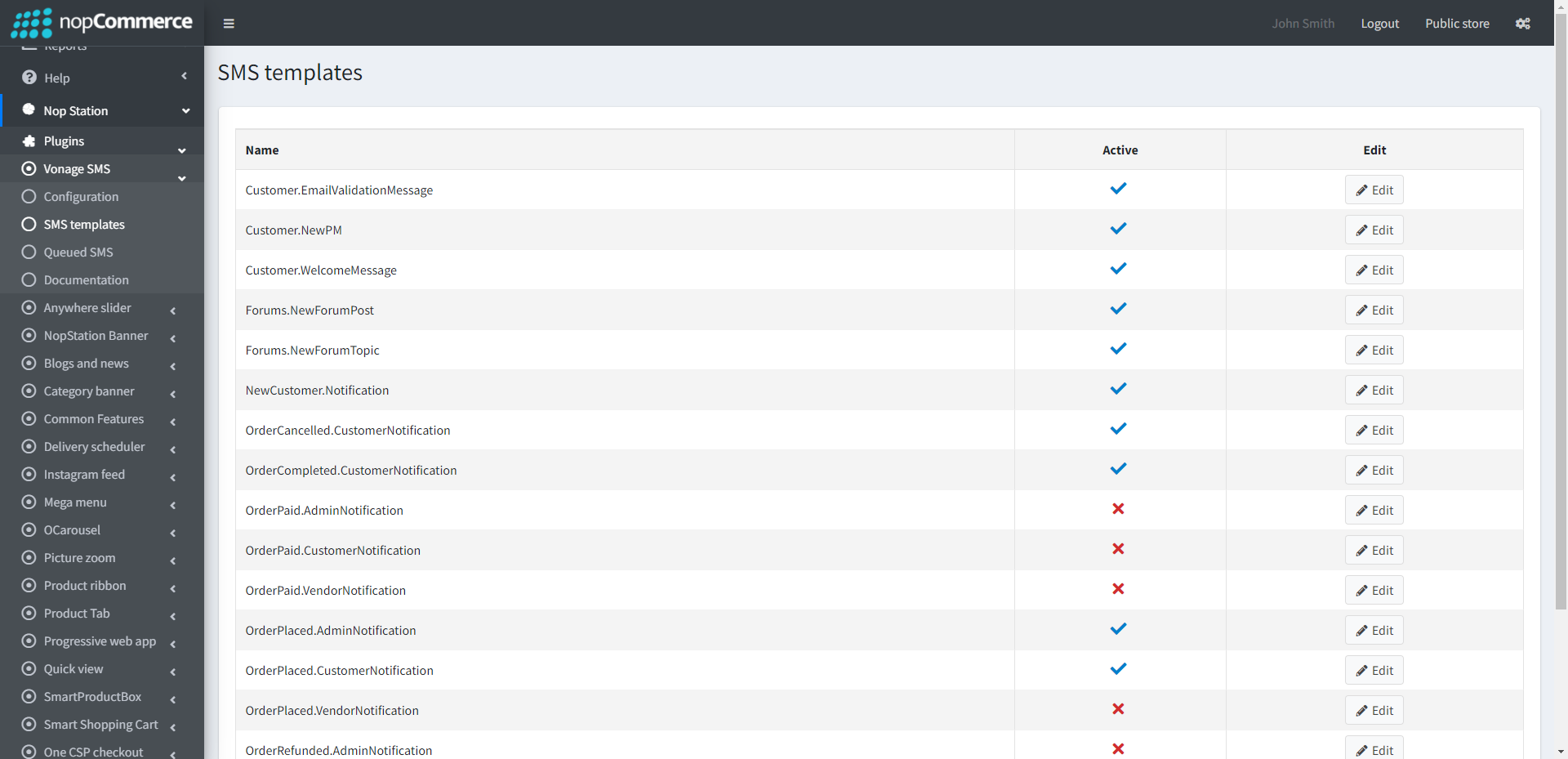
- There are 19 sms templates which you can use. You can modify the templates based on your requirements
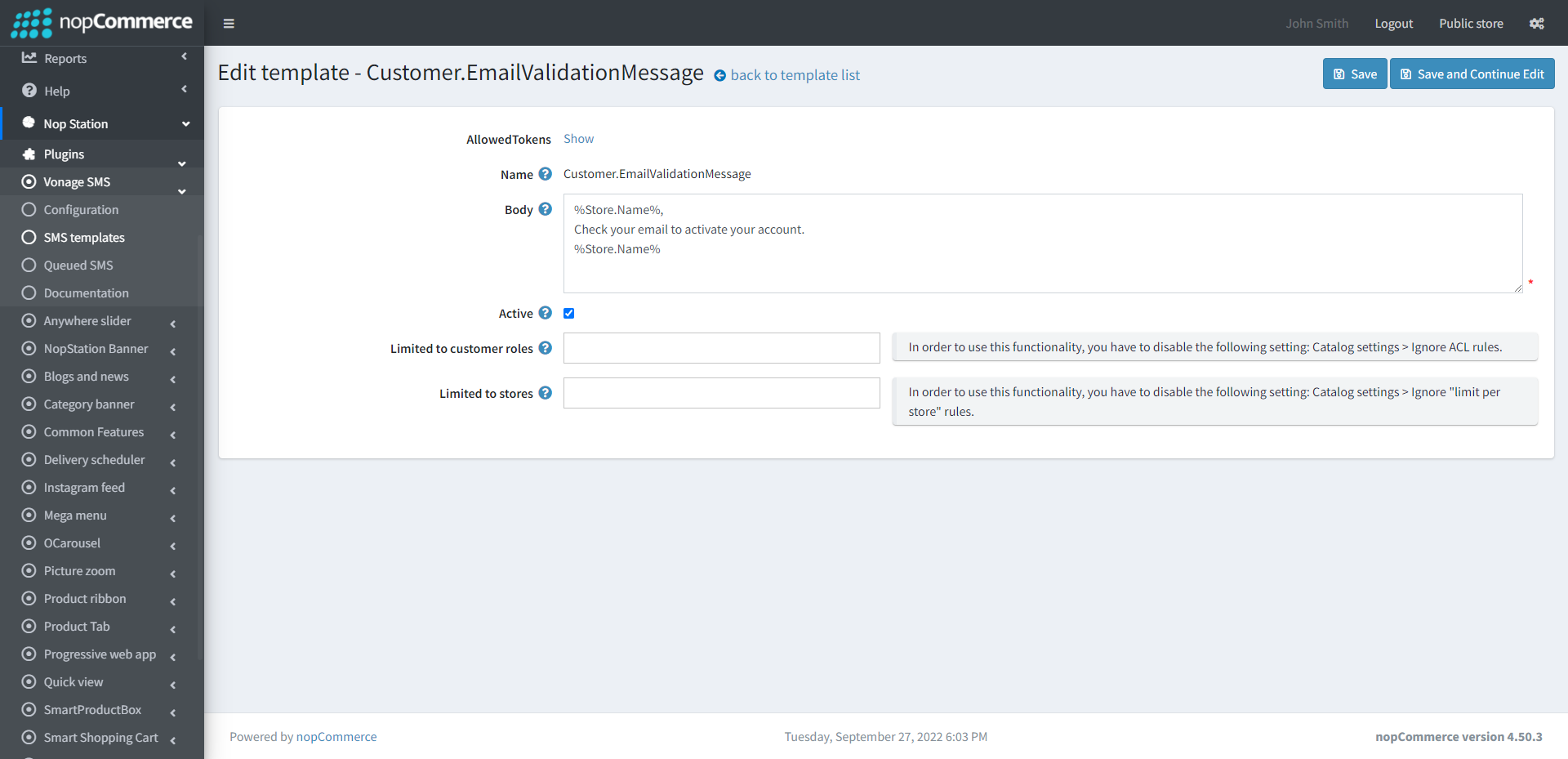
- You can also set this to limited customer roles and limited stores
QUEUED SMS
- Go to Admin → NopStation → Plugin → Twilio Sms → Queued SMS
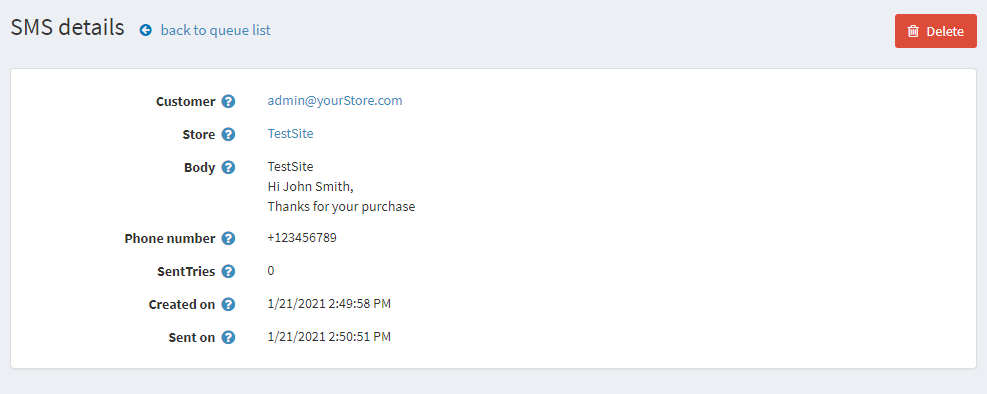
- Here you can see the messages queue that have already been sent to the customer
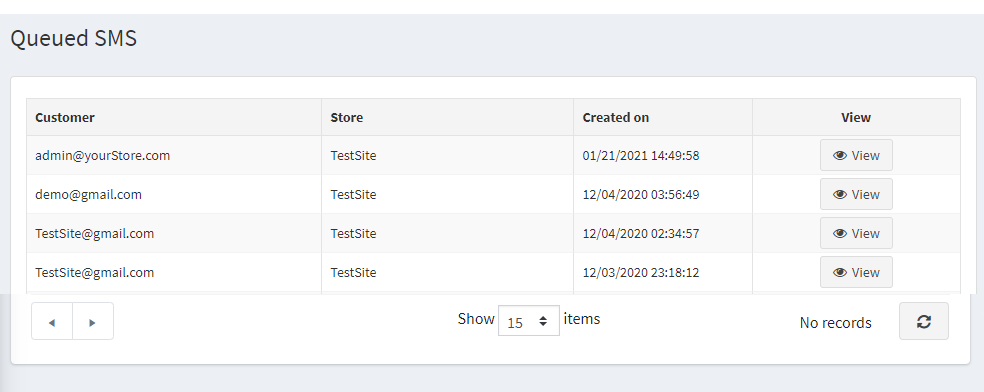
- You will get the details of the sent sms by clicking on the View button in Queued SMS page