Klaviyo Integration Suite Plugin
Connect nopCommerce with Klaviyo for Smarter Customer Engagement and Reliable Data Synchronization
The nopStation Klaviyo Integration Suite Plugin connects nopCommerce with Klaviyo to synchronize customer profiles, newsletter consent, product catalogs, and ecommerce activity. It helps merchants build richer customer profiles, create targeted segments, and power personalized marketing automations.
PRE-REQUISITES
The plugin requires you to install the Nop-Station Core plugin first.
INSTALLATION
· Download the Klaviyo Integration Suite Plugin from our store
· Go to Administration → Configuration → Local plugins
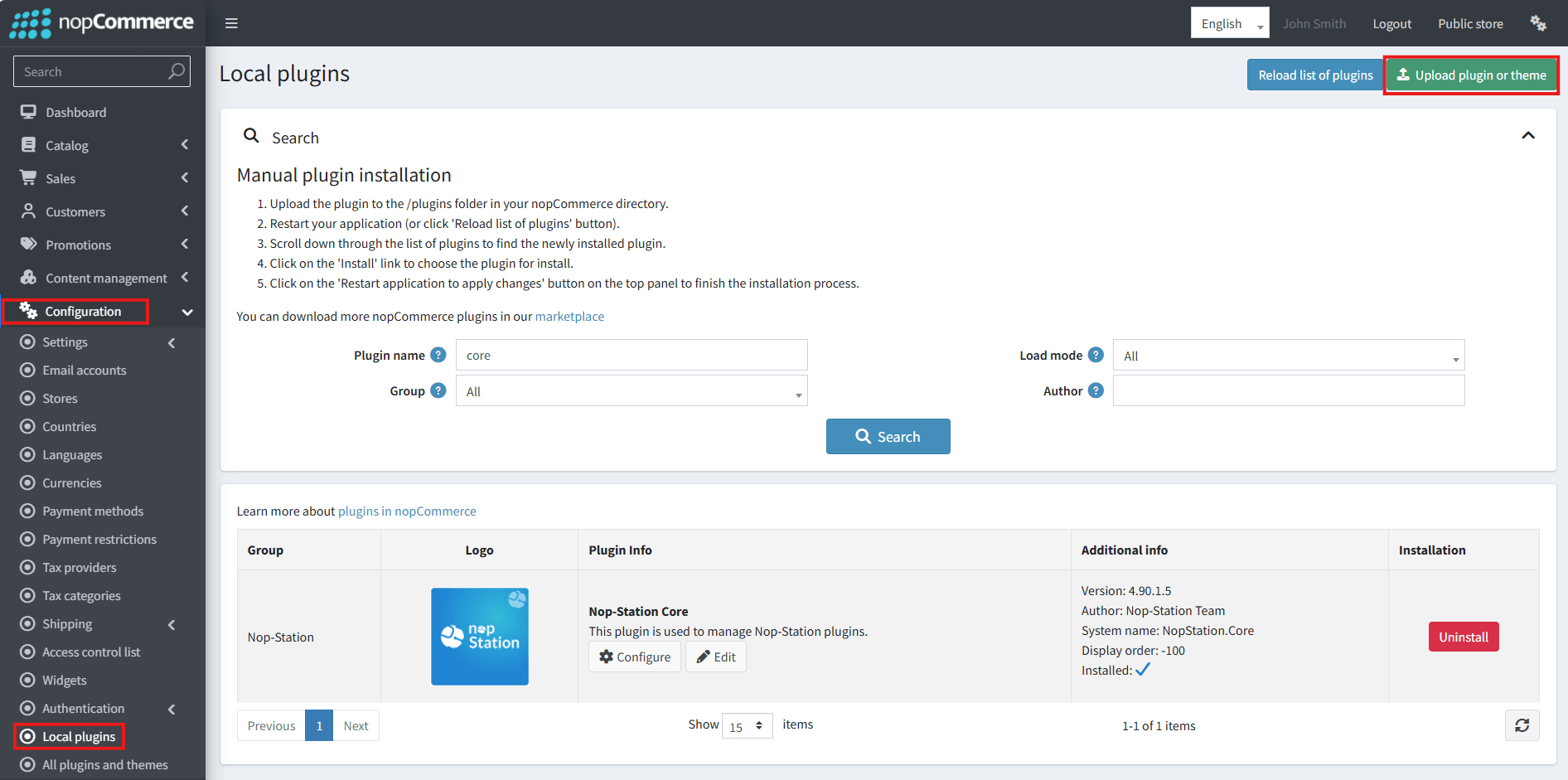
· Select the NopStation.Core file and upload it by clicking the 'Upload plugin or theme' button
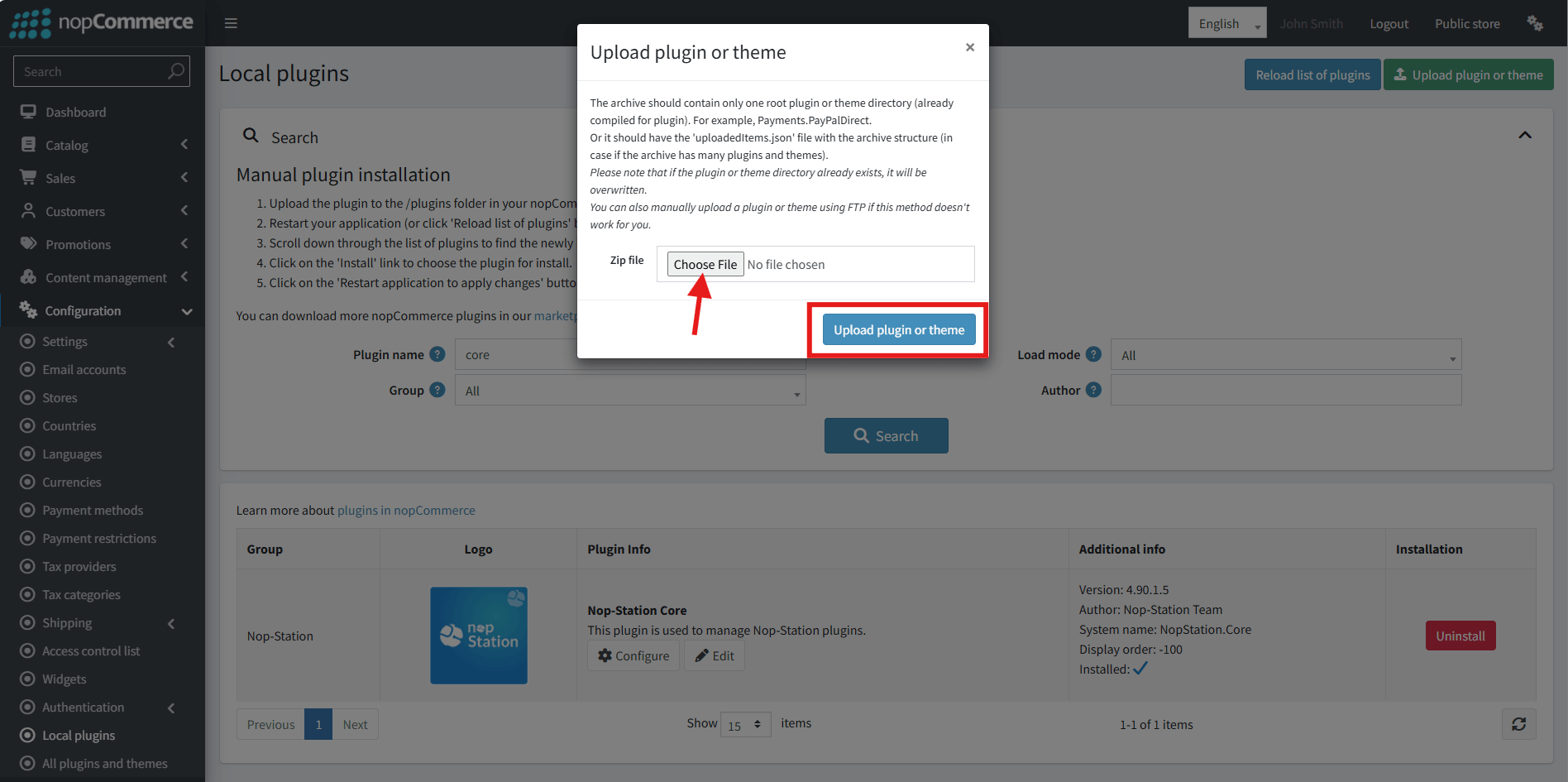
· Select the NopStation. Klaviyo Integration Suite Plugin file.
· Upload the file using the 'Upload plugin or theme' button.
· After uploading the plugin, go to the Administration. Install 'Nop-Station Core' Plugin first and then install ' NopStation. Klaviyo Integration Suite’ plugin.
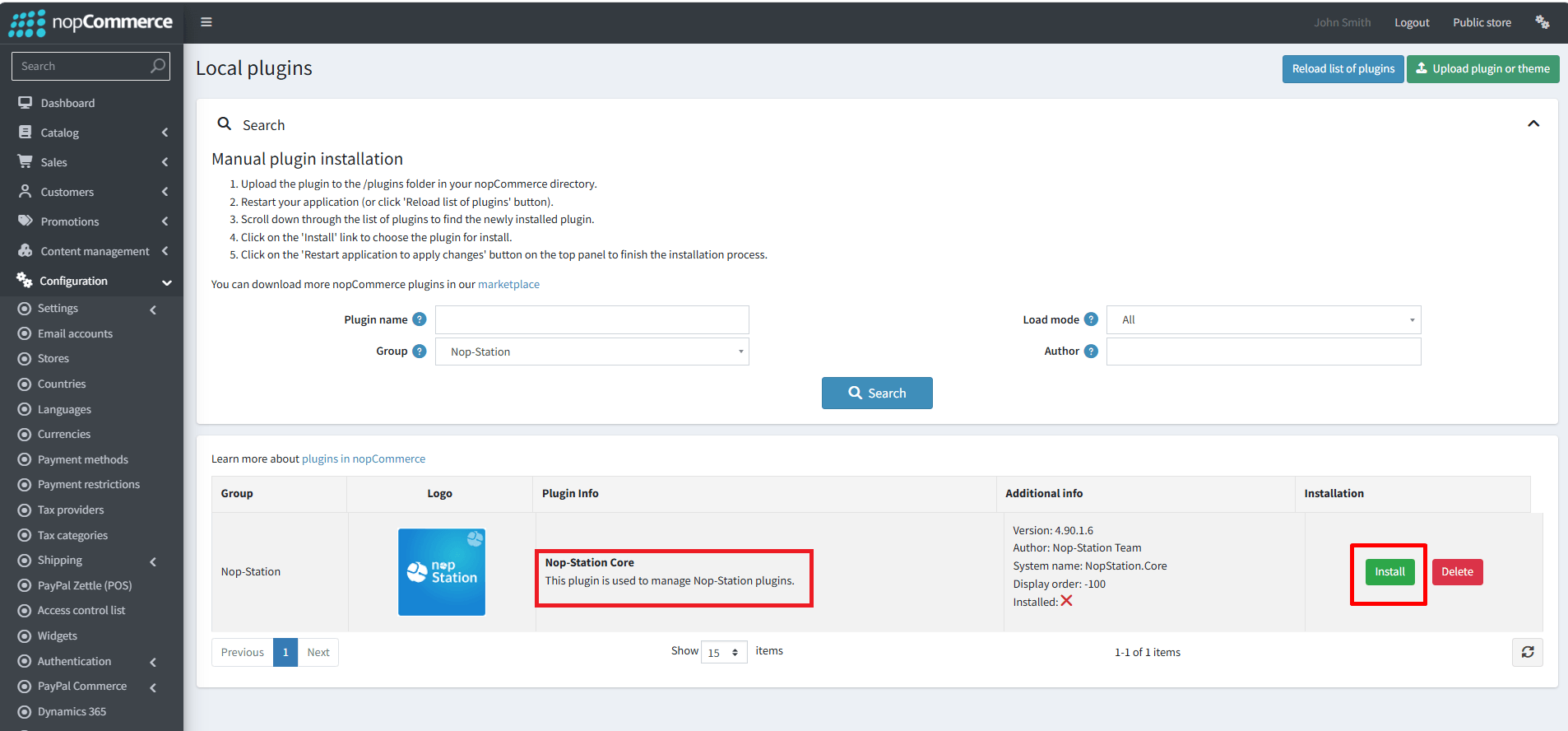
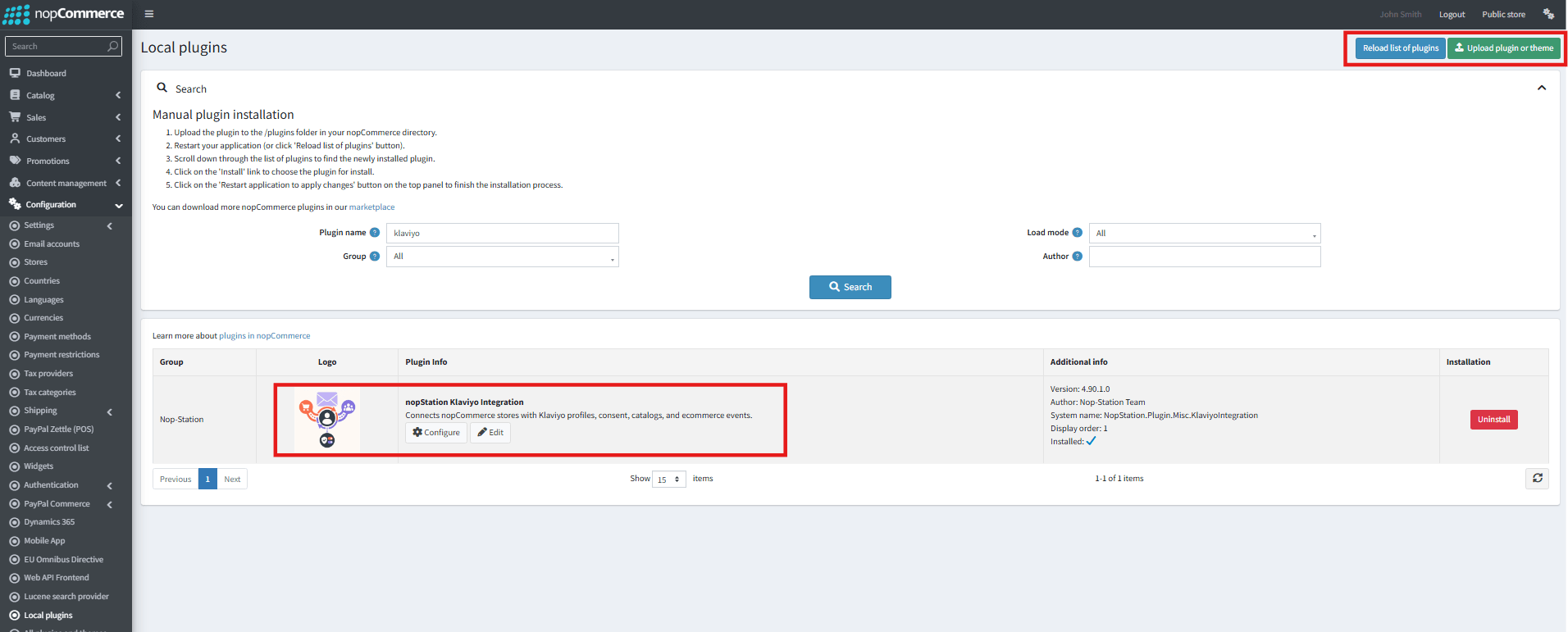
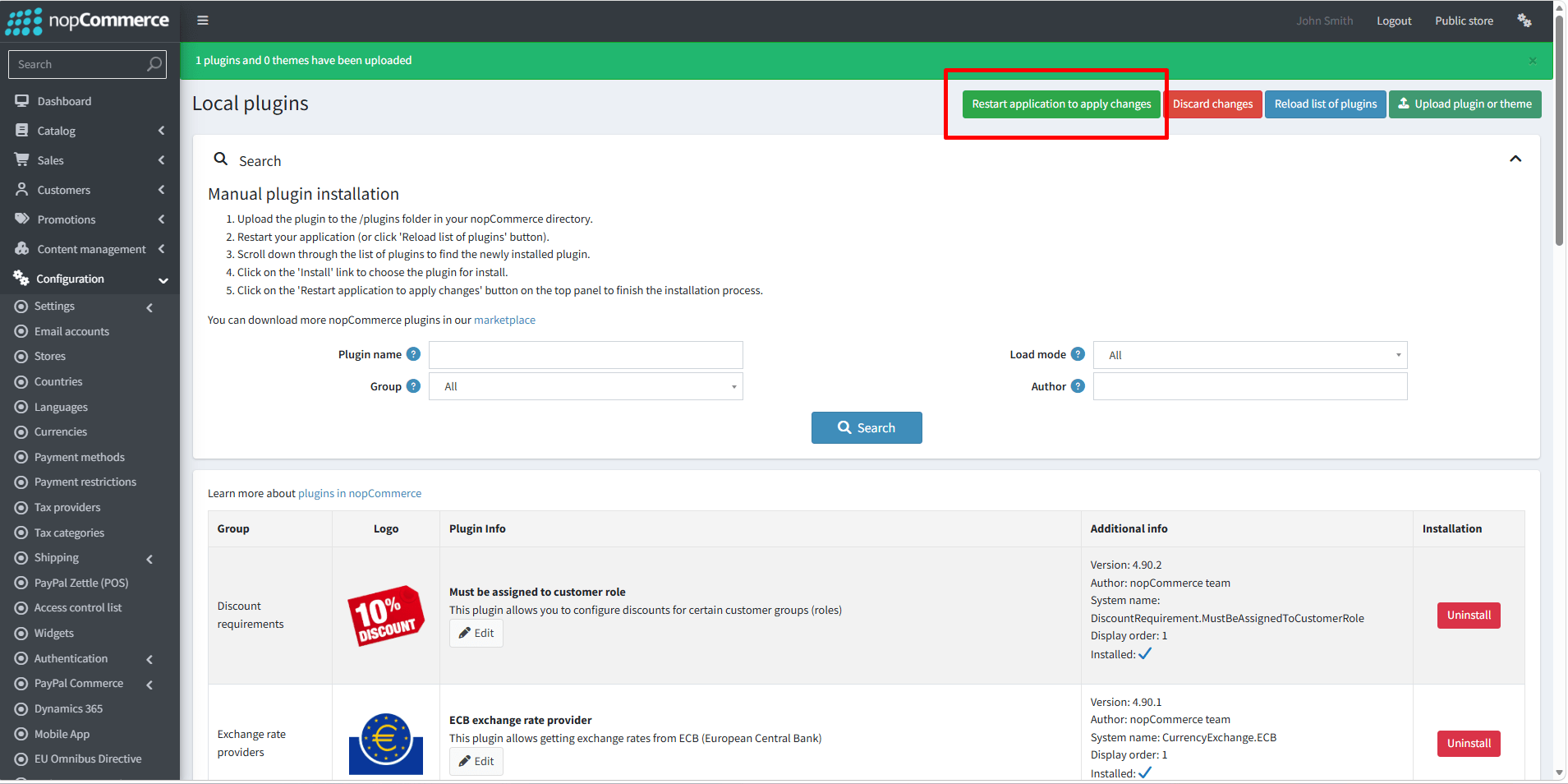
· To make the plugins functional, restart the application
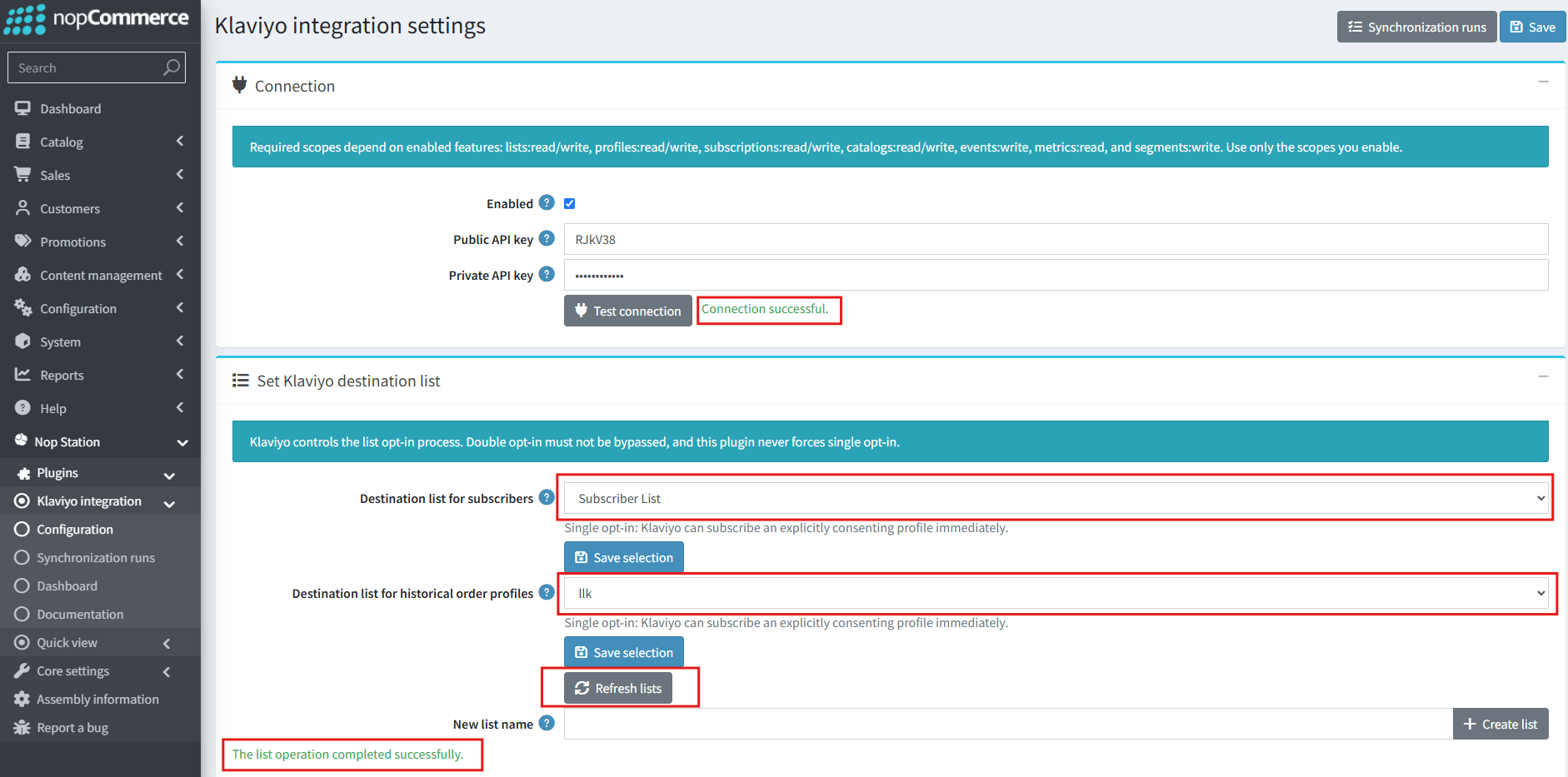
· You can configure the plugin by clicking on Configure from the Local Plugins page. Alternatively, go to nopStation → Plugins→ Klaviyo Integration Suite Plugin → Configure Klaviyo Integration Suite Plugin, enable the required options, and click Save