
SmartLLMs Plugin Make Your nopCommerce Store Ready for AI-Powered Discovery and Autonomous Commerce.
The NopStation SmartLLMs Plugin is designed to help nopCommerce stores make their products, categories, brands, store policies, and other business information easier for AI assistants and search agents to discover and understand. It generates structured, token-efficient Markdown feeds and a /llms.txt endpoint directly from your nopCommerce store.
The plugin provides a self-hosted AI discovery layer for nopCommerce without requiring OpenAI, Anthropic, or other external AI API subscriptions. It creates clean Markdown resources for products, categories, brands, and store information, while giving merchants control over which catalog items and resources are exposed to AI crawlers.
SmartLLMs also includes intelligent inclusion strategies, entity-level discovery controls, multilingual and multi-store support, automatic AI discovery signaling, caching, custom AI resources, and a health and diagnostics suite for managing the store's AI-ready content.
PRE-REQUISITES
- The plugin requires you to install the Nop-Station Core plugin first.
INSTALLATION
- Download the SmartLLMs Plugin from our store
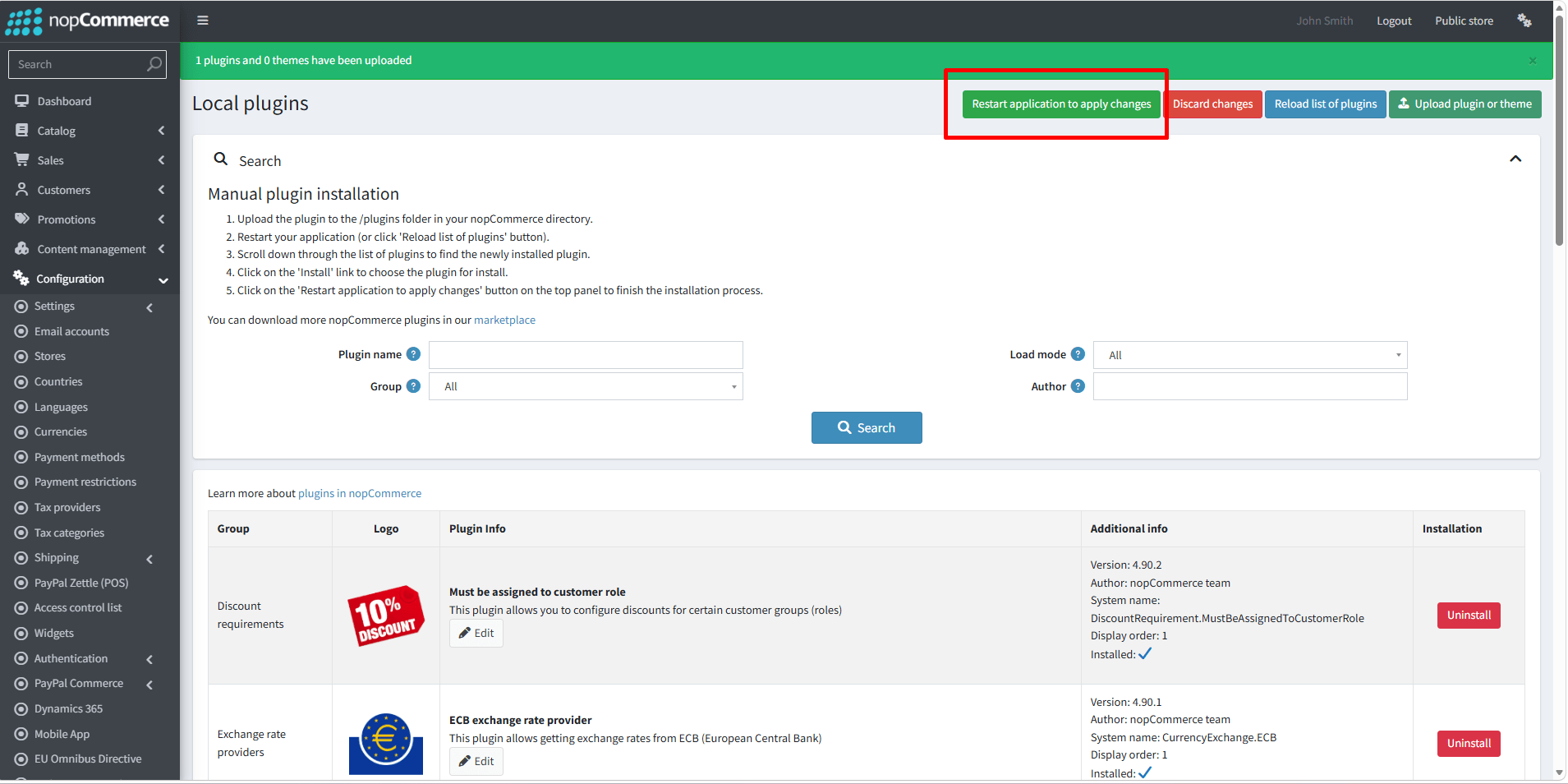
- Go to Administration → Configuration → Local plugins
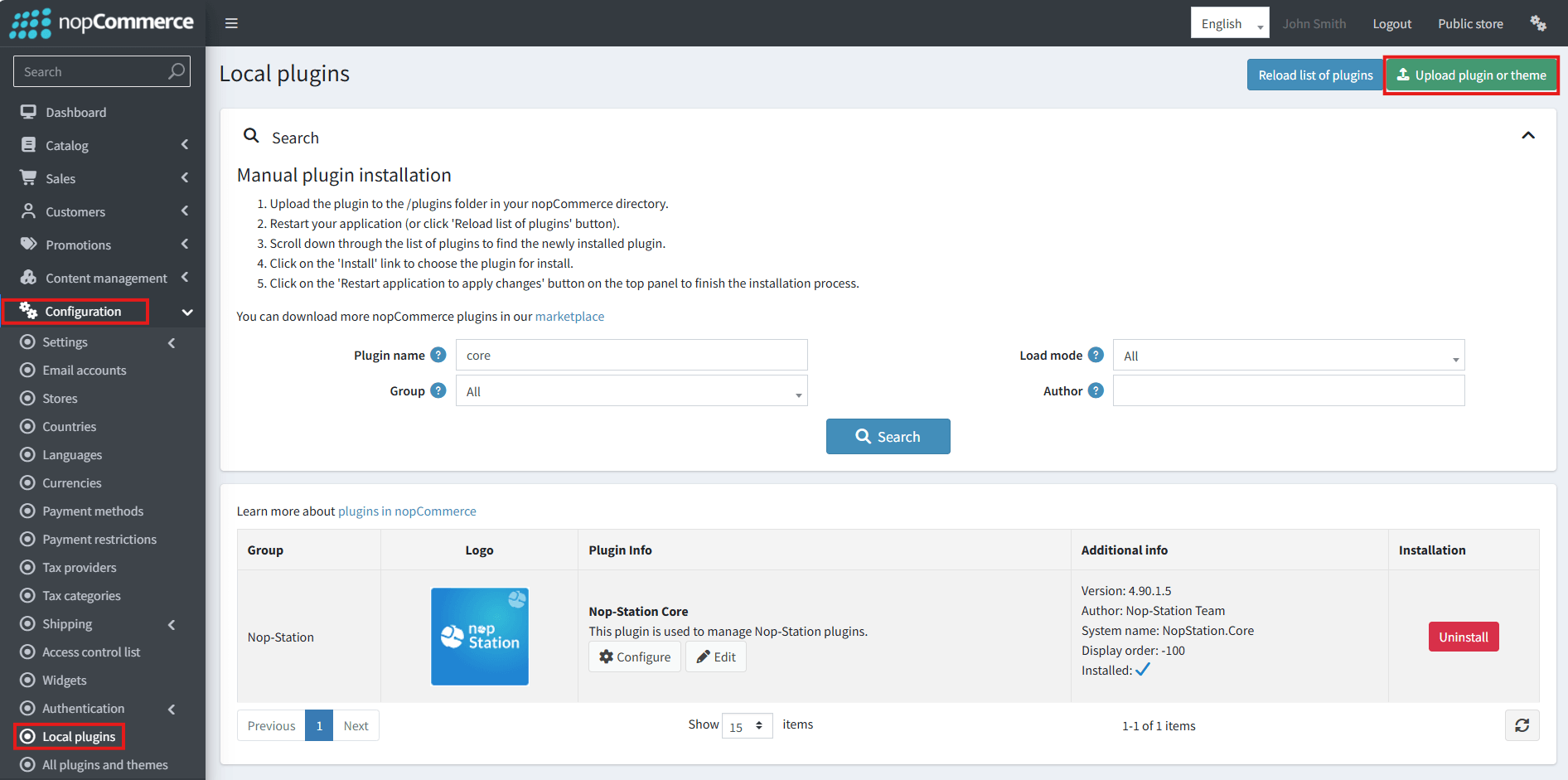
- Select the NopStation.Core file and upload it by clicking the 'Upload plugin or theme' button.
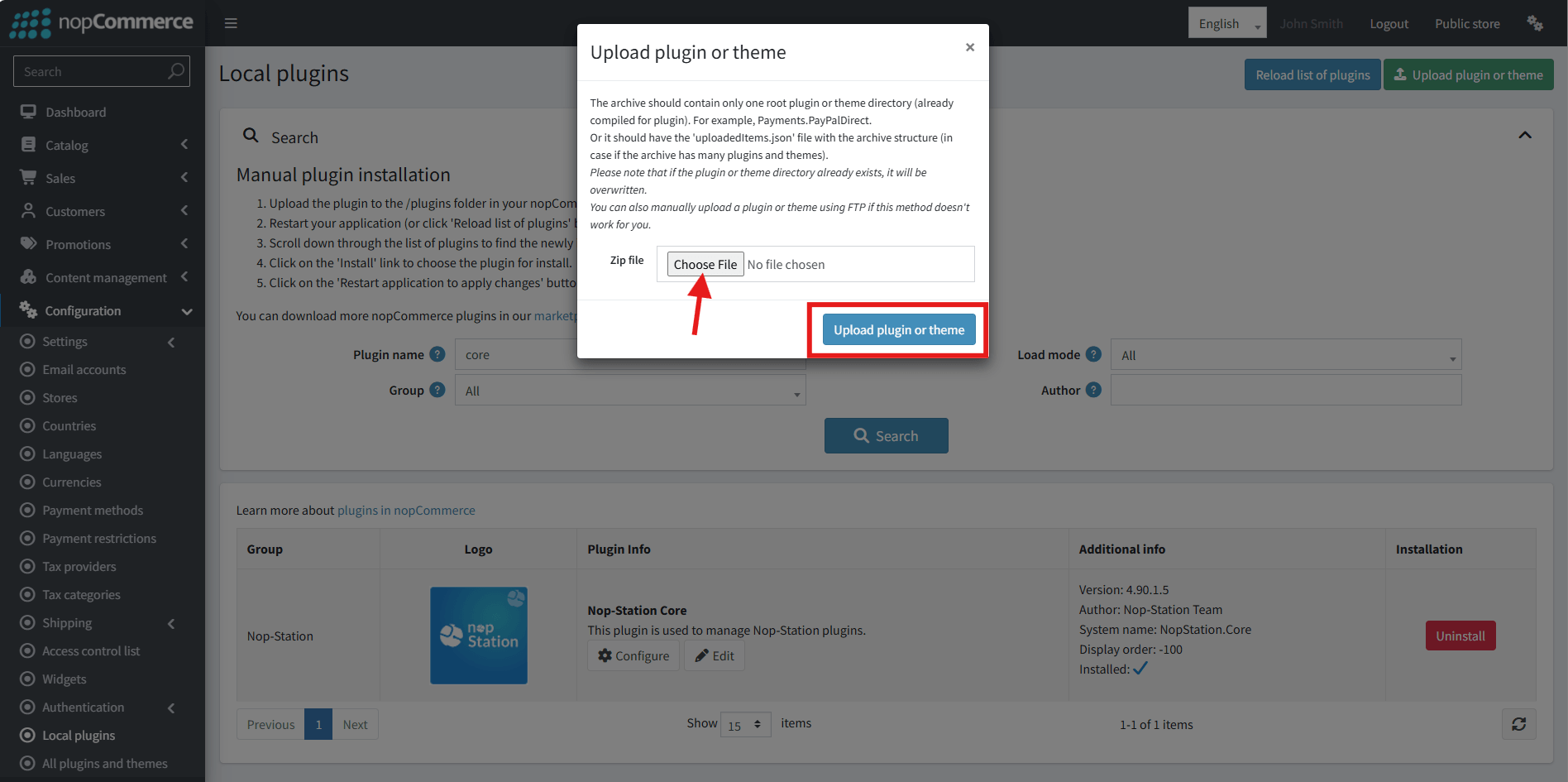
- Select the NopStation. SmartLLMs Plugin file.
- Upload the file using the 'Upload plugin or theme' button.
- After uploading the plugin, go to the Administration. Install 'Nop-Station Core' Plugin first and then install ' NopStation. SmartLLMs plugin.
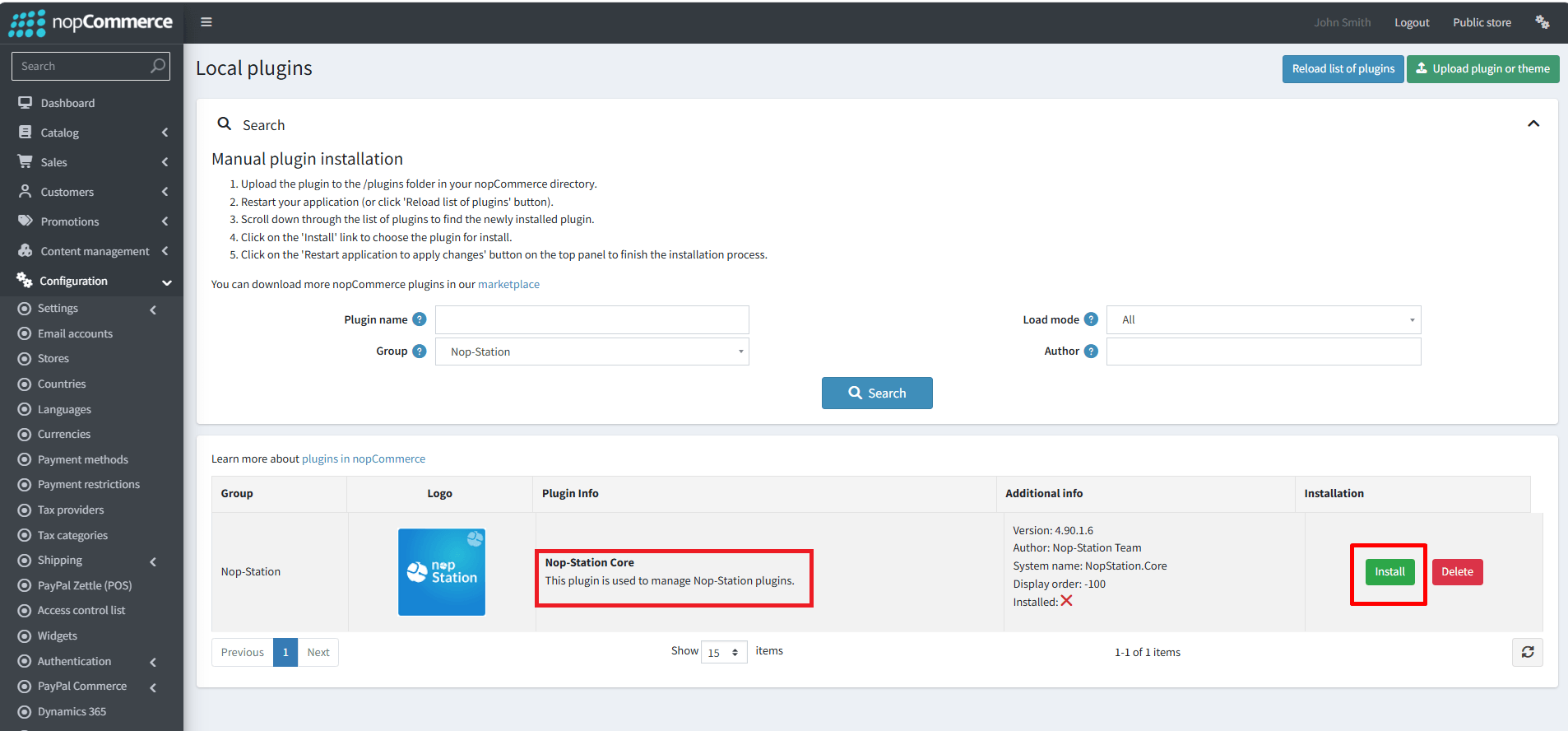
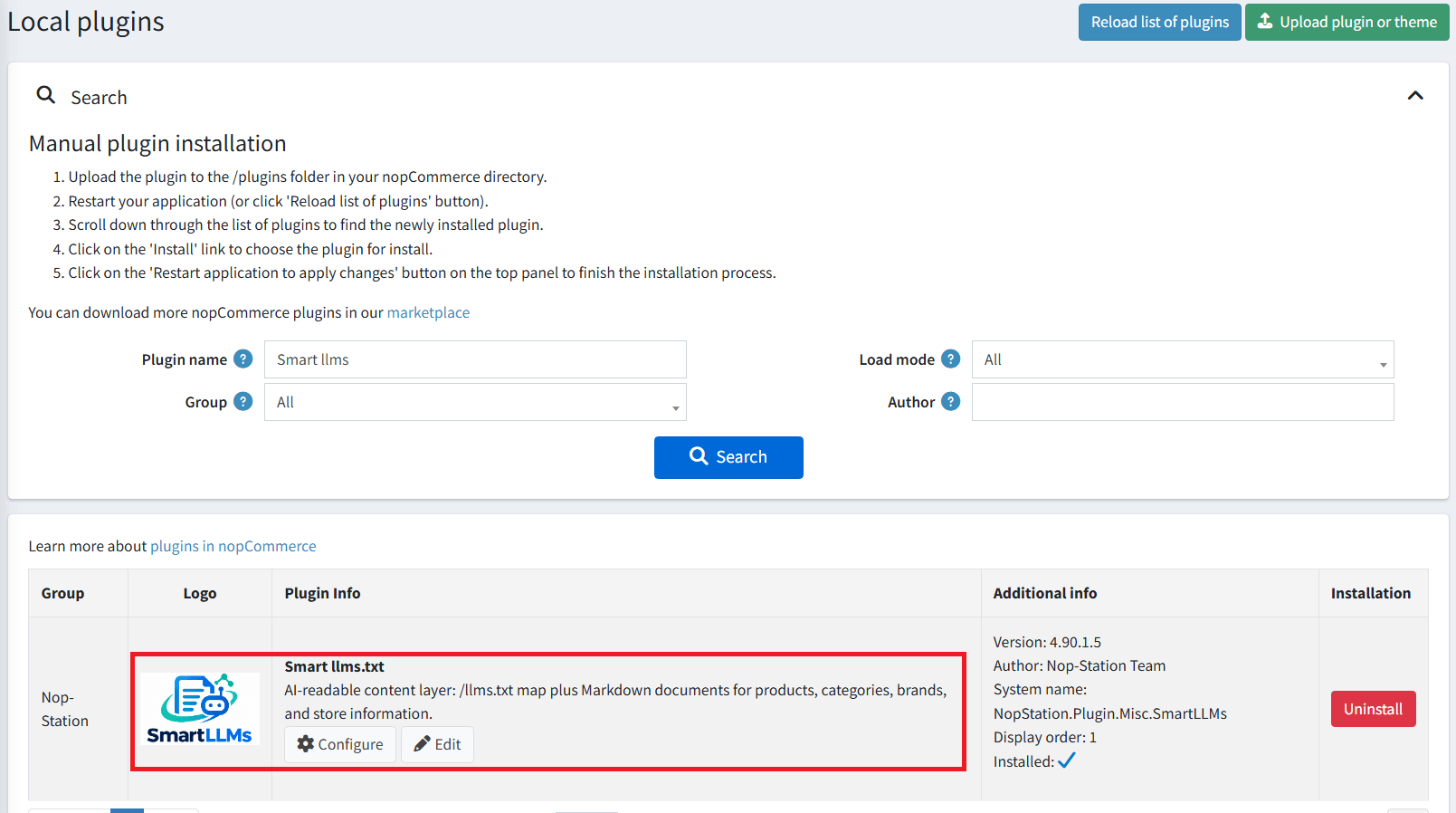
- To make the plugins functional, restart the application
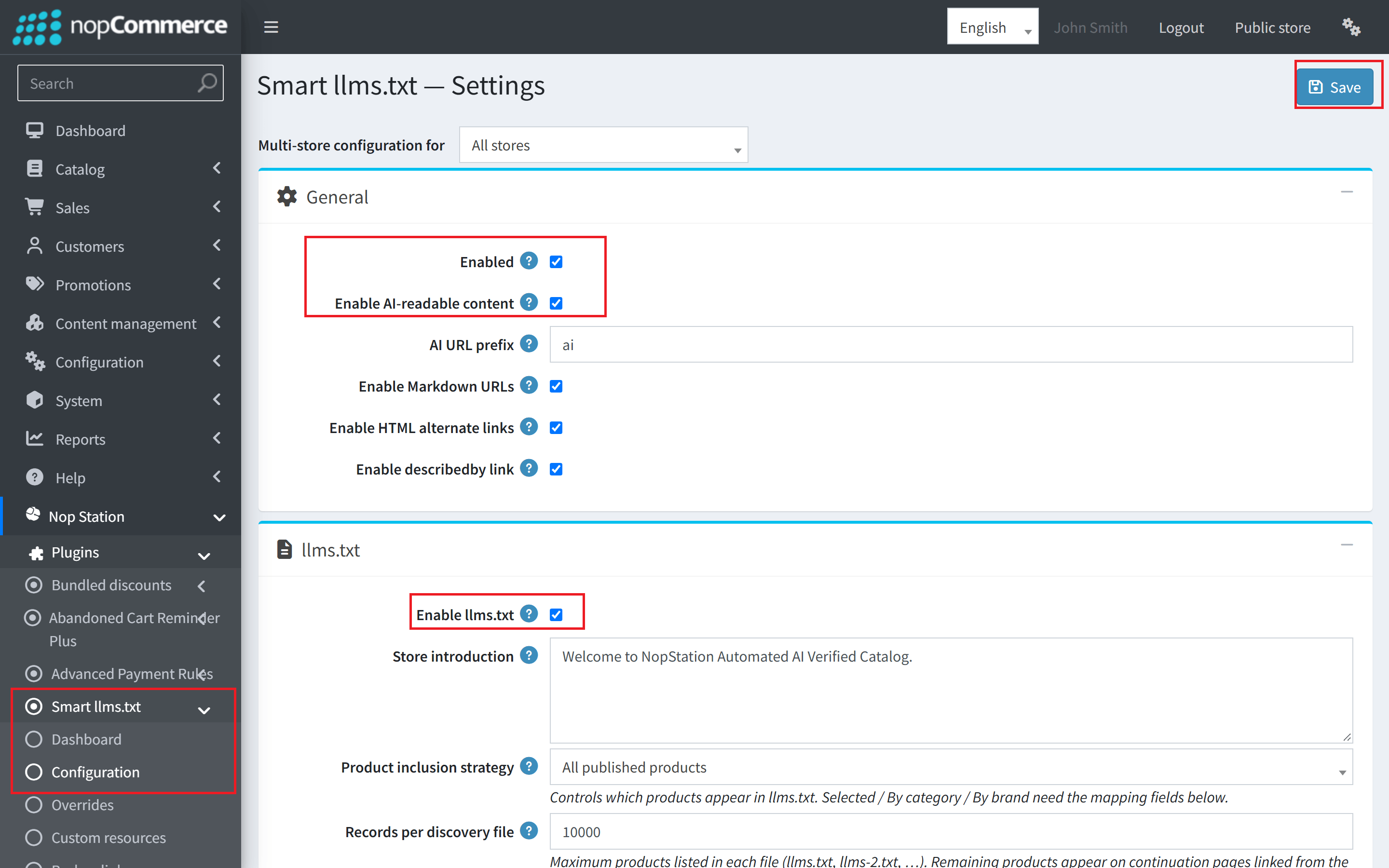
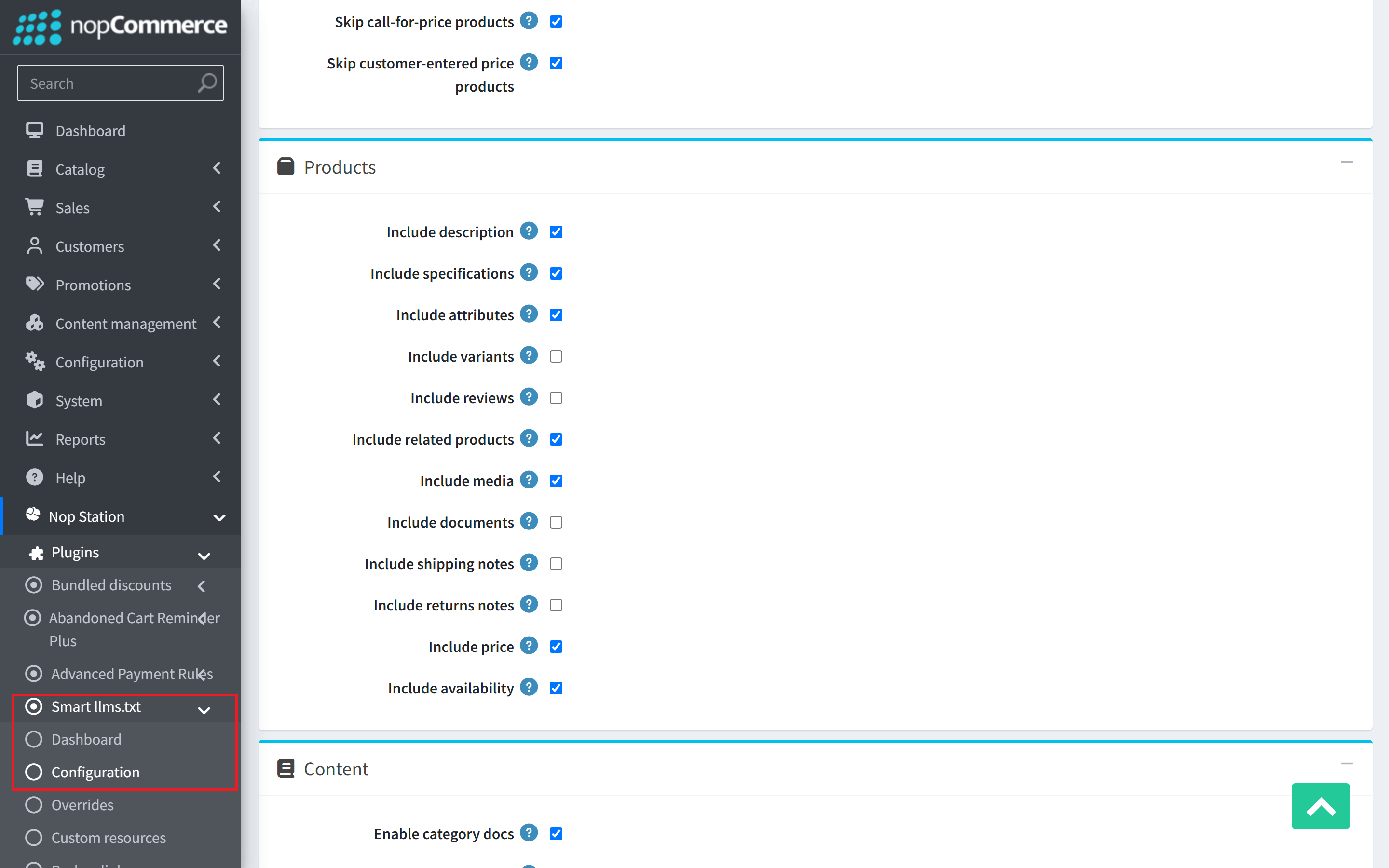
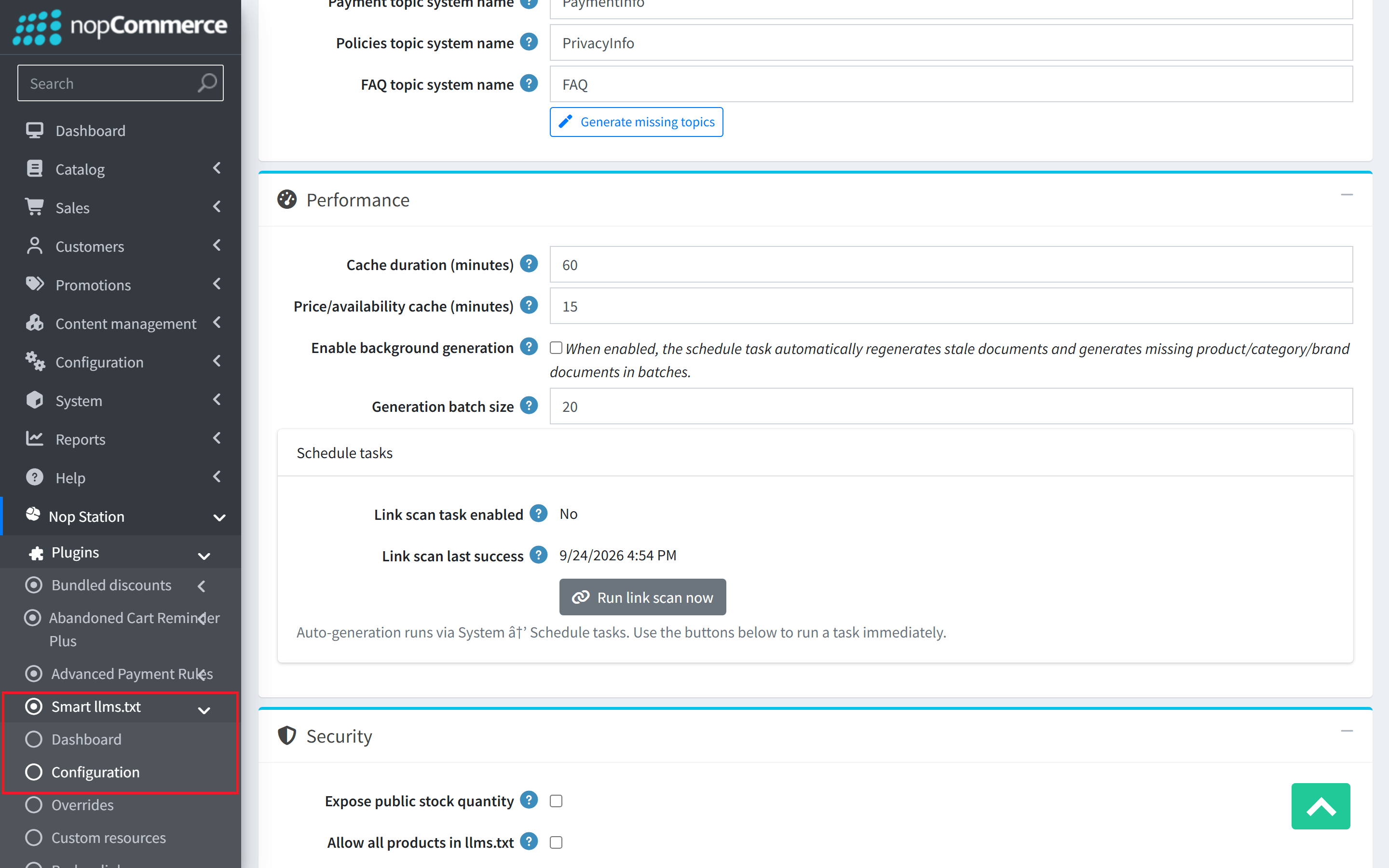
- You can configure the plugin by clicking on Configure from the Local Plugins page. Alternatively, go to nopStation → Plugins→ NopStation. SmartLLMs Plugin → Configure NopStation. SmartLLMs Plugin, enable the required options, and click Save
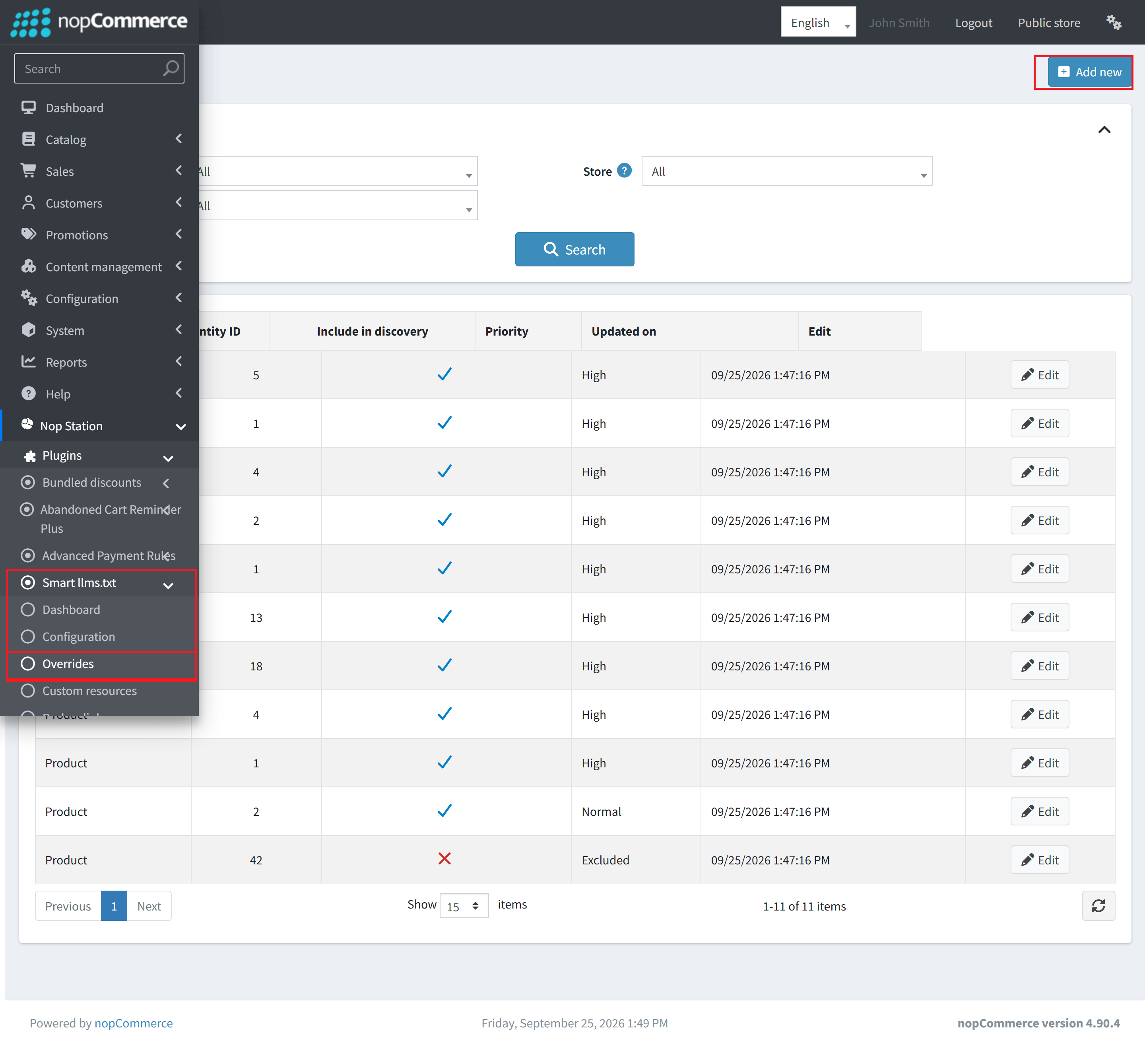
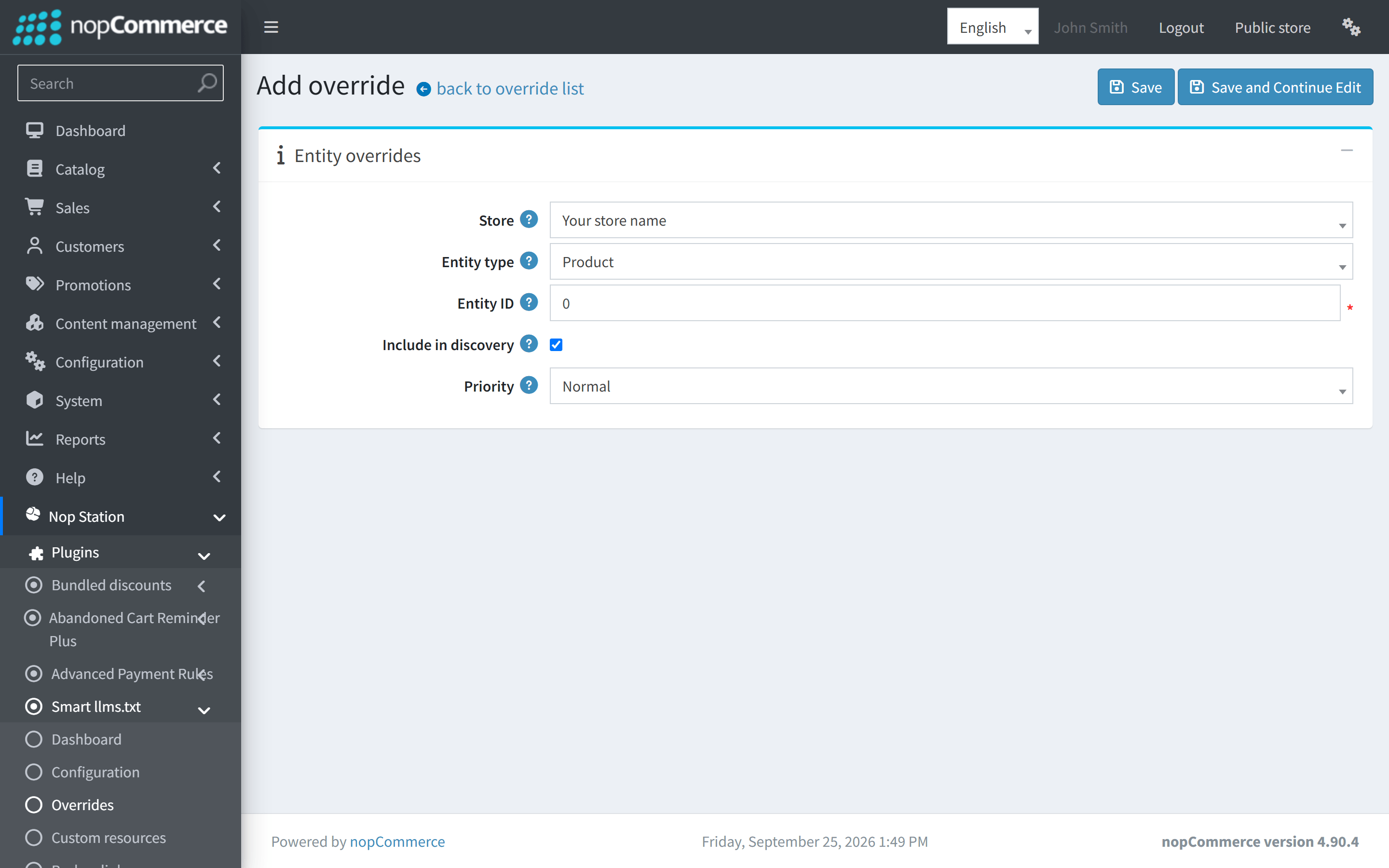
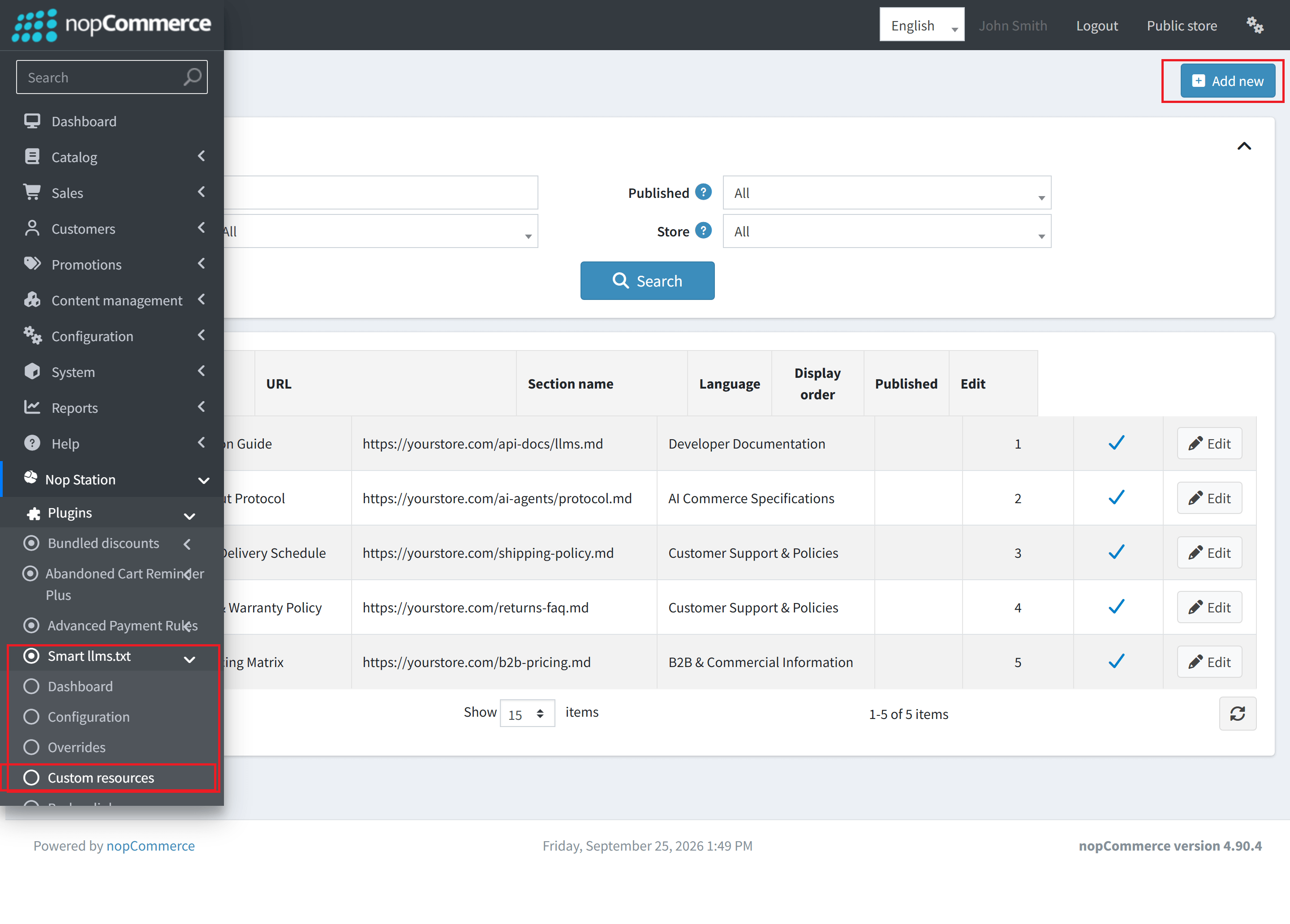
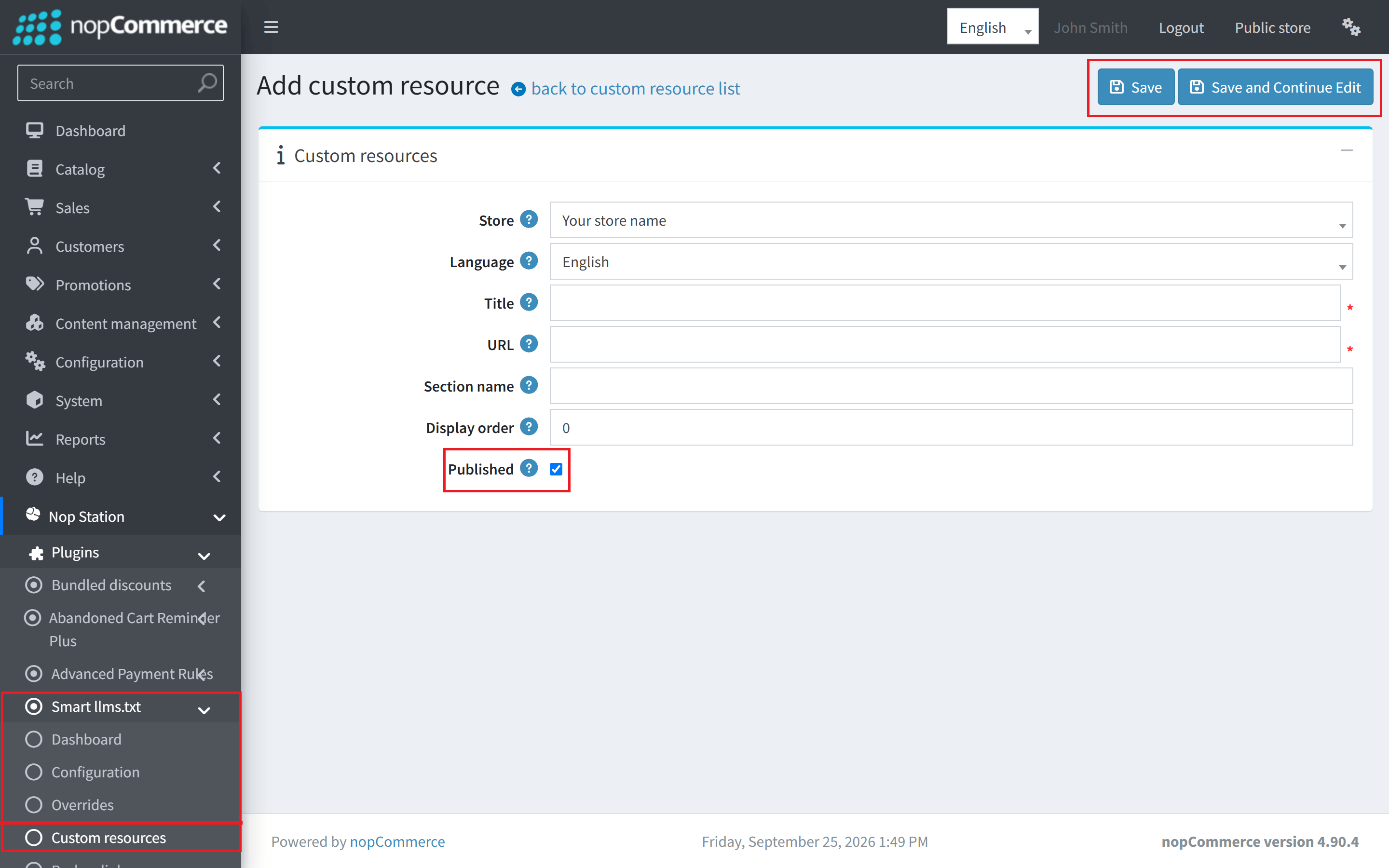
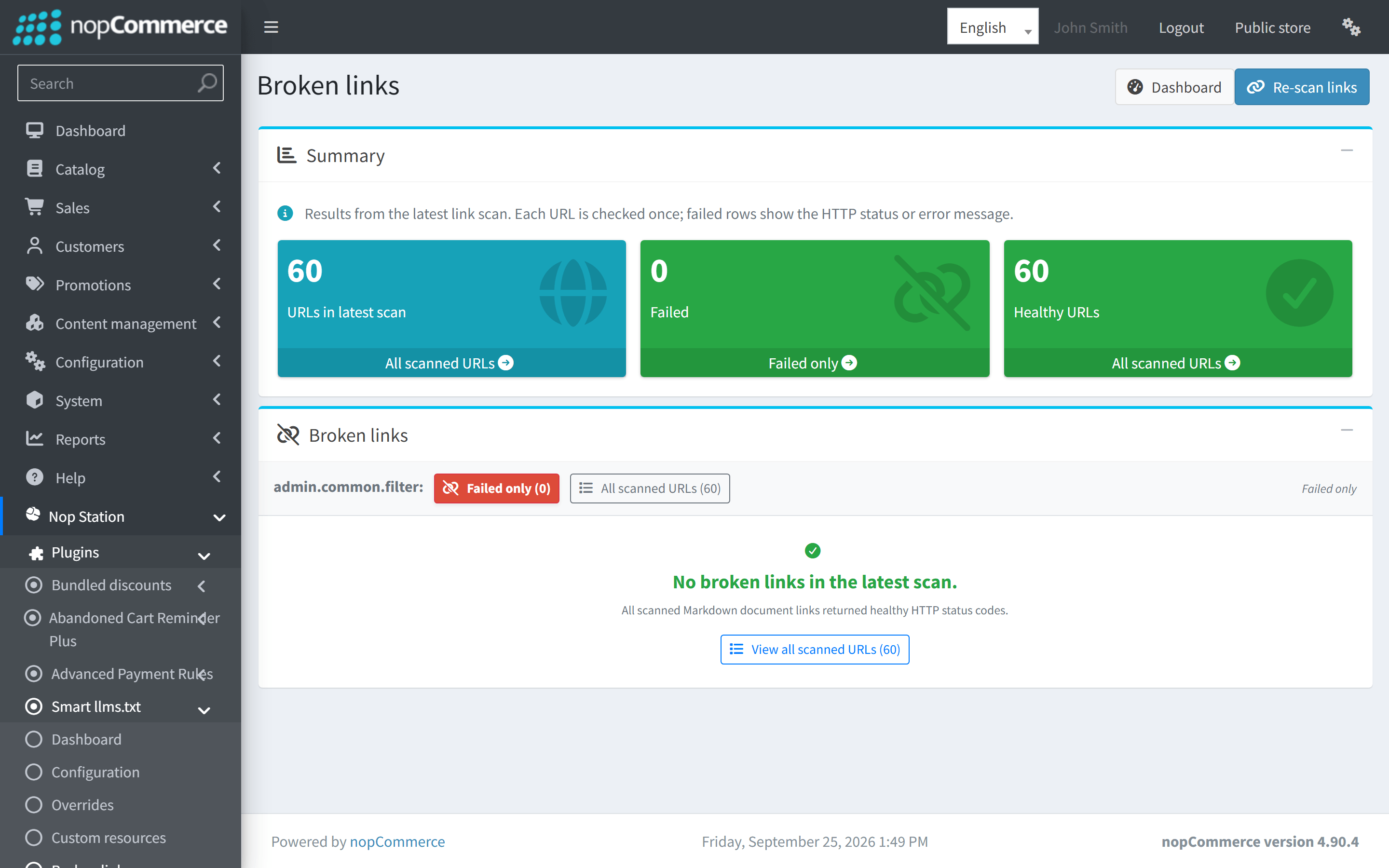
Public Endpoints & Protocol Reference
SmartLLMs exposes the following public endpoints for AI crawlers:
- Root /llms.txt Endpoint
- Route: https://yourstore.com/llms.txt (or https://yourstore.com/{lang}/llms.txt)
- MIME Type: text/markdown; charset=utf-8
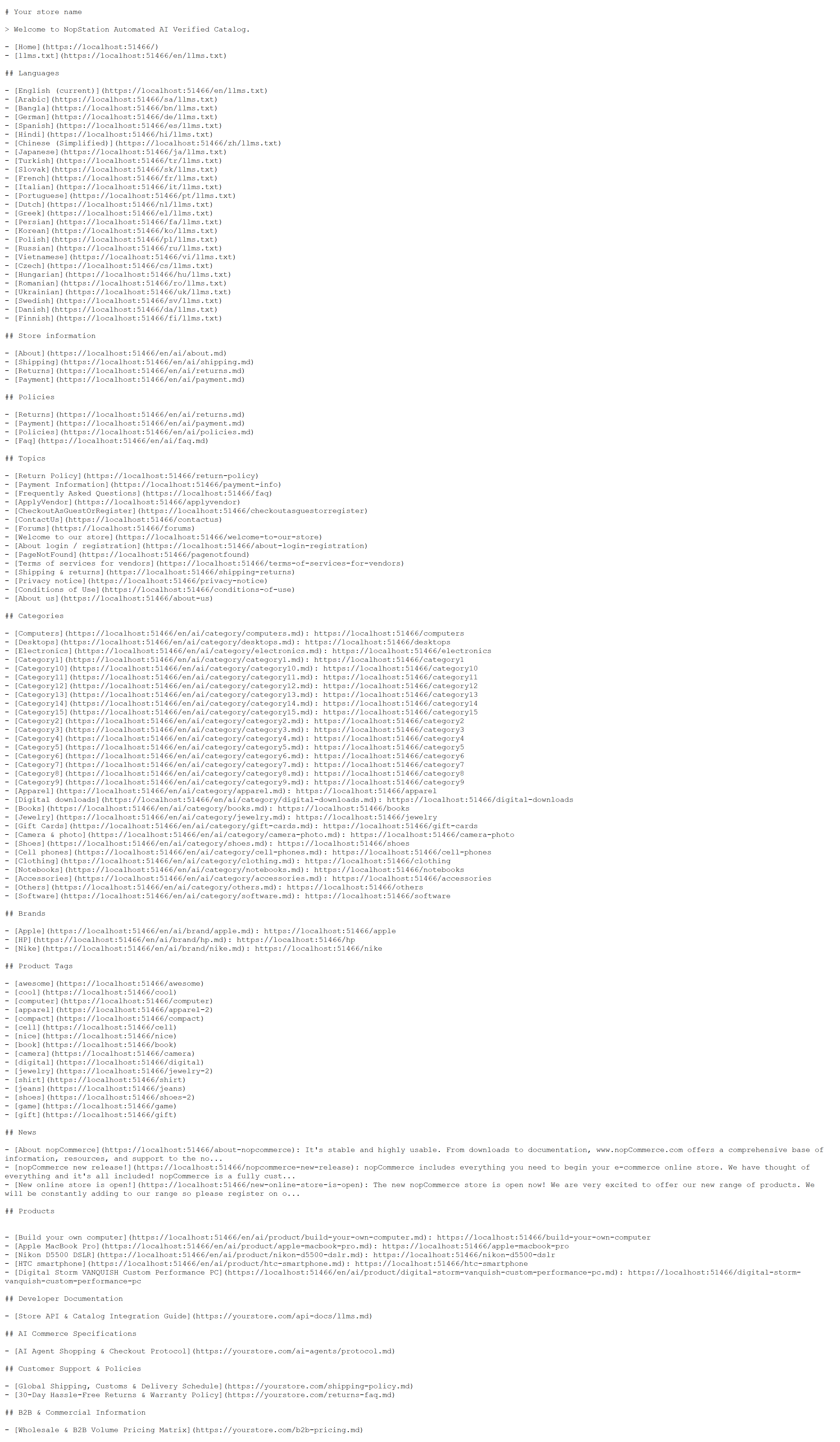
Dedicated Product Markdown
- Route: https://yourstore.com/ai/product/{SeName}.md
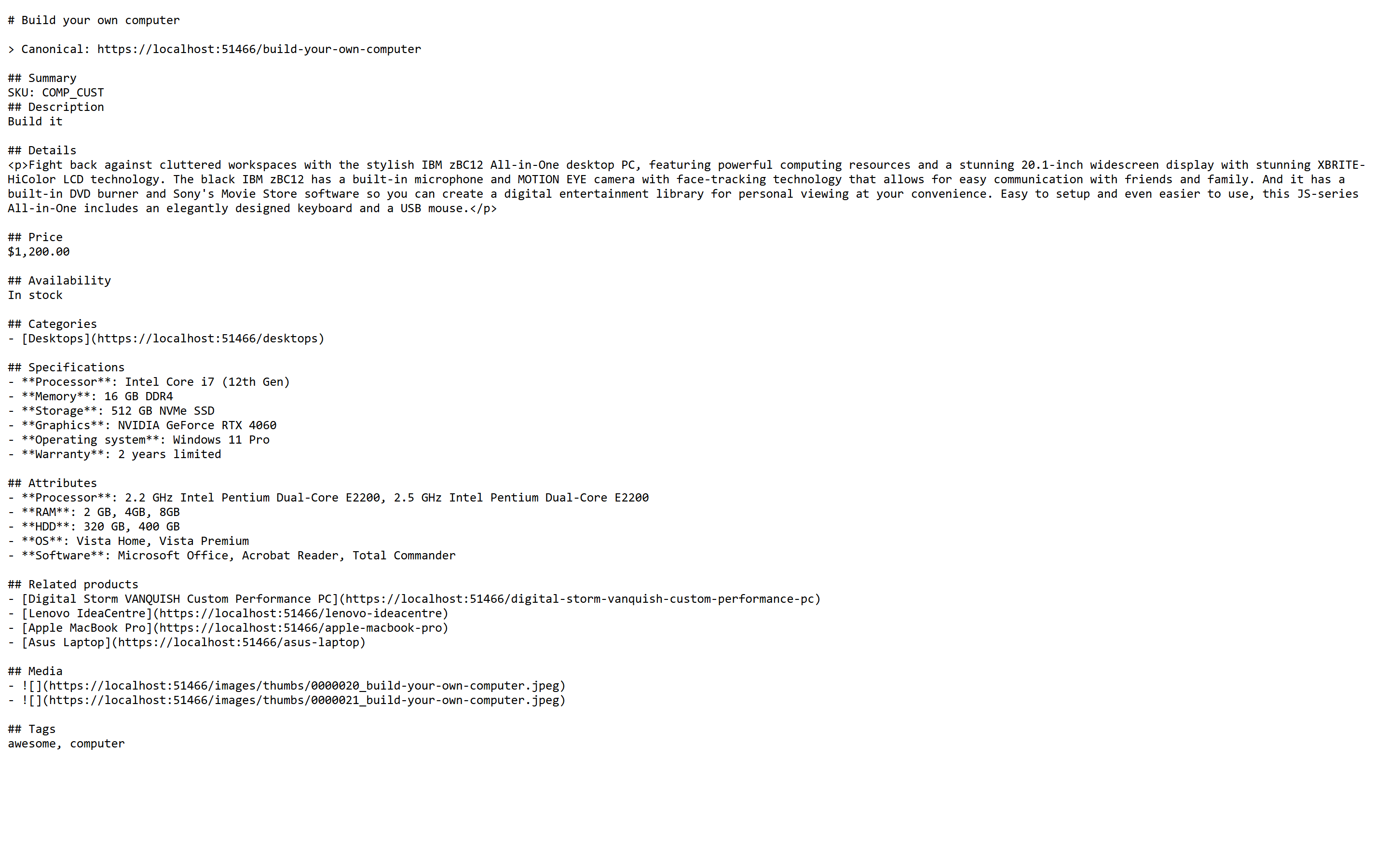
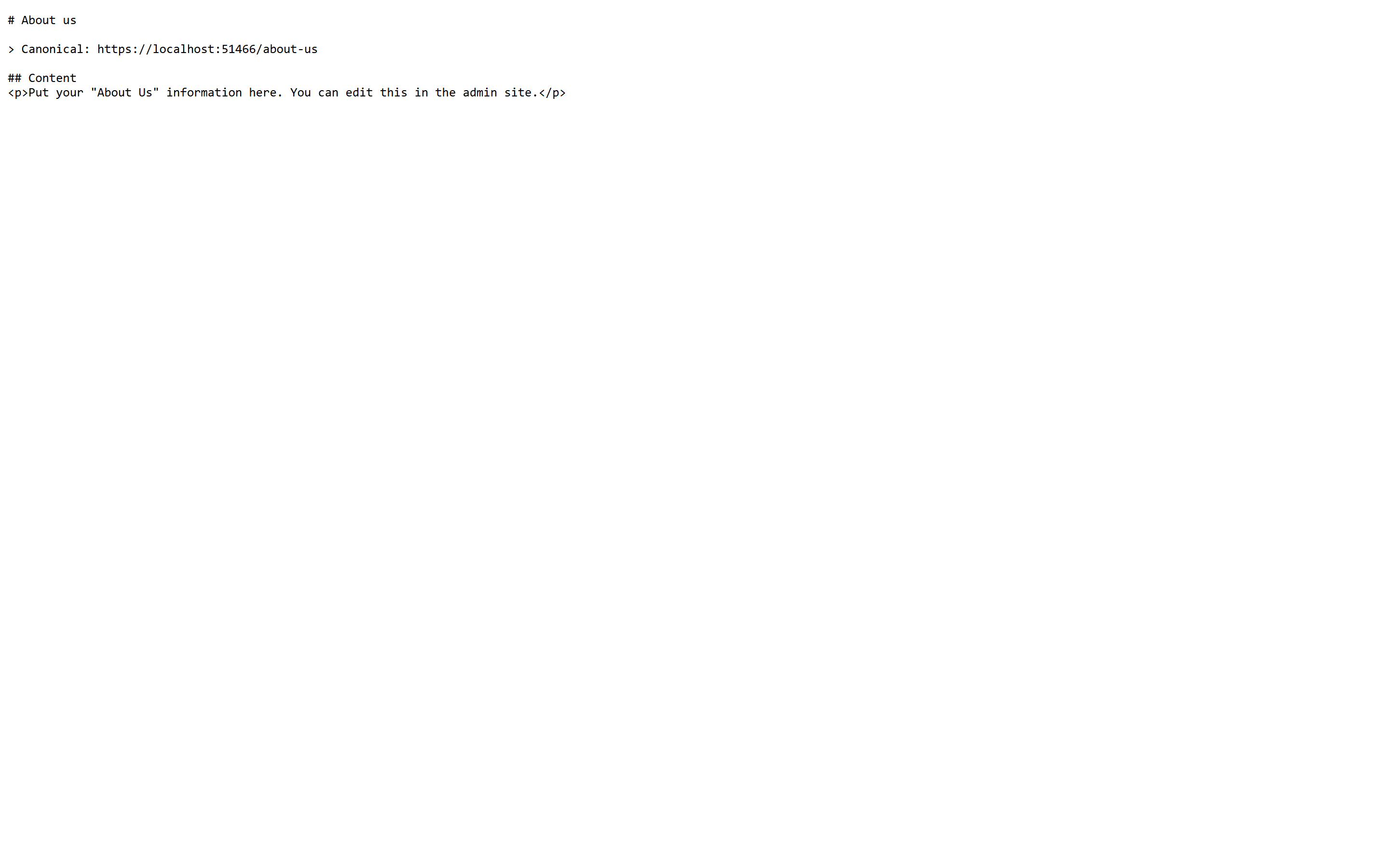
Dedicated Category & Store Policy Markdown
Storefront Head-Tag Discovery
When EnableHtmlAlternateLinks is enabled, SmartLLMs automatically injects the standard discovery link into every storefront page's HTML <head>:
<link rel="alternate" type="text/markdown" href="https://yourstore.com/llms.txt" title="AI Catalog Index" />
This allows AI search engines visiting any landing page or blog post to immediately discover and consume your machine-readable feed.
Troubleshooting & Diagnostics
| Symptom | Probable Cause | Resolution |
|---|---|---|
| /llms.txt returns 404 | Plugin or LLMs.txt toggle is disabled | Check Enabled and EnableLlmsTxt in Configuration. |
| Missing products in /llms.txt | Strategy filter or Entity Override exclusion | Review Product Inclusion Strategy and verify Entity Overrides. |
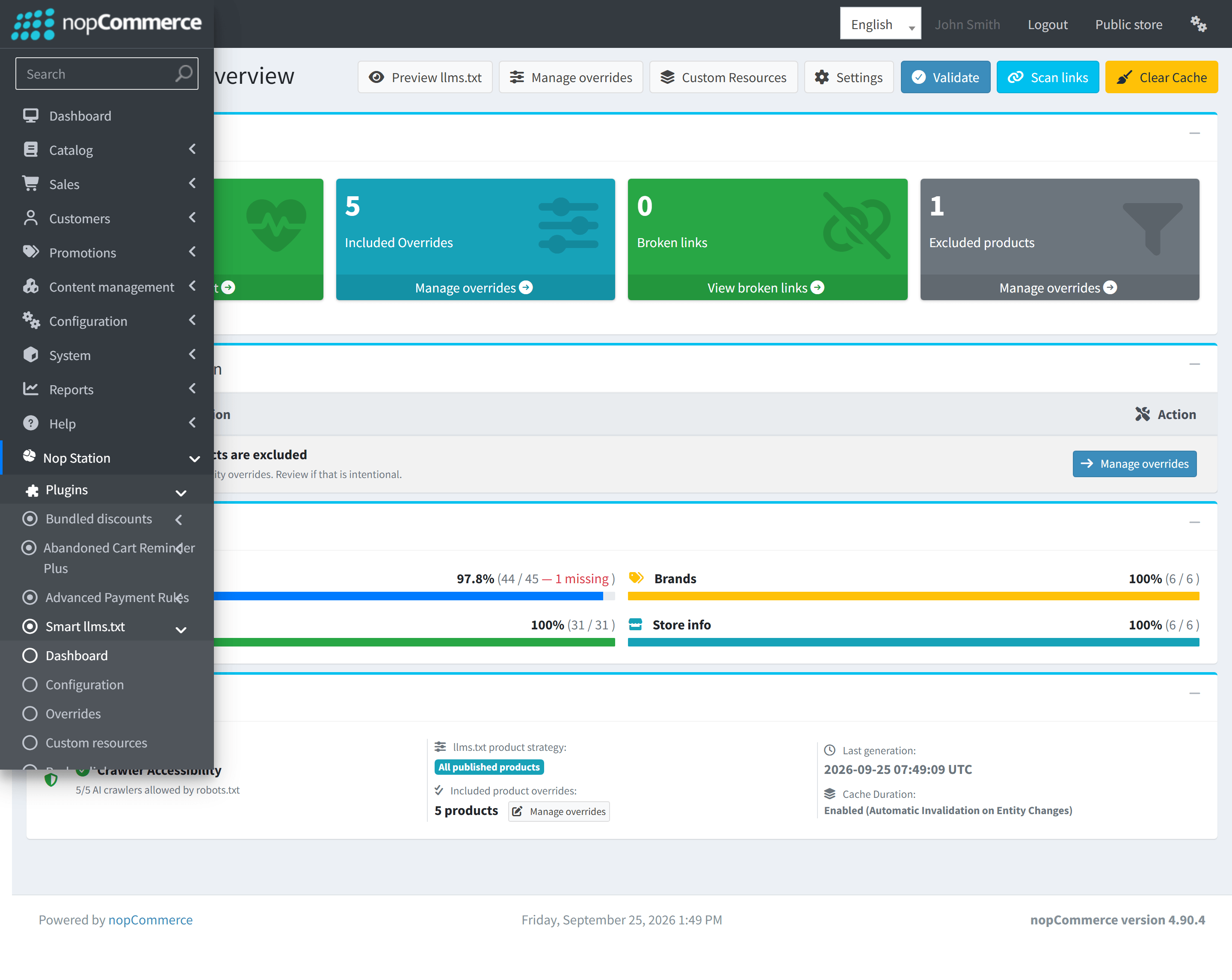
| Changes not reflecting immediately | Cached feed in server memory | Go to SmartLLMs > Dashboard and click Clear Cache. |
| Missing Store Information warning | Missing topic system names | Check Dashboard diagnostics and verify topics exist in Content Management > Topics. |

