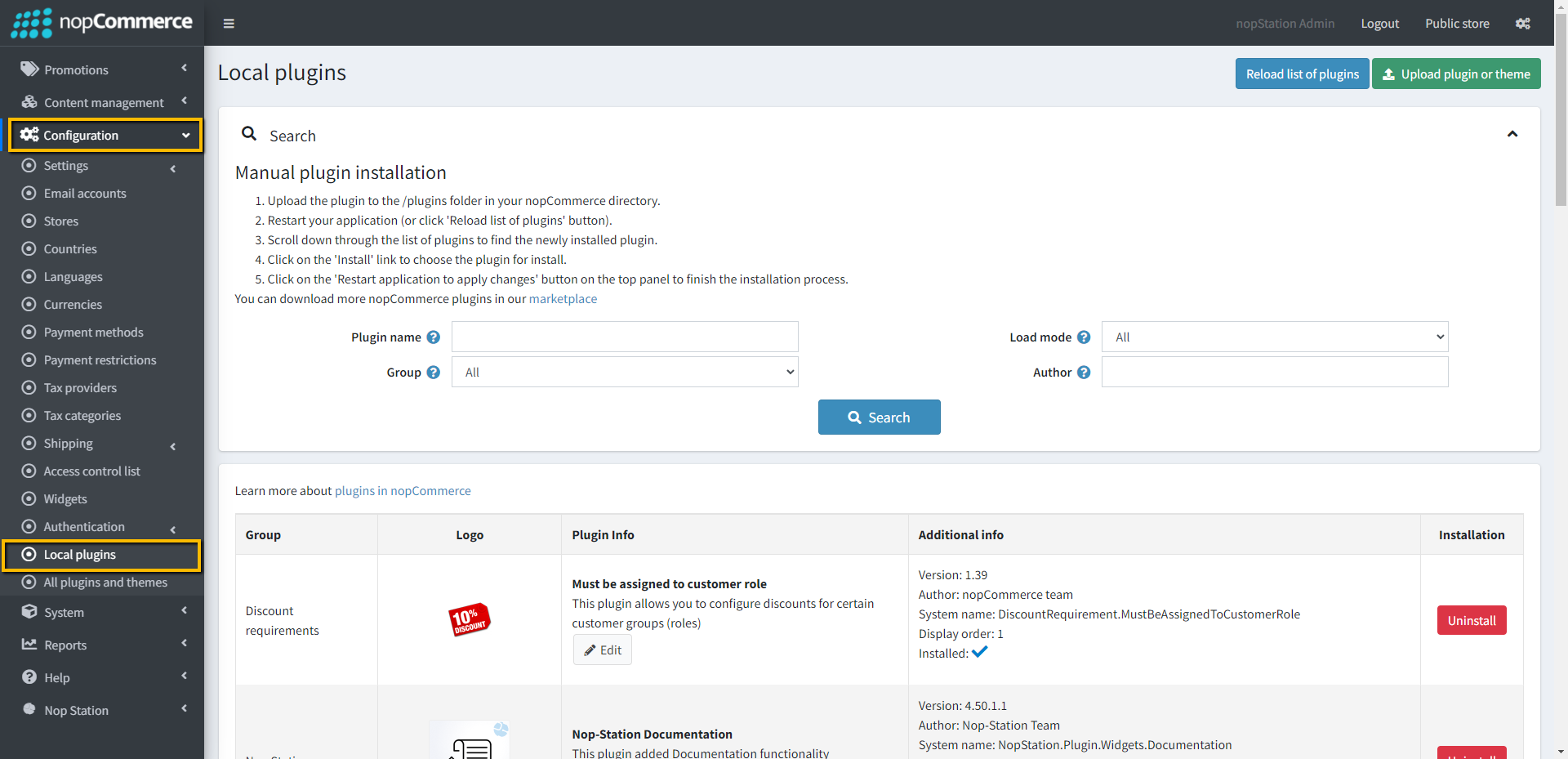
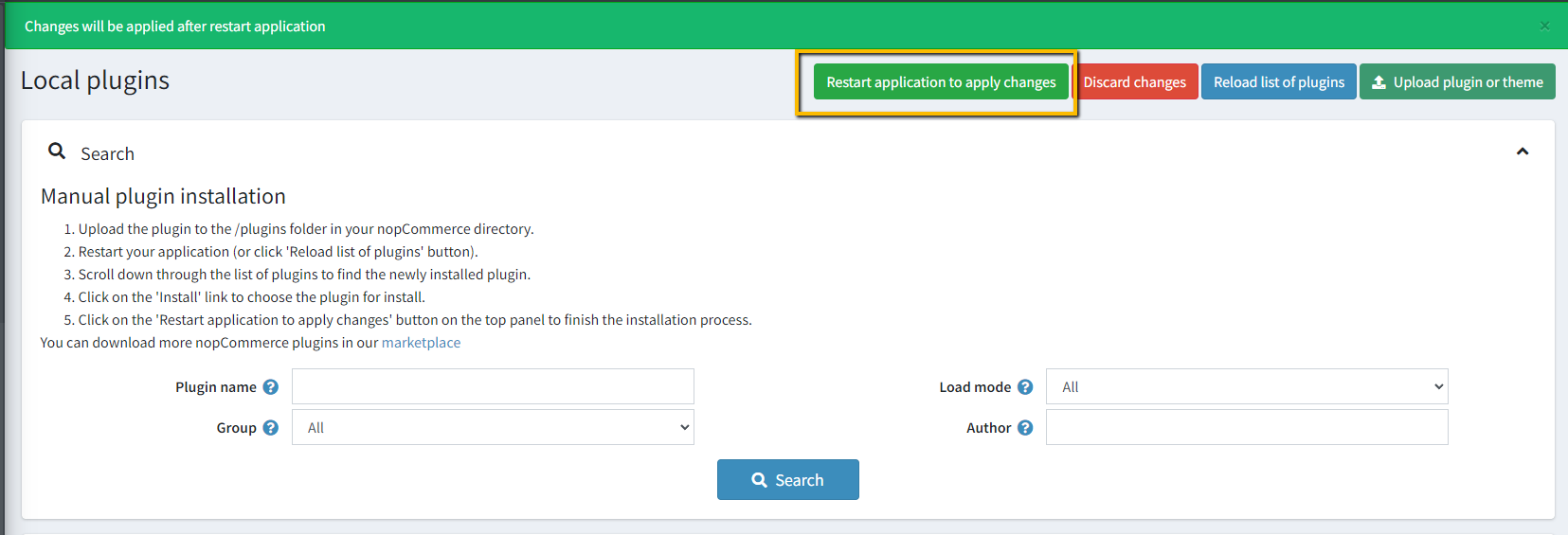
Go to Administration → Configuration → Local plugins
Upload the Downloaded Zip file using the "Upload plugin or theme" button
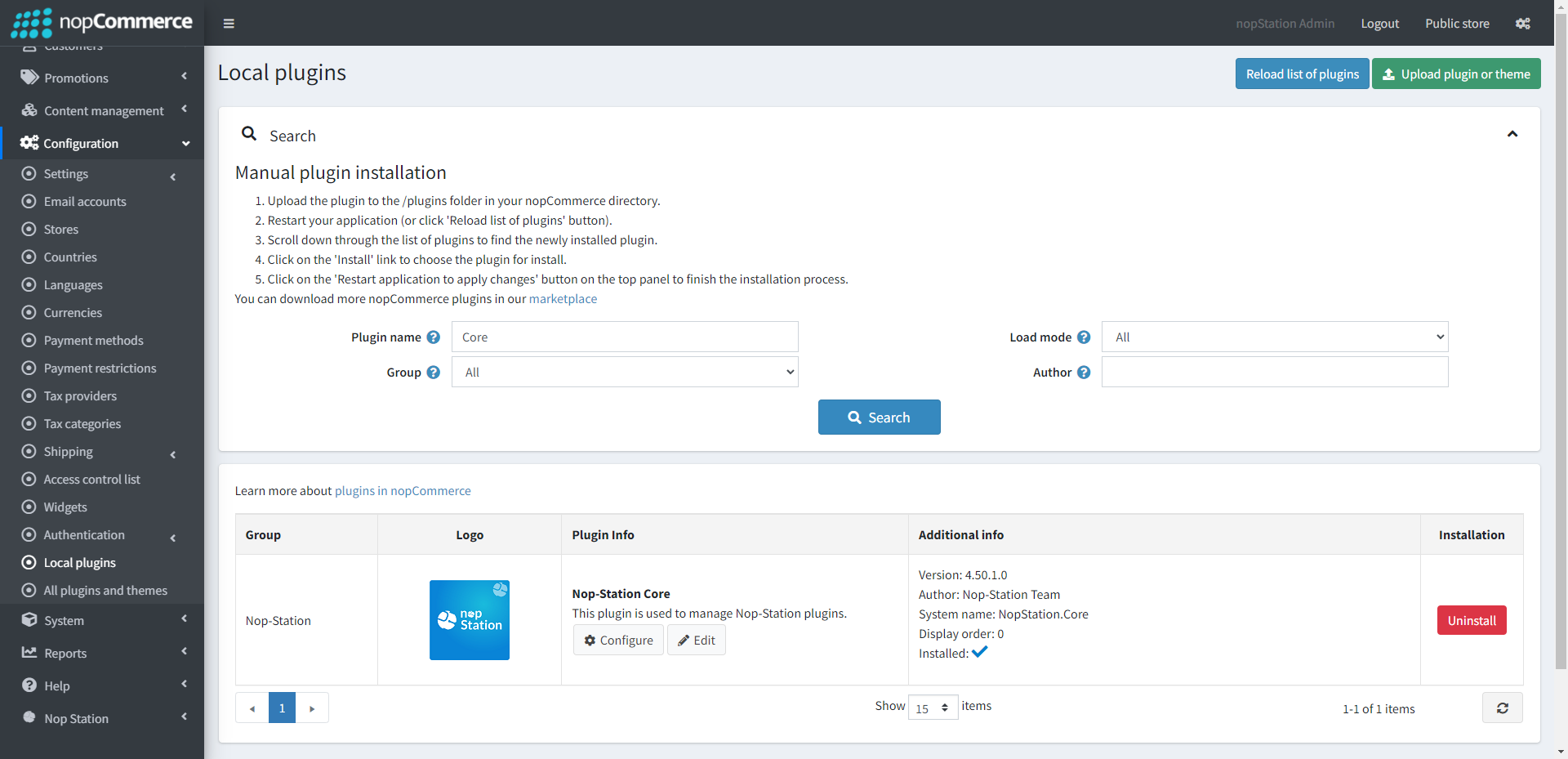
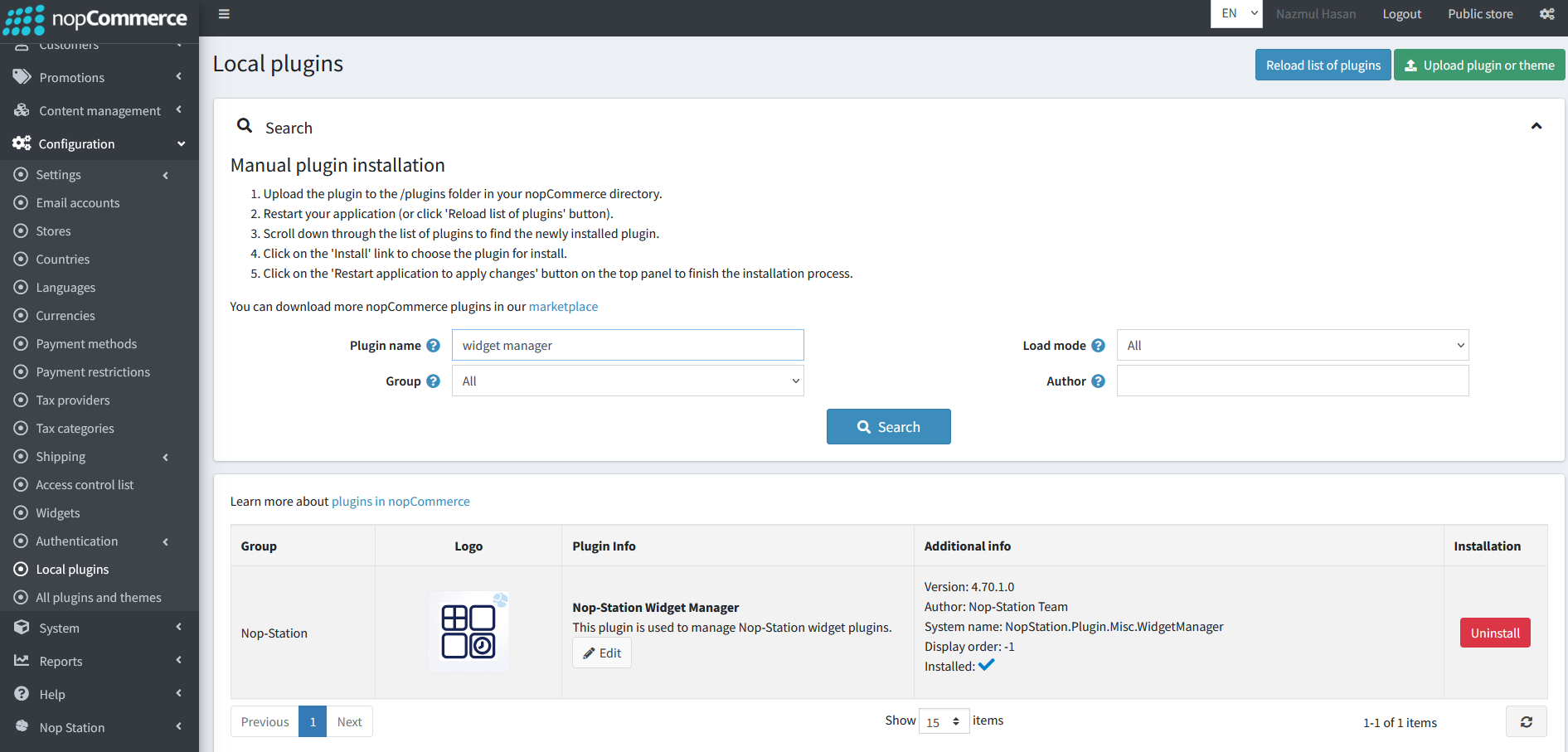
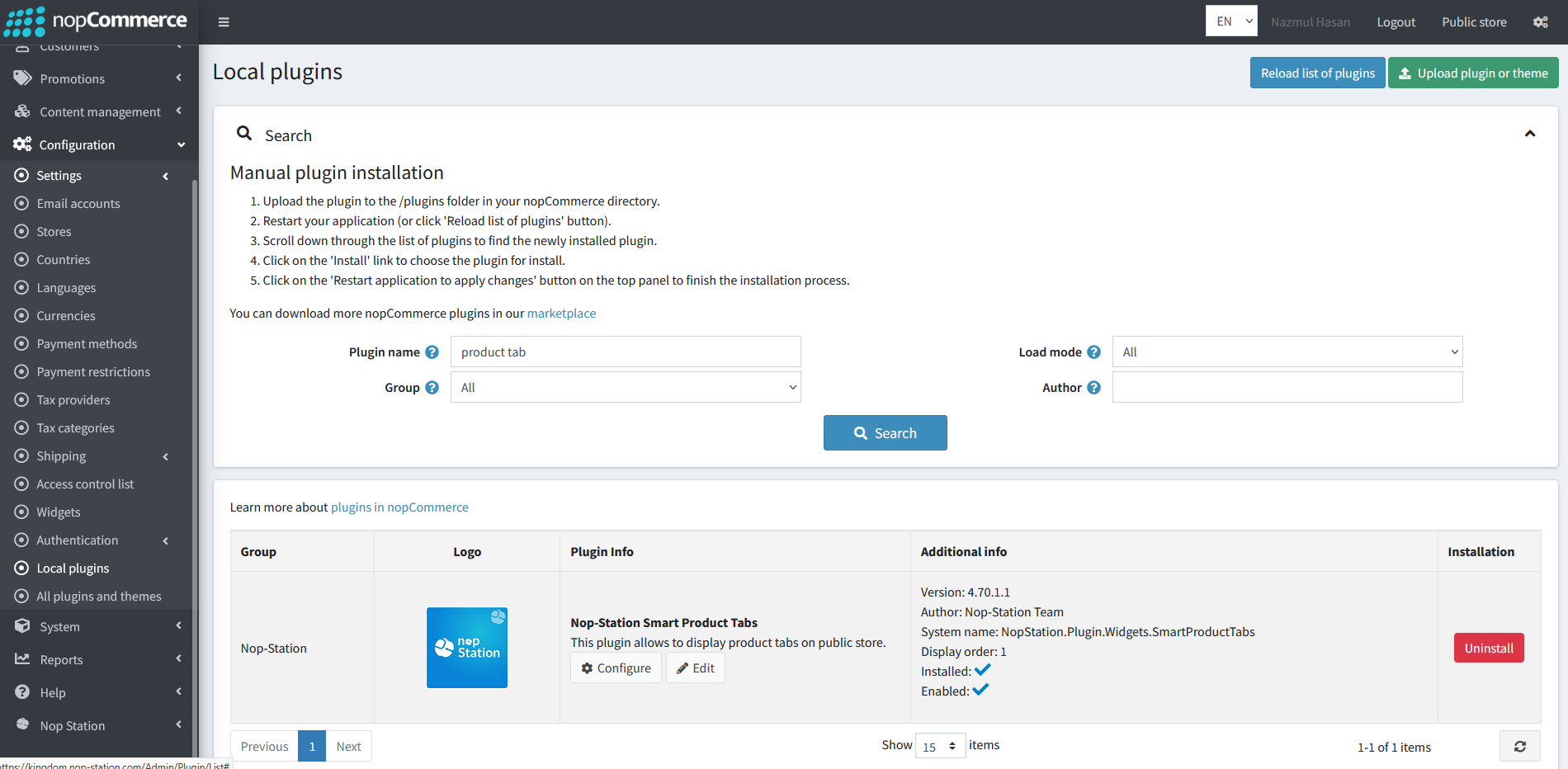
Go to Administration, reload the 'list of plugins'. Install 'Nop-Station Core' & 'Nop-Station Widget Manager' Plugin first and then install 'Nop-Station Smart Product Tabs'
To make the plugins functional, restart the application.
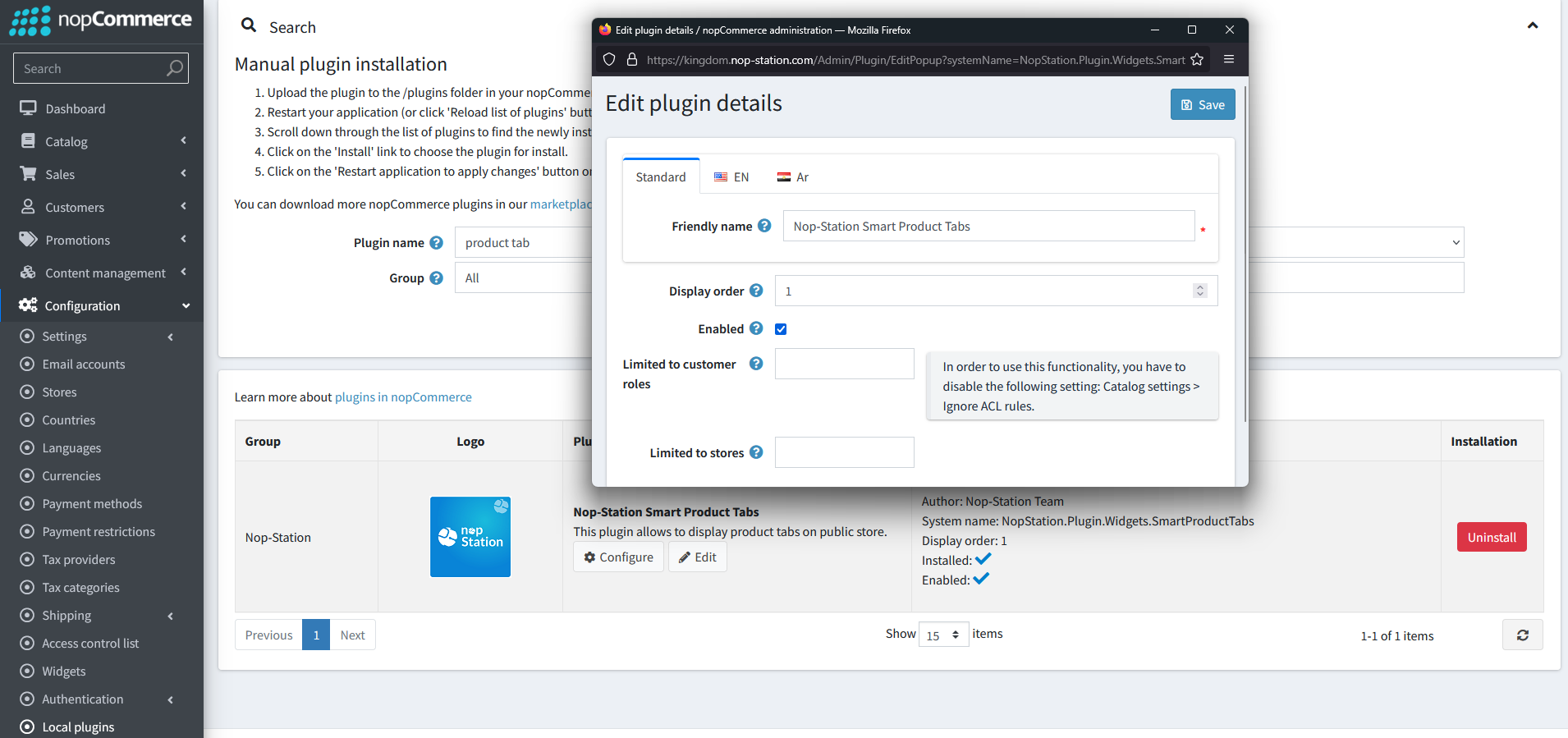
Enable the plugin with 'Edit' option and Configure it.
CONFIGURATION
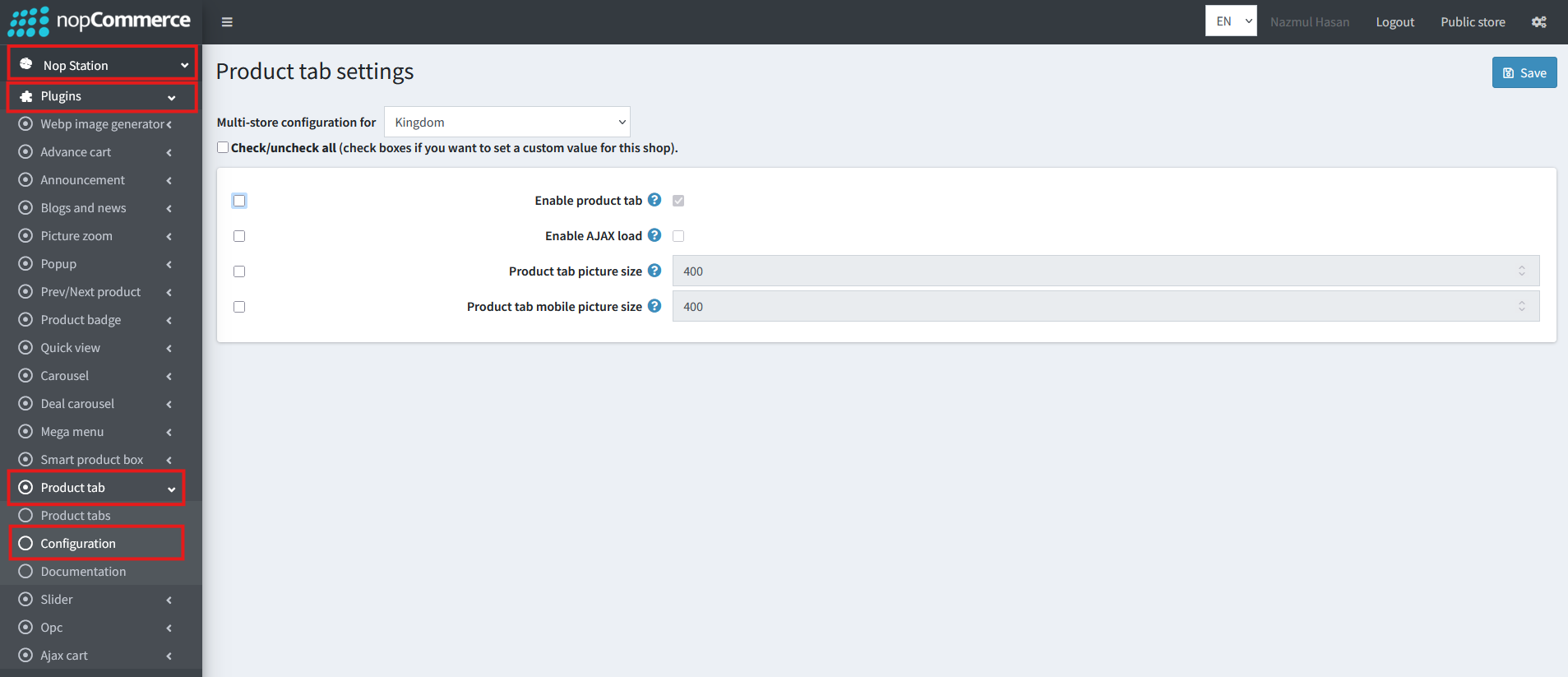
Go to Admin → Nop Station → Plugins → Product Tab → Configuration
Enable product tab: Check to enable the plugin
CREATE TAB
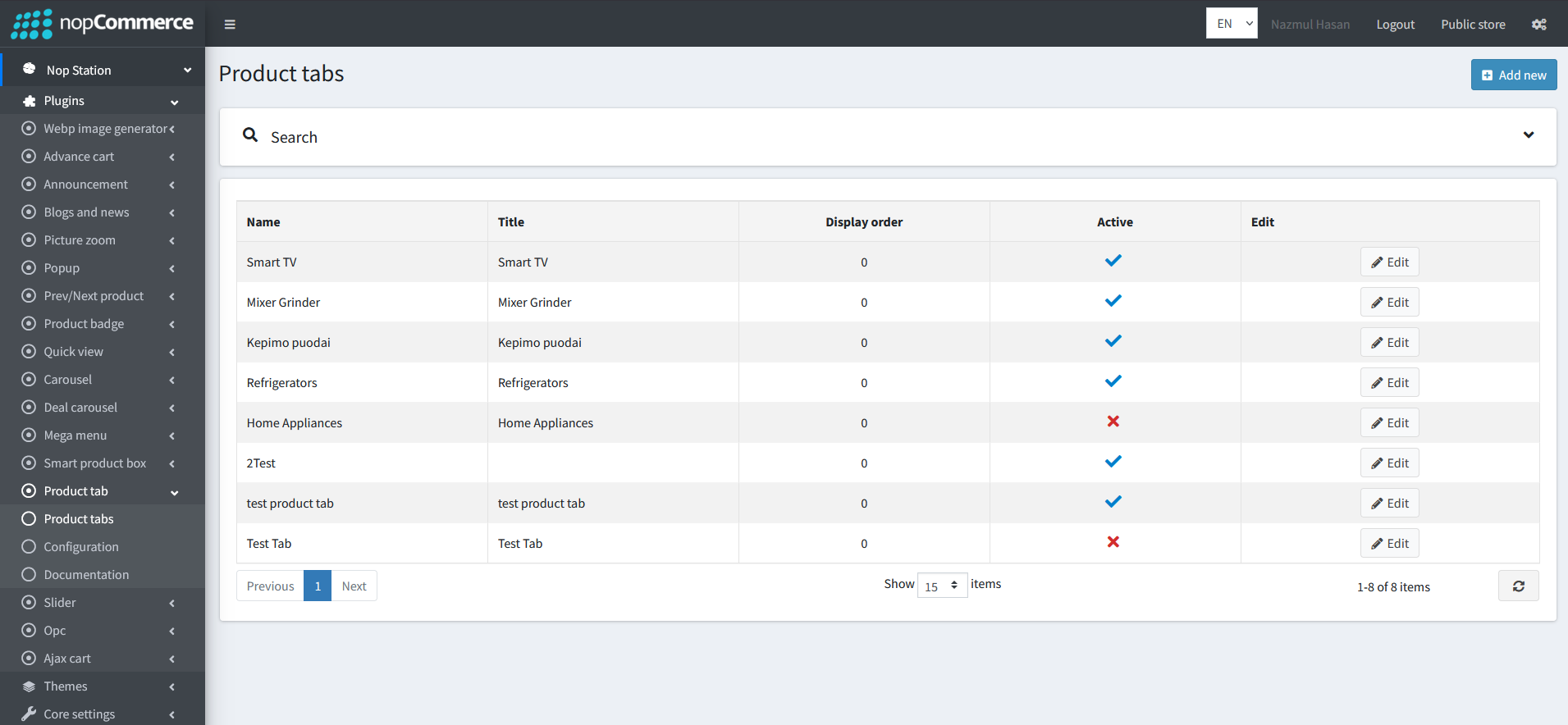
Create: To create a new product tab, go to product tab list page Admin → Nop Station → Plugins → Product Tab → List and then click Add new button
EDIT TAB
From the Product Tab list view you can see Edit button to customize each tabs
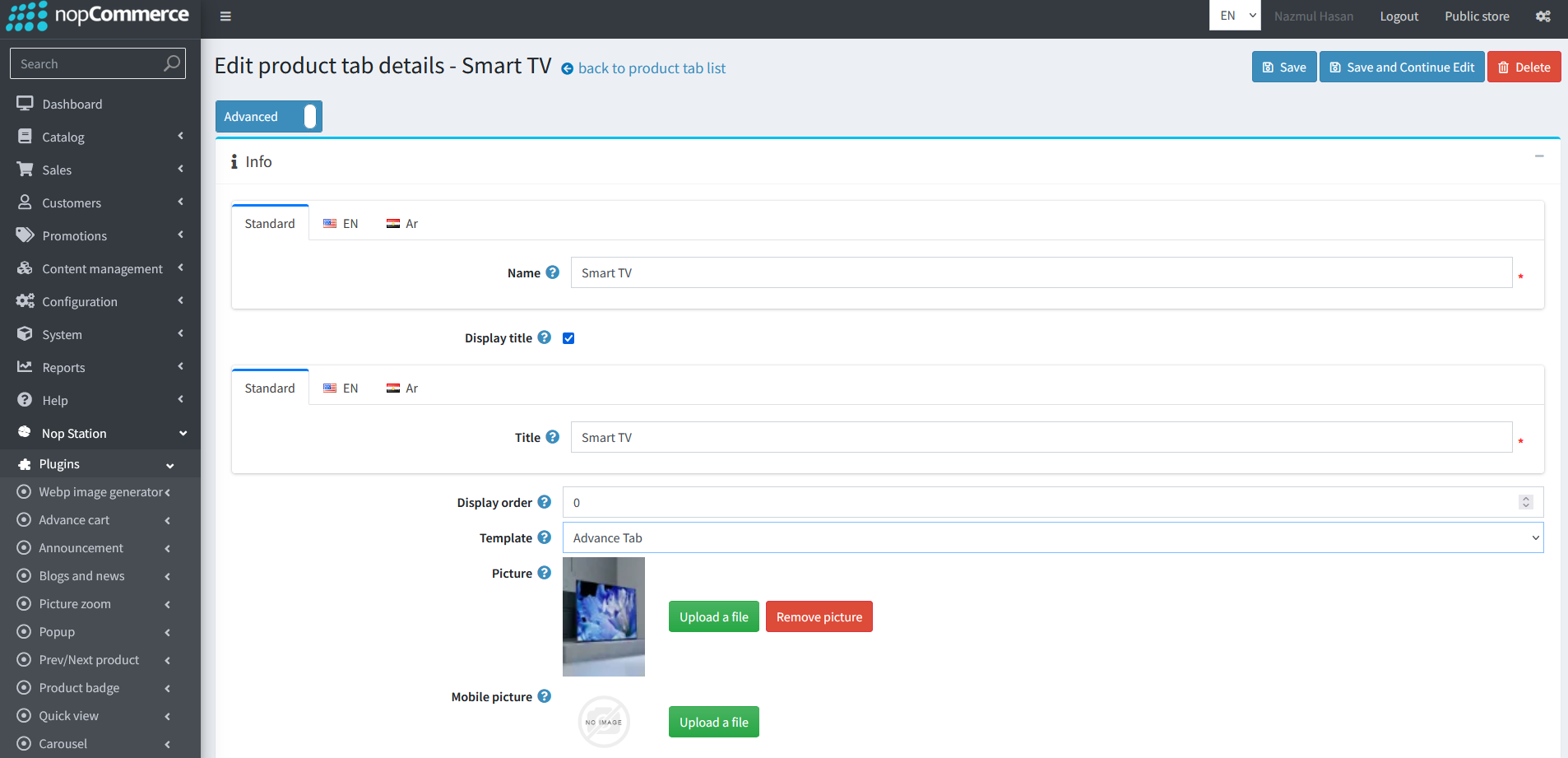
In the Edit section you can change Name, Title, Display Order of the specific Product Tab
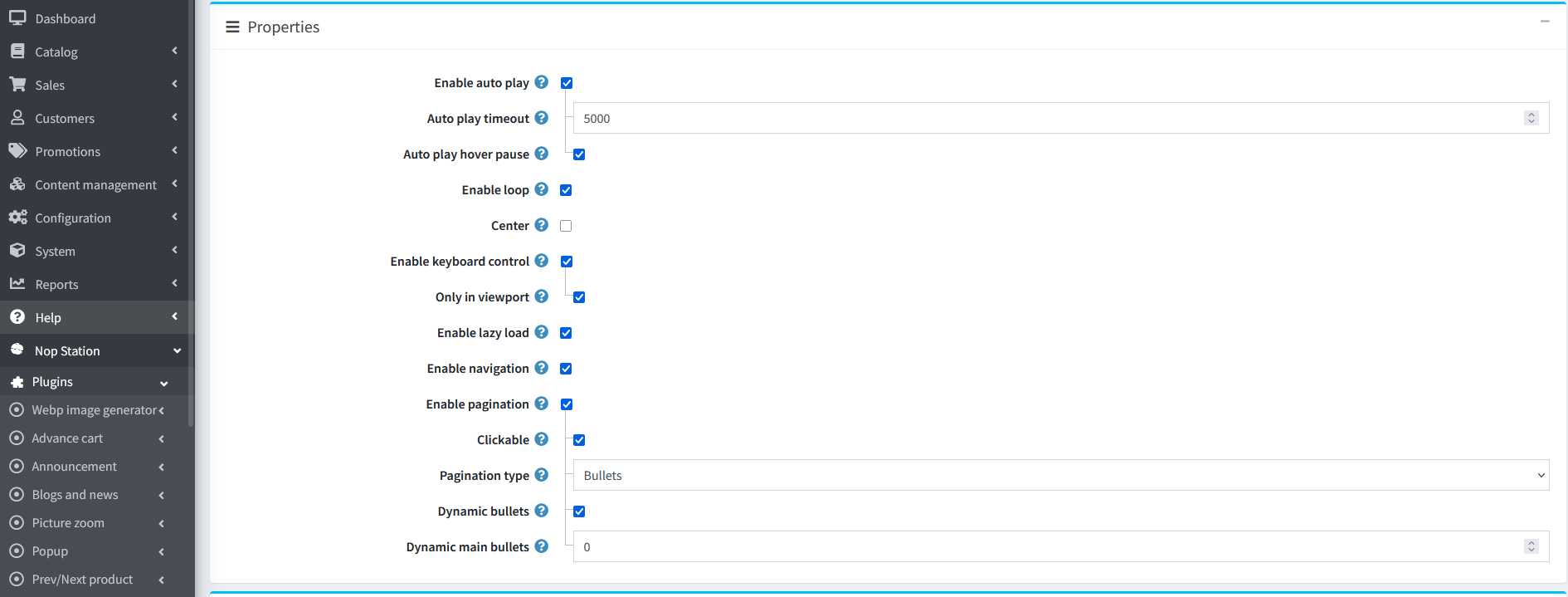
From the Properties section you can customize the visual of the product tab section even more by Auto Play, Time out, Loop and more
In the Tab Items section you can highlight your products in different categories such as New Arrivals, Best Sale etc.
In the Links section you can link your Main category to different sub categories
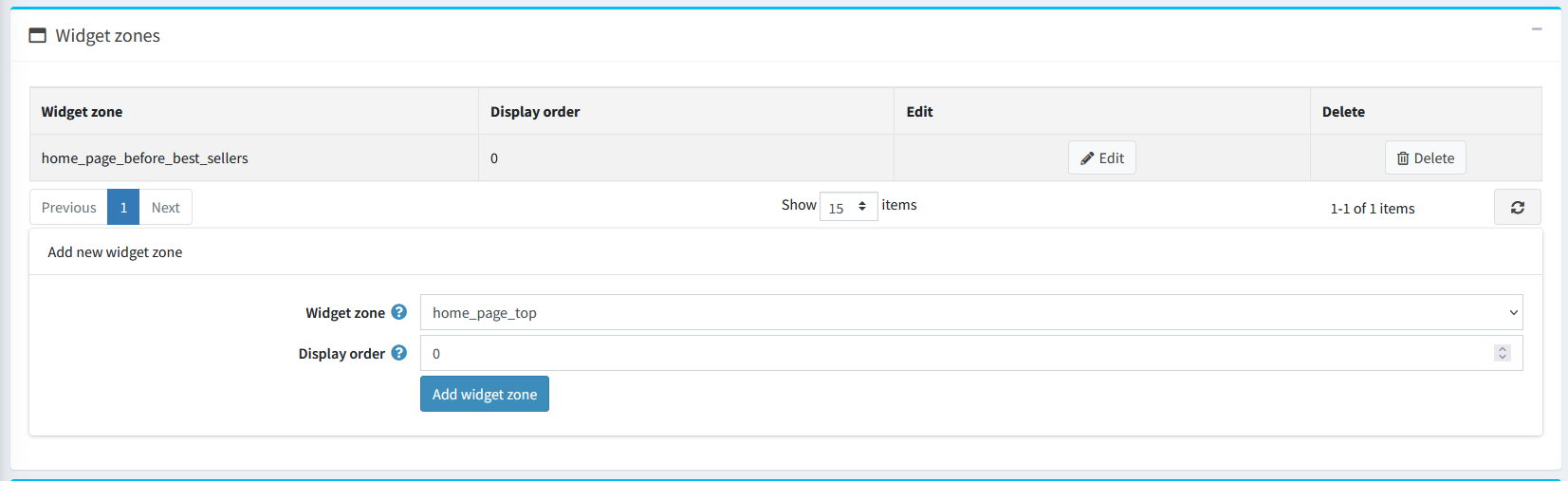
From Widget Zone section you must select a widget zone where the Product Tab will be visible