


Never Miss a nopStation Update
Enable notifications for new plugins, updates, and exclusive offers from nopStation.

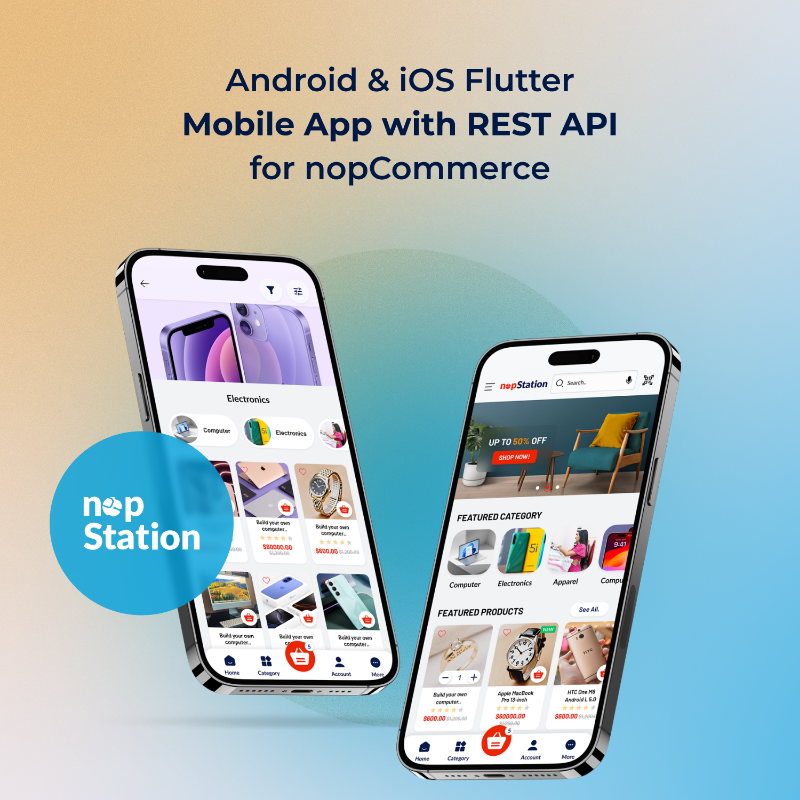
The ultimate mobile app experience for any nopCommerce storefront that offers an arsenal of eCommerce marketing tools for automated statistics, content marketing and many more.
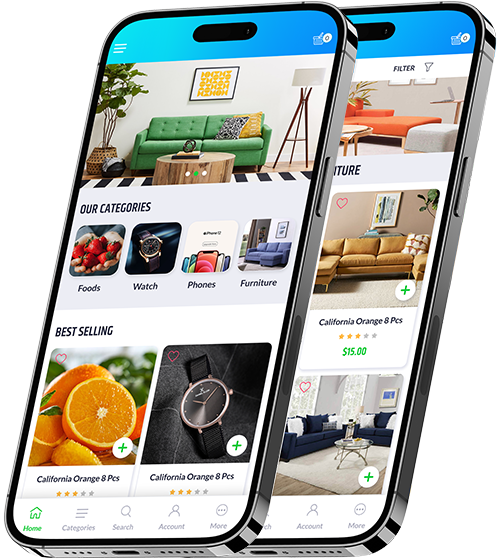
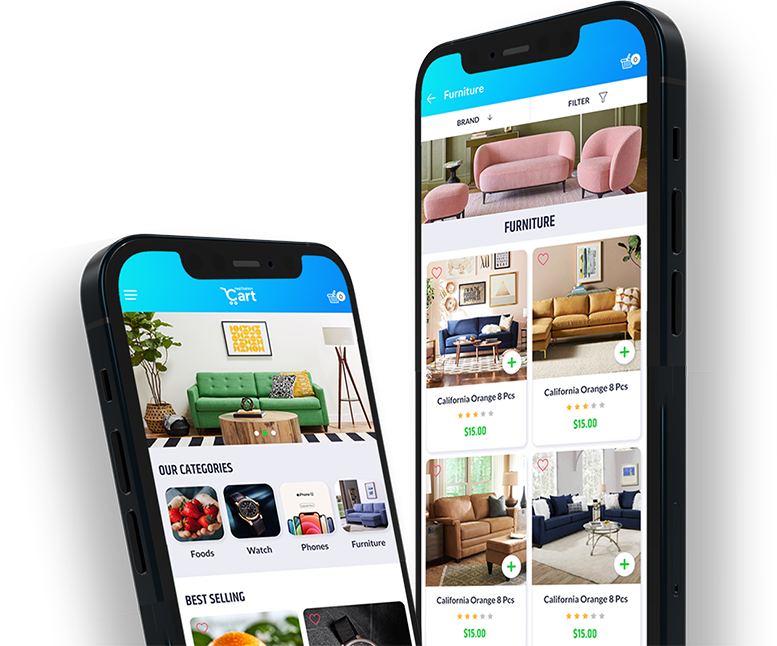
Reach out to customers on mobile platforms like iOS and Android with true mobile shopping experience.
Stylish and modern design coupled with class-leading performance ensures the best mobile shopping experience for your customers.
Offers a rich push notification experience of store activities for customers and lets them know the offers, promotions, and discounts.
Gives customers more flexibility through store picks up functionality and store visibility.
Uses QR and Barcode scanning to enable more immersive customer experiences such as product search.
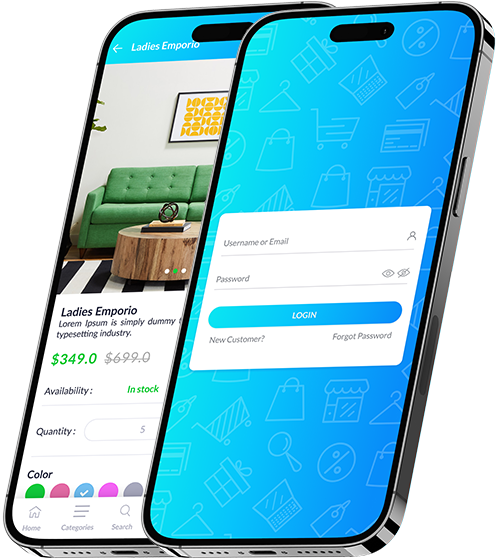
The nopStation public store apps provide the best user experience on mobile devices by combining modern design and the latest technologies to ensure lightning-fast performance and compatibility
The App provides you with the ideal mobile platform for promoting your product line through effective marketing and promotions through in-app and push notifications, letting you optimize your marketing strategy, along with increased sales and revenue.
Touch customers through any device, any language, anywhere
1# Banners/Carousel on top of the homepage. Every item can be mapped to a specific category/product/manufacturer/vendor/topic page.
2# Different preview sections for featured categories, products and manufacturers.
3# Hamburger menu for quick access into all categories and subcategories with left slider.
1# Option to visit subcategories if available.
2# Sort products by Position, Name: A to Z, Name: Z to A, Price: Low to High, Price: High to Low and Created on.
3# Filter products with the price range and filterable specification attributes.
4# Change page size for loading products on the page.
5# Multi paging on scroll.
1# Sort products by Position, Name: A to Z, Name: Z to A, Price: Low to High, Price: High to Low and Created on.
2# Change page size for loading products on the page.
3# Multi paging on scroll.
1# Option to visit vendor list page.
2# Sort products by Position, Name: A to Z, Name: Z to A, Price: Low to High, Price: High to Low and Created on.
3# Change page size for loading products on-page.
4# Multi paging on scroll.
5# Option to contact a vendor.
1# Responsive search field.
2# Advance search by vendor, price range, manufacturer, etc.
3# Multi paging on scroll.
1# Add to cart and add to wishlist buttons
2# Carousel/Slider for available images of the product
3# Popup zoom for product image.
4# Product name, price, availability and descriptions.
5# Option to customize product quantity
6# Dynamic attributes pickers like dropdown, checkmark and radio buttons to choose color, size, or any other specifications.
7# Carousel for related product list.
8# Carousel for the customer also purchased product list.
9# Supports both single and group products.
1# List view of products in the cart.
2# Delete individual items.
3# Update the quantity of individual items.
4# Apply coupon codes if available
5# Apply for a gift card if available.
6# Formal invoice description: Sub-totals, shipping cost, discount, tax and total amount.
7# Apply all attributes.
1# Checkout processes are the same as default nopCommerce: Billing Address, Shipping Address, Shipping Method Selection, Payment Method
2# Selection, Summary & Checkout Confirmation.
3# Supports all kinds of payment methods (Button, Redirect, Standard).
4# Supports all shipping methods.
5# Auto-skip the next step when required.
6# Guest checkout available.
7# Use reward points for purchases.
1# New customer registration.
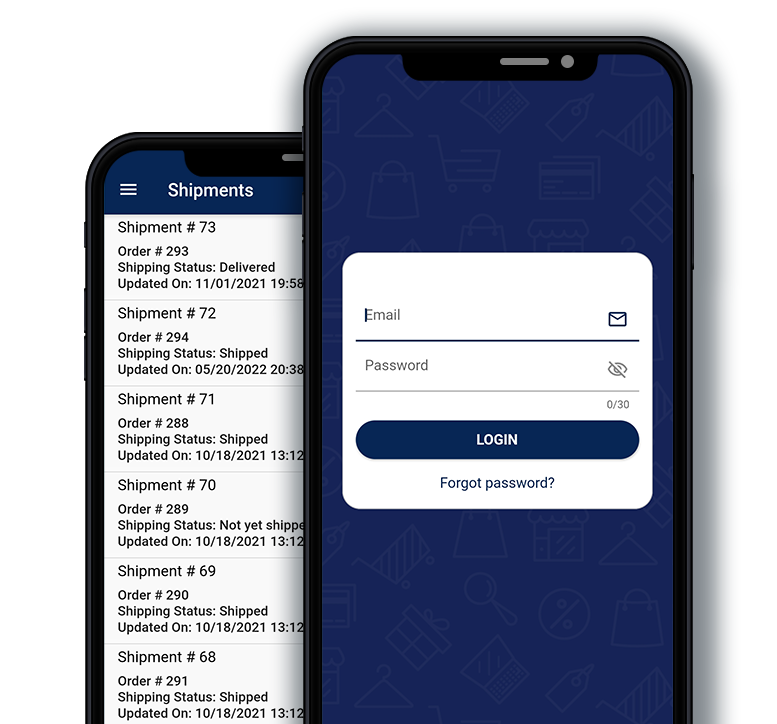
2# Traditional login with user credential.
3# Password recovery option.
4# Update password.
1# Update user information.
2# Manage customer address.
3# User wishlist
4# Option to see downloadable products.
5# Reward points.
6# Product reviews.
1# Quick view of the order list
2# Option to see order details.
3# Order status, payment status, shipping status.
4# Re-order items from a specific order.
5# Order shipments.
6# Order notes with file download option.
7# Create a return request with file upload.
1# Add to wishlist, update, delete, etc.
2# Move products to the cart from the wishlist.
1# Allows multiple languages.
2# Allows multiple currencies.
3# Option to change app logo from admin.
4# Option to force the user to update the app from admin.
1# Secure API with JSON Web Token.
2# IAT enable/disable for JSON Web Token.
1# Customer email validation notification.
2# Customer registered welcome notification.
3# Customer welcome notification.
4# New customer notification.
5# Customer order canceled notification.
6# Customer order completed notification.
7# Customer order paid notification.
8# Customer order placed notification.
9# Customer order refunded notification.
10# Shipment delivered notification.
11# Shipment sent notification.
12# Scheduled campaign notification.
Of course, you can!!
If you've got more questions and we'll do our best to answer.
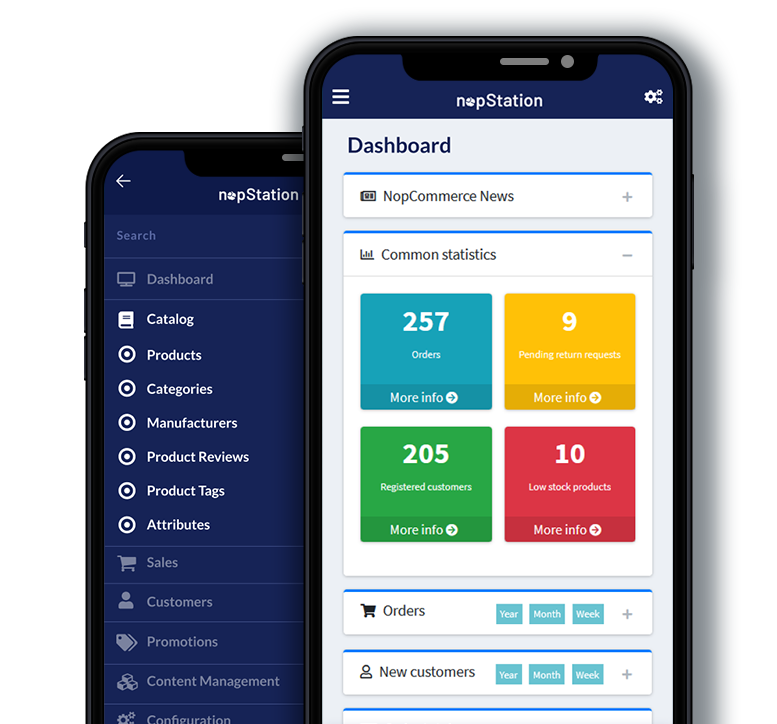
Yes, nopStation has apps for both the public store and the Admin Panel.
Yes, nopStation offers both Native and Cross-platform apps for Android and iOS platforms.
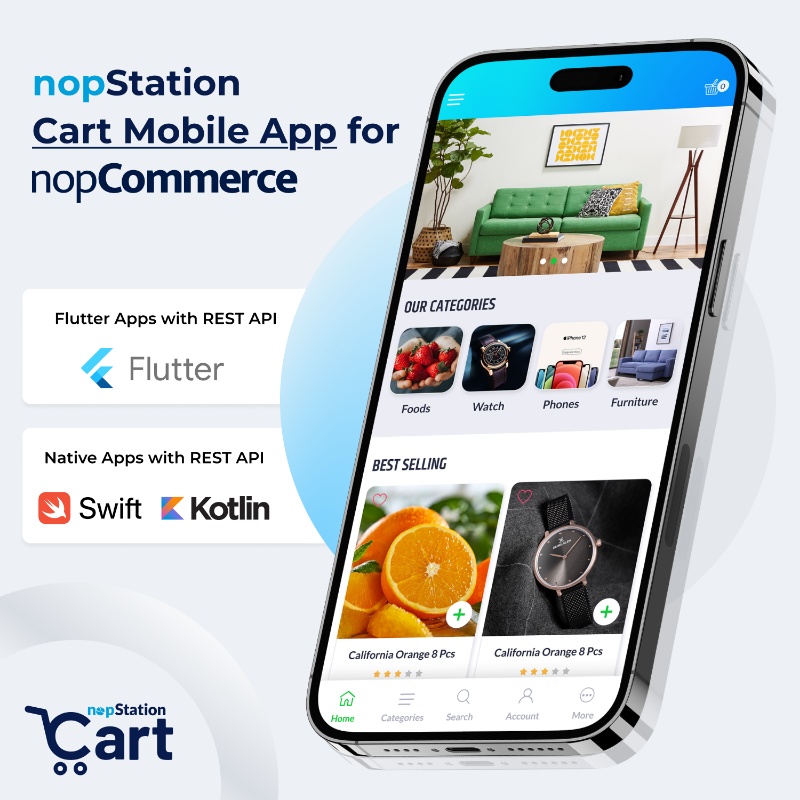
nopStation has developed its apps using Flutter, Kotlin, Swift and Ionic.
nopStation uses its own REST API plugin for nopCommerce public store and Admin REST API plugin for nopCommerce. nopStation has also developed apps using The Official nopCommerce Web API.
| API | Mobile Apps | Apps Technology |
|---|---|---|
| nopStation REST API plugin for nopCommerce Public Store | Android & iOS Native Mobile App with REST API for nopCommerce | Native (Kotlin & Swift) |
| Android & iOS Ionic Mobile App with REST API for nopCommerce | Ionic | |
| Android & iOS Flutter Mobile App with REST API for nopCommerce | Flutter | |
| nopStation Admin REST API Plugin for nopCommerc | Android & iOS Flutter Admin Mobile App with REST API for nopCommerce | Flutter |
| nopCommerce Official Web API | Android & iOS Flutter Admin Mobile App for nopCommerce Official Web API | Flutter |
| Android & iOS Flutter Mobile App for nopCommerce Official Web API | Flutter |
Yes, these apps are fully configurable and customizable according to your business needs.
Yes, you can find demos of your apps on the respective product pages.
Products from your store will automatically be synced along with any changes made by you on the admin side.
For example: Unpublishing an older product.
nopCommerce support of the Apps is App specific. You can find the supported nopCommerce version of an App from the App’s product details page.
Yes, Apps are multi-store supported.
In the default multi-store supported version of the Apps, you can publish separate Apps for each store. However, A single App build with the multi-store URL (which means multiple base URLs in the single App build) is not default supported, you will need customization for multi-store support in a single App build.
You have the option to purchase the apps with single or multiple URLs from the product details page.
Yes, you can. You have the option to purchase the Apps with the source code. Just give us a call on Skype if you have any further queries concerning the source code: Skype
Yes. We will provide you with the App builds and you can publish them to the Android and iOS App Stores in a matter of minutes.