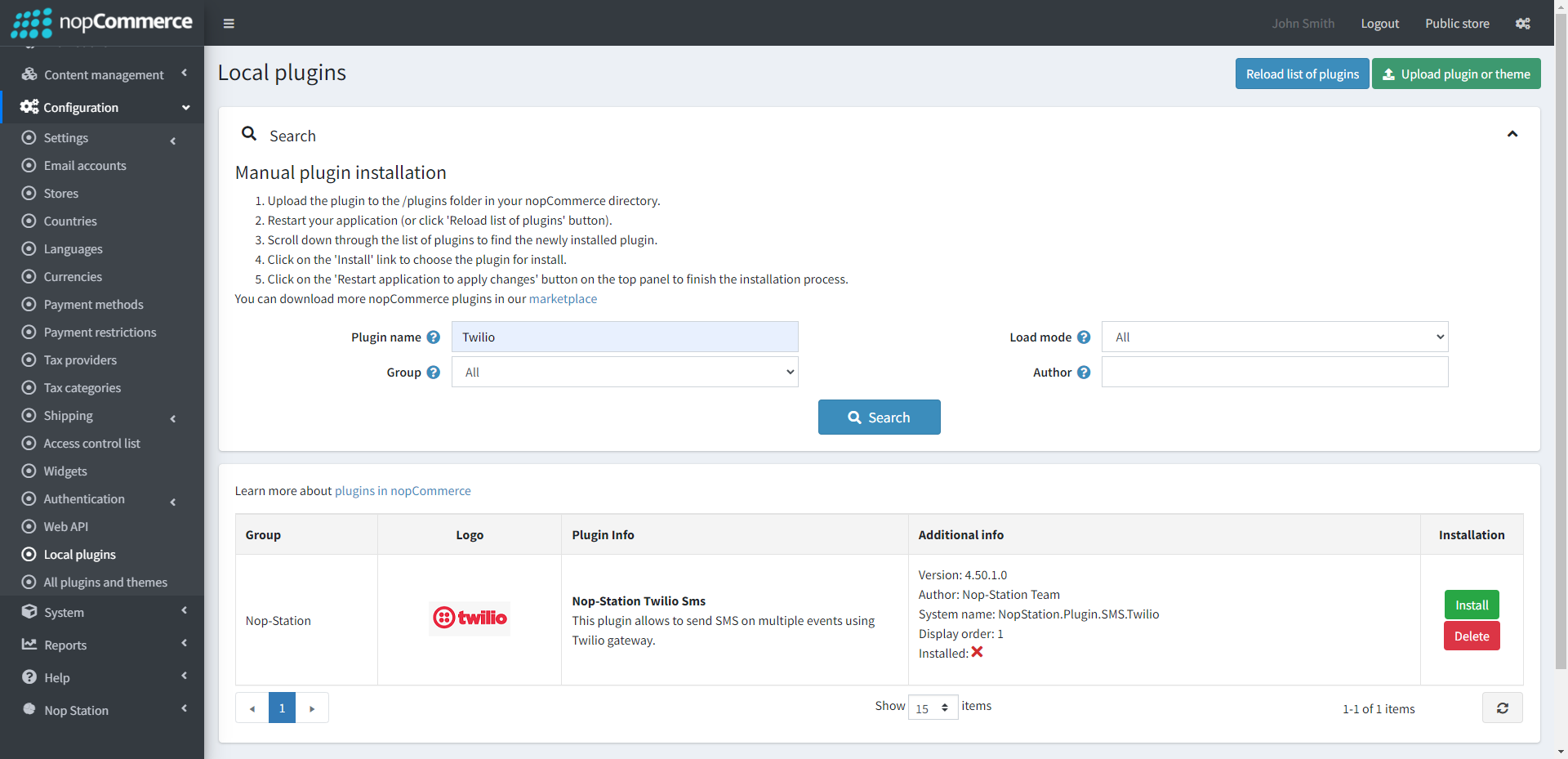
nopStation’s Twilio SMS Integration Plugin for nopCommerce lets you integrate Twilio SMS Gateway and send SMS alerts to your customers. Twilio is a customer engagement platform used by hundreds of thousands of businesses and more than ten million developers worldwide to build unique, personalized Text Messaging experiences for their customers. Integrating this plugin into your online store can help you send notifications to your customers through SMS over any global cellular network
PRE-REQUISITES
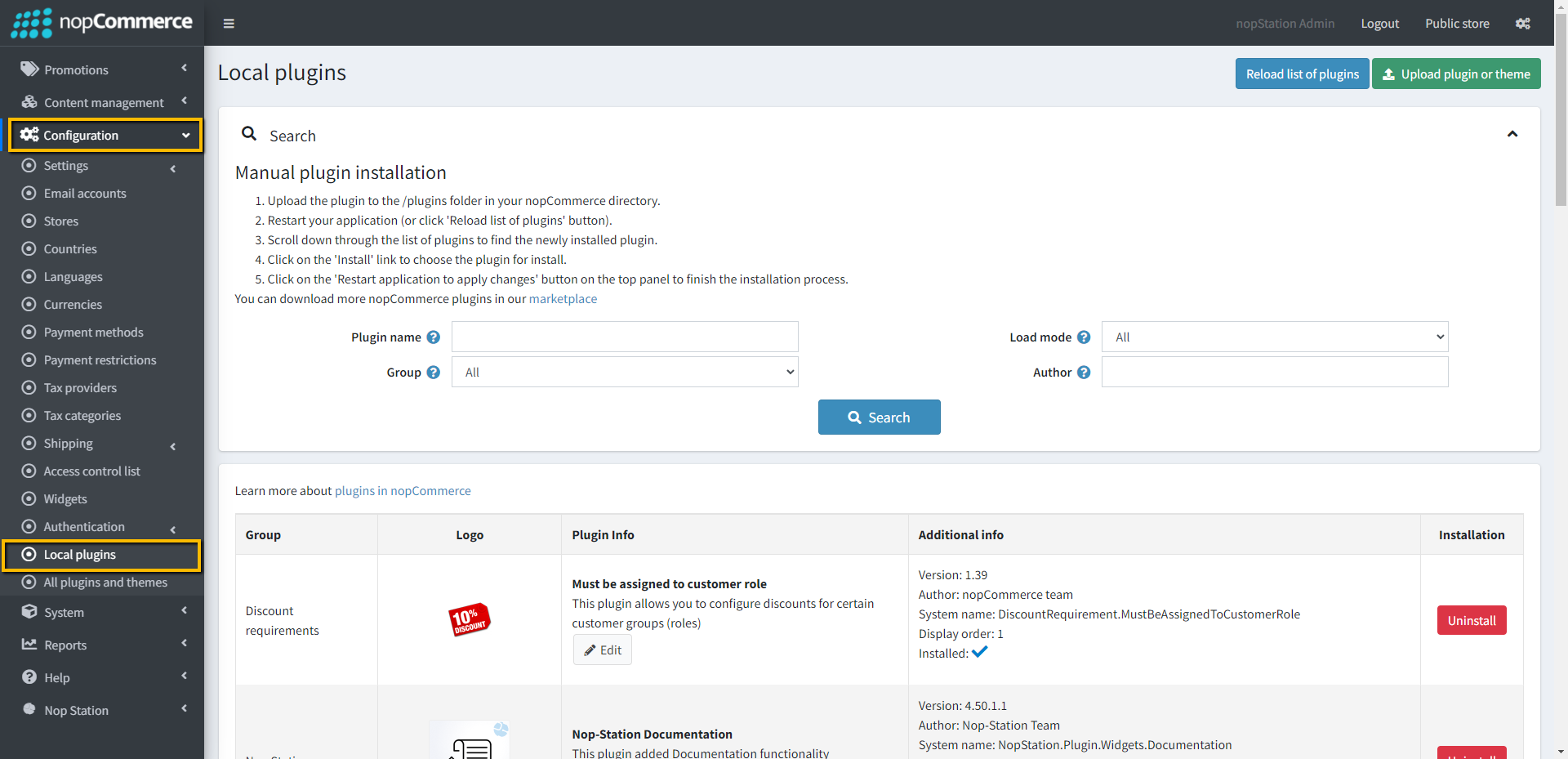
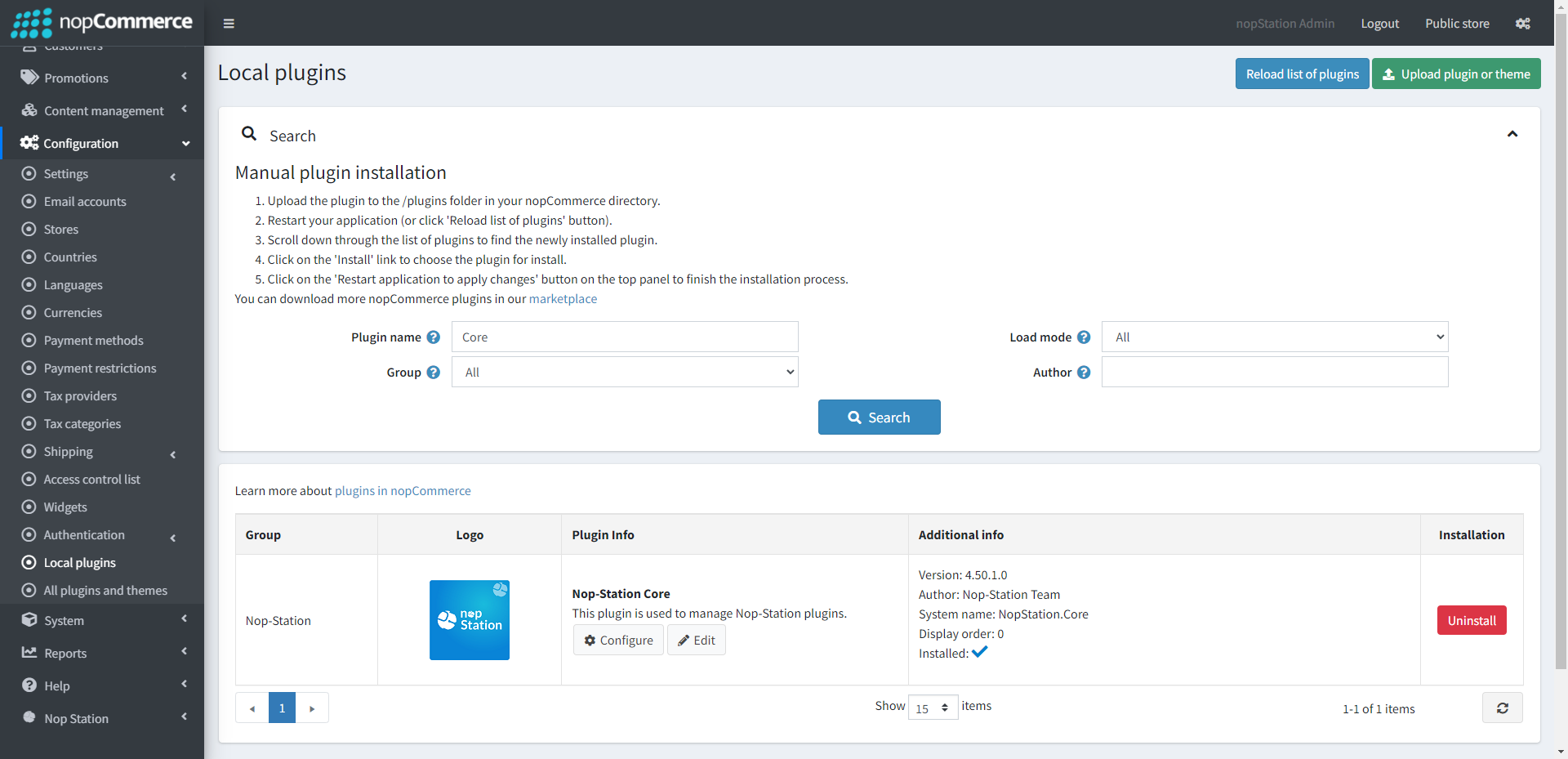
The plugin requires you to install the Nop-Station Core plugin first.
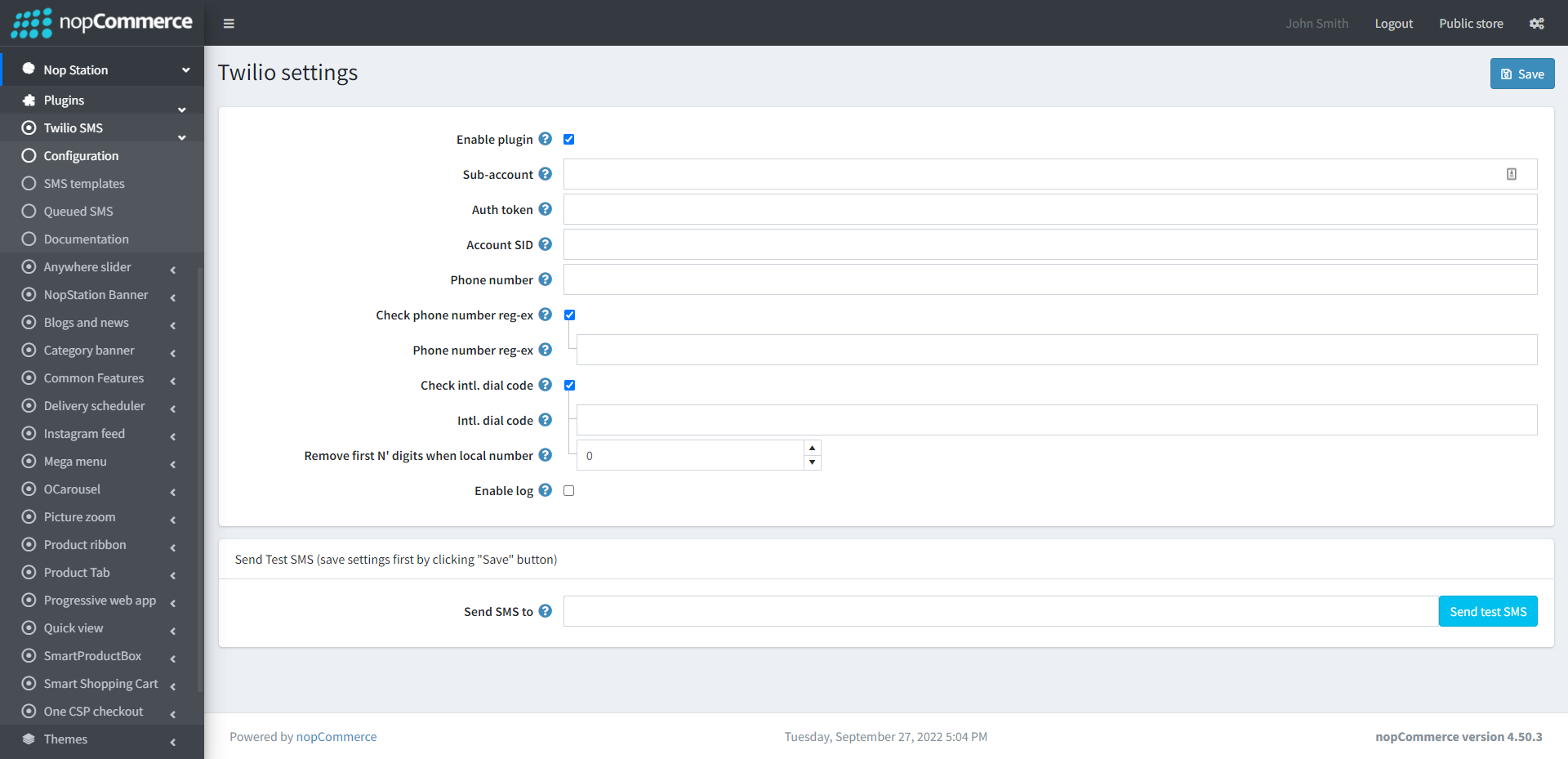
Go to Admin → NopStation → Plugins → Twilio Sms → Configuration
Check the Enable Plugin checkbox to enable the SMS Plugin
Enter the Sub-account info into the Subaccounts field. Note that the Sub-accounts in Twilio are just accounts that are "owned" by your account. Using a sub account, you can segment each of your customers' use of Twilio and keep it separate from all the rest. This will allow you to easily manage the activity and resources of each customer independently
The account SID and Auth token are the master keys to your account. They can be found on your Account Dashboard in the Twilio Console
Here the phone number is the Twilio account phone number. From this number the message will be sent to the customer
Check phone number reg-ex to validate phone number using regular expression
Check intl. dial code to validate phone number using country code
Check Enable log to enable logging
SMS TEMPLATE
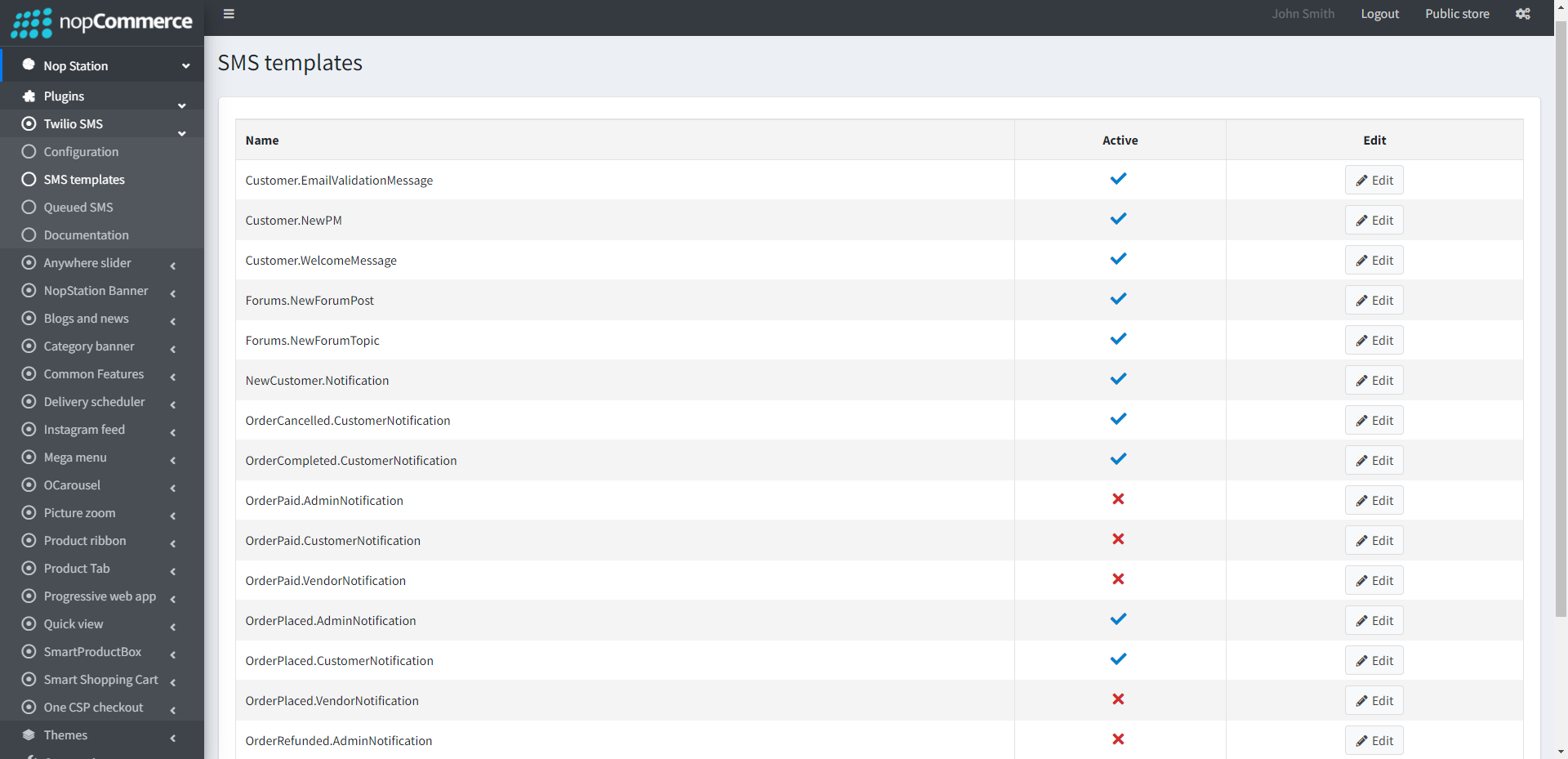
The plugin provides a tota of 19 SMS templates which you can use.
Go to Admin → NopStation → Plugin → Twilio Sms → SMS templates to view all the available templates.
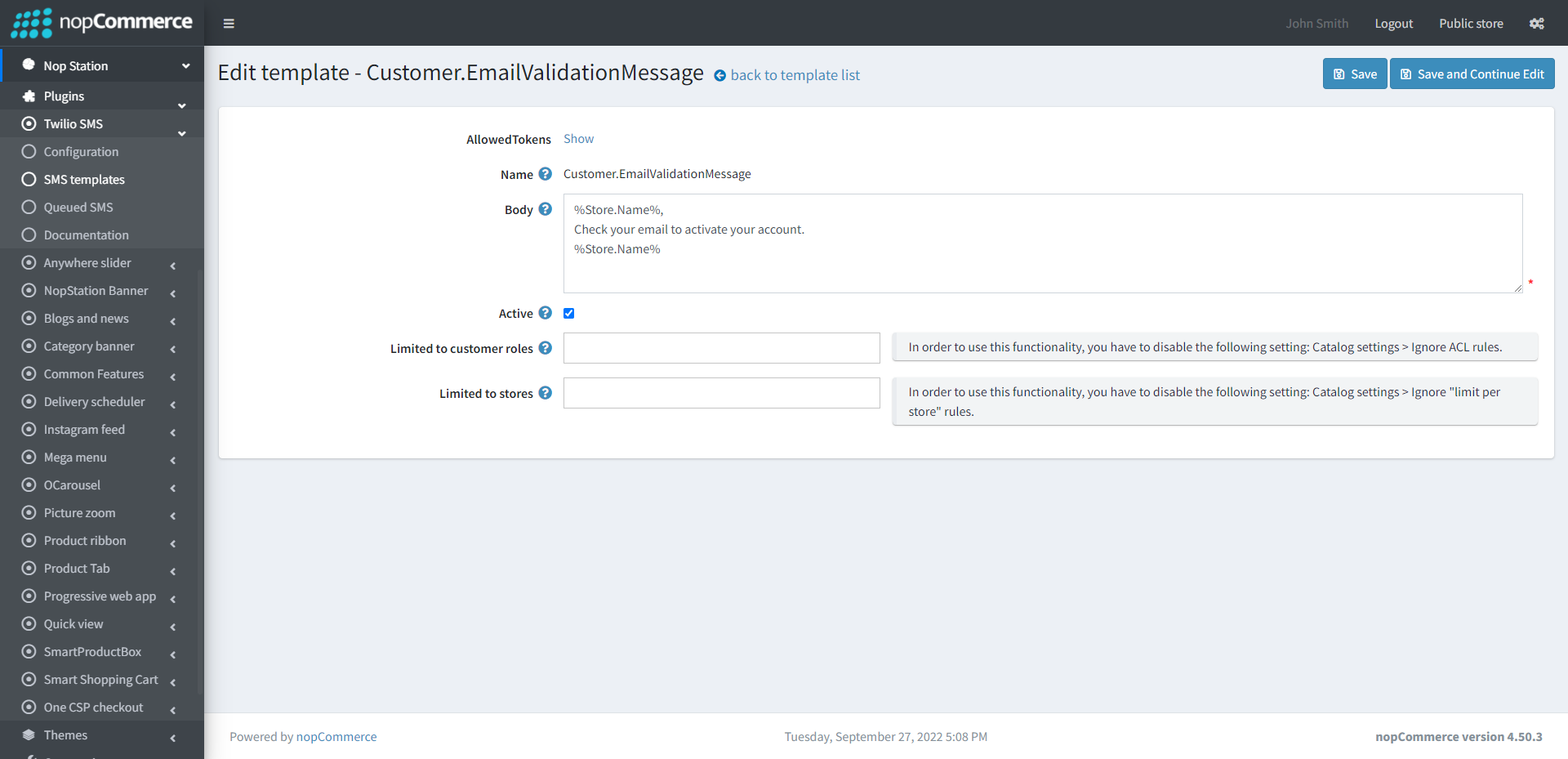
You can enable/disable or modify the templates based on your requirements
You can also set this to limited customer roles and limited stores
QUEUED SMS
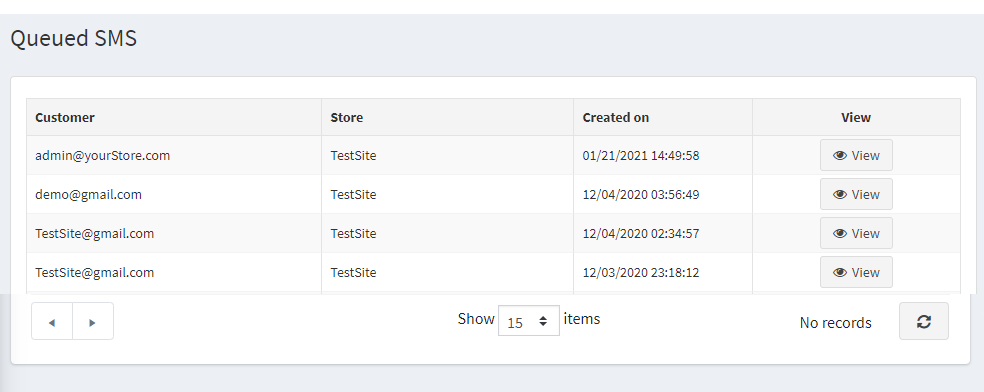
Go to Admin → NopStation → Plugin → Twilio Sms → Queued SMS
Here you can see the messages queue that have already been sent to the customer
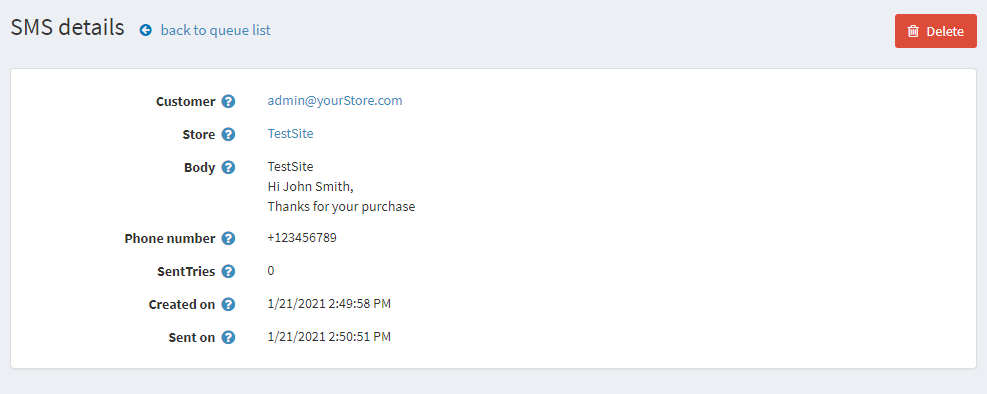
You will get the details of the sent sms by clicking on the View button in Queued SMS page