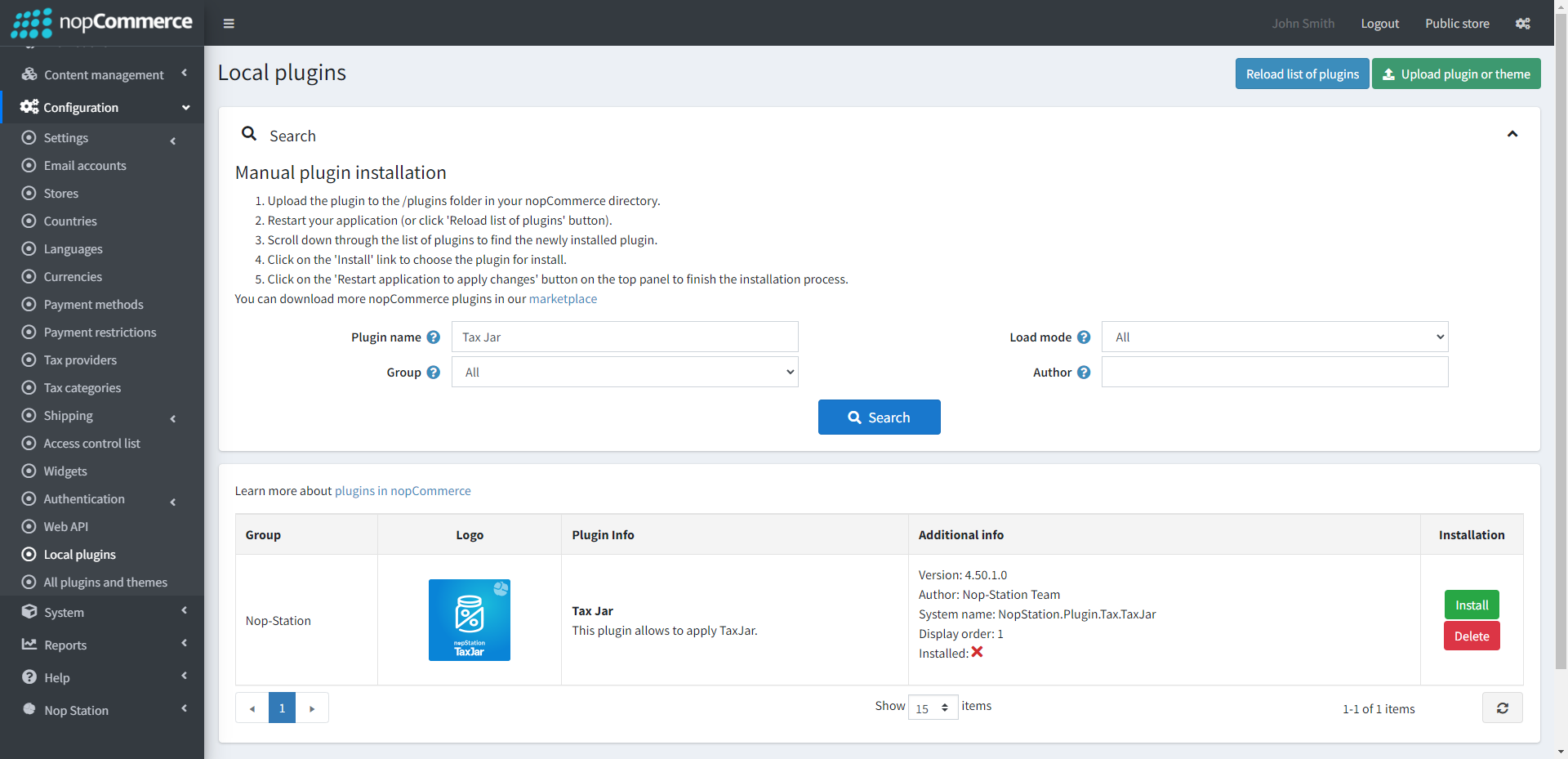
nopStation's Taxjar Integration plugin for nopCommerce is developed to let you integrate Taxjar ‘s tax calculation service easily on your nopCommerce-based online store. This tax plugin lets you easily prepare and submit Taxes without preparing Tax files manually. This plugin lets you sell products across different channels without any extra effort using Taxjar’s scalable, AI-driven tax calculation engine. And flexible API and reduce your administrative burdens.
PRE-REQUISITES
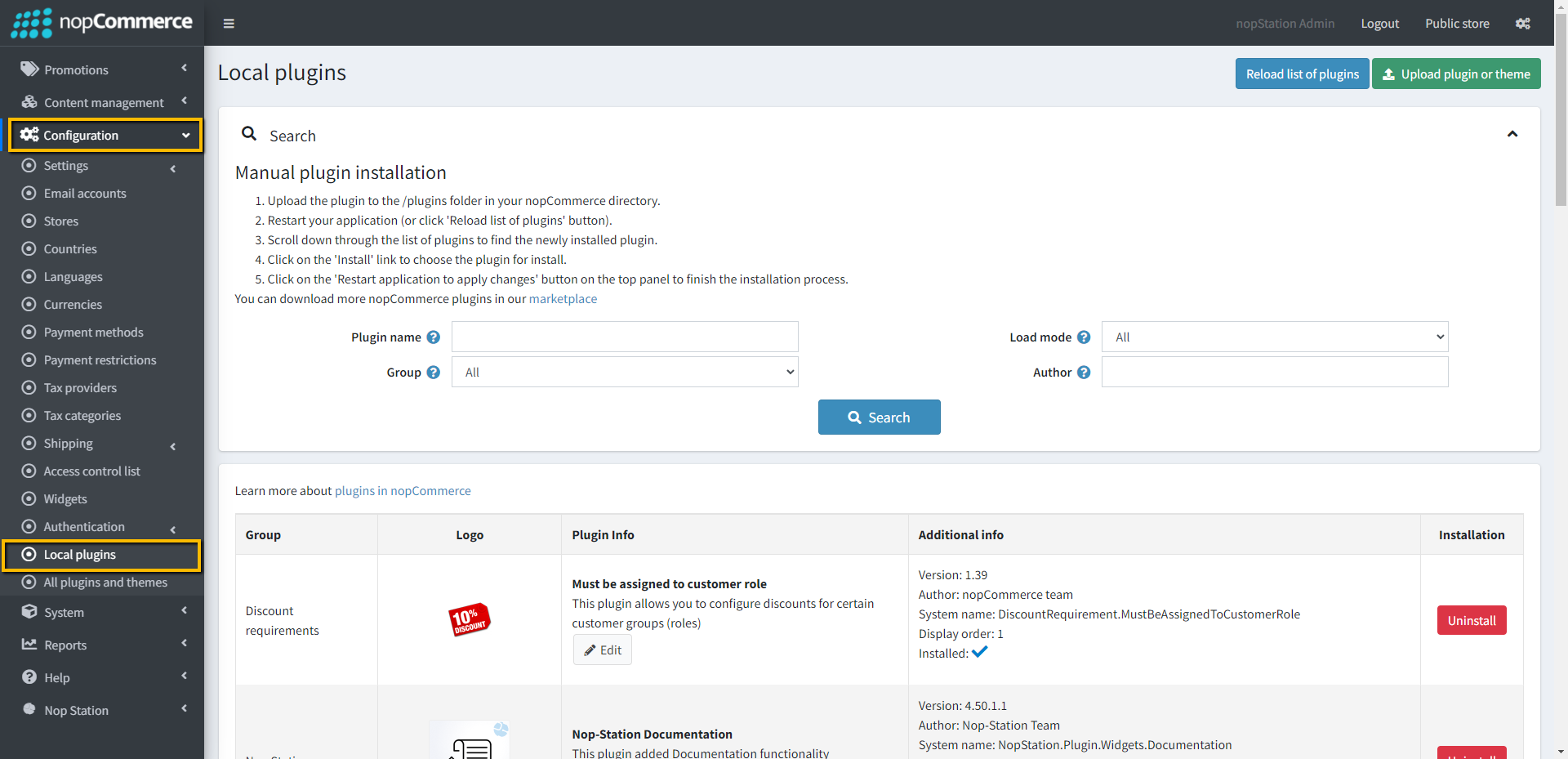
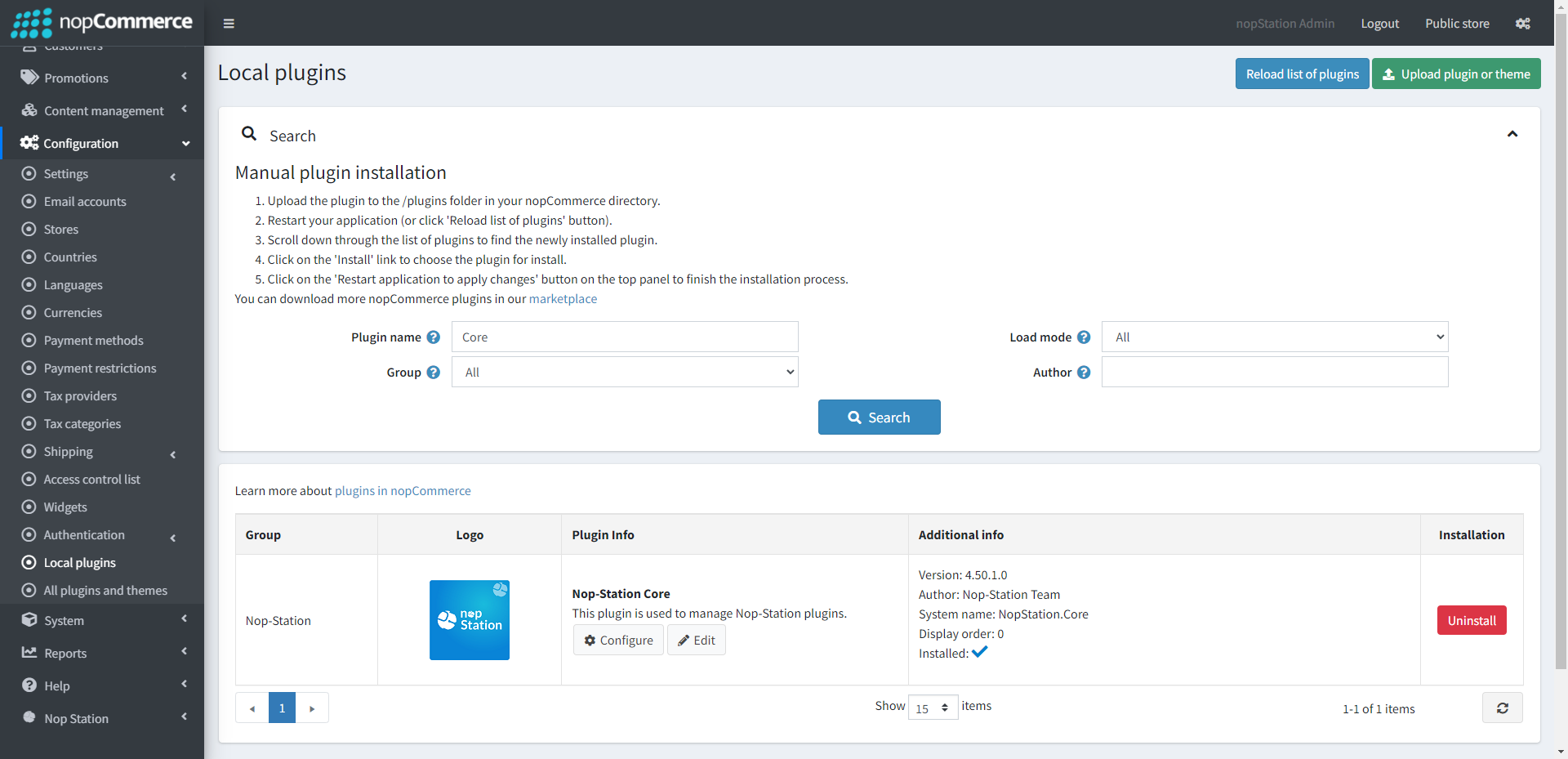
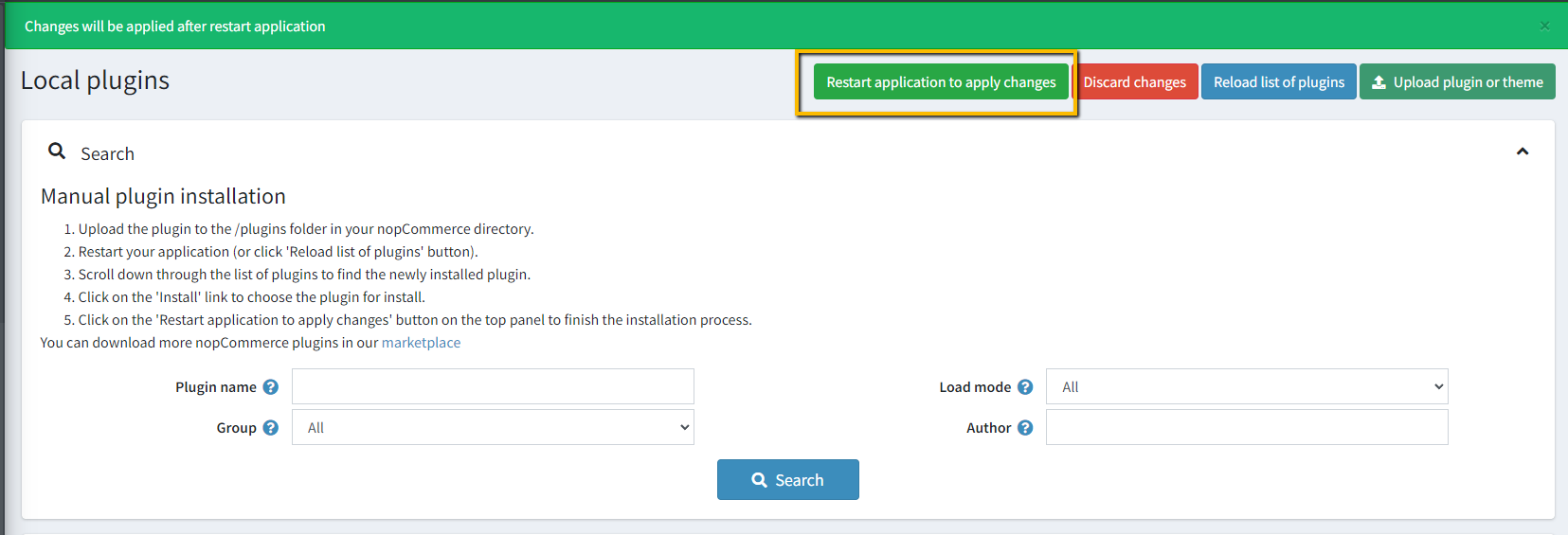
The plugin requires you to install the Nop-Station Core plugin first
Copy API Keys and paste into plugin configuration page
CONFIGURATION
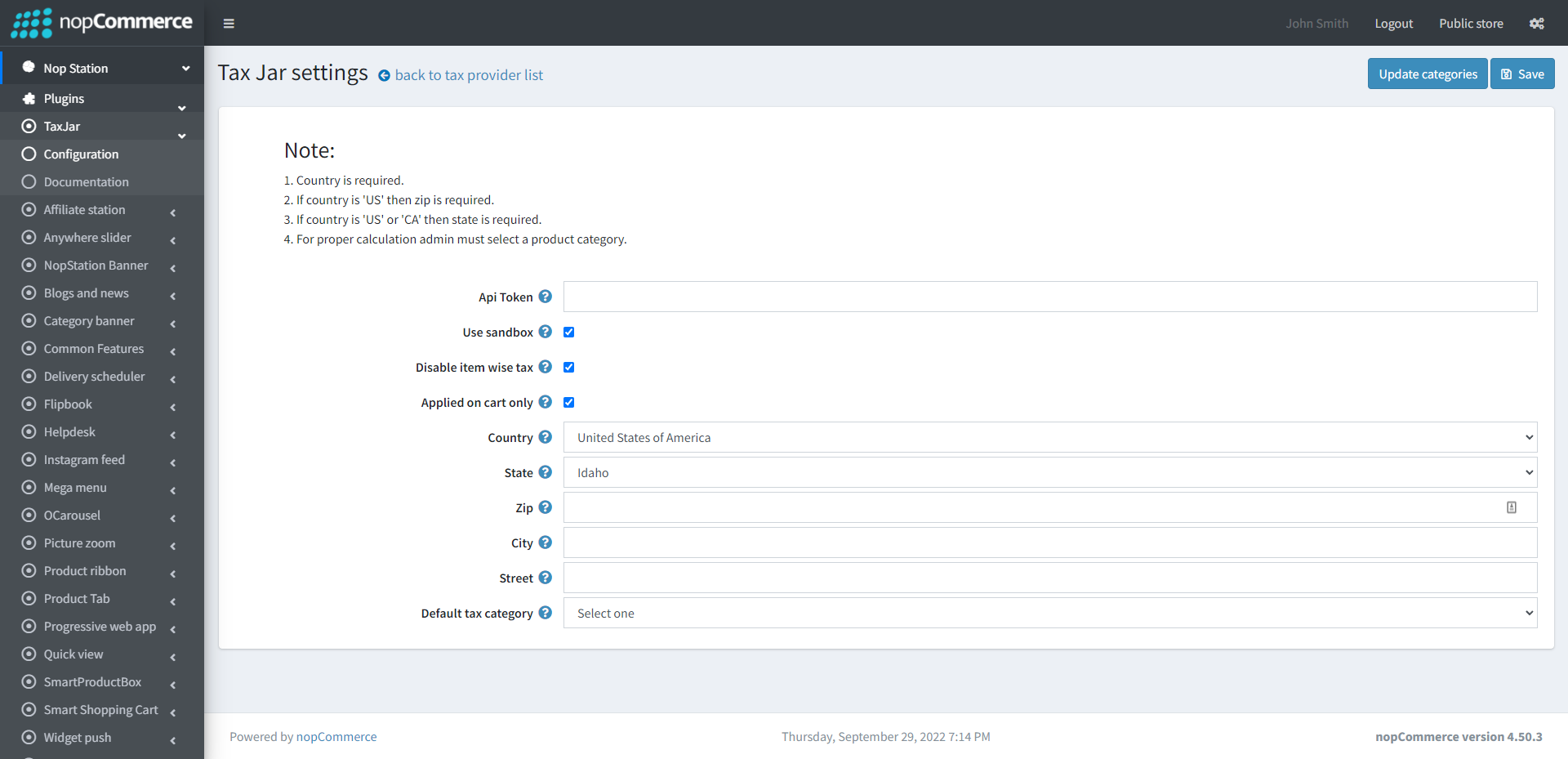
Go to Admin → NopStation → Plugins → Taxjar → Configuration
Api Token: Provide the token for connecting API, generated from TaxJar
Use sandbox: Check the box to determine whether to use the sandbox environment for testing purposes
Disable item-wise tax: When enabled, tax won’t be calculated for each item individually. By default, nopCommerce triggers TaxJar API calls for every product view, including product detail pages and product boxes. Enabling this option combines tax calculation at the order level, reducing API calls and cutting costs.
Apply on checkout only: When enabled, tax calculation is triggered only during checkout, not on the cart page. This helps to minimize unnecessary API calls and improve performance. Disable this if you want customers to see tax estimates earlier in the shopping process.
Country: Choose a country for the TaxJar account
Zip: Enter the 5-digit zip code for the TaxJar Account
State: Enter the two-letter ISO state code for the TaxJar account
City: Enter the city for the TaxJar account
Street: Enter the street for the TaxJar account
Now click on Update categories to update TaxJar categories