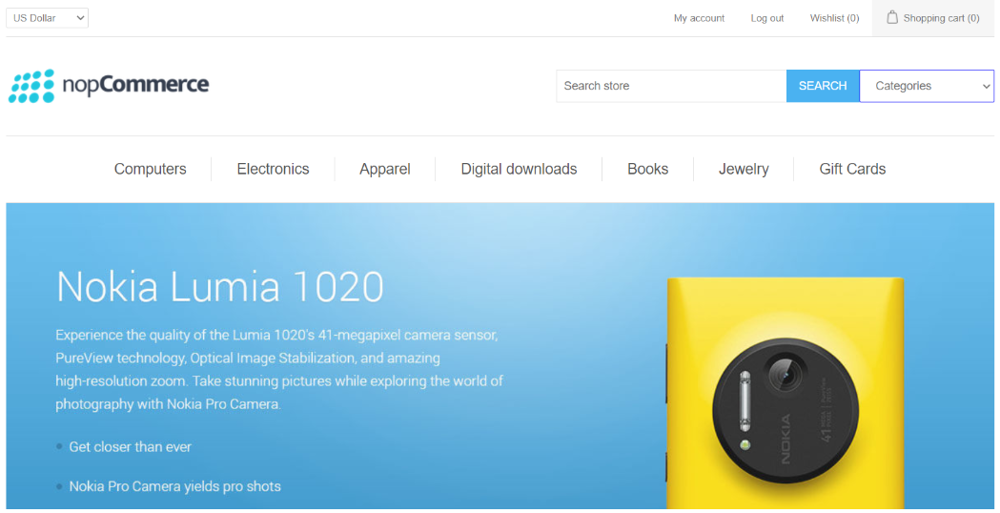
nopStation's Quick Search plugin is developed to provide a better search experience on online stores built using nopCommerce. After a simple nopCommerce plugin download and installation, you can search using the public search bar. This plugin lets the users select a specific category, vendor, or manufacturer and then start the search query for a more accurate and narrowed-down search experience, this lets users find what they're looking for easily.
PRE-REQUISITES
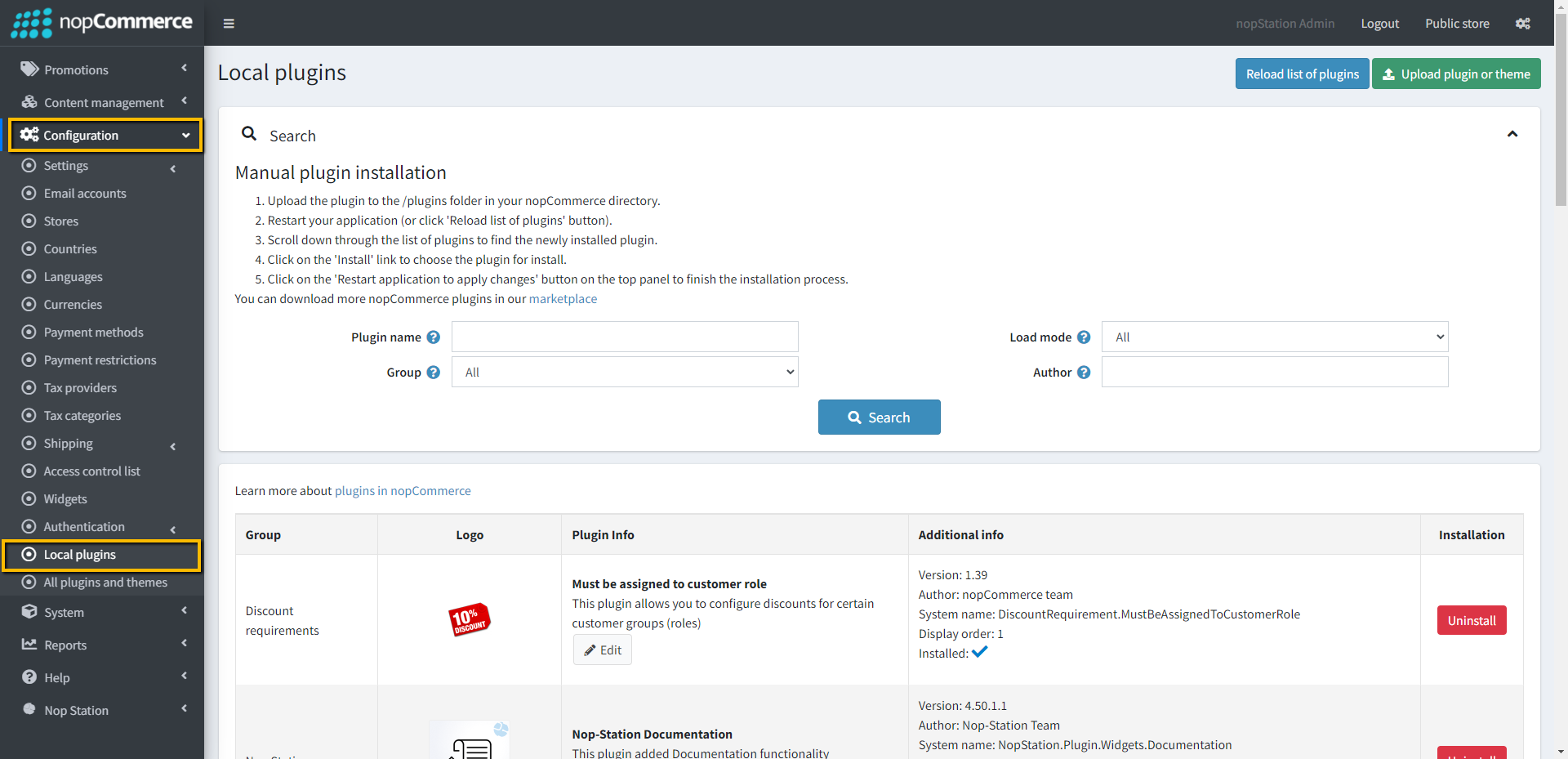
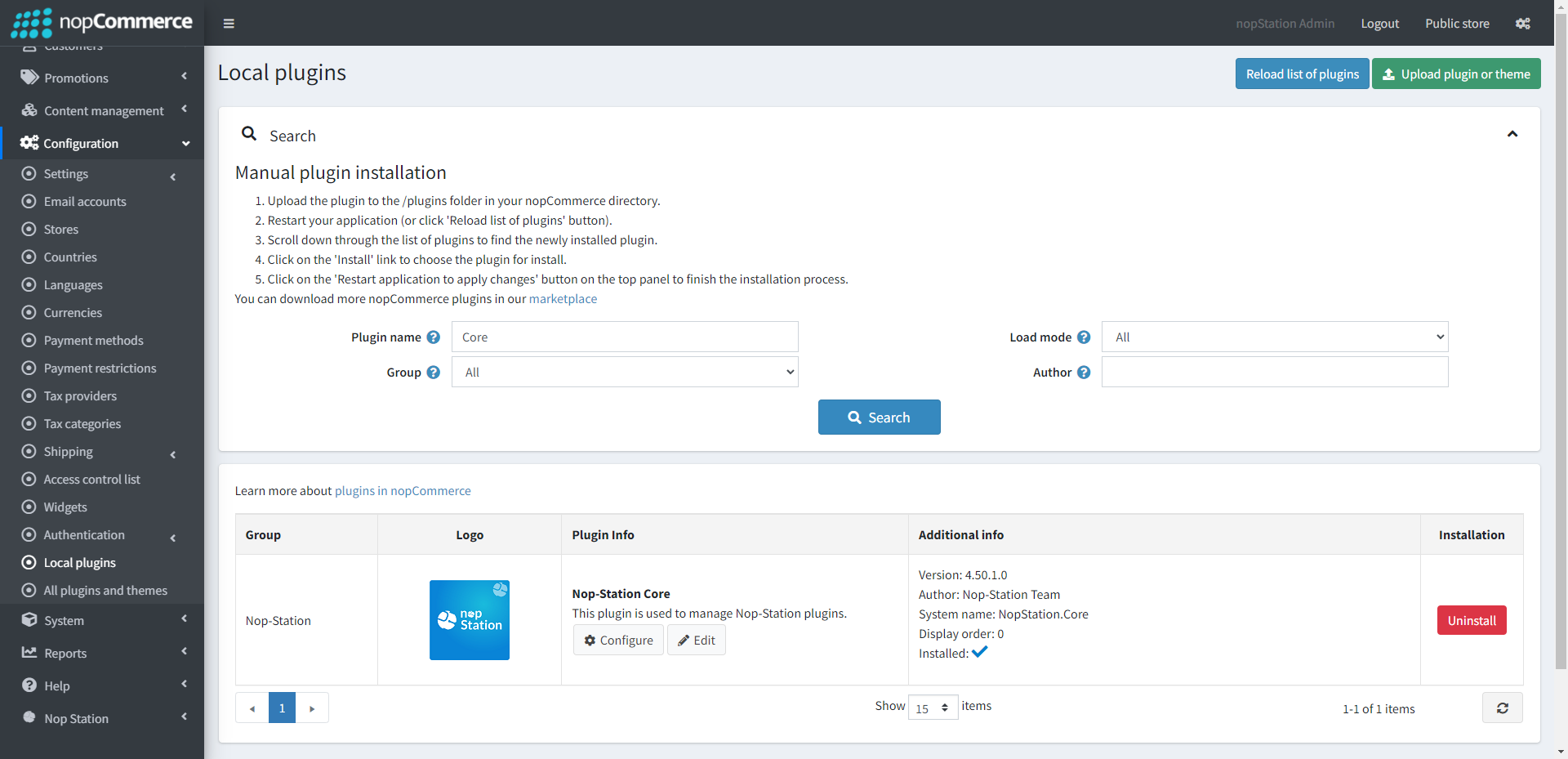
The plugin requires you to install the Nop-Station Core plugin first.
You must disable search autocomplete from Catalog settings
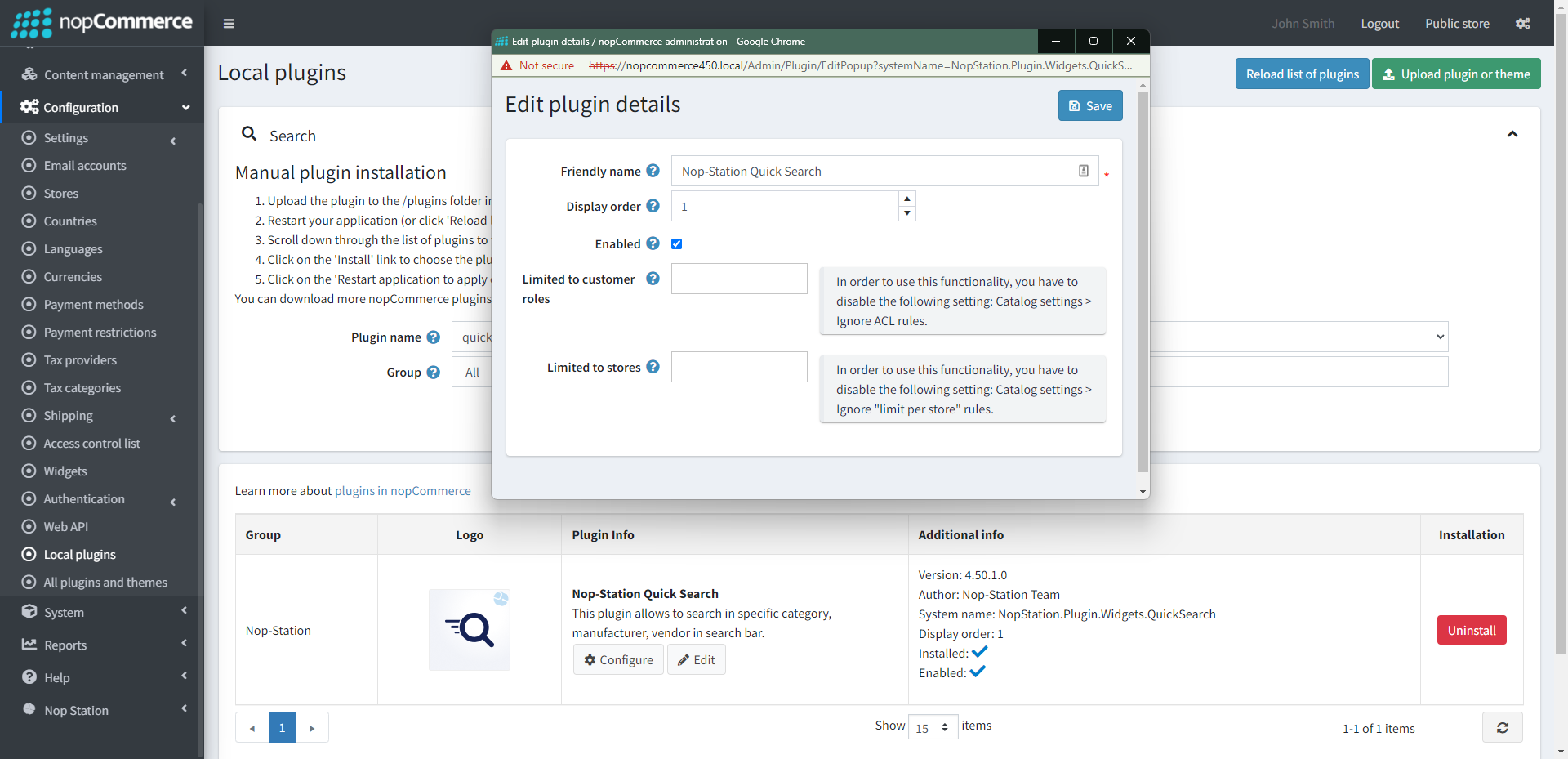
Upload the NopStation.QuickSearch zip file using the "Upload plugin or theme" button
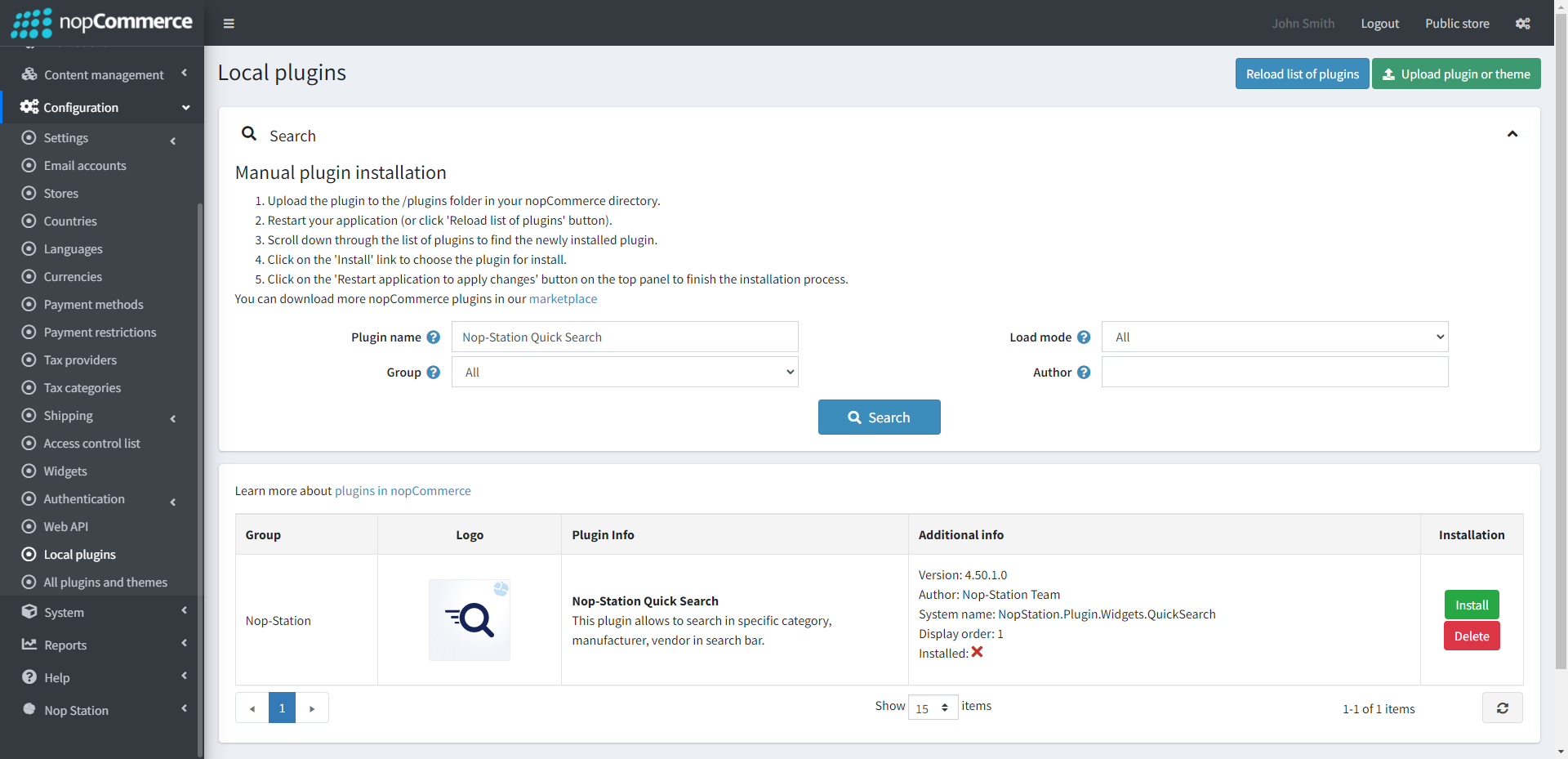
Go to Administration, and reload the 'list of plugins'. Install 'Nop-Station Core' Plugin first and then install 'Nop-Station Quick Search'
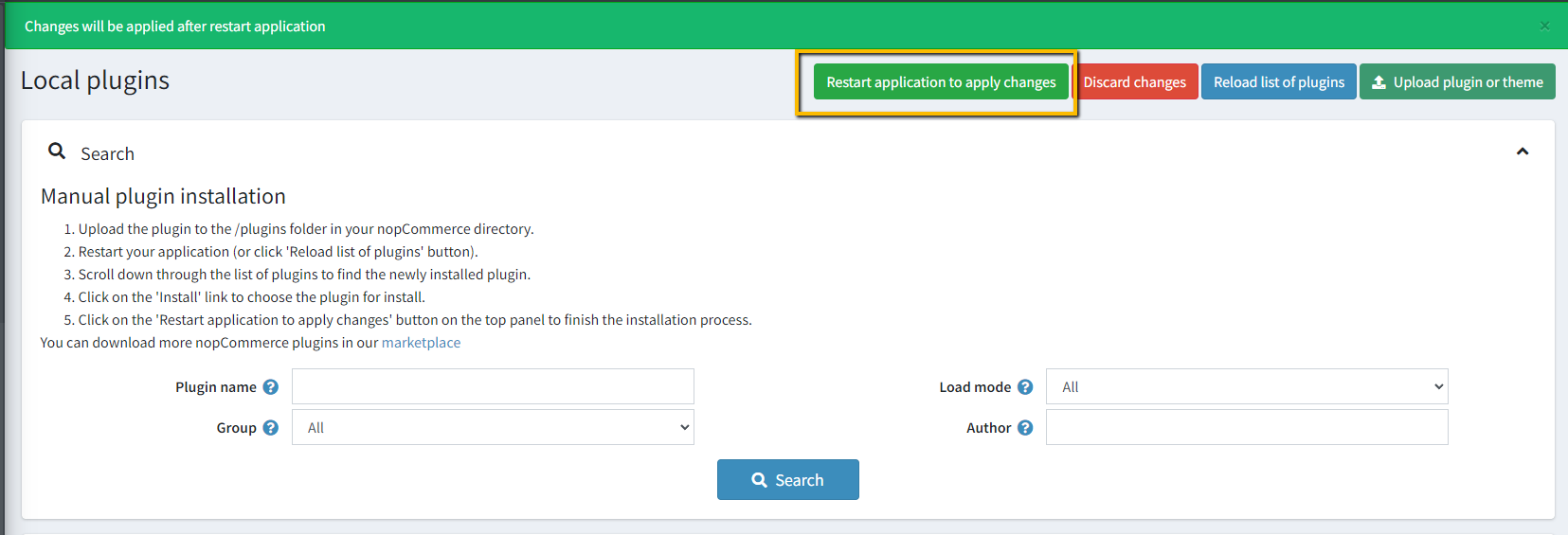
To make the plugins functional, restart the application
Enable the plugin with 'Edit' option and Configure it
CONFIGURATION
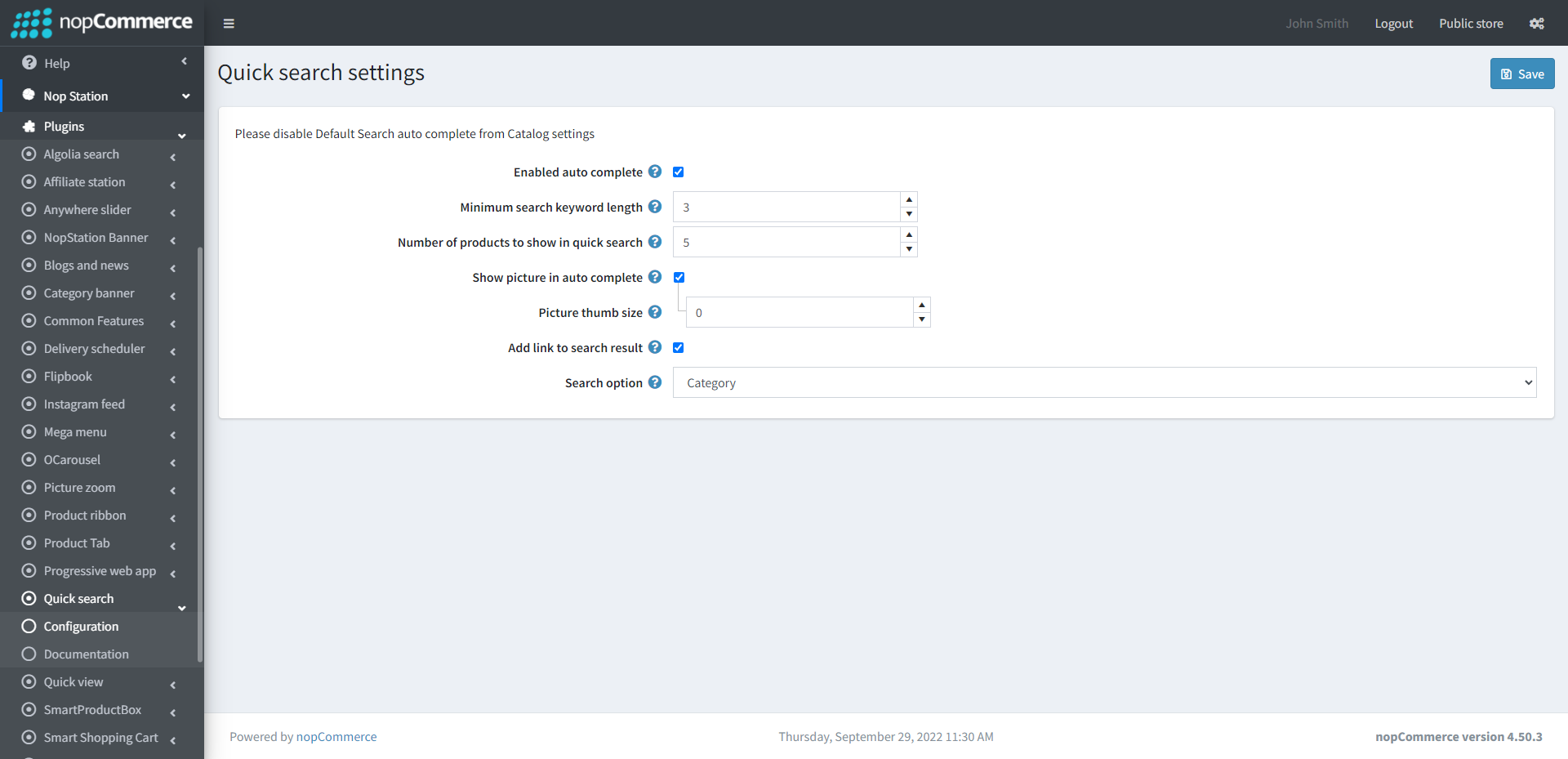
Go to Admin → Nop Station → Plugins → Quick Search → Configuration
Check the Enabled auto-complete to autocomplete search text
You can set the minimum search keyword length. The search box shows results depending on this value
The number of products to show in quick search shows the maximum number of products in auto-complete in the search box
Enabling the picture in autocomplete will display the picture in the search box
Picture thumb size refers to the size of the picture in the search box
Add a link to the search result shows the link with the search result
The search option gives you the flexibility to add an additional search box in the public store. You can choose category, manufacture, or vendor from this option