nopStation's DHL Shipping Integration plugin is developed to integrate DHL shipping services with online stores built using nopCommerce. DHL is the world's largest logistics corporation, with operations in over 220 countries and territories, specializing in sea and airmail and delivering about 1.3 billion shipments every year. After a quick nopCommerce plugin download and installation, you can easily set up and enable DHL shipping services on your online storefront and provide essential shipping functionalities for your customers.
PRE-REQUISITES
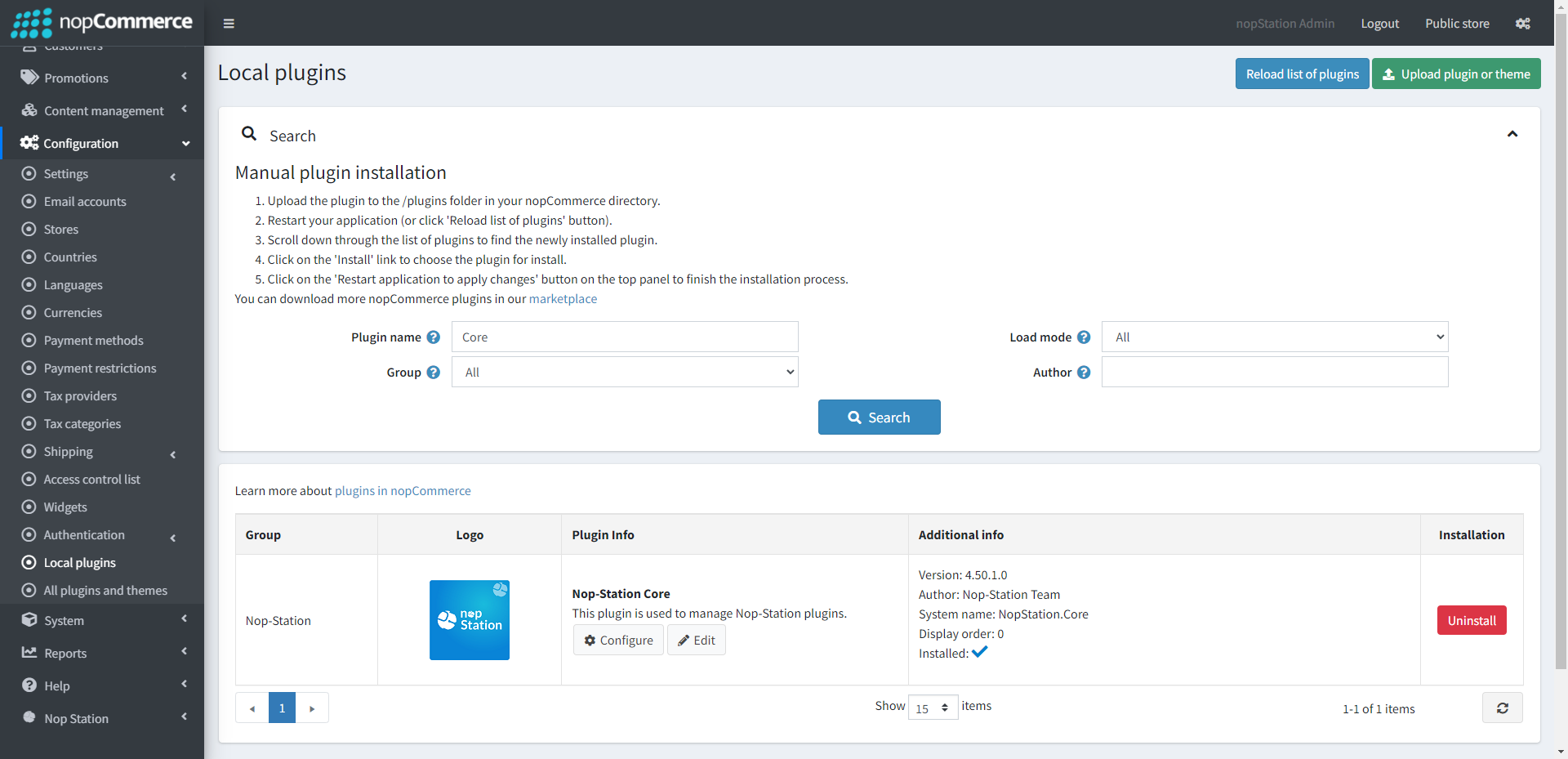
The plugin requires you to install the Nop-Station Core plugin first.
The application must have a USD currency configuration
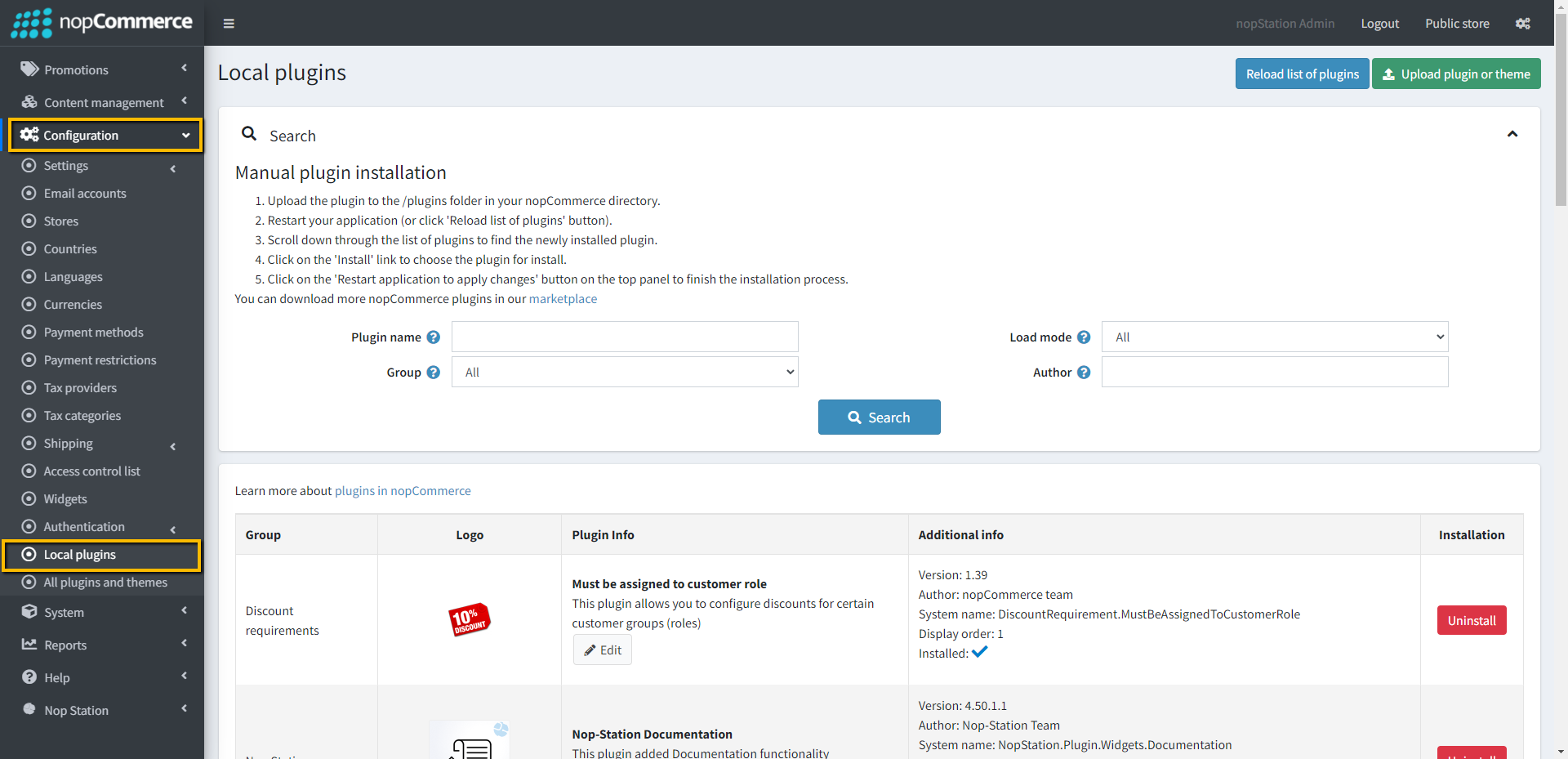
Go to Administration → Configuration → Local plugins
Upload the NopStation.DHLShipppingIntegration zip file using the "Upload plugin or theme" button
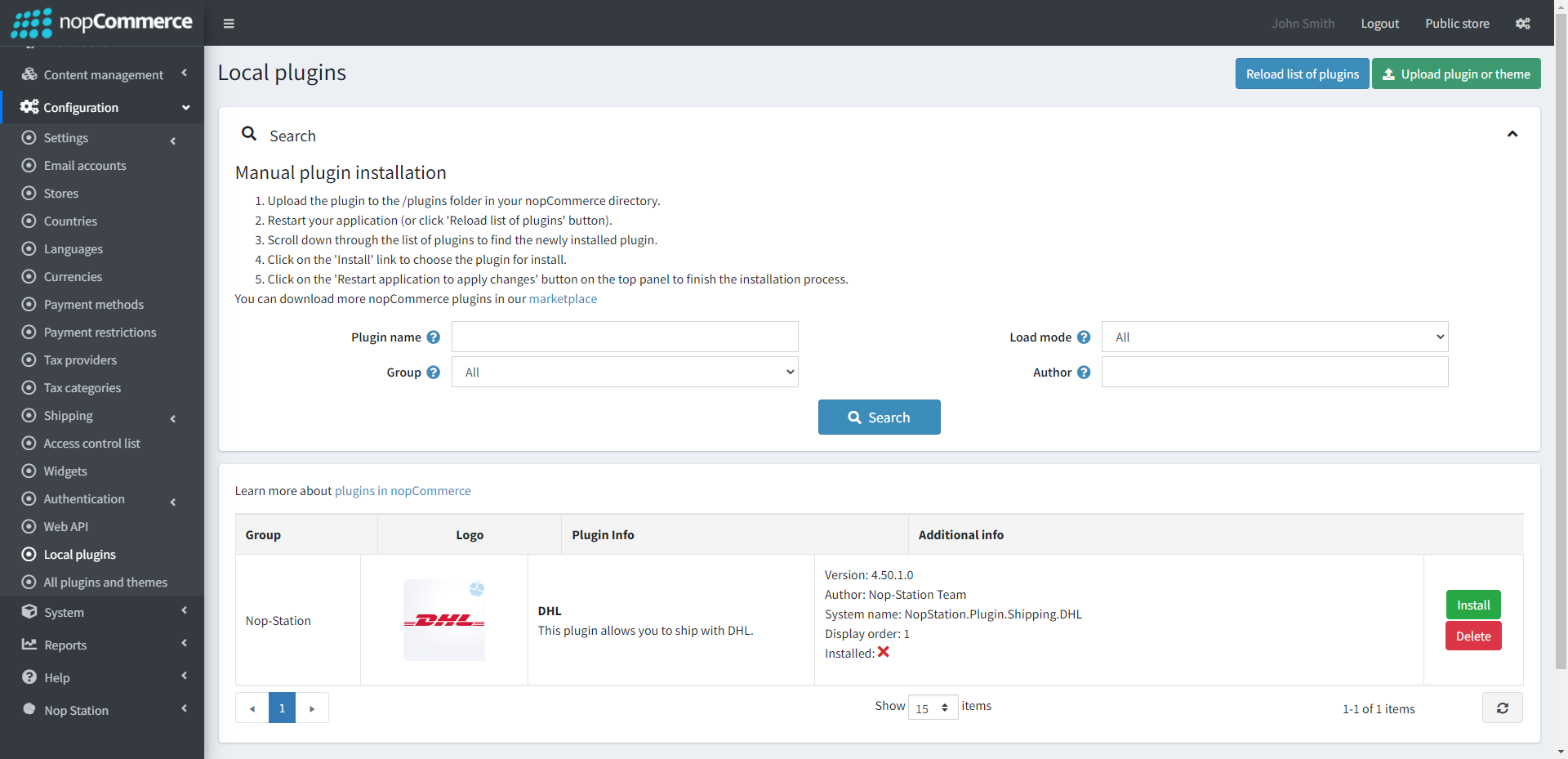
Go to Administration, and reload the 'list of plugins'. Install'Nop-Station Core' Plugin first and then install 'DHL'
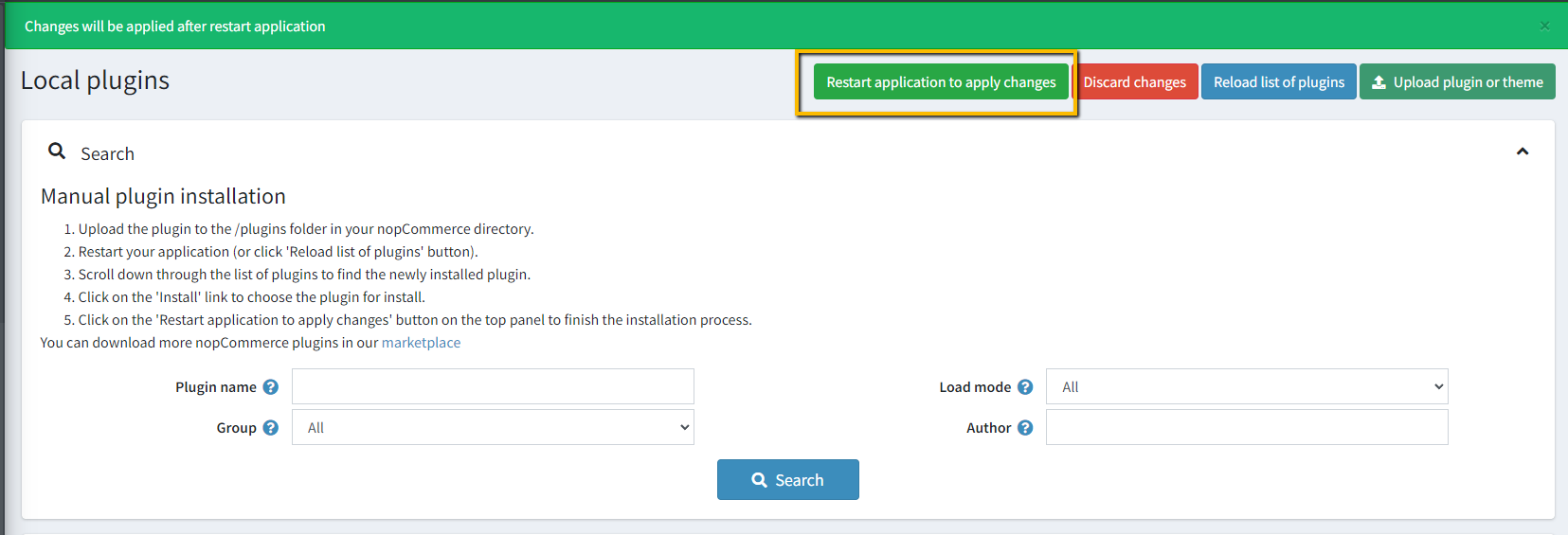
To make the plugins functional, restart the application
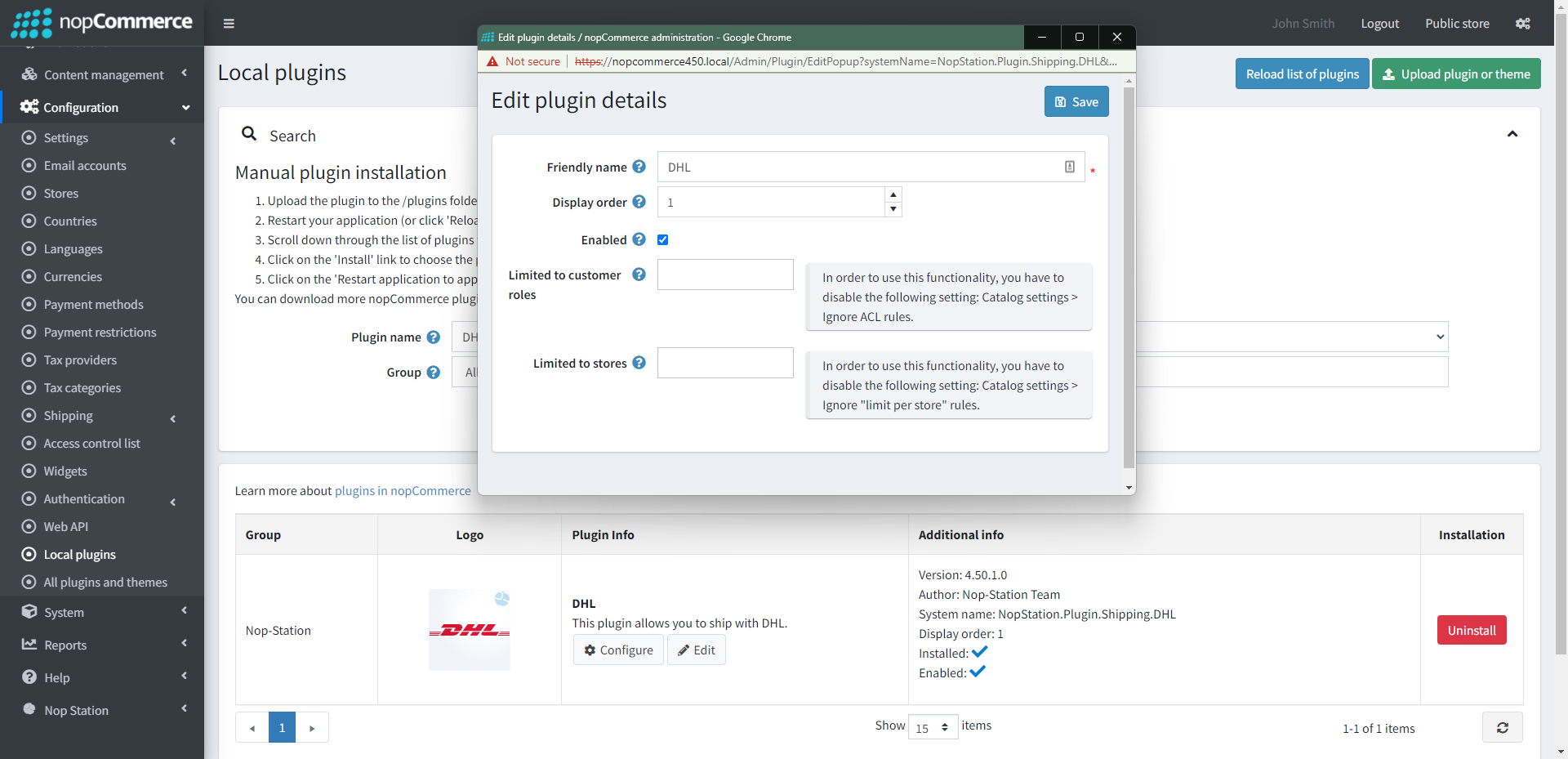
Enable the plugin with 'Edit' option and Configure it
CONFIGURATION
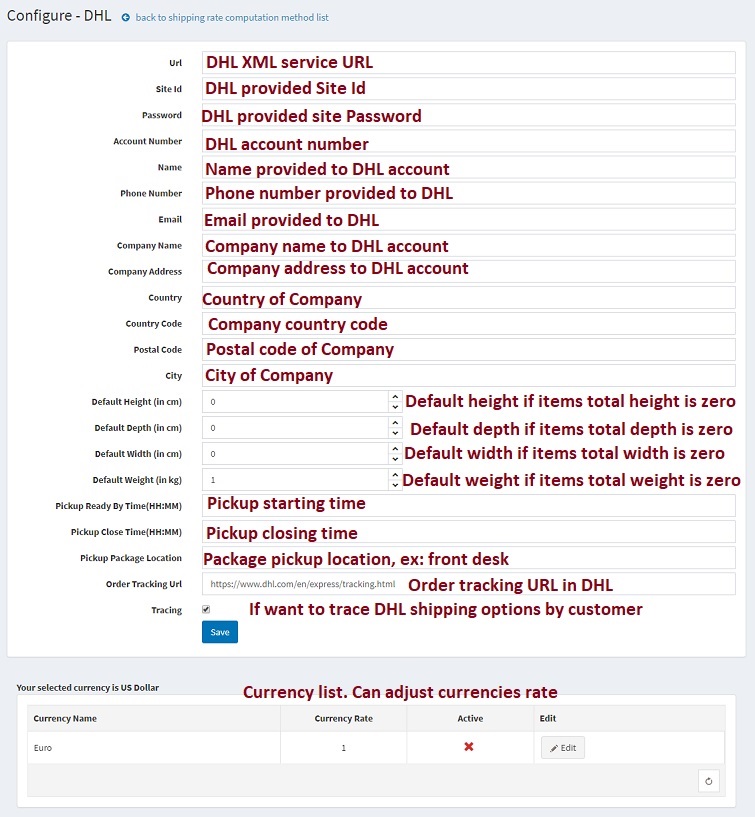
Go to Admin → Nop Station → Plugins → DHL Shipping → Configuration
Provide necessary information like below with the information store owner registered with DHL
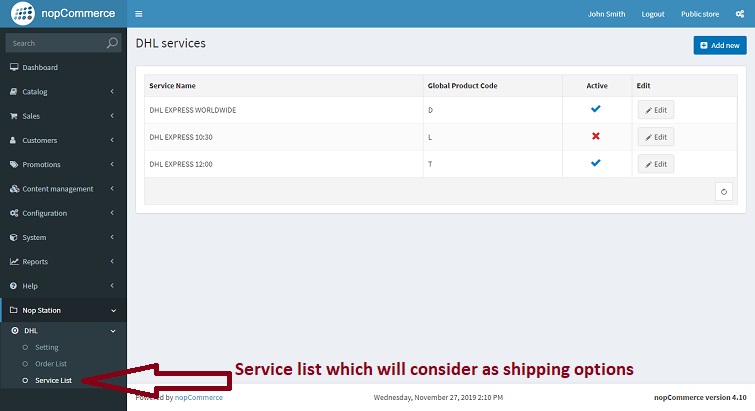
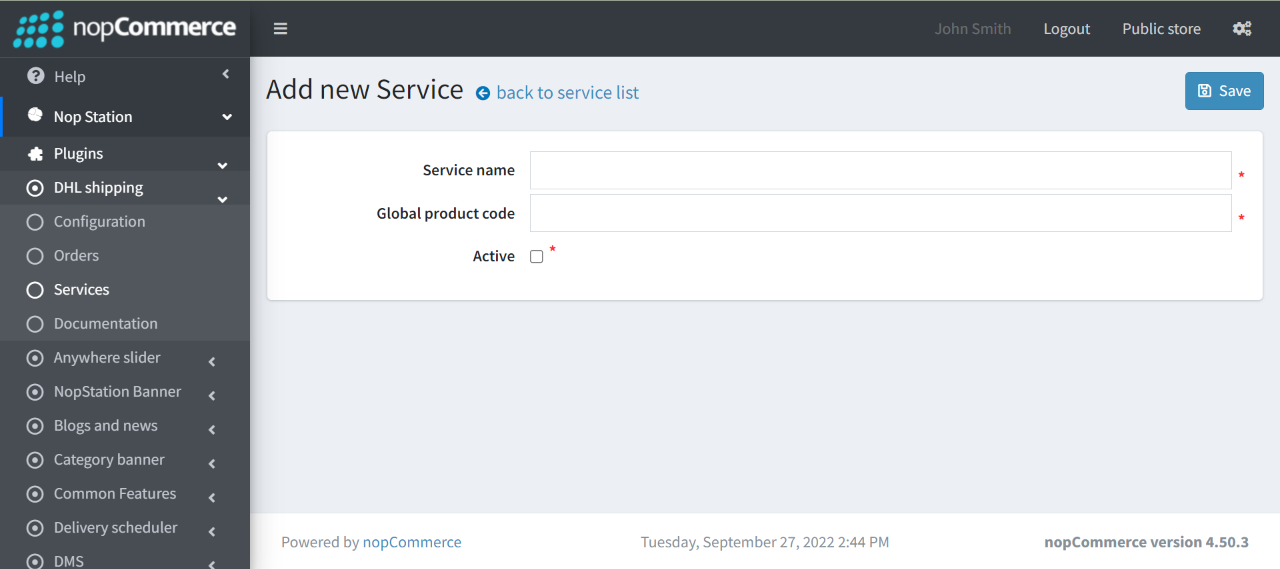
Go to Dashboard → Nop Station → Plugins → DHL Shipping → Services. Specify which DHL services to be considered as shipping options
You can add a new service by clicking on the Add new button
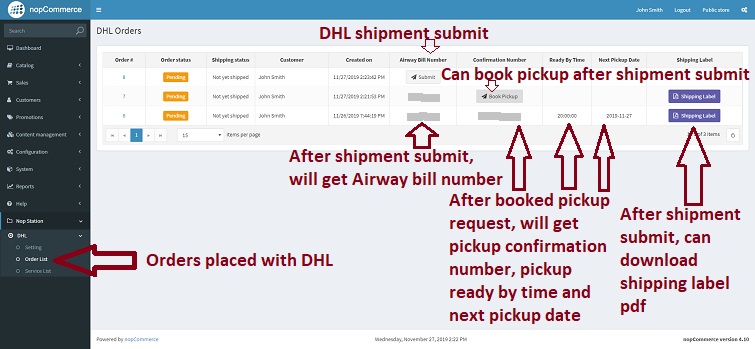
Go to Dashboard → Nop Station → Plugins → DHL Shipping → Orders. On the DHL order list, you will be able to submit a DHL shipment and you will get the Airway Bill number on success
After booked, the pickup request will get a pickup confirmation number, pickup ready by time and the next pickup date
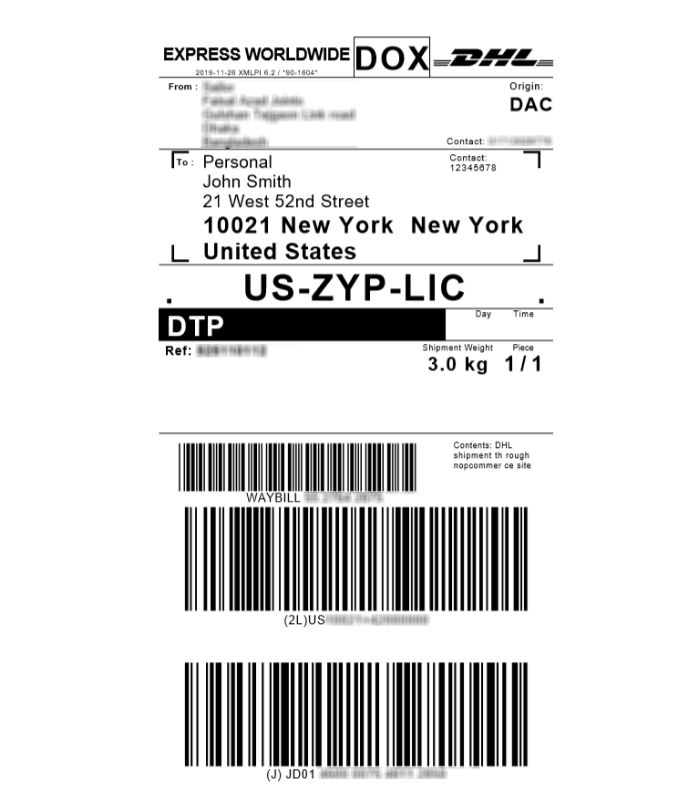
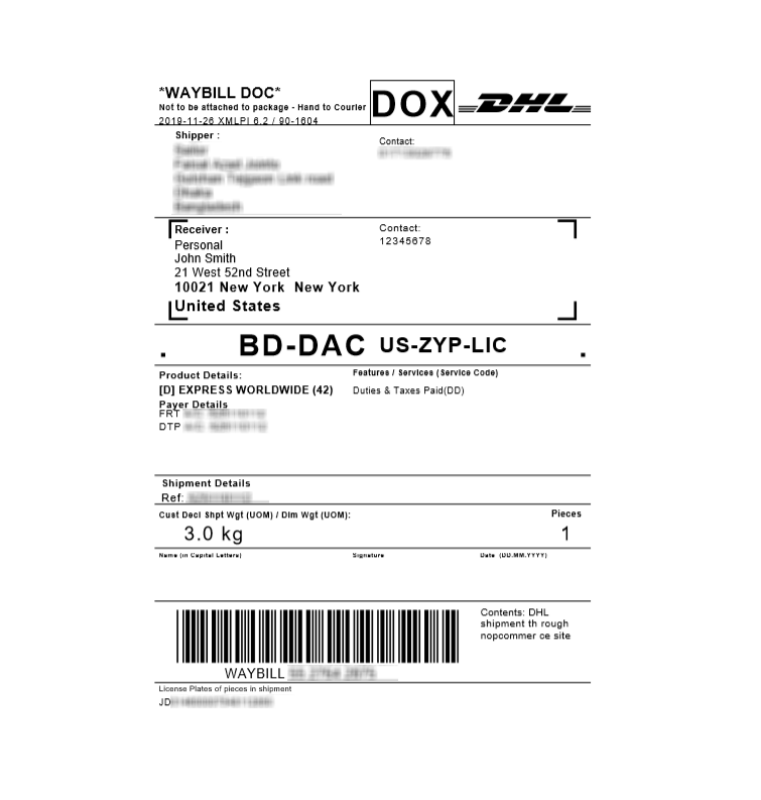
After the shipment has been submitted with the airway bill number you will also get the shipping label pdf. Booking pick-up will be available after shipment submission