The Bulk Delete Customer Plugin by nopStation allows you to delete junk customers in bulk operation. The Plugin allows the admin to delete multiple customers at once. By using this plugin, you can just select customers and delete selected customers from the customer list in admin the area. Integrating the Bulk Delete Customers Plugin in your store would be the best way to manage your unwanted customers easily.
PRE-REQUISITES
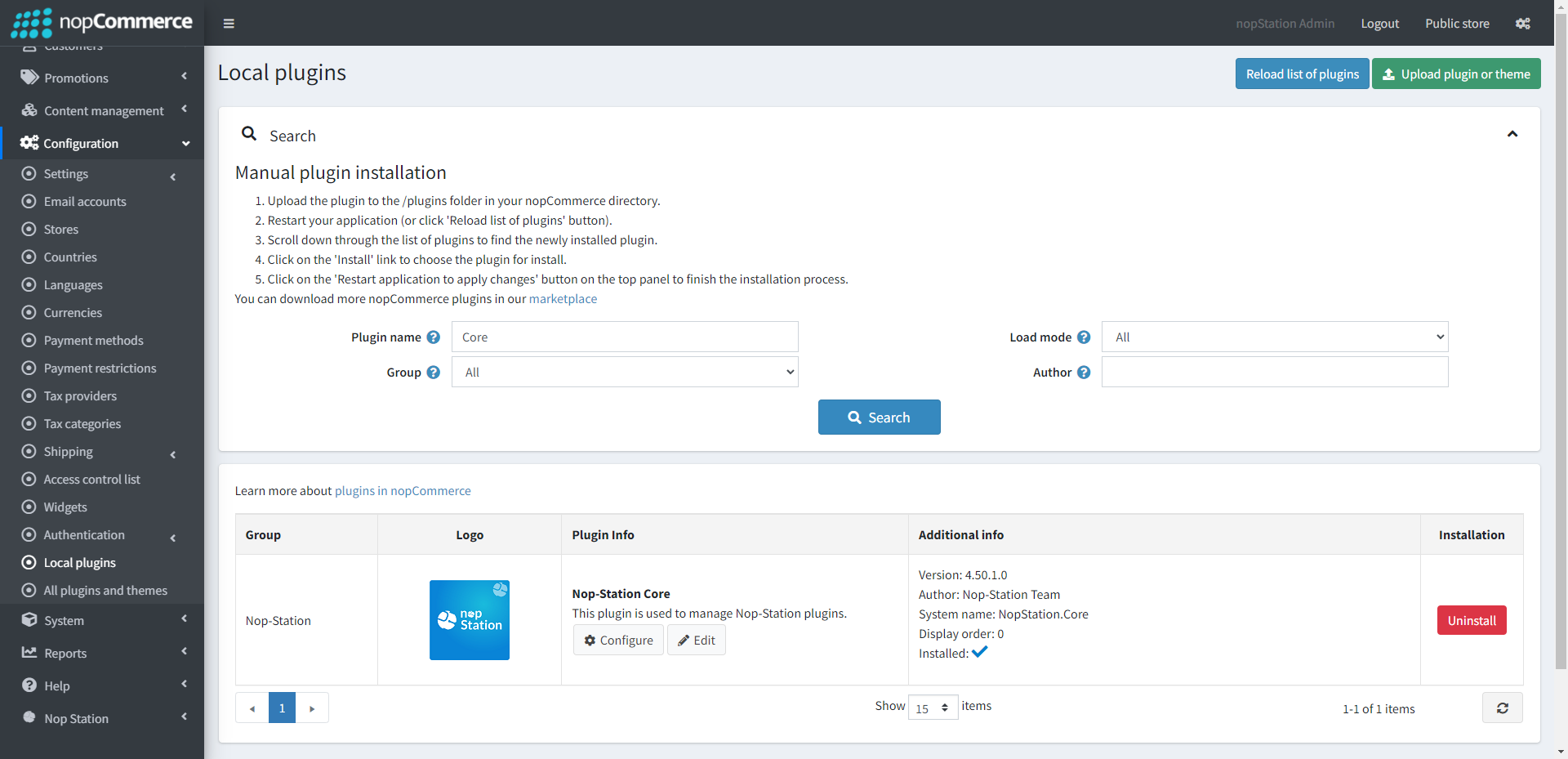
The plugin requires you to install the Nop-Station Core plugin first.
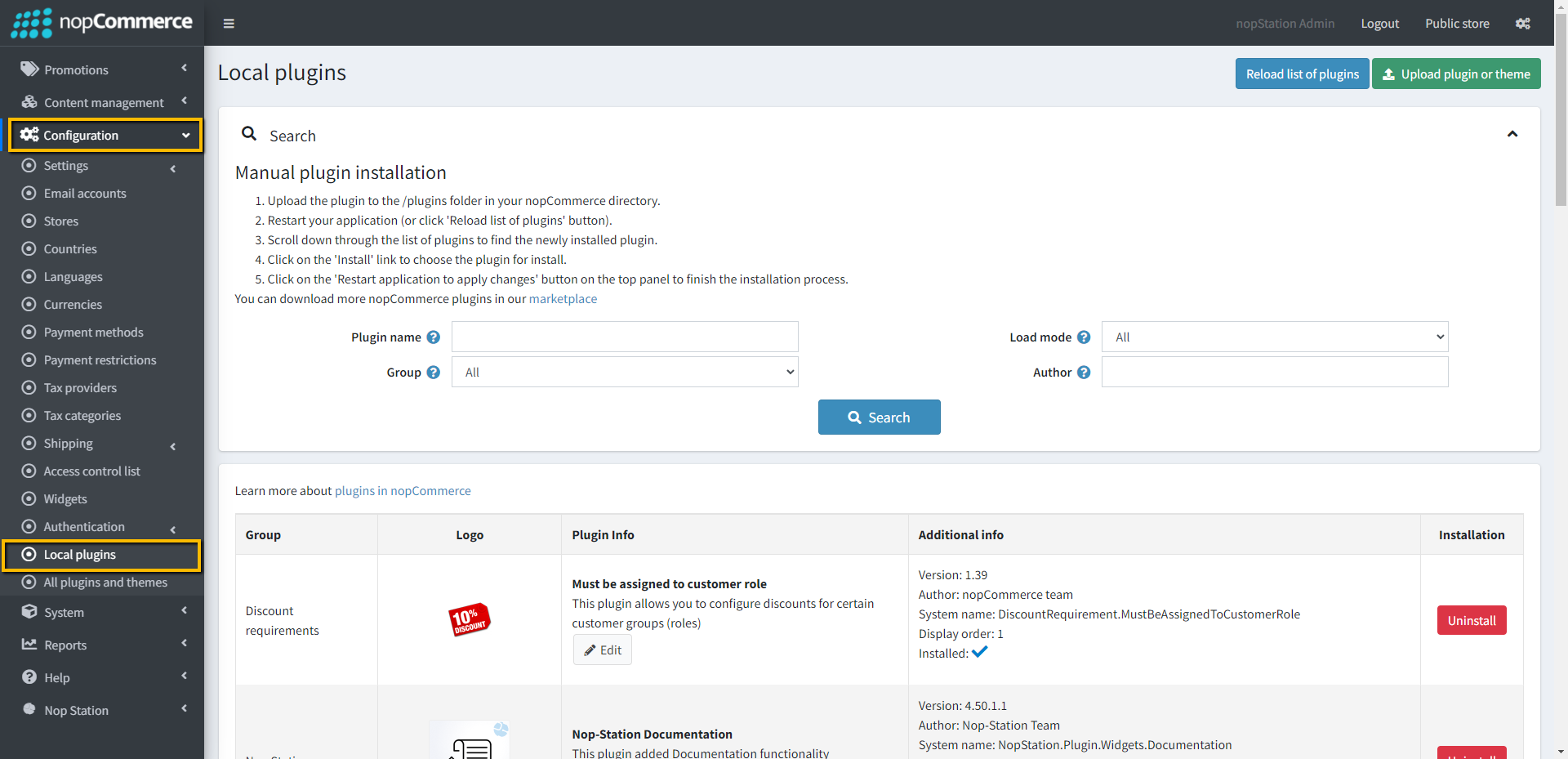
Upload the NopStation.BulkDeleteCustomers zip file using the "Upload plugin or theme" button
Go to Administration, reload the 'list of plugins'. Install 'Nop-Station Core' Plugin first and then install 'Nop-Station Bulk Delete Customers'
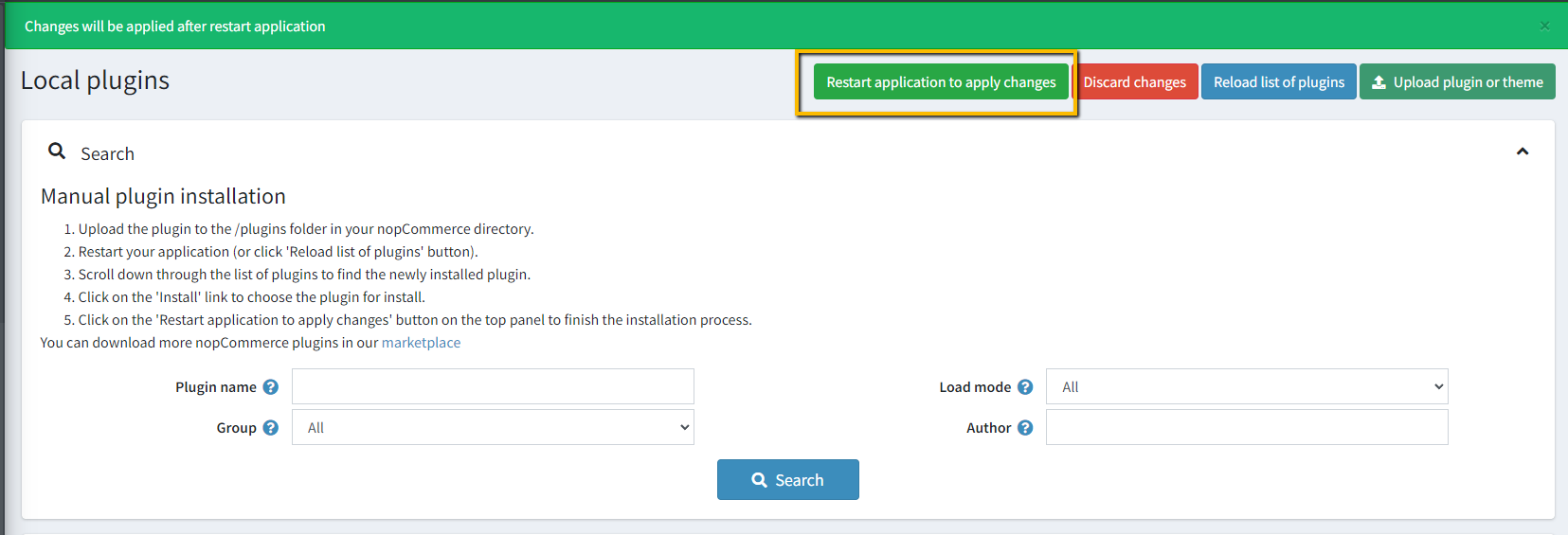
To make the plugins functional, restart the application
Enable the plugin with 'Edit' option and Configure it
HOW TO USE
Go to the Customer list page in the admin area. You will get the Delete (selected) button on top right
Search for customers by applying filters as per your required search criteria.
Select customers from the search result in the grid
Click on the Delete button, selected customers will get deleted.
CAUTION!
The great power comes with great responsibility!
As in the most desired cases, you would want to delete the junk customers with the help of this plugin, search customers by applying appropriate filters carefully.
In case you accidentally delete your potential customers that you actually don't want to delete, you will require help from database experts to restore the accidentally deleted customers.