nopStation's bKash Manual Payment plugin is developed to enable bKash manual payment functionality on online stores and businesses built using nopCommerce. bKash is the largest mobile financial service (MFS) platform in Bangladesh, under the license and approval of Bangladesh Bank. Having bKash integration is a vital feature for online stores in Bangladesh for safe and accessible mobile payments. This payment plugin for nopCommerce enables bKash payment validation for merchants and customers to ensure safe transactions after simple nopCommerce plugin download and installation.
PRE-REQUISITES
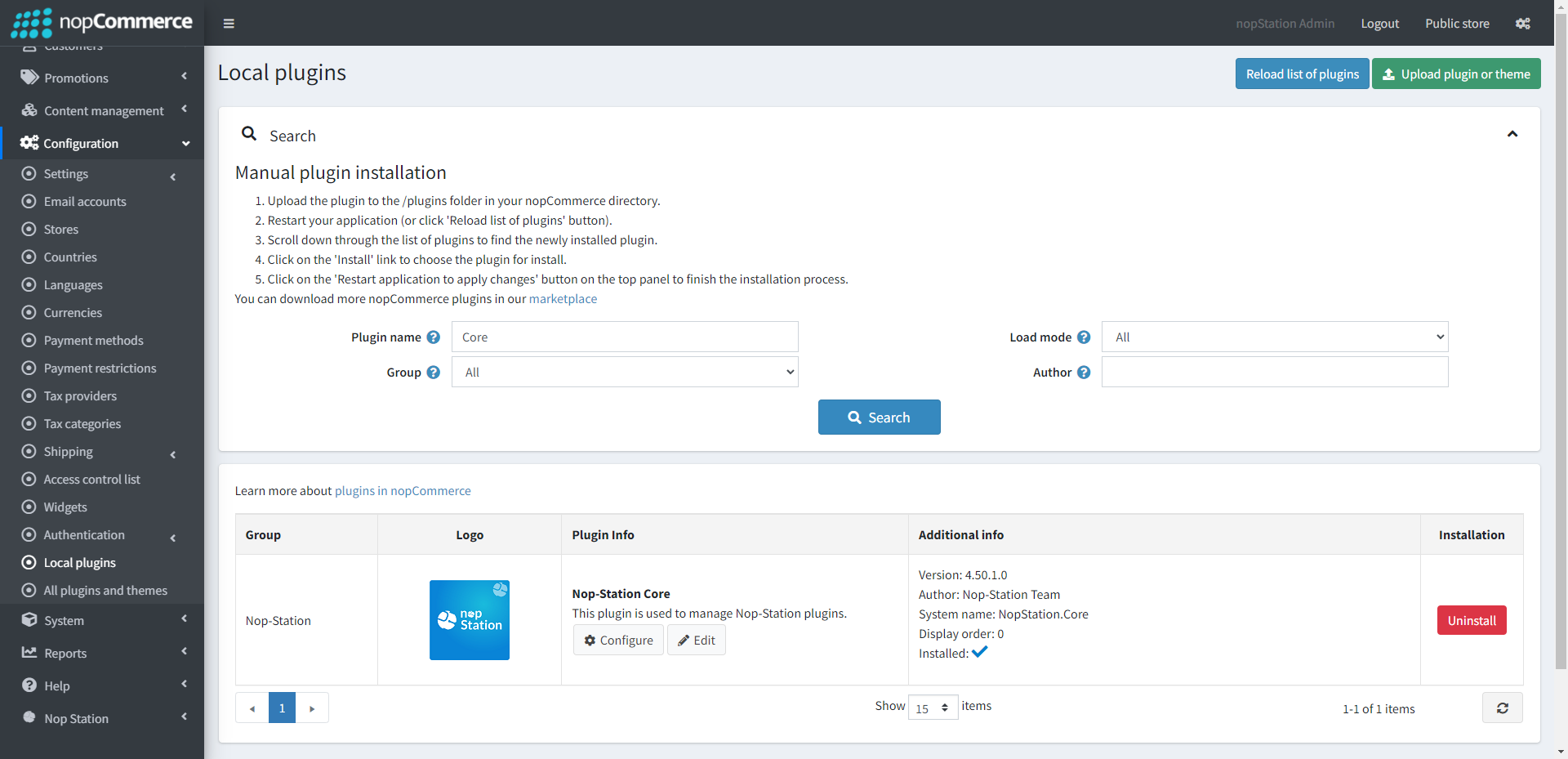
The plugin requires you to install the Nop-Station Core plugin first
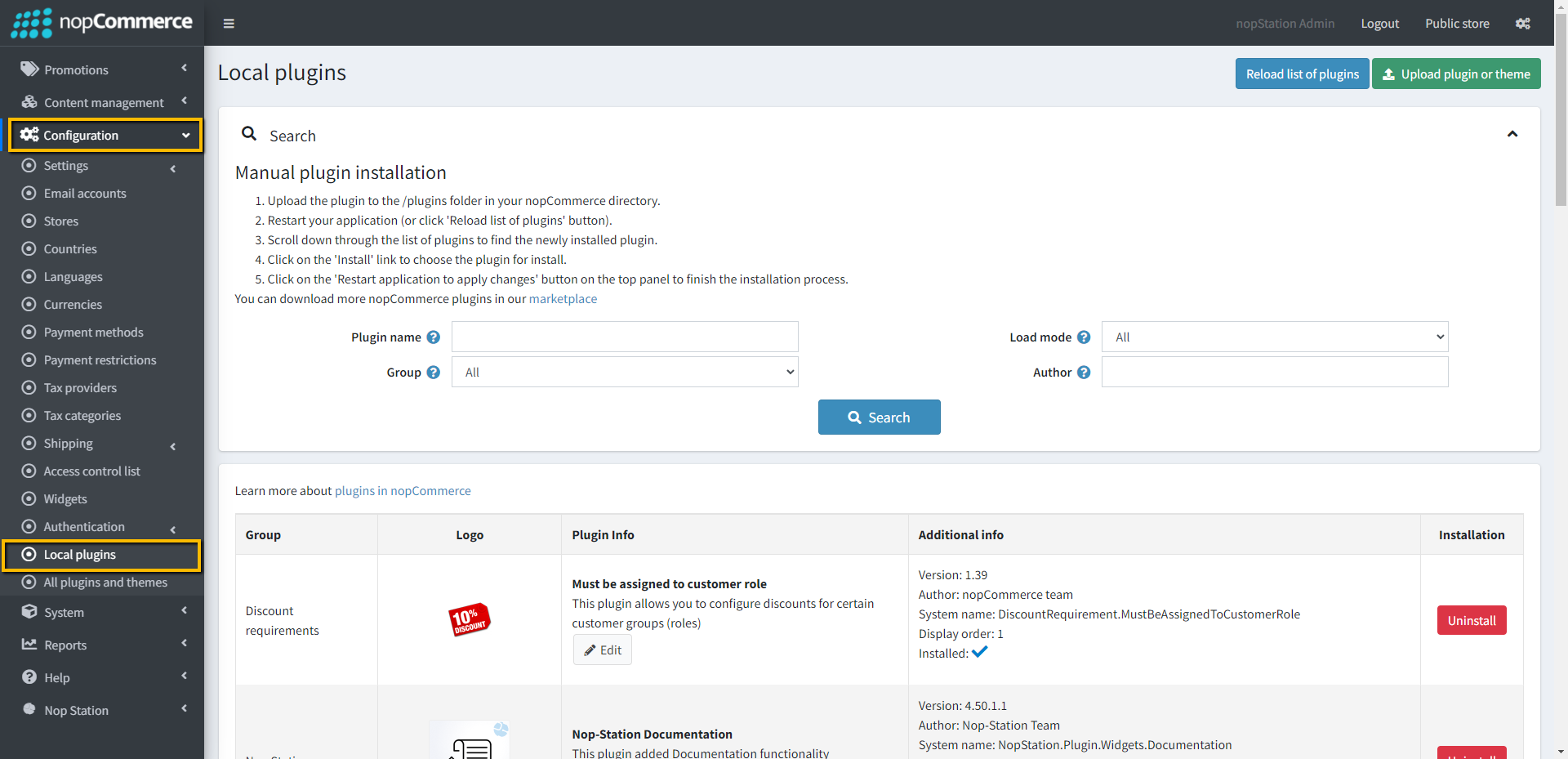
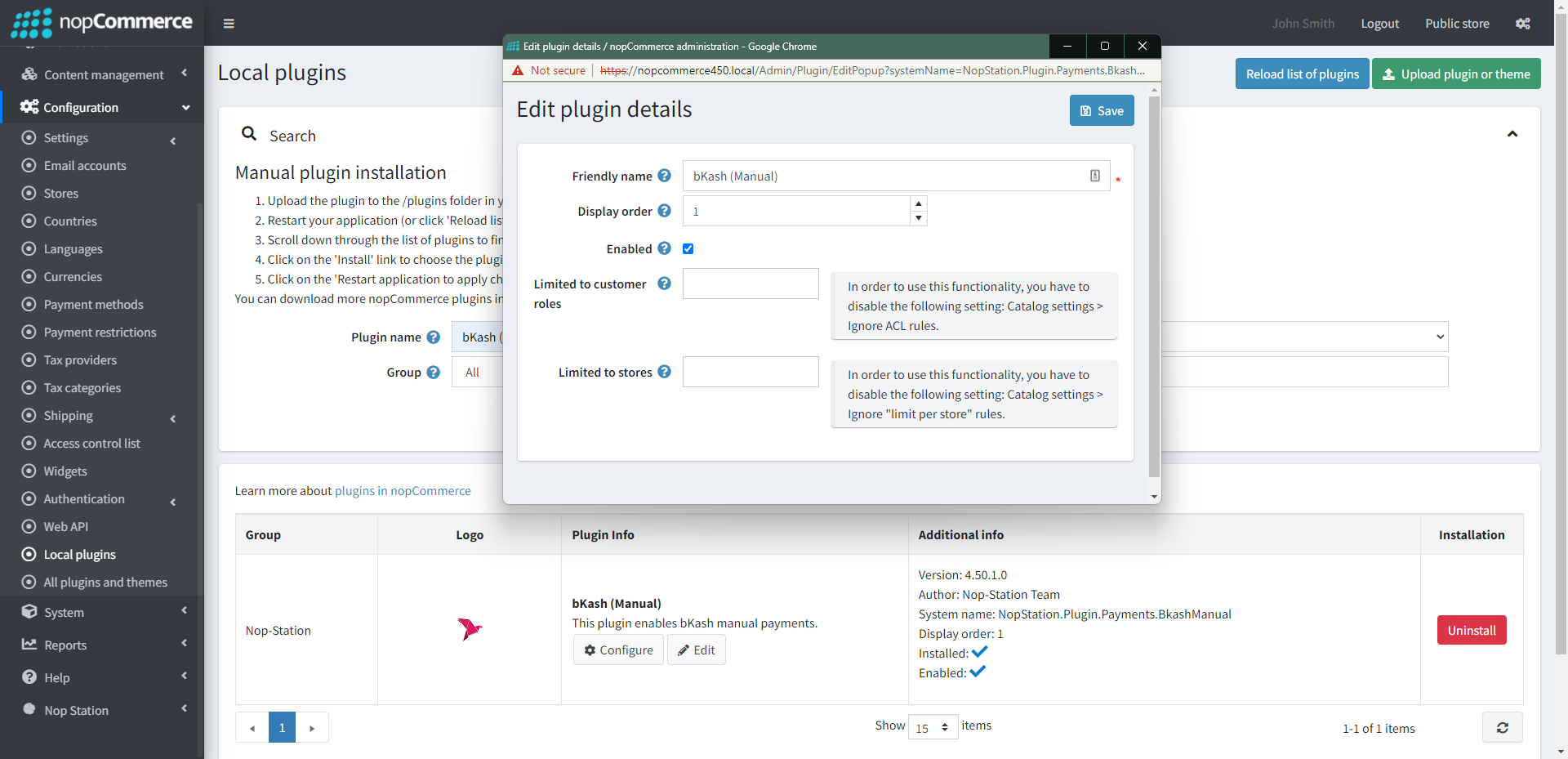
Go to Administration → Configuration → Local plugins
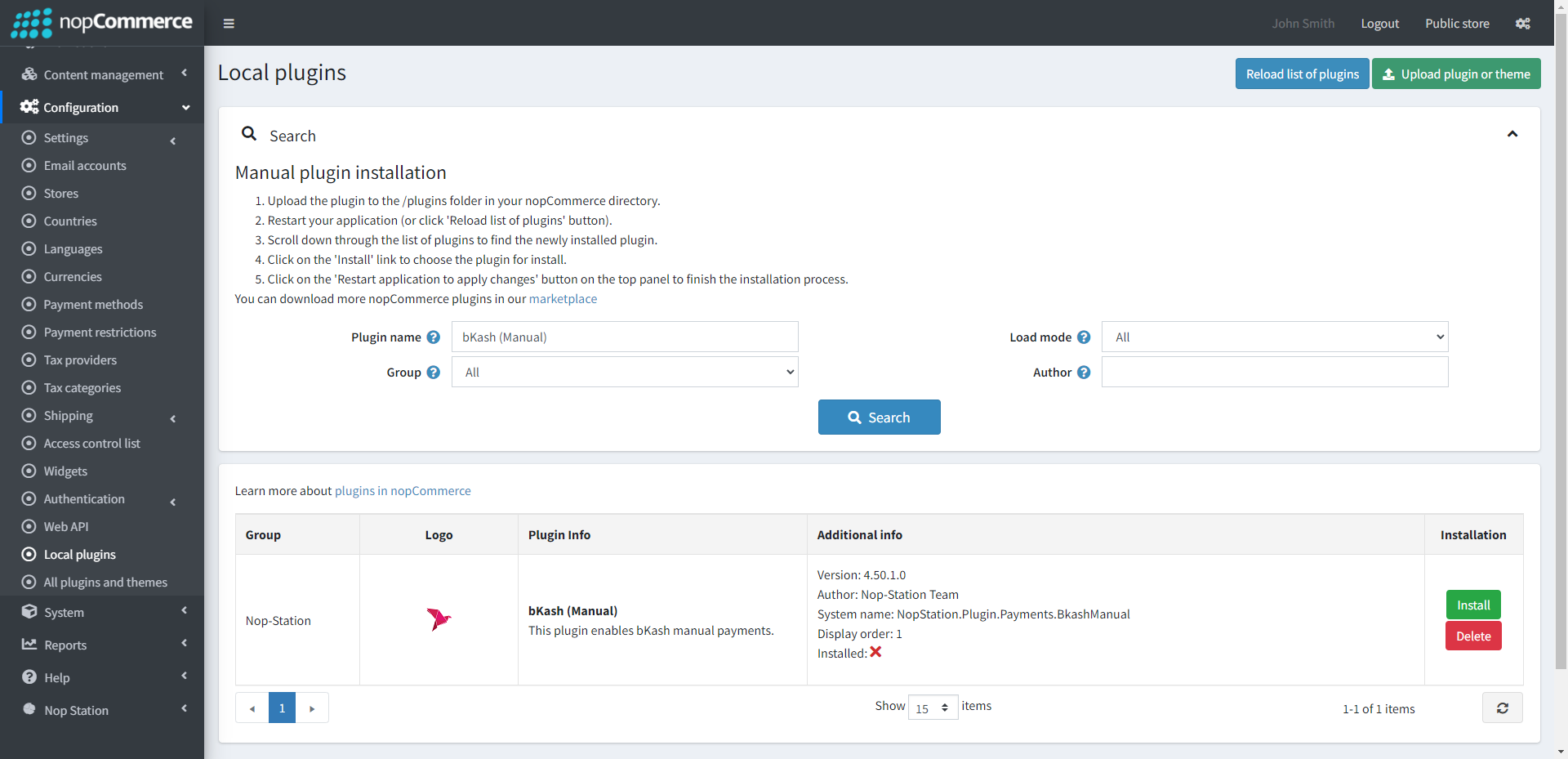
Upload the NopStation.BkashManual zip file using the "Upload plugin or theme" button
Go to Administration, reload the 'list of plugins'. Install 'Nop-Station Core' plugin first and then install bKash Manual plugin
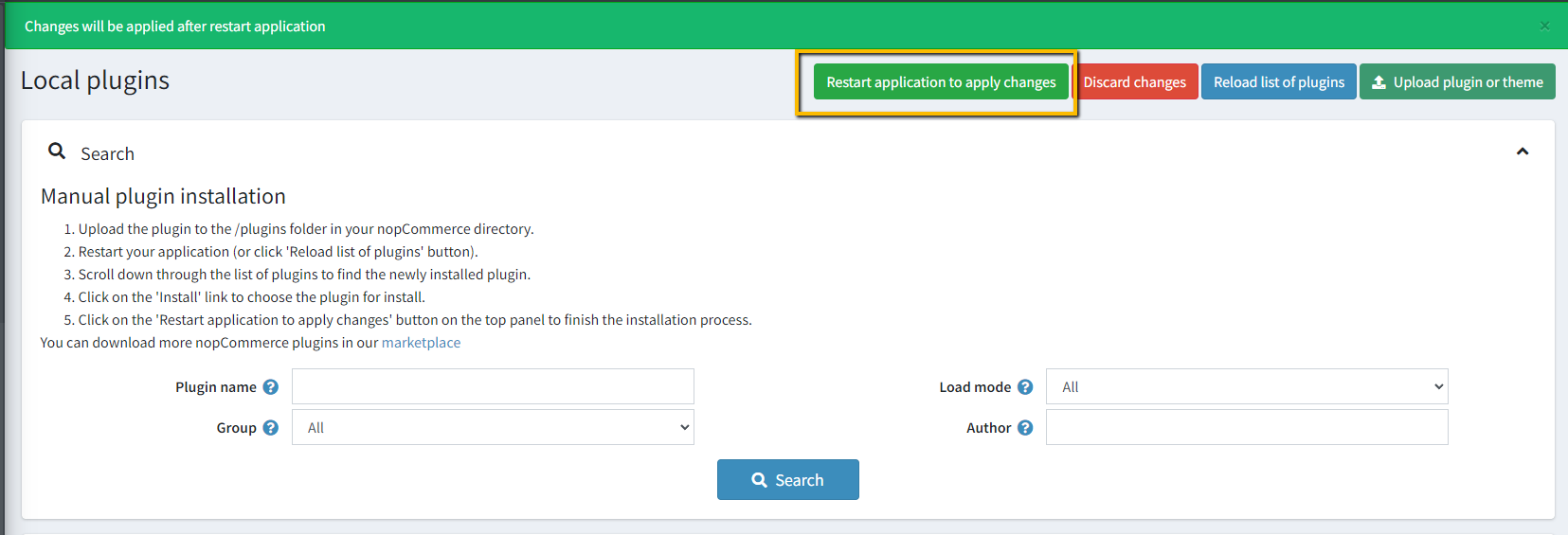
To make the plugins functional, restart the application
Enable the plugin with the 'Edit'option and Configure it
CONFIGURATION
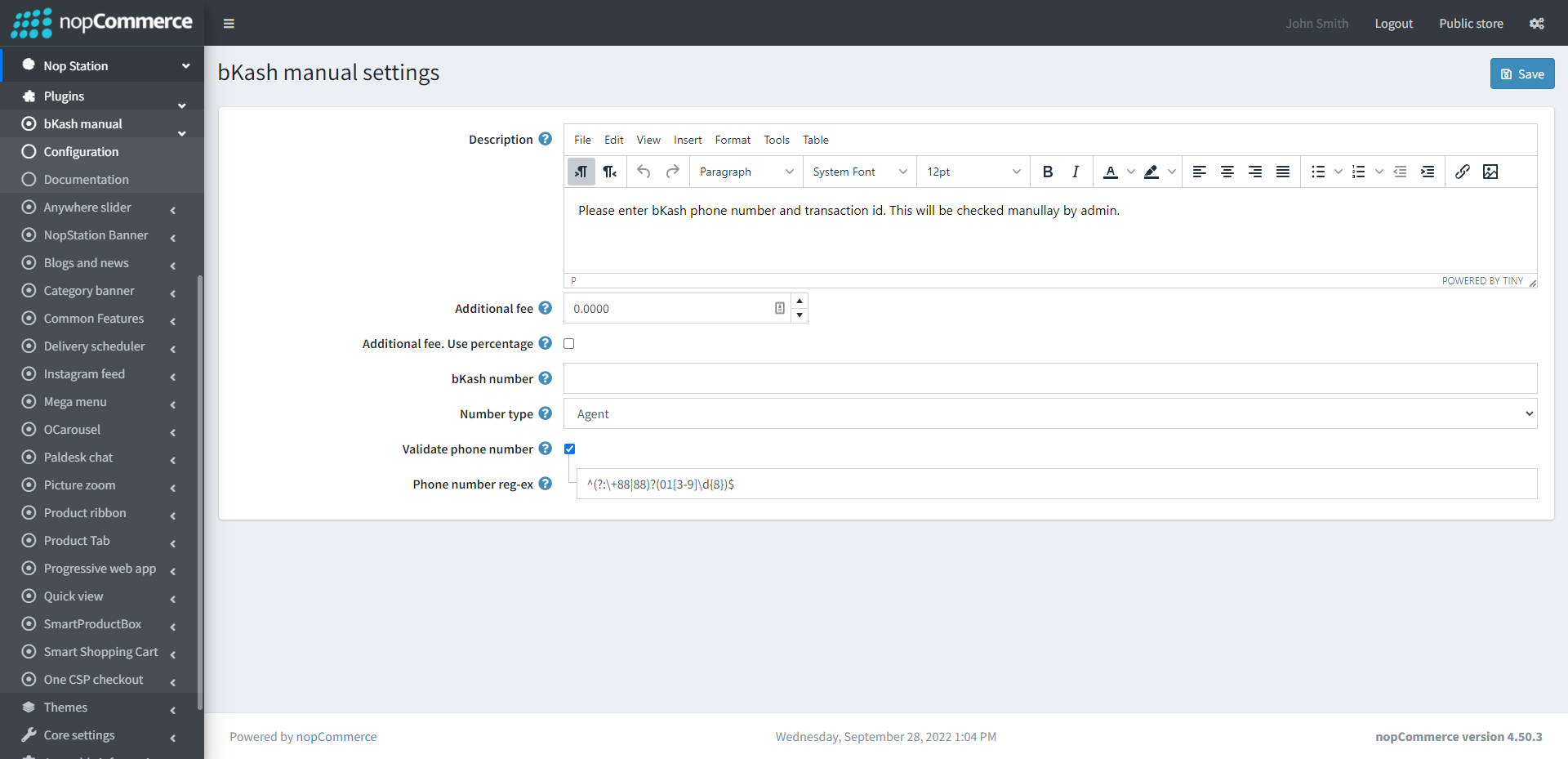
Go to Admin → NopStation → Plugins → bKash Manual → Configuration
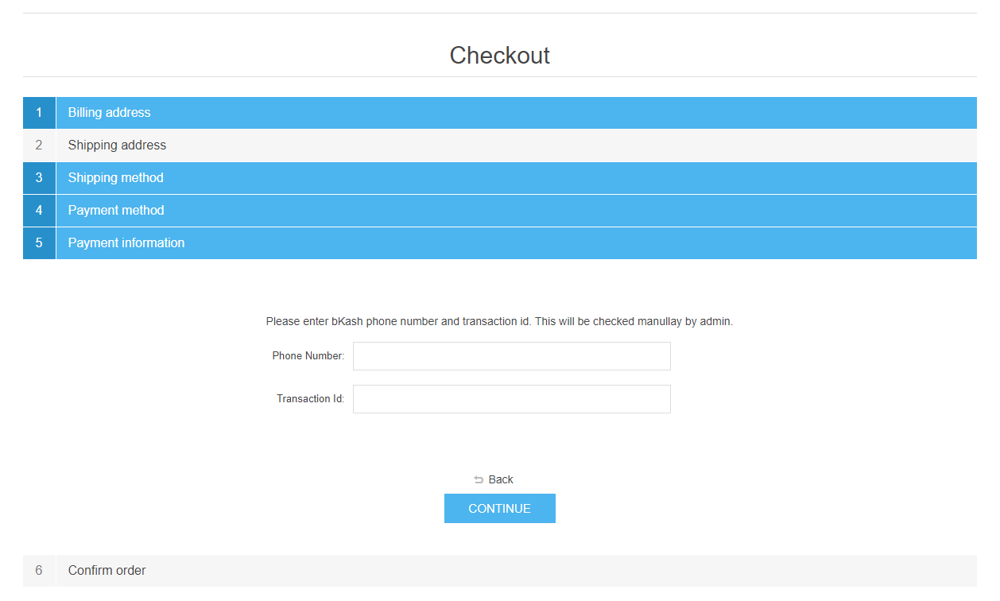
Write the Description that will show in payment section of the checkout page
Additional fee: This is the amount that charges the customer for using this payment method
Additional fee. Use percentage: Check the box to determine whether to apply an additional percentage fee to the order total. If not checked, a fixed value is used
bKash number: Enter the phone number which has bkash account associated
Number type: Select the bkash number type
Validate phone number: Check to validate phone number
Phone number reg-ex: Specify the eregular expression to check phone number