nopStation's Announcement plugin is developed to let store owners create, display, manage and customize announcements on their nopCommerce-based online stores. After a simple nopCommerce plugin download and installation, store owners can easily create and show announcements on their websites for various news, offers or other information through a customizable HTML template and editor. This plugin can help store owners enable effective and attractive announcement content for better usability and reach on nopCommerce based online stores.
PRE-REQUISITES
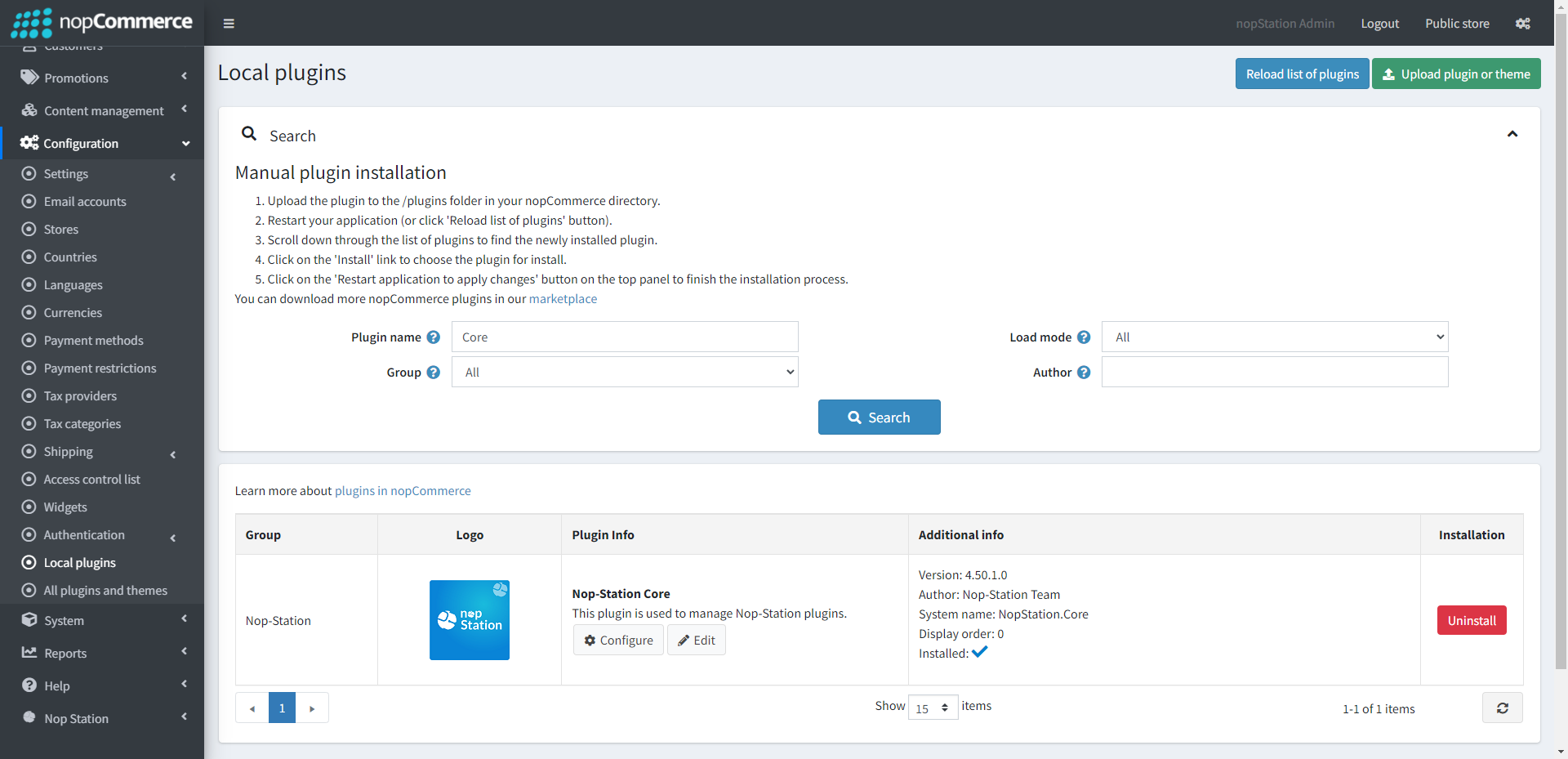
The plugin requires you to install the Nop-Station Core plugin first.
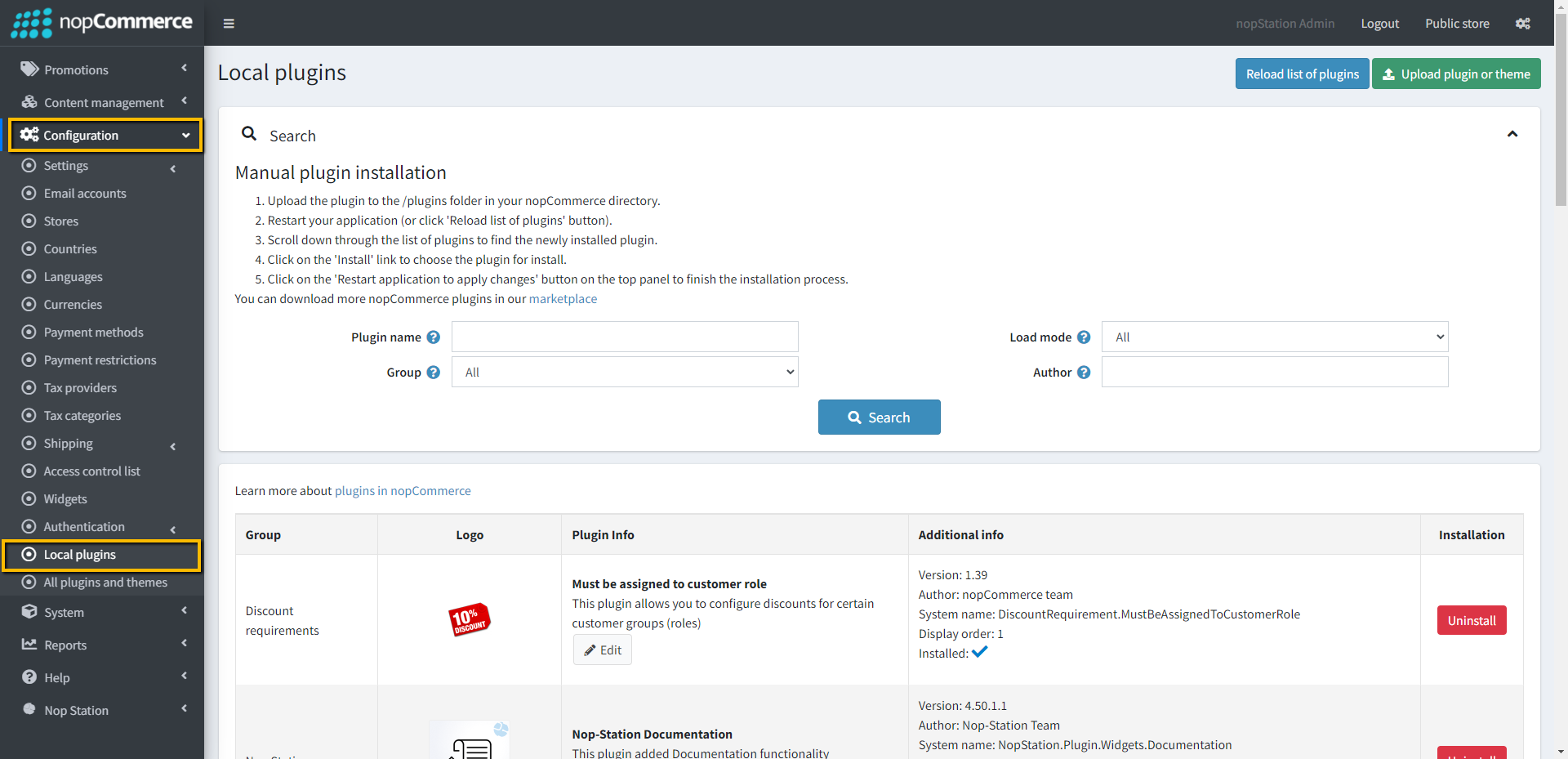
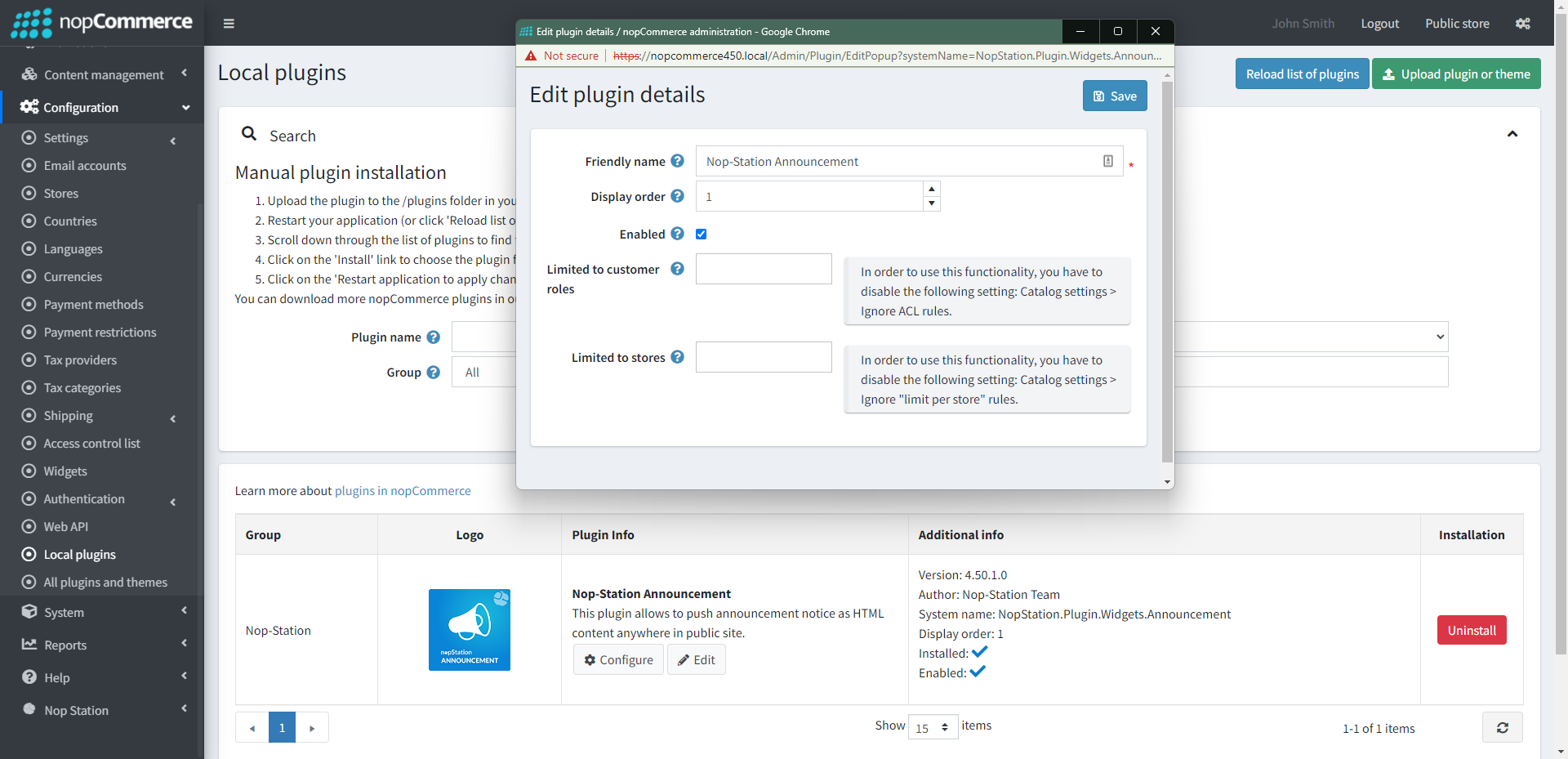
Go to Administration → Configuration → Local plugins
Upload the NopStation.Announcement zip file using the "Upload plugin or theme" button
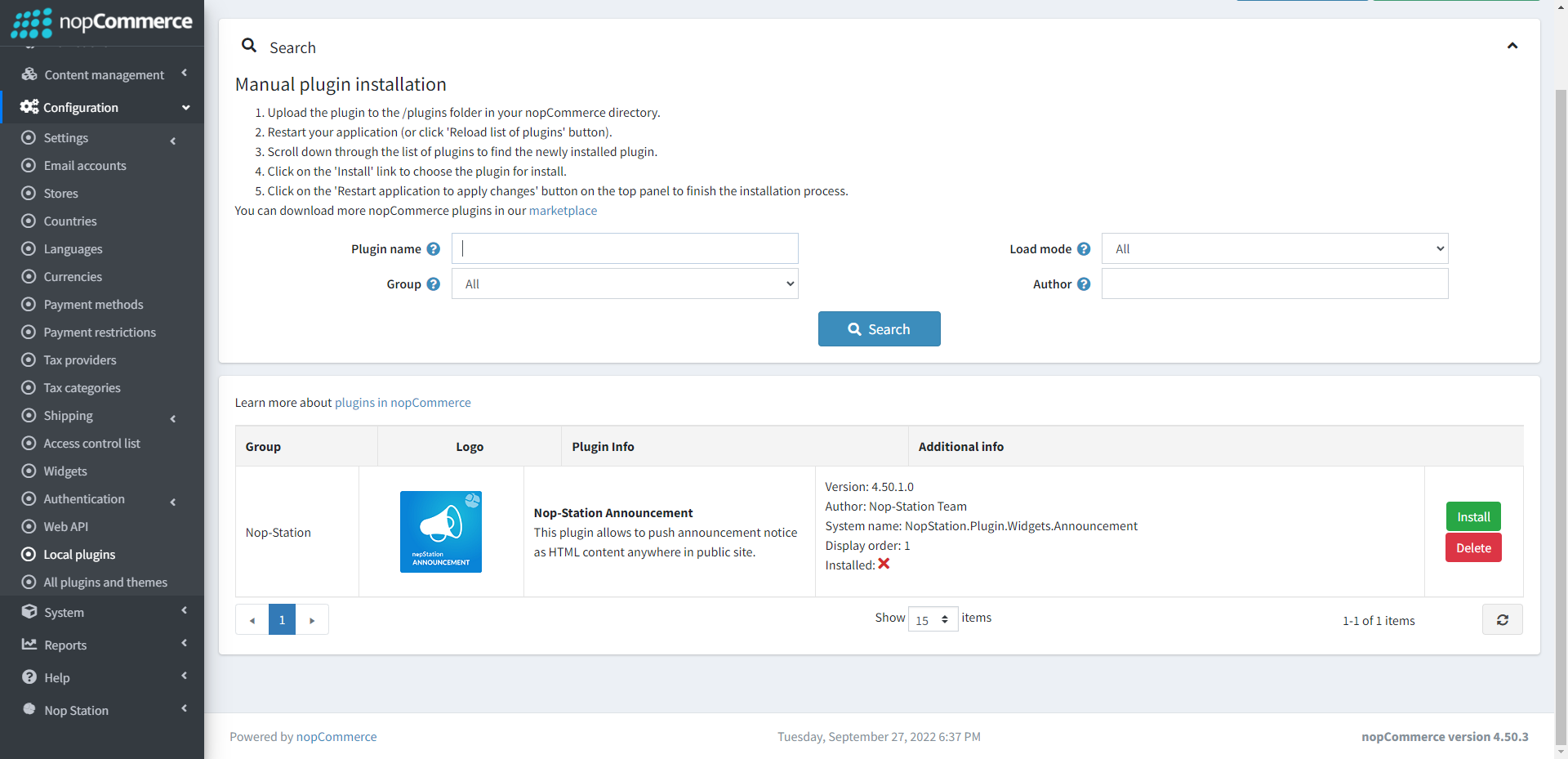
Go to Administration, reload the 'list of plugins'. Install 'Nop-Station Core' and 'Widget Manager (based on nopCommerce version)' plugin first and then install 'Nop-Station Announcement Plugin'
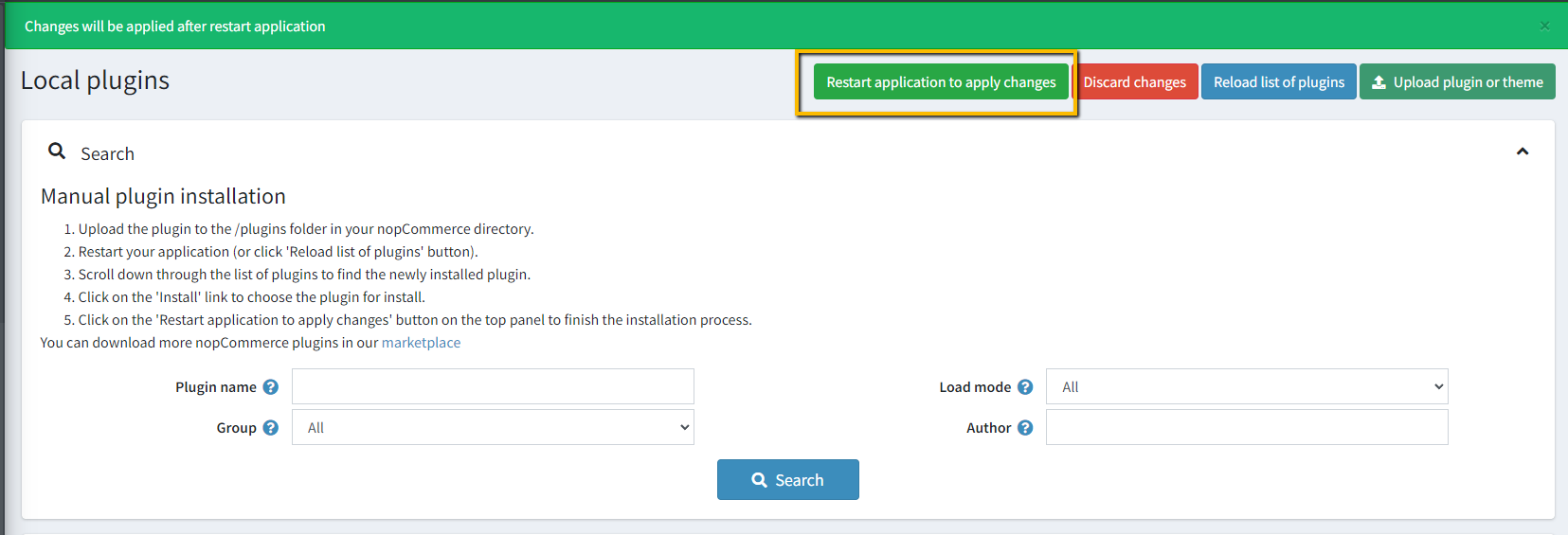
To make the plugins functional, restart the application
Enable the plugin with 'Edit' option and Configure it
CONFIGURATION
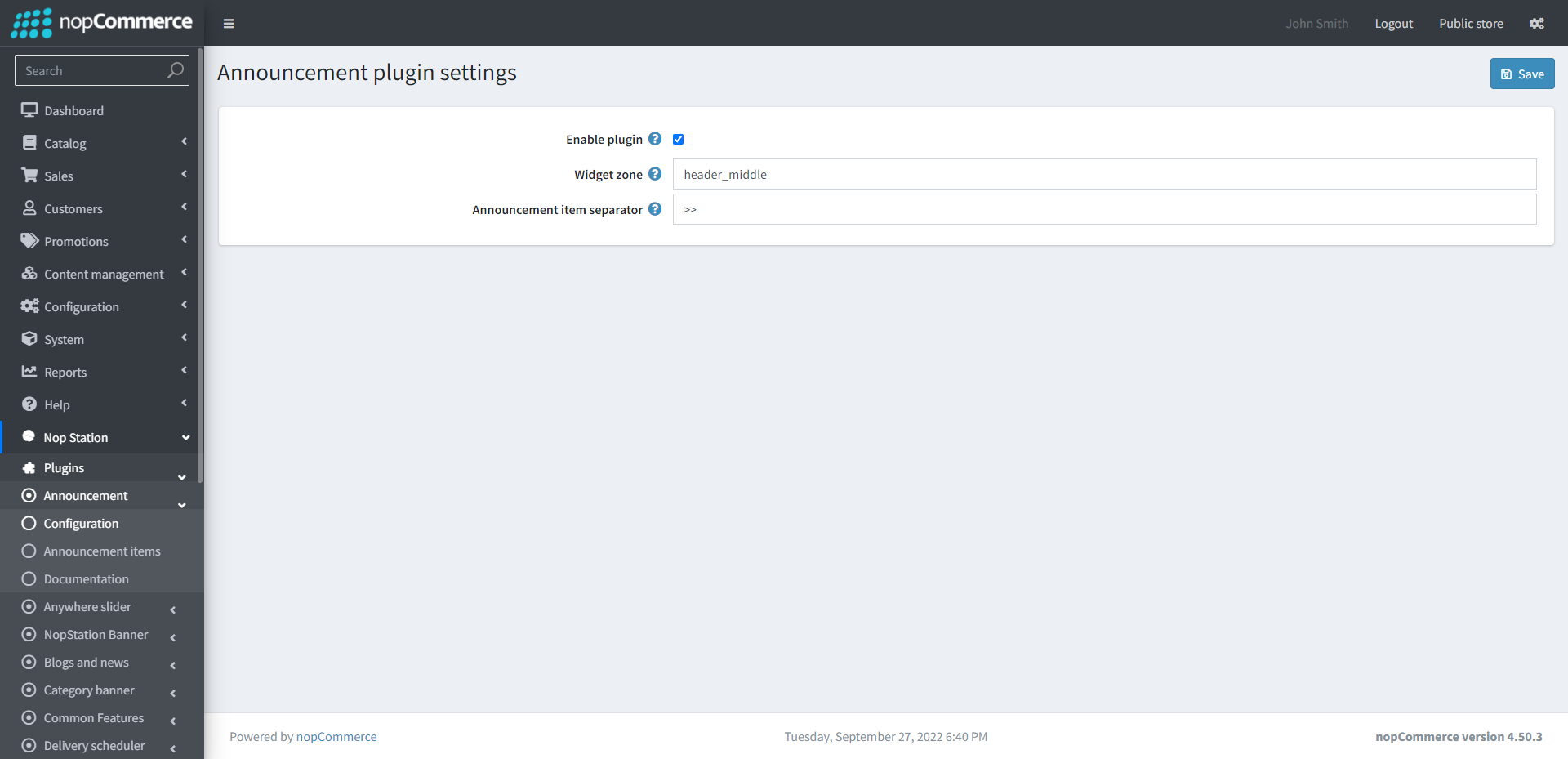
Go to Admin → NopStation → Plugins → Announcement → Configuration
Enable plugin: Determines whether the plugin is enabled or not.
Widget zone: Enter the widget zone where you want to display the announcement in the public store
Announcement item separator: Set Announcement item separator from here
ANNOUNCEMENT ITEMS
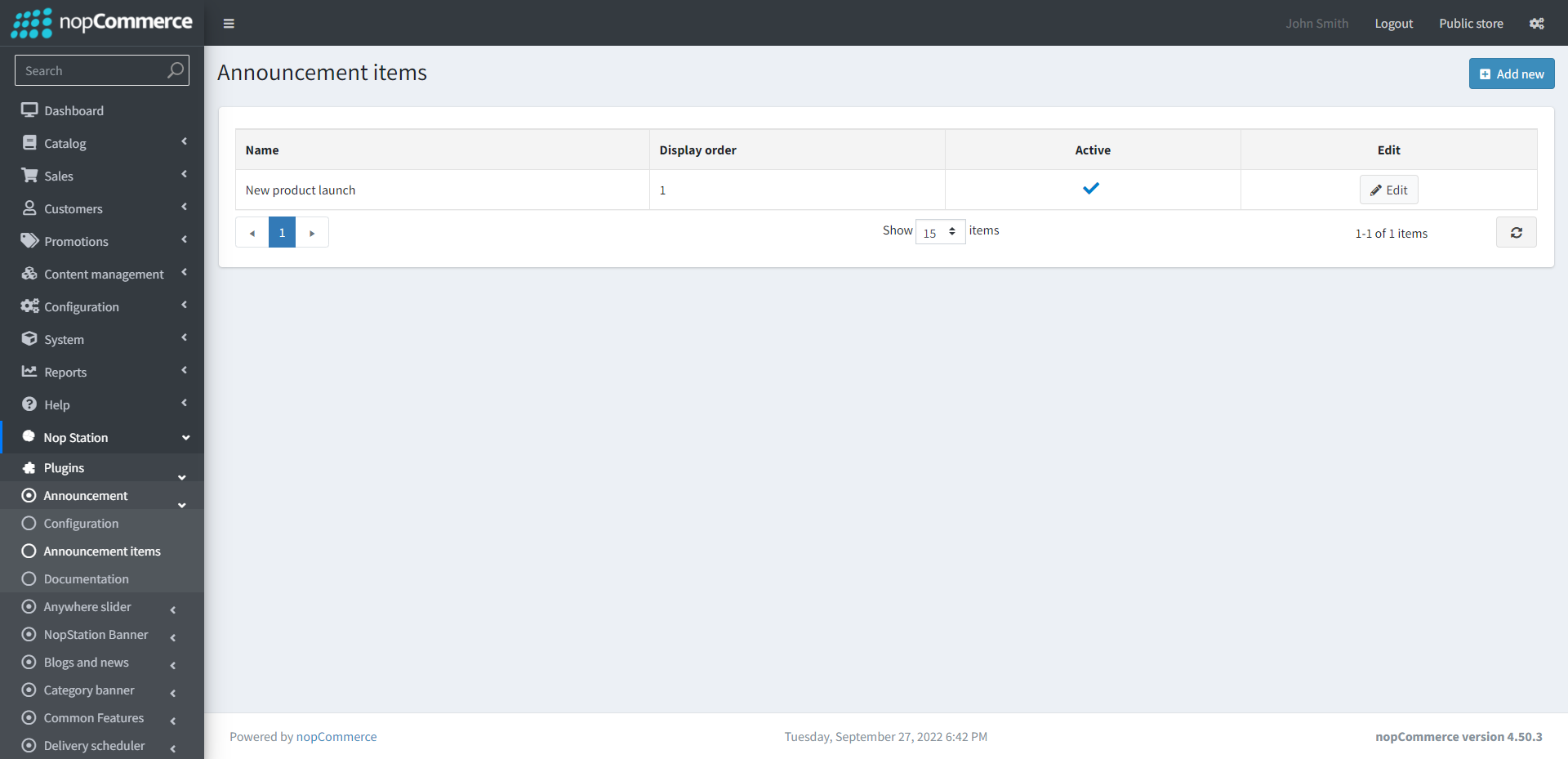
Go to Admin → NopStation → Plugins → Announcement → Announcement items
Here, the list of announcements made can be seen
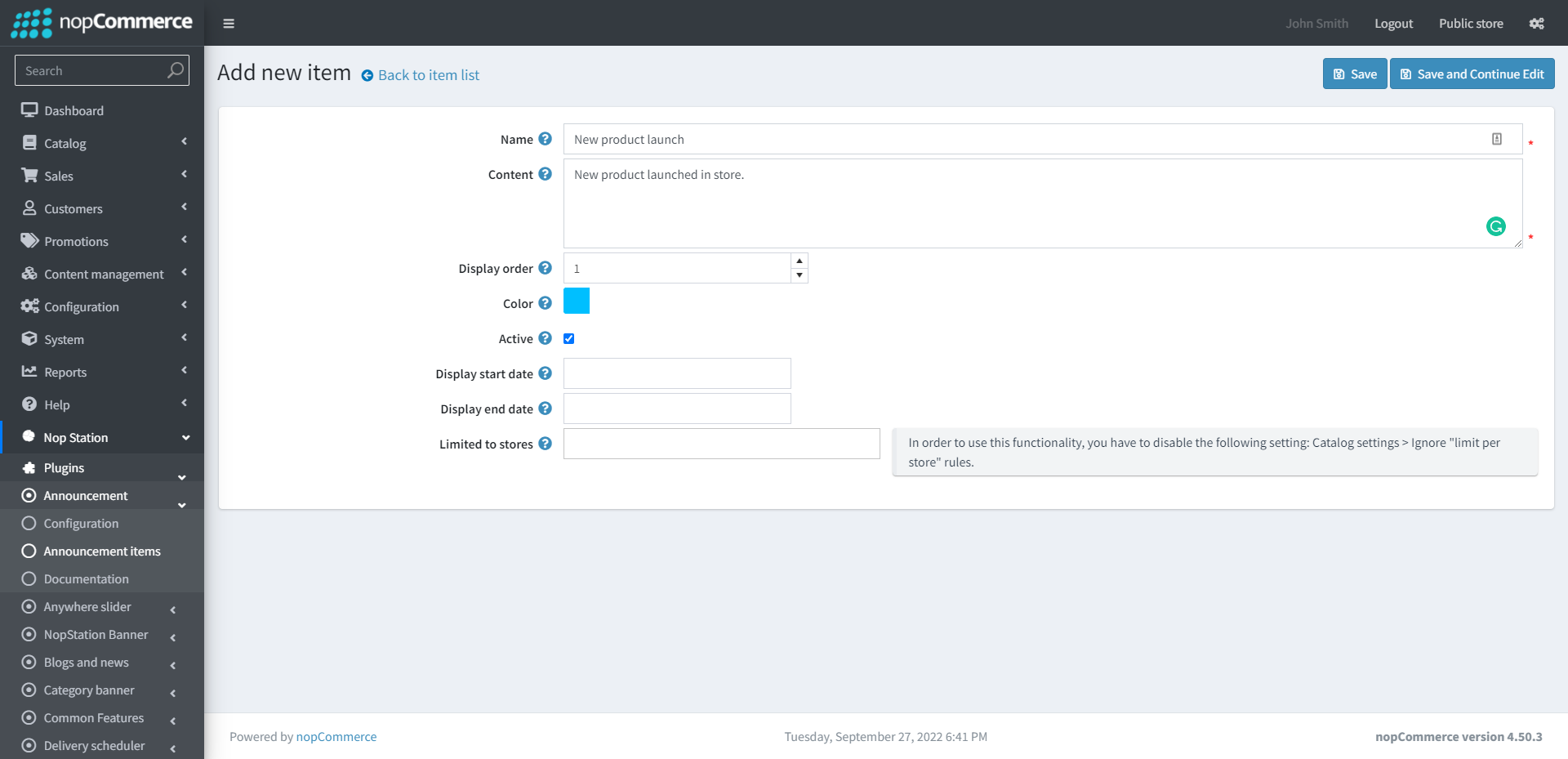
Clicking on the Add new button, new announcements can be added as well
Name: Enter the name of the item
Content: Enter the announcement content
Display order: Enter the display order of the item
Color: Select the color of the item
Active: Check the box to activate the plugin
Display start date: Enter the display start date
Display end date: Enter the display end date
Limited to stores: Option to limit this widget item to certain stores only