Affiliates are incredible for online store promotion and marketing as they can organically help you gain customers and buzz. But having a lot of affiliates can be challenging for any business, especially in tracking affiliate sales and logistics. If you want to easily set up an affiliate system on your nopCommerce business, then nopStation is here with its Affiliate Station plugin for nopCommerce, part of its nop ultimate plugin collection. The Affiliate station plugin takes away all of the complexity of setting up affiliate marketing features with just a simple nopCommerce plugin download. Affiliate station feature the ability to setup and track affiliates and affiliated customers easily while giving you granular control over affiliate deals, promotions, and sales along with the handling of all of the commission and order logistics, letting you run your business easily and build strong affiliate networks.
PRE-REQUISITES
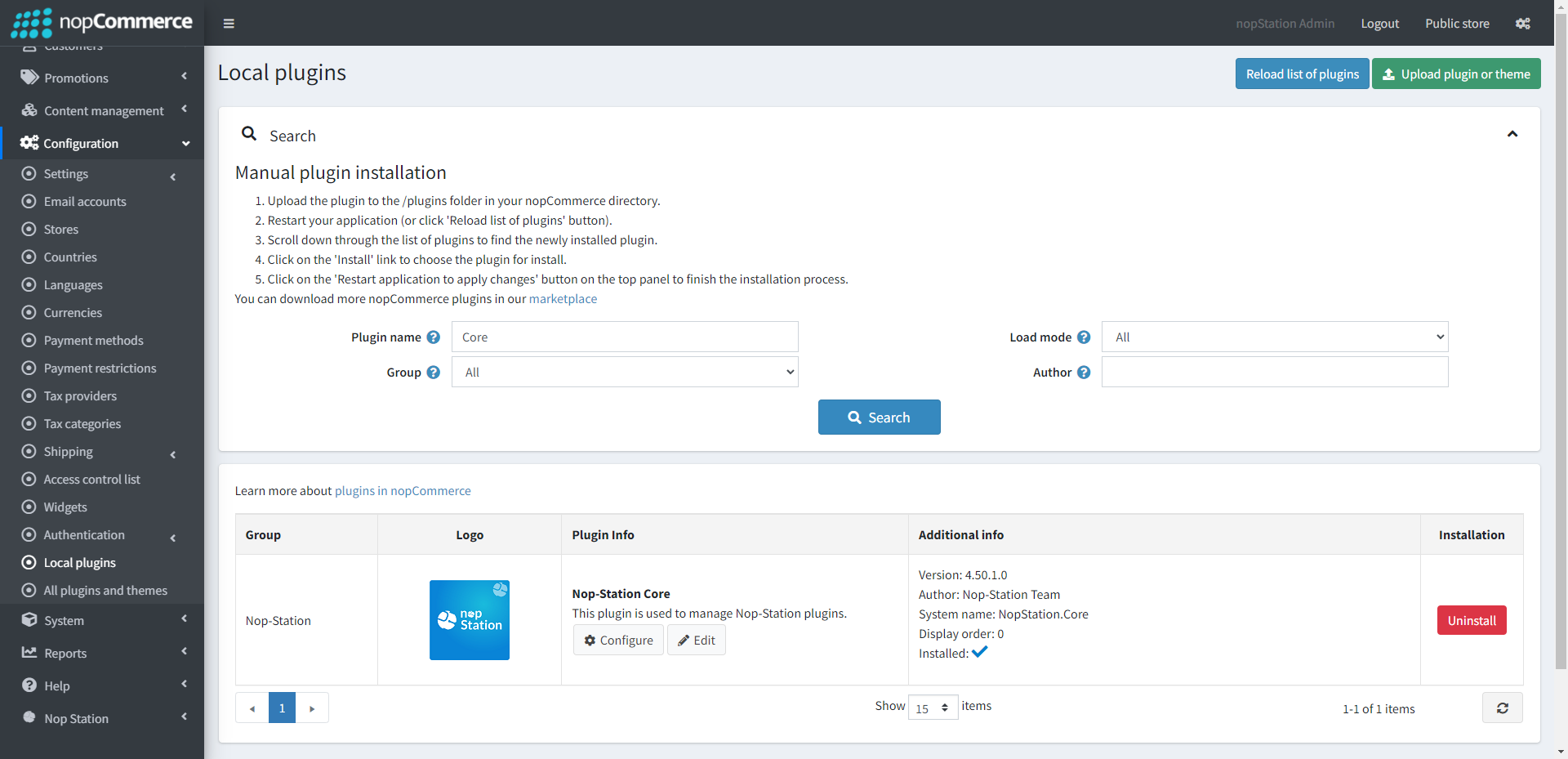
The plugin requires you to install the Nop-Station Core plugin first.
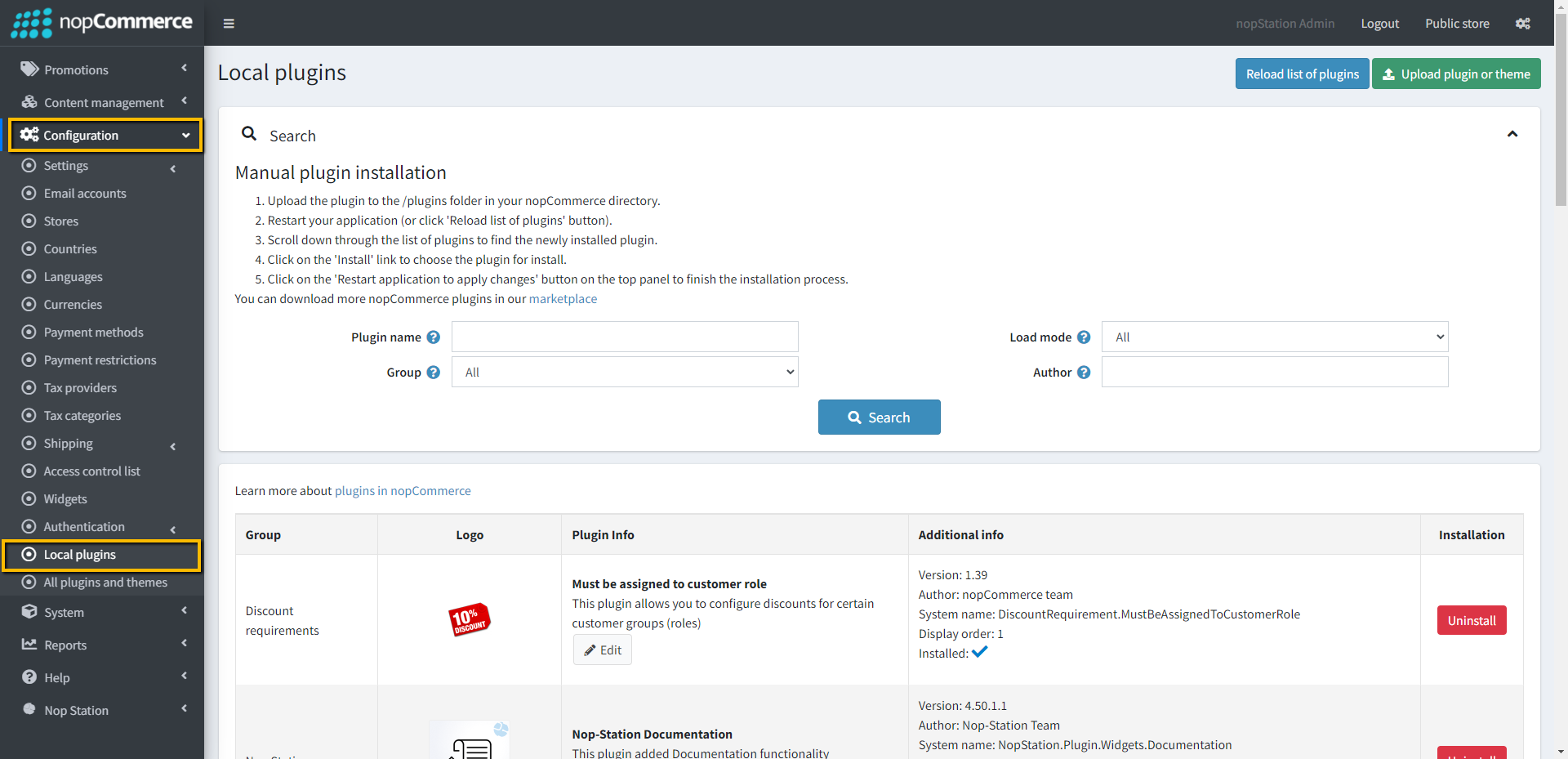
Go to Administration → Configuration → Local plugins
Upload the NopStation.AffiliateStation zip file using the "Upload plugin or theme" button
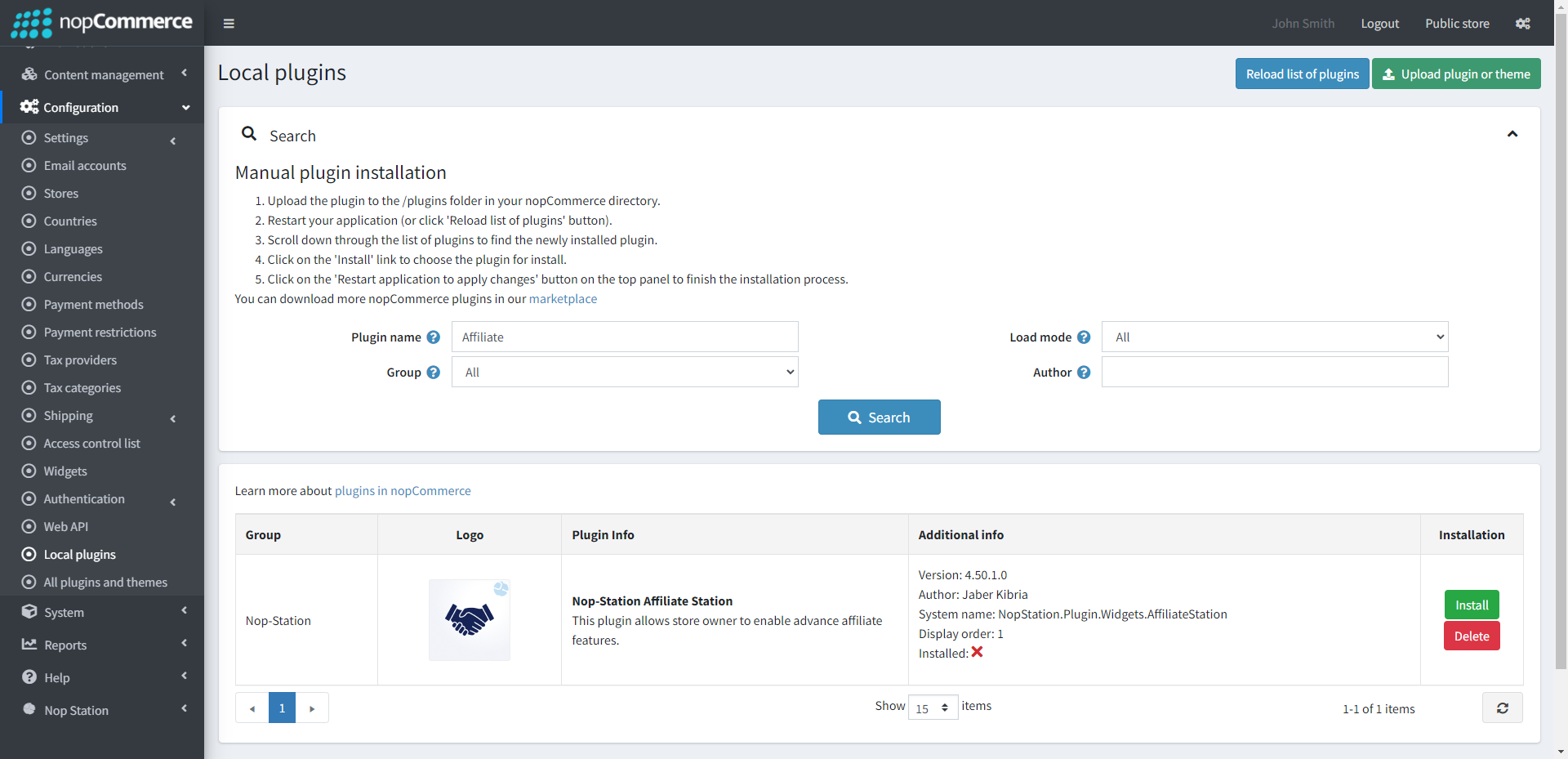
Go to Administration, and reload the 'list of plugins'. Install 'Nop-Station Core' Plugin first and then install 'NopStation Affiliate Station'
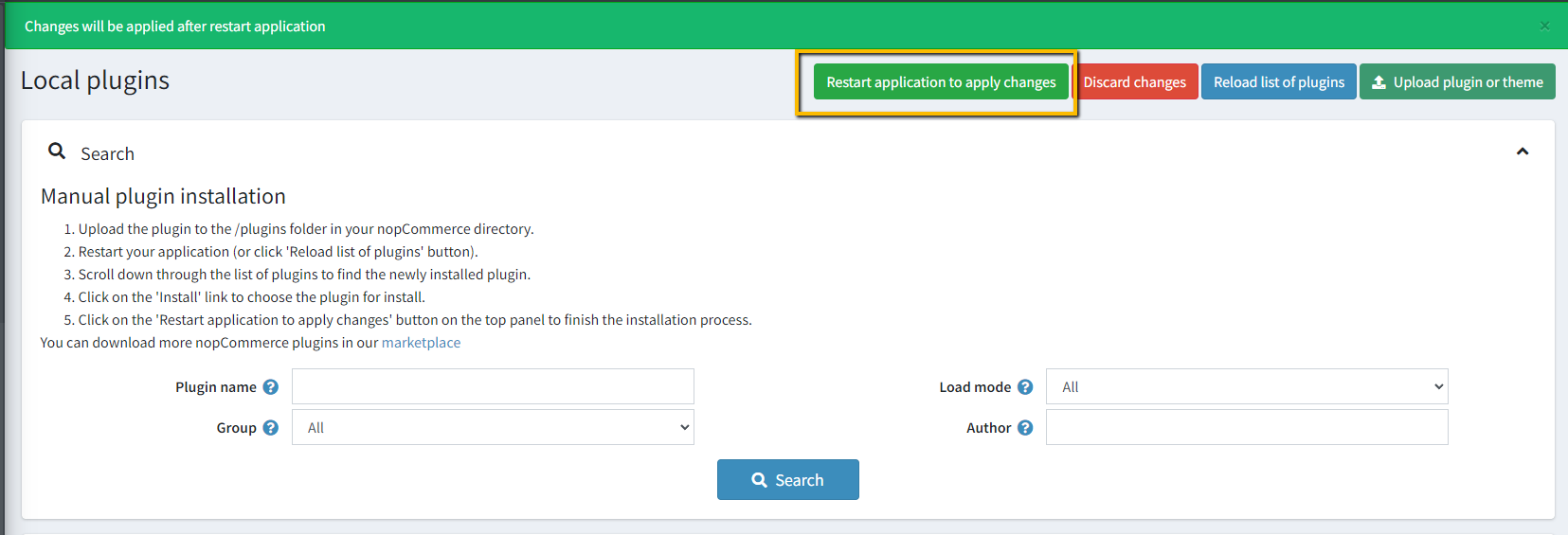
To make the plugins functional, restart the application
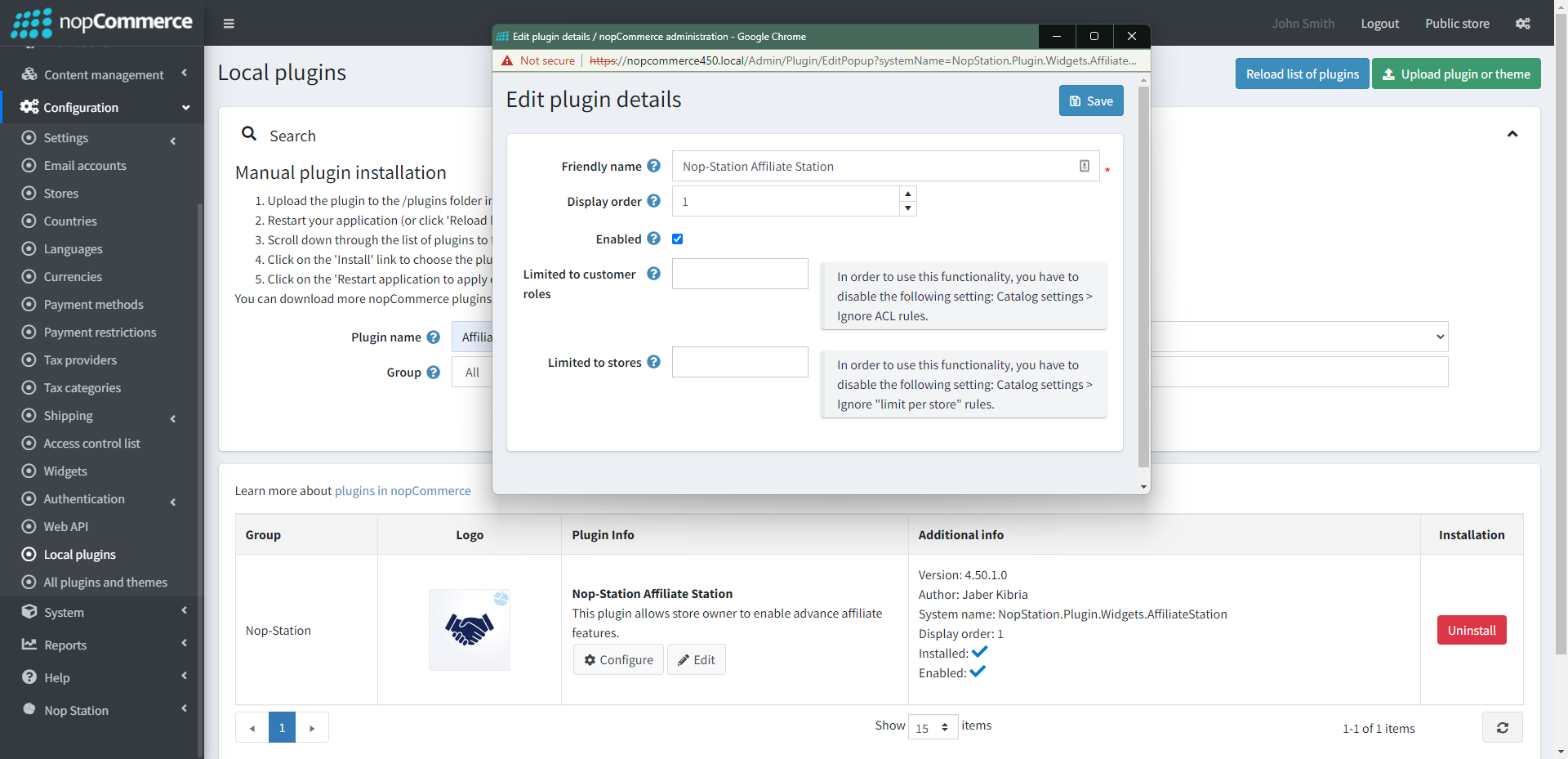
Enable the plugin with 'Edit' option and Configure it
CONFIGURATION
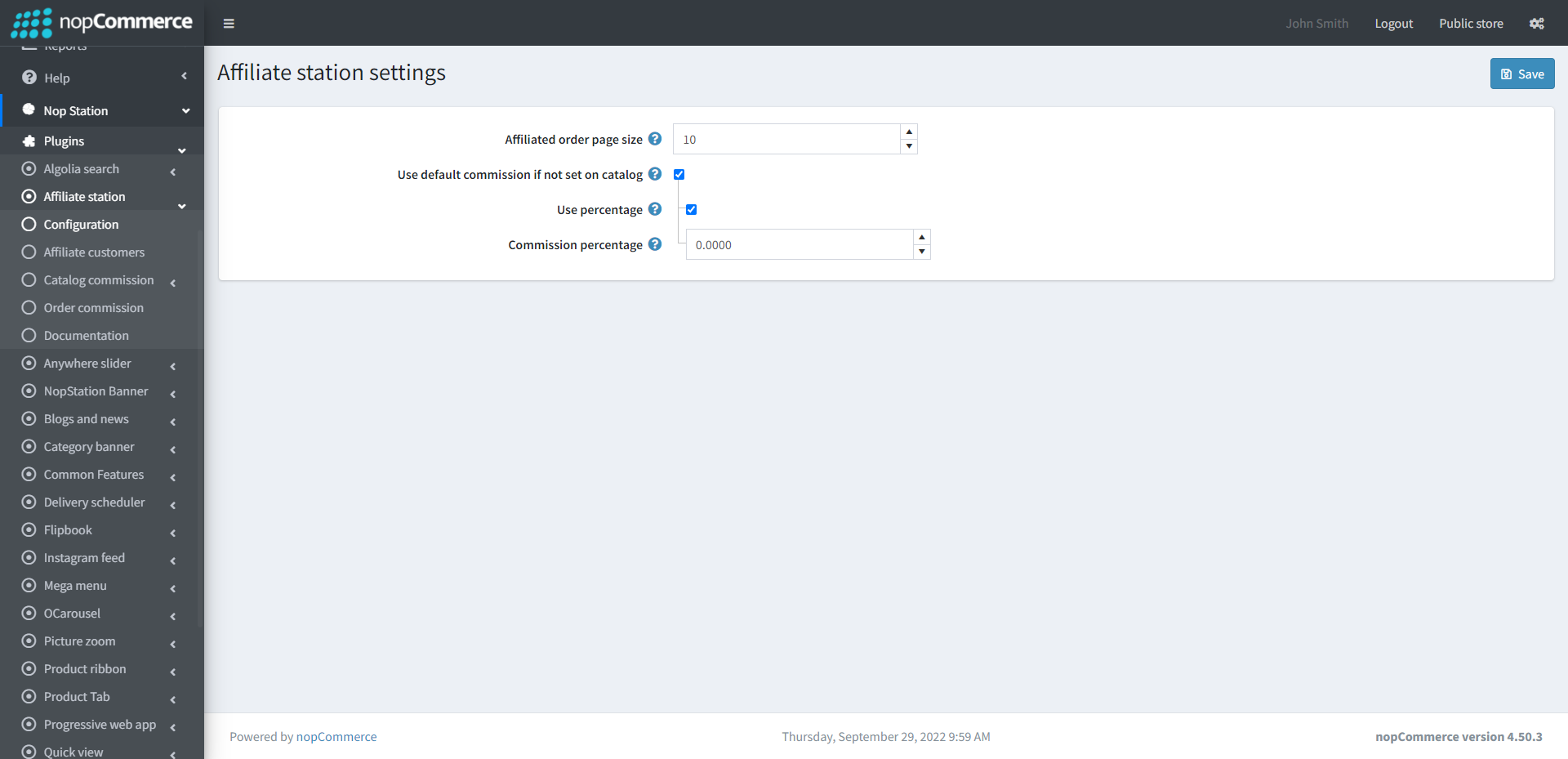
Go to Admin → Nop Station → Plugins → Affiliate station → Configuration
Affiliated order page size: Page size for affiliated orders in customer's affiliate account.
Use default commission if not set on catalog: By checking this, default commission will be calculated if it is not set on a catalog (Product/Category/Vendor)
Check to Use percentage
Enter the Commission percentage
Affiliate customers
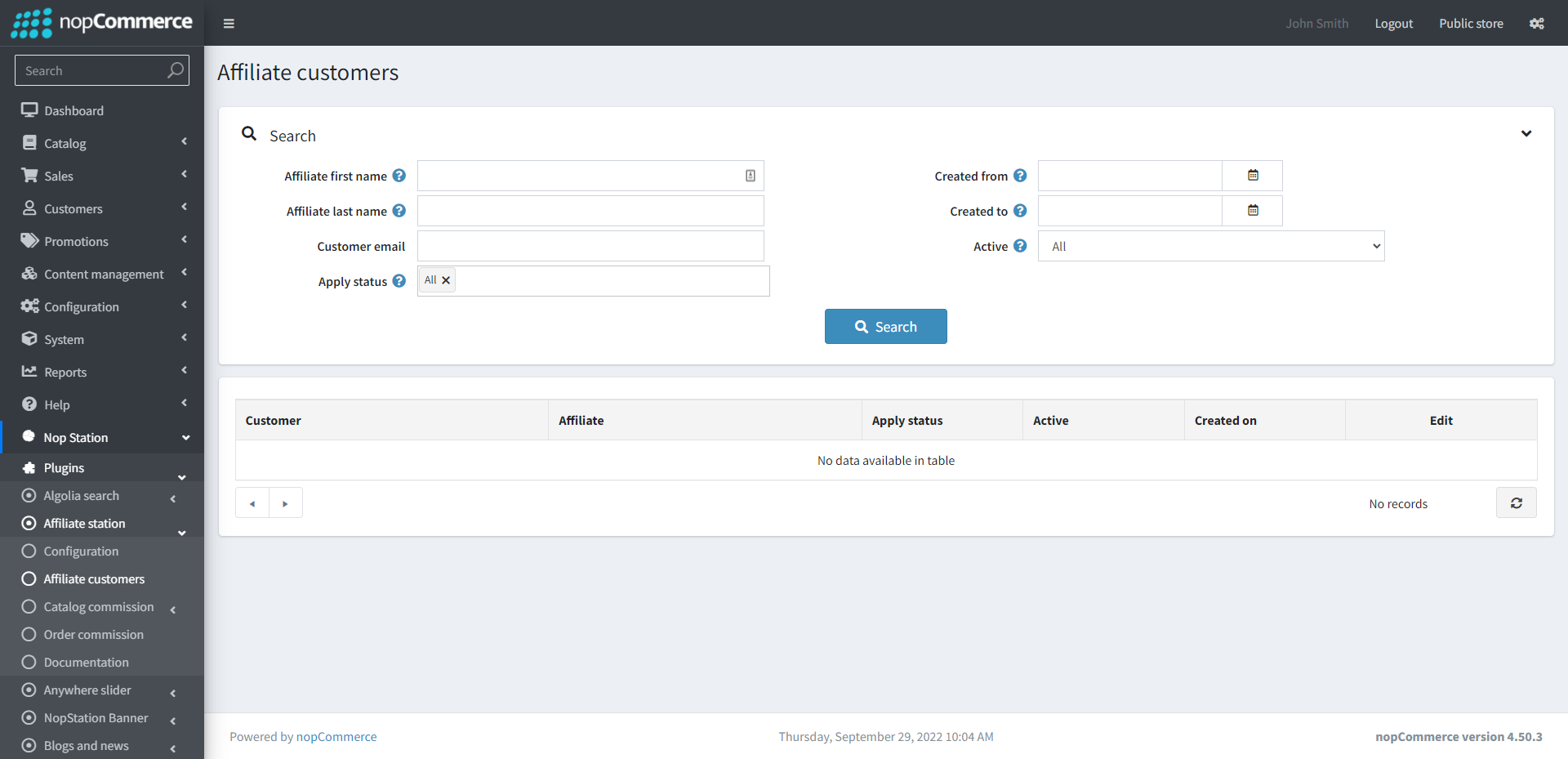
Go to Admin → Nop Station → Plugins → Affiliate station → Affiliate customers
Here you can see the list of affiliated customers
Catalog commission
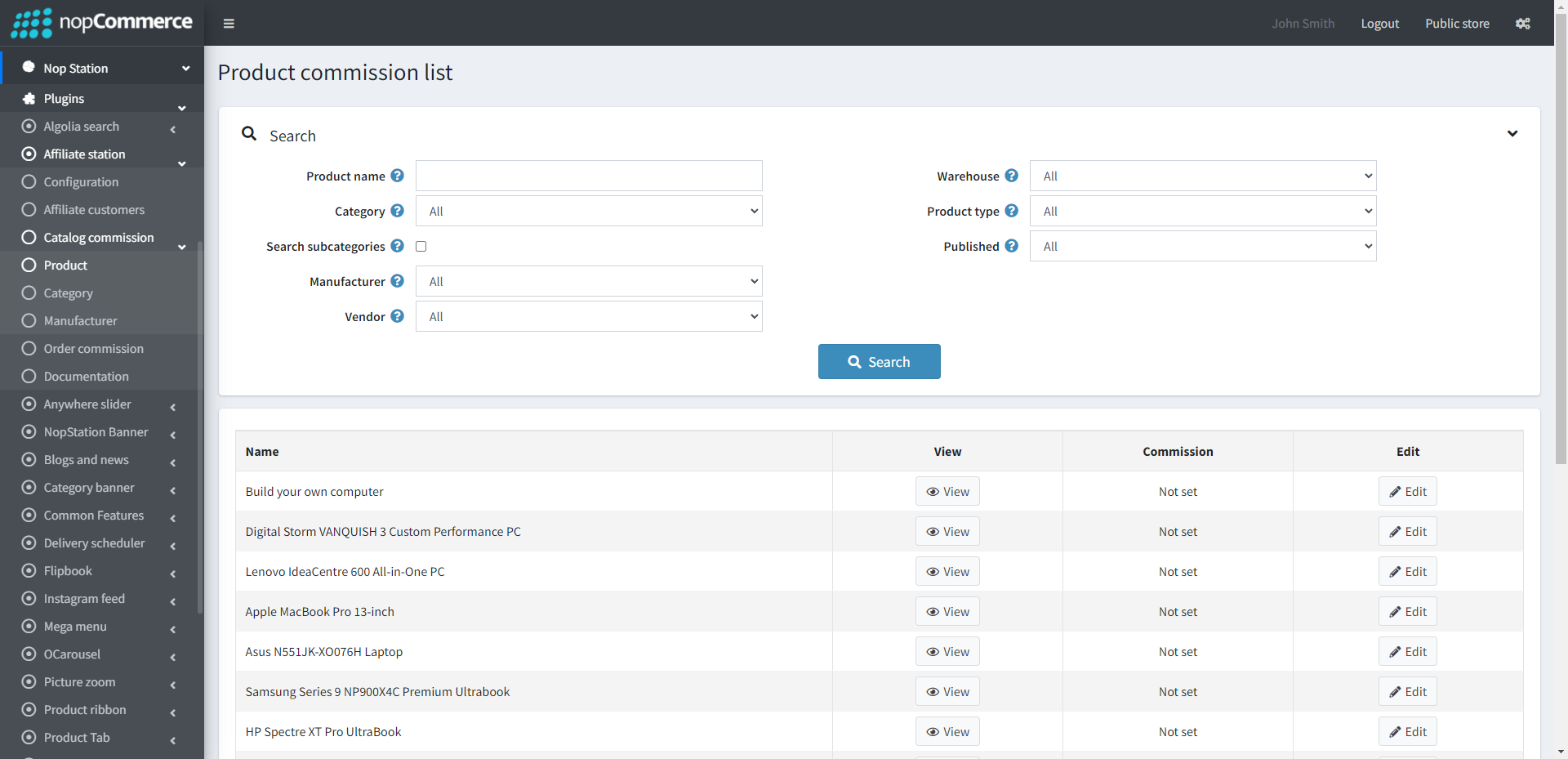
Go to Admin → Nop Station → Plugins → Affiliate station → Catalog commission → Product
Here you can see the list of affiliated products
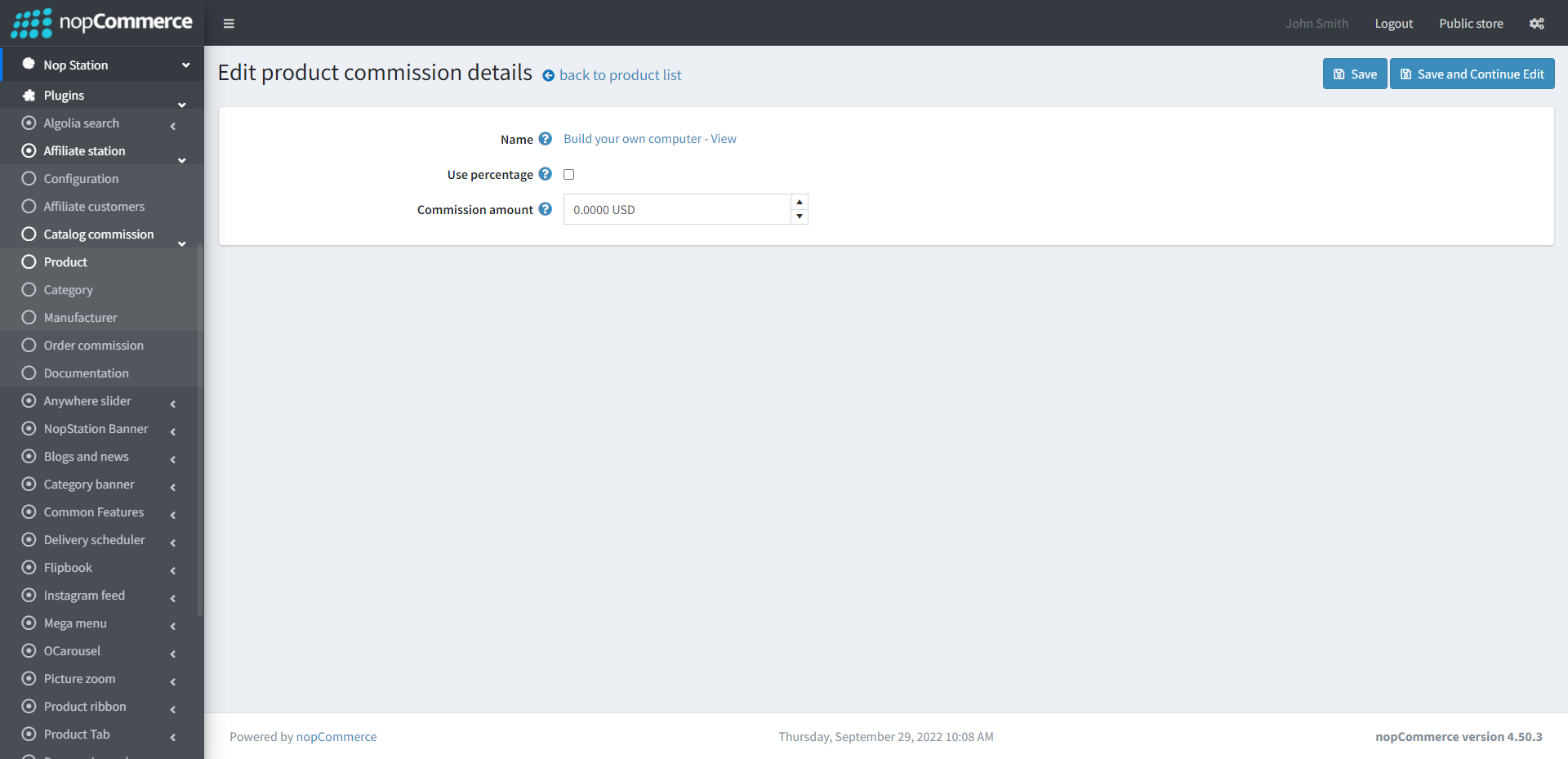
By clicking on the Edit option, you can edit the commission percentage of a product
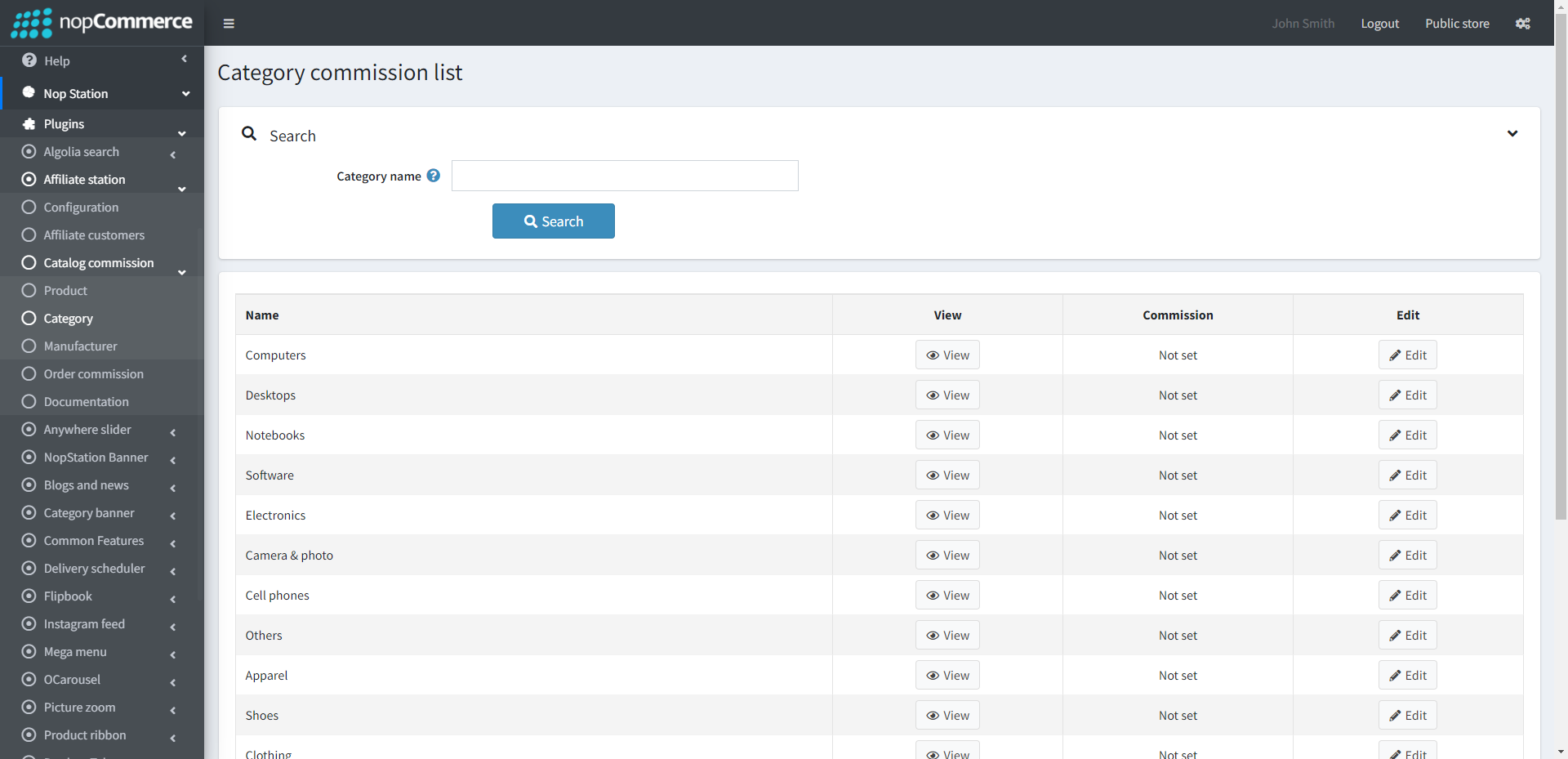
Go to Admin → Nop Station → Plugins → Affiliate station → Catalog commission → Category
Here you can see the list of affiliated category
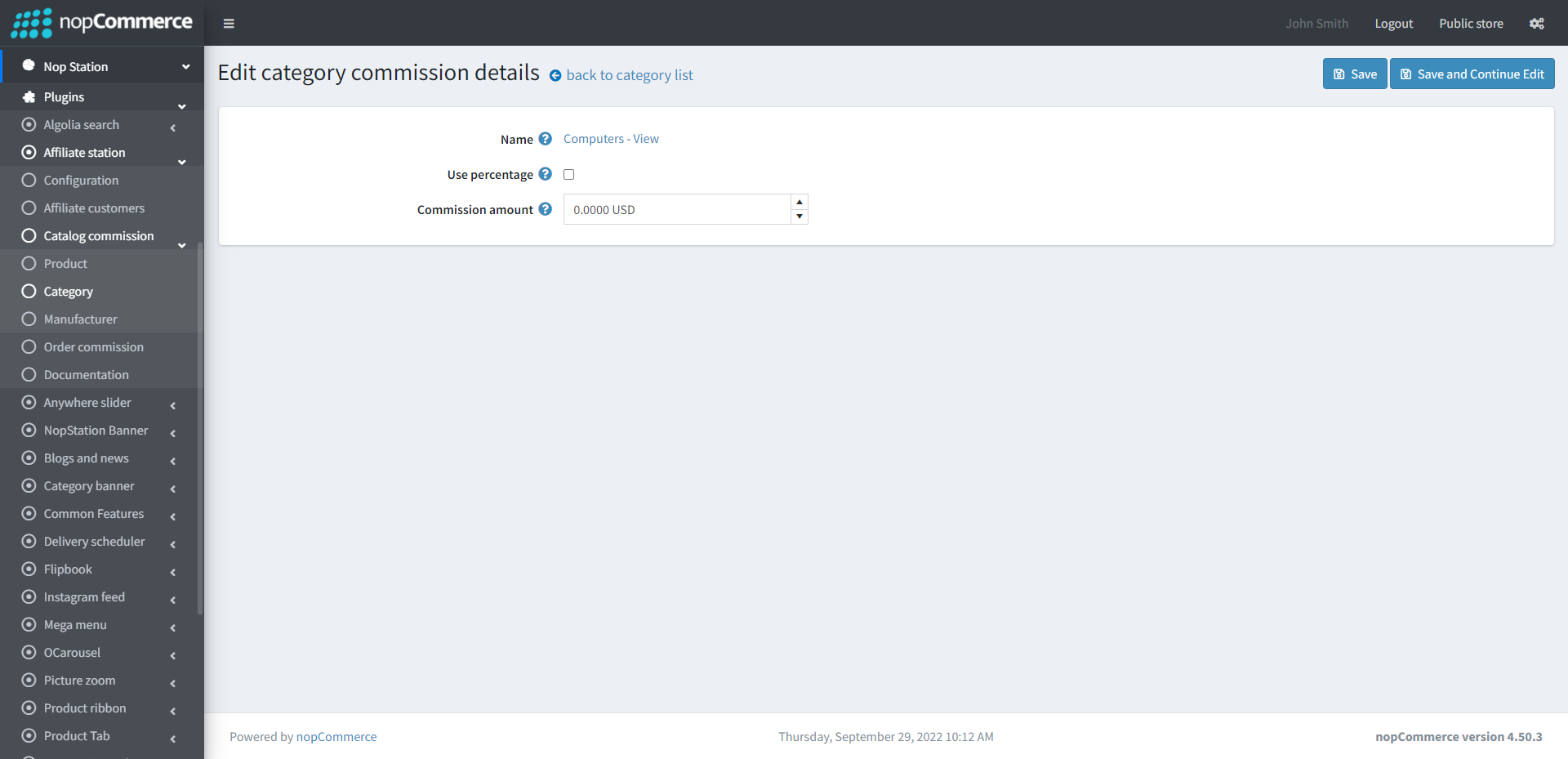
By clicking on the Edit option, you can edit the commission percentage of a category
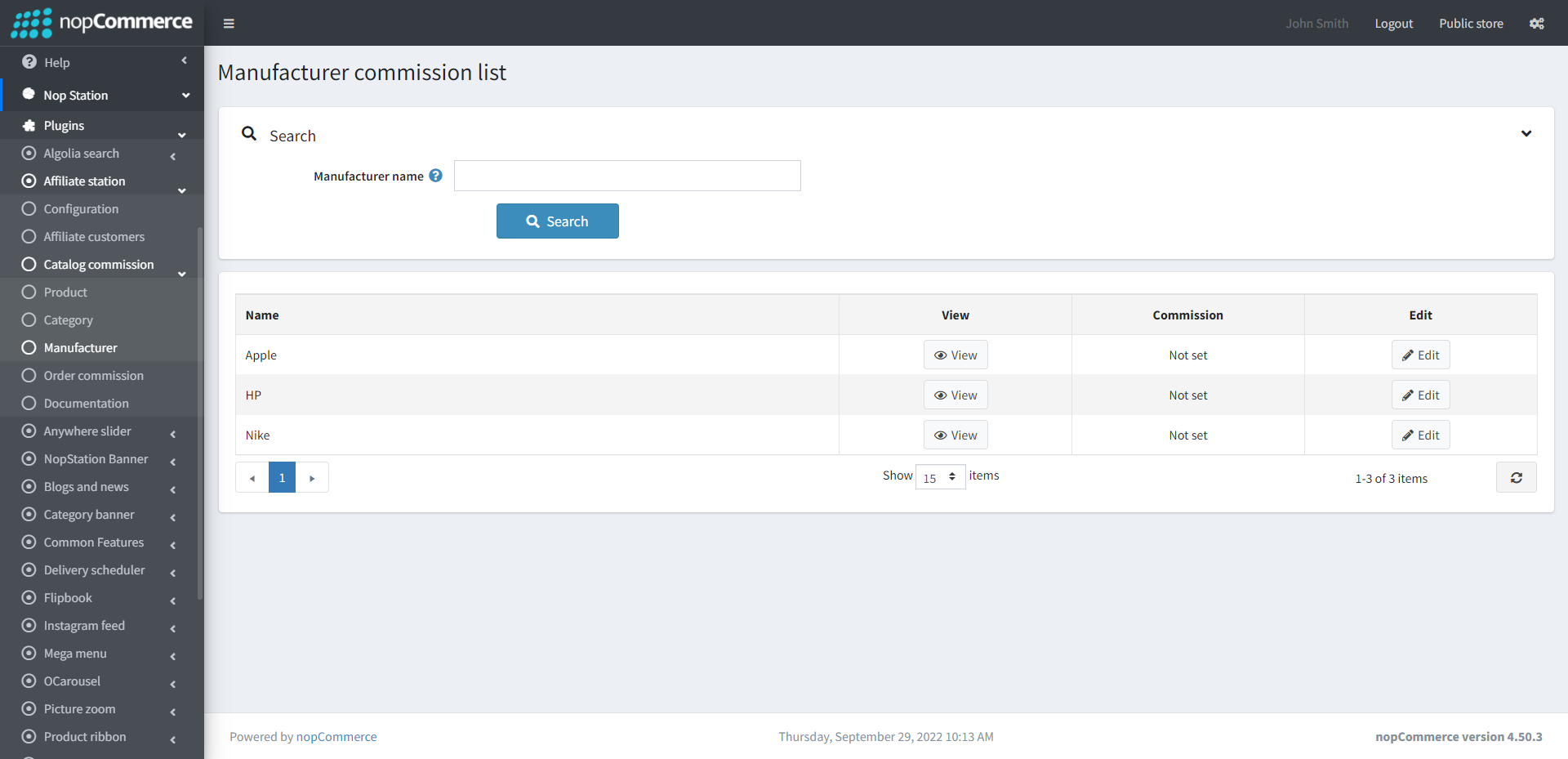
Go to Admin → Nop Station → Plugins → Affiliate station → Catalog commission → Manufacturer
Here you can see the list of affiliated manufacturer
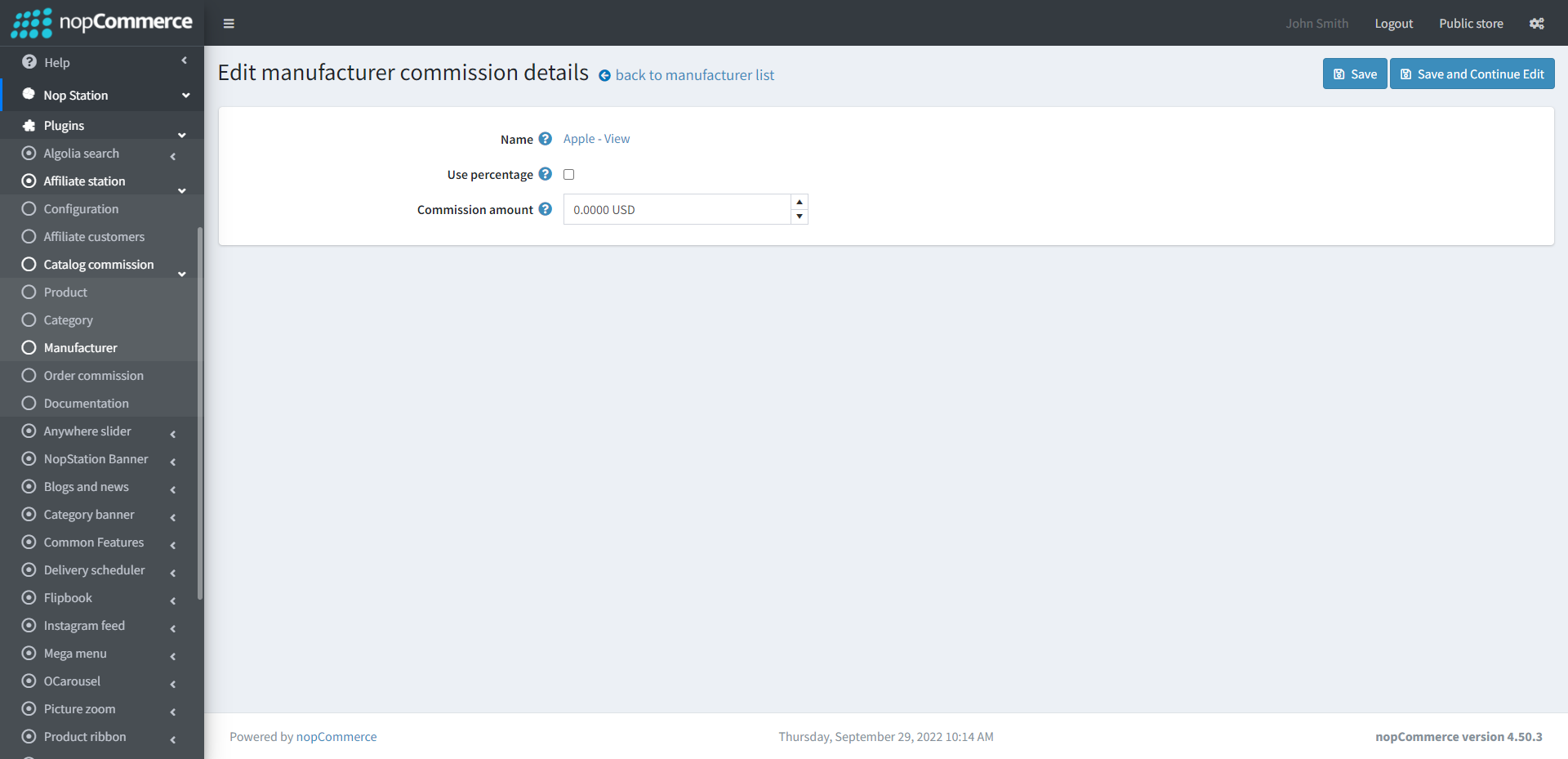
By clicking on the Edit option, you can edit the commission percentage of a manufacturer
Order commission
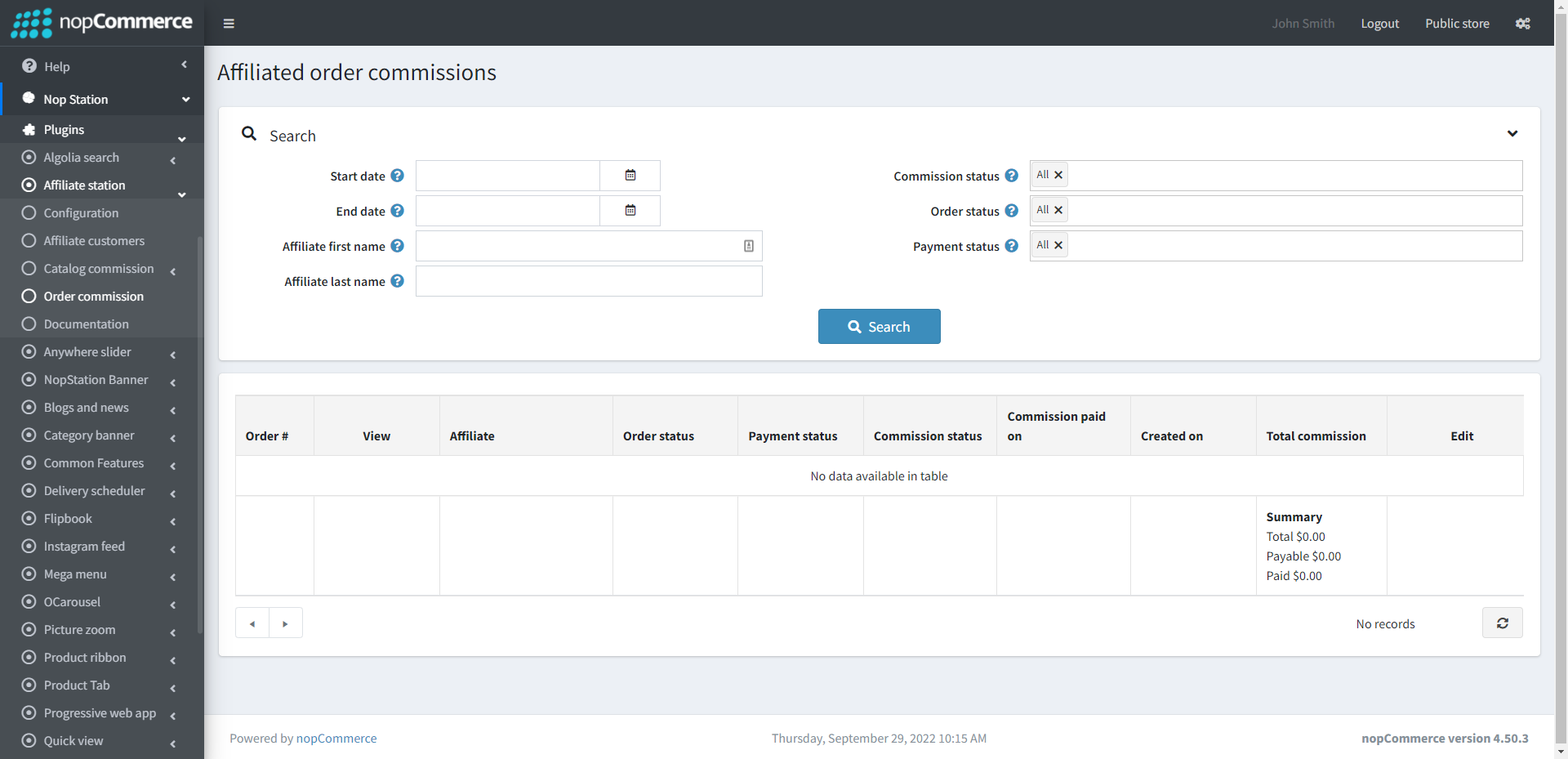
Go to Admin → Nop Station → Plugins → Affiliate station → Order commission
Here you will be able to see the order commission list and summary, total commission, payable, and paid amount.
Public Store Side:
Applying for Affiliate
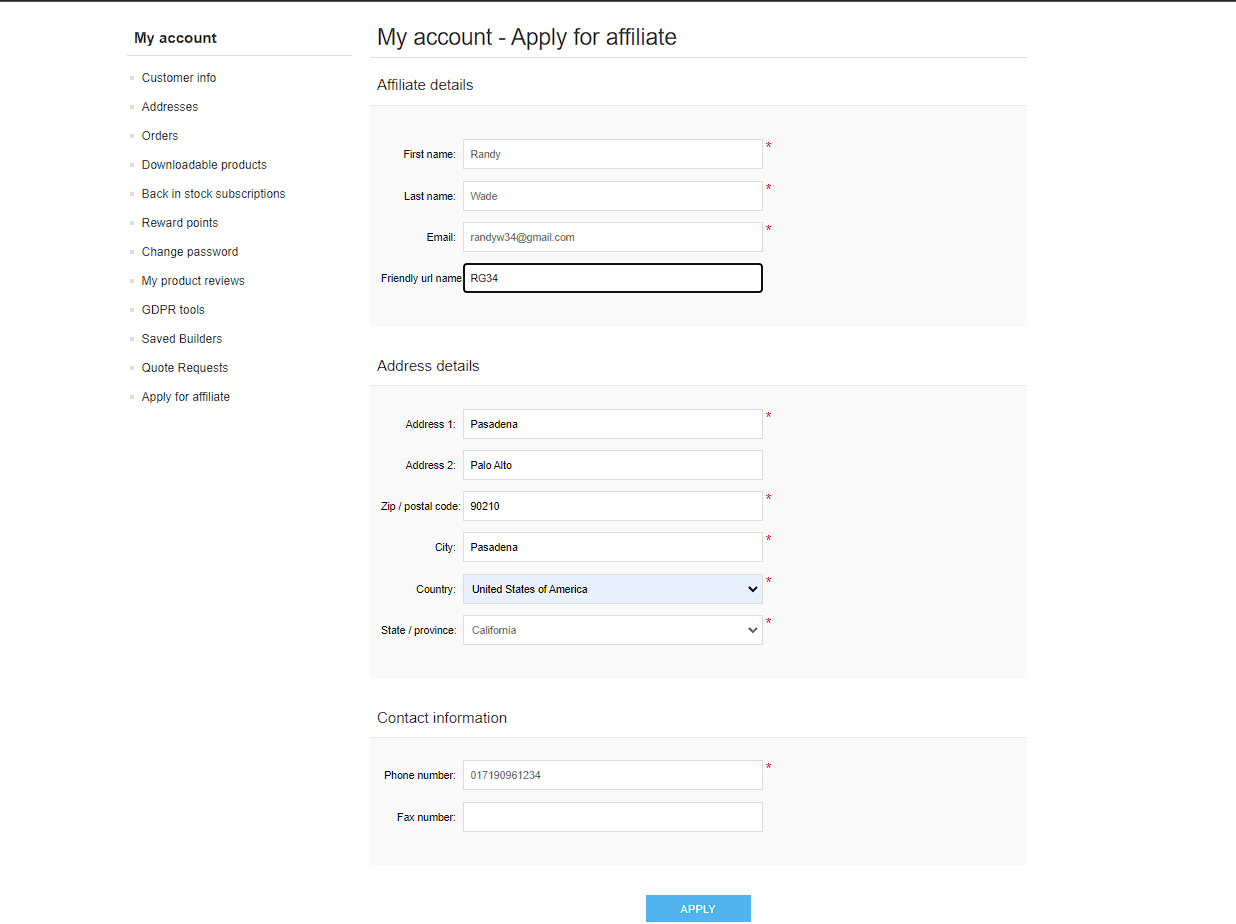
Go to My Account → Apply for Affiliate
Here, customers who wish to become an affiliate can fillup the form with their required info and apply to become an affiliate
Seeing Affiliate Info and Links
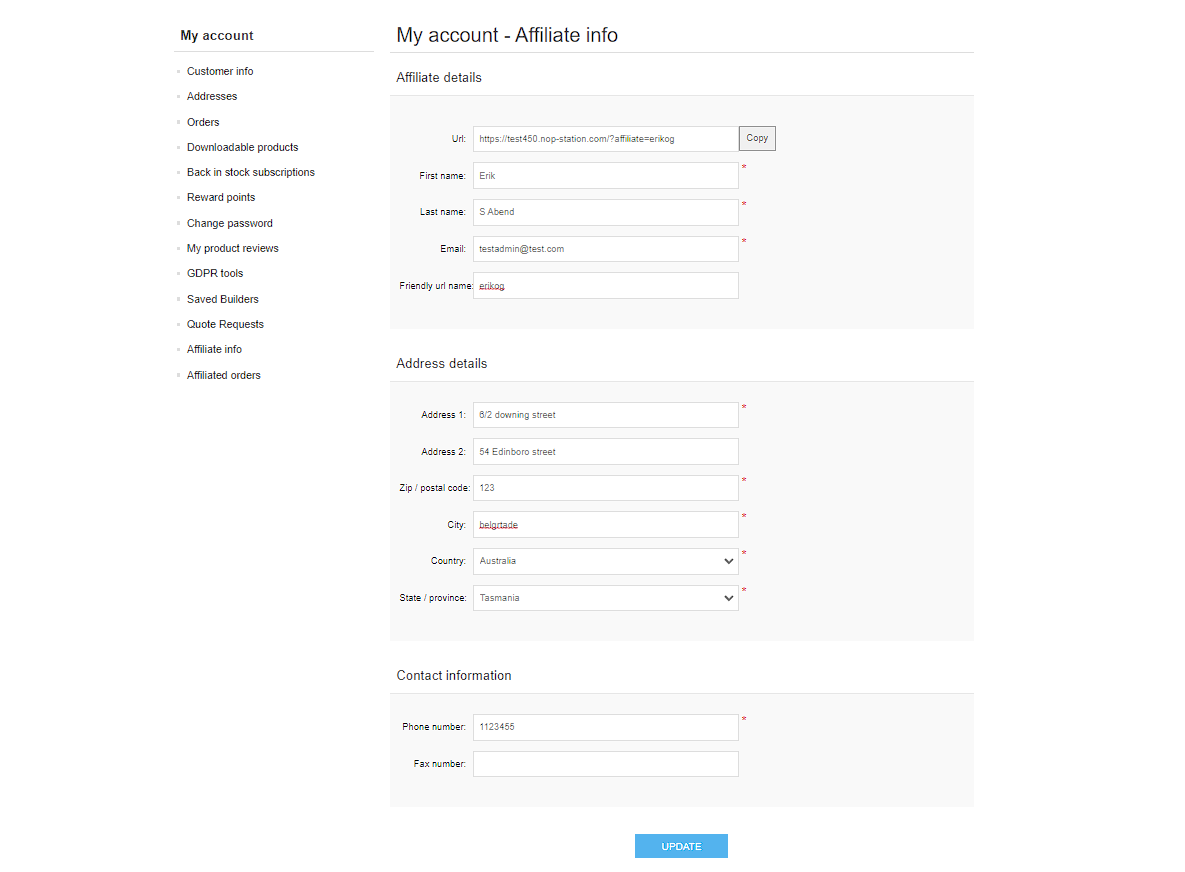
Go to My Account → Affiliate Info
Here, customers who are affiliates can see their affiliate info such as their affiliate link URL and friendly URL name
Seeing Affiliated Orders
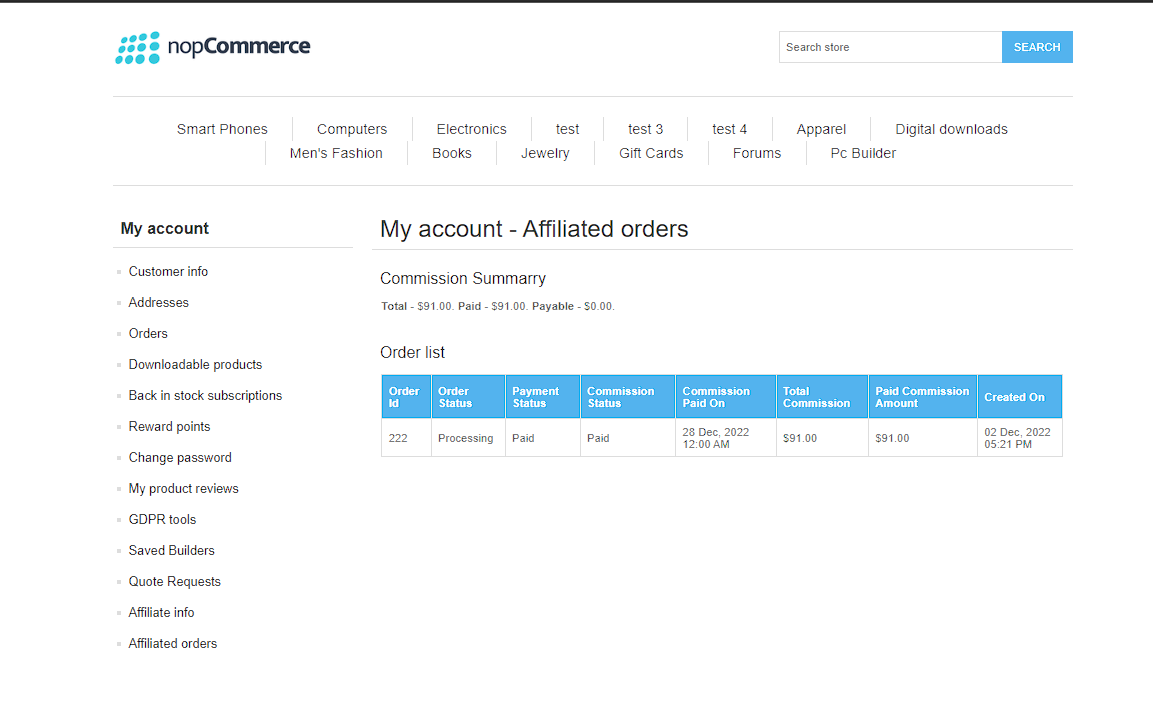
Go to My Account → Affiliated Orders
Here, customers who are affiliates can see their affiliated order and their commission summary information