nopStation Azure CDN (Image & Asset Optimizer) plugin is designed to improve the performance and asset delivery of nopCommerce stores. It converts catalog images to modern next-generation formats (AVIF with WebP fallback) and delivers images, CSS, JavaScript, fonts, SVGs, themes, plugins, and other static files from Azure Blob Storage and your Azure CDN endpoint.
By converting images to lighter formats, moving static files and generated thumbnails away from the web server, and intelligently synchronizing only changed assets, the plugin helps reduce server load, improve Core Web Vitals, and provide a faster storefront experience for customers.
The plugin also includes smart cache management, CSS URL handling, and built-in fail-safes, so updated assets are delivered correctly without requiring customers to clear their browser cache, and the storefront keeps working even if Azure is temporarily unreachable.
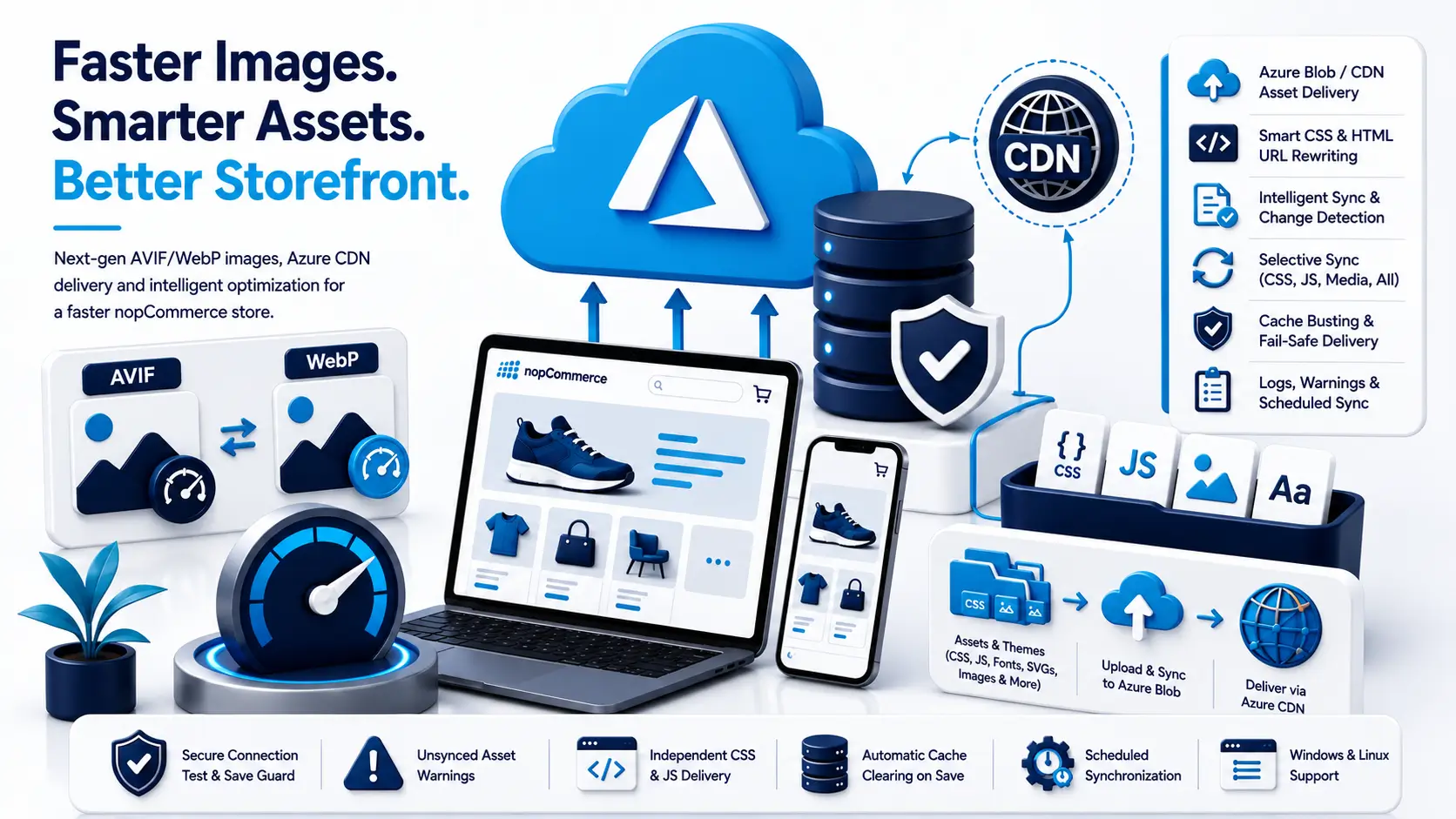
Feature Overview
- 1. AVIF & WebP Image Optimization Convert catalog images to AVIF for the best compression, with WebP as a fallback for older browsers. JPEG, PNG, and existing WebP sources are all supported, with optional lossy compression and an adjustable quality setting (0-100, default 80).
- 2. Browser-Aware Format Selection AVIF is served automatically when the browser advertises support for it through the Accept header; otherwise the plugin falls back to WebP or the original image type. Alternate-format thumbnails are stored so AVIF and WebP can coexist for the same picture.
- 3. Azure Blob / CDN Asset Delivery Upload generated thumbnails plus supported CSS, JavaScript, fonts, SVGs, theme, plugin, and static media files to Azure Blob Storage and serve them through your configured blob, CDN, or Azure Front Door endpoint.
- 4. Storefront HTML URL Rewriting Leftover local /images/thumbs, /Plugins/, and /Themes/ URLs in the rendered HTML, including absolute URLs and data-lazyloadsrc attributes used by theme carousels, are rewritten to Azure whenever the matching file already exists in the container.
- 5. Smart CSS URL Rewriting Automatically convert CSS url() references into absolute CDN URLs when files are uploaded to Azure, ensuring theme images, fonts, and plugin assets continue to load correctly. Files on the server are never modified.
- 6. Automatic Cache Busting Add content-based ?v= versioning to CSS and JavaScript URLs so browsers automatically load updated files when their content changes.
- 7. Selective Synchronization Synchronize only what you need with separate Sync CSS, Sync JS, Sync Media, and Sync All options, available directly from the configuration toolbar.
- 8. Intelligent Change Detection Use content hashes stored on the blob to detect unchanged files and skip unnecessary Azure uploads, making synchronization faster and more efficient.
- 9. Independent CSS and JS Delivery Toggles Turn Serve CSS from Azure and Serve JS from Azure on or off independently, so you can roll out CDN delivery gradually and keep full control over what is served from where.
- 10. Connection Test and Save Guard Validate your Azure credentials against the values currently in the form before saving. If the connection fails while Azure Blob is enabled, the invalid credentials are not written, while your image and delivery settings still save normally.
- 11. Runtime Fail-Safe Delivery If Azure becomes unreachable while a page is rendering, CSS and JavaScript URLs for that request fall back to local paths instead of breaking the page, and an admin notice is shown the next time the configuration page is opened.
- 12. Unsynced Asset Warnings The configuration page lists any CSS or JavaScript file that was served locally because it has not been uploaded to Azure yet, so you always know exactly what still needs to be synchronized.
- 13. Scheduled Synchronization Automatically synchronize supported storefront assets using the built-in Azure sync scheduled task, so newly deployed themes and plugin assets reach the CDN without manual steps.
- 14. Sync Logging Track actual Azure uploads with file paths and timestamps, and filter the log by date and file path. Unchanged files skipped during synchronization are not logged.
- 15. Automatic Cache Clearing on Save Saving the configuration clears the storefront picture URL cache, so new formats and CDN URLs are applied immediately to product carousels, logos, and category pages instead of serving stale links.
- 16. Windows and Linux Support Image conversion runs on both Windows and Linux (glibc x64), with the required native imaging libraries packaged inside the plugin so no extra server-side installation is needed.
Frequently Asked Questions
Azure CDN (Image & Asset Optimizer) provides nopCommerce stores with a practical solution for improving storefront performance and managing static asset delivery. It is an ideal solution for nopCommerce stores looking to optimize image delivery, move static assets to Azure, reduce origin server load, and maintain reliable CDN-based asset synchronization.