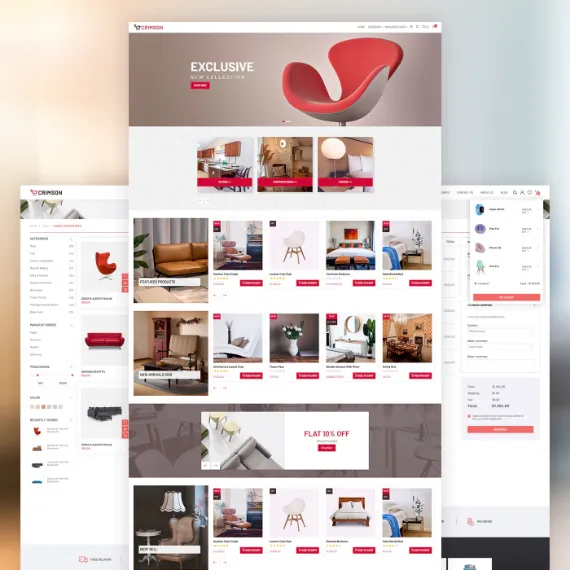
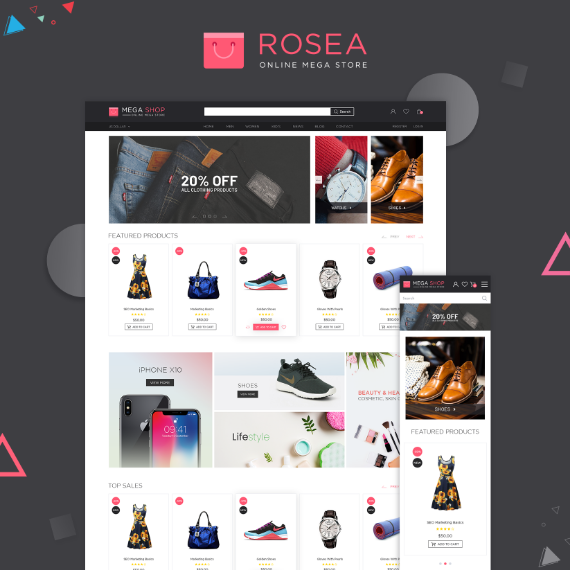
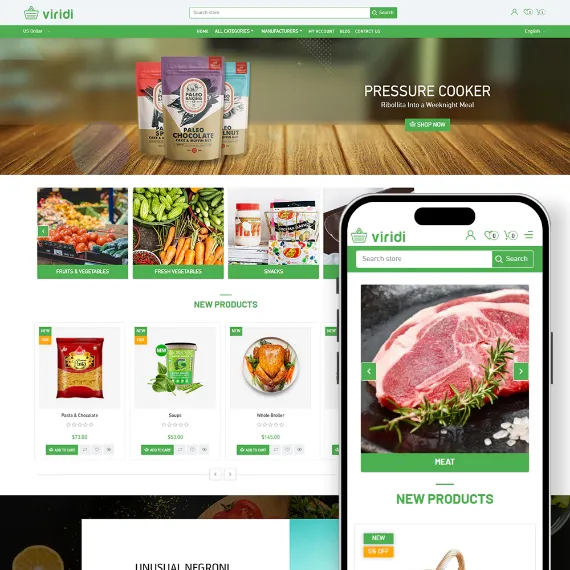
Parts Finder for nopCommerce Find the Right Part Faster with Interactive Illustrated Parts Lookup for nopCommerce The nopStation Parts Finder Plugin transforms the way customers search for replacement parts by replacing traditional product lists with an intuitive, illustrated parts lookup experience. Instead of manually browsing hundreds of products or relying on SKU searches, customers can navigate through brands and assemblies, interact with exploded diagrams, and click numbered hotspots to instantly identify and purchase the exact replacement part they need.
Designed for industries where precision matters, Parts Finder seamlessly integrates with the native nopCommerce catalog structure, allowing merchants to build OEM-style parts catalogs using existing categories, manufacturers, and products. Whether customers enter through a dedicated parts lookup page or a standard category URL, they enjoy a guided shopping experience that reduces confusion, minimizes incorrect purchases, and improves overall customer satisfaction.
Why Choose Parts Finder?
🎯
Help Customers Find the Right Part FasterReplace overwhelming product listings with interactive assembly diagrams that guide customers directly to the correct replacement part.
✅
Reduce Incorrect Orders & ReturnsVisual part identification minimizes purchasing mistakes, helping customers confidently order the exact component they need.
🏭
OEM-Style Shopping ExperienceDeliver a professional illustrated parts catalog similar to leading manufacturers, improving customer trust and user experience.
🔗
Fully Integrated with nopCommerceBuild your parts catalog using existing categories, manufacturers, products, pricing, SEO, and shopping cart functionality—no duplicate catalog management required.
🙋
Improve Customer Self-ServiceAllow customers to identify replacement parts themselves without contacting support, reducing service workload and improving operational efficiency.
🌐
SEO-Friendly & Multi-Language ReadySupport dedicated parts lookup URLs, standard category pages, multilingual SEO metadata, and localized storefront experiences.
Feature Overview
🖼️
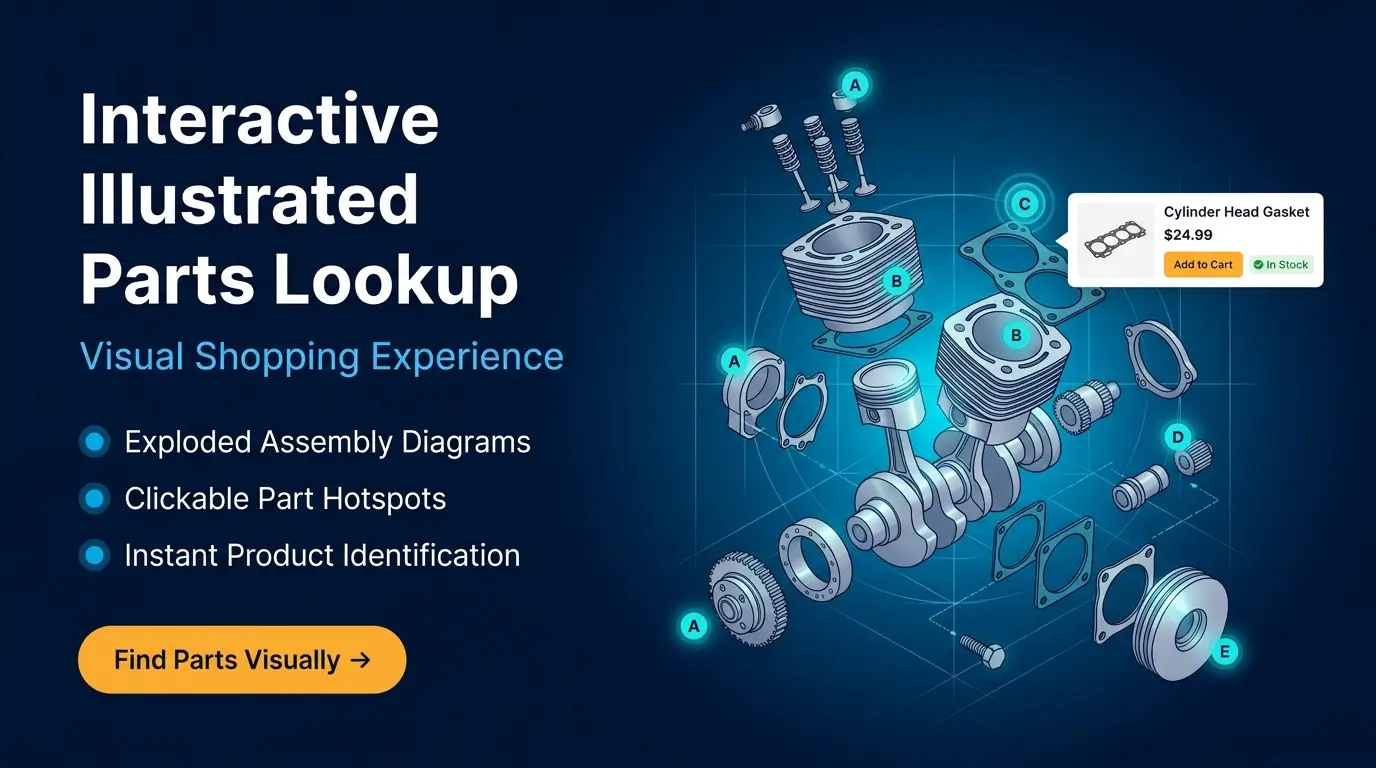
Interactive Illustrated Parts LookupProvide customers with an intuitive visual shopping experience using exploded assembly diagrams. Customers can browse by manufacturer or category, open detailed diagrams, click numbered hotspots, and instantly view matching products with pricing and purchasing options.
🗂️
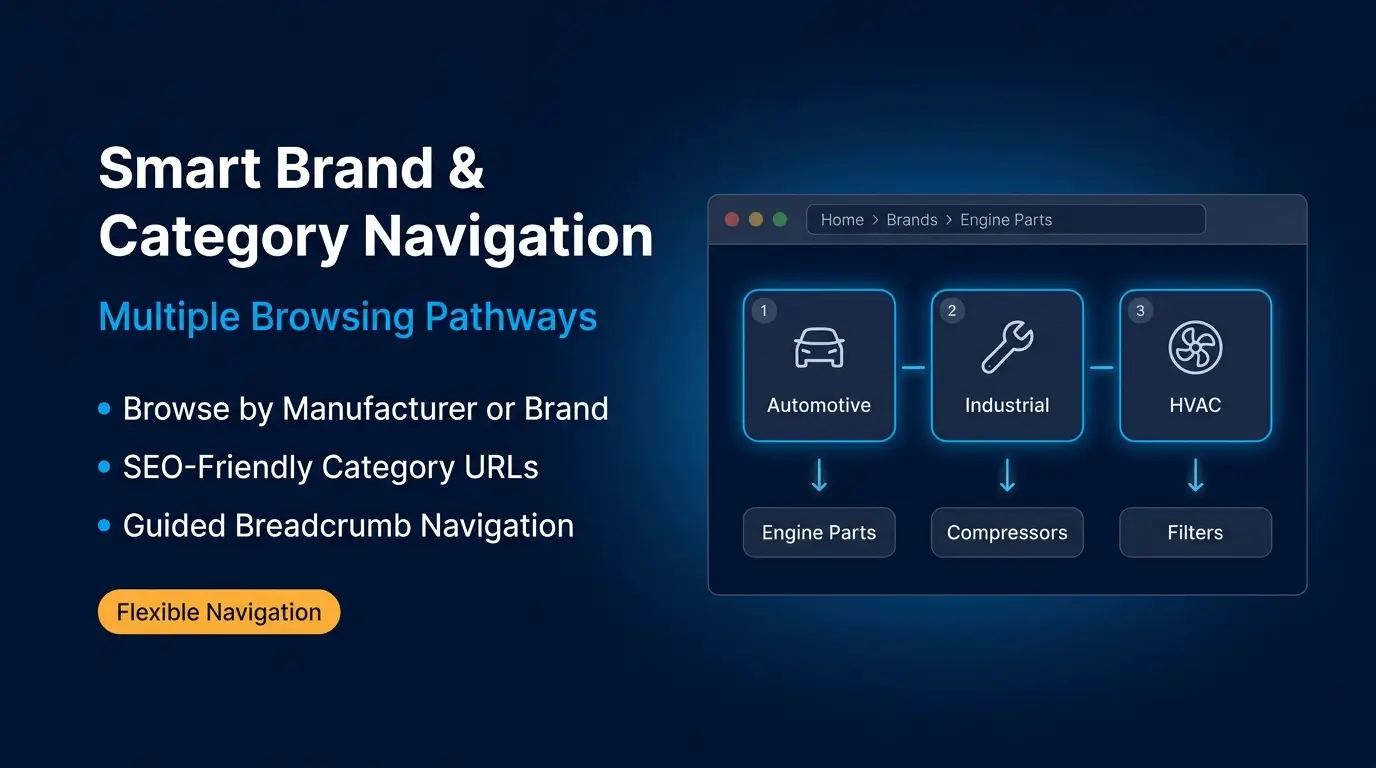
Smart Brand & Category NavigationSupport multiple browsing experiences based on your business requirements. Customers can:
- Browse by manufacturer (brand-first)
- Browse directly through category hierarchies
- Enter through SEO-friendly category URLs
- Navigate complex assembly structures using breadcrumbs
📍
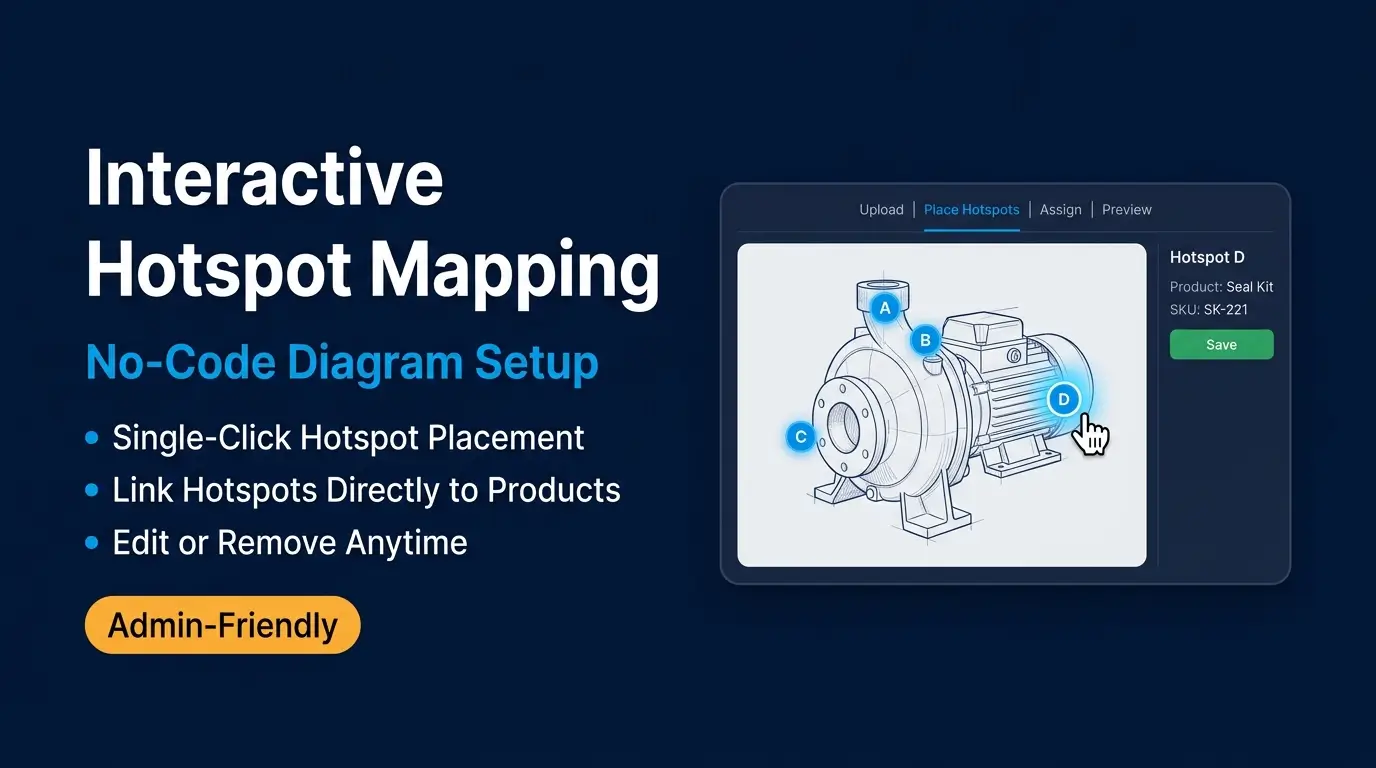
Interactive Hotspot MappingConvert assembly images into fully interactive diagrams. Administrators can:
- Place clickable hotspots on assembly drawings
- Assign reference numbers
- Link hotspots directly to products
- Configure optional custom URLs
- Display reference numbers directly on the image
🔍
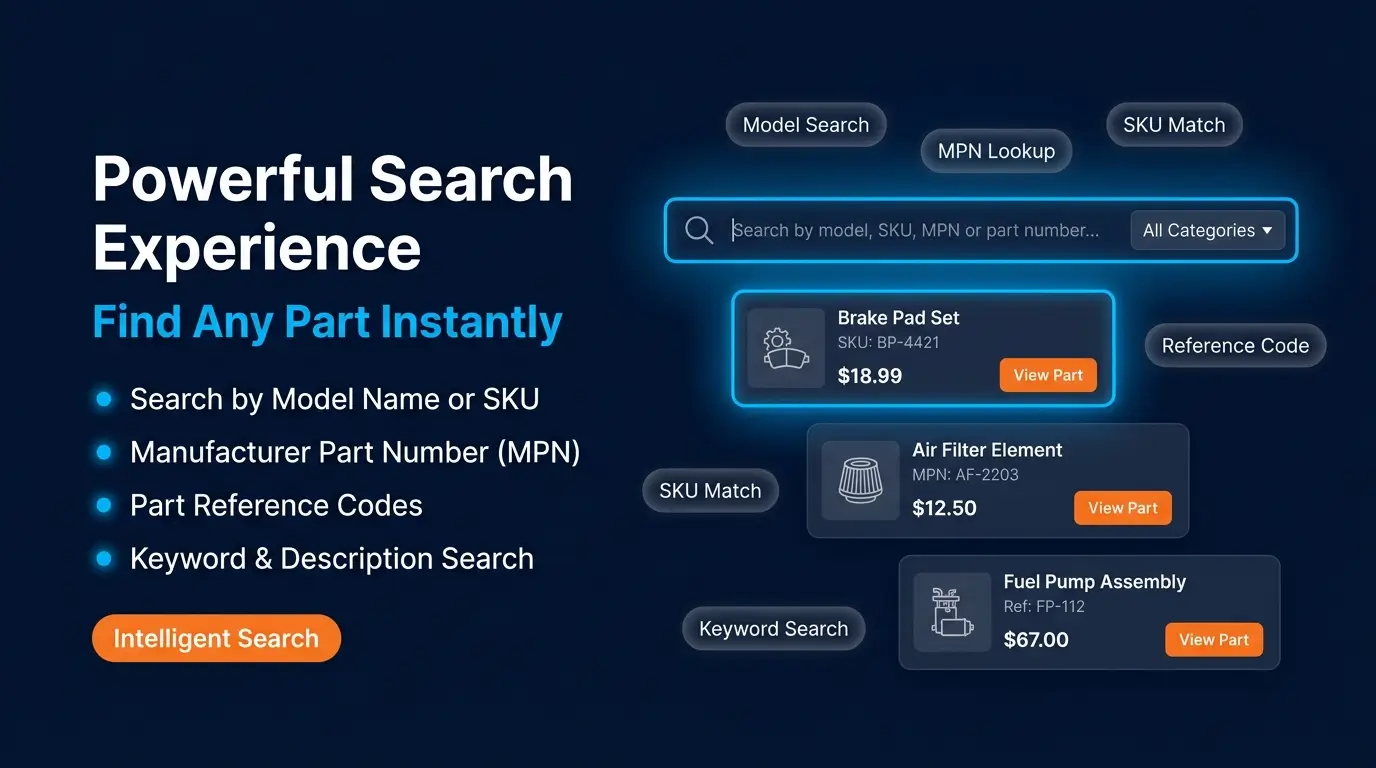
Powerful Search ExperienceHelp customers quickly locate assemblies and replacement parts. Search supports:
- Model names & category names
- Product SKU
- Manufacturer Part Number (MPN)
- Product descriptions
- Part reference numbers
🔬
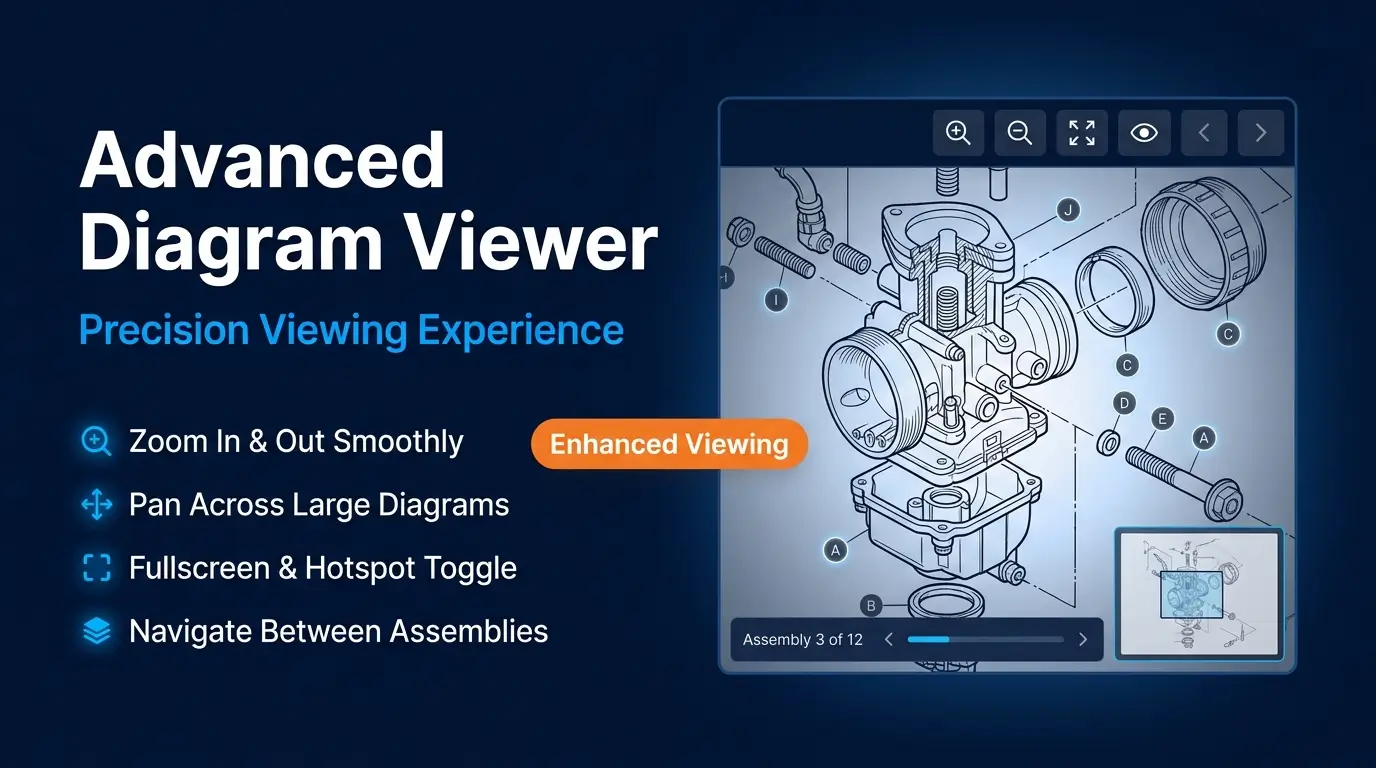
Advanced Diagram ViewerProvide an enhanced viewing experience for complex assembly drawings. Customers can:
- Zoom in and out
- Pan across large diagrams
- Enter fullscreen mode
- Toggle hotspot visibility
- Navigate between previous and next assemblies
🏷️
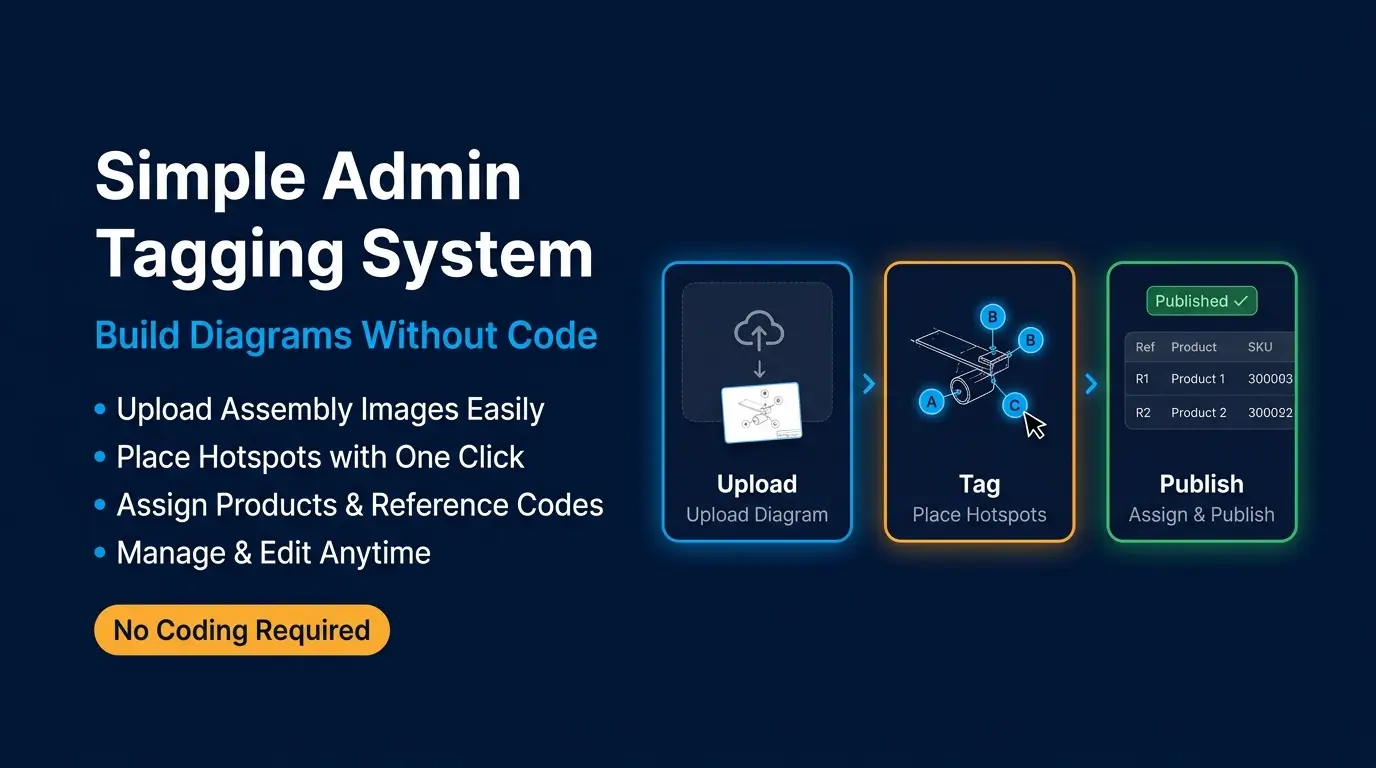
Simple Admin Tagging SystemCreating interactive diagrams requires no coding. Administrators can:
- Upload assembly images
- Place hotspots with a single click
- Assign products & configure reference numbers
- Edit or remove hotspots anytime
- Manage category-specific diagram settings
🛍️
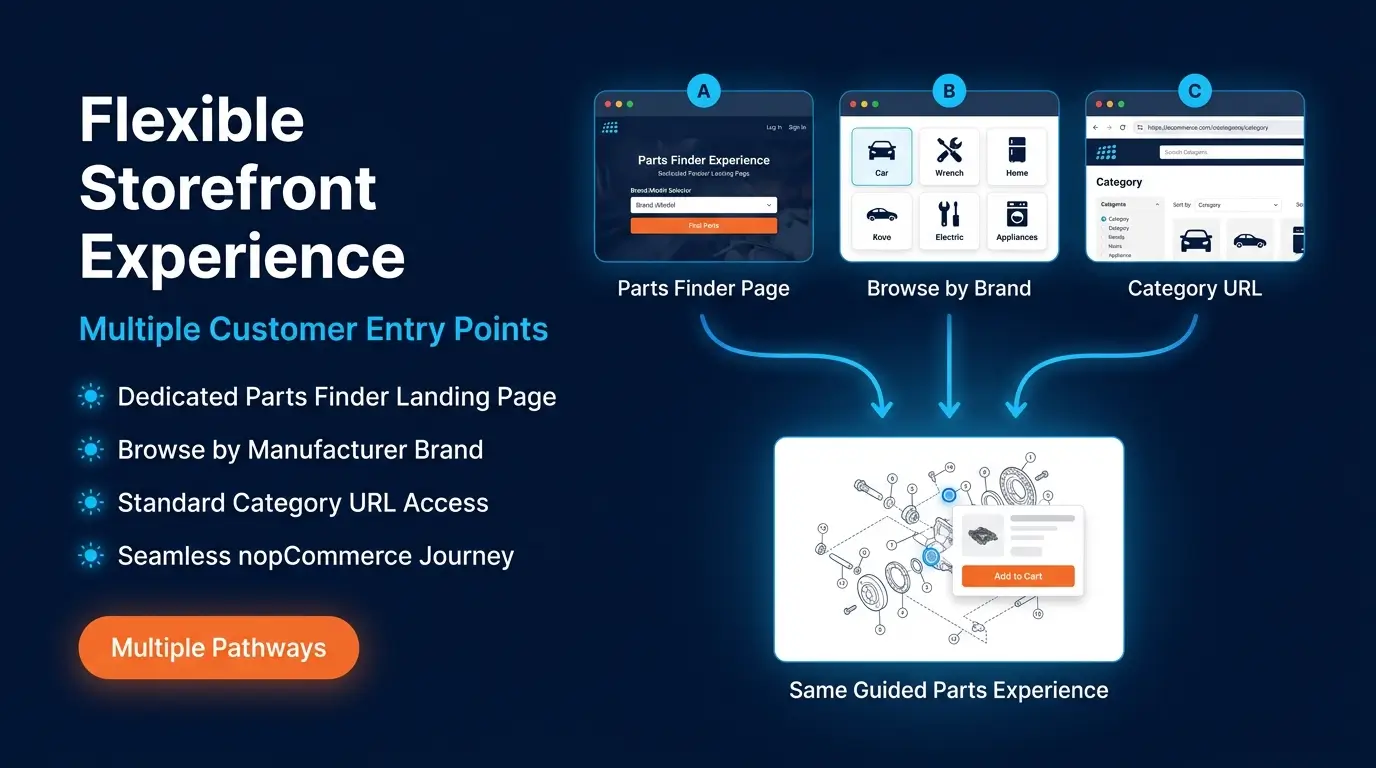
Flexible Storefront ExperienceThe plugin supports multiple customer journeys without changing your catalog structure. Customers can:
- Start from a dedicated Parts Finder page
- Browse through manufacturers
- Browse directly through product categories
- Open diagrams using normal category URLs
🌍
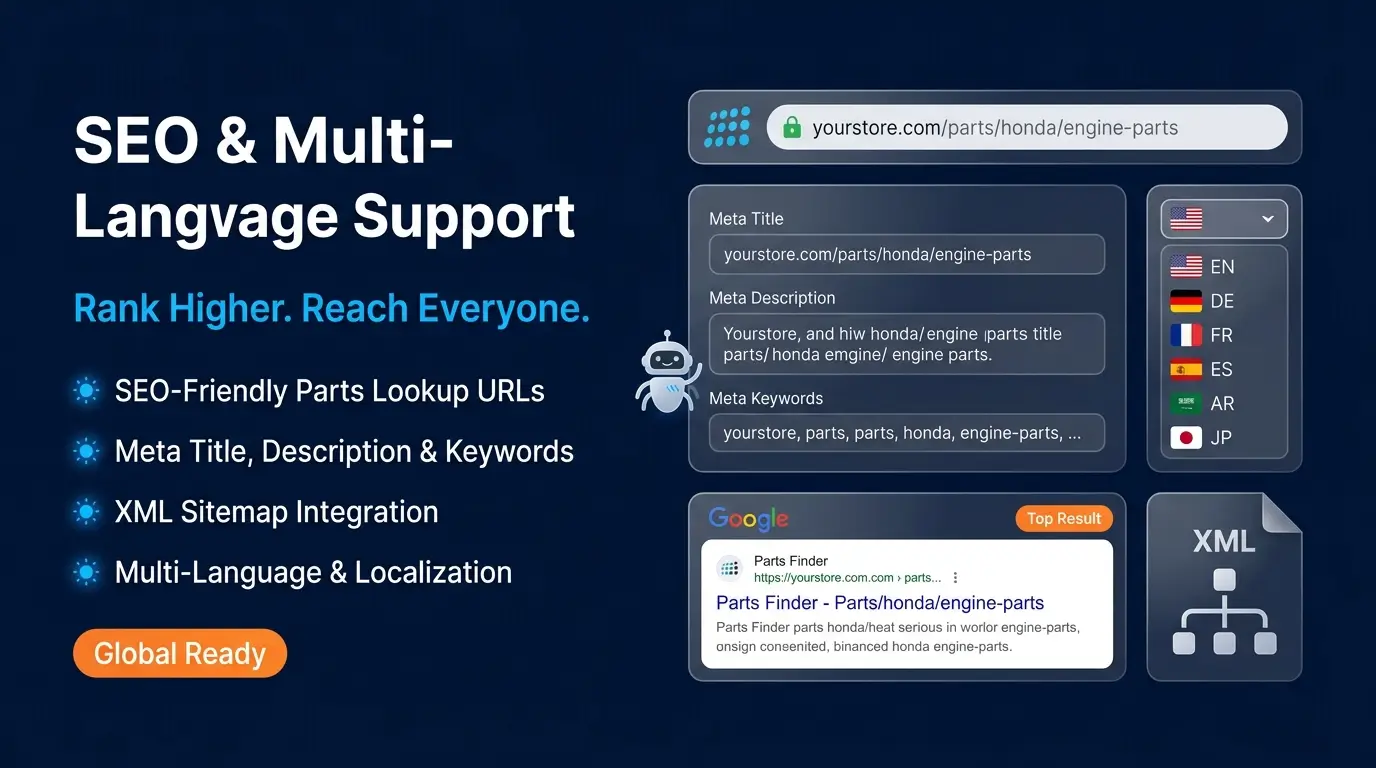
Complete SEO & Multi-Language SupportImprove discoverability while maintaining a clean site structure. Features include:
- Customizable Parts Finder URL
- SEO-friendly category URLs
- Localized page titles, meta titles, descriptions & keywords
- XML sitemap integration
- Multi-language URL support
🏢
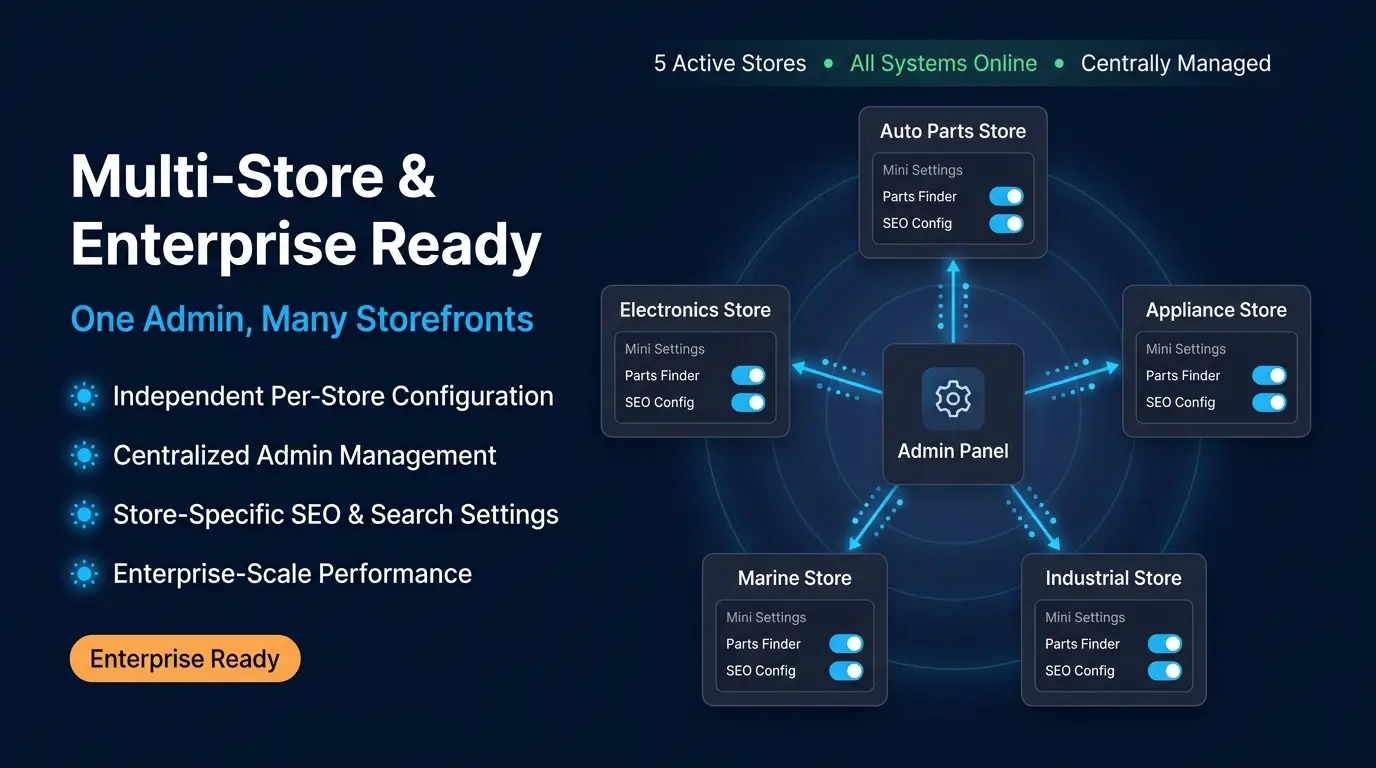
Multi-Store & Enterprise ReadyPerfect for businesses operating multiple storefronts. Store owners can independently configure:
- Parts Finder settings
- Store-specific menus
- SEO configuration
- Search behavior & sitemap options
All managed from a single nopCommerce administration panel.
⚙️
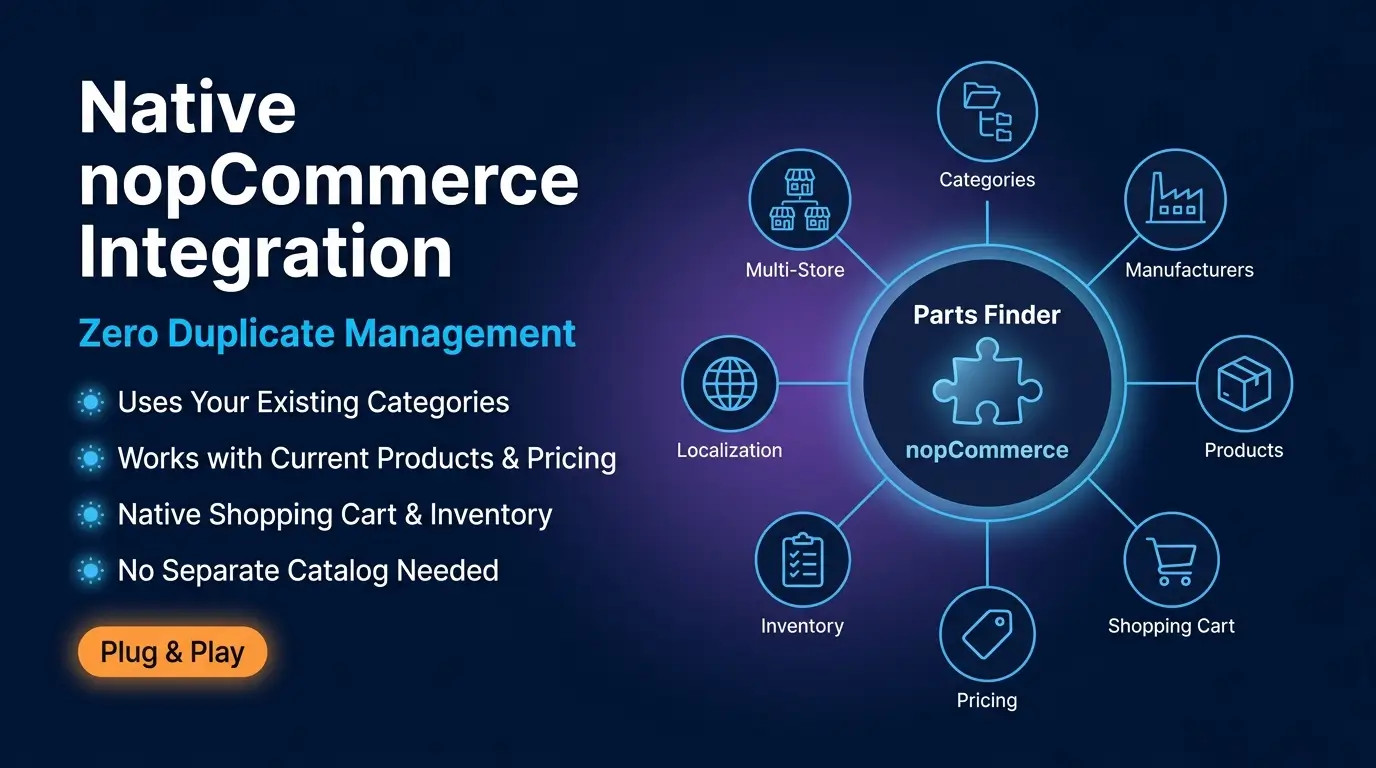
Native nopCommerce IntegrationParts Finder works seamlessly with existing nopCommerce functionality. It utilizes:
- Categories, Manufacturers & Products
- Shopping Cart & Pricing
- Inventory & Product Pages
- Localization & Multi-store Configuration
No separate product management or duplicate catalog is required.
🏗️
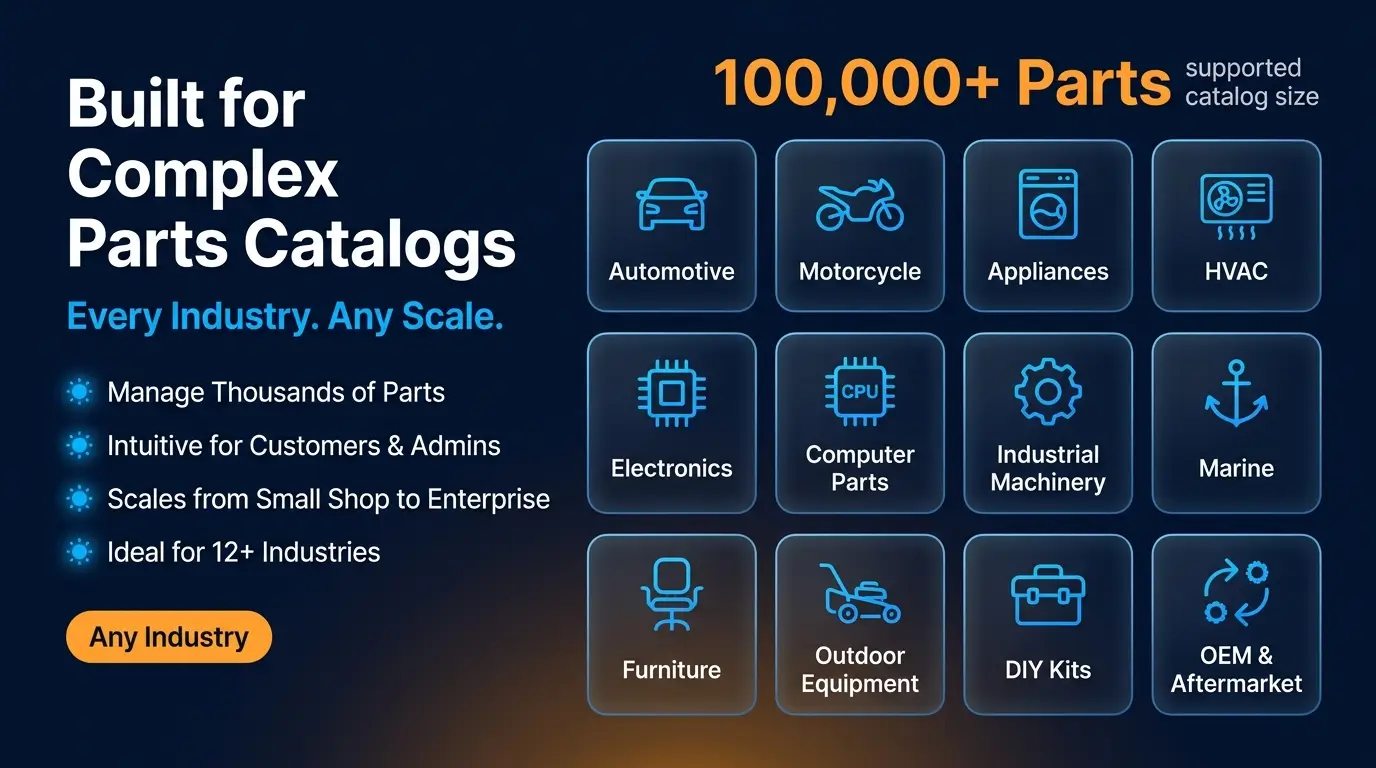
Built for Complex Spare Parts CatalogsWhether you're selling hundreds or hundreds of thousands of replacement parts, Parts Finder simplifies catalog navigation. Ideal industries include:
- Automotive & Motorcycle / Powersports
- Appliance Parts & HVAC Equipment
- Electronics & Computer Components
- Industrial Machinery & Marine Equipment
- Furniture, Outdoor Equipment, DIY Kits
- OEM & Aftermarket Spare Parts
How Parts Finder Works
Getting started is simple. Follow these steps to launch your interactive parts catalog.
1
Install the PluginInstall the Parts Finder plugin and NopStation Core from the nopCommerce marketplace or your admin panel.
2
Configure Your SettingsConfigure your Parts Finder settings including the lookup URL, SEO metadata, search behavior, and store-specific options.
3
Set Up Your Category HierarchyCreate or reuse your existing category hierarchy to organise brands, assemblies, and sub-assemblies.
4
Upload Assembly DiagramsUpload assembly diagrams as category images. High-resolution technical illustrations work best for the interactive viewer.
5
Link Products to CategoriesLink your existing nopCommerce products to the appropriate categories so they appear when hotspots are clicked.
6
Place Hotspots on DiagramsUse the built-in admin interface to click-place hotspots on your diagrams, assign reference numbers, and link to products — no coding required.
7
Publish Your CatalogPublish your catalog and make it live for customers. The entire setup process leverages native nopCommerce functionality.
8
Customers Shop with ConfidenceCustomers browse, identify, and purchase the correct replacement parts directly from illustrated diagrams — ensuring a familiar and confident shopping experience.
The entire process leverages native nopCommerce functionality, ensuring a familiar experience for both administrators and customers.
Frequently Asked Questions
What is Parts Finder?
Parts Finder is an interactive illustrated parts lookup plugin for nopCommerce that helps customers quickly locate and purchase replacement parts using clickable assembly diagrams.
How do customers search for parts?
Customers can browse by manufacturer, category hierarchy, or search using model names, SKUs, MPNs, product descriptions, and part reference numbers.
Can customers purchase directly from the diagram?
Yes. Clicking a hotspot displays the associated product information, allowing customers to add the item directly to their shopping cart or visit the product page for more details.
Can I use my existing nopCommerce catalog?
Absolutely. Parts Finder works with your existing categories, manufacturers, and products. There is no need to create or maintain a separate parts catalog.
Is it suitable for large spare parts catalogs?
Yes. Parts Finder is specifically designed to manage complex catalogs with thousands of replacement parts while maintaining an intuitive shopping experience.
Does the plugin support SEO?
Yes. Parts Finder supports SEO-friendly URLs, customizable lookup paths, multilingual metadata, XML sitemap integration, and localized page information to improve search visibility.
Does it support multiple stores?
Yes. The plugin fully supports nopCommerce multi-store environments, allowing independent configuration and management for each storefront.
Can I customize the interactive diagrams?
Yes. Administrators can easily upload assembly images, create hotspots, assign products, display reference numbers, and update diagrams whenever needed through the built-in administration interface.
The nopStation Parts Finder Plugin delivers a modern illustrated parts lookup experience that makes finding replacement parts simple, accurate, and efficient. By combining interactive assembly diagrams, intelligent navigation, visual hotspot mapping, powerful search, and seamless nopCommerce integration, the plugin helps merchants reduce support costs, minimize incorrect orders, improve customer satisfaction, and increase spare parts sales.