
Recovering a lost Dynamics NAV environment: a manufacturer back in production in two days
The client
The client manufactures and exports fibre optic networking products. Finance, inventory, sales, purchasing and manufacturing all run on a single on-premises Microsoft Dynamics NAV 2018 installation, the release also known as Business Central v14. More than 20 staff work in the system daily, and it holds the only complete record of the company’s trading history.
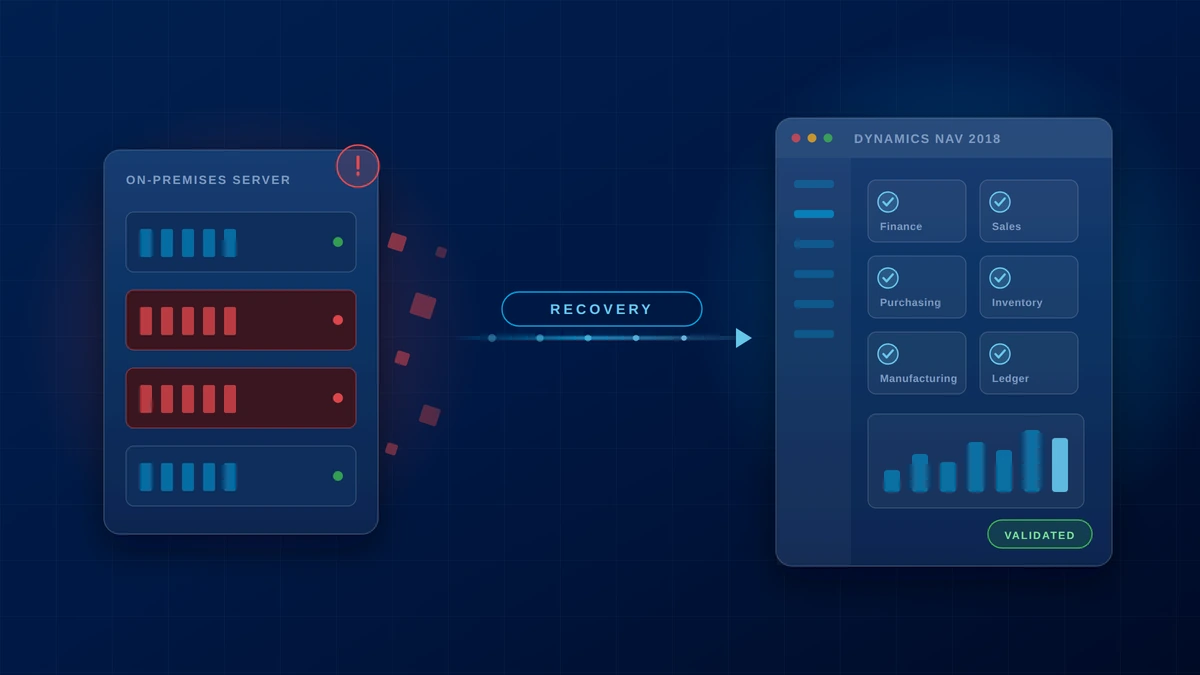
A server storage failure corrupted the environment and destroyed the production SQL Server database outright. One Windows Server Backup image survived, and it could not be restored through conventional means. With the ERP down, order processing, dispatch and financial posting were down with it, and there was no interim system to fall back on.
nopStation was engaged to recover the database, restore the business data and customisations, rebuild the infrastructure on new hardware, and return the business to normal operations with as little disruption as the situation allowed.
The challenge
Three technical blockers sat between the surviving backup image and a working ERP. Each one had to be cleared before the next could be attempted.
01The backup would not restore
The production SQL Server database was gone. The Windows Server Backup could not be restored through conventional recovery, so the database files had to be extracted by hand, with no functioning SQL Server instance available to read them.
02The application identity was missing
Restoring application data through the Dynamics NAV .navdata import failed repeatedly. The data expected an AL extension carrying a specific App ID and GUID, and the original extension project and source code no longer existed anywhere.
03Every layer had to be rebuilt at once
SQL Server, the Dynamics NAV server instance, administrative access, user accounts, security roles, the Windows Client and the Web Client all had to be stood up and configured on brand new hardware inside the same recovery window.
What we did
The recovery ran on two parallel tracks, the database on one and the application identity on the other, converging on a rebuilt environment. Nothing moved forward until the preceding step was proven against real data.
01Extract the database from the backup image
The Windows Server Backup .vhdx was mounted as a virtual disk to reach the original database files directly. The recovered MDF and LDF files were attached to a clean SQL Server instance, and from that instance a standard SQL backup was produced and restored onto the new production server, giving a known-good starting point rather than a salvaged one.
02Rebuild the missing extension identity
The .navdata import errors were analysed to recover the exact App ID and GUID Dynamics NAV was looking for. A replacement AL extension was then created carrying that same identity, which satisfied the import and let the full application dataset load without a single line of the original source code.
03Rebuild the environment and validate every module
A new Dynamics NAV 2018 server was deployed and reconnected to the restored database, administrative access was recreated through PowerShell, extensions were published, users and security roles were reconfigured, and both the Windows Client and Web Client were set up. Every ERP module was then validated against historical records before the system was handed back.
Every module checked against historical record
Validation was run module by module across the restored database before the environment was released back to users. No data inconsistencies were found in any of them.
Two years and more of transaction history came back intact, including posted entries, master data and the customisations carried by the rebuilt extension.
Business impact
Business continuity restored, not reconstructed. The engagement removed any need to rebuild financial and operational records by hand, which at this data volume would have run for months and still carried reconciliation risk.
A full environment rebuilt from one surviving image. One SQL Server instance, one Dynamics NAV server instance, Windows Client and Web Client deployments, user accounts, security roles and application extensions, all reinstated on new hardware.
Recovered without the original codebase. The extension identity was reconstructed from import diagnostics alone, which is the step that usually forces an organisation into a fresh implementation.
0Data inconsistencies found anywhere in the restored database during post-recovery verification.
Delivered against the engagement
- Complete Microsoft Dynamics NAV 2018 environment recovered and returned to production within 2 days
- Approximately 10 GB of ERP data recovered and validated
- More than 2 years of transaction history preserved across all eight core modules
- Zero data inconsistencies identified during post-recovery verification
- SQL Server instance, Dynamics NAV server instance, Windows Client, Web Client, user accounts, security roles and application extensions all rebuilt on new hardware
- Recovery completed without access to the original AL extension source code
A rebuilt environment carrying the full history
The organisation runs on a rebuilt environment with its full transaction history intact and its customisations restored. What could have become a fresh implementation, months of manual financial reconstruction and the permanent loss of historical data instead became a two-day recovery, with the ERP carrying manufacturing, procurement, inventory, sales, finance and export operations exactly as it did before the failure.
Talk to our Microsoft Dynamics team about ERP recovery, upgrade or migration

