Why ABP.IO is the Go-To Choice for Modern .NET Development
Lessons learned building enterprise-grade multi-tenancy. Discover why organizations are under pressure to deliver better applications faster and how ABP serves as the solution.
Read Article
In today's dynamic software industry, organizations are under pressure to deliver better applications in a faster and secure way with less technical debt. In this scenario, the ABP Framework has emerged as the modern application framework for ASP.NET Core. This framework is the first preference for developers and enterprises because it ensures ease of development, clean architecture, and scalable solutions.
ABP is a combination of modular architecture. Which includes built-in enterprise features, with dev productivity tools that are necessary for any kind of project, whether it involves SaaS platforms, large enterprise systems, or microservices architecture. When it comes to ecommerce, business platforms such as nopStation ABP can serve the purpose of efficiency in terms of architecture and scalability.
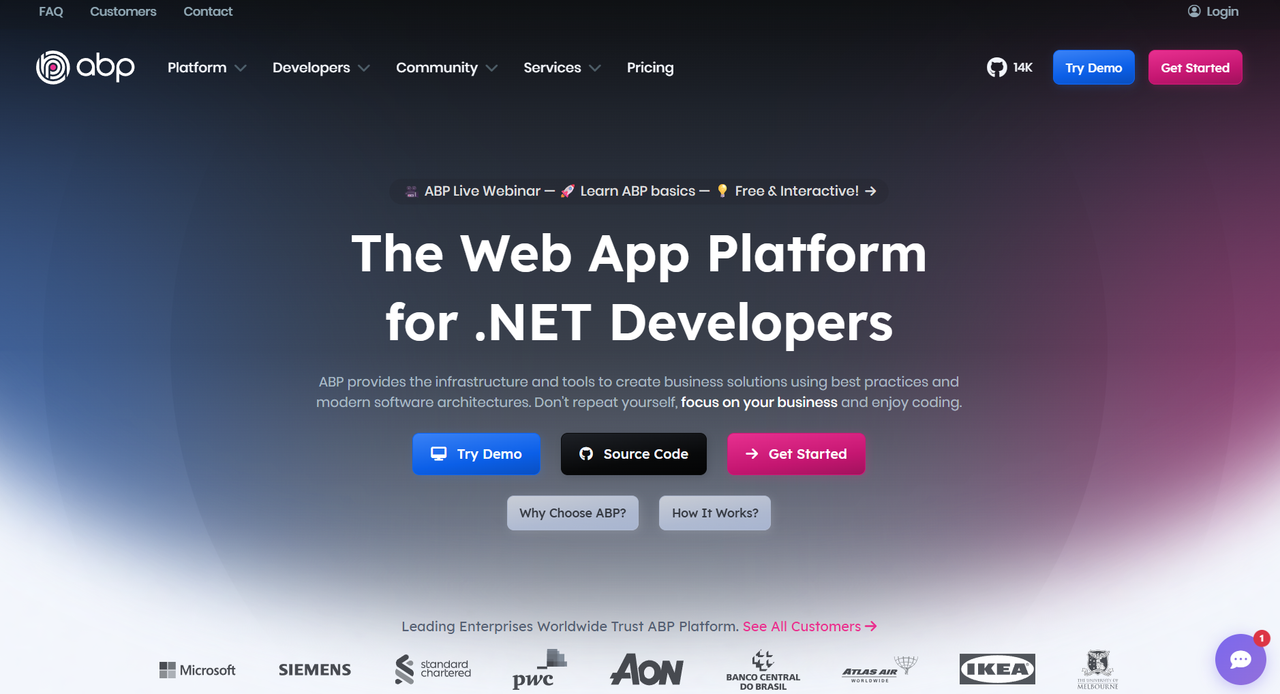
1. Modern Architecture and Clean Design by Default
The biggest challenge in software development is keeping the codebase clean, scalable, and maintainable. Most traditional applications will become hard to maintain as they grow. ABP solves this by applying the Clean Architecture approach combined with Domain-Driven Design (DDD) principles.
Key Architectural Features:
- Layered Architecture: ABP segregates an application into sharp layers: domain, application, infrastructure, and presentation. This ensures the business logic is independent of various technical concerns.
- Repositories and Domain Services: The repository patterns and domain services are encouraged by default, promoting code reusability and testability.
- Modularity of Boundaries: Each module contains its own logic and dependencies, allowing for easier extension of the system.
2. Modular Development for Scalable Applications
The ABP Framework was explicitly designed with modularity in mind. Modularity allows developers to divide a large application into small, reusable, and independent modules.
Advantages of Modularity:
- Faster Development: Development and unit testing of modules can be done independently, resulting in quicker development cycles.
- Reusability: A module developed for one project can be reused for other applications.
- Teamwork: Multiple teams can work on different modules without conflicts.
- Scalable Architecture: Modular design makes it easy to migrate from a monolithic to a microservices architecture if needed.
3. Multi-Tenant Support for SaaS Applications
Implementing multi-tenancy manually in SaaS development is often cumbersome and time-consuming. ABP Framework facilitates by providing multi-tenancy facilities, allowing developers to focus on business features rather than challenging infrastructure.
Key Multi-Tenancy Capabilities:
- Isolation of Tenant Data: The information of each tenant is kept secure and separate from others.
- Tenant Specific Settings: Configuration settings and UI options can be selected by various tenants.
- Onboarding Automation: New tenants can be added and configured in minutes without modifying the application core.
4. Boosting Developer Productivity with ABP Tools
ABP Framework offers effective tools and CLI commands that cut down on redundant activities and enhance developer productivity by a great margin.
Key Productivity Tools:
- ABP CLI: Build modules, entities, services, CRUD pages, etc.
- Code Generation: Scaffolded DTOs, permissions API endpoints, and UI pages.
- UI Templates: MVC, Angular, or Blazor front-end prebuilt templates for less development and consistency.
5. Enterprise-Ready Features Out of the Box
ABP provides a lot of enterprise-ready features out of the box. This saves development time because you don't need to deal with several third-party libraries. As a result, it saves development time.
Built-in Enterprise Features:
- Authentication & Authorization: Role, permission, and claim management.
- Background Jobs and Event Bus: Move off-load, offer asynchronous processing.
- Caching and Localization: Enhance the speed and international coverage.
- Audit Logging: Tracking changes to applications for security or compliance.
- API Documentation and Versioning: Make it easier to work with APIs with large teams.
6. Flexible UI Options in Modern Applications
ABP Framework supports multiple front-end technologies and allows you to choose the best fit for your project.
- ASP.NET MVC / Razor Pages: Classic Web Applications.
- Blazor Server / WebAssembly: Develop modern, interactive web applications using C#.
- Angular Integration: This provides full integration for the Single Page Application frontend with an ABP backend.
7. Applicable to Monoliths and Microservices
ABP Framework supports both the Modular Monolith and the Microservice Architecture, thus allowing flexibility for the scaling of projects in the future.
- Modular Monoliths: Go fast, build working apps in reusable modules.
- Microservices: The modules will be divided into different autonomous services in scaling.
- Distributed Events: Event bus and messaging for communicating asynchronously.
- Dapr and API Gateway: Dapr and API gateway integration for cloud-native and microservices-ready applications.
8. Active Community and Strong Ecosystem
The ABP Framework benefits from an active open-source community along with a commercial ecosystem for enterprise development.
- Full-Scale Documentation and Tutorials: ABP has documentation for developers of all levels.
- ABP Commercial: Support, themes, and premium features.
- Community Support: Forums, GitHub repositories, and sample projects based on real-life scenarios.
Conclusion
The ABP Framework is a robust, modern, and enterprise-ready solution for .NET development.
It provides clean architecture, modular design, built-in productivity tools, and enterprise-grade features that allow developers to efficiently build scalable SaaS platforms, microservices, and large enterprise applications. ABP becomes an ecosystem for your development, accelerating it and future-proofing your projects.
Explore ABP Solutions




.webp)